

Next-Gen App & Browser Testing Cloud
Trusted by 2 Mn+ QAs & Devs to accelerate their release cycles


On This Page
- What is UI Testing
- What are Challenges of UI Testing
- 37 Best UI Testing Tools
- TestMu AI
- Selenium
- Cypress
- Playwright
- Puppeteer
- Taiko
- Appium
- Espresso
- XCUITest
- Tosca
- TestIM
- Ranorex Studio
- Jasmine
- Silk Test
- Sikuli
- UFT/QTP
- Rapise
- Sahi
- CodedUI
- AutoIt
- CubicTest
- Squish
- Telerik
- FitNesse
- AscentialTest
- iMacros
- Maveryx
- SWTBot
- Testing Anywhere
- TestPartner
- Jubula GUI testing tool
- GTT
- QFTest
- Tellurium Automated Testing Framework
- QAliber
- RIATest
- IcuTest
- UI Testing Techniques

38 Best UI Testing Tools And Techniques [2026]
This article on the best UI testing tools and techniques covers what is UI testing, the best UI testing tools in the market, and their techniques.

Shakura Banu
March 2, 2026
A good User Interface (UI) is essential to the quality of software or application. A well-designed, sleek, and modern UI goes a long way towards providing a high-quality product for your customers − something that will turn them on.
A GUI is the first thing a user sees, so it must be clean and attractive. The look of a GUI can make or break an application, and the best way to ensure the user experience is great is to test your website or app using the best UI testing tools available in the market. In short, a visual comparison tool is crucial to closing design gaps and attracting users to the system.
In this article on the best UI testing tools and techniques, let’s see what is UI testing, the top UI automated testing tools in the market, and their techniques.
AI Overview
What Are UI Testing Tools?
UI testing tools help developers and testers verify that a web or mobile application’s user interface behaves correctly. They simulate real user interactions - such as clicks, text input, scrolling, and navigation - to detect functional issues, layout inconsistencies, and usability defects before release.
What Is UI Testing?
UI (User Interface) testing evaluates the elements users directly interact with, ensuring that buttons, forms, links, menus, visuals, and workflows behave as expected. It tests both functionality and visual consistency across different devices, browsers, and screen sizes.
Effective UI testing improves user experience, reduces support incidents, and increases customer satisfaction.
How Do UI Testing Tools Help?
- User Interaction Simulation: Simulate clicks, text input, scrolling, and navigation.
- Cross-Platform Coverage: Validate UI across browsers, operating systems, and devices.
- Visual Validation: Detect layout shifts and design inconsistencies.
- Automation Support: Execute repeatable UI tests efficiently.
- CI/CD Integration: Enable continuous feedback during development cycles.
What Are the Challenges of UI Testing?
- Dynamic interfaces that frequently change.
- Cross-platform variability across browsers and devices.
- Visual consistency validation for responsive layouts.
- Test maintenance after UI updates.
- Performance variations under high user traffic.
Why UI Testing Tools Matter
UI testing tools help teams deliver quality digital experiences by reducing regressions and UI breakages, supporting scalable automation with minimal maintenance, enabling visual validation across devices and browsers, and integrating with CI/CD pipelines for continuous feedback.
AI-augmented platforms accelerate test creation, improve reliability, and reduce false positives - helping teams deliver error-free releases at enterprise scale.
What is UI Testing?
UI testing, sometimes referred to as GUI testing, is a process designed to test the features of any product that a user will interact with. This often entails evaluating the visual components to ensure they perform and work according to specifications. These UI testing tools guarantee that UI features are free of bugs.
Watch the video for a quick insight into UI Testing before we delve into the details together!
Web elements are made with CSS, JavaScript, and other programming languages. To verify these components' effectiveness, These UI testing tools help run tests and assertions on them. Instead of focusing on the software's fundamental logic, this blog focuses on the visual and structural components or those that the user would be most concerned with.
There are various advantages of performing UI testing. Some of them are:
- Examine the user interface from the eyes of the user.
- Efficiently lowers the risk level as the development life cycle closes.
- Provides ease of use and learning for developers and testers.
- Verifies that different icons and elements adhere to their design criteria.
- Increases the product's quality and dependability.
Though UI testing tools come with various advantages, developers might still face certain challenges while performing tests through UI testing tools.
What Are the Challenges of UI Testing?
UI testing challenges include frequent UI updates, complex visual elements, time-consuming script creation, cross-browser compatibility, and maintaining tests as the interface evolves.
Performing UI tests presents various challenges for software testers. The following are a few of the notable difficulties:
- The user interface of programs is frequently updated to include new features and functionality. Comprehensive UI testing is challenging to do when upgrades happen regularly.
- Modern applications offer a variety of intricate features, such as embedded frames, complicated flowcharts, maps, diagrams, and other online components. This increases the difficulty of UI tests.
- The creation of efficient UI test scripts and executing the tests can take a lot of time, especially if a tester is not utilizing the correct tool.
- Updating test scripts is more difficult as developers make changes to the user interface.
- When executing extensive UI tests in a short time, testers invest a lot of work in developing scripts. Fixing problems during testing becomes difficult in these circumstances.
- As the UI changes, so do the tests. This lengthens the time required for UI testing, delaying the delivery process. Ultimately, estimating the ROI for consistently running UI tests becomes challenging.
To overcome the above UI challenges, there are some practical tips. They are:
- Make use of an object repository: Utilizing a shared repository is one method for lowering test maintenance and its associated expenses. During the initial testing phases, limiting the number of UI test cases is also an excellent idea, then gradually raising the coverage moving forward.
- Consider Codeless automation tools: Developers and QA teams should use codeless automation tools to avoid the hassle of making repeated modifications to the test code.
- Organizational guidelines for code reviews: How effectively a team handles testing difficulties during the application development cycle is significantly influenced by the coding culture of the organization. Due to the need for precise standards for code review or modification across the organization, they should concentrate on educating their teams on the best practices for automation testing.
- Select the right automation testing tool: Testers would have to manually test the user interface, which would take a lot of time and effort if they do not have the correct automated UI testing tool. Hence, focus on choosing one that integrates seamlessly with your workflow.
If you are just starting with UI testing, you can learn more about devising a UI test plan to make your test better and more efficient.
You must be familiar with the necessary tools to test a particular UI design. You will learn which works best for you over time, but to get you started, I have listed the 38 best UI testing tools to select the one that best suits your needs.
What Are the 37 Best UI Testing Tools?
Top UI testing tools include TestMu AI, Selenium, Cypress, Playwright, Puppeteer, Appium, Espresso, XCUITest, Ranorex, TestIM, and Tosca for web and mobile testing.
For the benefit of all software developers and testers, here is a summary of the most well-liked and in-demand UI automation tools:
1. TestMu AI
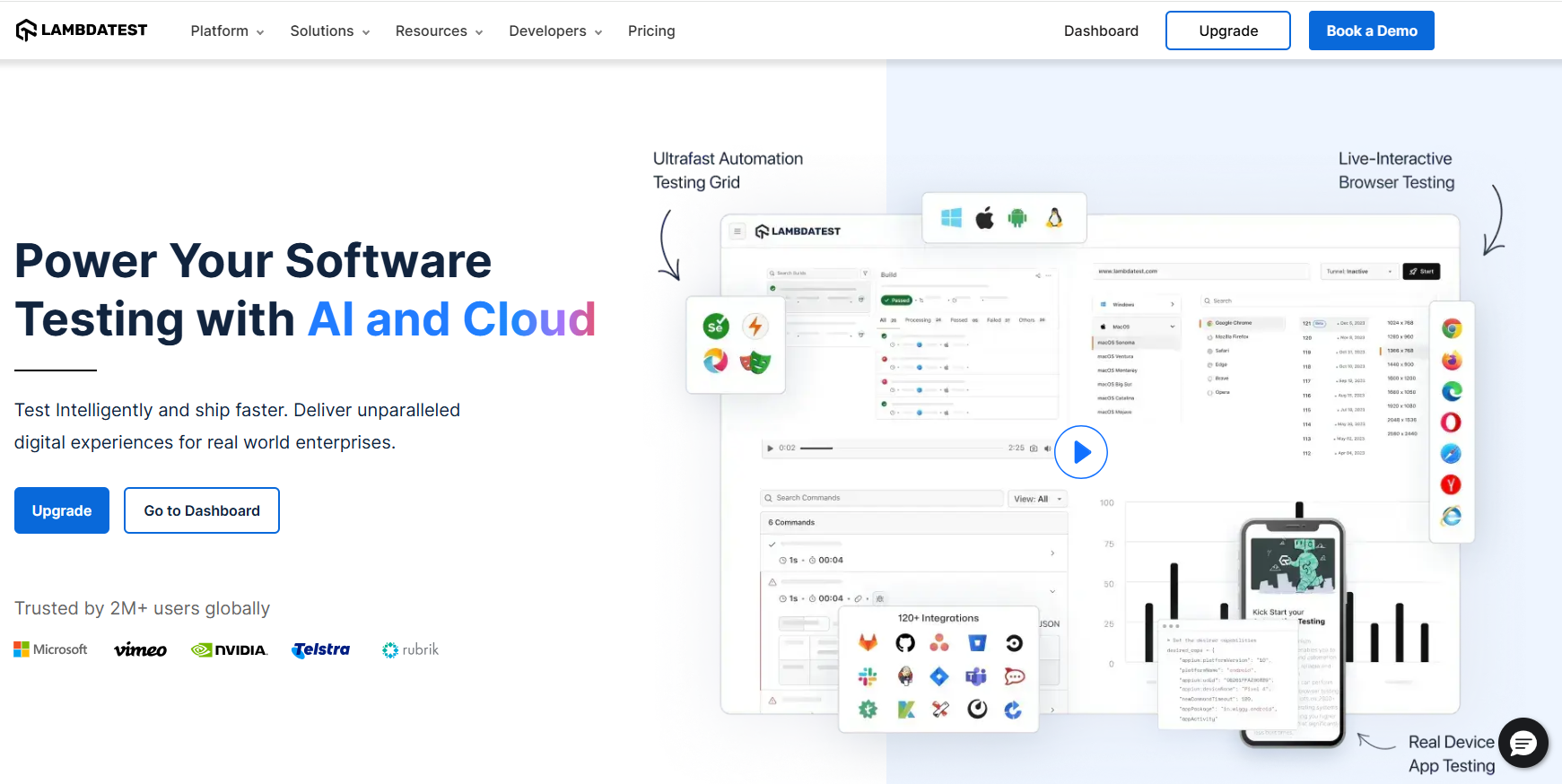
TestMu AI is one of the best UI testing platform in the market today. With quick parallel, cross-device, and cross browser testing, it offers an AI-native test orchestration and execution platform that enables teams to expand their browser and test coverage. In addition, you can execute test scripts faster than any other automation testing grid on TestMu AI online Selenium Grid.
Check out our UI comparison tool to easily capture and compare UI screenshots.
Offering an automated UI testing cloud, TestMu AI helps you test your websites and web apps across 3000+ real browsers for both desktop & mobile. It also provides a developer-friendly browser designed to fasten your responsive testing, and much more. you can also test on Puppeteer Visual Testing to capture and compare screenshots and deliver seamless user experience.
What makes TestMu AI one of the best UI testing tools?
- Unmatched UI Test Execution Speed
- Test Fast and Test Often - Unblock your developers
- An Automated UI Testing tool offering testing across 3000+ browsers
- No More Flaky Tests, Ship with Confidence
- Automated UI Testing Tool which is Highly Secure, with Confidence
- Fastest End-to-End Test Execution Cloud
To enhance UI testing capabilities, testers can leverage GenAI native tools like KaneAI offered by TestMu AI. KaneAI is a GenAI native smart testing agent that lets you automate complex scenarios using natural language and gain actionable insights that optimize cross-browser and cross-device testing, making your overall testing strategy more effective.

2. Selenium
Selenium is a well-known open-source UI test automation tool widely utilized in the testing industry. It can automate test scripts on various operating systems, including Linux, Mac, Windows, and browsers, including Chrome, Firefox, Internet Explorer, and Headless Browsers. Due to its adaptability to be used on multiple third-party IDEs and its use of important modern programming languages, Selenium automation testing has increasingly become the industry standard.
What makes Selenium one of the best UI testing tools?
- Programming languages supported include Java, C#, Python, JavaScript, Ruby, PHP, and more.
- Browsers that are supported include Chrome, Firefox, IE, Microsoft Edge, Opera, Safari, and more.
- Parallel and cross-browser executions for testing on local or remote machines via the Selenium server to speed up execution and expand test coverage.
- Integrations with top CI/CD tools and other testing frameworks.
3. Cypress
Cypress is a developer-centric automation solution for end-to-end web testing that only supports JavaScript frameworks. Built on a novel architecture, Cypress can run concurrently with your application in a browser, providing native access to elements and quicker executions while performing Cypress testing.
What makes Cypress one of the best UI testing tools?
- Can easily get the test snapshots.
- Debugging capabilities and test step execution snapshots from well-known developer tools.
- Control network traffic, timings, server response, and function behavior.
- Access to the dashboard service for improving test performance.
- Provides real-time support.
Watch this video to learn how to run Cypress tests in headless mode differently.
4. Playwright
Playwright is another best UI testing tool and is a favorite among a broad audience. It is a test automation toolkit built with pride by Microsoft's developers. For automating Chromium, Firefox, and WebKit browsers using a single API, it makes use of a NodeJS module. It has an Apache 2.0 license and supports various programming languages, including C#, Java, NodeJS, and Python, just as Cypress. You can perform Playwright testing with JavaScript or TypeScript and NodeJS.
What makes Playwright one of the best UI testing tools?
- Setting up and configuring it is quite simple.
- Get support for multiple browsers, including Firefox, Edge, Chrome, and Safari.
- Python, Java, Javascript/Typescript, and C# are used to support it.
- Enable parallel browser testing capability.
- Maximize the use of numerous browsers and tabs.
Run your Playwright test scripts instantly on 50+ browser and OS combinations using the TestMu AI cloud. Execute Playwright testing in parallel and cut down your test execution time by multiple folds.
5. Puppeteer
Puppeteer is one of the best UI testing tools out in the market. Puppeteer testing can be performed to scrape web pages and examine web applications by creating PDFs and screenshots of the pages and running test operations on the application. Puppeteer also allows the tester to extend test coverage by examining the support of Chrome Extensions for web applications.
What makes Puppeteer one of the best UI testing tools?
- Node library provides a high-level API for controlling Chromium using the DevTools Protocol.
- Simply interact with any web browser when they utilize Puppeteer testing.
- The Chrome DevTools team is in charge of the upkeep.
- This tool is also browser-driven.
6. Taiko
The ThoughtWorks team created and developed Taiko, a free, open-source UI automation testing tool, to test web applications. It automates the Chrome browser using the Node.js library. You may make JavaScript tests that are more legible and maintainable with Taiko. It utilizes a straightforward API coupled with clever selectors and implicit waits.
What makes Taiko one of the best UI testing tools?
- Eliminate faulty tests and obtain accurate test results.
- Simple to install in a few minutes.
- To capture the bugs, use an interactive recorder.
- Control XHR and dynamic content.
- Obtain capabilities like request/response mocking and stubbing.
- Get features that are compatible with Linux, macOS, and Windows.
7. Appium
Appium is an open-source and of the best UI testing tools for mobile applications. You can create automated UI tests for native, web-based, and hybrid mobile applications on Android and iOS using the mobile JSON wire protocol and perform Appium mobile testing over the Appium cloud.
What makes Appium one of the best UI testing tools?
- Programming languages supported include Java, C#, Python, JavaScript, Ruby, PHP, and Perl.
- Testing across platforms using the same APIs and reusable test scripts.
- Implementation on real hardware, simulators, and emulators.
- Integrations with CI/CD tools and other testing frameworks.

Note: Integrate Appium with TestMu AI. Try TestMu AI Now!
8. Espresso
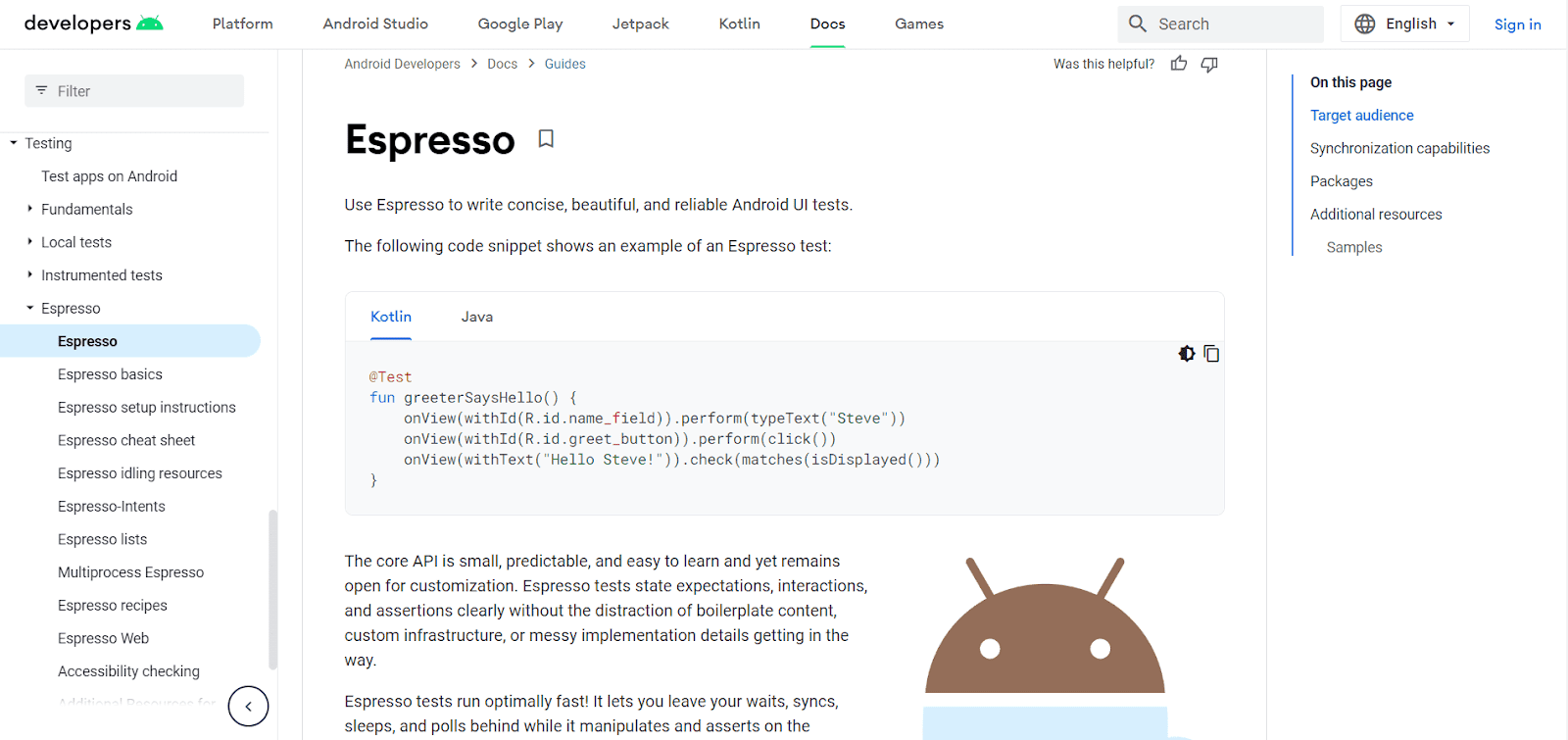
Espresso is an open-source testing framework created by Google specifically designed for automating UI testing of Android applications. It provides a simple and efficient way to interact with and verify the behavior of various UI components within an Android app.
What makes Espresso one of the best UI testing tools?
9. XCUITest
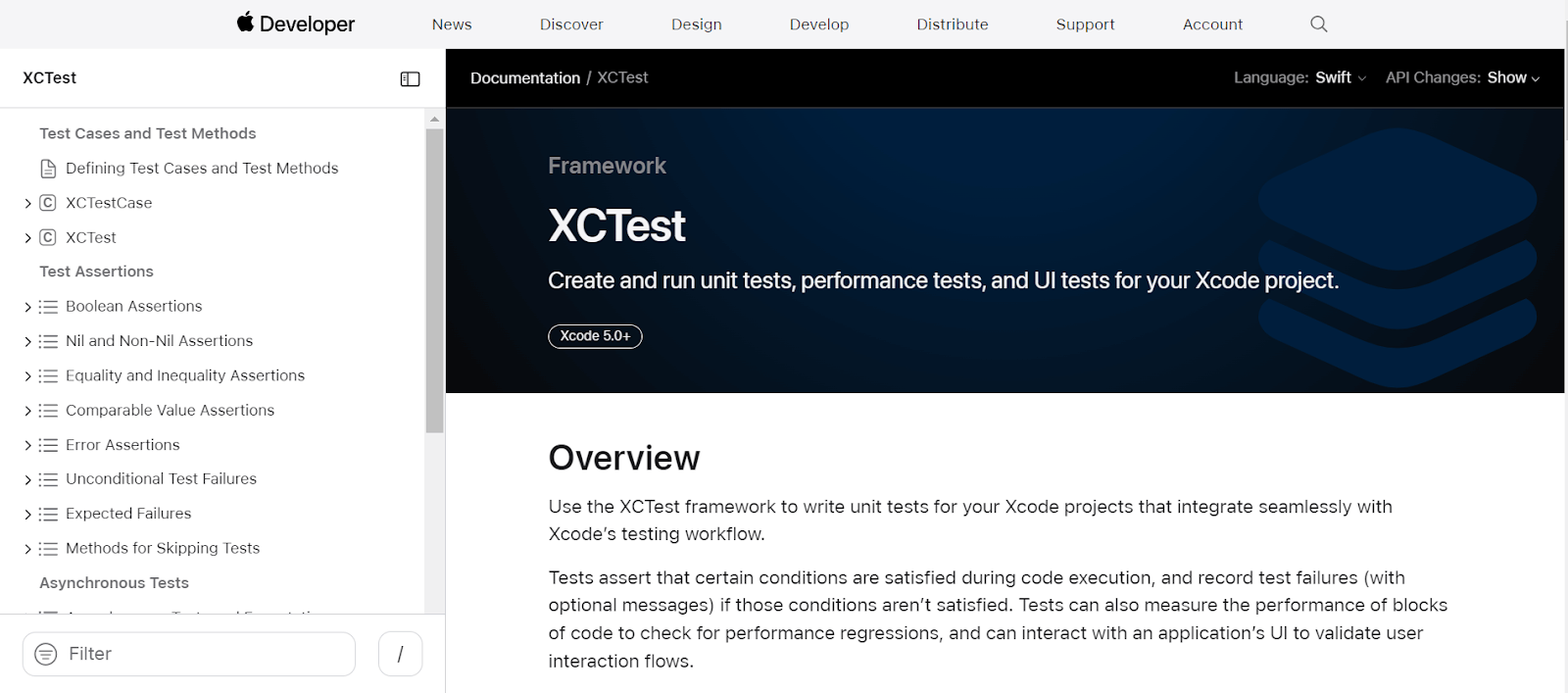
XCUITest is a framework developed by Apple specifically designed for automating UI testing of iOS applications. It's part of Apple's XCTest framework, which provides a unified approach to writing unit, performance, and UI tests for Xcode projects.
What makes XCUITest one of the best UI testing tools?
- Automates user interaction with iOS apps to validate their functionality and user interface.
- Simulates user actions like taps, swipes, and typing.
- Tests UI elements and their properties.
- Can be run on simulators or connected physical devices.

10. Tosca
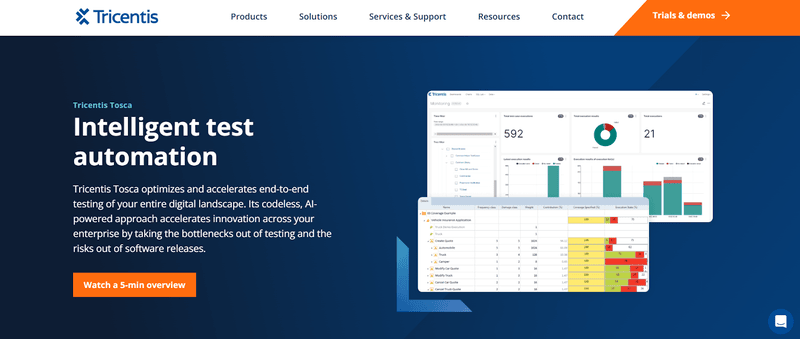
Automated end-to-end testing for software applications is done with the help of the software testing tool Tosca by Tricentis.
To test GUIs and APIs from a business standpoint, Tricentis Tosca combines many software testing elements (test case creation, test automation, test data design and production, and analytics).
Model-based testing and risk-based testing are two of the most commonly recognized technological elements in Tricentis Tosca.
What makes Tricentis Tosca one of the best UI testing tools?
- Vision AI is a cutting-edge technology making it simple to automate testing for previously challenging or impossible to automate applications.
- Build codeless, resilient automated tests through a unique approach.
- Decrease risk in your software releases while reducing the total number of tests in your automation suite by approaching testing from a risk-based perspective.
- Service virtualization solves the nightmare of trying to test responses from systems that are difficult to access
11. TestIM
A SaaS application called TestIM was created by developers concerned about devoting time and effort to maintaining test automation environments because a simple bug repair can disrupt multiple application features. As a result, they developed this clever, user-friendly UI testing tool. This UI testing tool is mostly intended for companies looking for an immediate fix for UI tests that focus on the flow of intricate procedures.
What makes TestIM one of the best UI testing tools?
- With an intuitive UI, creating tests is remarkably simple.
- It provides a comprehensive test automation solution. It suggests intelligent locators and an intelligent maintenance plan.
- TestIM's Smart Locator technology, which is a part of their outstanding self-healing capability,
- They now focus more on testing types such as end-to-end testing, functional testing, and making a better UI testing tool. Thanks to the introduction of the dynamic locators' concept.
12. Ranorex Studio
Over 4000 businesses utilize Ranorex Studio, a for-profit Windows GUI test automation tool, to test desktop and mobile applications globally. With a codeless click-and-go interface and helpful wizards, it is simple for beginners yet powerful for automation professionals with a full IDE.
What makes Ranorex Studio one of the best UI testing tools?
- Even for web items with changeable IDs, accurate object identification is possible.
- Reusable code modules and a shared object repository for quick test creation and minimal maintenance.
- A test report that may be customized and includes a video of the test execution.
- With the integrated Selenium WebDriver, run tests concurrently or distribute them across a Selenium Grid.
- Customizable test reports.
- Integrates with numerous tools, including Git, Travis CI, Jenkins, TestRail, and Jira.
13. Jasmine
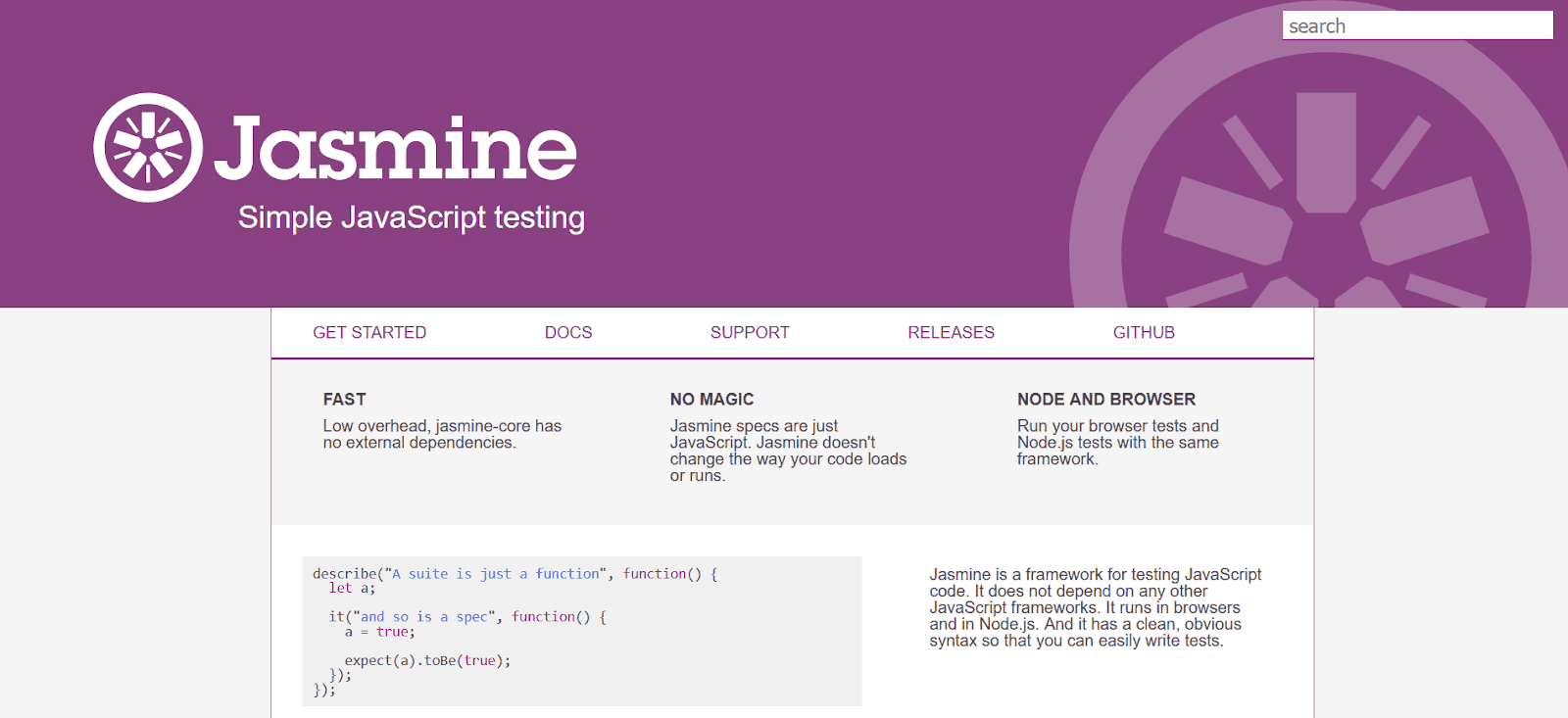
Jasmine is an open-source behavior-driven development (BDD) testing tool specifically designed for JavaScript. It allows you to write clear and readable tests that focus on the expected behavior of your code.
What makes Jasmine one of the best UI testing tools?
- Jasmine promotes writing tests in a way that describes what the code should do from a user's perspective, enhancing readability and maintainability.
- Jasmine boasts a clean and concise syntax, making it relatively easy to pick up for developers with a basic understanding of JavaScript.
- Jasmine can be used for unit testing various aspects of your JavaScript application, including functions, objects, and asynchronous code.
- Being open-source, Jasmine is freely available and has a large community for support and resources.
14. Silk Test
A tool for automating functional and regression testing is called Silk Test. It is a paid tool used to build reliable and transportable functional tests. It makes test cases for native, web, and other software applications easier to create. It also offers cross-browser support, support for mobile browsers, quick test execution, etc.
What makes Silk Test one of the best UI testing tools?
- A wizard-driven toolbar workflow allows users to receive valuable tests immediately.
- Silk Test also offers the functionality of test case-control, database capacity, test planning, date-time functions, etc., to make your self-regulation more efficient.
- A crucial process for recording tests, a workflow for linking a specific test case to test data contents stored in external tables, and system achievement in the Silk Test IDE are just a few features that Silk Test offers.
15. Sikuli
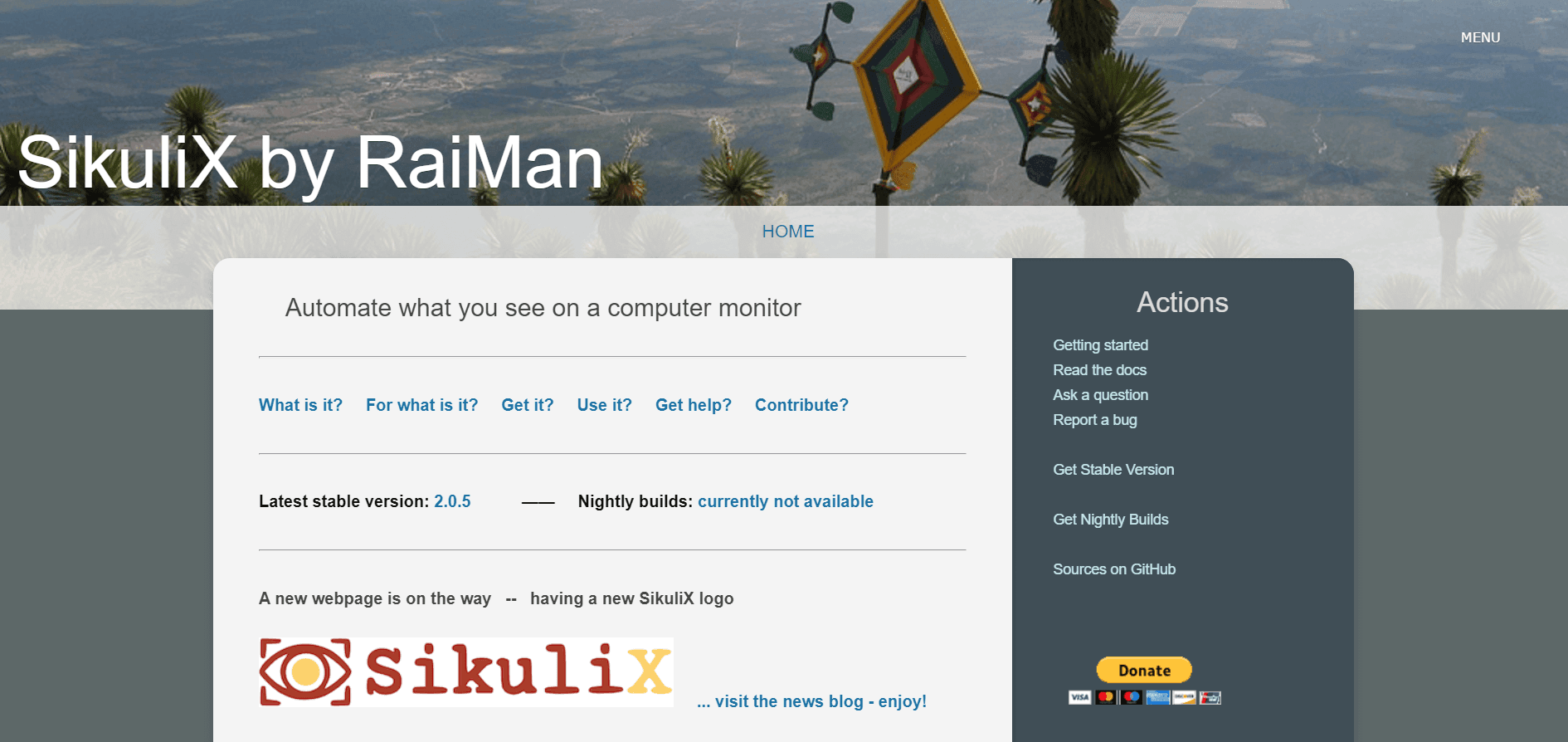
Sikuli is an open-source framework for automating GUI testing. Without an internal API, it employs the Sikuli script, which may be used to automate anything on the screen. It supports desktop programs on Windows, Linux, Mac, iPhone, Android, and online pages.
What makes Sikuli one of the best UI testing tools?
- Sikuli can automate Flash websites and Flash objects.
- Automating the Window-based application may be handy. What we see on the screen can be automated.
- It offers an easy API, i.e., screen class objects can access all methods.
- It is simple to combine with all other tools, including Selenium.
16. UFT/QTP
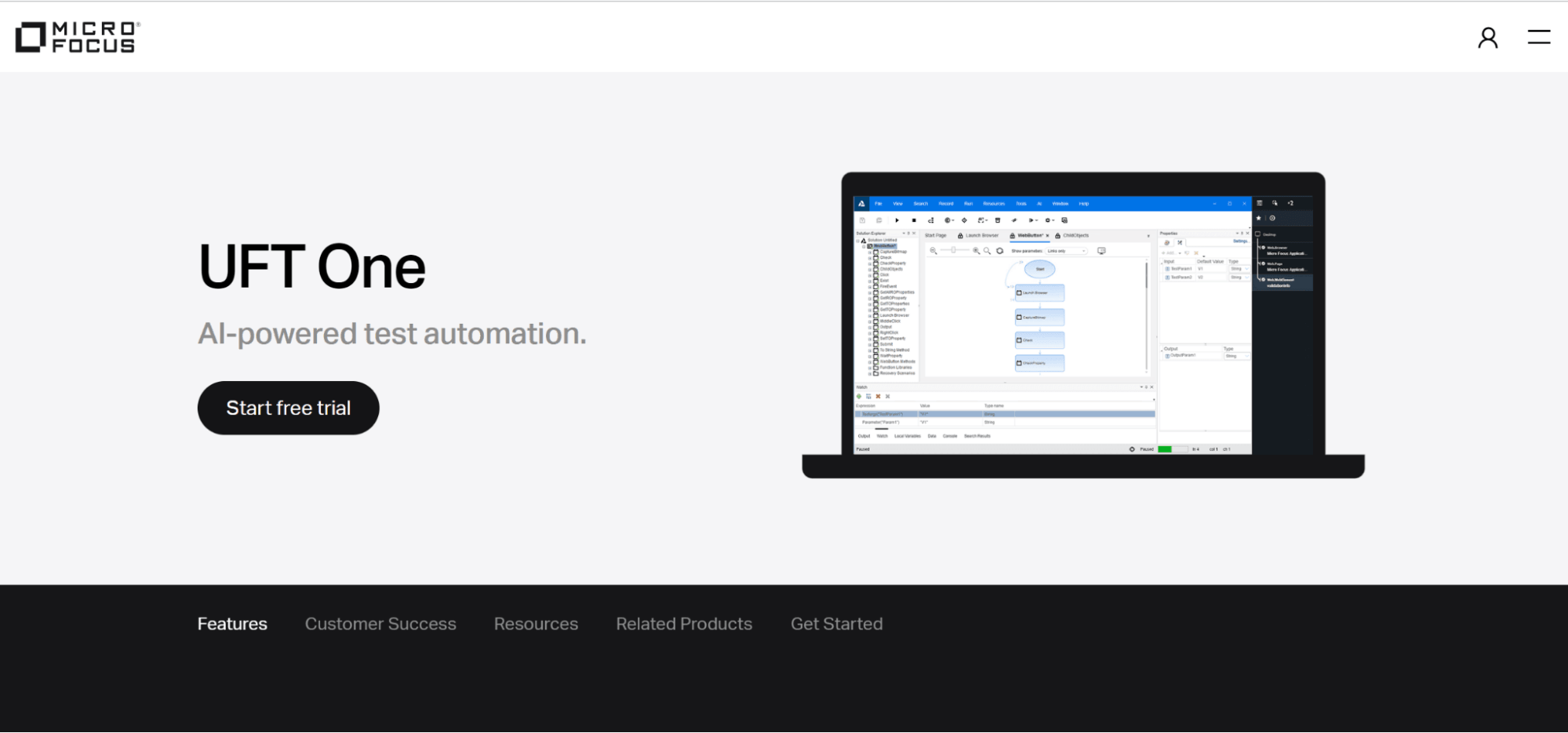
Quick Test Professional (QTP) is currently known as HPE UFT (United Functional Testing). UFT provides test automation for software regression and functional testing. The most recent UFT version was issued by Microfocus in January 2020. (v15.0). The new features in the revised version shorten the testing time while streamlining test procedures and increasing test efficiency.
What makes UFT/QTP one of the best UI testing tools?
- A well-liked commercial solution for testing desktop, mobile, web, and RPA apps is called UFT.
- It registers the test method using the scripting language Visual Basic (VB) Script Edition and uses a variety of objects and controls to test apps.
- It offers protocols that reduce programming for various ERP or CRM software like Oracle and SAP and supports desktop and the web.
- Diagrams can be used to visualize the conditions, actions, and activities of tests. It includes a user-friendly interface for planning, carrying out, and reporting API tests.
- It offers a system for addressing errors and smart object recognition
17. Rapise
An all-inclusive test automation solution is provided by Rapise. In a single, easy-to-use package, Rapise offers extensive built-in support for testing desktop and web apps across different browsers, Windows, Java,.NET, Qt, Flash, SWT, WPF, Silverlight apps, Ajax, REST/SOAP web services, and complex apps (MSDynamics, SAP fiori, Salesforce). It offers scriptless automated tests with Rapise Visual Language and is currently in its sixth upgraded edition.
What makes Rapise one of the best UI testing tools?
- Rapise is an essential solution for automating the UI (User Interface) chores for older apps because it supports robotic process automation (RPA).
- It employs standard JavaScript and straightforward libraries, making it quick to learn and simple to use.
- Rapise offers an out-of-the-box connection with TFS and enables you to run tests using Selenium Grid, WebDriver, and the in-built plugins for web browsers.
- It is the industry leader on a global scale for automated testing thanks to its automated recording, clever playback Learn-And-Go, and integrated test validation capabilities.
- This incredible tool also includes an expanding collection of unique libraries for testing a number of well-known programs, including Microsoft Dynamics. The revised new version even includes a keyword-driven architecture without any scripts.
18. Sahi
Sahi is an automated UI testing tool for web applications offered in both open sources and paid editions. Open-source software includes fundamental records and replays features created in Java and JavaScript. The proprietary version has extra features and customizable reports. SourceForge has hosted the open-source version, and Sahi Pro Website has hosted the proprietary version.
19. CodedUI
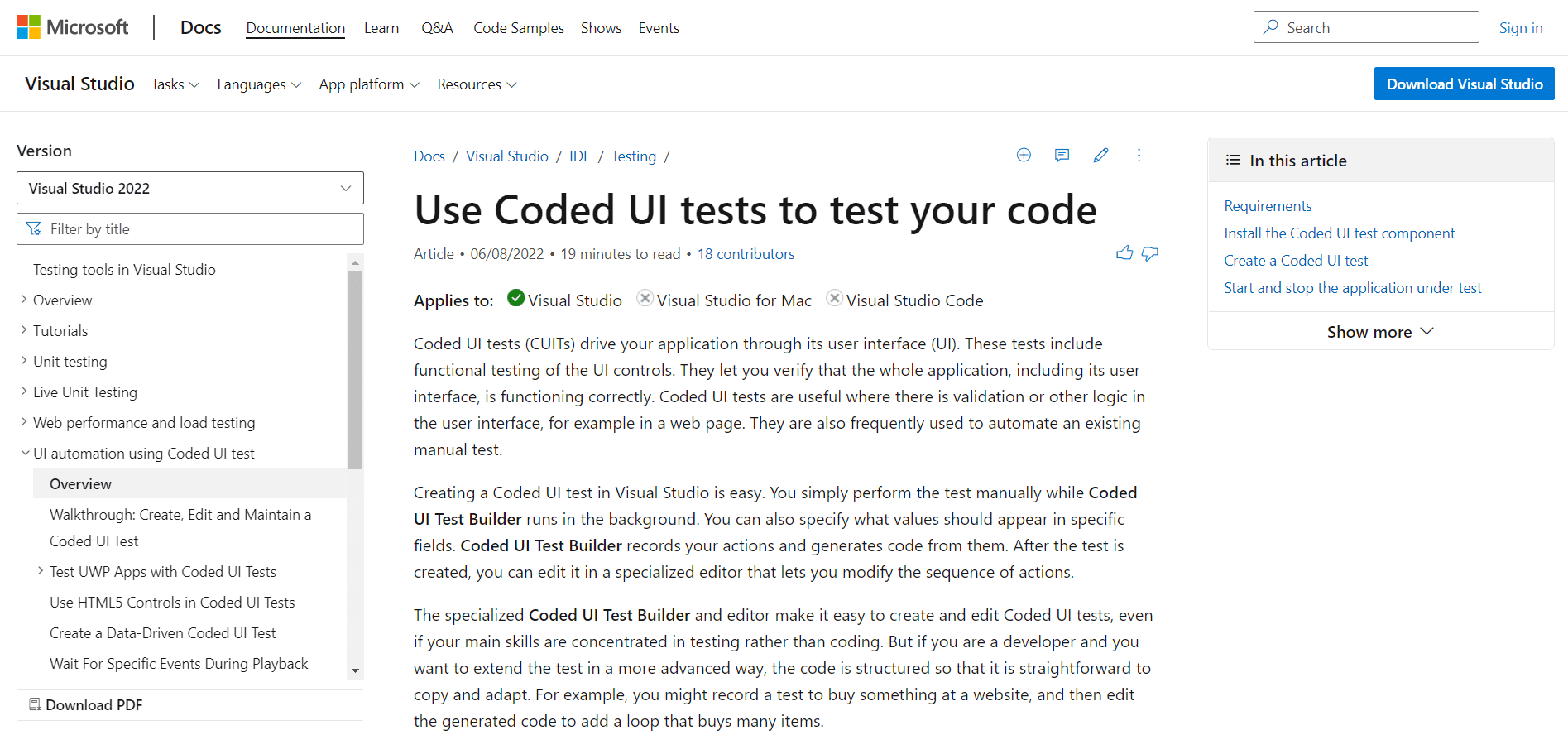
This utility creates automated testing for your application's user interface. It does functional testing typically for your UI, including every UI control you have used. This focuses on the validations and other UI design concepts and can be applied to creating data-driven tests. Because it is a component of Visual Studio IDE and supports operating systems including Windows 7, Windows 8, and Windows 10, it requires Visual Studio Enterprise. However, testers and developers can use commercial tools and do so often.
20. AutoIt
The freeware scripting language AutoIt is used for general scripting and Windows GUI automation. The Windows Manipulation Product is a standalone commercial tool that combines mouse and keyboard movements with COM support and standalone executables for script development. The program includes a built-in editor, syntax similar to basic, a rich function set, etc.
21. CubicTest
Whether the user has technical skills or not, the open-source Eclipse plugin CubicTest aids in testing web applications to create and understand. It allows for test-driven development of web applications and replaces test scripts with GUI for model testing. CubicTest case designs are used in place of requirement specifications and manual test scripts.
22. Squish
Squish is a for-profit tool for GUI automation testing for all kinds of cross-platform desktop, mobile, embedded, and web applications. It facilitates the verification of properties, pictures, photographs, complex data, external files, and databases by allowing the recording and editing of tests using scripting languages such as JavaScript, Perl, Python, and Ruby. It also possesses a complete test development environment based on Eclipse.
23. Telerik
Telerik Testing Framework is a free tool that includes a robust API for creating maintainable functional test cases. It aids in setting custom UI controls, animations, and dynamic page elements. Automatic testing for AJAX, HTML5, and XAML applications and cross-browser interoperability. Also handles JavaScript events and integrates with Visual Studio.
24. FitNesse
FitNesse is an open-source framework for collaborative acceptance testing. It has the capacity to compete with an app on one or more devices. It is a simple tool that assists in determining what software should do specifically and what it accomplishes. It may be used on a server or computer and comes with an all-inclusive bundle.
25. AscentialTest
The goal of AscentialTest is to make creating and maintaining test cases faster and easier. It provides a visual environment with simple drag-and-drop functionality for generating test components. AscentialTest also makes it easier to plan tests, organize test data, run tests, design manual and automated tests, track defects, and report them.
26. iMacros
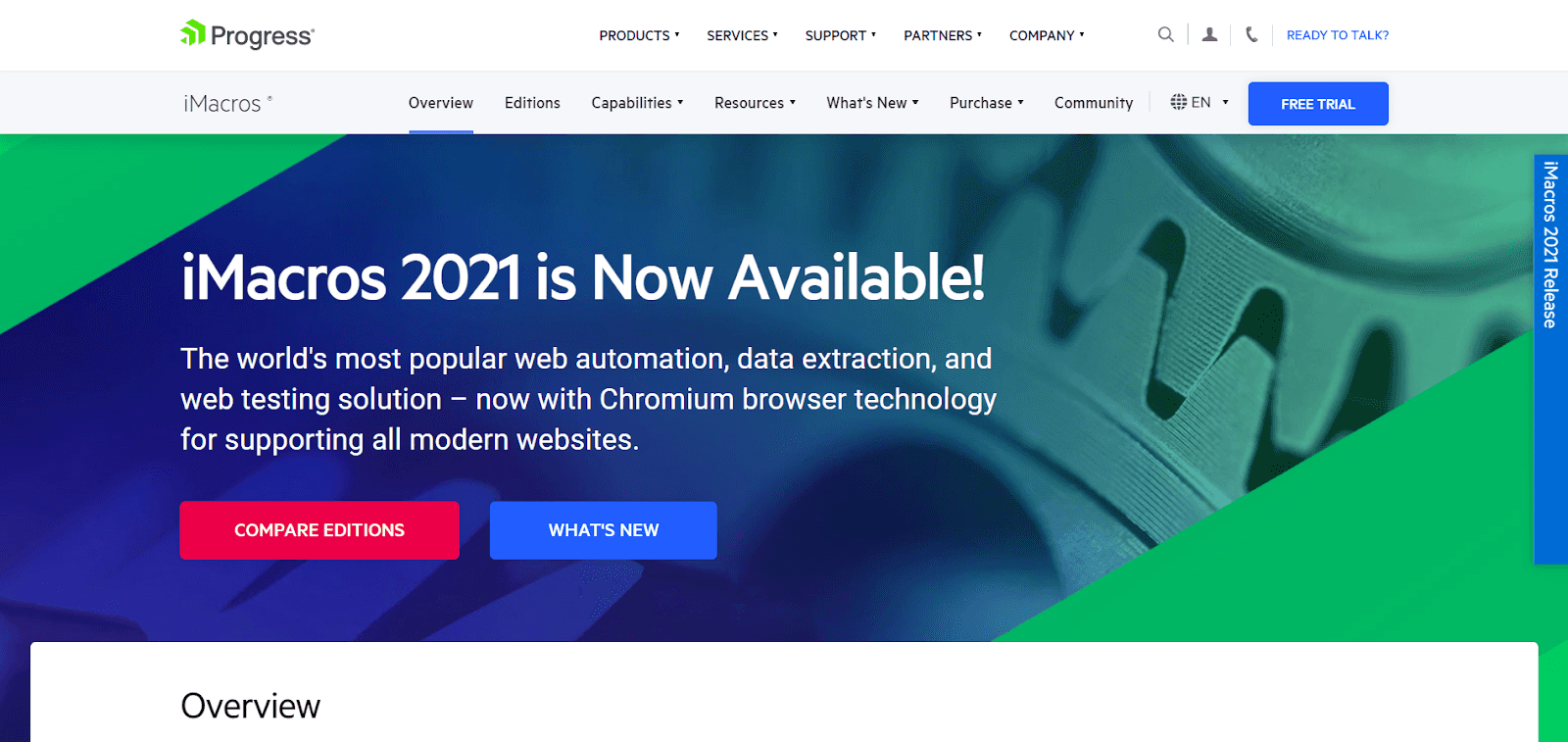
Basically, iMacros is a Record and Replay plugin for Internet Explorer, Google Chrome, and Mozilla Firefox. It is a paid program that can automate Adobe Flash, Adobe Flex, Silverlight, Java Applets, and other web applications. It also contains features to enable web scripting, Internet server monitoring, and web testing. Excel integration allows for automated functional, performance, and regression testing for browsers and Ajax testing.
27. Maveryx
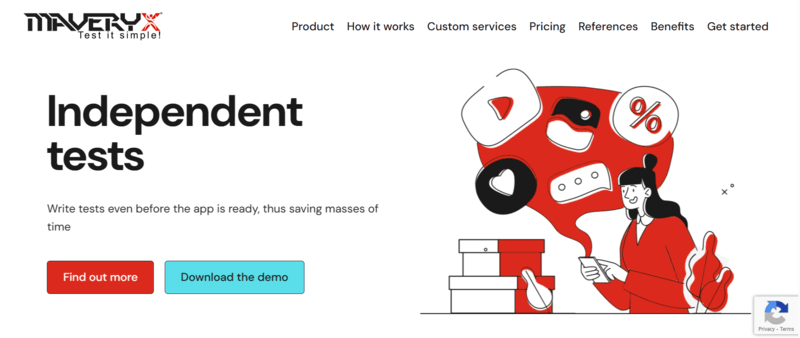
Maveryx is a test automation tool for all Java and Android applications, specifically for functional, regression, data-driven, and GUI testing. Maveryx takes screenshots of an application's user interface while it is running to identify UI elements for automated testing. This program is both open-source and for sale, and it supports custom controls through interfaces and plugin architecture. It is cross-platform and functions as an Eclipse plugin or a standalone application.
28. SWTBot
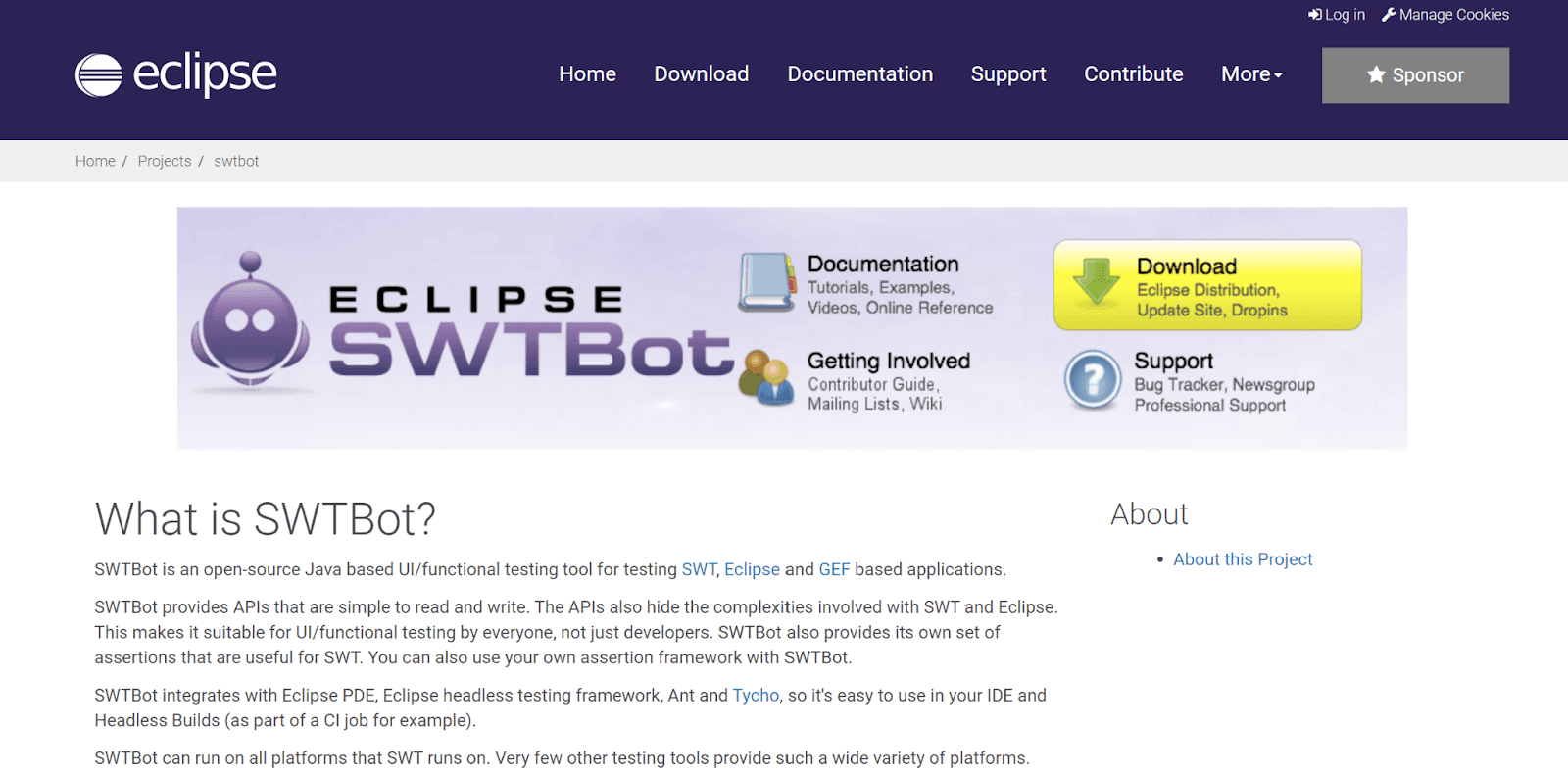
SWTBot is a free, cross-platform Java application for GUI and functional testing that primarily supports platforms running Eclipse because it is built using Eclipse plug-ins and Eclipse RCP. It offers simple-to-read and write APIs.
29. Testing Anywhere
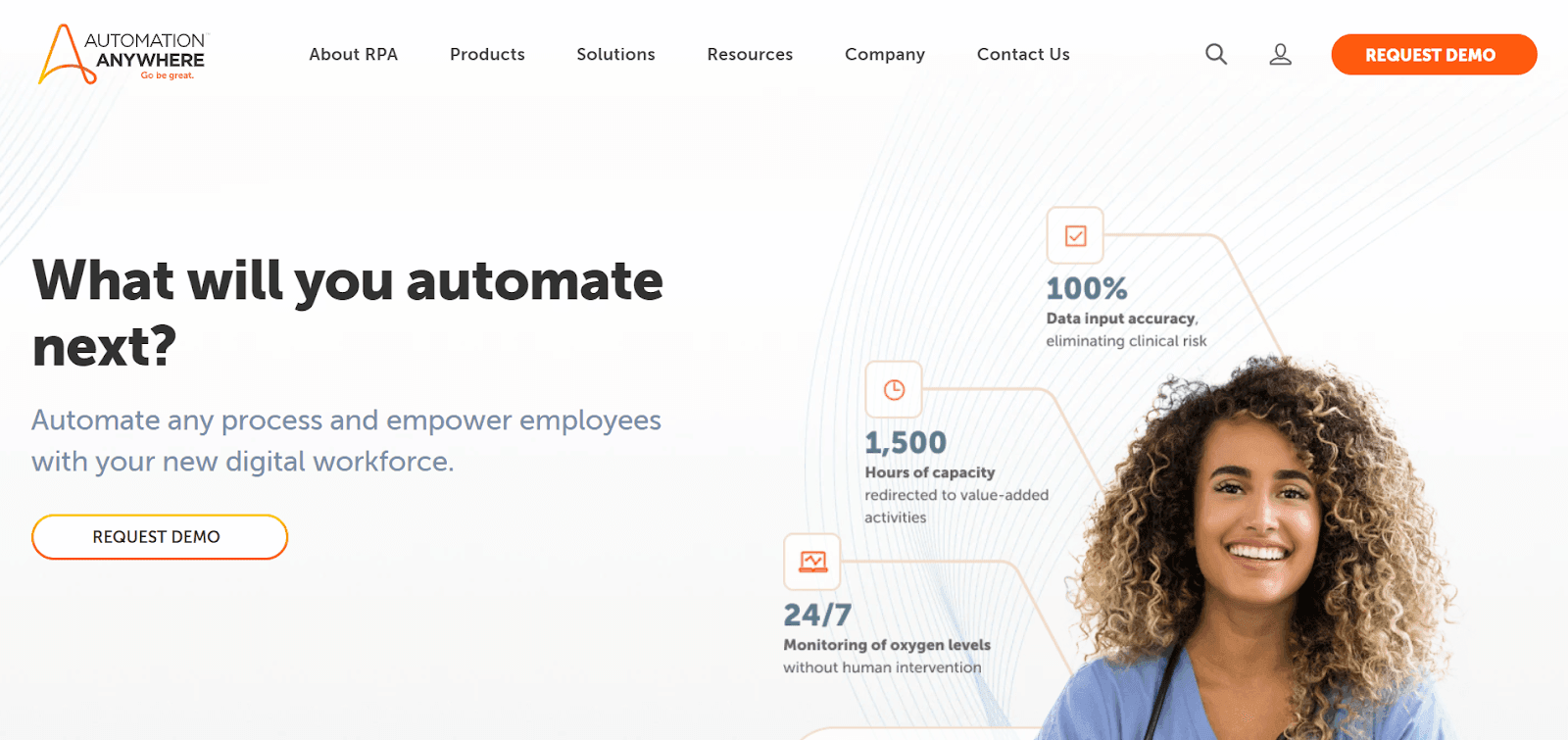
Test Anywhere is a commercial software testing solution that doesn't require any programming. It supports functions including recording, replaying, and running sophisticated test cases and provides an object-based and image-based text editor for GUI and front-end testing. Based on a single testing platform and testing approaches such as Waterfall, Agile, V, Spiral, and RUP/RAD.
30. TestPartner
Micro Focus created the commercial automated testing product, TestPartner. It utilizes a visual and storyboard-oriented method to follow business processes. TestPartner enables teamwork among users, developers, and testers by offering VBA scripting. It also creates an object-oriented script that automates regression testing.
31. Jubula GUI testing tool
An alternative to GUIDancer is Jubula, an automated GUI testing tool. It is used to carry out functional GUI testing and is equally effective as GUIDancer. It can also be used for acceptance, system, and integration testing. Free software that supports the Windows and Linux operating systems and offers toolkit support for Java Swing, SWT, Eclipse RCP, HTML, and iOS applications
32. GTT

A GUI testing tool called GTT is used with Java Swing-based applications. With capture and replay capabilities, it is used for test-driven development and GUI testing. It is an open-source program whose event model is based on Jemmy events. It makes use of the view-assertion and model-assertion mechanisms to check accuracy.
33. QFTest
A reputable automated testing tool for web, Java, and Windows applications is QF-Test. It is strong and capable of handling Java Swing, AWT, SWT, Eclipse plugins, RCP, ULC, Captain Casa, WebStart, JavaFX, JxBrowser, SWT-Browser, and JavaFX Webview applications. Angular, React, GWT, and other popular AJAX toolkits and frameworks are all cross-browser compatible with all popular browsers.
This tool offers reusable tests and allows cross-browser testing. It is accessible to developers and testers and has a wealth of documentation demonstrating its user-friendliness. Android applications can be tested on actual hardware and using the Android Studio emulator.
34. Tellurium Automated Testing Framework
An open-source automated testing framework for web applications is called Tellurium. It is created using the Selenium framework and is based on the developer and tester-accessible UI module paradigm.
Tellurium operates in two ways. The first one is a Selenium Framework wrapper, and the second uses the Tellurium Engine. Tellurium UI templates have been used for cross-browser testing and to represent dynamic online content.
35. QAliber
QAliber uses the record and replays functionality to automate GUI testing tasks. It consists of two projects, QAliber Test Builder and QAliber Test Developer. QAliber Test Builder is an Open Source application that offers full GUI test management and stores test cases with all relevant information.
36. RIATest
A GUI test automation tool for Flex, HTML, JavaScript, jQuery, or Windows 8 apps is called RIATest. To swiftly identify issues, RIATest is added to the continuous integration system. It also aids in writing a comprehensible test script and identifies GUI parts using the component inspector. It is a paid application that enables individualized error management by reporting the error or raising an exception.
37. IcuTest
IcuTest is a GUI unit testing framework that aids in developing straightforward and manageable tests. It is a proprietary tool that does testing automatically and quickly but does not support the record and playback capability. It has extensive code coverage and rapid bug detection. Launching the complete app for testing is unnecessary, and you may test individual GUI elements.
What Are the UI Testing Techniques?
UI testing techniques include manual-based testing for exploratory evaluation, record-and-play for automation, and model-based testing using graphical system representations.
Although many best UI testing tools are available today, this tutorial will offer insights that are certain to produce the most satisfactory outcomes. Here are some UI testing techniques.
Manual-based Techniques
Manual-based testing is the first technique for GUI testing. The GUI testing can be done most simply by manually utilizing the application. Typically, passionate parament test engineers implement manual-based testing.
In other words, we can say that in this method, the test engineer manually tests the graphical projects in accordance with the Business Specifications Specification (BRS) document's requirements.
We already understood that manual testing is ineffective since it may occasionally be tedious, slow, and prone to mistakes. We should relentlessly work to automate our testing process if we want to deploy high-quality software.
But manual testing continues to be a key component of modern testing strategies. We determine the ideal compromise for carrying out the manual testing. In terms of GUI testing specifically, the manual test engineer may have access to the interface's usability and other cosmetic aspects.
Exploratory testing is one best example of Manual testing, where one or more testers "explore" a website's features and operations to ensure they all function as intended. Since they concentrate on different facets of the user experience and specify user paths that must be evaluated, there isn't a lot of pre-planning required.
Record and Play Technique
With the aid of automation tools which come in two varieties, we may carry out GUI testing. The automation tool contains the test steps throughout the record part. Additionally, during replay, the application being tested is subjected to these recorded test stages.
The most popular method for showing that GUI automated testing goes beyond record-and-playback techniques is the automation approach. The record and replay strategy relies on having a test engineer utilize a particular tool to record a testing session, as suggested by its name. The fact that the record and replay method doesn't require any coding expertise lowers the barrier to usage and is one of its key advantages.
Scripted testing is one best examples of a record and play technique. When test frameworks and tools require precise instructions for what to test and how to test, this is an automated UI test. Test scripts are used to provide these instructions. Extensive planning, creating test cases, and creating test scripts are required for exploratory testing's opposite. Through automation frameworks like Selenium, test scripts are executed. Scripts specify the intended results and test settings. This aids the framework in comparing actual outcomes to those anticipated so that tests can be classified as passing or failing.
Model-Based Technique
Model-based testing is the next strategy for GUI testing since we already know that a model is a graphic representation of how a system performs and can be used to analyze and forecast system activities.
The models help create a realistic test case using the system requirements. The following fundamental requirements should be considered when using the model-based testing strategy:
- Make the prototype
- Verify the model's inputs.
- Analyze the anticipated outcome for the specific model.
- Execute the tests
- Compare and contrast the expected and actual results.
- An assessment of the model's further activity
The process of creating the test case with the aid of the provided requirements is also evolving. Model-based testing can resolve the negative states that our GUI is capable of, as opposed to the other GUI testing methods.
Conclusion
QA teams must develop a test strategy that outlines the elements of the app or website that must be examined to undertake thorough user interface testing. Additionally, it maps the testing resources so bandwidth can be used efficiently. The team may create test cases, create test scenarios, and build test scripts that address necessary concerns thanks to this data.
QAs can create test cases and construct test scripts that duplicate or target the different user actions by mapping out the possible user actions. This ensures that the UI test covers every step of the user's journey and leaves no bugs in the application.
UI testing should ideally run on actual browsers, devices, and operating systems, just like any other software test. It goes without saying that testing with actual users enables the tester to observe exactly how the website or app will perform when used by real users. Testers can simply use a genuine device cloud to do the tests if they do not have access to an internal device lab.
For manual and automated testing, TestMu AI, an AI-native test orchestration and execution platform, provides 3000+ actual browsers and devices. Testers can log in, choose the devices, browsers, and operating systems they want to use to execute test cases, and then start. The entire procedure offers testers and developers convenience, efficiency, speed, and accuracy. With a broad selection of integrations and debugging tools, TestMu AI is designed to find faults and fix them as quickly as possible.


Frequently asked questions
Did you find this page helpful?
More Related Hubs
TestMu AI forEnterprise
Get access to solutions built on Enterprise
grade security, privacy, & compliance
- Advanced access controls
- Advanced data retention rules
- Advanced Local Testing
- Premium Support options
- Early access to beta features
- Private Slack Channel
- Unlimited Manual Accessibility DevTools Tests