

Power Your Software Testing with AI Agents and Cloud
The Native AI-Agentic Cloud Platform to Supercharge Quality Engineering. Test Intelligently and Ship Faster.


- TestMu AI (Formerly LambdaTest)
- /
- Blog
- /
- 11 Best AI Browsers in 2026: Compared and Reviewed
11 Best AI Browsers in 2026: Compared and Reviewed
Discover the 11 best AI browsers in 2026, compared for speed, privacy, security, and features, plus how to test your site across them.
Last Updated on:
An AI browser is a web browser that embeds artificial intelligence directly into the browsing layer. Instead of only displaying webpages, it interprets content, summarizes information and automates workflows.
Besides, it also understands context and enables conversational interaction, transforming passive web navigation into an active, task-oriented experience.
TL;DR
To browse the web with integrated artificial intelligence, use Perplexity Comet for deep research and citation-backed summaries, or choose OpenAI ChatGPT Atlas for conversational search and live-site task automation. These tools embed machine learning models directly into the browser to interpret content and automate workflows.
- Best for deep research: Perplexity Comet is a research-first AI browser featuring a page-aware Comet Assistant that provides citation-backed summaries and delegates multi-step agentic tasks like scheduling or inbox triage across devices.
- Best for live-site automation: ChatGPT Atlas is a ChatGPT-powered browser featuring a context-aware sidebar and an agent mode that controls the browser to complete multi-step tasks on live websites, currently available for macOS.
- Best for workflow organization: Dia Browser is a productivity-focused desktop browser that organizes sessions, converts long-form web pages into structured notes, and provides an AI sidebar assistant to reduce friction during multi-project research.
- Best for Windows productivity: Microsoft Edge with Copilot integrates a built-in AI assistant for research, summarization, and PDF analysis, offering deep Windows and Microsoft 365 integration alongside robust enterprise security frameworks.
- Best for mobile AI assistance: Opera with Aria is a lightweight browser featuring the built-in Aria assistant for content generation, integrated ad blocking, and data compression, offering a strong, low-overhead AI experience on Android.
- Best for private browsing: Brave with Leo is a privacy-first browser that integrates the Leo assistant for content summarization inside a tracking-resistant framework featuring automatic tracker blocking and an optional Tor integration mode.
- Best for project multitasking: Arc Browser is a project-based browser featuring AI tab management, which has now been superseded by Dia Browser from the same maker for users seeking a more focused interface.
- Best for private agentic AI: Sigma AI Browser is a private, agentic browser that runs a local Eclipse model to keep your prompts on your device, securing data while executing tasks on Windows and mobile.
- Best for private search: DuckDuckGo Browser is a privacy-focused browser that provides AI-generated search summaries, default tracker blocking, and minimal data collection across Windows, macOS, Android, and iOS.
- Best for research and content creation: Genspark AI Browser is an AI-native desktop browser tied directly to the Genspark workspace, designed to assist users with research, content creation, and task execution on Windows and macOS.
- Best for task automation: Fellou is an agentic browser for Windows and macOS that plans and executes multi-step web workflows across different websites end to end to automate repetitive online tasks.
How We Evaluated These AI Browsers
Every browser below was assessed against the same four criteria, so the comparison stays consistent rather than feature-by-feature marketing:
- AI capability and autonomy: how much the assistant can actually do, from summaries to multi-step agentic tasks.
- Privacy and data handling: how much page data leaves the device and how tracking is controlled.
- Platform support: which of Windows, macOS, Android, and iOS each browser ships on today.
- Rendering compatibility: the engine behind the browser and what it means for the sites you visit.
Feature and platform claims were verified against each vendor's official product page at the time of writing, not third-party roundups, which is how we confirmed details like ChatGPT Atlas's macOS-first rollout and Arc's shift to Dia. Pricing and availability move fast in this category, so confirm the current plan on the vendor site before committing.
A Quick Comparison
Each browser takes a slightly different approach to AI-powered browsing. This quick comparison highlights where they shine so you can see which one better matches your workflow.
| Browser | Best For | Platforms | Privacy | AI |
|---|---|---|---|---|
| Comet | Deep research | Win, Mac, Android, iOS | Moderate | High |
| ChatGPT Atlas | Conversational + agent | macOS (more soon) | Moderate | High |
| Dia | Workflow organization | macOS, Win | Moderate | Medium |
| Edge with Copilot | Windows productivity | Win, Mac, Android, iOS | Strong | Medium |
| Opera with Aria | Mobile AI assistance | Win, Mac, Android, iOS | Moderate | Medium |
| Brave with Leo | Private browsing | Win, Mac, Android, iOS | Very Strong | Medium |
| Arc Browser | Project multitasking | macOS, Win | Moderate | Medium |
| Sigma AI | Private agentic AI | Win, mobile | Strong | High |
| DuckDuckGo Browser | Private search | Win, Mac, Android, iOS | Very Strong | Low |
| Genspark AI Browser | Research + content | Win, Mac | Moderate | High |
| Fellou | Task automation | Win, Mac | Moderate | High |
What Is an AI Browser
An AI browser integrates machine learning models directly into its interface. It processes webpage content in real time, generates summaries and answers contextual queries.
Plus, it also assists with writing tasks and can automate certain browser actions. The AI layer operates alongside traditional rendering and navigation systems.
A common workload sitting on top of this AI-driven browser layer is AI web scraping, where LLM agents extract structured data from rendered pages by meaning instead of selectors, handle pagination and anti-bot defenses, and run on stealth-enabled cloud browser sessions for long-running data pipelines.
What Are the Best AI Browsers in 2026
The best browsers with AI features are Perplexity Comet, ChatGPT Atlas, Dia, Microsoft Edge with Copilot, Opera with Aria, Brave with Leo AI, Arc, Sigma AI Browser, DuckDuckGo, Genspark AI Browser, and Fellou. Each one is compared below by capability, platform support, and the task it handles best.
1. Perplexity AI Comet
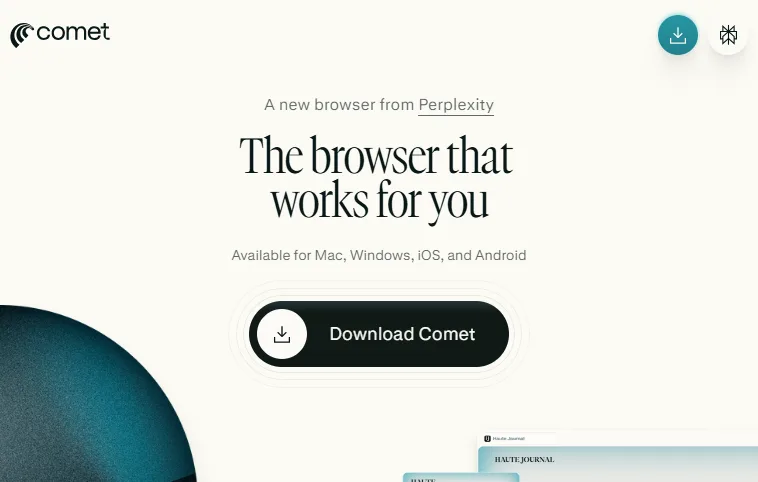
Comet is Perplexity's AI-native browser built around the Comet Assistant, a sidebar that reads the page you are on and answers questions, summarizes, and acts on it without you pasting links. It analyzes multiple sources at once, generates citation-backed summaries, and keeps context across a session, which makes it a strong fit for deep research and structured knowledge discovery.
Beyond reading, Comet leans agentic: you can delegate multi-step tasks such as clearing an inbox, ordering groceries, drafting an email reply with your schedule, or building a study plan, so it reduces tab overload by doing work rather than just synthesizing it.
Key Features:
- Comet Assistant Sidebar: Page-aware assistant that summarizes, answers, and acts on the active tab in real time without link-pasting.
- Agentic Task Delegation: Handles multi-step jobs like inbox triage, shopping, scheduling, and trip planning on your behalf.
- Multi-Source Summarization: Aggregates several webpages into one structured response with inline source references.
- Citation Transparency: Provides direct source attribution, improving verification for research workflows.
Best Use Scenario: Academic researchers, analysts, and knowledge workers handling multi-source investigations.
Pros:
- Citation-backed answers make research easy to verify.
- Agentic delegation handles real multi-step tasks, not just summaries.
- Ships on all four major platforms for synced research across devices.
Cons:
- Can consume higher system resources during complex multi-page synthesis.
- Granting an agent inbox and account access raises the security review bar.
Pricing & Platform: Free to download. Available on macOS, Windows, iOS, and Android.

Verdict: A capable research browser worth trialing as a secondary, but weigh the agentic security trade-offs before making it your default.
2. OpenAI ChatGPT Atlas
ChatGPT Atlas is OpenAI's browser with ChatGPT built in. A dedicated ChatGPT sidebar sits alongside any page, so you can ask questions, summarize, and draft in context without switching to a separate app, with optional browser memories that let it recall what you have been working on.
Its standout capability is agent mode, where ChatGPT takes over the browser to complete tasks on live sites, such as filling forms or working through a multi-step booking, while you watch and can intervene. That makes Atlas less a search box and more a conversational operator for the web.
Key Features:
- ChatGPT Sidebar: Context-aware chat next to any page for instant summaries, answers, and inline drafting.
- Agent Mode: Lets ChatGPT control the browser to complete tasks on live websites with a human review step.
- Browser Memories: Optionally remembers prior context so follow-up tasks pick up where you left off.
- Conversational Search: Replaces keyword queries with natural language tied to the active page.
Best Use Scenario: ChatGPT users who want search, drafting, and live web automation in one place.
Pros:
- Deep ChatGPT integration with a genuine agent mode for live tasks.
- Browser memories make repeat workflows faster.
- Available to free accounts, not just paid tiers.
Cons:
- Desktop launch is macOS only, with other platforms still rolling out.
- Agent mode acting on live sites needs careful oversight on sensitive accounts.
Pricing & Platform: Free to use with Free, Plus, Pro, and Go tiers. Available on macOS now; Windows, iOS, and Android are coming soon.
Verdict: The capability leader, but the privacy trade-off and macOS-only launch keep it from being an easy universal recommendation.
3. Dia Browser
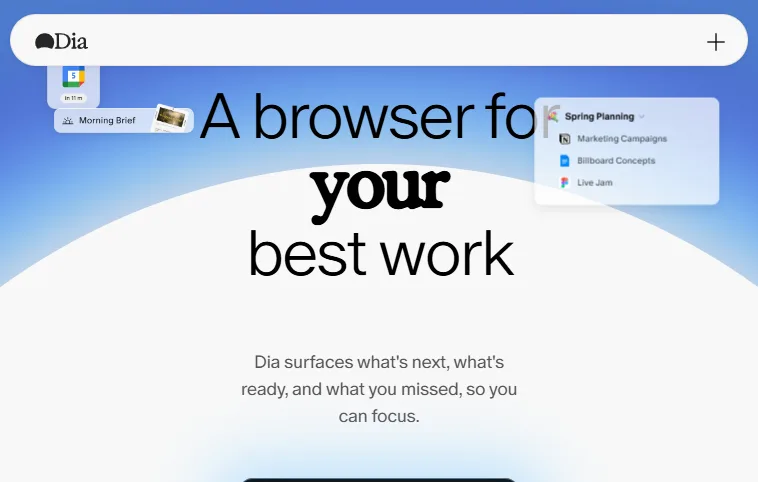
Dia is built for productivity-driven users who manage heavy browsing workloads daily. It organizes sessions, converts content into structured notes, and extracts actionable insights from webpages.
The browser emphasizes workflow efficiency, reducing friction between research, documentation, and execution.
Key Features:
- Smart Note Conversion: Transforms long-form content into structured summaries suitable for documentation and knowledge management.
- Session Recall: Restores previous browsing states with concise contextual overviews for faster workflow continuation.
- AI Sidebar Assistant: Provides real-time contextual explanations without interrupting the browsing interface.
- Project Workspaces: Separates browsing environments by task or objective to reduce clutter and distraction.
Best Use Scenario: Remote teams and professionals managing multiple projects.
Pros:
- Turns long pages into structured notes for fast documentation.
- Session recall and project workspaces keep multi-project work organized.
Cons:
- Limited mobile availability compared with mainstream browsers.
- Still maturing, so feature set changes between releases.
Pricing & Platform: Free during its current rollout. Desktop-first, with macOS available and Windows expanding.
Dia's homepage leads on surfacing what is next, ready, and missed.
Verdict: Worth trying for a minimal, focused interface, especially if Arc felt too heavy.
4. Microsoft Edge With Microsoft Copilot
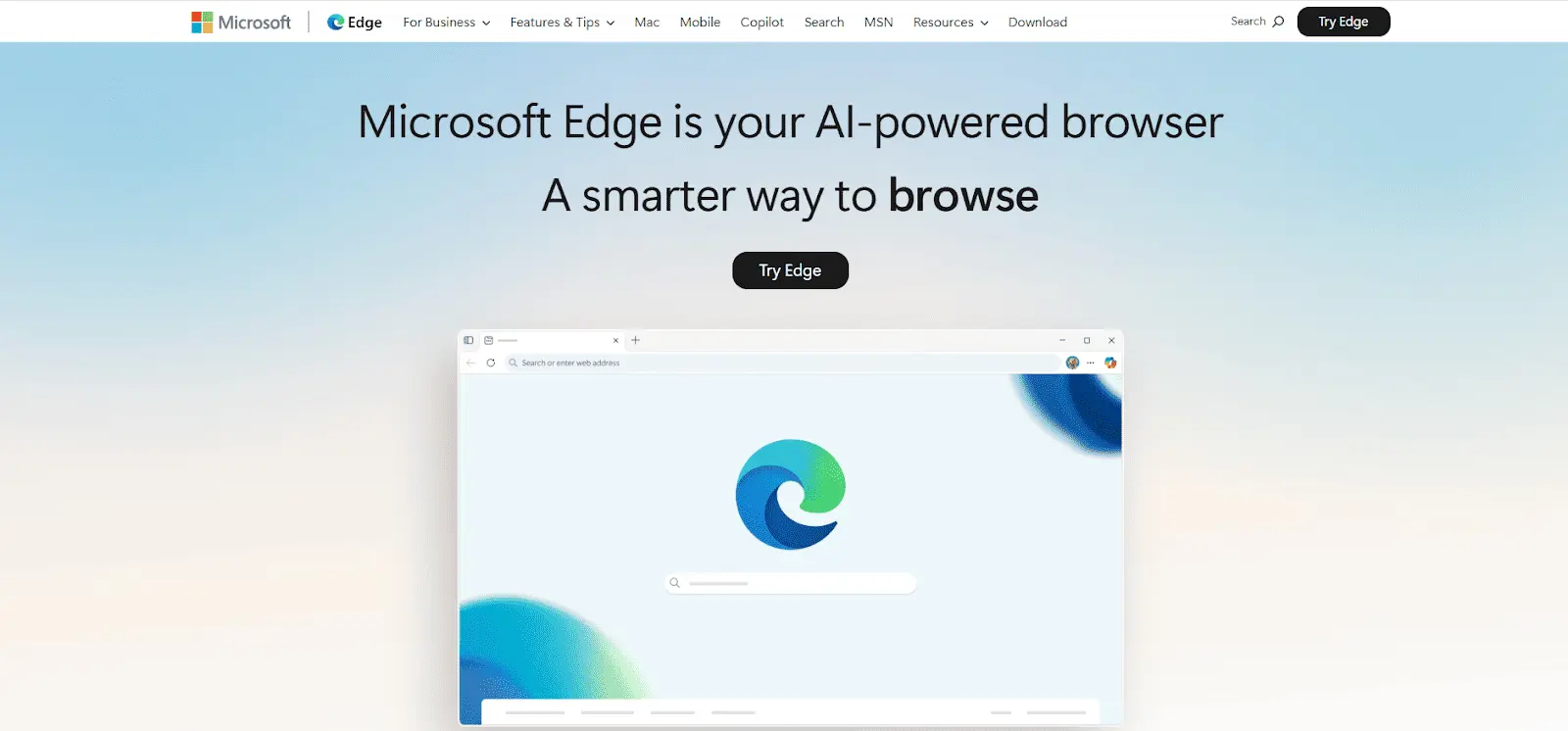
Microsoft Edge integrates Copilot directly into the browser environment, delivering AI-assisted research, summarization, and document analysis. Its deep Windows integration ensures stable enterprise deployment.
The browser combines performance, security, and AI augmentation without requiring third-party extensions.
Key Features:
- Copilot Integration: Built-in AI assistant supports summaries, research queries, and contextual explanations in sidebar mode.
- PDF Intelligence: Extracts key insights from PDF files without external tools or additional software installations.
- Enterprise Security Framework: Leverages Microsoft security architecture for compliant and controlled deployment environments.
- AI Image Generation: Enables in-browser image creation for marketing and creative workflows.
Best Use Scenario: Enterprise users and Windows-based productivity environments.
Pros:
- Copilot is built in with no extensions, plus PDF analysis and image generation.
- Strong enterprise security and Microsoft 365 integration.
Cons:
- Copilot's deepest features work best on Windows with Microsoft 365.
- Less autonomous than agent-first browsers like Comet or Atlas.
Pricing & Platform: Free. Available on Windows, macOS, Android, and iOS.
Verdict: A dependable mainstream pick whether you lean on Copilot or turn it off entirely.
5. Opera With Aria
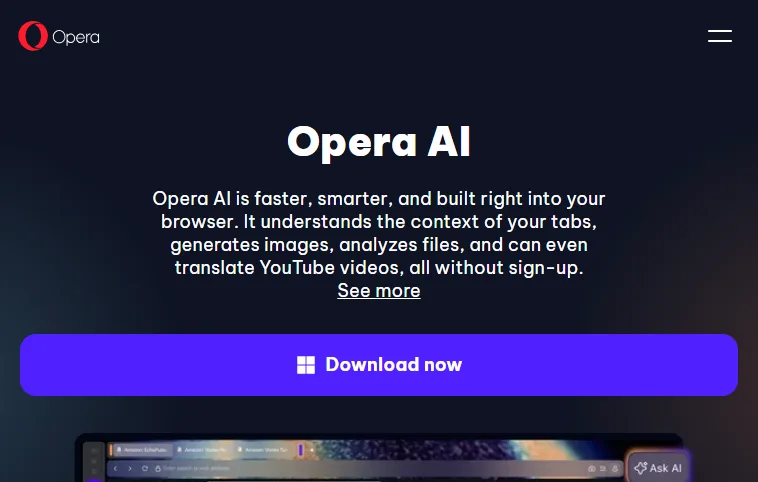
Opera integrates the Aria AI assistant directly into its browsing interface, offering mobile-friendly AI interaction. It balances speed optimization, content generation, and real-time assistance.
Particularly strong on Android, Opera provides an accessible AI browsing experience without heavy system requirements.
Key Features:
- Built-In AI Chat: Delivers contextual answers instantly within the browser without switching applications.
- Content Generation Engine: Produces summaries, captions, and short-form text directly from browsing context.
- Ad Blocking System: Blocks intrusive advertisements to improve page load performance significantly.
- Data Compression Mode: Optimizes bandwidth consumption for smoother browsing on slower networks.
Best Use Scenario: Android users seeking integrated AI assistance without heavy system requirements.
Pros:
- Lightweight Aria assistant with built-in ad blocking and data savings.
- Particularly strong, low-overhead AI experience on Android.
Cons:
- Research depth is lighter than AI-native browsers like Comet.
- No autonomous agent for multi-step task execution.
Pricing & Platform: Free. Available on Windows, macOS, Android, and iOS.
Also, it is recommended to test on Opera to make sure your website works seamlessly across devices and browsers.
Opera's Aria page highlights tab-aware AI, image generation, and file analysis with no sign-up required.
Verdict: Capable and free for creative tasks, but expect the new AI layout and disable Page Context Mode if privacy matters.
6. Brave With Leo AI
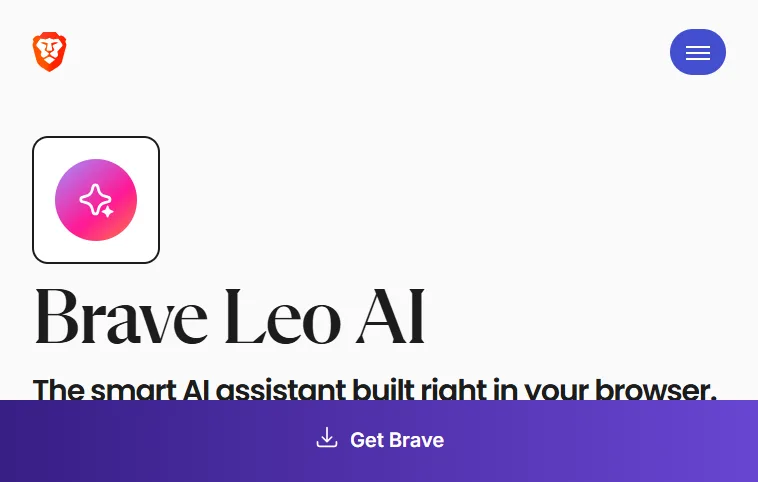
Brave combines AI functionality with a privacy-first architecture. Its AI assistant operates within a tracking-resistant framework, minimizing data exposure.
Designed for prioritizing anonymity, Brave integrates summarization and conversational AI while maintaining strict data protection principles.
Key Features:
- Private AI Processing: Reduces data tracking by handling AI interactions within privacy-controlled environments.
- Automatic Tracker Blocking: Eliminates third-party trackers to improve speed and protect your privacy.
- Content Summarization Tool: Condenses lengthy articles into concise, digestible overviews instantly.
- Tor Integration Mode: Enables anonymous browsing for sensitive research or confidential activities.
Best Use Scenario: Privacy-conscious professionals and security-sensitive users.
Pros:
- AI assistant runs inside a tracking-resistant, privacy-first browser.
- Built-in tracker blocking and Tor mode for sensitive browsing.
Cons:
- Automation is moderate next to research-focused browsers.
- Advanced Leo AI models sit behind a paid tier.
Pricing & Platform: Free, with an optional paid Leo premium tier for advanced AI models. Available on Windows, macOS, Linux, Android, and iOS.
It’s also a good idea to test on Brave to ensure your website functions smoothly across different browsers and devices.
Brave's Leo AI sits inside Brave's privacy-first browser as the assistant built right into the browser.
Verdict: The right choice when you want private summaries without an agent acting on your behalf.
7. Arc Browser
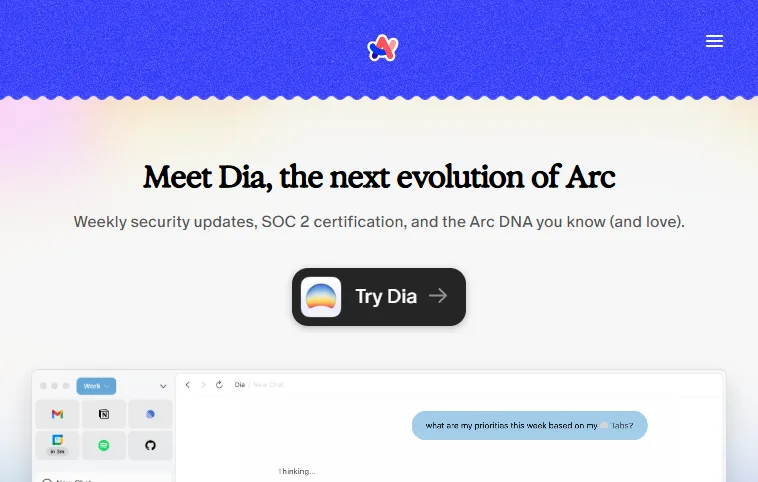
Arc reimagines browser architecture around organization and contextual productivity. It integrates AI-driven tab management, workspace segmentation, and inline commands. Instead of linear tab stacking, Arc structures browsing environments around projects and tasks, enhancing clarity and operational efficiency.
Key Features:
- AI Tab Management: Automatically renames and groups open tabs for structured navigation.
- Split View Interface: Displays multiple websites side-by-side for comparison and multitasking efficiency.
- Workspace Segmentation: Organizes browsing sessions by project, reducing cognitive overload significantly.
- Inline AI Commands: Executes summaries and contextual actions without leaving the active webpage.
Best Use Scenario: Designers, developers, and advanced multitaskers.
Pros:
- Project-based workspaces and AI tab management cut clutter.
- Split view and inline AI commands speed up multitasking.
Cons:
- Steeper learning curve coming from a traditional browser.
- Mobile experience is a companion app rather than the full browser.
Pricing & Platform: Free. Desktop on macOS and Windows, with a companion mobile app.
One caveat worth flagging: Arc's maker, The Browser Company, now leads with Dia as the next evolution of Arc. Arc still works and gets security updates, but active development has shifted to Dia, so weigh that before adopting Arc as your primary browser.
Verdict: Excellent for workspace-driven multitasking, but remember active development has moved to Dia.
8. Sigma AI Browser
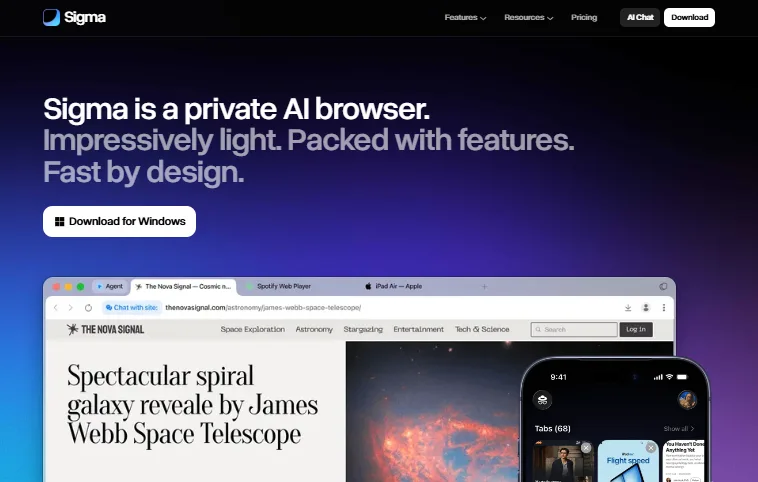
Sigma AI Browser is a private, lightweight AI browser. Its standout feature is Eclipse, a local large language model built into the browser that runs on your device, so prompts and page content are not sent to the cloud for processing.
On top of that on-device model, a Sigma AI agent can take actions for you, such as navigating pages and filling forms, and a built-in Sigma AI Chat handles questions, deep research, image generation, and writing inside a privacy-first, ad-blocking browser.
Key Features:
- Eclipse Local LLM: On-device AI that summarizes, writes, and answers without sending your data to a server.
- Agentic Actions: The Sigma agent navigates pages and fills forms on your behalf.
- Sigma AI Chat: One place to ask questions, run deep research, and generate images or text.
- Privacy and Ad Blocking: Keeps sensitive interaction data local and blocks intrusive ads by default.
Best Use Scenario: Privacy-conscious users who want on-device AI plus agentic browsing in one fast, light browser.
Pros:
- Local LLM keeps prompts and page data on your device.
- Pairs an AI agent with chat and research in a fast, light browser.
Cons:
- An on-device model can trade some raw capability for privacy.
- Smaller ecosystem and community than mainstream browsers.
Pricing & Platform: Free to download. Available on Windows, with mobile builds.
Sigma positions itself as a private, lightweight AI browser with a Windows download and a local Eclipse model.
Verdict: An interesting on-device privacy pitch, but the absence of independent reviews and unverified open-source claims mean you should treat it cautiously until third-party scrutiny catches up.
9. DuckDuckGo Browser
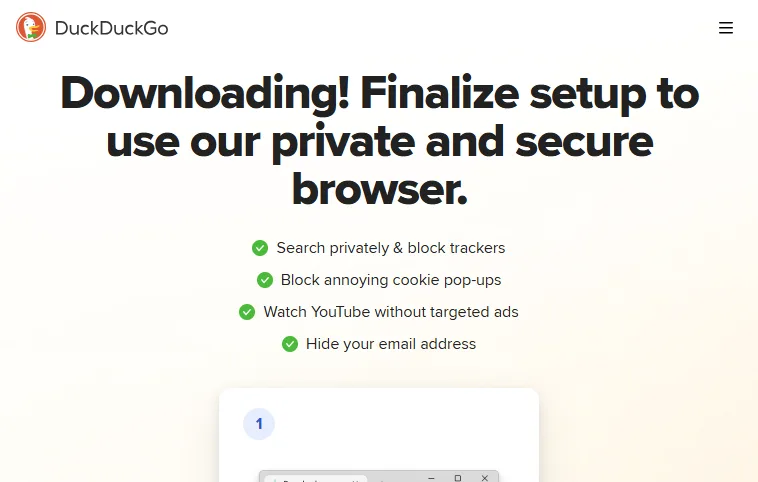
DuckDuckGo Browser is designed around privacy-first browsing with integrated AI-assisted search responses. It blocks trackers by default and minimizes data collection while providing concise AI-generated summaries through its search interface.
The browser prioritizes your anonymity, encrypted connections, and simplified privacy controls.
Key Features:
- Tracker Blocking: Automatically blocks third-party trackers, fingerprinting scripts, and hidden data collection mechanisms during browsing sessions.
- Encrypted Connections: Forces HTTPS connections where available, protecting transmitted data from interception across unsecured networks.
- AI Search Summaries: Generates concise, citation-based answers directly within search results, reducing reliance on multiple tabs.
- Private Search Infrastructure: Does not store personal search history or create behavioral profiles tied to user identity.
Best Use Scenario: You can prioritize data privacy, minimal tracking exposure, and secure browsing across Windows, Android, and macOS environments.
Pros:
- Strong default privacy with tracker blocking and minimal data collection.
- AI search summaries reduce reliance on multiple tabs.
Cons:
- AI focuses on search summaries, not multi-step automation.
- No agentic task execution like Comet, Atlas, or Fellou.
Pricing & Platform: Free. Available on Windows, macOS, Android, and iOS.
DuckDuckGo's browser foregrounds private search, tracker blocking, and cookie-popup handling over AI automation.
Verdict: A strong privacy-first default for everyday search; lean on !bangs and keep AI expectations modest.
10. Genspark AI Browser
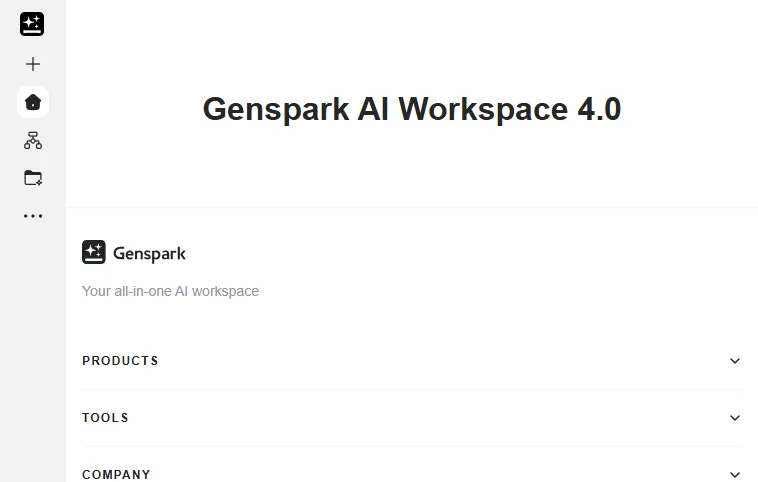
Genspark AI Browser is an AI-native browser built around the broader Genspark AI workspace. Instead of a passive tab, it pairs browsing with an agentic assistant that can research, generate documents, and run tasks across the open page.
It suits users who want browsing and AI content creation in one surface rather than switching between a browser and separate AI tools.
Key Features:
- Agentic Super Agent: Runs multi-step research and task workflows using multiple underlying AI models from inside the browser.
- Built-In Content Tools: Generates slides, documents, images, and code directly from the active workspace without external apps.
- Local Client Integration: The Genspark desktop client can operate your files and browser, connecting on-page context to local tasks.
- Cross-Surface Workspace: Syncs the same AI workspace across the browser, desktop, and mobile apps for continuity.
Best Use Scenario: Professionals who combine research with frequent content creation across slides, docs, and code.
Pros:
- Pairs browsing with an agentic assistant and built-in content tools.
- Generates slides, docs, images, and code without leaving the workspace.
Cons:
- No dedicated mobile browser app; desktop-only builds.
- Broad workspace scope can feel heavier than a focused browser.
Pricing & Platform: Free to download; advanced agent usage may require a paid plan. Available on Windows and macOS.
The Genspark all-in-one AI workspace, which the Genspark AI Browser plugs into, leads with research and content generation.
Verdict: A powerful workspace held back by a steep, under-documented learning curve.
11. Fellou AI Browser

Fellou markets itself as an agentic browser focused on doing, not just reading. It executes multi-step web tasks end to end, moving data between apps and completing workflows that usually require manual clicking across several sites.
It targets users who want the browser to act as an operator, with a review step before each action rather than full blind autonomy.
Key Features:
- Deep Action Agent: Plans and runs complex multi-step tasks across multiple websites and applications automatically.
- Cross-App Workflows: Pulls and pushes data between services, handling logins and authentication during the flow.
- Step-by-Step Review: Surfaces the planned actions so you can inspect or intervene before the agent proceeds.
- Task Scheduling: Automates recurring browsing jobs and is backed by the open-source Eko framework.
Best Use Scenario: Power users automating repetitive cross-site workflows such as data collection and outreach.
Pros:
- Genuinely agentic, completing multi-step web tasks end to end.
- Step-by-step review lets you intervene before actions run.
Cons:
- Granting login and action permissions raises the security review bar.
- Early-access product, so expect rough edges and rapid changes.
Pricing & Platform: Free to download in early access; advanced automation may require a paid plan. Desktop app for macOS and Windows.
Fellou bills itself as the world's first agentic browser, built around doing tasks rather than just reading.
Verdict: Promising for power-user automation, but it is early-access, beta-gated, and demands real security caution.
How to Choose the Right AI Browser
Choose an AI browser based on task automation needs, security requirements, platform compatibility, and personalization features.
However, with the diverse functionalities across AI browsers, you need to decide the best fit for your needs. Here are some key considerations to guide your choice:
- Task Automation: Identify the tasks you need automated. AI browsers manage summarization, travel bookings, research, and coding workflows efficiently, reducing repetitive manual actions across websites and applications.
- Security vs. Functionality: Compare security needs with browser capabilities. Some AI browsers include ad-blocking and secure protocols, providing protected browsing without compromising essential AI features or productivity.
- Platform Compatibility: Verify OS support for your AI browser, such as Windows, Android, or macOS. Ensuring compatibility avoids integration issues and maintains workflow continuity across devices. If you are choosing for a phone, our best AI browsers for Android guide compares the mobile-first options in depth.
- Personalization Features: Consider AI browsers that adapt to habits over time, including content recommendations and customized navigation, providing more efficient and tailored browsing experiences.
- Tab Management: A single research session can sprawl into dozens of open tabs fast. If that is your main frustration, pick a browser that auto-groups related tabs, summarizes across them, surfaces related content, and restores your previous context, so you spend less time hunting for the right tab.

Are AI Browsers Safe? Security and Privacy Risks
AI browsers are generally safe for everyday browsing, but agentic features that read pages and act on your behalf add risks that traditional browsers do not have. The two that matter most are prompt injection and the privacy of data sent to the cloud.
Prompt injection: When an AI browser reads a page to summarize or act on it, hidden instructions inside that page can hijack the agent. The OWASP Top 10 for LLM Applications ranks prompt injection as LLM01, its number one risk, because crafted inputs can lead to unauthorized actions and data exposure. For an agentic browser with access to your logged-in sessions, that can mean acting on a malicious instruction it found on a webpage.
Data privacy: Summarization and reasoning often happen in the cloud, which means page content, and sometimes content from authenticated pages, can leave your device for processing. Review each browser's data handling policy before granting it access to email, banking, or internal tools.
Practical steps to stay safe:
- Limit permissions: Grant agent access per task instead of standing access to every site and account.
- Keep a human in the loop: Review planned actions before confirming anything involving payments, messages, or form submissions.
- Separate sensitive sessions: Use a non-AI profile or a privacy-first browser like Brave or DuckDuckGo for banking and confidential work.

Beyond Browsing: AI Agents That Help You Build, Test, and Release Apps
AI browsers stop at the browsing layer. Once you start shipping software, separate agents take over the build, test, and release steps that follow.
- Build: Several browsers covered above, including Perplexity Comet, Genspark, and ChatGPT Atlas, generate basic sites and app scaffolding from a prompt. For work that goes past a prototype, terminal-based agentic coding CLI tools read your repository and edit files directly.
- Test: KaneAI by TestMu AI turns plain English instructions into test cases, runs them across real browsers and devices, and updates the steps when the UI changes. When the system under test is itself an agent, Agent Testing checks the decisions it makes and the tools it calls.
- Release: Agents summarize what changed between two builds, draft the release notes from those commits, and point out the changes most likely to break something. After the deploy goes out, they watch error rates and flag regressions, so the team hears about a bad release from a monitor instead of a customer.
Final Words
Start by matching the browser to the job: pick Comet for research, ChatGPT Atlas for conversational browsing, Edge with Copilot for Windows work, and Brave with Leo or DuckDuckGo when privacy comes first. Try one as a secondary browser before switching your daily driver, and keep a human review step on any agentic action that touches accounts or payments.

Note: This article was researched and drafted with AI assistance, then reviewed, fact-checked, and published by Salman Khan, Test Automation Evangelist at TestMu AI, whose listed expertise includes cross-browser testing and AI in testing. Every product claim, link, and statistic was verified against primary sources. Read our editorial process and AI use policy for details.
Author

Salman Khan
Blogs: 138


Salman is a Test Automation Evangelist and Community Contributor at TestMu AI, with over 6 years of hands-on experience in software testing and automation. He has completed his Master of Technology in Computer Science and Engineering, demonstrating strong technical expertise in software development, testing, AI agents and LLMs. He is certified in KaneAI, Automation Testing, Selenium, Cypress, Playwright, and Appium, with deep experience in CI/CD pipelines, cross-browser testing, AI in testing, and mobile automation. Salman works closely with engineering teams to convert complex testing concepts into actionable, developer-first content. Salman has authored 120+ technical tutorials, guides, and documentation on test automation, web development, and related domains, making him a strong voice in the QA and testing community.
Reviewer

Srinivasan Sekar
Reviewer
Srinivasan Sekar is Director of Engineering at TestMu AI (formerly LambdaTest), where he leads engineering and open-source initiatives behind the Selenium and Appium automation grid and owns TestMu AI's MCP Server. A committer to Appium and a contributor to Selenium, WebdriverIO, Taiko, and AppiumTestDistribution, he brings over 15 years of experience in quality engineering and open-source technologies. He is the author of the Apress book 'The MCP Standard: A Developer's Guide to Building Universal AI Tools with the Model Context Protocol,' a Certified Kubernetes and Cloud Native Associate, and an international conference speaker. Before TestMu AI he spent over eight years at Thoughtworks as a Principal Consultant and Quality Architect. Srinivasan holds a B.Tech in Information Technology from Anna University.


Frequently asked questions: AI Browsers
Did you find this page helpful?
More Related Blogs
TestMu AI forEnterprise
Get access to solutions built on Enterprise
grade security, privacy, & compliance
- Advanced access controls
- Advanced data retention rules
- Advanced Local Testing
- Premium Support options
- Early access to beta features
- Private Slack Channel
- Unlimited Manual Accessibility DevTools Tests