
Test Your Website On Internet Explorer Simulator Online
Test on Latest and Legacy Versions Of Internet Explorer Simulators to Ensure Cross Browser Compatibility. Watch in Action
Watch in Action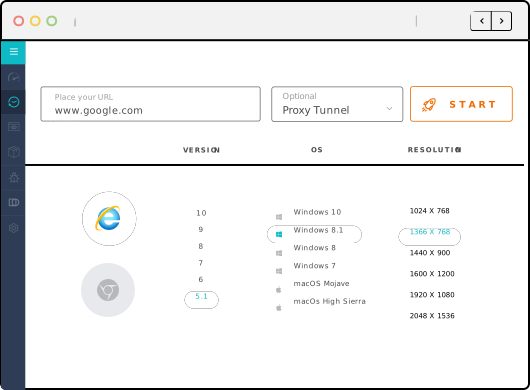
Perform Live-Interactive Test On Internet Explorer Simulator
Make sure that your website or web application is providing a perfect experience to users. Leverage TestMu AI to run compatibility tests on Internet Explorer Simulators across IE11, IE10, IE9, IE8, & IE7.
Start TestingSelenium Cross Browser Testing Grid Online
Run Selenium tests across the latest and legacy browsers like Internet Explorer using simulators on the cloud. Develop, test, and deliver faster every time with automated cross browser testing using TestMu AI.
Get Started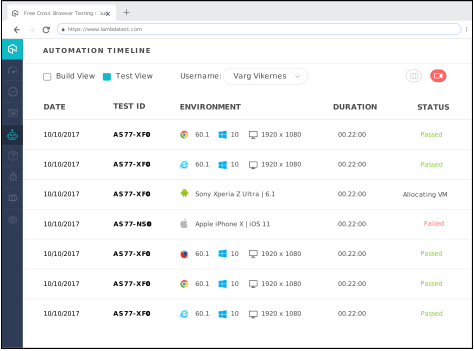
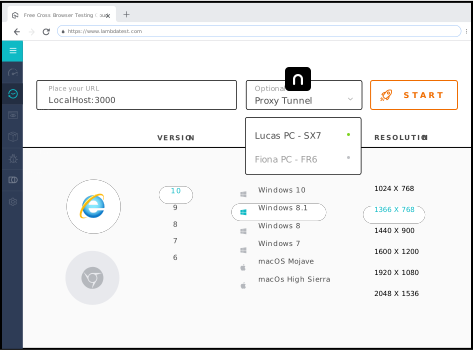
Perform Local Cross Browser Testing On Internet Explorer Simulator
With TestMu AI you can test your locally hosted web pages on Internet Explorer using simulators on the cloud and connecting through a secure shell connection hosted as TestMu AI Tunnel.
Start TestingNEED UNLIMITED MINUTES FOR TESTING ON IE SIMULATOR?
Our paid plans start at only $15/month.
See Plans & PricingSign Up
Test on Internet Explorer Simulator across IE 11, IE 10, IE 9, IE 8, IE 7
Choose from a range of browser versions to test on IE Simulator, and ensure that your customers get a pixel-perfect experience irrespective of the browser version they are using.
Start TestingOne-Click Debug On Internet Explorer Simulator
While performing cross browser testing on Internet Explorer Simulators, you can also debug with ease! This can also be done while testing your locally hosted web application on our IE Simulator.
Developer Tools
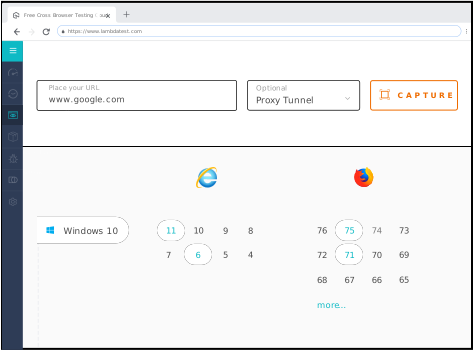
Faster Automated Screenshot Testing On Internet Explorer Simulator
Our Automated Screenshot Generation feature helps you rapidly test the layout of your web app on different versions of Internet Explorer using our Simulator on the cloud.
Automated Screenshot TestingSeamless Collaboration And Testing
Log issues and communicate instantly during test sessions with your team through our in-built issue tracking tool. You can create, view, edit, and assign issues to team members with related screenshots and videos. You can also share the issues via email or Slack, or log them directly in Jira.
See All Integrations
Live Interactive Cross Browser Testing On IE Simulator
Perform live interactive testing of your public or locally hosted websites and web apps on our Internet Explorer Simulator.
Geolocation Testing On Internet Explorer Simulator
Test your website from different locations on the IE Simulator to ensure a pixel-perfect experience across the globe. You can test for Geo Targeting, Geo Blocking, Geo Localization across 170+ countries including India, Japan, United States, Canada, Germany, UK, Australia and more.
Geolocation Testing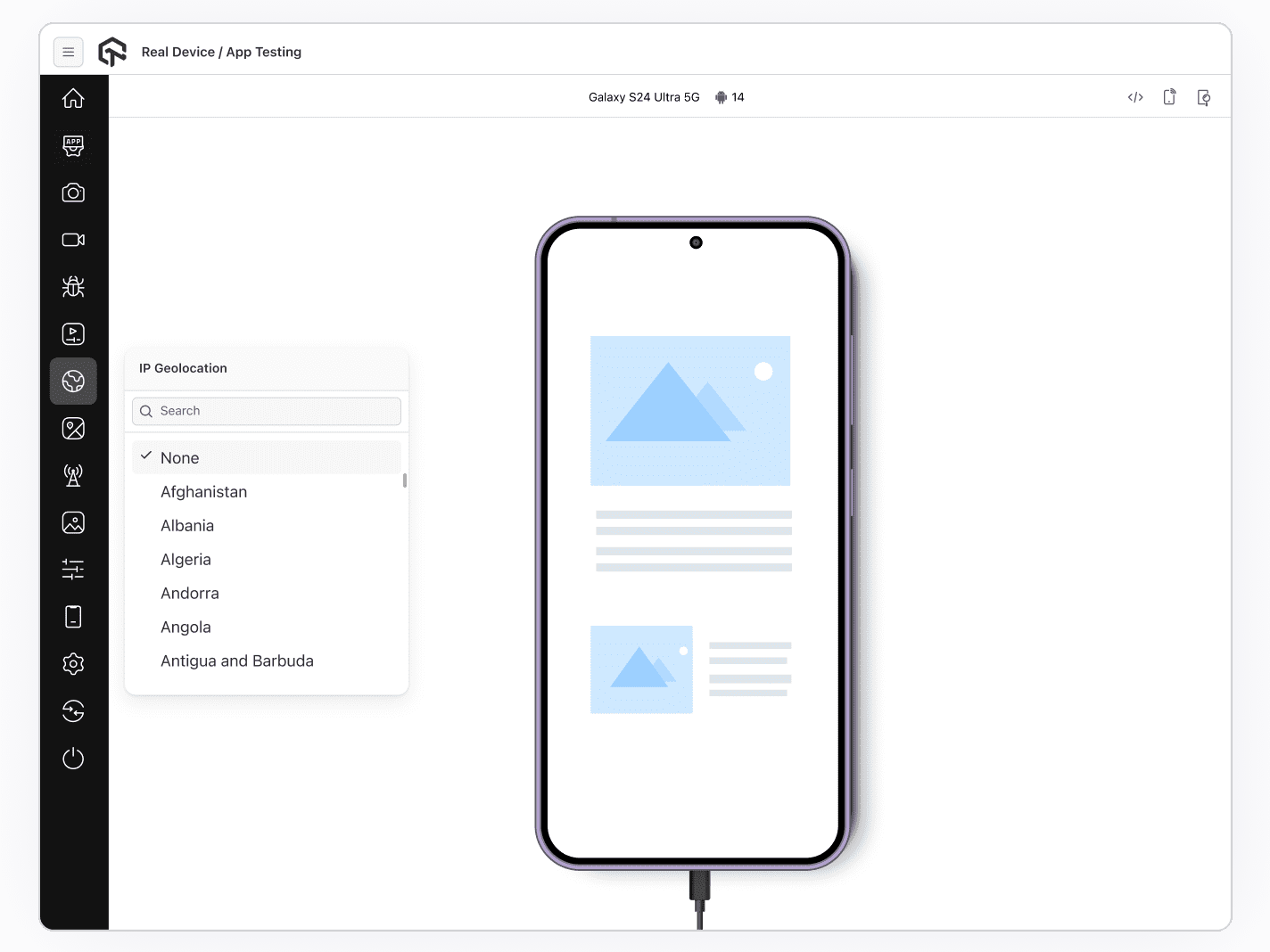
24/7 Support From Our Tech Experts
Got questions?
We have you covered. Our tech experts are available 24/7. You can get in touch with us by filling out the contact form, messaging in-app, or calling us. You can also write to us at support@testmuai.com and we'll get back to you in no time.
Give us a ShoutWe have you covered. Our tech experts are available 24/7. You can get in touch with us by filling out the contact form, messaging in-app, or calling us. You can also write to us at support@testmuai.com and we'll get back to you in no time.
FREQUENTLY ASKED QUESTIONS
Why is it important to test websites on Internet Explorer?
Microsoft retired the Internet Explorer 11 desktop app on 15 June 2022, but IE mode in Microsoft Edge remains supported for legacy websites and apps. Businesses that still run such sites in IE mode need them to render and work correctly, so it remains important to test those websites on Internet Explorer.
What is an Internet Explorer Simulator?
An Internet Explorer Simulator mimics an Internet Explorer browser. It helps developers and testers to quickly test their websites on Internet Explorer.
What are the limitations of testing with the IE Simulator?
IE Simulators just simulate an Internet Explorer browser experience and are generally slower than the IE browser on a real device. Developers and QA testers cannot replicate the specific CSS support and how certain interactions will function on a real device IE browser. Performing the tests on Internet Explorer is inadequate without running them on a real device.
What is Modern.ie?
Modern.ie was Microsoft's set of free tools for testing websites in multiple browsers, including legacy Internet Explorer versions and mobile devices. Microsoft has since retired it.
What is a remote Internet Explorer browser (RemoteIE)?
RemoteIE was a free Microsoft service that let you run Internet Explorer on Windows 10 from platforms such as Windows, Mac OS X, iOS, and Android, without installing an OS or virtual machine. Microsoft has discontinued it.
How can I test the website on IE with TestMu AI?
TestMu AI offers a range of real IE browsers. You can perform live-interactive and automated browser testing on multiple IE versions like IE11, IE10, IE9, IE8, IE7 on real operating systems. Just register on TestMu AI, select configuration, and start testing on IE.