

Next-Gen App & Browser Testing Cloud
Trusted by 2 Mn+ QAs & Devs to accelerate their release cycles


On This Page
- Importance of Web Design Tools
- Choosing the Right Web Design Tool
- Web Design Tools for Website Creation and Development
- Web Design Tools for Collaboration
- Web Design Tools for Marketing
- Web Design Tools for eCommerce
- Web Design Tools for Graphic Designers/UI/UX Designers
- Web Design Tools for Coding/Debugging
- Web Design Tools for Wireframing/Mockups

45 Web Design Tools For Developers In 2026
Looking for the best web design tools to use in 2026? Check out our comprehensive list and find the perfect tool for your project today.

Mythili Raju
February 3, 2026
The use of web design tools helps create websites quickly and effectively. These tools offer a variety of functions that let designers generate and improve websites. Web design tools enable users to unleash their creativity and develop visually appealing and useful websites due to their user-friendly interfaces and extensive features.
Having the appropriate tools is crucial in the constantly evolving field of web design. Using the best web design tools can improve your creativity, productivity, and project management. Explore the web design tools available to help meet your objectives!
In this blog, we will explore some of the most popular web design tools and their key features to help you choose the right one for your project. Whether you’re a beginner or an experienced designer, these web design tools will help you create stunning websites that stand out in today’s competitive digital landscape. The list below includes tools used for collaboration, marketing, graphic design, coding, wireframing, and much more.
Let’s get started!
Why are Web Design Tools important?
Web design tools save time, improve efficiency, and help create engaging websites that convert visitors into users through streamlined workflows and professional features.
Web design tools can help save time, work more effectively, and build websites that effectively engage and convert users. Here's a list of reasons why web design tools are important:
- Good impression: A visually appealing design that attracts people to explore increases the possibility of converting visitors into users.
- Improving SEO and User Experience: To improve user experience and search engine optimization, use simple navigation, quick page loads, and mobile friendliness.
- Representing Brand Identity: Use web design tools to incorporate elements of your brand, such as logos, shades, and layout, into your website.
- Building Credibility and Trust: By showing visitors that you respect professionalism and quality, it is more likely that they will consider your brand trustworthy.
- Promoting Consistency: A consistent user experience across pages and platforms improves customer satisfaction.
- Stand Out from Competition: You can establish a unique online identity that attracts the target audience using web design tools.
How to Choose the Right Web Design Tool?
Choose based on ease of use, project complexity, integration needs, budget, and customization options that match your skill level and design requirements.
Choosing the best web design tool for your needs is crucial when creating a website. When choosing a web design tool, keep the following points in mind:
- Easy to Use: Choose a design environment that is user-friendly and appropriate for your level of expertise.
- Project Type and Complexity: While some tools are better suited for straightforward websites or blogs, others provide cutting-edge features for complex web applications. So decide what is best for you.
- Integration: If you need to work with clients, consider the tool’s integration and collaboration options. To manage your workflow seamlessly, see if the product interfaces with other programs or platforms you use.
- Price: Examine the web design tool’s price to see whether it fits within your budget. Other tools demand a subscription or one-time payment, while some offer free or open-source choices.
- Customization: Determine whether you can simply change the templates, designs, colors, and typography to suit your tastes in design.
What Are the Web Design Tools for Website Creation and Development?
Top tools include LT Browser 2.0, Google Web Designer, and Adobe Dreamweaver, offering responsive testing, HTML5 support, and visual coding capabilities.
Web design tools for website creation and development simplify building functional websites. With the help of their user-friendly interfaces, pre-built templates, and drag-and-drop functions, these tools enable users to create websites without any prior coding knowledge.
1. LT Browser 2.0
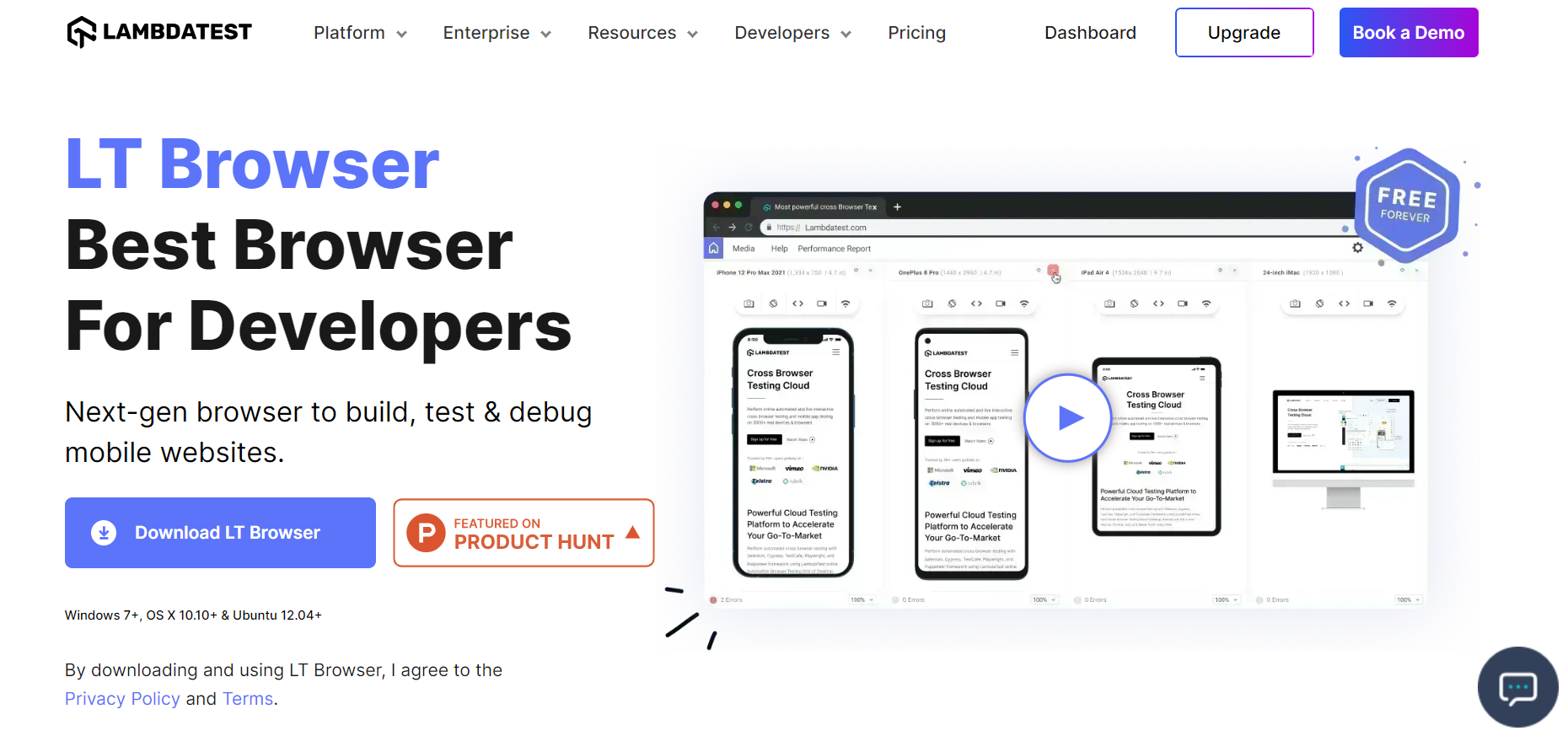
LT Browser 2.0 is a dev-friendly browser by TestMu AI, an AI-powered test orchestration and execution platform that allows developers and testers to perform manual and automation testing on their web and mobile applications over more than 3000+ browser and OS configurations.
Built on Chromium, LT Browser 2.0 offers extensive support for 53+ device viewports enabling seamless building, testing, and debugging of mobile websites and web applications.
With LT Browser 2.0, you can interact and test with multiple device viewports simultaneously, debug mobile views faster using dedicated Chrome DevTools, and generate responsive bug reports to share with your team. Additionally, you can create custom device viewports, generate performance reports, and integrate with popular project management tools. The standout feature is that developers can ensure website responsiveness at no cost. It offers a range of features that enhance your web design process and streamline testing.

Note: Test your mobile websites on 53+ device viewports
Advantages of LT Browser 2.0:
- Next-Gen Browser: LT Browser 2.0 is a cutting edge browser specifically designed for developers and testers, enabling them to build, test, and debug mobile websites and web applications across a wide range of device viewports.
- Extensive Device Viewports: With LT Browser 2.0, developers have access to over 53 device viewports, covering a wide range of popular devices, platforms, and screen resolutions, ensuring comprehensive testing and accurate representation of mobile experiences.
- Enhanced Debugging Capabilities: The browser provides advanced debugging capabilities, allowing developers to inspect and troubleshoot their web applications effectively, identify and resolve issues, and optimize performance for a seamless user experience
2. Google Web Designer
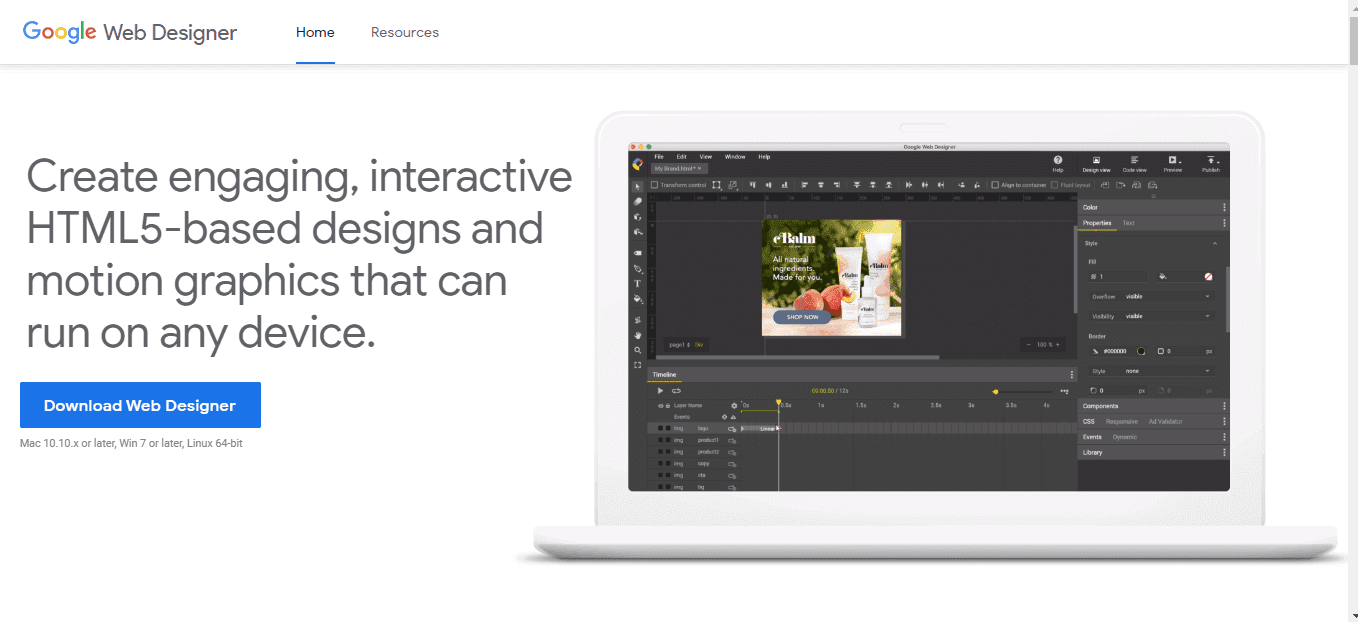
Google Web Designer is a user-friendly online design tool that supports CSS, HTML5, and JavaScript. Its major objective is to offer engaging content. Basic shapes, CSS animations in 3D, and text overlays are just a few of the things it offers. The tool provides an extensive range of color choices for precise changes to the design. In addition, it offers a library of pictures and videos that can be used for marketing.
Advantages of Google Web Designer:
- Modern Design Support: With robust HTML5 and CSS3 capabilities, the tool empowers designers to create visually stunning and interactive web content.
- Responsive Design Made Easy: Google Web Designer enables the creation of responsive websites that seamlessly adapt to different devices and screen sizes.
- Engaging Animations and Interactivity: Built-in animation and interactive features allow designers to enhance their web designs with captivating elements.
Drawbacks of Google Web Designer:
- Design Limitations: While Google Web Designer offers diverse capabilities, it may have specific limitations when compared to more advanced web design tools, affecting design customization.
3. Adobe Dreamweaver
Among the top web designers tools available, Adobe Dreamweaver is, without a doubt, one of the best. You don’t need major programming knowledge to use it, as you can directly code the website’s design. The key benefit of Dreamweaver is that it can assist you in creating a responsive web design. This will enable you to provide people on desktop computers and mobile devices with a seamless experience on your website.
Advantages of Adobe Dreamweaver:
- Powerful Coding Environment: Adobe Dreamweaver provides a robust coding environment with features like syntax highlighting, code validation, and auto-complete, empowering web developers.
- Visual Design Tools: With its visual interface and code view, Dreamweaver allows designers to create visually stunning websites without extensive coding knowledge.
- Seamless Integration: Dreamweaver integrates smoothly with other Adobe Creative Cloud apps, allowing designers to leverage shared assets and streamline workflows.
Disadvantages of Adobe Dreamweaver:
- Resource Requirements: Dreamweaver can be resource-intensive, demanding a high-performance computer system, potentially limiting accessibility for users with lower-spec machines.
- Code Efficiency: Using automatic code generation and visual design tools in Dreamweaver can sometimes result in bloated or inefficient code, requiring manual testing for improved performance.
What Are the Web Design Tools for Collaboration?
Popular collaboration tools include Sketch, Monday, InVision Studio, Marvel, Trello, Framer, and Slack, enabling real-time teamwork and seamless feedback sharing.
Web design tools enhance teamwork and foster seamless communication among design teams. These tools enable team members to collaborate and share ideas on web design projects effortlessly. By enabling communication and collaboration, these tools enable design teams to work more efficiently, resulting in superior design outcomes and heightened project success. Here are some of the popular web design tools:
4. Sketch
Sketch is a popular and widely used web design tool known for its powerful capabilities. As a vector-based platform, it builds prototypes and interfaces for apps and websites while avoiding unnecessary clutter. It offers easier revision management and document organization. Its vector-based nature also ensures smaller file sizes and the built-in grid simplifies interface design. With the different Sketch plugins available, designers can improve their workflow for a more streamlined and effective design process.
Advantages of Sketch:
- Simple User Interface: Offers a user interface that is easy to use and makes it simple to generate designs that look appealing.
- Scalable vector editing: Design elements can be flexible, resulting in high-quality images on screens of all sizes.
- Powerful Prototyping: It provides robust prototyping capabilities, enabling designers to create interactive prototypes and showcase design interactions effectively.
Disadvantages of Sketch:
- Limited OS Compatibility: It is only compatible with macOS, which restricts its usage for designers who work on other operating systems.
- Collaboration Limitations: While Sketch supports collaboration to some extent, it needs real-time features, making team collaboration less seamless than other tools.
5. Monday
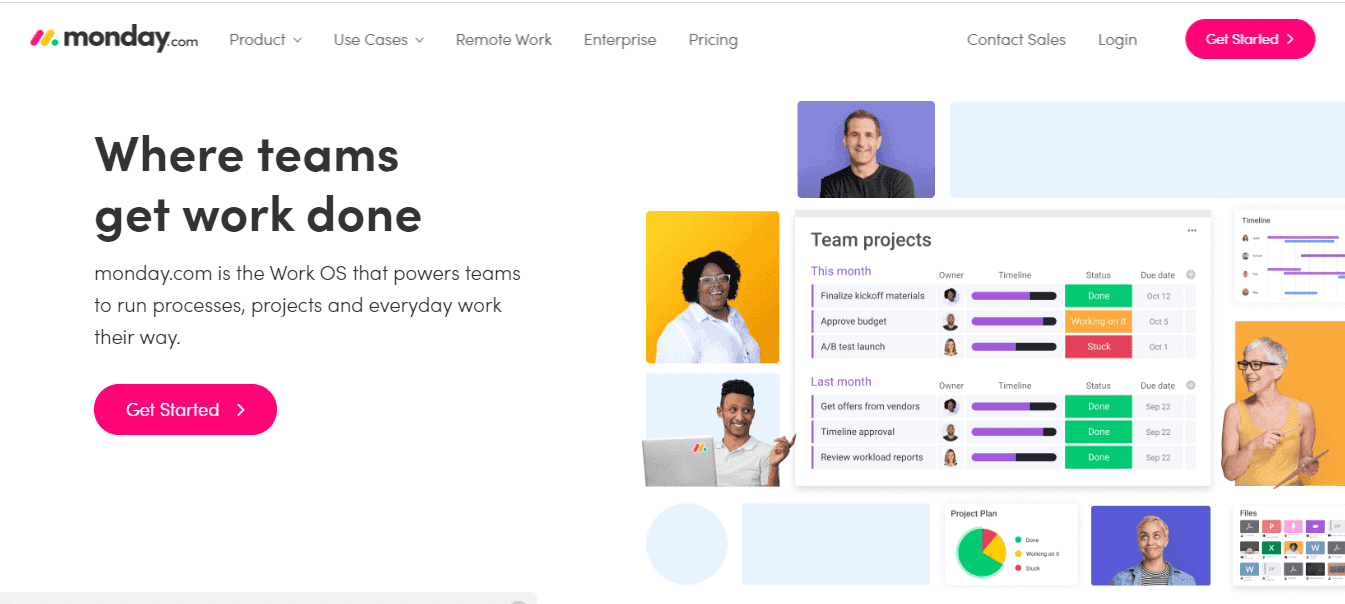
Monday plays a vital role in project management for web design projects. It enables seamless collaboration between developers and designers, ensuring alignment and effective communication. Stakeholders can also be involved in providing feedback on designs. With a comprehensive range of workflow stages, Monday caters to the diverse needs of design teams, accommodating various phases such as backlog management, exploration, analysis, review, design, and completion. By utilizing Monday, web design projects can be efficiently managed and progress smoothly throughout the entire workflow.
Advantages of Monday:
- Effective Collaboration: Monday fosters seamless collaboration between designers, developers, and stakeholders, enabling real-time communication and feedback sharing.
- Streamlined Workflow Management: Monday provides comprehensive tools for organizing tasks, setting deadlines, and monitoring progress, ensuring efficient web design project management.
- Customizable Workflows: You can tailor workflows to match your specific design processes, automating repetitive tasks and optimizing productivity.
- Improved Visibility and Accountability: It enhances team transparency by offering clear task status tracking, project timelines and identifying potential bottlenecks.
Disadvantages of Monday:
- Learning Curve: Like any project management tool, Monday may require some time and effort to grasp its features and utilize them effectively and thoroughly.
- Cost Considerations: Depending on team size and feature requirements, the cost of using Monday may be a factor, especially for smaller-scale or individual designers.
6. InVision Studio
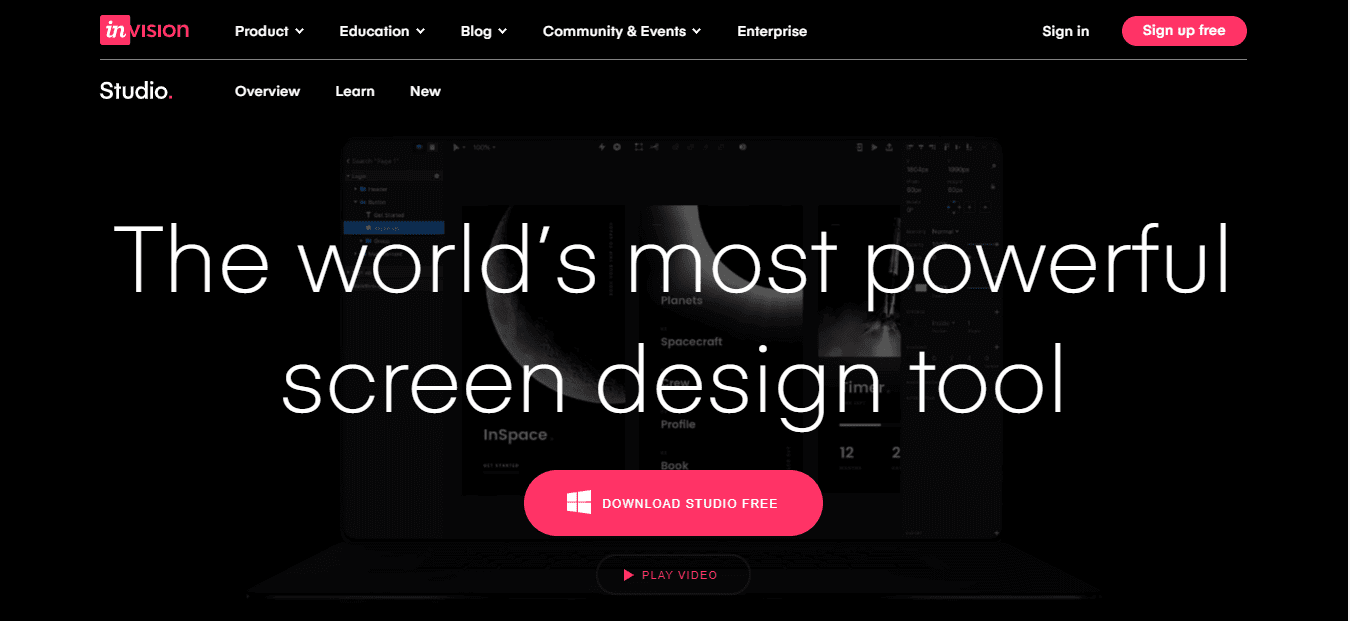
Designers have access to a wide variety of features using InVision Studio. It is a collaborative and flexible platform that offers responsive design and promotes rapid prototyping. InVision Studio specializes in animation and is great at creating complex and creative transitions. The tool also has a design engine that seamlessly adapts designs for various screen sizes so that responsive designs can be created easily and quickly. With InVision Studio, designers can focus on their designs without having to worry about technological concerns.
Advantages of InVision Studio:
- Capabilities for Responsive Web Design: Create responsive web pages that change according to the screen size and device used.
- Collaboration: Team members work together effectively and exchange valuable feedback on designs.
- Seamless Design System Integration: Integrates with design systems, promoting consistency and efficiency across multiple projects, saving time and effort.
Drawbacks of InVision Studio:
- Limited Compatibility: InVision Studio may have limitations in compatibility with other design tools, requiring additional steps for file sharing or compatibility with external software.
7. Marvel
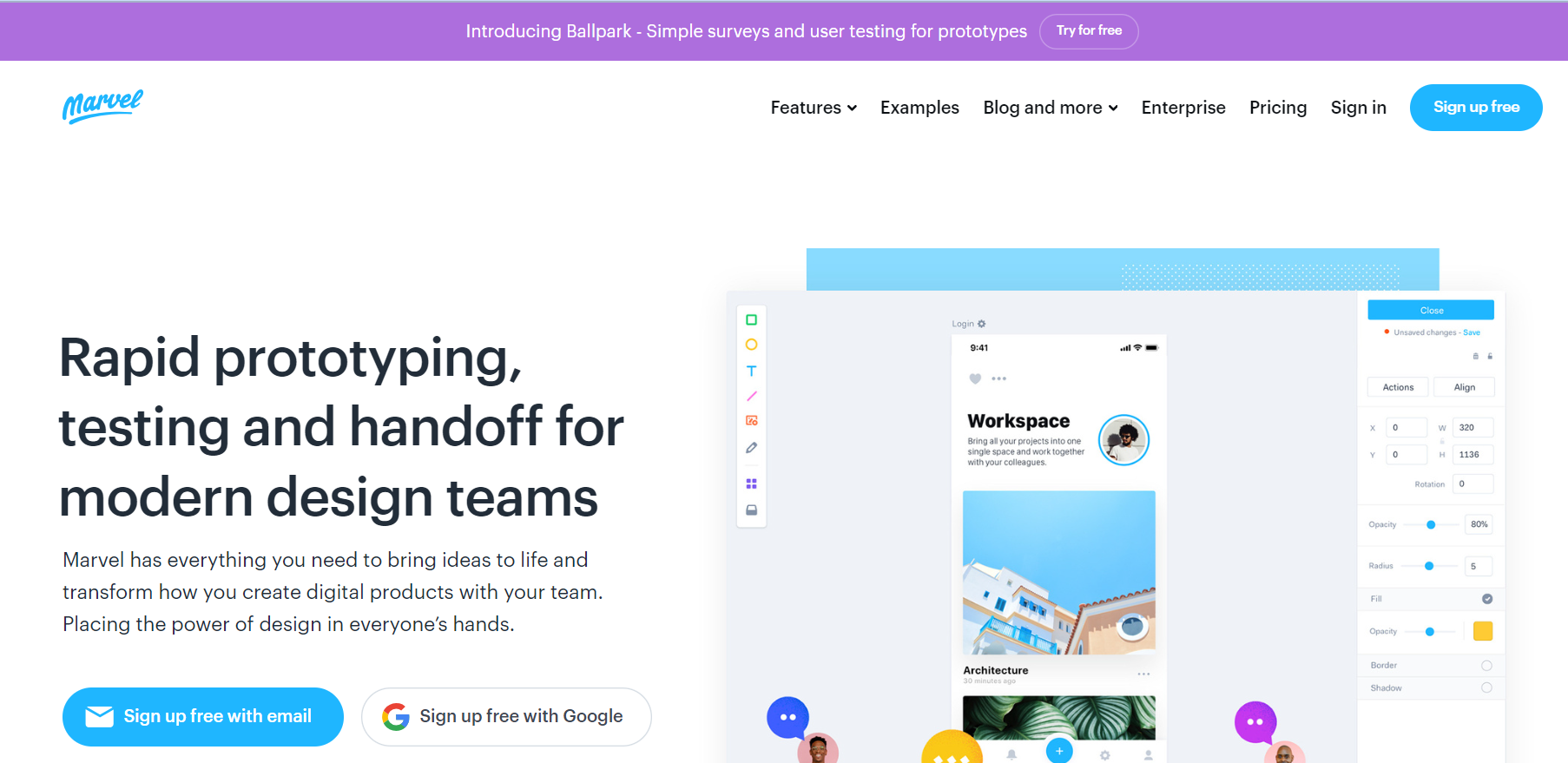
Marvel is a powerful and intuitive tool that accelerates the wireframing, design, and prototyping phases. It empowers design teams with an instant generation of design specifications and seamless integrations to enhance their workflow. Transforming design mockups into interactive prototypes becomes effortless without the need for coding expertise.
Advantages of Marvel:
- Intuitive Interface: It offers a user-friendly interface, allowing designers of various skill levels to realize their design ideas.
- Enhanced Workflow Integration: Marvel Studio integrates with popular design tools and platforms, enhancing productivity and allowing for smooth workflow integration.
Disadvantages of Marvel:
- Export Limitations: Marvel Studio may have limitations when exporting design assets or generating code, which can be restrictive for specific development workflows.
8. Trello
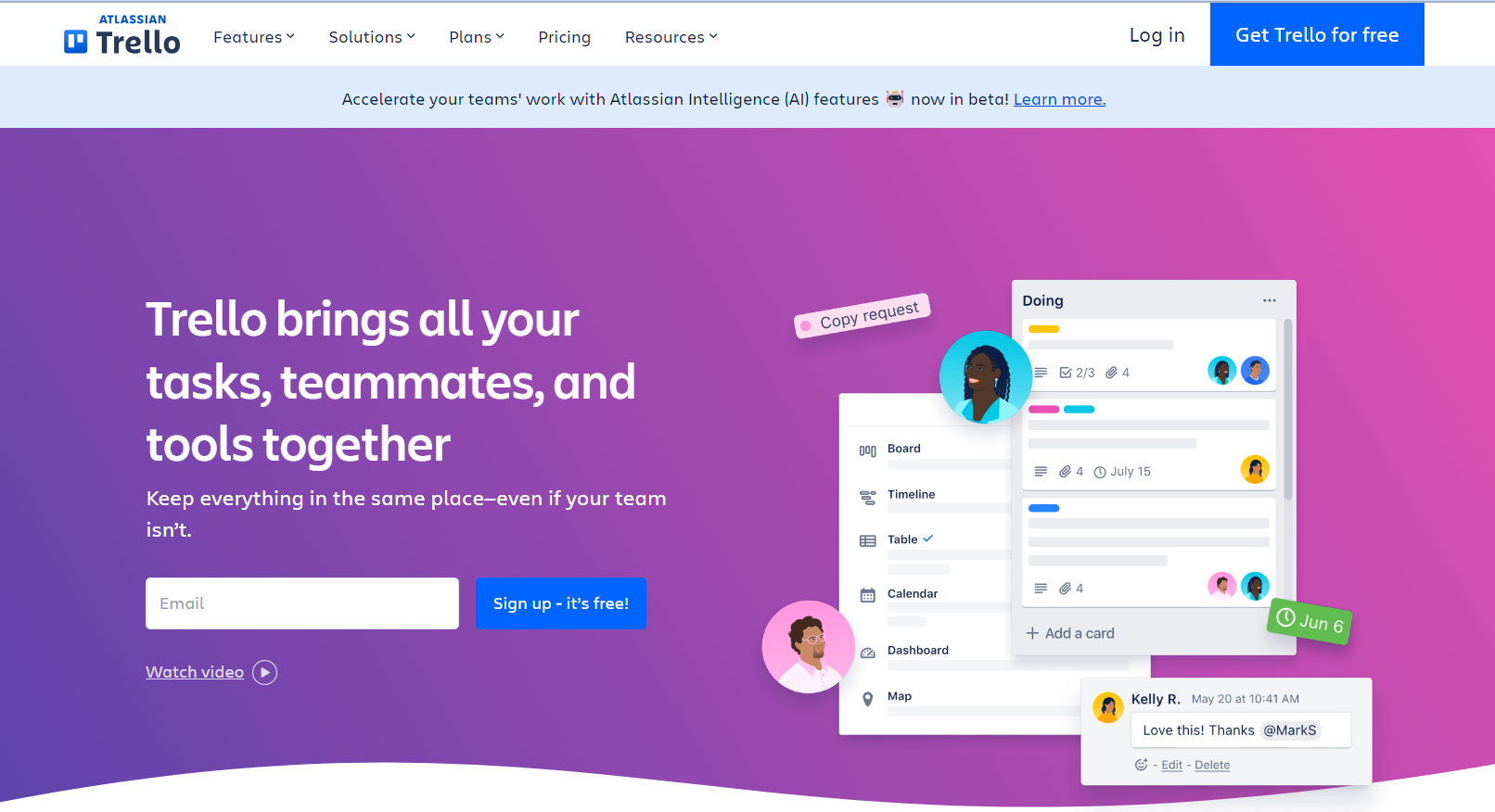
Trello is a versatile and collaborative project management tool that simplifies team coordination and task management. With its transparent approach, Trello enables all team members to track ongoing projects, tasks, and assignments. Its drag-and-drop functionality makes it ideal for web design projects, allowing seamless task prioritization and workflow optimization.
Trello’s digital collaboration tool transcends geographical barriers, ensuring productivity in distributed work environments. While it excels in web design, Trello’s comprehensive task management capabilities enhance communication, coordination, and productivity across various projects.
Advantages of Trello:
- Visual Project Management: Trello provides an intuitive interface for managing web design projects visually, ensuring tasks and deadlines are organized efficiently.
- Customizable Workflow: Trello’s flexibility allows users to tailor boards, lists, and cards to their specific workflow, adapting to different project management approaches.
- Integration Capabilities: Trello integrates with popular tools like Slack and Google Drive, enabling seamless workflow integration.
Disadvantages of Trello:
- Limited Advanced Features: While Trello is suitable for essential project management, it may lack advanced features needed for complex web design projects, potentially requiring additional tools or workarounds.
- Learning Curve for Complex Projects: Managing larger or intricate projects in Trello may require a learning curve to optimize board organization and maximize efficiency.
9.Framer
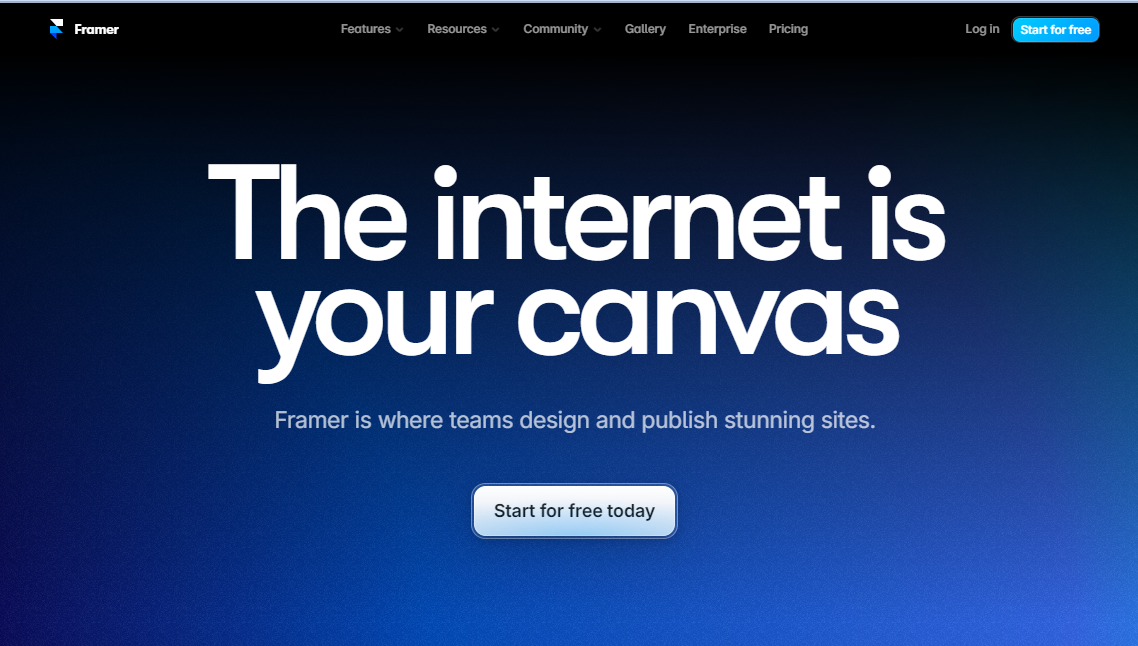
Framer is a versatile web design tool that allows you to design and publish websites with ease. Its integrated content management system (CMS) enables you to scale your content efficiently.
One of the standout features of Framer is its AI-powered capabilities, which simplify the creation of new pages with localized copy. Additionally, the tool can rewrite your copy to adjust its tone, providing flexibility and enhancing the overall user experience.
Advantages of Framer:
- Powerful Prototyping: Its robust prototyping capabilities allow designers to create interactive and high-fidelity prototypes.
- Integrated Design Tools: It provides integrated design tools that streamline the design process, such as design systems, components, and reusable code.
- Advanced Animation: It offers advanced animation features, making it easier to create dynamic and engaging user interfaces.
- AI-Powered Features: It’s AI-powered features, such as content management and copy rewriting, can help designers work more efficiently and creatively.
Disadvantages of Framer:
- Limited Browser Support: Its designs may not be fully compatible with all browsers, which could limit the reach of your website.
- Complexity:Users may find Framer too complex for their needs, especially if they are looking for a simpler web design tool.
10. Slack
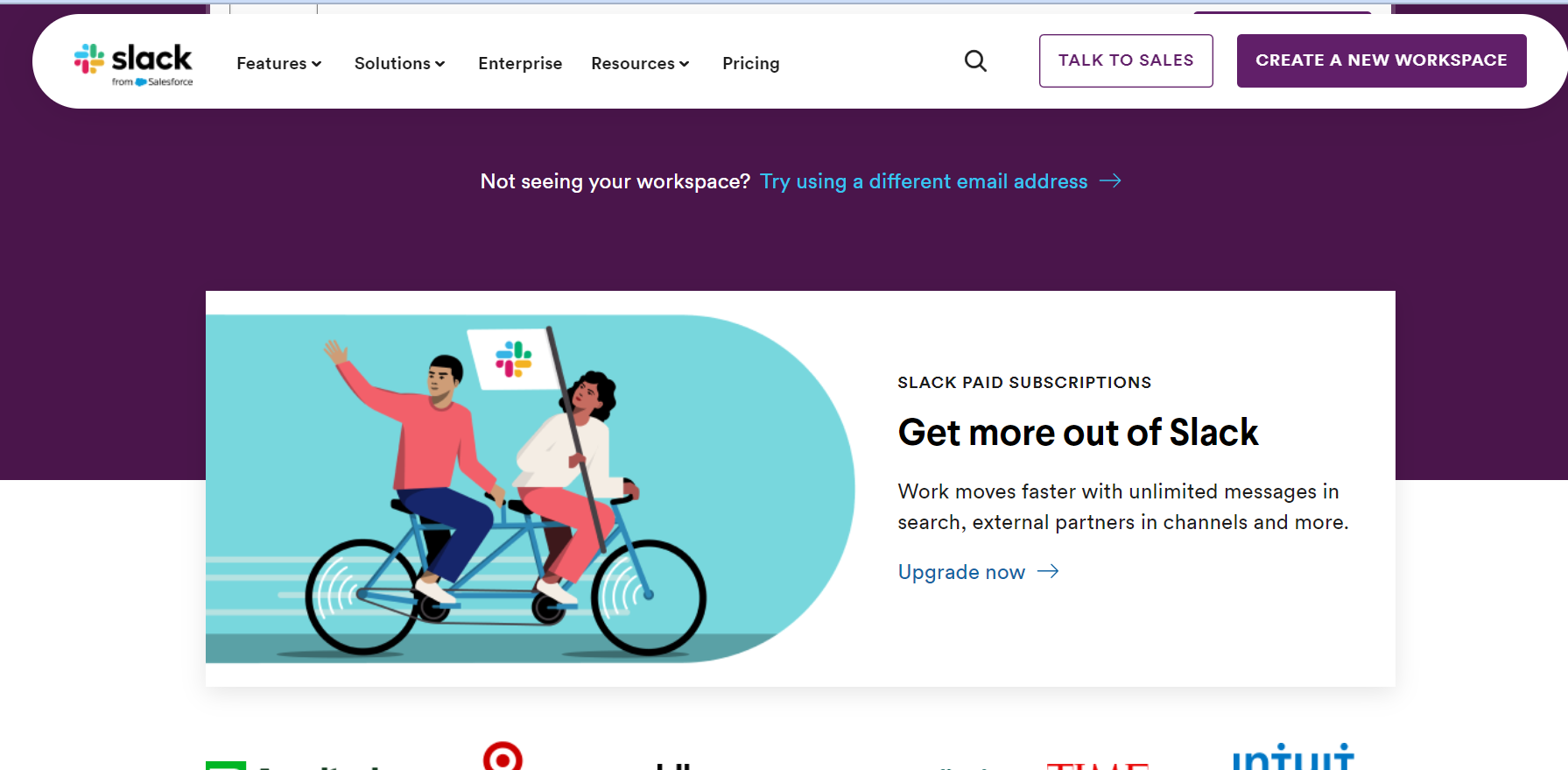
Slack is a powerful web design platform that provides a centralized workplace for teams to collaborate efficiently. It facilitates systematic interaction between diverse teams within a digital marketing firm and its clients. With its multiple bots and app integrations, Slack enables the setup of alerts and notifications, ensuring timely updates on task completion.
For developers, Slack provides added convenience with features like code snippet sharing directly within the app and notifications for change requests and bugs. From efficient team communication to enhanced developer workflow, Slack proves to be an invaluable asset in the web design process.
Advantages of Slack:
- Efficient Communication: Slack enables seamless communication, fostering collaboration and faster decision-making for teams working on web design projects.
- Centralized Information: By consolidating conversations, files, and documents in one place, Slack offers a centralized information hub, ensuring easy access to up-to-date resources and facilitating knowledge sharing.
- App Ecosystem: Slack’s extensive app ecosystem offers many integrations, enabling users to enhance productivity, automate tasks, and streamline workflows through additional functionalities.
Disadvantages of Slack:
- Information Overload: The real time nature of Slack can lead to information overload, resulting in a high volume of messages and notifications that may impact concentration and productivity.
- Connectivity Dependency: Slack’s effectiveness relies on a stable internet connection, and disruptions in connectivity can hinder access to messages and collaboration efforts.
11. Squarespace
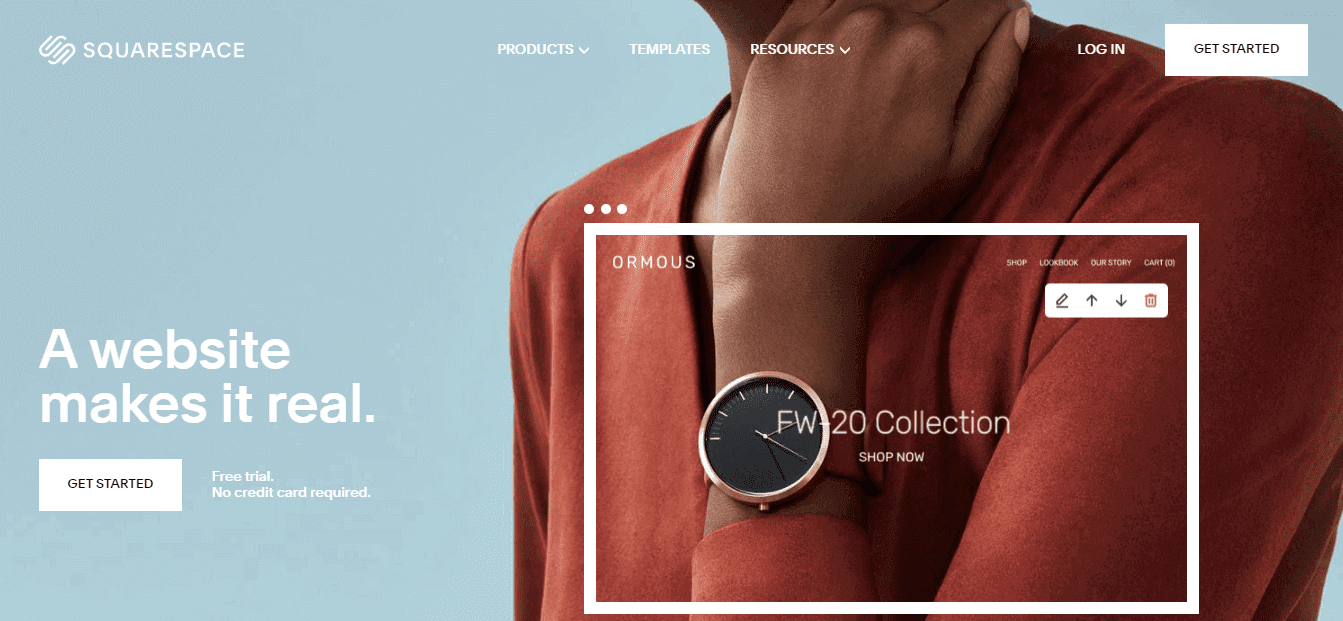
If you are a beginner and don’t possess adequate coding experience, Squarespace is the best web designer tool for you. The tool is quite simple for those with no experience to use owing to its drag-and-drop features. Different color customizations and themes can help you design almost any kind of website. All in all, Squarespace is an excellent website builder with versatile web design tools for web designers. It’s the go-to option for an e-commerce store as it comes with essential features such as SSL encryption. It has a personal as well as a business plan for varying needs.
Advantages of Squarespace:
- Mobile Optimization: All Squarespace templates are optimized for mobile devices, ensuring seamless browsing experiences across screens.
- Reliable Hosting and Security: Squarespace offers dependable hosting services and default SSL certificates, ensuring secure and fast-loading websites.
Disadvantages of Squarespace:
- Customization Limitations: While Squarespace allows for customization, it may have specific limitations compared to fully customized websites, restricting design and functionality modifications.
- Pricing Structure: Squarespace’s pricing plans can be relatively higher, especially for advanced features and e-commerce functionality. Additional costs may apply for third-party integrations or premium templates.
12. Codespaces
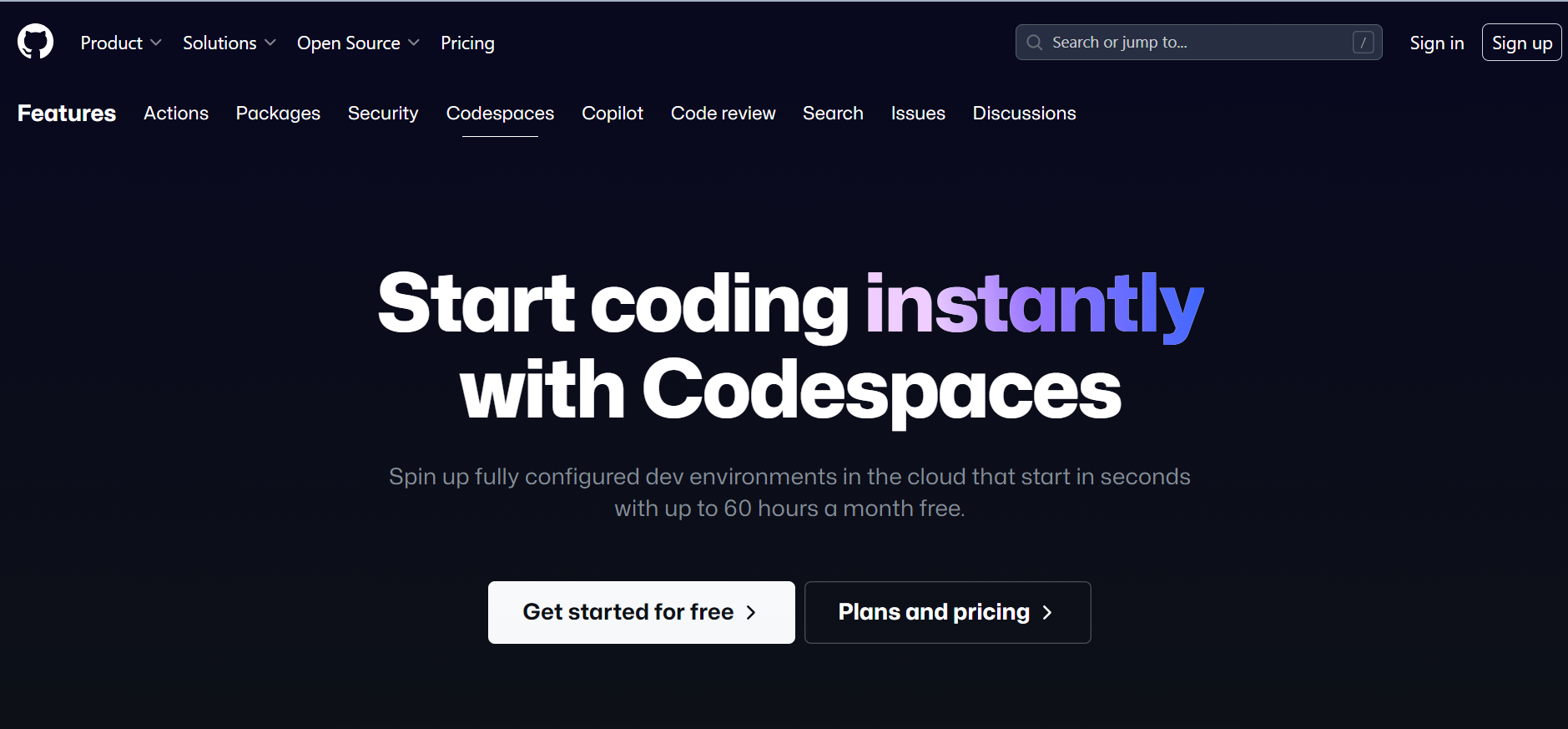
Codespaces is a browser based code editor that builds upon the foundation of Visual Studio Code, providing developers with a versatile and accessible tool for website creation and development. With its support for Git repositories, extensions, and a built-in command line interface, Codespaces allows users to efficiently edit, run, and debug their applications from any device.
Moreover, its remarkable speed is a standout feature, enabling developers to swiftly spin up new development environments for projects of any size using prebuilt images. Even GitHub’s 35GB development image starts in under 10 seconds, ensuring a seamless and efficient workflow for website creation and development tasks.
Advantages of Codespaces:
- Scalability and Adaptability: Codespaces allow for easy scaling of development environments, adapting to project requirements.
- Automated Environment Setup: Codespaces automate environment setup, saving time and simplifying the development process.
Disadvantages of Codespaces:
- Internet Dependency: Codespaces rely on a stable Internet connection for uninterrupted development.
- Limited Offline Access: Offline access to projects may be restricted due to the cloud-based nature of Codespaces
- Internet Dependency: Codespaces rely on a stable Internet connection for uninterrupted development.
- Limited Offline Access: Offline access to projects may be restricted due to the cloud-based nature of Codespaces
13. WordPress
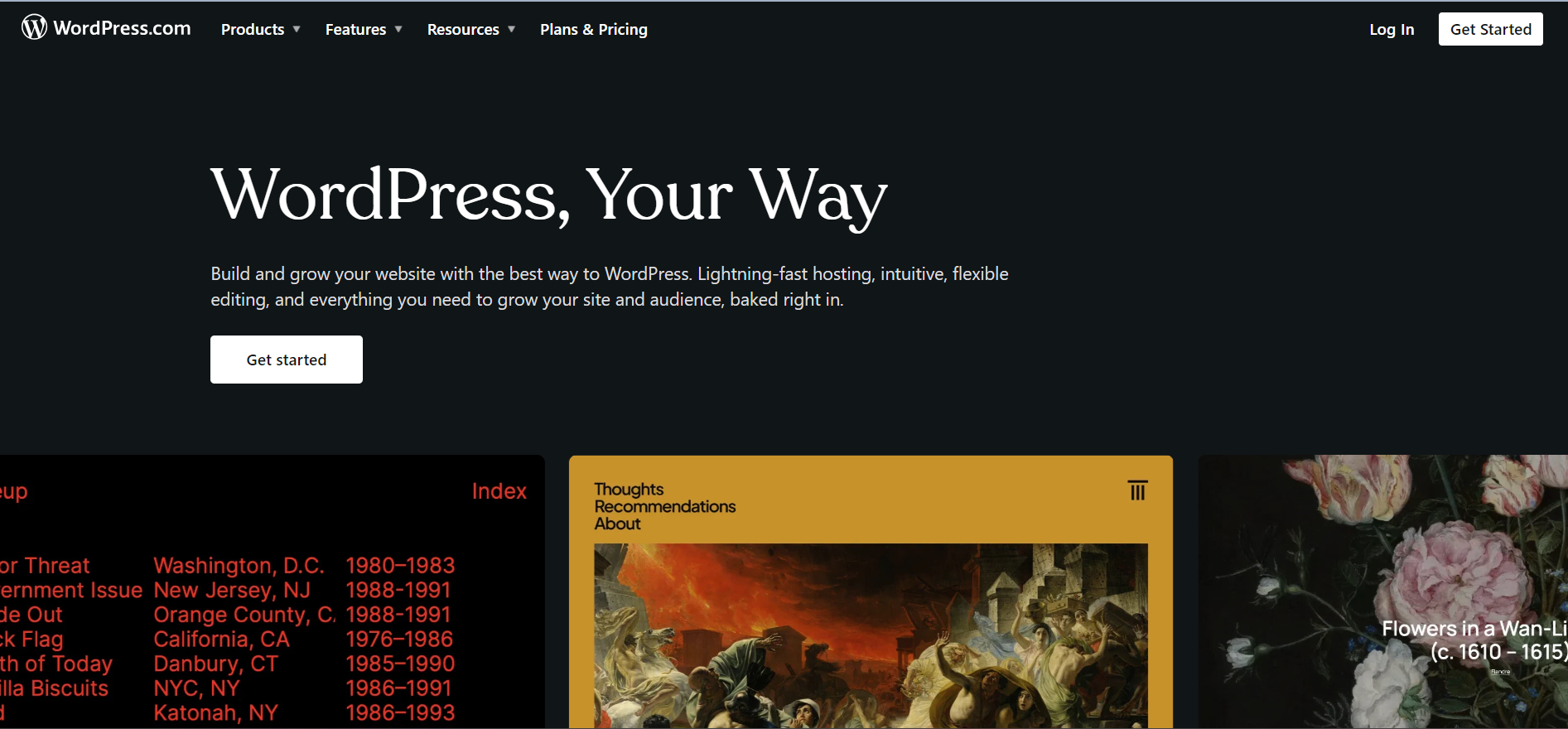
WordPress is a widely acclaimed web design solution that offers a perfect blend of simplicity for beginners and hidden complexity for professional developers. Although it excels at creating and publishing content, this well-liked Content Management System (CMS) is also widely used to create websites of various shapes and sizes. Its open-source nature allows for high customization, making WordPress sites highly versatile. WordPress is now the standard web-building tool, powering close to half of the internet.
Advantages of WordPress:
- Diverse Plugin Library: WordPress provides a wide range of plugins, expanding the functionality and customization options to enhance your website.
- Search engine optimization (SEO): It consists of plugins and built-in SEO elements that make your website more search engine friendly.
- Customization Flexibility: WordPress gives you the option to change your website’s appearance to fit your brand’s requirements.
Disadvantages of WordPress:
- Website Speed: Depending on the plugin and theme usage, WordPress websites may encounter slower loading times, impacting user experience.
- Regular Updates and Maintenance: WordPress necessitates regular updates for optimal performance and security, neglecting which can lead to compatibility issues or vulnerabilities.
14. Webflow
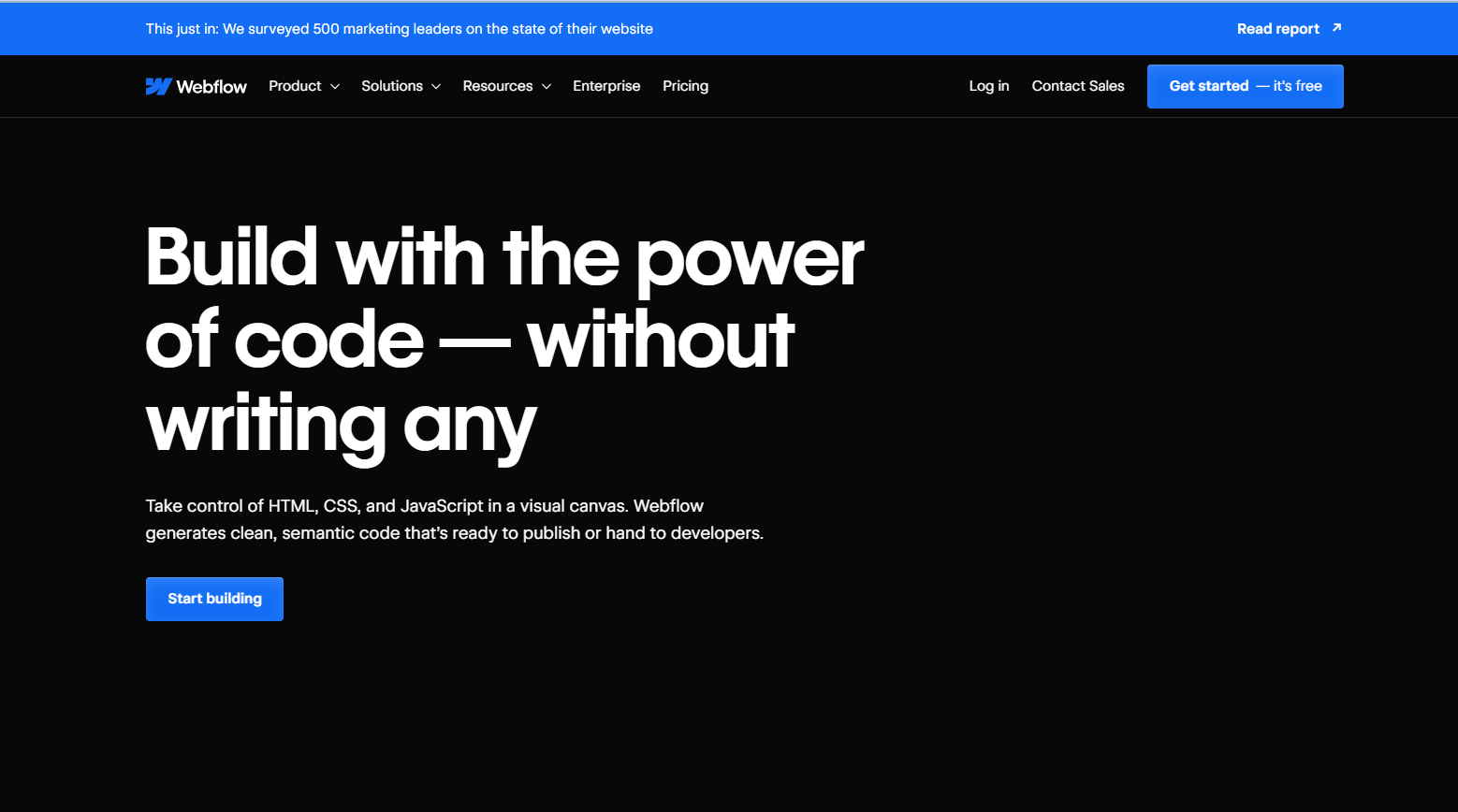
Webflow provides an extensive online visual editor for designing, constructing, and launching websites. With its simple visual interface and full control over CSS3, HTML5, and JavaScript, you can transform semantic code into highly personalized web pages. With unstyled HTML elements available for full customization, Webflow goes above and beyond conventional design tools.
Complex features like backdrop films and other features can be created by users using pre-built components. This all-in-one online design tool provides drag-and-drop editing, a large selection of pre-built site parts, and a collection of responsive templates. For designers of all skill levels, it is a potent tool.
Advantages of Webflow:
- Visual Design Interface: Webflow provides a visual interface that empowers designers to bring their website ideas to life without coding knowledge.
- Responsive Design: With built-in responsive design features, Webflow ensures that websites adapt seamlessly to different devices and screen sizes.
- Reliable Hosting and Security: Webflow includes reliable hosting services and security features, ensuring fast and secure websites for users.
Disadvantages of Webflow:
- Pricing Structure: Webflow’s pricing structure may be perceived as relatively higher, particularly for users with more advanced design and hosting requirements.
- Limited Third Party Integrations: While Webflow integrates with popular tools and services, the range of available integrations may be more restricted than other platforms.
What Are the Web Design Tools for Marketing?
Marketing-focused tools include Ethical Ads, Adobe Express, Ceros, Visme, and Venngage, offering landing page builders, A/B testing, and analytics tracking.
Web design tools help marketers create visually appealing and effective websites to promote their products or services. These tools go beyond traditional web design software by offering features and functionalities tailored to marketing needs. From landing page builders and email marketing integrations to A/B testing and analytics tracking, these tools empower marketers to optimize their websites for lead generation, conversion, and overall marketing success.
15. Ethical Ads
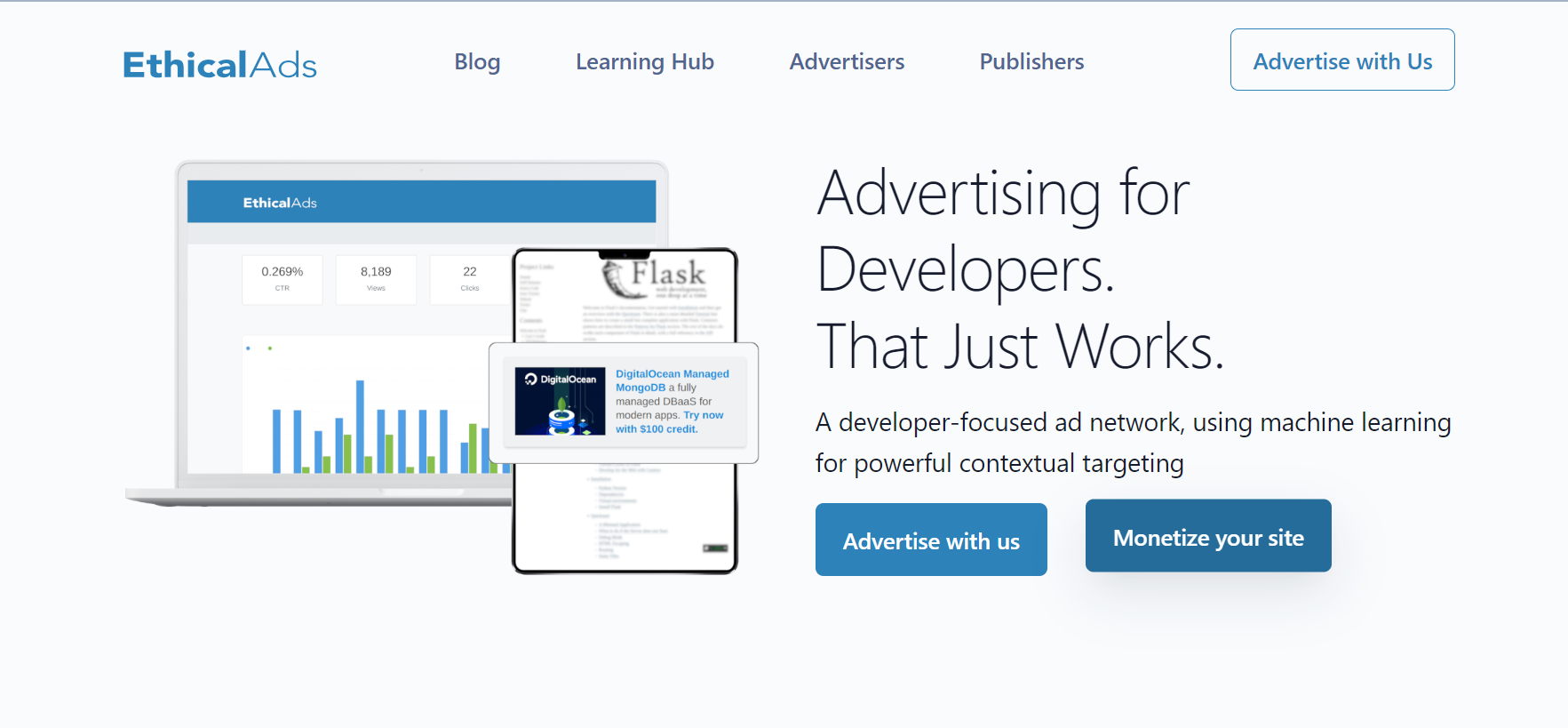
The incorporation of ethical advertising practices into website design and navigation is referred to as an element of web design. Ethical ads ensure that adverts are smoothly included in the website design without harming the user’s surfing experience by focusing on transparency, user experience, and privacy.
These advertisements are made to be relevant, non-obtrusive, and considerate of user preferences to enable engagement and trust. Web designers can achieve a healthy balance between advertising and user experience by implementing ethical ad design principles and raising the general caliber and integrity.
Advantages of Ethical Ads:
- Trust and Transparency: Ethical Ads maintain transparency by providing clear information about data collection and targeted advertising, fostering trust between advertisers and users.
- Privacy Protection: Ethical Ads prioritize user privacy by implementing robust privacy measures and respecting user preferences for data collection and personalized advertising.
Disadvantages of Ethical Ads:
- Limited Advertising Reach: Ethical Ads may have a narrower reach than traditional advertising methods, potentially resulting in a lower exposure for advertisers.
- Dependence on User Consent: Ethical Ads heavily rely on user consent for data collection and targeted advertising, and if users opt out or withhold consent, it may limit the effectiveness of the advertising campaign.
16. Adobe Express
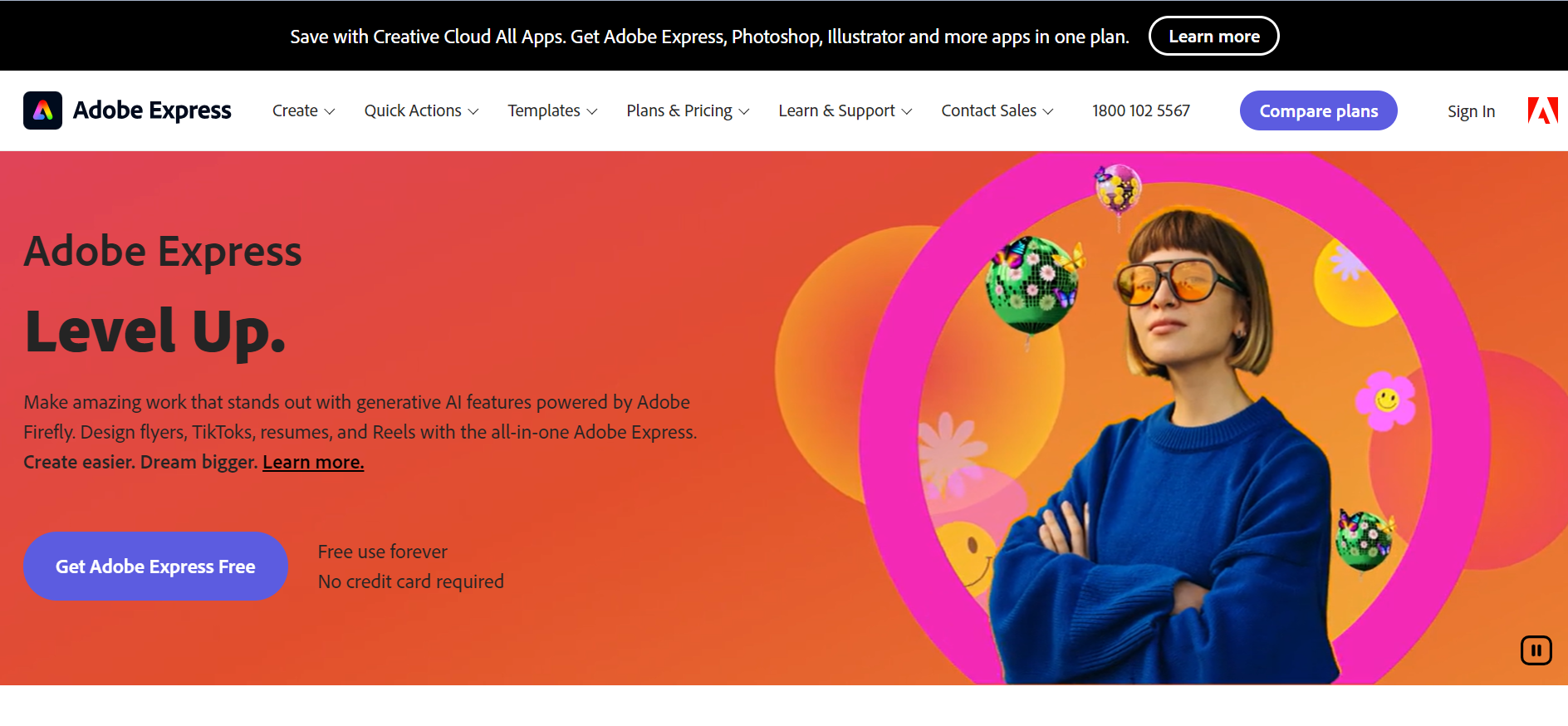
Adobe Express is a web and mobile design app that enables web designers and business owners to create visually captivating multimedia content. With its intuitive drag-and-drop interface and a wide selection of customizable templates and graphics, designing engaging visual content becomes effortless and efficient. The tool also offers various effects and animations to enhance designs while providing social media content management features for seamless planning, previewing, scheduling, and publishing.
Advantages of Adobe Express:
- Versatile Design Options: Adobe Express offers a large selection of design templates, editable components, and graphics to help customers build distinctive and aesthetically pleasing websites.
- Mobile Optimization: It comes with built-in mobile optimization tools that ensure web pages made with the program are responsive and function properly across a range of mobile devices.
Disadvantages of Adobe Express:
- Limited Customization: It provides a wide range of design options. However, there may be restrictions on sophisticated customization and demanding design specifications.
- Subscription-based business model: Uses a subscription-based business strategy, which means users must pay a monthly price to access all capabilities, some of which may only be appropriate for them.
17. Ceros
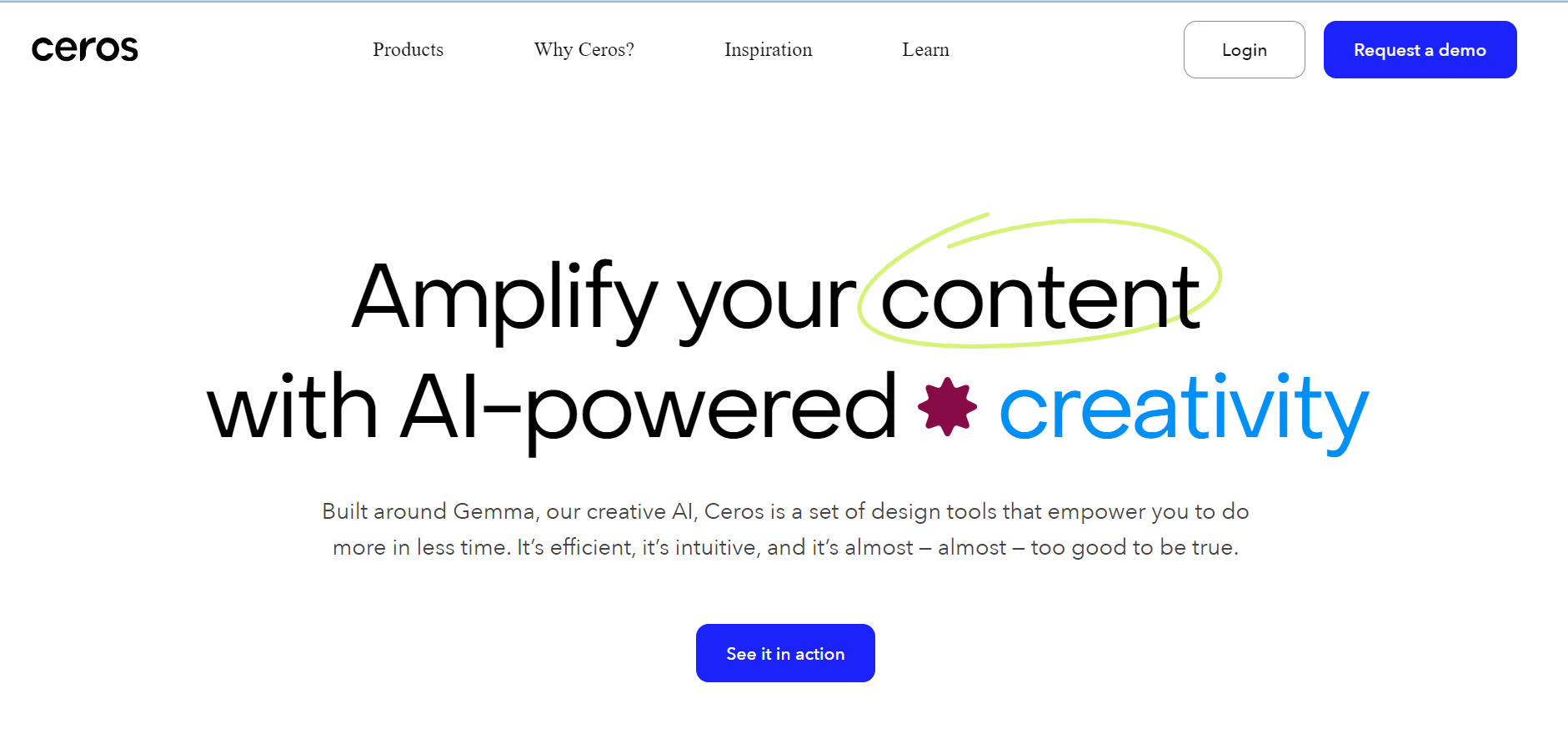
Ceros is a game-changing web design tool, also known as Ceros Studio, that redefines how you create animated and interactive web content without coding. Whether you’re looking to build engaging quizzes, immersive assessments, or captivating landing pages, Ceros puts the power of experiential design in your hands. Effortlessly drag and drop digital assets into the studio and create animations along with seamless interactions. When it is complete, publish it and make it available to your users directly or embed it into your website.
Advantages of Ceros:
- Drag-and-Drop Interface: With its user-friendly drag-and-drop interface, it is easy to design and customize web content without requiring extensive coding knowledge.
- Real Time Collaboration: Provides collaborative features that allow teams to work together in real time, streamlining the design process and promoting effective teamwork.
- Analytics and Tracking: Ceros offers built-in analytics and tracking capabilities, providing valuable insights into user engagement and behavior to optimize web design and content strategy.
Disadvantages of Ceros:
- Limited SEO Options: Ceros may have limited built-in SEO options, requiring additional optimization efforts to enhance search engine visibility and organic traffic.
- Dependence on Internet Connection: As a cloud-based tool, Ceros relies on a stable Internet connection for accessing and working on projects, which may pose limitations in specific environments.
18. Visme
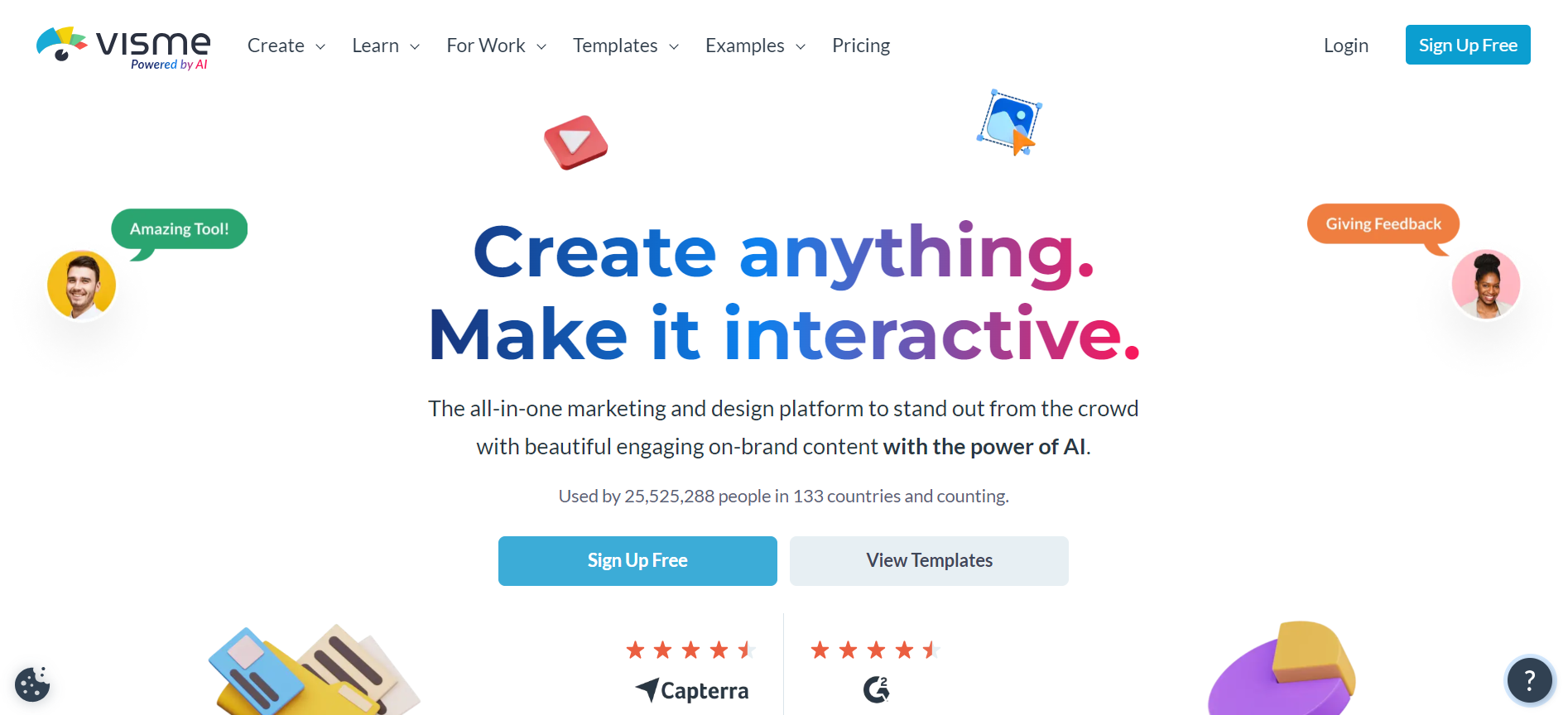
Users can create, share, and store a variety of visual data using the adaptable web design tool Visme. This easy-to-use platform, which was created with marketers in mind, has a range of capabilities to satisfy your needs for marketing. By producing captivating presentations, significant infographics, engaging social media visuals, and more, you can bring your concepts to reality. Visme offers simplicity and flexibility and is accessible as a desktop app and a web-based app for Windows and macOS users.
Advantages of Visme:
- Extensive Template Library: Visme provides a wide range of professionally designed templates, saving time and effort in creating stunning visuals for various purposes.
- Data Visualization: Visme includes powerful data visualization tools, enabling users to transform complex data into compelling visual representations that are easy to understand.
Disadvantages of Visme:
- Price Structure: Uses a subscription-based pricing approach, which might be an issue for people or companies with a tight budget.
- Options for exporting: Exporting options can be constrained, which may be a problem for customers that need certain file formats or high-resolution outputs.
19. Venngage
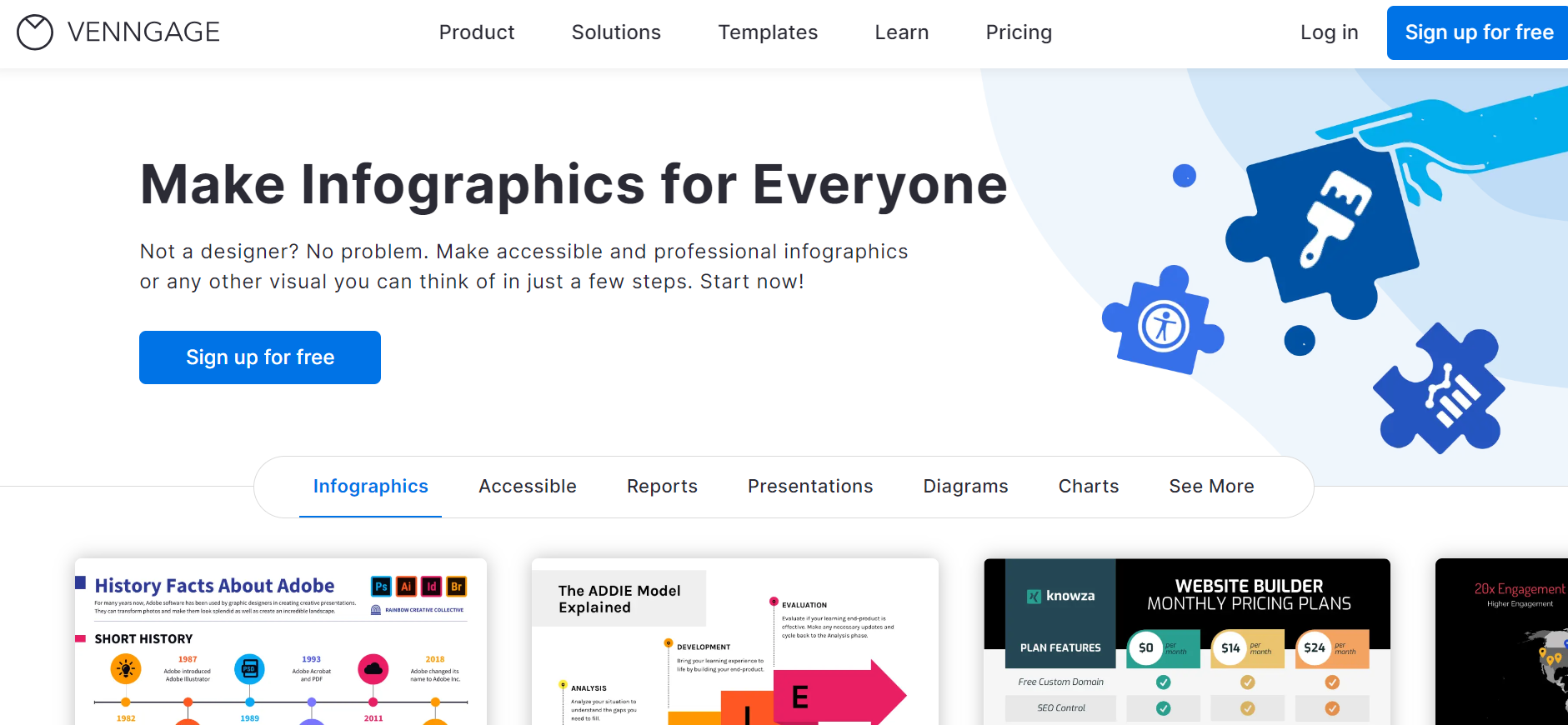
Infographics, reports, diagrams, and data visualizations are simple to produce using an online design tool called Venngage. Add symbols, pictures, and charts to the designs to further clarify your idea. Ask team members to work on the same file simultaneously to foster teamwork and assure successful project leadership. By simplifying the task of creating visually appealing graphics, Venngage makes it easy for you to communicate your ideas without having an advanced level of design knowledge.
Advantages of Venngage:
- User-Friendly Interface: Venngage’s intuitive interface makes it accessible to users of all skill levels, enabling them to design professional-looking visuals without extensive design knowledge.
- Data presentation: Offers powerful tools for displaying data that let users turn data such as statistics into captivating comprehensible images.
Disadvantages of Venngage:
- Offline Access: Using the tool without having access to the internet may be problematic in necessary situations.
What Are the Web Design Tools for eCommerce?
Top eCommerce tools include Wix, Shopify, BigCommerce Essentials, Zyro, and Volusion, offering product catalogs, shopping carts, and payment gateway integration.
eCommerce web design tools are designed to assist businesses in creating attractive and user-friendly websites for their products. These tools provide a variety of features and functionalities specifically suited to the needs of e-commerce websites, including managing product catalogs, integrating shopping carts, securing payment gateways, and mobile responsiveness.
20. Wix
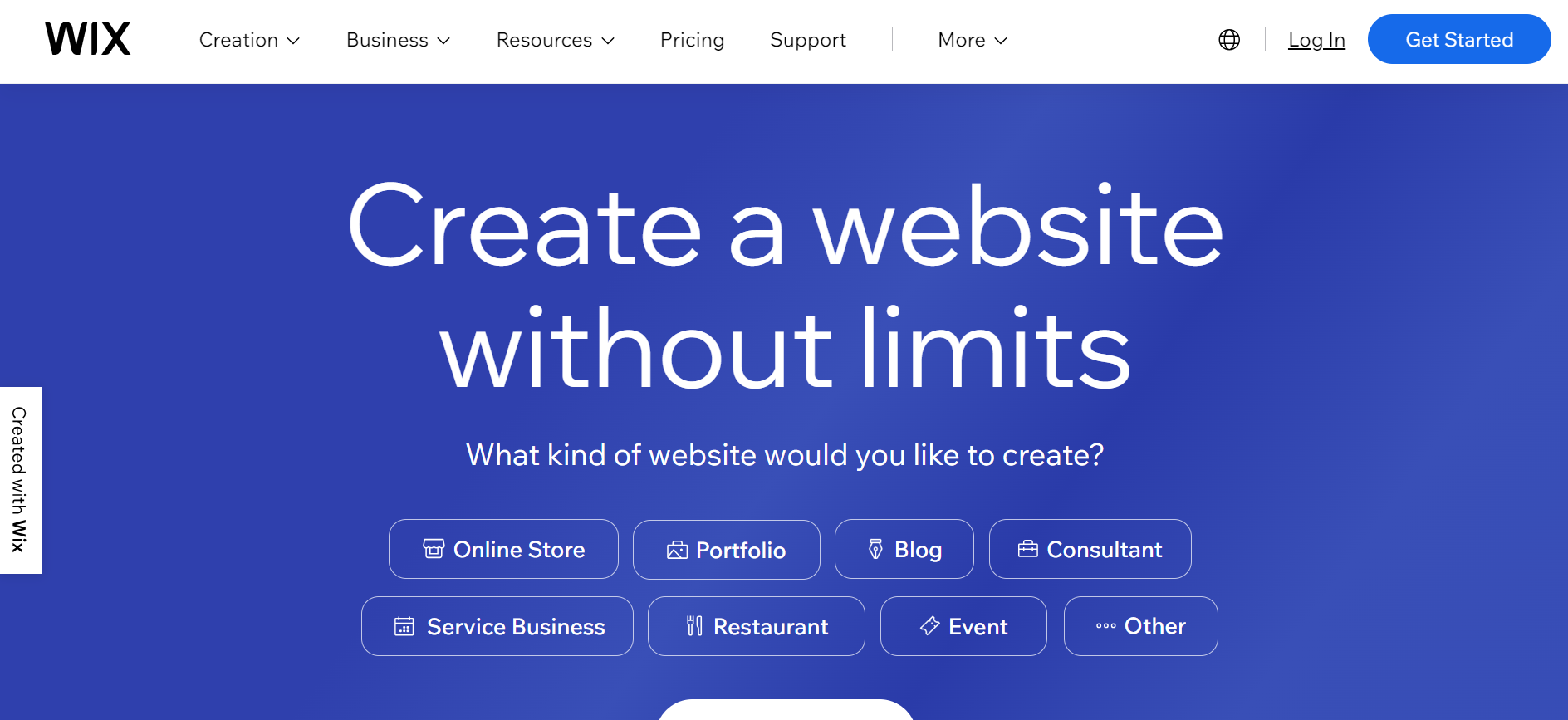
Wix is a web design tool that enables web designers to set up, manage, and create their websites in accordance with their specifications. You can create a website with Wix using the Wix Editor, Wix Artificial Design Intelligence (ADI), or Velo. These tools are adaptable and flexible, catering to many user types. Whether you prefer a more hands-on approach or seek AI-driven assistance, Wix has the solution to suit your web development requirements.
Advantages of Wix:
- Easy to Use Website Builder: Wix enables users to effortlessly design and customize websites without any previous knowledge of code.
- Hosting and Domain Integration: Provides reliable hosting services and domain registration options, simplifying the process of getting a website up and running.
Disadvantages of Wix:
- Template Limitations: While Wix offers a wide selection of templates, users may need some help in terms of design flexibility and customization options.
- Limited E-Commerce Functionality: Users with higher-level online stores require assistance with expansion and modifications.
21. Shopify

Shopify is a popular framework notable for its wide variety of eCommerce features. It offers a complete set of tools for building, refining, organizing, maintaining, and growing online stores. Shopify allows users to easily customize their store’s layout and digital selling components, enabling them to create a visually appealing and functional online presence. Shopify offers a complete solution for all your eCommerce needs, whether you’re launching a new online venture or looking to improve an existing site.
Advantages of Shopify:
- Focus on eCommerce: Shopify is mainly built for eCommerce, offering a wide range of functions designed for online stores, such as product administration, payment gateways, and order fulfillment.
- Reliable Hosting and Security: Shopify provides secure hosting, regular backups, and robust security measures to protect user data and ensure the smooth operation of online stores.
Disadvantages of Shopify:
- Costly Subscription Plans: Shopify’s pricing can be relatively expensive, especially for small businesses or startups with limited budgets.
- Limited Design Customization: While it offers a range of themes, customization options may be limited compared to other web designer tools, making it challenging to achieve a unique design.
22. BigCommerce Essentials
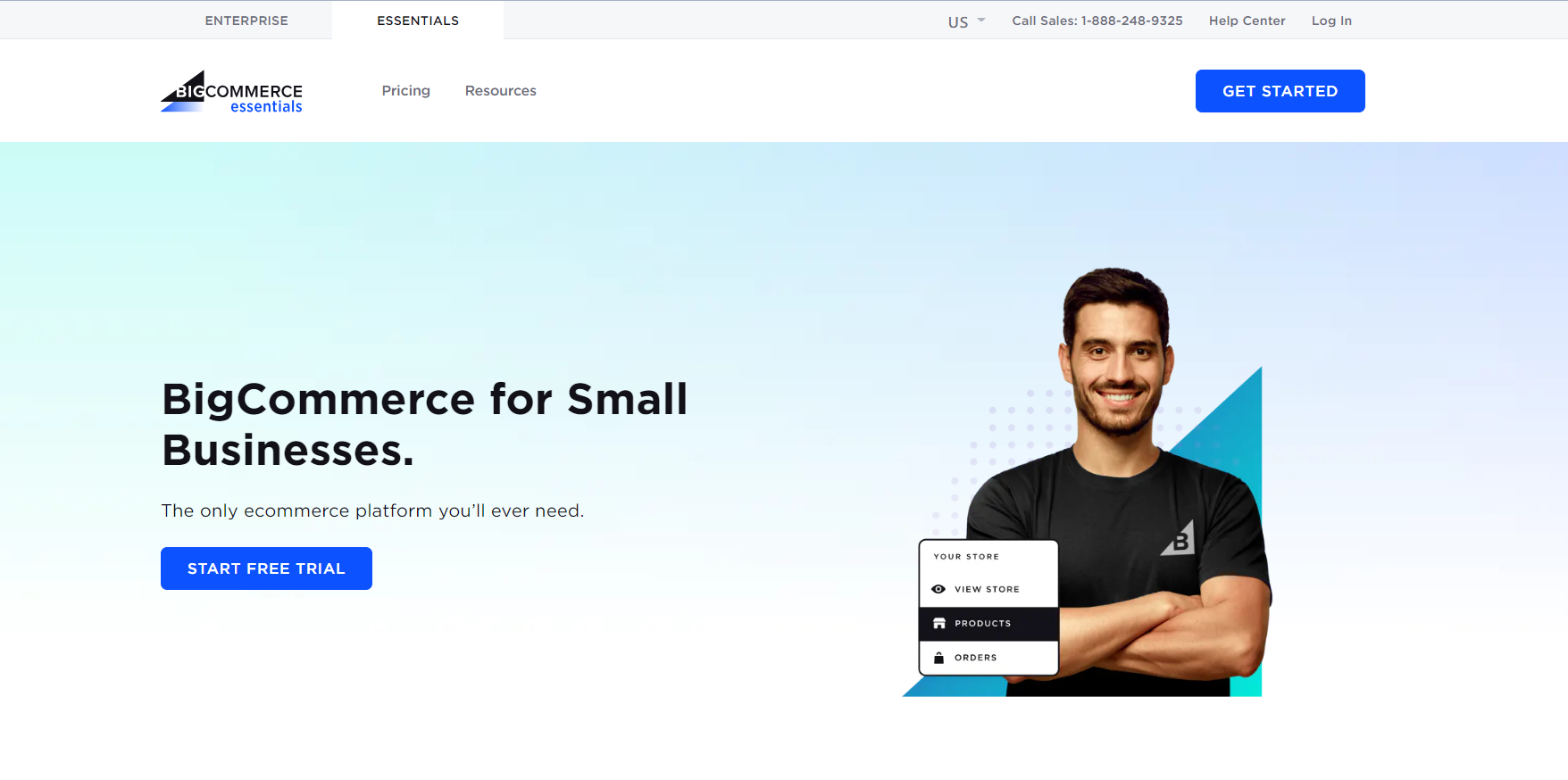
BigCommerce is an eCommerce platform recognized for its robust enterprise commerce capabilities. It also offers a scaled-down version called BigCommerce Essentials, specifically designed for small retail businesses. With BigCommerce Essentials, launching a fully-functional store is made simple through its user-friendly, no-code editor. Beyond website design, the platform streamlines critical aspects such as checkout processes, inventory management, search engine optimization (SEO), and sales channel integration.
Advantages of BigCommerce Essentials:
- Performance and Scalability: It is built to manage high traffic and transaction volumes, enabling businesses to expand their operations without worrying about performance difficulties.
- Tools for marketing and SEO: The platform includes built-in tools for marketing and SEO to draw more customers and boost sales, including extensive analytics and SEO tools with well-known marketing channels.
Disadvantages of BigCommerce Essentials:
- Transaction Fees: Depending on the chosen payment gateway, BigCommerce Essentials may charge additional transaction fees on top of standard payment processing fees, which can affect overall profitability.
- Dependency on Third-Party Apps: To access certain advanced features and integrations, businesses may need to rely on third-party apps, which can increase compatibility issues.
23. Zyro
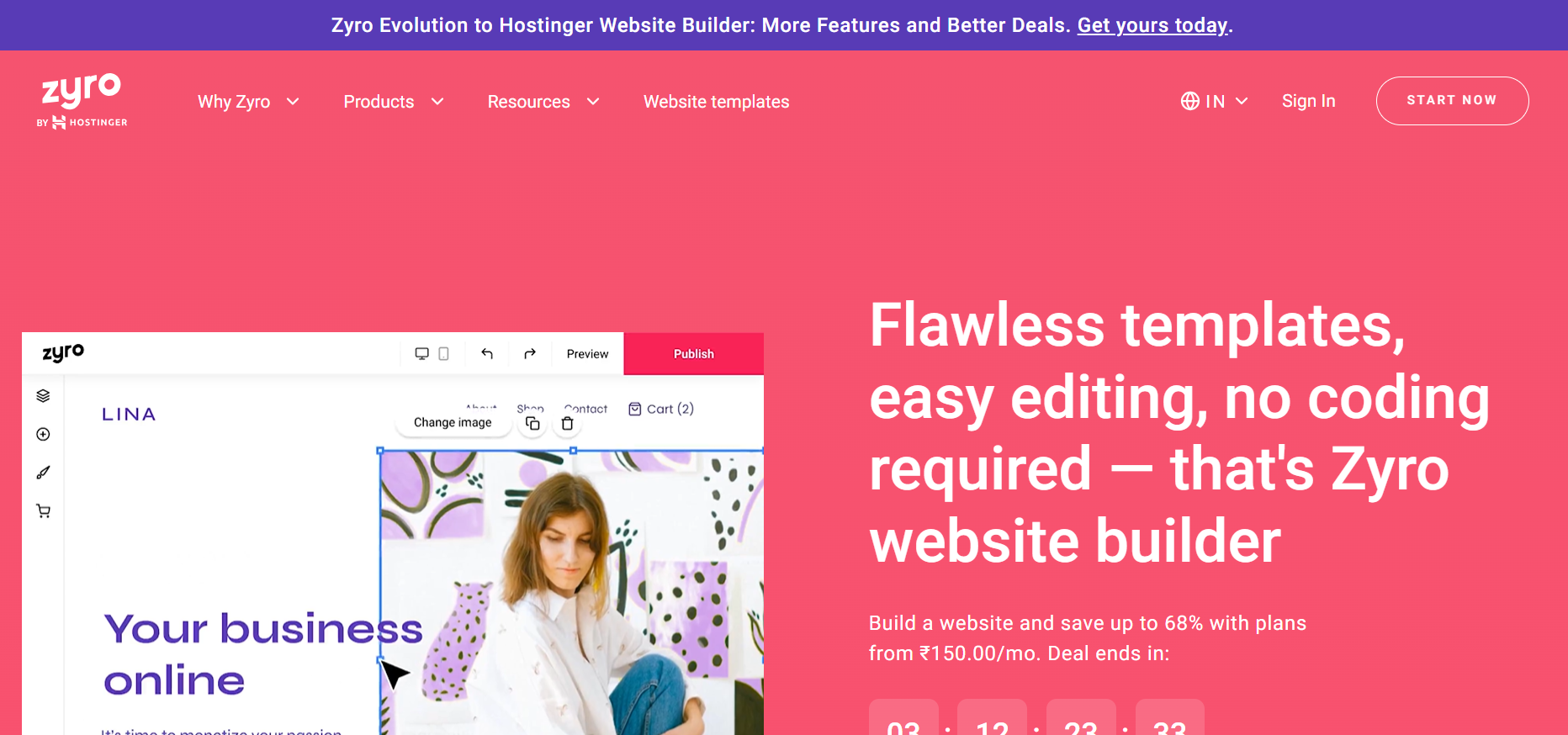
Zyro sets itself apart as an easy-to-use, reasonably-priced web design tool with powerful features for building websites. It excels in being simple to use.
It also offers an intuitive editing experience that enables users to create well-organized websites quickly. By eliminating unnecessary complexities and offering affordable pricing options, Zyro is ideal for individuals and small businesses looking to establish an online presence without the need for advanced features or a steep learning curve.
Advantages of Zyro:
- Beautiful Design Templates: The platform provides a wide range of professionally designed templates, allowing users to quickly create visually appealing and modern web designs quickly.
- AI-Powered Tools: Zyro incorporates AI-powered features such as AI Writer and AI Heatmap, enabling users to generate content and optimize website layouts for better user engagement.
- Fast and Reliable Hosting: It offers reliable hosting services with high uptime, ensuring that websites built on the platform are accessible and perform well for visitors.
Disadvantages of Zyro:
- Dependency on AI Features: Some users may find the reliance on AI features limiting, as it may not cater to specific creative preferences or unique content requirements.
- Integration Limitations: Zyro may have limitations in terms of integration options with third-party tools, which could impact the ability to extend website functionality beyond the core features offered by the platform.
24. Volusion
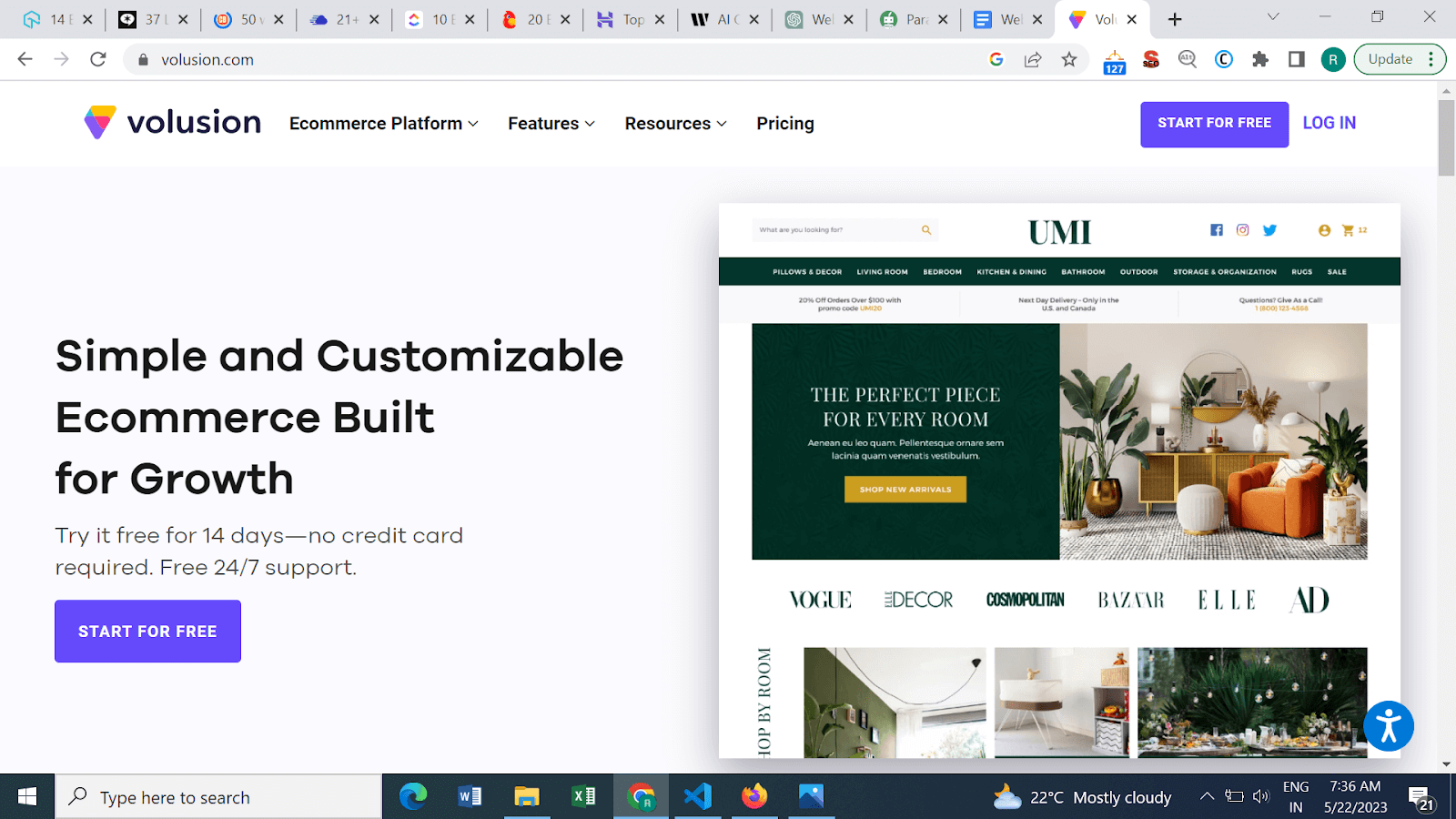
A web design tool made exclusively for eCommerce businesses is called Volusion. Users can create and customize complex websites using their intuitive interface and wide range of features without having advanced knowledge in coding. From creating aesthetic storefronts to managing inventory, taking payments, and optimizing product listings, Volusion provides a comprehensive solution for setting up and managing successful eCommerce websites.
Advantages of Volusion:
- SEO Friendly Structure: Volusion incorporates SEO best practices, enabling users to optimize their websites for search engines and improve their online visibility, driving organic traffic to their online stores.
- Integrated Marketing Tools: Volusion includes built-in marketing tools such as email marketing, social media integrations, and promotional features, helping users attract and engage customers effectively.
Disadvantages of Volusion:
- Limited Scalability: While Volusion is suitable for small to medium-sized businesses, it may have limitations in terms of scalability and handling more significant e-commerce operations, which could impact growth potential.
- Dependency on Volusion’s Infrastructure: Since Volusion is a hosted solution, users depend on the platform’s infrastructure and updates. Any downtime or technical issues on the platform’s end may affect the performance.
What Are the Web Design Tools for Graphic Designers/UI/UX Designers?
Essential tools include Adobe Photoshop, Figma, Adobe XD, Affinity Designer, and Canva, offering vector editing, prototyping, and collaborative design features.
UI/UX and graphic design web design tools have been created to meet the requirements of visual designers working in the digital space. These tools provide a wide range of features and capabilities for making dynamic and visually appealing designs for websites and user interfaces. These tools enable graphic and UI/UX designers to realize their creative ambitions, from user-friendly design editors with potent layout and typography tools to prototyping and collaborative features.
25. Adobe Photoshop
It doesn’t matter whether you are using a Windows or Mac operating system. If you’re looking for an impeccable commercial graphics editor, Adobe Photoshop is the way to go. The creators have kept in mind the innate needs of both photographers and designers. It is undoubtedly one of the best web design tools, as it allows you to create beautiful prints and patterns in your web graphics with endless color options and gradients.
You can customize the Photoshop interface to suit your design needs with several targeted workspace layouts for Graphics and Web, 3D, Video, etc. Photoshop comprises all the essential options and tools, including Actions, Filters, Scripting, and Brushes. The Revert option and Layer Comps help designers enhance their workflow to a great extent.
Advantages of Adobe Photoshop:
- Effective Image Editing: Adobe Photoshop offers advanced tools and functions for image editing, enabling users to improve and modify images precisely.
- Versatile Design Capabilities: With Photoshop, designers can create stunning graphics, illustrations, and web layouts, leveraging its extensive selection of brushes, filters, and layer styles.
Disadvantages of Adobe Photoshop:
- Complexity for Simple Tasks: Performing simple tasks in Photoshop, such as resizing or cropping images, can be more time-consuming compared to other specialized tools designed for quick and straightforward edits.
26. Figma
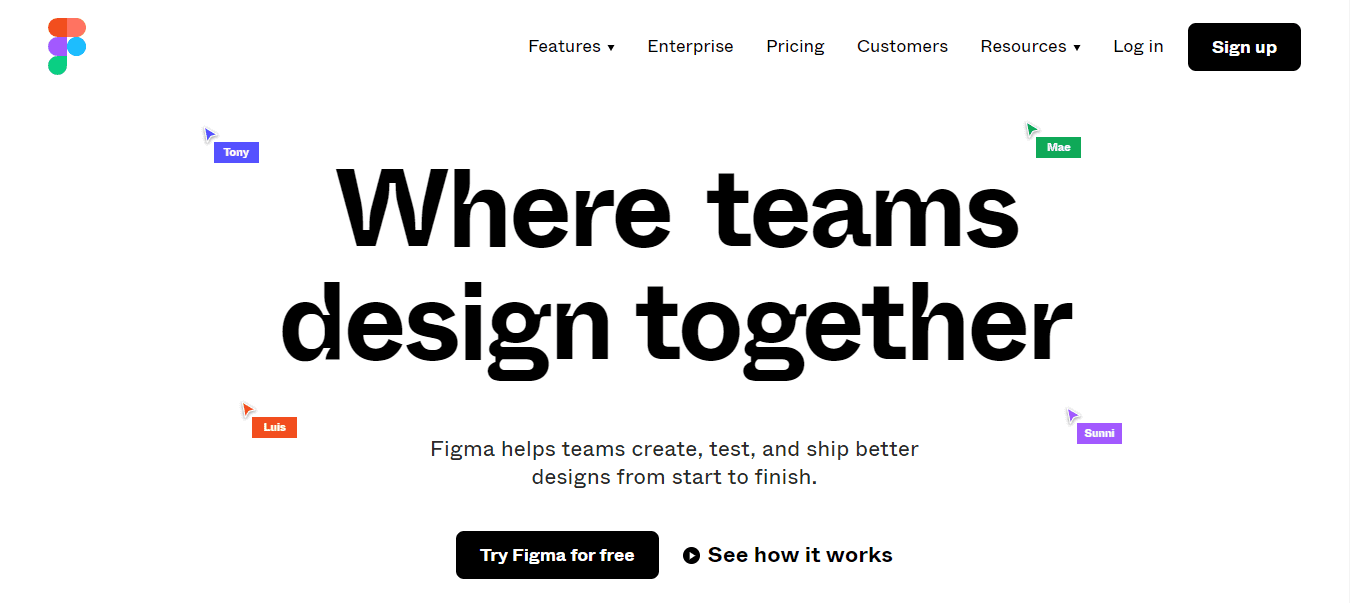
Even though Figma is relatively new, it is undoubtedly one of the best web design tools, don’t let it make you think that it’s any less powerful than its counterparts. It has a plethora of features for prototyping and interface design, thus, making it an ideal fit for web designing requirements.
The feature that makes it stand out is the ease of collaboration and a cloud-based approach. Different team members can work efficiently on the design file simultaneously. To help designers make an accurate site out of their intuitive designs, developers can simply copy the code snippets. It offers a free as well as a paid plan according to company requirements. For up to three projects, you can use Figma for free. After that, it’s chargeable.
Advantages of Figma:
- Interactive Prototyping: Figma offers powerful prototyping capabilities, enabling designers to create interactive and animated prototypes to showcase their designs and gather feedback.
- Design Component Libraries: Figma’s component-based system allows designers to create and reuse design elements across different projects, improving efficiency and consistency in the design process.
Disadvantages of Figma:
- Performance on Large Projects: Figma’s performance may suffer on complex and large-scale projects, especially when working with a significant number of artboards or complex design elements.
27. Adobe XD
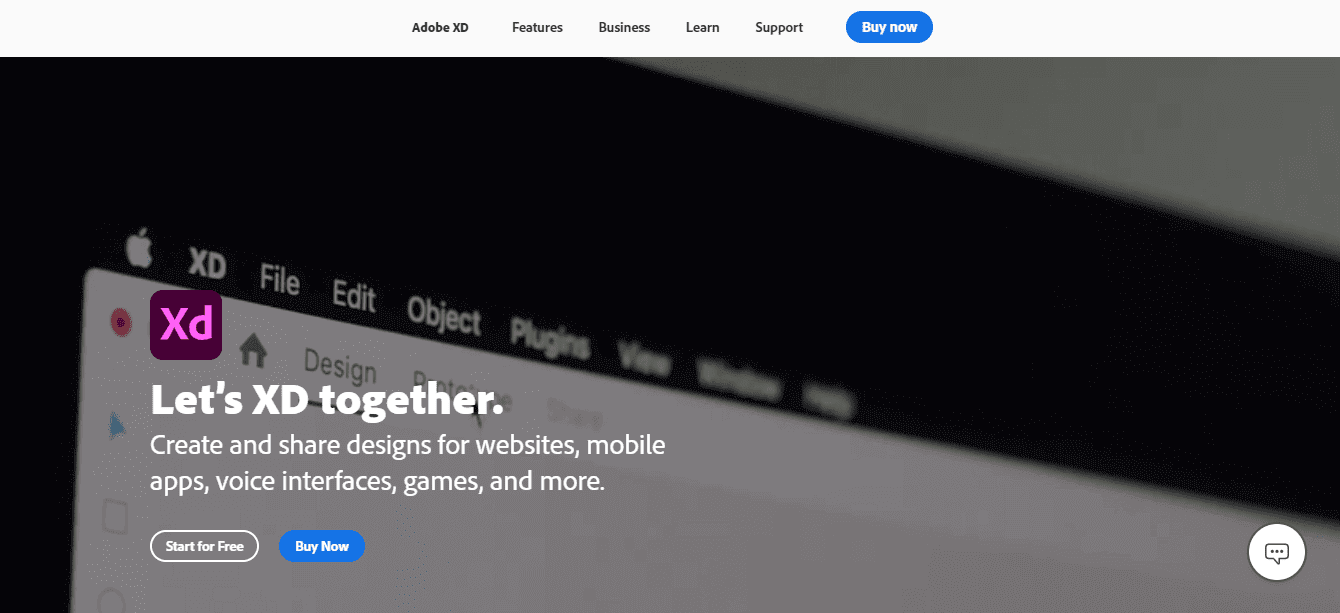
Adobe XD is one of the best components of the Adobe Creative Cloud Suite. If you have been using Adobe for a while, this web design tool won’t have the same look and feel. But the UI is worth it once you start using Adobe XD to its fullest.
The web design tool keeps up with all the latest web design trends. For instance, voice prototyping is an excellent addition. Not to mention, wireframing and vector designing keeps on enhancing. The sharing tools allow for providing feedback on different designs along with desktop and mobile previews. Tools for defining non-static interactions and drawing are also a part of Adobe XD.
Advantages of Adobe XD:
- Powerful Design Tools: Adobe XD provides a comprehensive set of design tools, including layout grids, vector editing, and interactive prototyping, enabling designers to create visually appealing and interactive web designs.
- Seamless Adobe Integration: As part of the Adobe Creative Cloud suite, XD integrates seamlessly with other Adobe software like Photoshop and Illustrator, allowing designers to transfer assets and collaborate across different tools easily.
- Repeat Grids: XD’s repeat grids feature streamlines the process of creating repetitive design elements, such as lists or grids, saving designers time and effort.
Disadvantages of Adobe XD:
- Limited Plugin Ecosystem: Compared to some other design tools, XD has a relatively more minor ecosystem of plugins and extensions, which may limit customization and integration options for specific advanced workflows.
- Limited Animation Capabilities: While XD allows for essential interactive prototyping, it may not offer the same advanced animation capabilities as some other specialized animation tools.
28. Affinity Designer
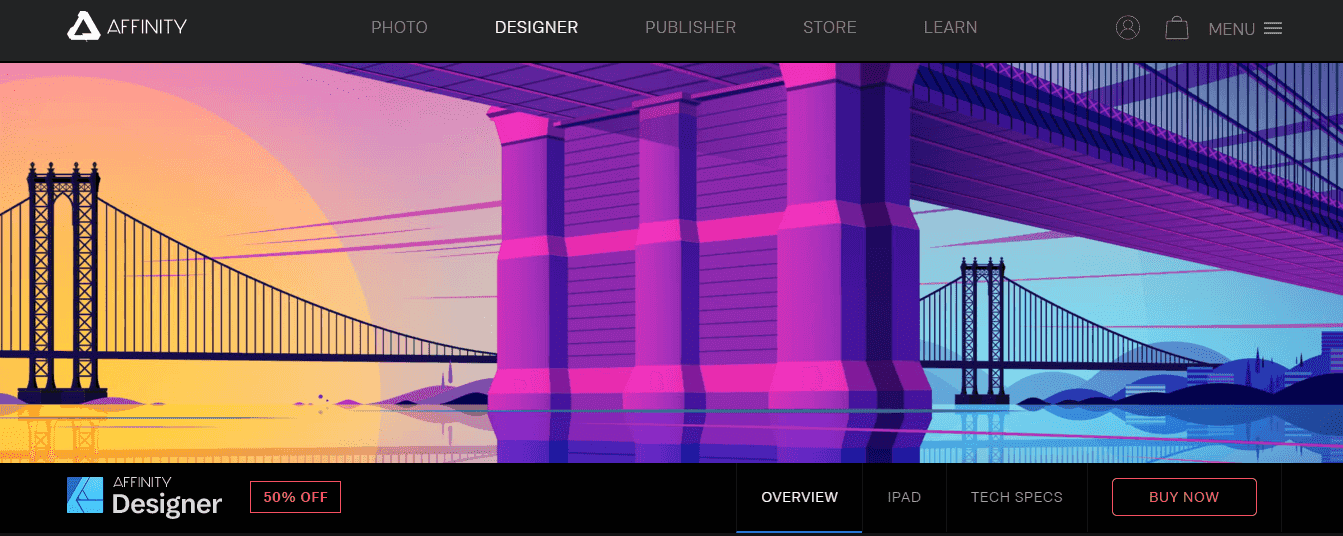
Affinity Designer is a complete web design tool that offers web designers many features to make their tasks easier. The non-destructive and adjustable layers enable the adjusting of vectors and images without damaging them.
The 1,000,000% zooming power can come in handy when working with vectors. This feature allows you to focus on the intricacies carefully. Also, thanks to the history and undo features, users can go back up to 8,000 steps.
Advantages of Affinity Designer:
- Flexible Artboards: Create and manage multiple artboards for efficient multi-page or multi-screen web design projects.
- Pixel-perfect Precision: Achieve precise control over design elements for pixel-perfect accuracy in web designs.
- Cost-effective: One-time purchase model offers a cost-effective solution for designers seeking non-subscription pricing.
Disadvantages of Affinity Designer:
- Collaboration and Cloud Features: Limitations in collaborative design work and cloud-based features may hinder real-time collaboration and cloud storage.
- Industry Adoption: Less widely adopted compared to industry-standard tools, impacting compatibility with other designers or clients.
29. Pattern Lab
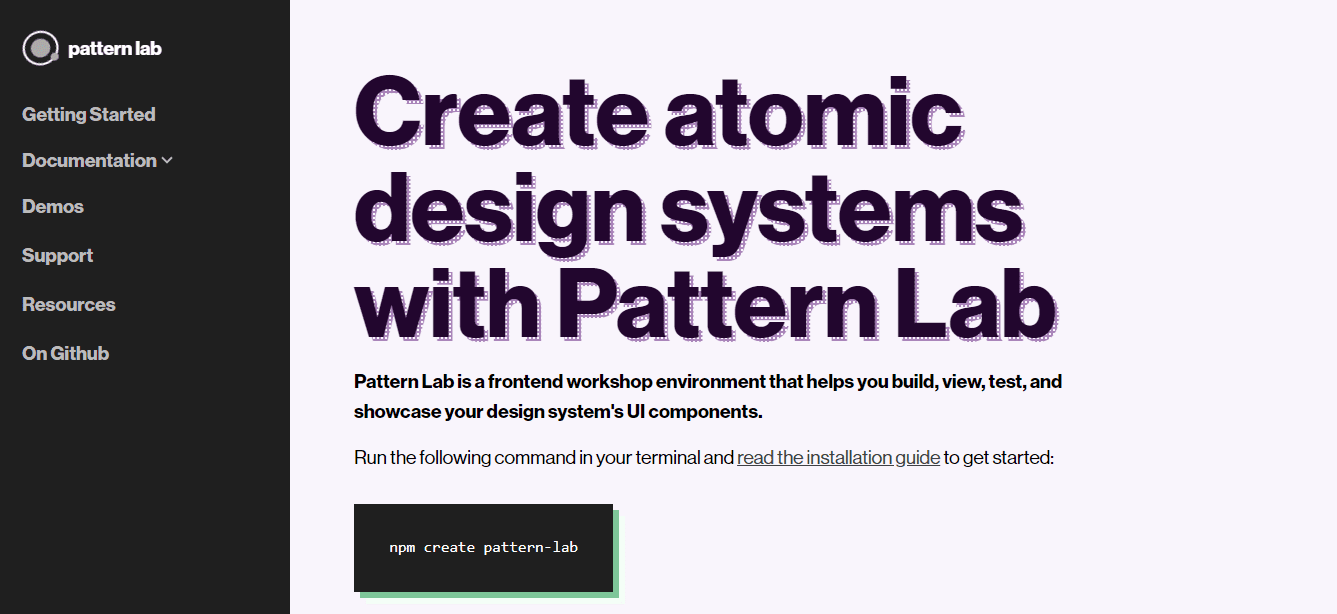
The credit for creating this pattern-driven web design tool goes to Brad Frost and Dave Olsen. Pattern Lab follows the atomic design concept, which suggests you break down your design into small portions like atoms. You can also use them as a combination of reusable components, which you can turn into valuable templates.
You can also nest different UI patterns inside one another as this web design tool is language-and tool-agnostic. Designers can also carry out designing using dynamic data. The viewport resizing tools are device-agnostic so that you can ensure responsive web design. The extensibility of the web design tool ensures that you can quickly meet your requirements in the future.
Advantages of Pattern Lab:
- Component Based Workflow: Pattern Lab enables a component-based workflow, allowing designers to build reusable UI components for efficient web design development.
- Pattern Library Documentation: Pattern Lab generates comprehensive pattern library documentation, making it easier for designers to maintain and communicate design guidelines to the development team.
- Extensibility and Customization: Pattern Lab offers extensibility and customization options, allowing designers to tailor the tool to their specific design needs and integrate it with other design tools or frameworks.
Disadvantages of Pattern Lab:
- Setup and Maintenance: Setting up and maintaining a Pattern Lab environment may require technical expertise and ongoing maintenance, which could be a challenge for some designers or teams.
30. Zeplin
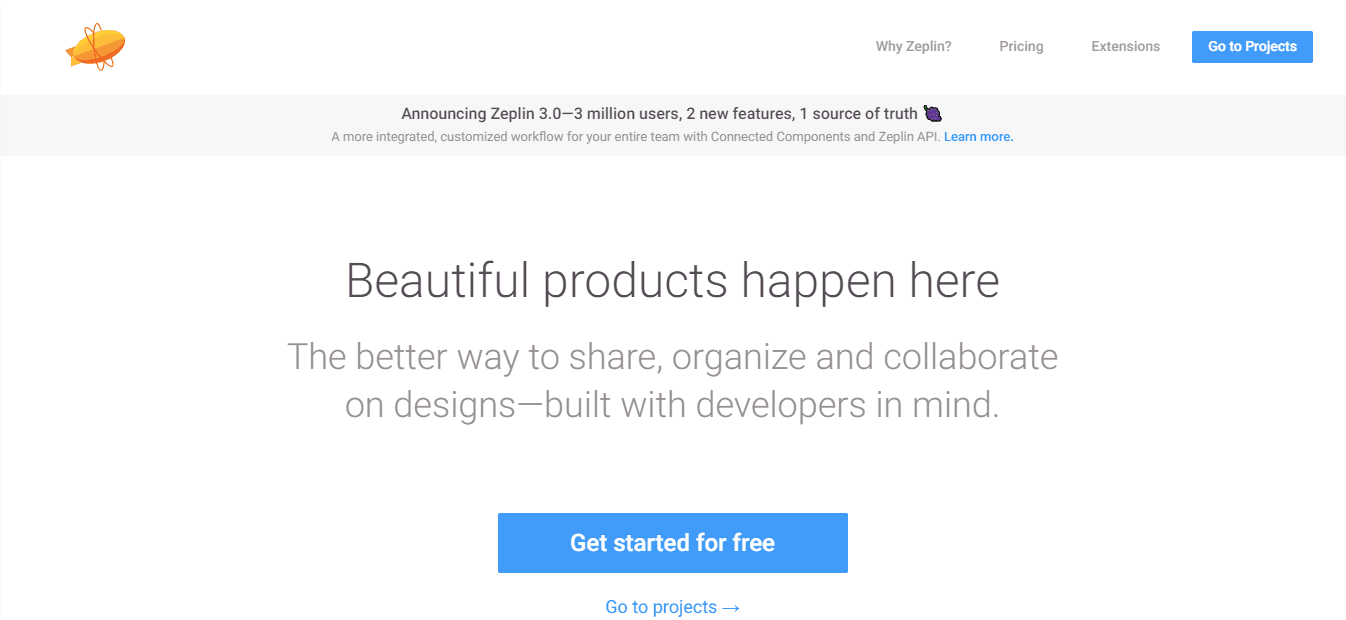
Zeplin is a web design tool that solely focuses on this aspect and helps both by providing them with the necessary resources. There are different plugins for designers to export their designs using a single click.
In March, various product teams exported the designs of Sketch, Adobe XD, Figma, and Photoshop CC to Zeplin. The web design tool’s foundation rests on the concept that a company can build delightful products when the designers collaborate well with the rest of the team.
Advantages of Zeplin:
- Styleguide Generation: The tool automatically generates style guides from design files, ensuring consistency and easy reference for developers during the implementation phase.
- Platform Compatibility: Supports integration with popular design tools and platforms, allowing designers to import designs easily and work with a wide range of design file formats.
- Asset Export: Simplifies the process of exporting assets, providing developers with the necessary image assets, icons, and code snippets required for web development.
Disadvantages of Zeplin:
- Limited Design Editing Capabilities: Zeplin primarily focuses on design collaboration and handoff, lacking extensive design editing features. Designers may need to rely on other tools for in-depth design modifications.
- Dependency on Design Tools: It relies on the design files created in other design tools, which means any changes made in the design tool need to be synced manually to ensure accurate representation in Zeplin.
31. Adobe Illustrator
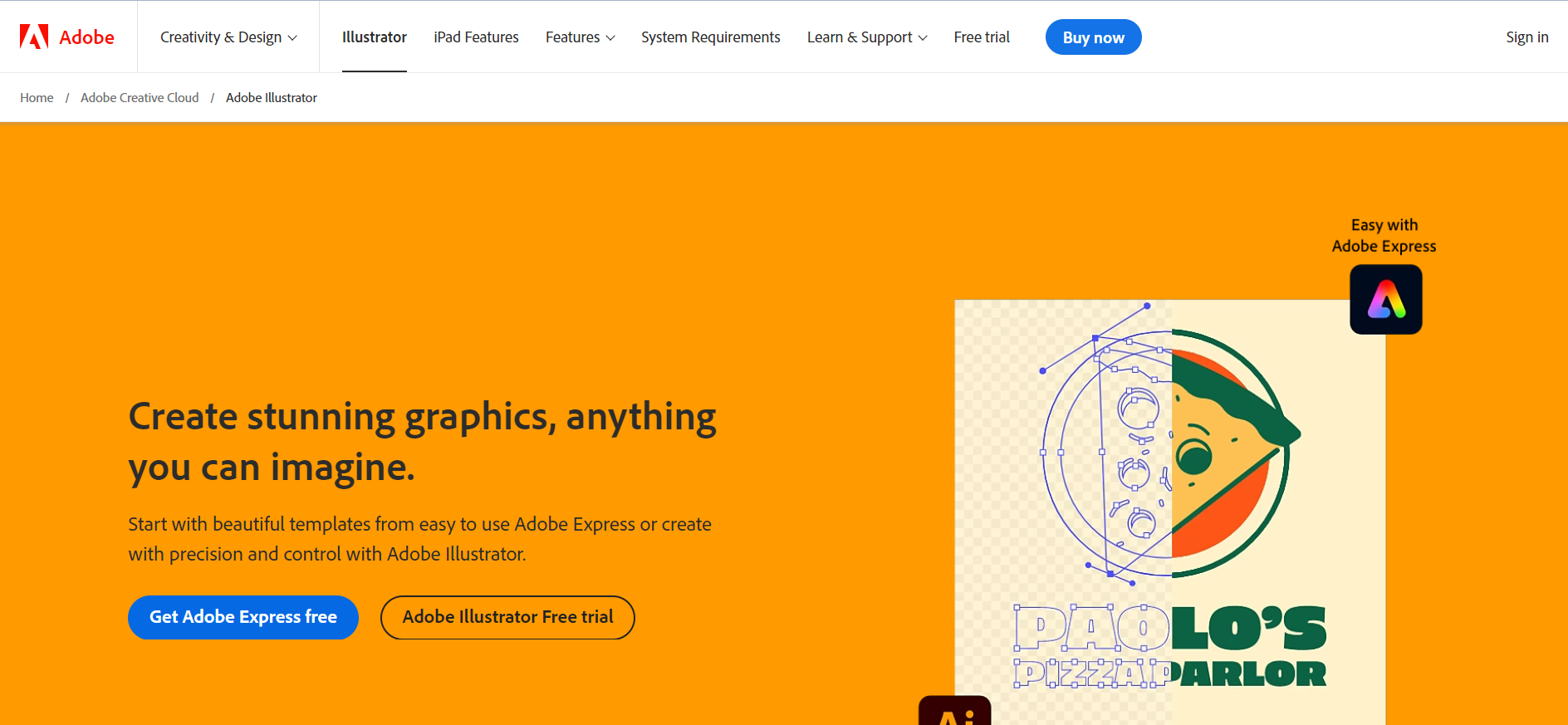
Adobe Illustrator is a powerful tool for illustrators and graphic designers, as well as a great resource for web designers. Web designers can leverage Illustrator’s vector-based capabilities, precise layout tools, and a large library of design assets to create images, icons, logos, and user interface elements for websites and web apps.
It is the go to tool for web designers seeking expert and pixel-perfect designs for their online projects, whether it be for developing website layouts, making unique icons, or optimizing graphics for responsive web design.
Advantages of Adobe Illustrator:
- Versatile Design Tools: The software offers a variety of tools and features that enable designers to realize their creative ideas, including fine-tuned drawing tools, font settings, and picture tracing capabilities.
- Extensive Design Resources: Provides access to a huge library of design resources, such as templates, brushes, and symbols, which can greatly speed up the design process and foster creativity.
Disadvantages of Adobe Illustrator:
- Resource Consumption: Designers using older or less capable machines may have difficulties as Adobe Illustrator can be resource-intensive and need adequate hardware to function properly.
32. Canva
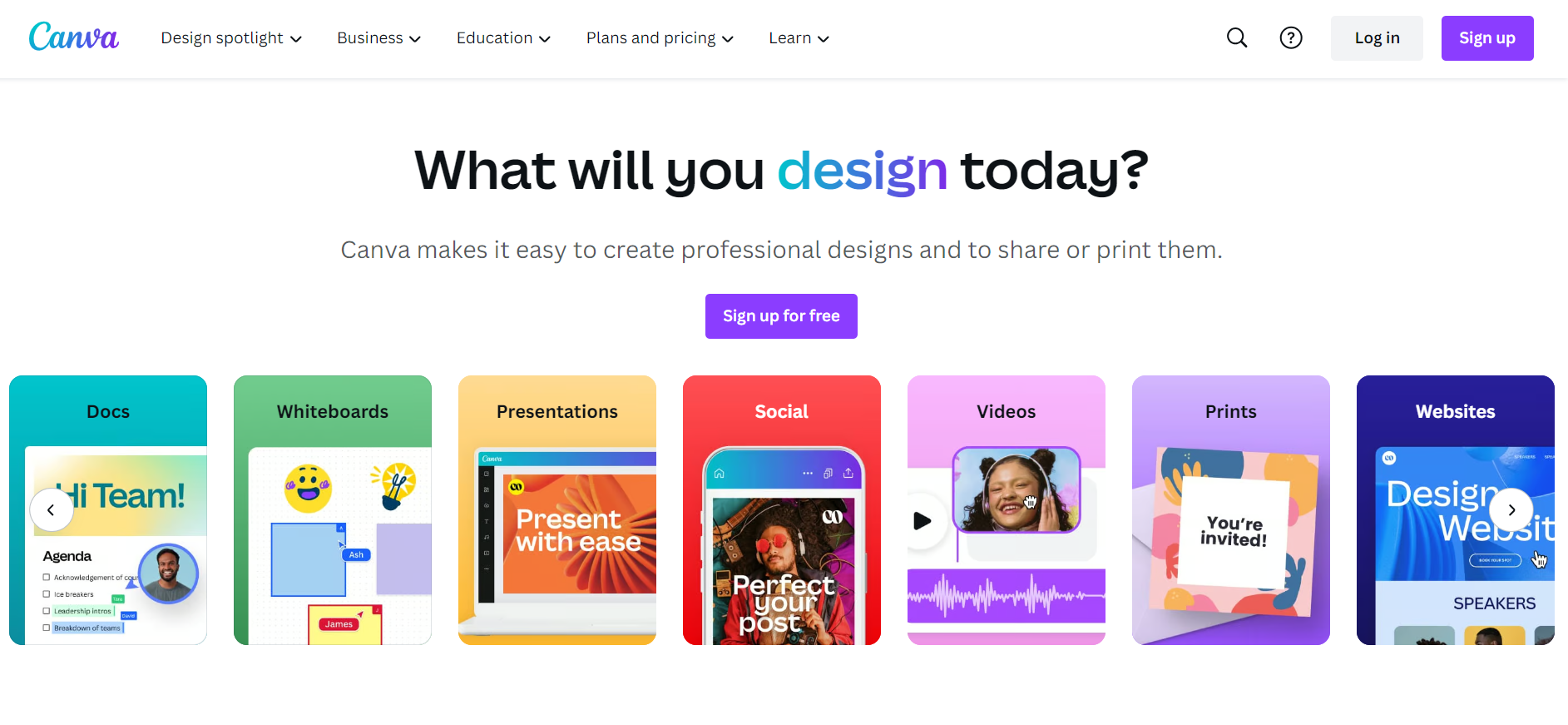
Canva is a web design tool that is ideal for both new and expert designers as it provides a wide selection of graphic categories and well-produced templates. The application offers optimized templates for a range of uses, including banners, demonstrations, and illustrations for social media. Canva accelerates the design process by enabling online designers to rapidly produce innovative designs by exploring photos, shades, and patterns with its drag-and-drop interface and exclusive collection of graphics.
Advantages of Canva:
- Collaborative capabilities: Allows teams to work on web design projects together, thereby making it simple to exchange and receive remarks.
- Saving Money: Offers several features that make it an affordable option for people and small businesses.
Disadvantages of Canva:
- Branding Restrictions: The free edition of Canva may have restrictions on branding options, such as the ability to add unique fonts or disable the Canva watermark.
33. Pichon
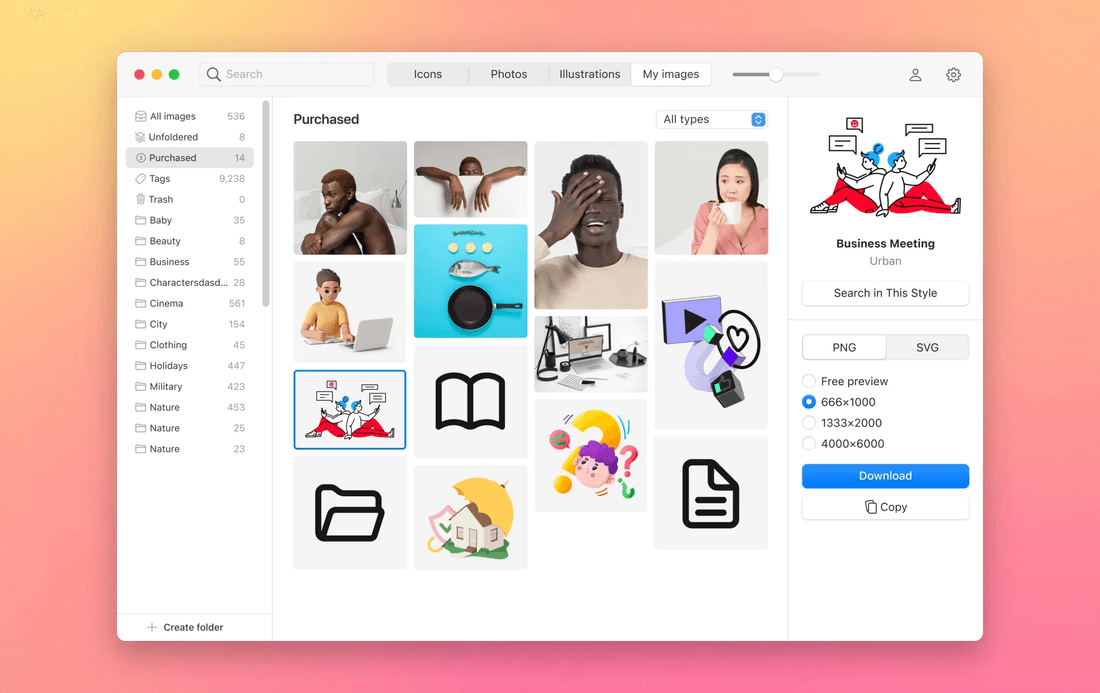
Pichon is a handy web design app created especially for graphic, and UI/UX designers. With Pichon, you can find a tons of unique icons, photos, and illustration produced by the Icons8 team. Also, you can neatly store, organize, and handle all your images, whether they are photos, screenshots, or reference images. “My Images” tab keeps your graphics in order, making it easy to find what you need. Just save an image you liked, or upload your own, and let AI explore what is it, tagging them for you. So, this way you can quickly find what you need.
Advantages of Pichon:
- Tons of Graphic Resources: With access to 1.5 million curated icons, illustrations, and photos from Icons8, Pichon provides a rich pool of graphic assets.
- Smart Search: Easily find similar images in your collection with the help of AI-powered search.
- Quick Background Removal and Image Upscale: Pichon offers a one-click background remover and image upscale, making image editing fast and straightforward.
Drawbacks of Pichon:
- Limited Offline Access: If Pichon relies heavily on a good internet connection, so some features might not work as well.
What Are the Web Design Tools for Coding/Debugging?
Key coding and debugging tools include Interplay, Eclipse, InVision, and CodeKit, providing syntax highlighting, error detection, and code optimization features.
Coding and debugging as web design tools are crucial for streamlining the building process and ensuring smooth operation. By offering functions like syntax highlights, auto-completion, and identifying errors, these tools increase the effectiveness of coding. Using debugging tools, programmers can find and correct bugs in their code, ensuring the functioning and performance of the website.
34. Interplay
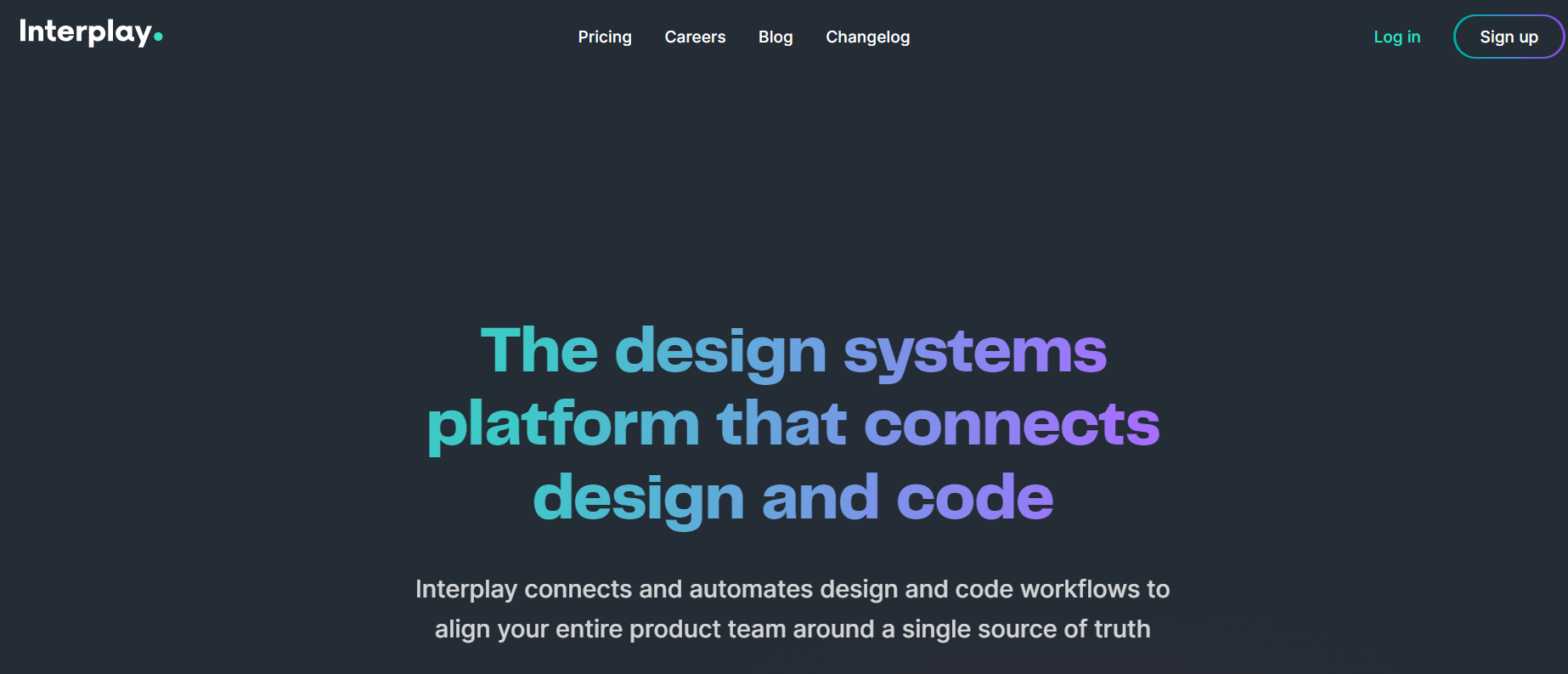
Interplay is a web design tool that helps designers to create and develop website designs due to its user-friendly interface and advanced functionality. It provides a variety of design tools, such as interactive elements, wireframing, and prototyping, enabling designers to bring their ideas to life. The application also makes it easier for team members to collaborate effectively because it lets them give input, annotate, and collaborate in real time.
Advantages of Interplay:
- Interactive Prototyping: The tool enables designers to create interactive prototypes, enabling stakeholders to visualize and provide feedback on the user experience.
- Version Control: Interplay offers robust version control features, making tracking and managing design iterations and changes easy.
Disadvantages of Interplay:
- Limited Customization: Some users may find the customization options in Interplay to be limited, which can restrict design flexibility for complex or unique projects.
35. Eclipse
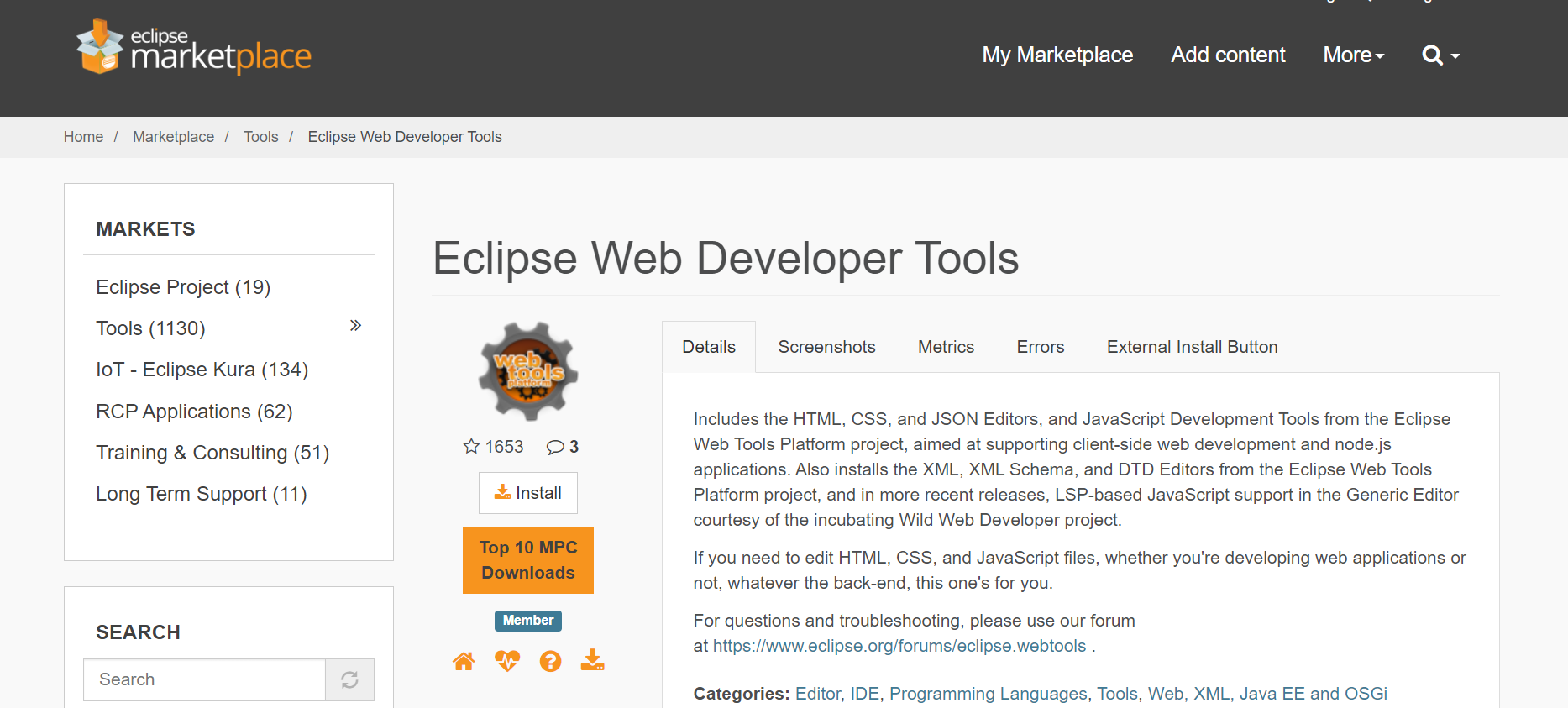
Eclipse is an influential web design tool developers often utilize to create and debug web applications. Eclipse offers a flexible and scalable platform for web development with its extensive collection of capabilities and plugins.
It supports several web development frameworks and programming languages, enabling programmers to write, edit, and test their code quickly. The robust debugging features, code analysis tools, and version control integration provided by Eclipse’s integrated development environment (IDE) make it simple for developers to create and manage scalable, high-quality web applications.
Advantages of Eclipse:
- Extensibility: Supports a wide range of plugins, allowing developers to customize and extend its functionality to suit their specific needs.
- Project Management: Includes features that help organize and manage web design projects efficiently.
Disadvantages of Eclipse:
- Outdated User Interface: The user interface of Eclipse has been criticized for its outdated look and feel, needing more modern aesthetics and the visual appeal of some other web design tools.
36. InVision
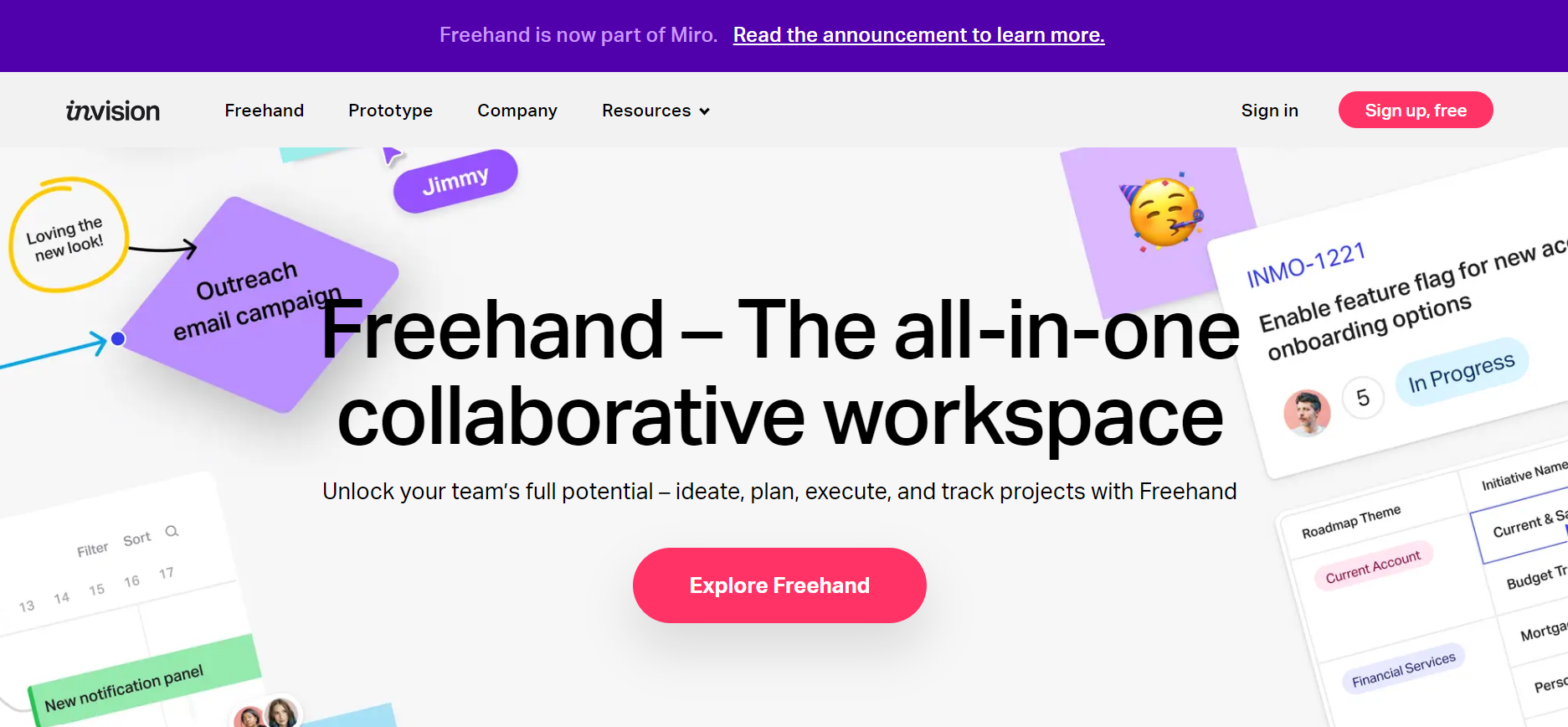
A helpful resource for UI/UX designers, InVision provides a variety of tools for designing user interfaces, developing animations, and running usability tests. Teams can produce outstanding web designs and improve the entire user experience with the aid of InVision’s streamlined design process and seamless communication. Designers can create and develop engaging web experiences, implement their ideas and share them with stakeholders for feedback.
Advantages of InVision:
- Design Versioning: Offers version control features, allowing designers to manage different iterations of their designs and track changes over time.
- Feedback and Commenting: Provides robust feedback and commenting capabilities, streamlining communication and enhancing collaboration during the design review process.
- Design Handoff: Simplifies the design handoff process by generating specs, style guides, and assets that can be easily shared with developers, ensuring accurate implementation.
Disadvantages of InVision:
- Performance Issues: Users have occasionally reported performance issues with InVision, such as slow loading times or lags when working with complex or large design files.
- Limited Offline Accessibility: Relies on an internet connection, which can be limiting when working in environments with unreliable or no internet access.
37. CodeKit
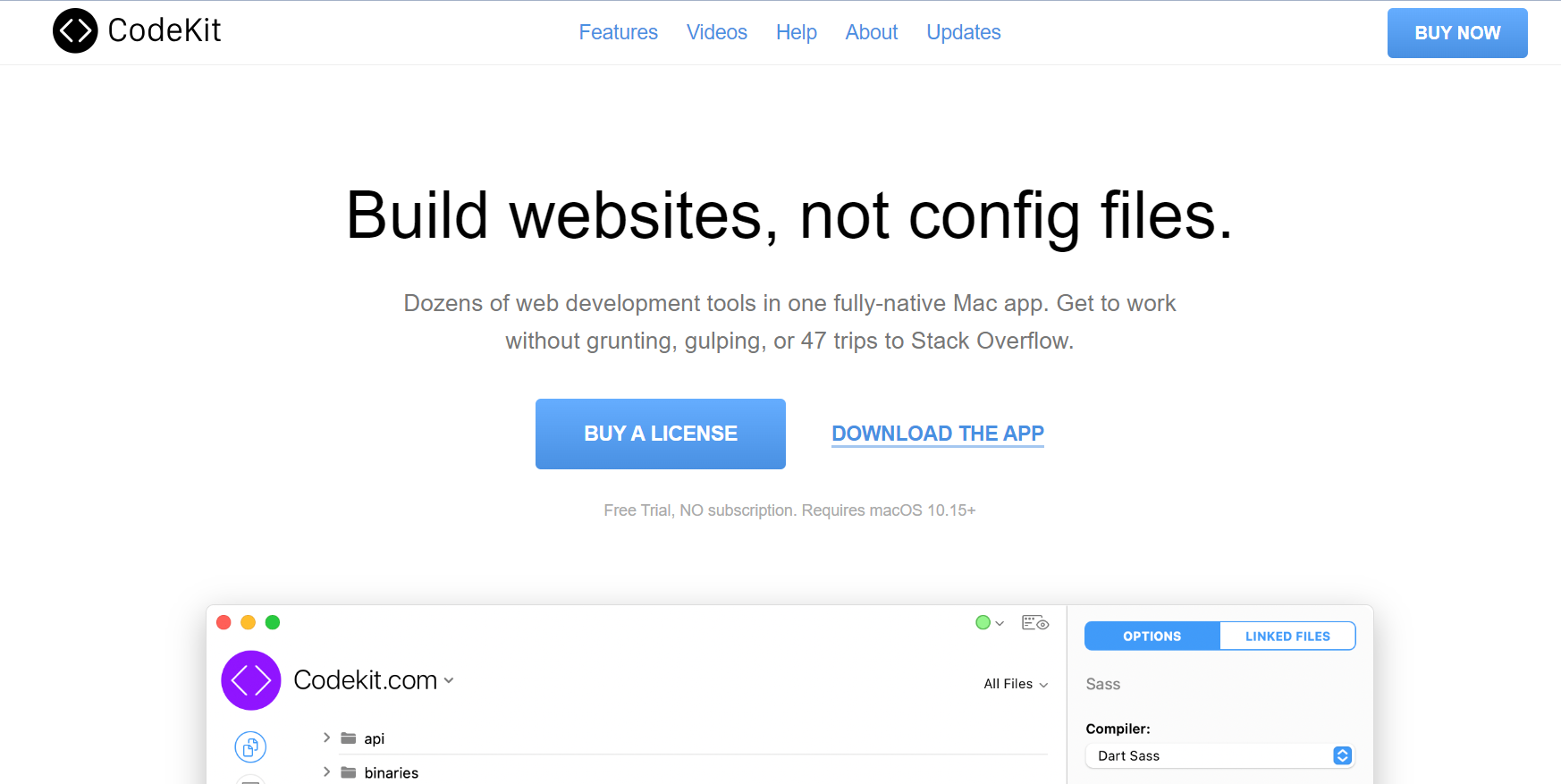
CodeKit is a web design tool that streamlines the development process for front-end designers and developers. CodeKit’s user-friendly UI and automation capabilities make it possible to reload browsers instantly, compile Sass and CoffeeScript, and optimize pictures. To increase the effectiveness and quality of web development projects, it also provides live browser reloading, code linting, and minification. For web designers aiming to simplify their workflow and boost productivity, CodeKit’s smooth integration with well-known frameworks and tools makes it an essential tool.
Advantages of CodeKit:
- Live Browser Reload: CodeKit automatically refreshes the browser whenever changes are made to the code, providing a seamless and efficient development workflow.
- Image Optimization: Optimizes images by compressing them without compromising quality, reducing file sizes, and improving website performance.
- Bundling and Minification: CodeKit bundles and minifies JavaScript and CSS files, reducing HTTP requests and improving site loading speed.
Disadvantages of CodeKit:
- Paid Software: CodeKit is a paid tool, which may not be suitable for developers who prefer free or open-source alternatives.
- Limited Build and Task Management: Focuses primarily on code compilation and optimization, needing more advanced build and task management features found in other web design tools.
What Are the Web Design Tools for Wireframing/Mockups?
Popular wireframing tools include Balsamiq, MockFlow, Wireframe.cc, and Niice, offering drag-and-drop interfaces and pre-built components for rapid prototyping.
It is crucial to visualize and plan the structure and layout of websites using web design tools like wireframing and mockups. With the help of these tools, designers can quickly build wireframes and mockups without the need for coding, thanks to their simple interfaces and pre-built features. Designers can quickly develop and share their design ideas using technologies like drag-and-drop functionality and customizable templates.
38. Balsamiq
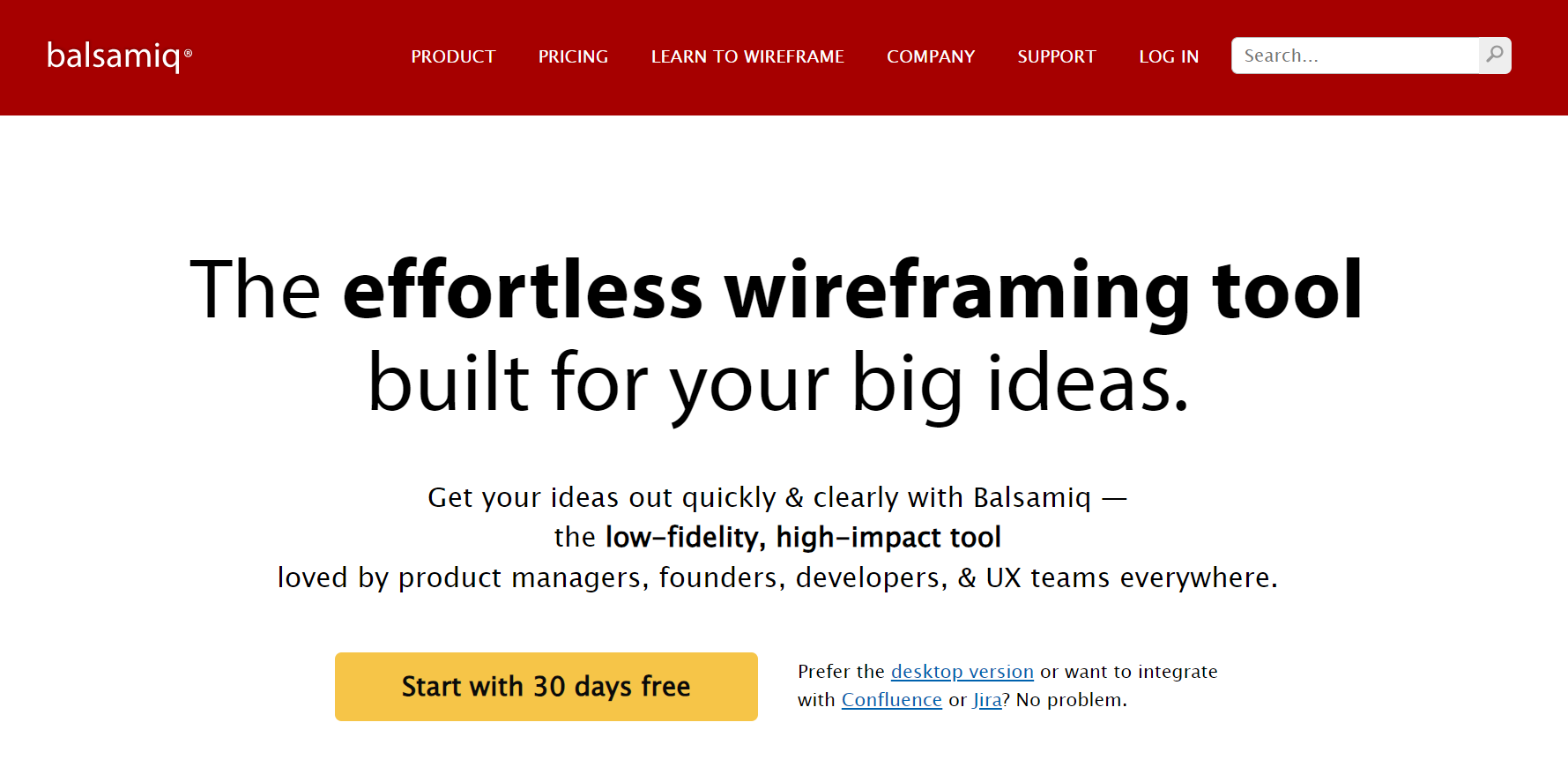
Balsamiq, a popular web design tool, is used to generate wireframes and mockups. It offers a wide variety of UI components and icons that are ready to use and can be instantly placed on the canvas to support rapid development. Given its emphasis on low-fidelity designs that focus on a structure over visual aesthetics, Balsamiq is the ideal tool.
Advantages of Balsamiq:
- Rapid Wireframing: Quick and easy creation of wireframes, allowing designers to iterate and communicate design ideas effectively.
- Low-Fidelity Mockups: Focuses on low-fidelity mockups, which help prioritize functionality over visual details, saving time and effort in the early stages of design.
Disadvantages of Balsamiq:
- Limited Visual Customization: Emphasis on low-fidelity wireframes may restrict the ability to create highly polished or visually intricate designs.
- Limited Animation Capabilities: Animation features are limited compared to other prototyping tools, which may hinder the demonstration of complex interactions or micro-interactions.
39. MockFlow
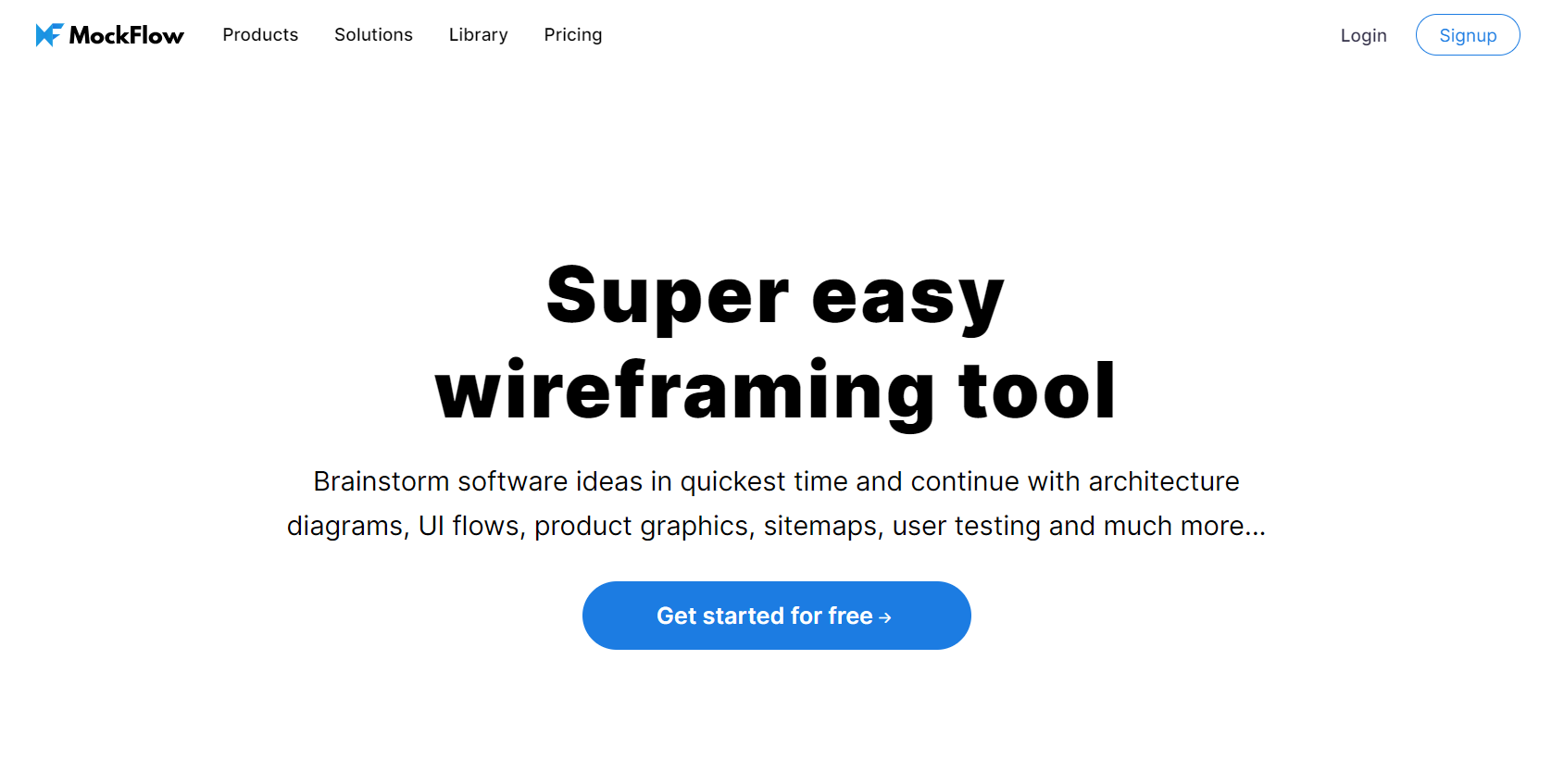
MockFlow is a versatile web design tool that caters to the needs of designers, developers, and product managers for producing wireframes, mockups, and interactive prototypes. MockFlow streamlines the design process by enabling team collaboration and feedback integration through collaborative features and version control. It also provides an easy connection with other well-liked design tools, making it a complete option for visualizing and improving website and app designs.
Advantages of MockFlow:
- Extensive UI Component Library: Provides a vast collection of pre-designed UI components, saving time and effort in creating mockups and prototypes.
- Version Control and History: Offers version control and revision history, allowing designers to track changes, revert to previous versions, and maintain design consistency.
- User Feedback and Annotations: Allows users to provide feedback and annotations directly on designs, facilitating clear communication and efficient design iterations.
Disadvantages of MockFlow:
- Exporting Limitations: MockFlow may have restrictions or limitations when exporting designs to specific file formats or integrating with other design tools, potentially impacting workflow compatibility.
40. Wireframe.cc
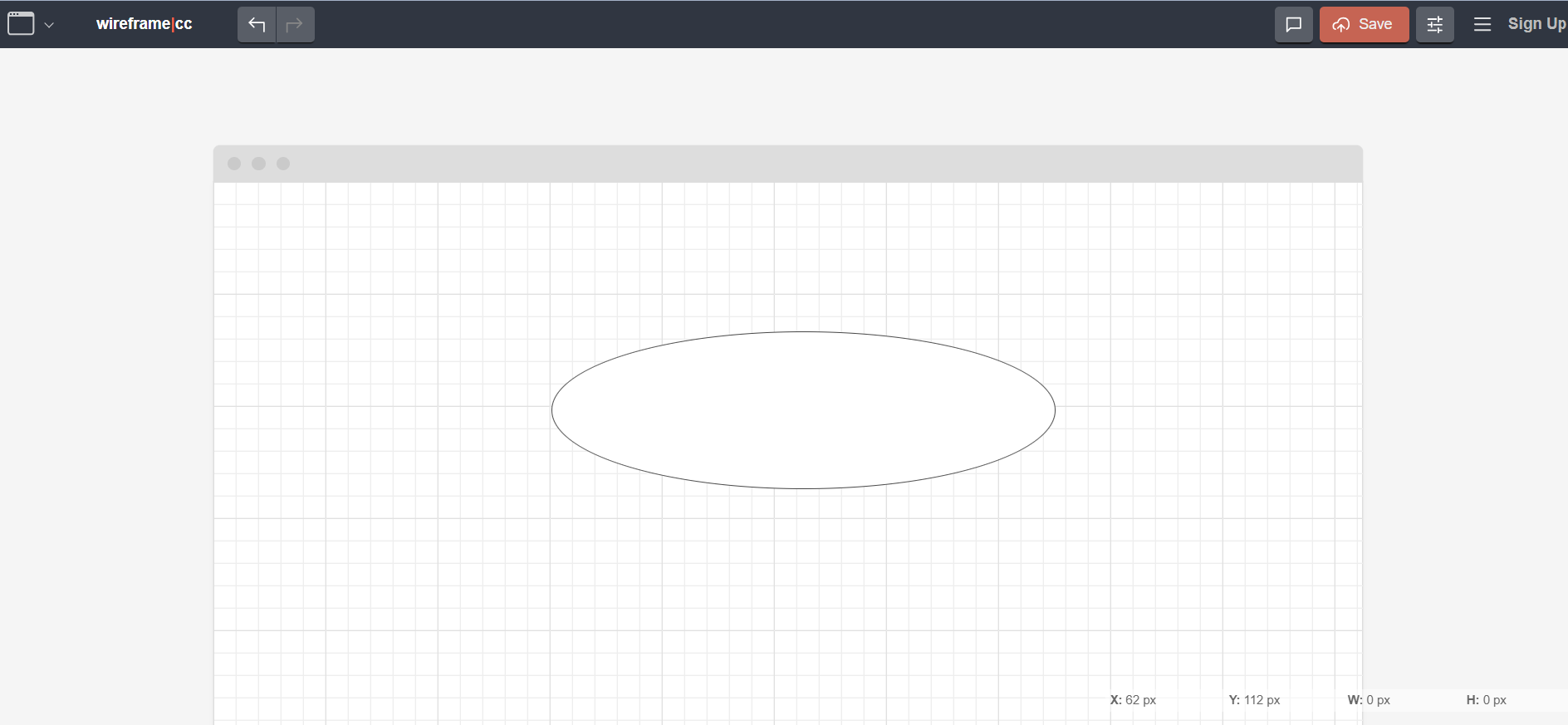
A simple web design tool for wireframing and prototyping is called Wireframe.cc. It’s ideal for swiftly drawing out website and app layouts due to its uncomplicated functionality and simple UI. Wireframe.cc enables designers to quickly visualize and test their ideas because of its extensive library of pre-built components and the option to build interactive click-through prototypes. This tool offers a fluid and effective way to generate and iterate on wireframes, making it easier for designers of all skill levels to realize their online design concepts.
Advantages of Wireframe.cc:
- Simplicity and Ease of Use: Offers a simple and user-friendly interface, making it easy for designers to create wireframes without any unnecessary complexities quickly.
- Online Access and Cloud Storage: Allows designers to access wireframes from any device with an internet connection. It also provides cloud storage for easy and secure storage of wireframe files.
- Sharing and Presenting: Designers can share and present their wireframes with stakeholders or clients easily, simplifying the feedback and approval process.
Disadvantages of Wireframe.cc:
- Lack of Advanced Features: Wireframe.cc may need more advanced features such as interactive prototyping, advanced interactivity, or advanced design components.
- Dependency on Internet Connection: Since Wireframe.cc is an online tool, designers depend on a stable Internet connection for accessing and working on their wireframes, which may be a limitation in certain situations or locations.
41. Pixel Dropr
Pixel Dropr is a versatile web design tool that makes it easier to create pixel-perfect designs. Designers can quickly incorporate frequently used elements like buttons, icons, and UI components into their designs because of its massive library of reusable design materials and drag-and-drop capability. By enabling users to save and organize their preferred design elements, making them easily accessible for upcoming projects, this application streamlines the design workflow.
Advantages of Pixel Dropr:
- Time-saving Asset Management: Designers can quickly access and organize their frequently used design assets, eliminating the need for manual searching and saving time during the design process.
- Consistency and Reusability: By providing a centralized repository for design assets, it promotes consistency and reusability, ensuring a cohesive and efficient design experience.
Disadvantages of Pixel Dropr:
- Dependency on Design Software: Pixel Dropr is a plugin or extension for specific design software, which means it may not be available or compatible with all design tools, limiting its usage for designers using different software.
42. Niice
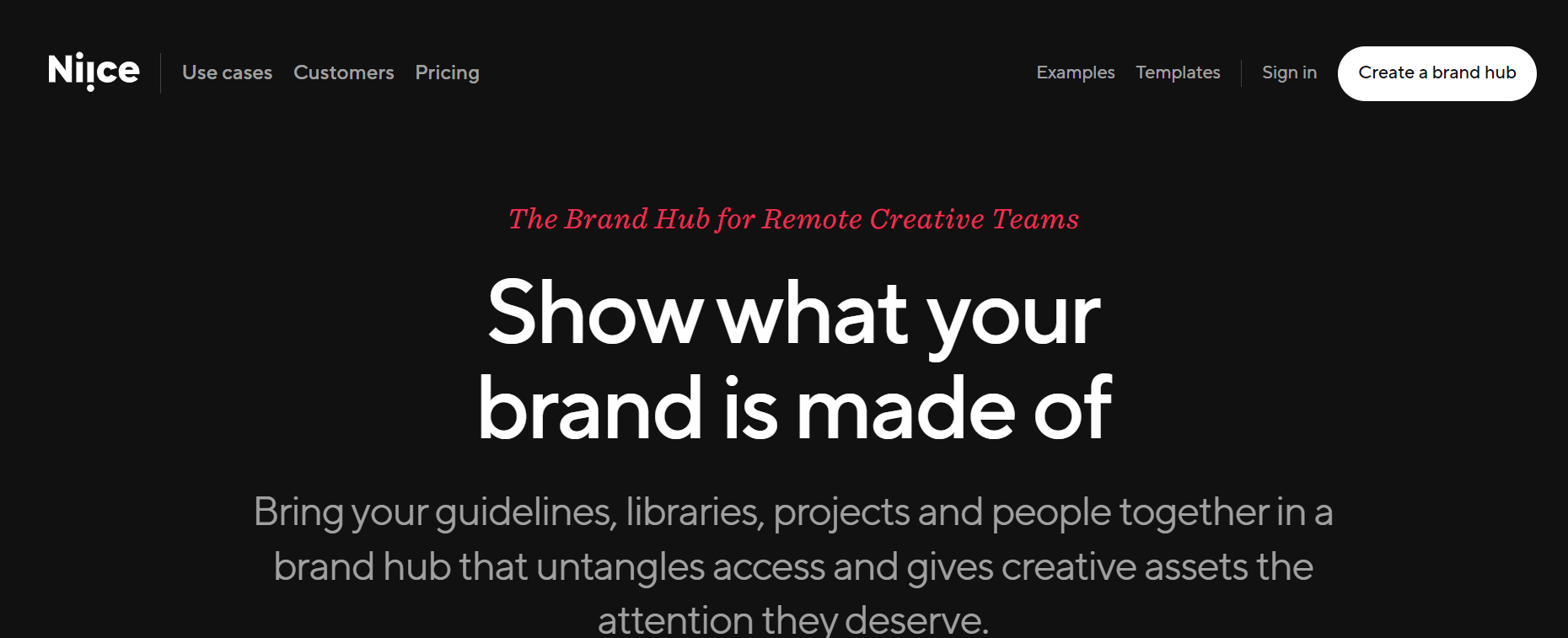
Niice is a web design tool that allows designers to find and collect visual inspiration in one place. Users can search and assemble photos, shades, and fonts to spark inspiration and drive their creative process using Niice’s intuitive interface and a large collection of carefully picked design assets. Niice allows you to discover and create visual references that enhance your ideas.
Advantages of Niice:
- Streamlined Search and Organization: The search functionality in Niice enables designers to efficiently find relevant design references and organize them into collections, improving workflow and productivity.
- Customizable Mood Boards: Niice allows designers to create customized mood boards and presentations, enabling them to present their design concepts and ideas effectively to clients or stakeholders.
Disadvantages of Niice:
- Limited Content Sources: Niice may have a limited pool of content sources compared to other design inspiration platforms, which could restrict the variety and diversity of design references available.
43. Google Fonts
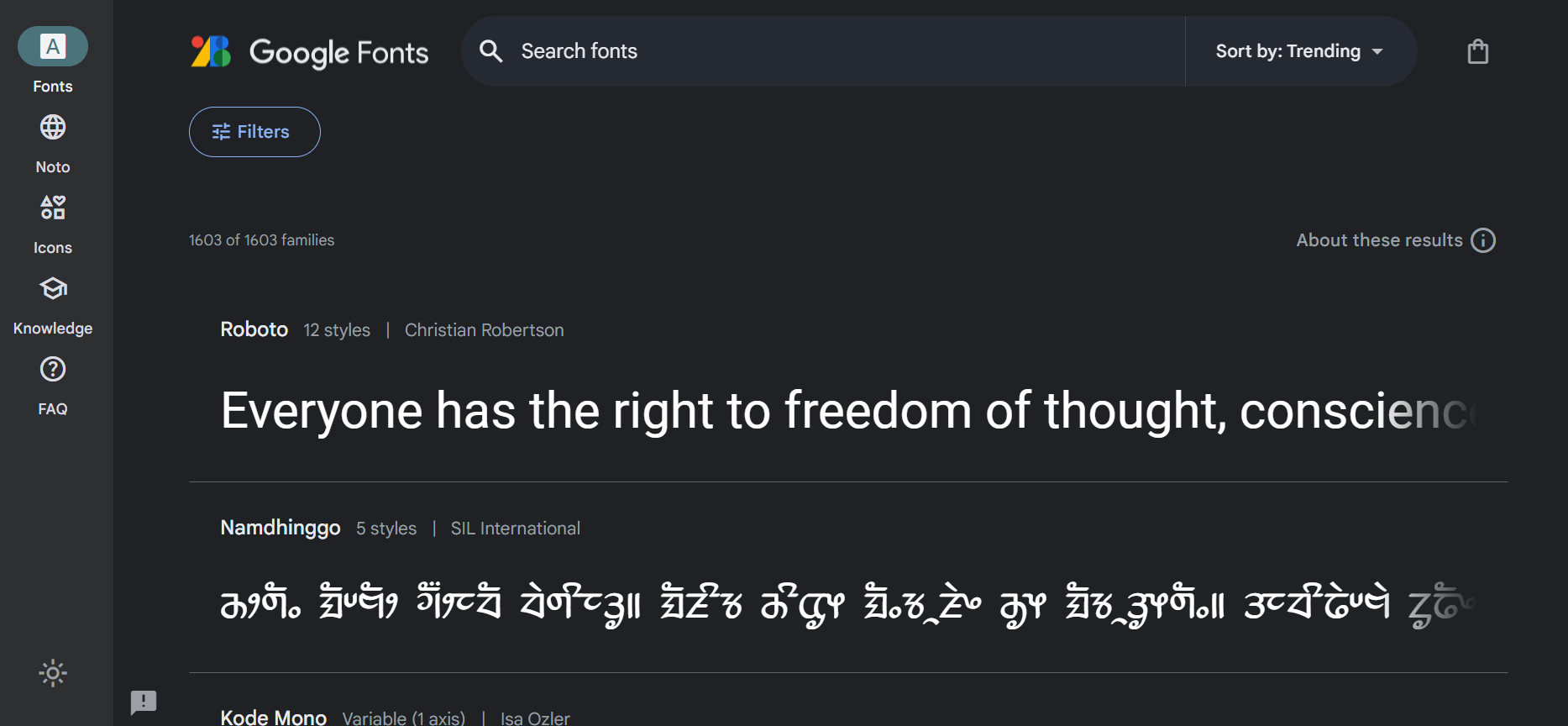
Google Fonts is a handy web design tool that offers an extensive collection of fonts for projects. Designers can explore and select from a variety of font types, and character sets using its user-friendly interface. Web designers can improve the usability and visual attractiveness of their websites by using uniform typography by integrating Google Fonts into their designs. The availability of open-source fonts and the ability to customize and optimize them make Google Fonts a popular choice for designers seeking versatility and creative options for their web typography needs.
Advantages of Google Fonts:
- Wide Selection: Google Fonts offers a vast collection of font styles, ensuring designers have a wide range of options for their web design projects.
- Accessibility and Availability: Designers can easily integrate web fonts into their projects without worrying about licensing restrictions or additional costs.
- Fast Loading: Google Fonts are optimized for web performance, ensuring fast loading times and improved user experience on websites.
Disadvantages of Google Fonts:
- Commonly Used Fonts: Due to their popularity, some Google Fonts are more commonly used, leading to a lack of uniqueness or originality in web designs that heavily rely on these fonts.
- Dependency on External Servers: When using Google Fonts, websites rely on external servers to fetch and load the fonts, which can introduce a dependency on the availability and reliability of those servers.
44. Behance
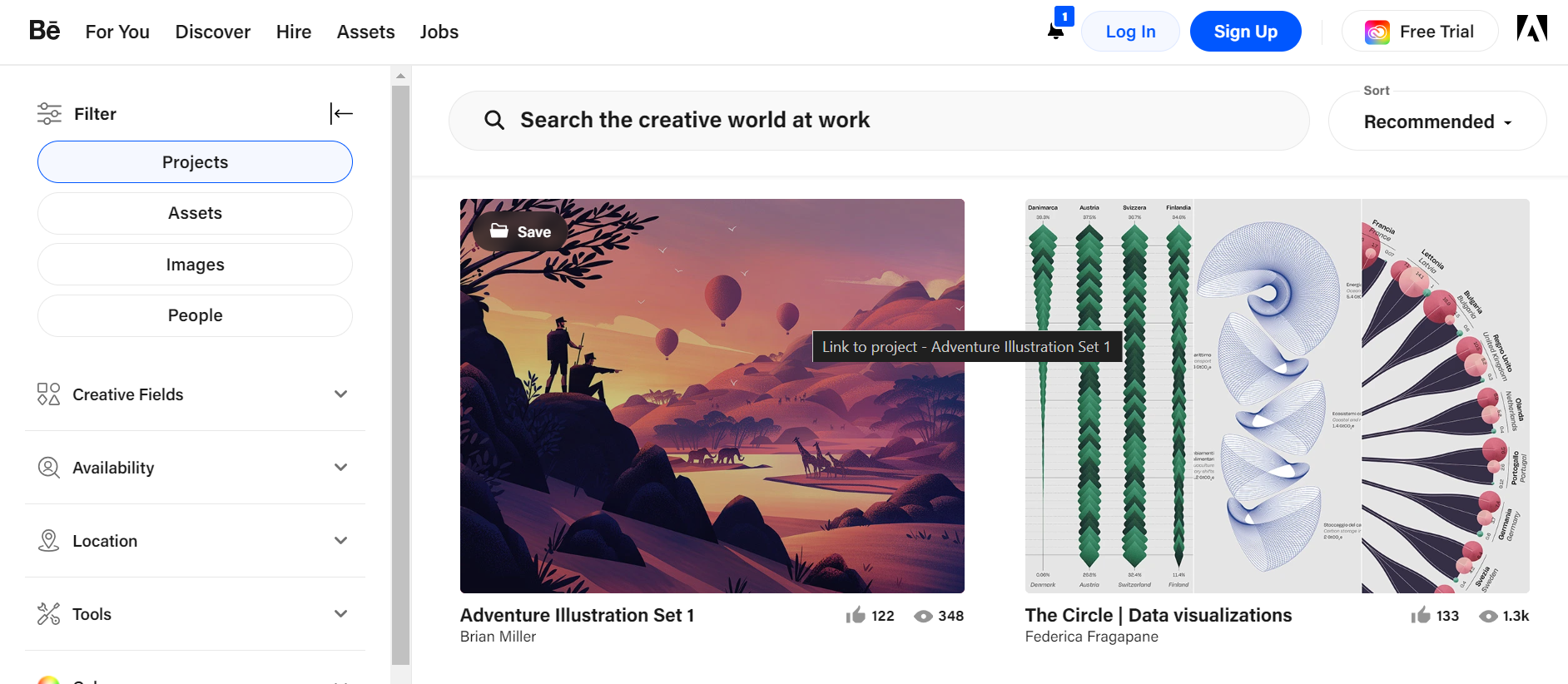
Behance enables designers to showcase their talents, get exposure, and interact with other industry professionals thanks to its intuitive design and rich functionality. It serves as a center of inspiration by providing a range of design fads, fashions, and fresh concepts to explore. It is crucial for web design tools to interact with the design community and promote their talent.
Advantages of Behance:
- Inspiration & Trends: Designers can find new design trends and keep up with the latest trends by browsing through Behance projects.
- Feedback and Criticism: Designers receive feedback and critique on their work from the community, enabling them to do better.
- Job and Freelancing Opportunities: Behance serves as a platform for designers to find job opportunities, freelance projects, and potential clients who may be interested in their services.
Disadvantages of Behance:
- Quality Control: While Behance hosts a wide range of projects, the quality and relevance of some content may vary, requiring designers to navigate through a mix of exceptional and mediocre work.
- Time Investment: Building a strong presence on Behance requires regular updates, engagement with the community, and maintaining an active portfolio, which can be time-consuming for busy designers.
45. Designmodo
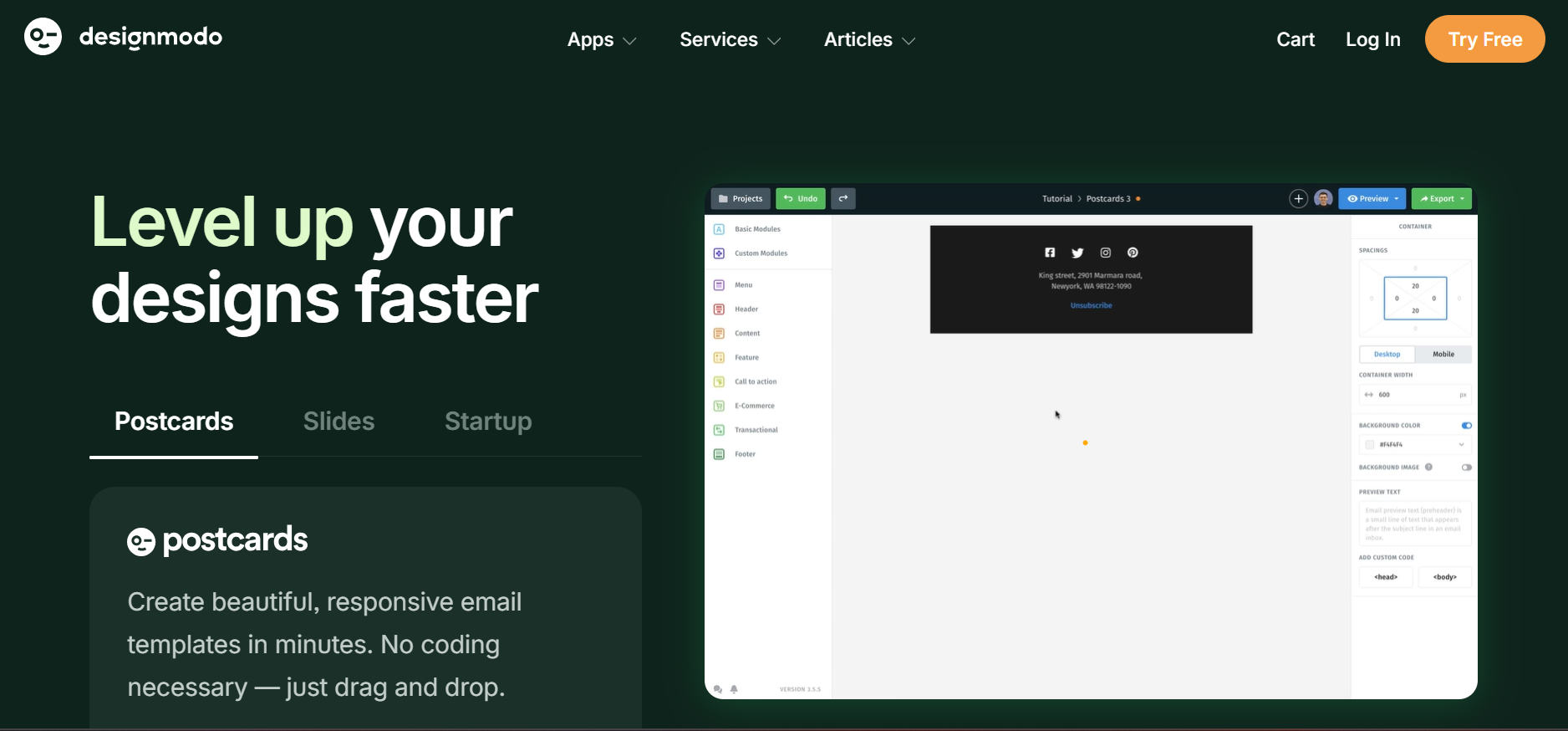
Designmodo is a web design tool that empowers designers and developers to create responsive websites. It offers an intuitive interface and a wide range of pre-designed components, templates, and UI kits to expedite the design process. With this tool, you can unleash your creativity, craft visually appealing websites, and deliver exceptional user experiences without requiring advanced coding skills.
Advantages of Designmodo:
- Design Resources: Designmodo offers a wide range of design resources, including UI kits, icons, templates, and tutorials, empowering designers to enhance their creative projects and streamline their workflow.
- Innovative Design Products: Designmodo introduces innovative design products that push the boundaries of web design, allowing designers to explore new techniques, styles, and interactive elements.
- Community and Learning: Designmodo fosters a community of designers where they can connect, share ideas, and learn from each other through forums, articles, and workshops, promoting continuous growth and improvement.
Disadvantages of Designmodo:
- Dependency on Designmodo Ecosystem: Relying heavily on Designmodo’s ecosystem for design resources and products may limit designers’ exposure to alternative solutions and diverse design approaches from other sources.
- Limiquickly ted Design Variety: Designmodo’s design style and aesthetic may only cater to some designer preferences or project requirements, limiting the range of design options available within the platform.
Conclusion
Web design tools have revolutionized the creation and maintenance of websites. Designers and developers can create simple and seamless online experiences that cater to various needs. Web design tools simplify the design process and enable users to realize their visions with features like drag-and-drop interfaces, ready-made templates, and customizable elements.
Professionals can streamline their processes, boost productivity, and provide top-notch outcomes for their web design projects by utilizing the appropriate web design tools. With the help of these tools, designers, and developers may expedite their work and communicate successfully. These tools offer a variety of functionalities, from wireframing and collaboration to coding and debugging.


Frequently asked questions
Did you find this page helpful?
More Related Hubs
TestMu AI forEnterprise
Get access to solutions built on Enterprise
grade security, privacy, & compliance
- Advanced access controls
- Advanced data retention rules
- Advanced Local Testing
- Premium Support options
- Early access to beta features
- Private Slack Channel
- Unlimited Manual Accessibility DevTools Tests