

Next-Gen App & Browser Testing Cloud
Trusted by 2 Mn+ QAs & Devs to accelerate their release cycles


Eclipse vs Visual Studio: Choose Your IDE
Explore Eclipse vs Visual Studio for your coding needs and discover which IDE outperforms on features, speed, and support.

Tanay Kumar Deo
December 19, 2025
Choosing the right Integrated Development Environment (IDE) is an important decision for developers and testers, as it influences the efficiency and smoothness of their development and testing journey. According to the Top IDE Index created by analyzing how frequently IDEs’ download pages are searched on Google, Visual Studio shares 27.84%, whereas Eclipse shares 11.26%.
Eclipse and Visual Studio are popular and powerful IDEs designed for different purposes. They have unique features that make them useful for specific kinds of projects. In this guide, we will delve deep into the key factors developers should consider for choosing between Eclipse vs Visual Studio.
Eclipse- An Overview
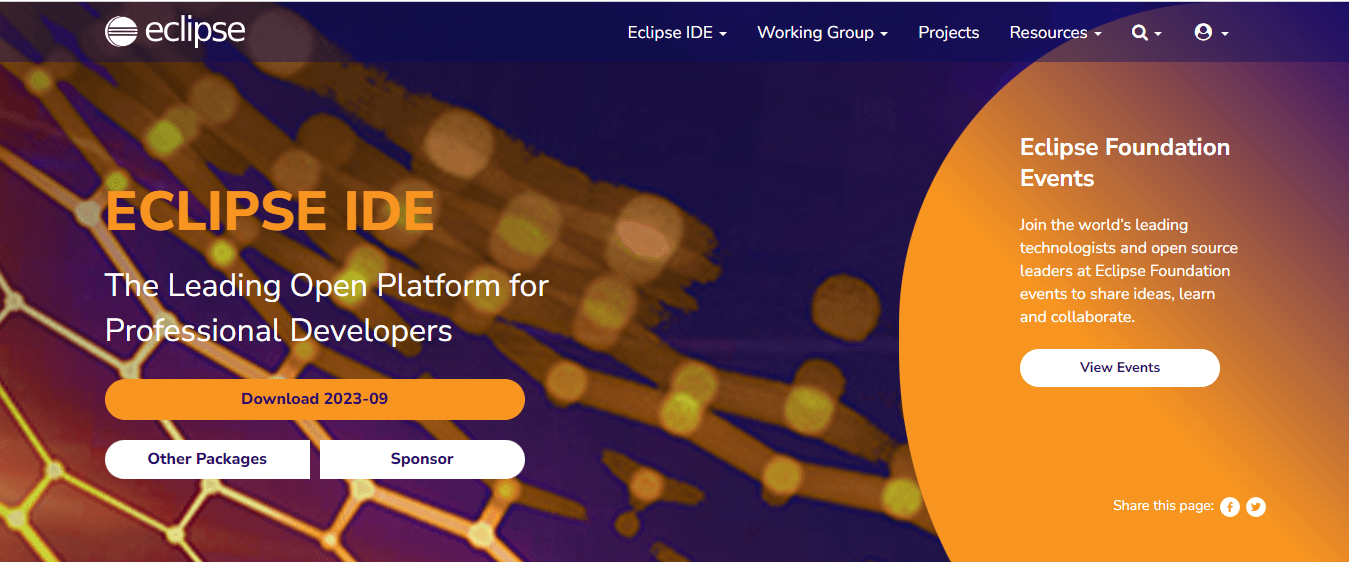
Eclipse is an open-source Integrated Development Environment (IDE) commonly used for Java, C/C++, and PHP development. It was originally developed by IBM in 2001, later open-sourced, and is currently managed by the Eclipse Foundation. Eclipse’s open-source nature and supportive community contribute to its popularity, creating a versatile and accessible environment for developers and testers to build, enhance, and test their projects.
Eclipse is primarily known as a JAVA IDE; however, it extends its functionality beyond Java development to support programming languages like C/C++ and PHP.
Features of Eclipse
Eclipse is a versatile IDE renowned for its robust features and plugin ecosystem, making it an excellent choice for Java and other programming languages. Some of the key features of Eclipse are:
- Eclipse Marketplace: The Eclipse Marketplace is a platform within Eclipse IDE that offers a wide range of plugins and extensions like CheckStyle, Maven, TestNG, Quick JUnit, and many more to make developers’ and testers’ tasks easy.
- Support for Enterprise-Based Java Applications: Eclipse provides robust support for enterprise-based Java applications by offering Java development tools such as JUnit, Java Formatter, JDT Developer, Maven, Groovy Development Tools (GDT), etc, empowering developers to build robust and efficient Java-based applications.
- Modeling Capabilities: Eclipse provides modeling frameworks like Eclipse Modeling Framework (EMF), Graphical Modeling Framework (GMF), and Eclipse Papyrus to create, edit, and visualize models efficiently. It simplifies the development of complex software systems by providing a comprehensive infrastructure for defining, creating, and manipulating structured data models.
- Integrated Support for Unit Testing: Eclipse provides integrated support for unit testing through popular testing frameworks like JUnit and TestNG, which facilitates efficient test case creation, execution, and result visualization to ensure developers that their code works properly while building software applications.
- Easy Debugging: Eclipse supports debugger features like breakpoints, variable inspection, remote debugging, step-by-step execution, etc by which developers can thoroughly assess and enhance their applications with ease and precision.
- Efficient Support Update System: Eclipse supports an efficient update system, ensuring users stay current with the latest enhancements and bug fixes. Its robust update mechanism simplifies keeping plugins, features, and IDE up-to-date.
Visual Studio- An Overview
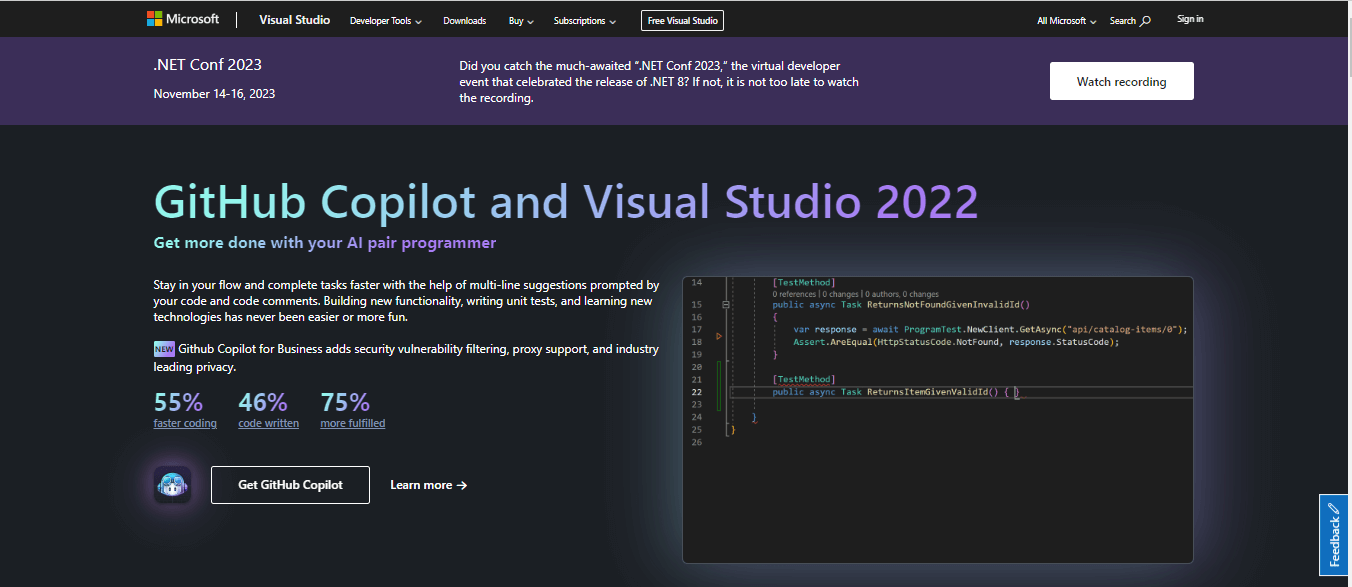
Visual Studio, developed by Microsoft, is a free IDE and Code Editor for .Net and C++ development on Windows and Mac. It can be used to edit, debug, build, and release code. Unlike other standard IDEs, Visual Studio also includes compilers, code completion and correctness tools, graphical designers, and other features to enhance software development.
Note: Microsoft has announced that it will retire the Visual Studio for Mac OS in Aug 2024.
Features of Visual Studio
Visual Studio is a powerful integrated development environment (IDE) developed by Microsoft. It offers a wide range of features and tools for various programming languages, including C#, C++, and Python. Some of the key features of Visual Studio are:
- Code Editor: Visual Studio’s code editor offers syntax highlighting and code completion for languages such as C++, C#, Visual Basic, JavaScript, HTML, etc. It provides tools for efficient code navigation and search. Additionally, it allows code refactoring for improved development productivity.
- Debugger: Visual Studios supports debugger features like breakpoints, step-through code execution, watch variables, real-time inspection, code map, etc, by which developers and testers can identify and resolve bugs quickly, ensuring a bug-free software development.
- Visual Studio Marketplace: Visual Studio Marketplace is a diverse collection of extensions, plugins, and tools. Developers can browse, discover, and install them to enhance and customize their Visual Studio environment to optimize their workflows and development experience.
- Visual UI Designer: Visual Studio features visual graphic designers like Windows Forms Designer (WFD), Windows Presentation Foundation (WPF), Xamarin, etc. that permit developers to easily create and edit UI components.
Eclipse vs Visual Studio: Which is Best for Testing?
When comparing software testing capabilities between Eclipse vs Visual Studio, it’s notable that both platforms provide strong integration with a diverse range of automation testing tools like JUnit, MSTest, NUnit, etc. The choice between the two depends on project requirements, developer preferences, and time.
Eclipse primarily has good support for testing Java applications, whereas Visual Studio primarily has good support for testing .NET and C++ applications. Both IDEs seamlessly integrate with cloud-based solutions like TestMu AI, facilitating efficient test case creation and test execution.
Difference Between Eclipse vs Visual Studio
Eclipse and Visual Studio are two popular integrated development environments (IDEs) used for software development. They differ in terms of their features, supported languages, and platform support. Some key differences between Eclipse vs Visual Studio are:
| Aspects | Eclipse | Visual Studio |
|---|---|---|
| Primary Language | Java (with plugins for other languages such as C, C++, Python, etc.) | Primarily .NET and C++ language. with support for other languages like C#, VB.NET, etc.. |
| Platform Support | Windows, macOS, and Linux | Only Windows and macOS (retiring in Aug 2024) |
| User Interface Responsiveness | Eclipse's user interface may exhibit occasional delays, especially on resource-constrained systems or with extensive plugin usage. | Visual Studio offers a polished, responsive UI with strong Microsoft ecosystem integration. |
| Pricing | Free, open-source (EPL license) | Free Community Edition, Paid Professional and Enterprise editions. |
| Recommended Hardware Requirements | ||
| RAM | 2 GB (4 GB or more recommended) | 4 GB or higher (16 GB recommended) |
| Disk Space | 300 MB to 1.5 GB (depending on the packages and plugins installed) | It requires a minimum of 850MB, however, generally, it consumes 20-50 GB of free space on harddisk. |
| Processor | 1.5 GHz or higher, with at least two cores | 2.0 GHz or faster, Quad-core or better |
| Community Support | Eclipse has a large and active community of developers. | Visual Studio Code's community is even larger and more active than Eclipse. |
Eclipse vs Visual Studio With Cloud Testing Platform
Both Eclipse and Visual Studio are powerful Integrated Development Environments (IDEs) robust for writing, debugging, and executing tests, making them ideal for testers, QAs, and software developers.
Local testing can be convenient for initial development and testing phases, but it often falls short in scalability. Hence, cloud-based testing solutions come to the rescue. We can scale the testing infrastructure with a robust cloud-based platform like TestMu AI and elevate our application quality. Eclipse and Visual Studio support the writing and running tests on such cloud-based solutions as well to achieve the best of both worlds.
TestMu AI is an AI-powered test orchestration and execution platform that lets you run manual and automated tests at scale with over 3000 real devices, browsers, and OS combinations.

Conclusion
This guide on Eclipse vs Visual Studio tells us that both are popular integrated development environments (IDEs) that support a wide range of programming languages and offer extensibility through plugins or extensions. The choice between Eclipse and Visual Studio IDE ultimately hinges on project specifications and requirements. As reliable tools for beginners, exploring Visual Studio and Eclipse IDE can provide a comprehensive understanding of the coding landscape.


Frequently asked questions
Did you find this page helpful?
More Related Hubs
TestMu AI forEnterprise
Get access to solutions built on Enterprise
grade security, privacy, & compliance
- Advanced access controls
- Advanced data retention rules
- Advanced Local Testing
- Premium Support options
- Early access to beta features
- Private Slack Channel
- Unlimited Manual Accessibility DevTools Tests