

Next-Gen App & Browser Testing Cloud
Trusted by 2 Mn+ QAs & Devs to accelerate their release cycles


Why CSS position:sticky Is Not Working (and How to Fix It)
CSS position: sticky is a positioning property that introduces a unique behavior for elements within a web page. The position: sticky creates an element that transitions between being relatively positioned and fixed, based on its position within the viewport as the user scrolls. This is particularly useful for creating navigation bars or headers that remain visible at the top of the page until a certain point, at which they become "stuck" for improved user experience.
Let's explore CSS position: sticky with an example where will create a sticky header. A sticky header is a way to stick a paragraph's heading to the browser window. When a paragraph changes and its heading changes, a new heading appears on the browser until the user scrolls the entire paragraph.
Here is an code example of a sticky header.
<!DOCTYPE HTML>
<head>
   <title>Sticky Element </title>
   <style>
      #sticky-div {
      position : sticky;
      top :0;
      font-size: 30px;
      color: white;
      background-color:  #3991bd;
      }
      p {
      font-size: 20px;
      }
      #description {
      background-color: #6ccde6;
      width : 75%
      }
   </style>
</head>

<body style = "background-color: #3991bd">
   <center>
   <h1 id="sticky-div">Introduction To Sticky Elements In CSS </h1>
   <p id = "description">
      <br><br>
      “Your Text”
      <br><br>
   </p>
   <h1 id="sticky-div">
   What is Sticky position?
   </h2>
   <br><br>
   <p id = "description">
    “Your Text”
   </p>
   <br><br>
   <p id = "description">
    “Your Text”
   </p>
</body>
</html>
The header will look as follows:
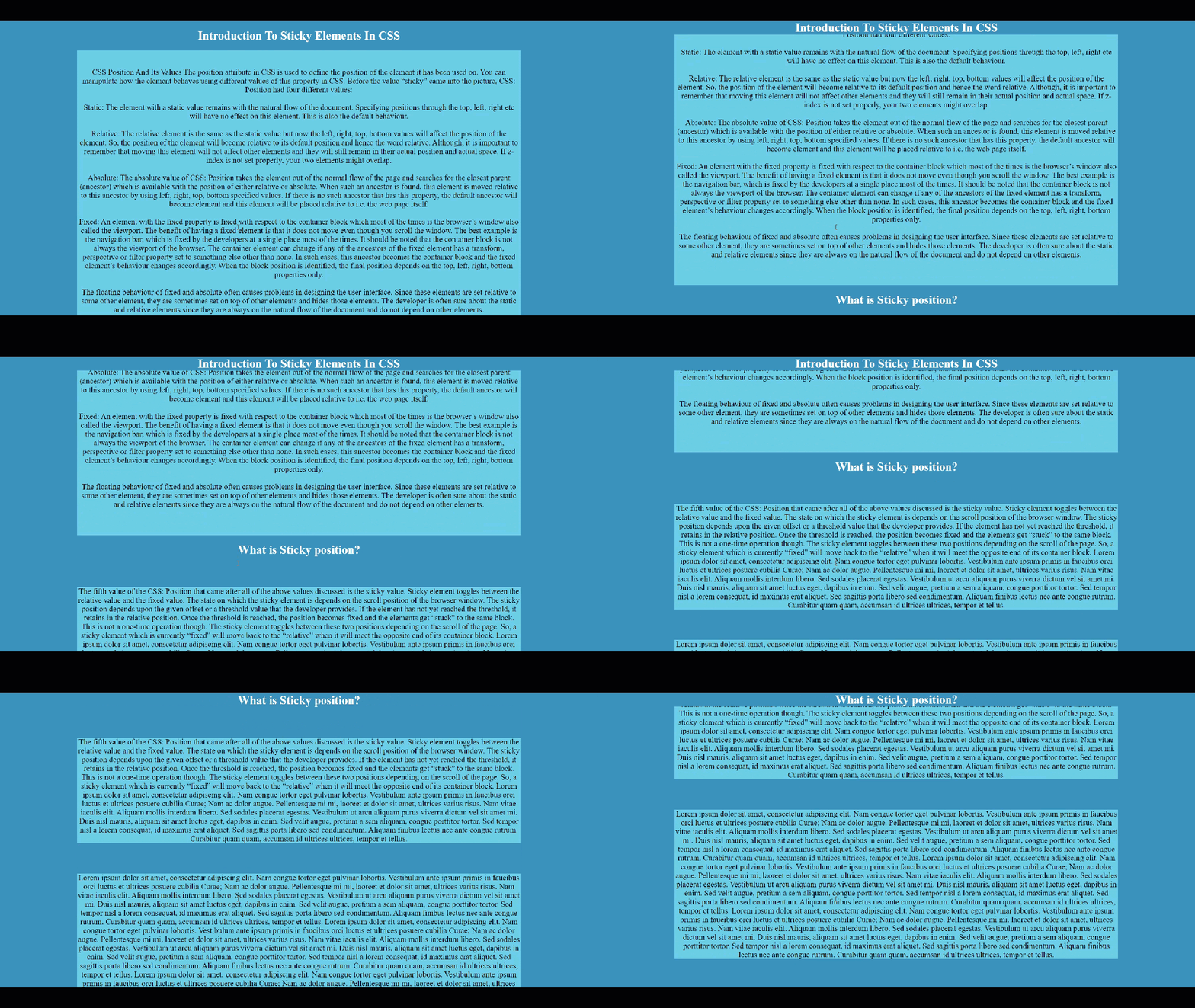
However, at times you may experience issues with the CSS position: sticky property. There could be several reasons why the CSS position: sticky property is not working as expected. Here are a few common issues to consider:
- Unsupported Browser: position: sticky is not supported in some older web browsers, such as Internet Explorer. Make sure that the browser you're using supports the sticky positioning feature.
- Incorrect CSS Syntax: Double-check your CSS syntax for any typos or missing characters. Make sure that you have specified the correct values for the top, bottom, left, & right properties.
- Incorrect HTML Structure: Make sure that your HTML structure is correct & that the element you're applying position: sticky to is inside a container element that has a height defined.
- Insufficient Height of the Container: Sticky positioning only works when the element is inside a container with a defined height. Make sure that the container element has a sufficient height for the sticky element to be able to scroll past it.
- Conflicting CSS Properties: Other CSS properties, such as float, display, or overflow, can interfere with position: sticky. Make sure that the container element & any other relevant elements do not have conflicting CSS properties that could be causing issues.
It is important to keep in mind that CSS properties such as position:sticky may behave differently across different browsers and devices due to differences in rendering engines and implementations. Therefore, performing cross browser testing of websites is important that uses CSS position:sticky property.
With AI-native test orchestration and execution platforms like LambdaTest, you can thoroughly test and ensure the correct behavior of sticky elements on an online browser farm of 3000+ real browsers, devices, and OS configurations, resulting in a more consistent and reliable web experience.
How to Test Browser Compatibility of CSS position:sticky on the Cloud
To perform browser compatibility testing of CSS position:sticky on TestMu AI, you can follow the below steps:
- Sign up on TestMu AI, and login to your TestMu AI account.
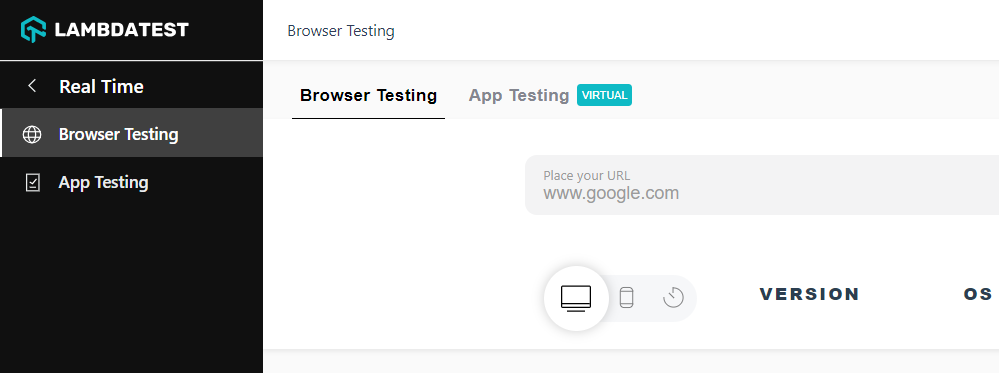
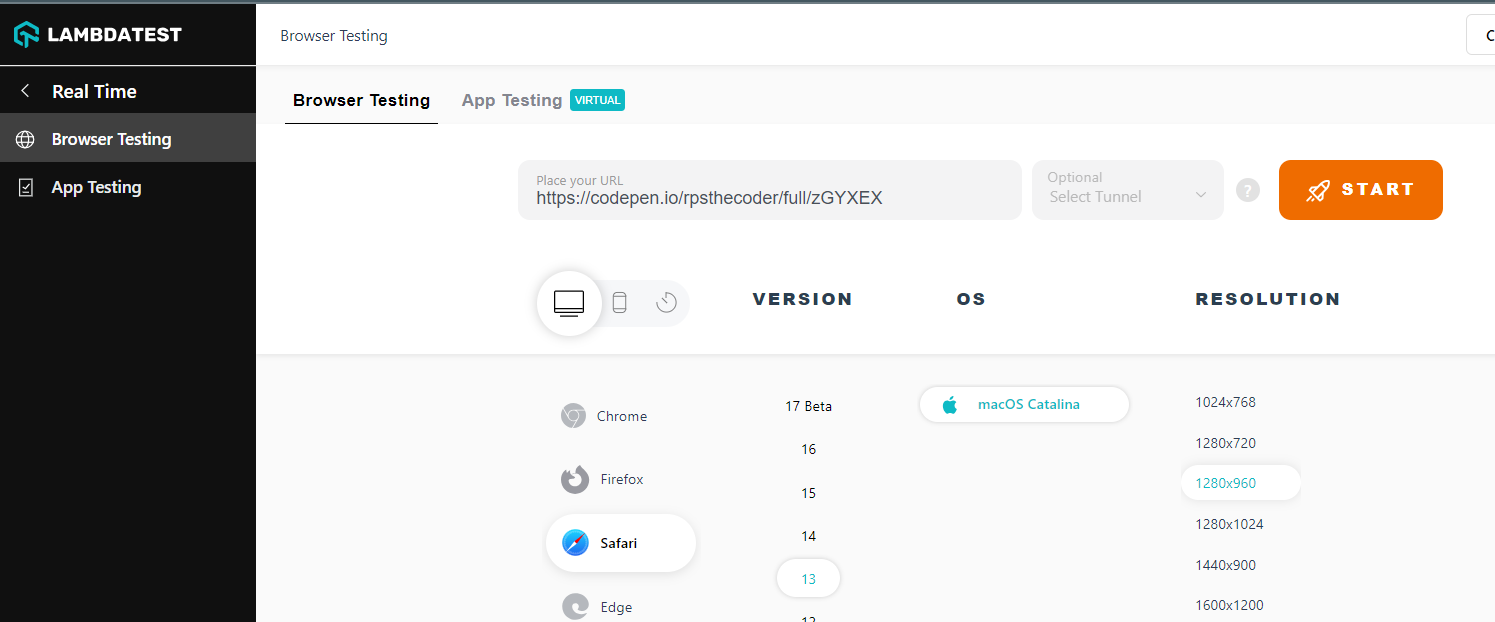
- Once you are in the user Dashboard, navigate to Real Time > Browser Testing.
- To perform real-time browser testing, choose desktop/mobile, enter your test URL, and then select browser, browser version, operating system, and resolution on which you wish to run the test. After that, click START.
A cloud-based machine will fire up running real browsers, and OS, where you can test CSS position:sticky for browser compatibility.
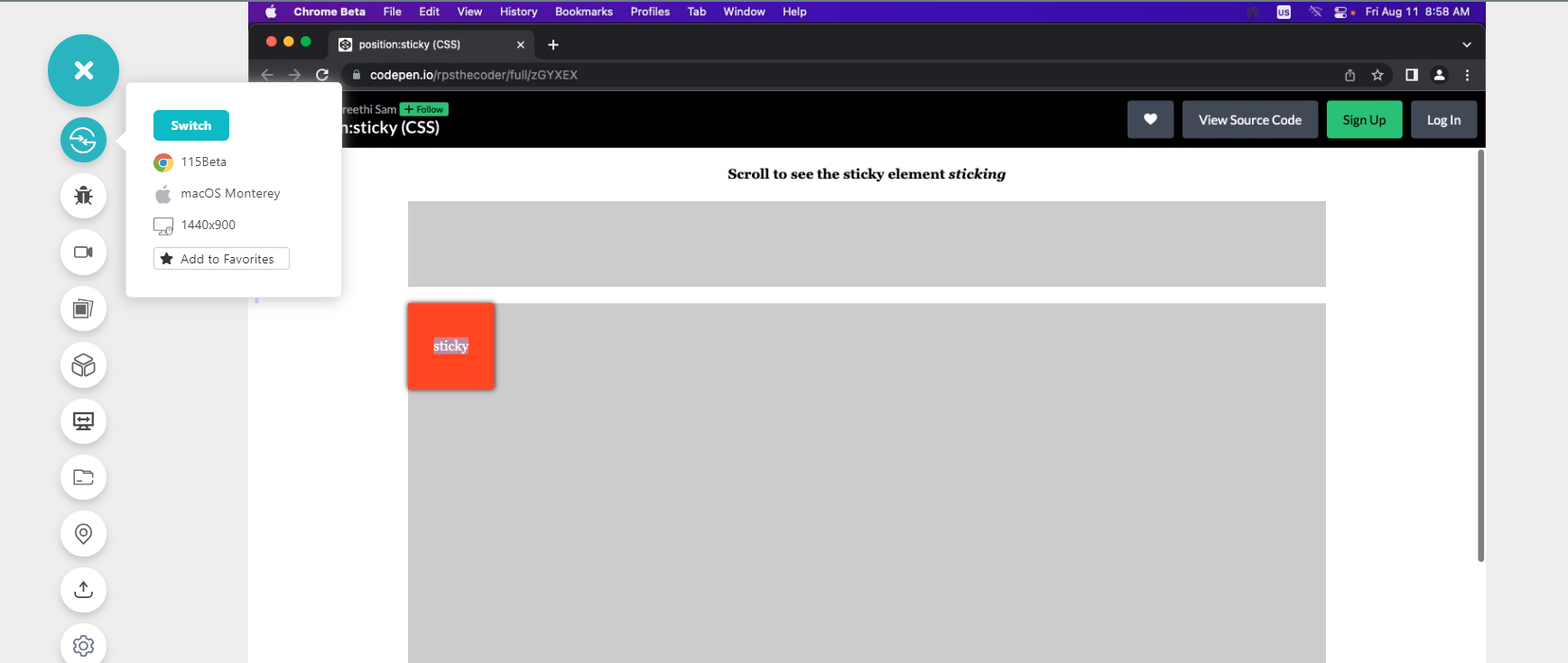
Even though CSS position:sticky came too late, it is slowly gaining momentum in the market with new modern web designs. At the time of writing, all popular browsers support CSS position:sticky property. In case your CSS position:sticky is still not working, you may need to check the placement position of an element. The position can be left, right, top, and bottom.

KaneAI - Testing Assistant
World’s first AI-Native E2E testing agent.

TestMu AI forEnterprise
Get access to solutions built on Enterprise
grade security, privacy, & compliance
- Advanced access controls
- Advanced data retention rules
- Advanced Local Testing
- Premium Support options
- Early access to beta features
- Private Slack Channel
- Unlimited Manual Accessibility DevTools Tests