
Selenium Salesforce Testing with KaneAI
Stop rewriting Selenium locators after every Salesforce release. KaneAI auto-heals Shadow DOM failures, handles MFA natively, and runs your Selenium suite in parallel across 3,000+ browsers.

Automate Browser Flows from your
Terminal with Kane CLI

Trusted by 2M+ users globally at




"We have tripled our tests and are now executing tests in less than 2 hours with 78% Faster Test Execution"


"We figured out a more efficient way to monitor system health and resolve failures earlier in lower environments."





"TestMu AI has significantly boosted our testing speed, is easy to implement, and provides exceptional support."


"With 70% faster test execution, TestMu AI helped us achieve faster time-to-market and enhanced CX."



Why Selenium Breaks on Salesforce
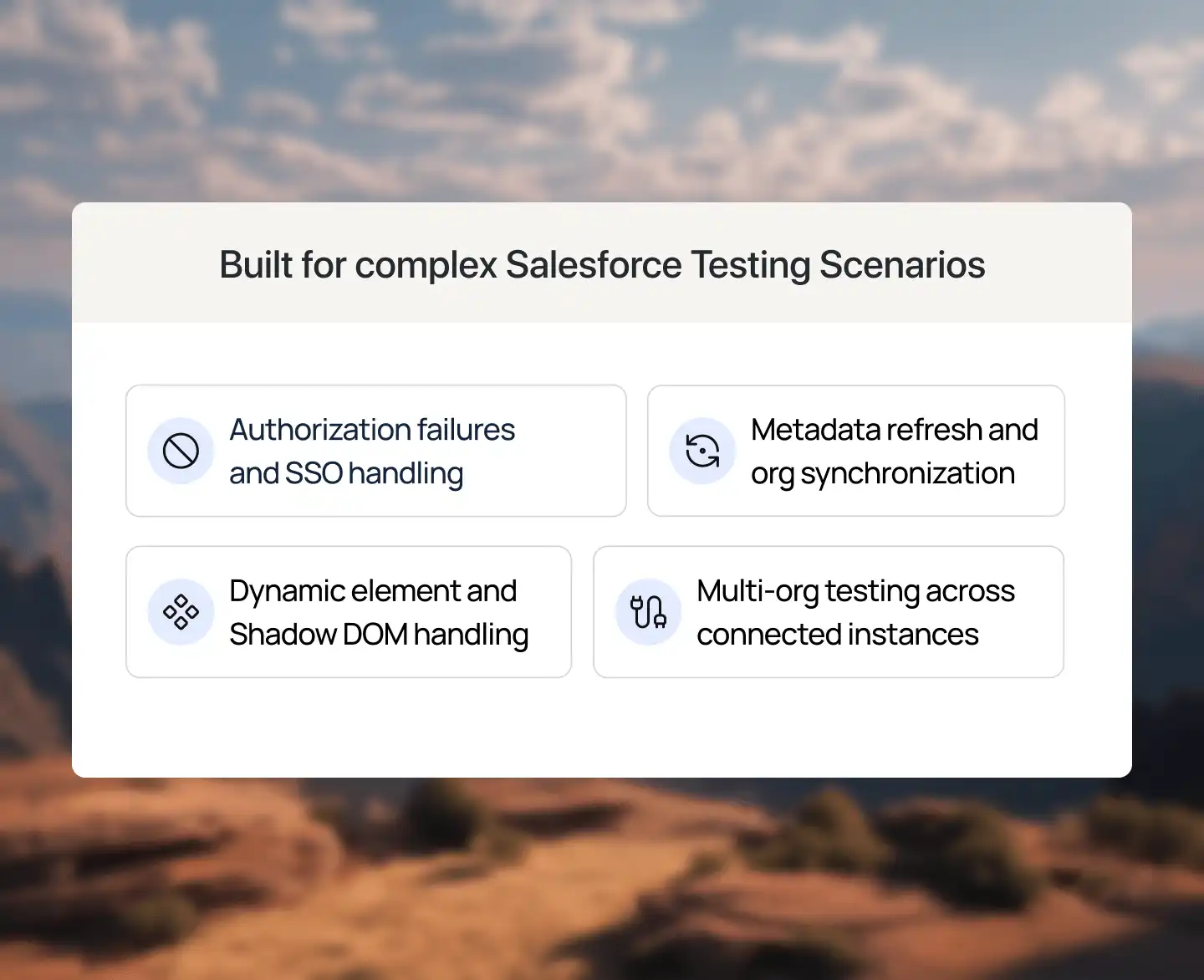
Salesforce Lightning is one of the hardest environments to automate with Selenium. Four specific platform behaviors cause the majority of test failures.
See How KaneAI Fixes It- Shadow DOM hides Lightning components from standard Selenium locators
- Dynamic element IDs change on every page load, breaking hard-coded selectors
- MFA dialogs block Selenium login flows in secure Salesforce orgs
- Loading overlay mask intercepts clicks before elements are ready

Everything You Need for Selenium Salesforce Testing
 TEST STABILITY
Reliable Test Execution Without the Flakiness
KaneAI keeps Selenium tests stable through UI and DOM changes, with consistent results across browsers and devices.
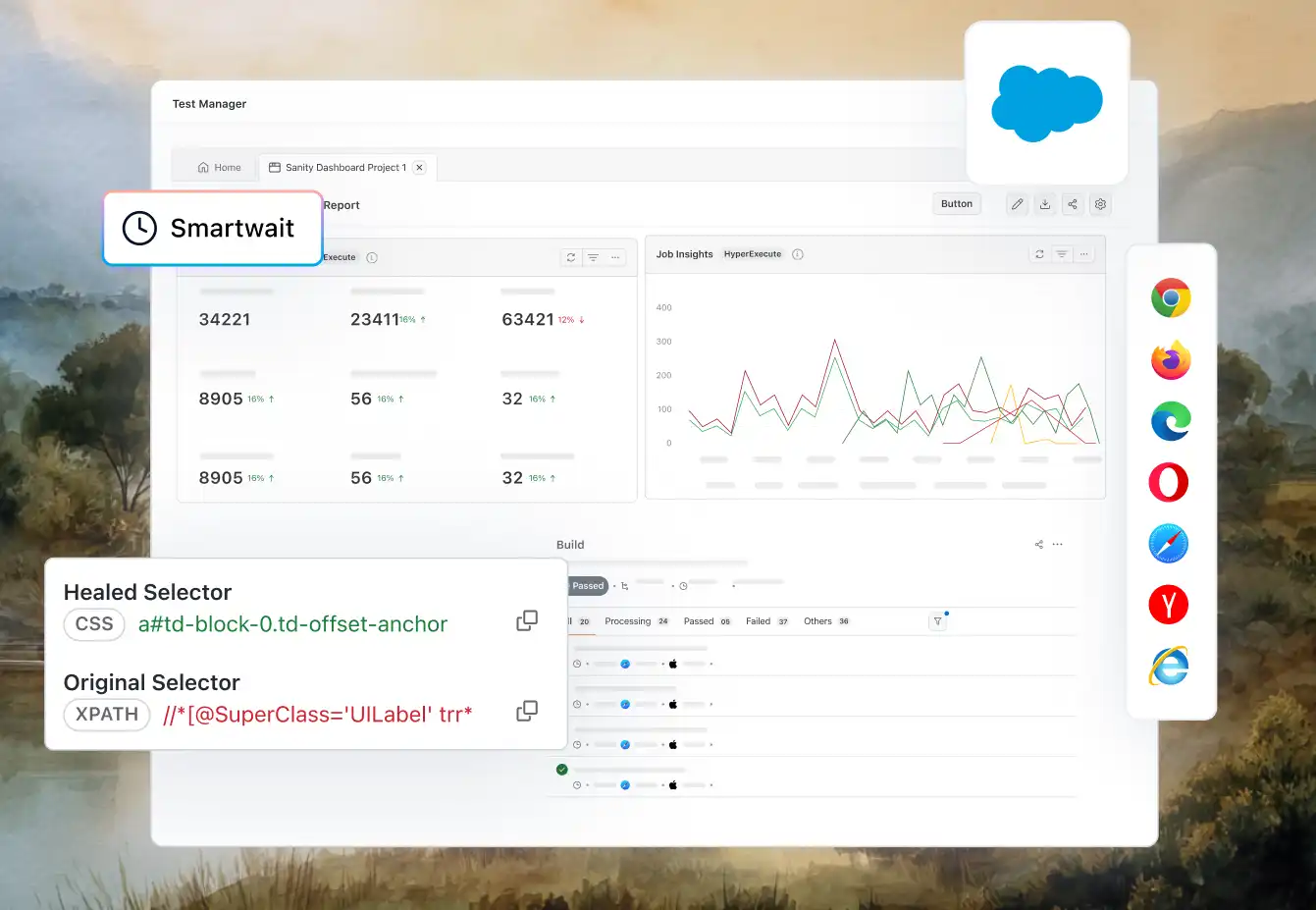
Try KaneAI Now- Auto-healing for broken locators
- Shadow DOM and dynamic ID support
- Native Salesforce MFA handling
- SFDC-aware waits prevent false fails
 CLOUD & BROWSER COVERAGE
Run Salesforce Selenium Tests Across Browsers
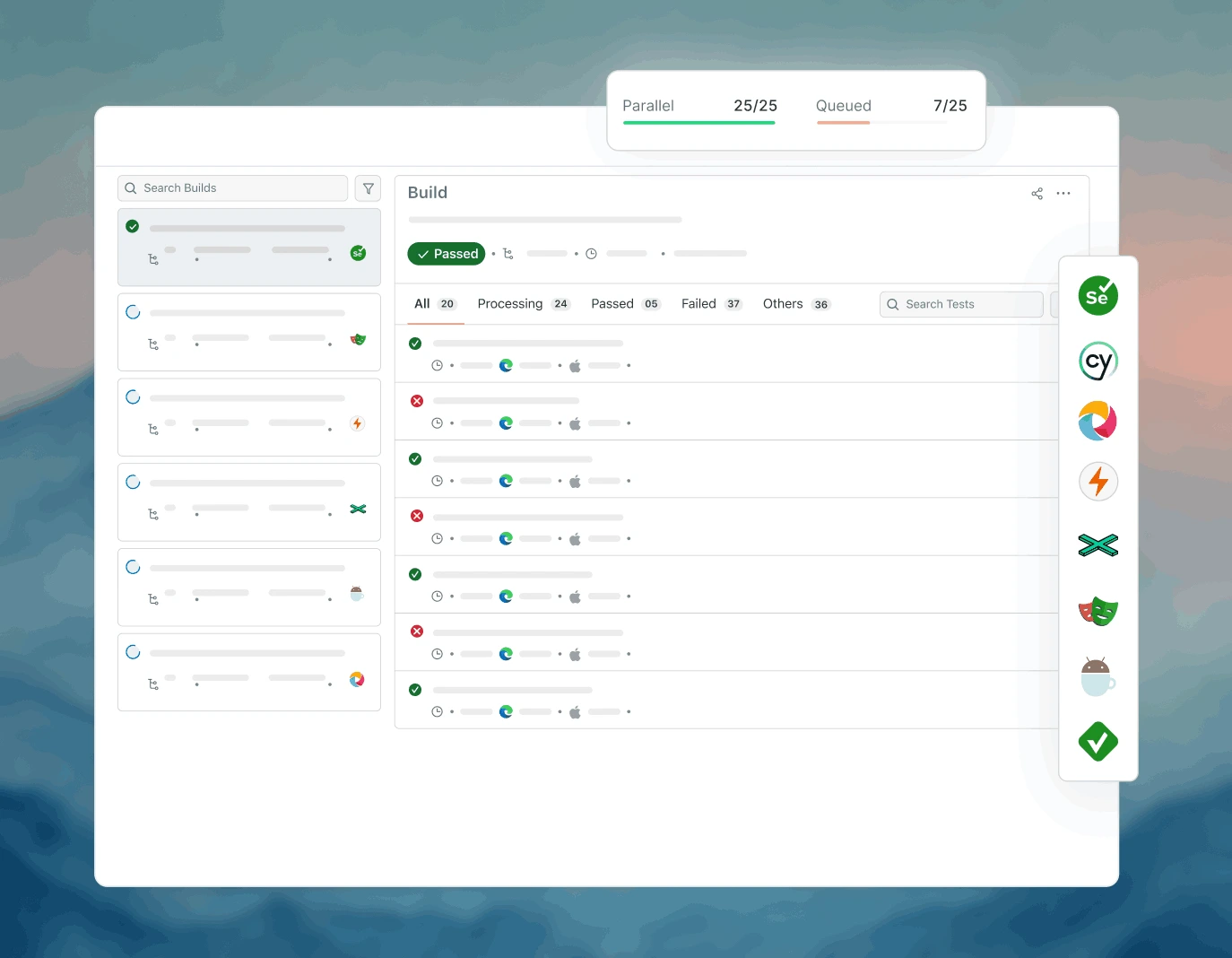
Validate every Salesforce Cloud in parallel across 10,000+ real browsers and devices on TestMu AI cloud.
Try KaneAI NowWhat's covered?
 CI/CD INTEGRATION
Plug Selenium Salesforce Tests Into Your Pipeline
KaneAI fits into the release process your team already uses.
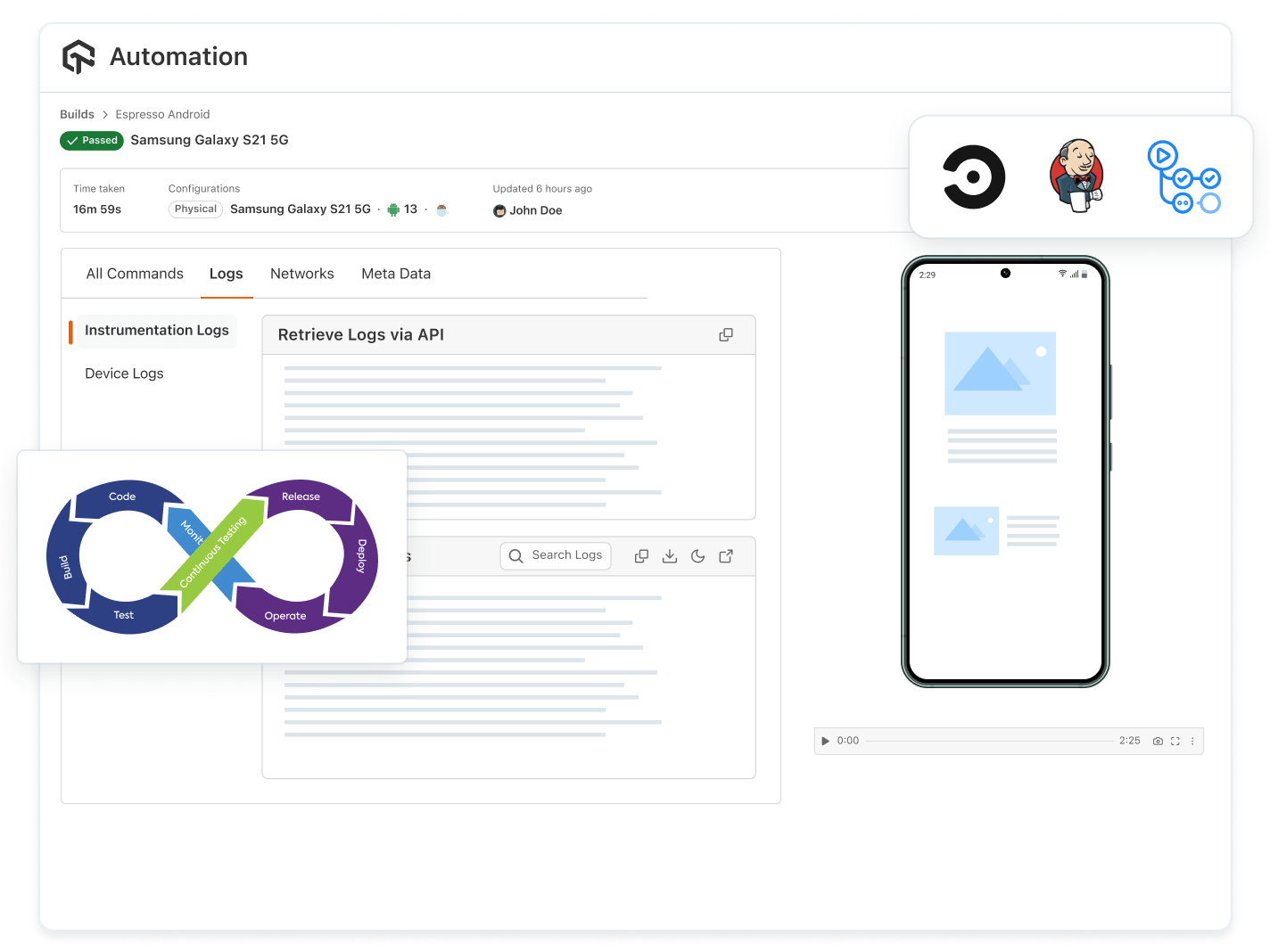
- Jenkins, GitHub Actions and Azure DevOps support
- Release readiness signals pre-deploy
- Defect logging to Jira and Slack
- Parallel runs on every sandbox or prod deploy
 MAINTENANCE & REPORTING
Keep Your Selenium Suite Healthy, Automatically
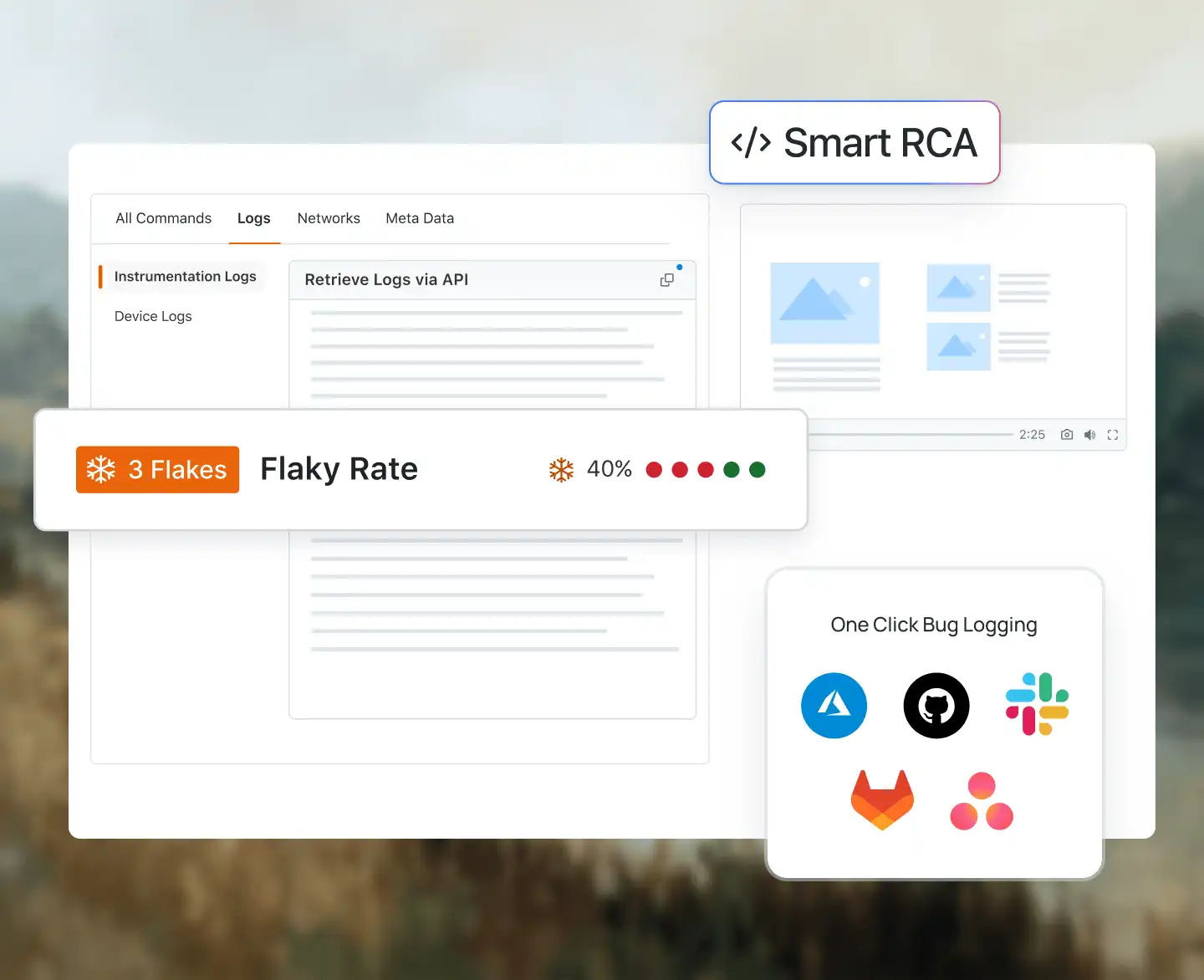
KaneAI auto-heals your Selenium Salesforce tests and keeps stakeholders informed.
What keeps it healthy?
Run Selenium Salesforce Tests in Any Language or Framework
KaneAI works with the Selenium setup your team already uses. No migration, no rewrite, just plug in and run.

Java with TestNG and JUnit for structured Salesforce regression suites.
Python with pytest for fast, readable Selenium Salesforce test scripts.
JavaScript with WebDriverIO for Salesforce Lightning UI automation.


Selenium + Java
Selenium + Python
Selenium + JavaScript
Selenium + C#
Works with all Agents:


& more...
Smarter Selenium for Dynamic Salesforce Apps
KaneAI handles dynamic IDs, Shadow DOM, and UI changes automatically.
How KaneAI Solves Selenium Salesforce Testing Challenges
KaneAI uses Salesforce metadata and AI-powered locator strategies to navigate Shadow DOM and dynamic IDs automatically, so your Selenium tests never break when Lightning components change.

Shadow DOM Traversal
KaneAI traverses Salesforce Lightning Shadow DOM at runtime without custom utility layers or manual locator rewrites.
Dynamic ID Resolution
Salesforce generates element IDs dynamically on every page load. KaneAI resolves them using metadata-aware locator strategies that survive every release.
Auto-Healing Selenium Tests
When Salesforce UI changes after a release, KaneAI automatically heals broken Selenium locators. No manual maintenance required.
Get Started with Selenium Salesforce Testing in 3 Steps

1. Sign Up Free
Create a free TestMu AI account. No credit card required. Connect your Salesforce sandbox or production org in minutes.

2. Point Selenium at TestMu AI
Change one capability in your existing Selenium WebDriver config to point at TestMu AI's cloud grid. Your existing scripts run as-is.

3. Run in Parallel with Auto-Healing
Execute your full Salesforce Selenium suite in parallel across 3,000+ browsers. KaneAI auto-heals any failures caused by Salesforce UI changes.
What KaneAI Does for Your Selenium Salesforce Tests
KaneAI Resolves Shadow DOM
KaneAI traverses Salesforce Lightning Shadow DOM at runtime using metadata-aware strategies. No custom JavaScript executor code required.
KaneAI Auto-Heals Broken Locators
When Salesforce UI changes after a release, KaneAI detects broken Selenium locators and fixes them automatically before your next test run.
KaneAI Handles Dynamic IDs
KaneAI replaces brittle hard-coded Selenium XPath selectors with metadata-aware locators that survive Salesforce's dynamically generated element IDs.

KaneAI Handles MFA Natively
KaneAI resolves Salesforce MFA dialogs programmatically during Selenium execution. No dedicated test user configurations or bypass setups needed.

KaneAI Captures Full Execution Evidence
Every Selenium Salesforce test run gets screenshots, video recordings, network traces, and execution logs for instant root cause analysis.
KaneAI Validates Every Salesforce Release
KaneAI runs your full Selenium Salesforce regression suite against staging environments before every Salesforce Tri-Annual Release automatically.






















More Reasons to LoveTestMu AI (formerly LambdaTest)
See how TestMu AI speeds up your testing with AI-native authoring, faster execution, and deeper test insights across web, mobile, and AI applications.
TestMu AI Named a Challenger in the 2025 Gartner® Magic Quadrant™
Read ReportTestMu AI recognized in The Forrester Wave™: Autonomous Testing Platforms, Q4 2025
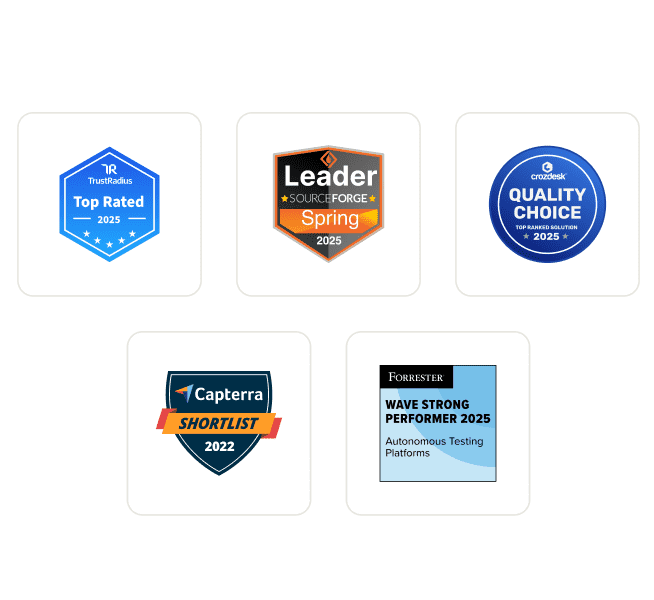
Read ReportWall of Fame
TestMu AI is #1 choice for SMBs and Enterprises across the globe.
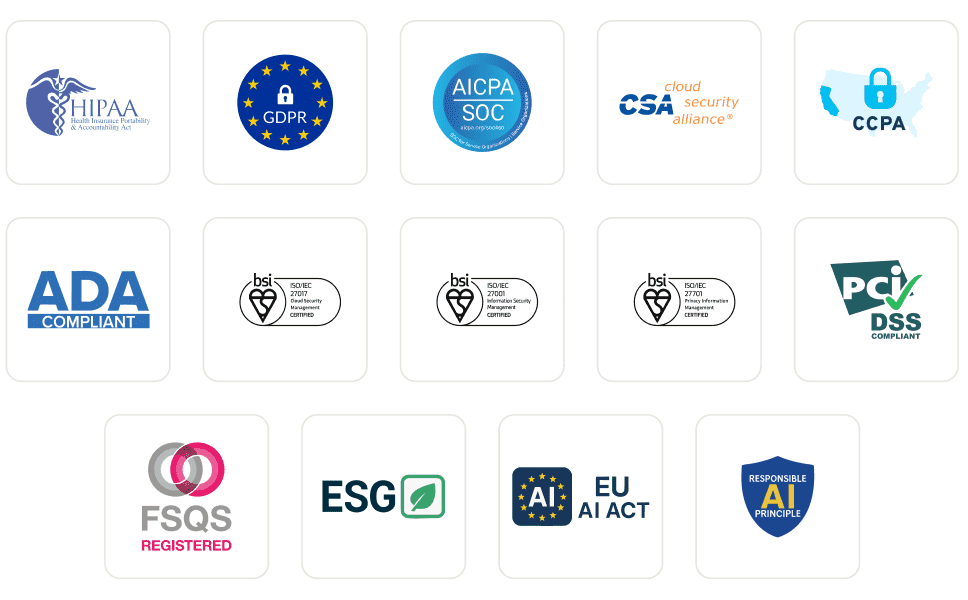
Enterprise-Grade Security
We safeguard your data and AI systems with global security, privacy, responsible AI, and ESG standards.
Integrations
Works where you work, 120+ integrations with the tools your team relies on.
Users
3M+
Tests
1.5B+
Enterprises
18K+
Countries
132
As Seen On
Frequently asked questions
TestMu AI forEnterprise
Get access to solutions built on Enterprise
grade security, privacy, & compliance
- Advanced access controls
- Advanced data retention rules
- Advanced Local Testing
- Premium Support options
- Early access to beta features
- Private Slack Channel
- Unlimited Manual Accessibility DevTools Tests