
Run Selenium Tests With WebdriverIO On Cloud Grid
Accelerate your development cycle by running Mocha scripts online with LambdaTest cloud selenium grid.
Test On LambdaTest Real Device Cloud
Get instant access to real Desktop and Mobile devices. Say No to Emulators and Simulators! Find bugs earlier by testing your websites and web apps on a
wide range of real Android and iOS devices. Ensure a seamless user experience and timely delivery on every release.
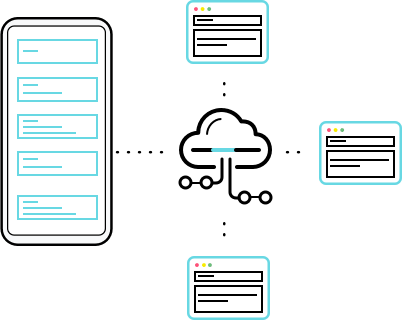
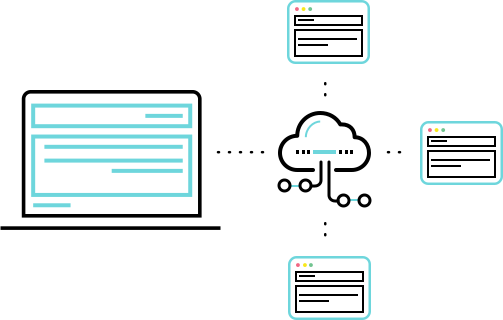
Scalable Selenium Grid To Run Tests In Parallel With WebdriverIO
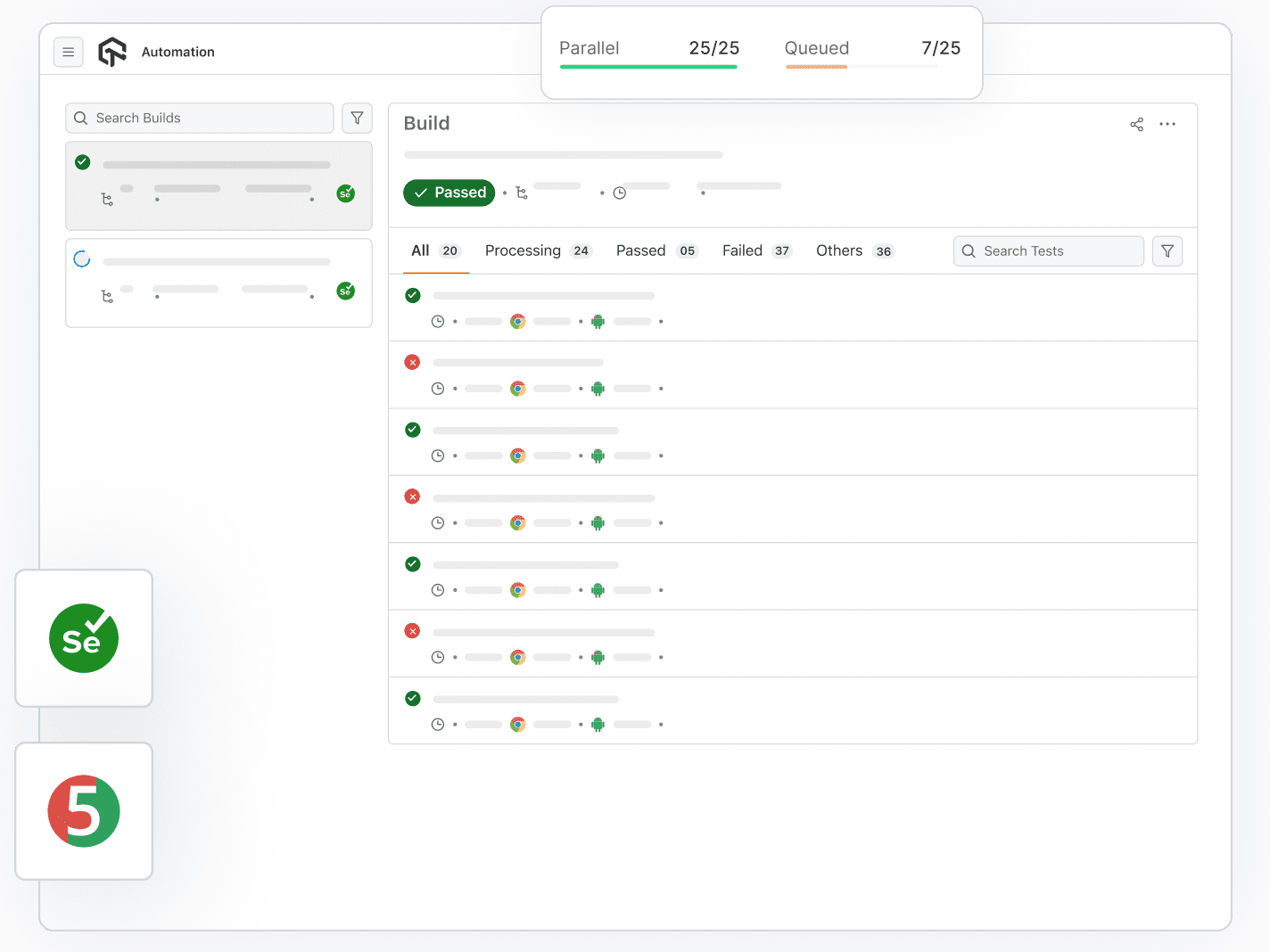
Perform parallel testing with WebDriverIO framework and trim down your build times. With LambdaTest automation, you can run multiple WebdriverIO scripts on an online Selenium grid and speed up your GoTo market.
Run WebdriverIO with SeleniumGeoLocation Testing With WebdriverIO On Cloud Selenium
Now test your website for 27+ locations with ease on LambdaTest online Selenium Grid using WebdriverIO framework. Simply define a geolocation capability and automate geolocation testing of your selenium tests from desired location.
TRY IT FOR FREE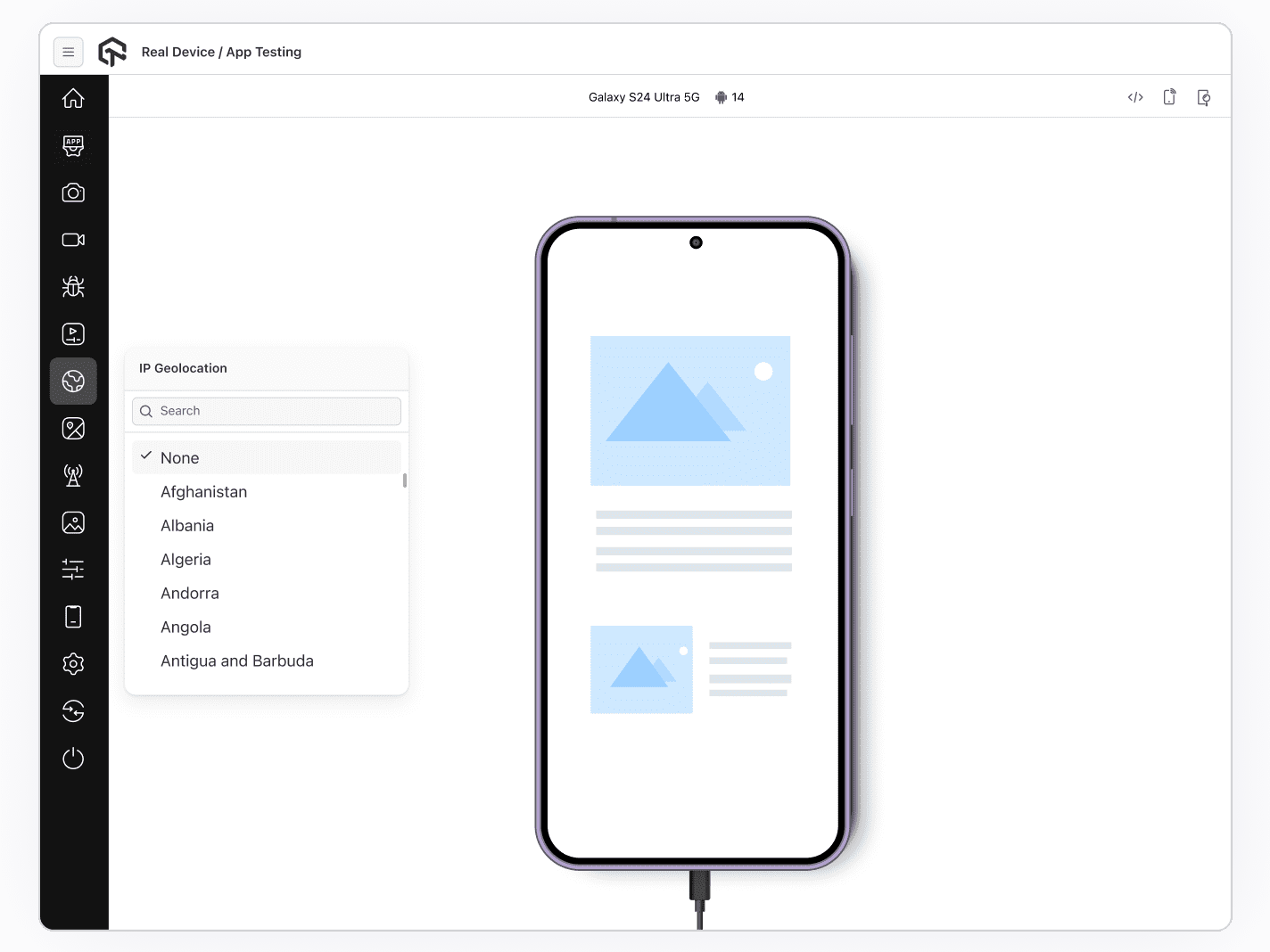
Migrate Your Test Cases With Ease To Online Selenium Grid
Worried about migrating your WebdriverIO Test cases from your local machine to cloud based Selenium grid? Get started with automation testing on cloud as LambdaTest GitHub repo will help you migrate in no time.
CHECK GITHUB REPO
 API
APIRestful API to fully automate your continuous testing workflow. Fetch test details such as test status, metadata, Selenium logs, video logs, and more, to build robust test reports.API Docs 
 Low Test Flakiness
We make sure you say Goodbye to flaky Selenium tests by providing a reliable Selenium Grid online which has little or no flakiness while executing your Selenium automation scripts.Start testing
 Debugging & Logs
Debug your Selenium testing results through metadata, network logs, command logs, exception logs, raw Selenium logs, and Video recordings of the entire test execution.Start testing
 CI/CD Tools
Integrate LambdaTest Selenium testing cloud with your choice of continuous integration tools using our native plugins for Jenkins, CircleCI, Travis CI, and more.LambdaTest CI/CD Integrations
 Privately Or Locally Hosted Pages
With Lambda Tunnel you can run Selenium tests on your locally or privately hosted pages. Ensure cross browser compatibility of your web-app, even before its launch.Local Page Testing
Automate Accessibility Testing Effortlessly
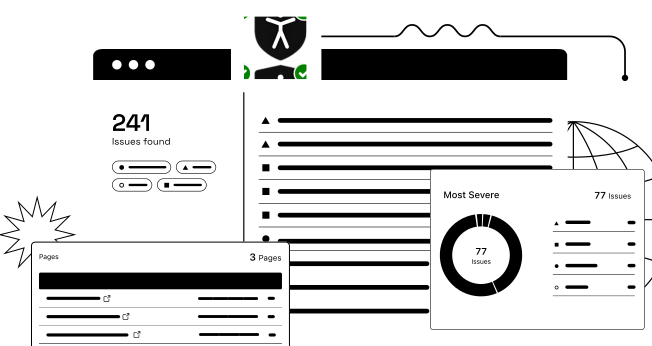
Ensure web accessibility and achieve compliance with automated tests using TestMu AI Accessibility Automation.
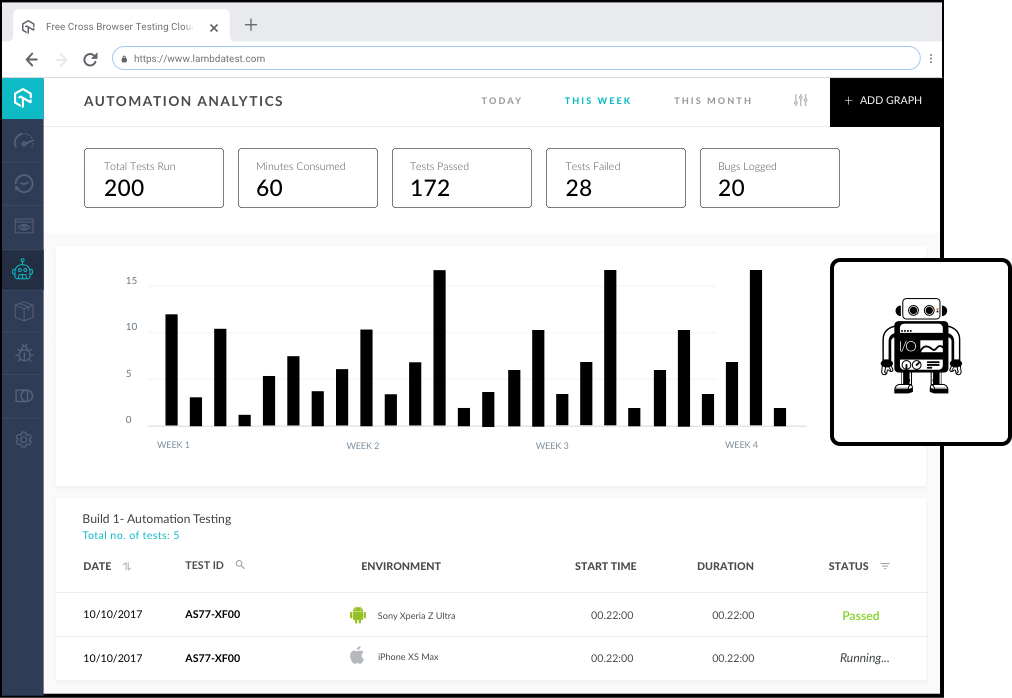
Detailed Analytics For WebdriverIO-Selenium Test Scripts
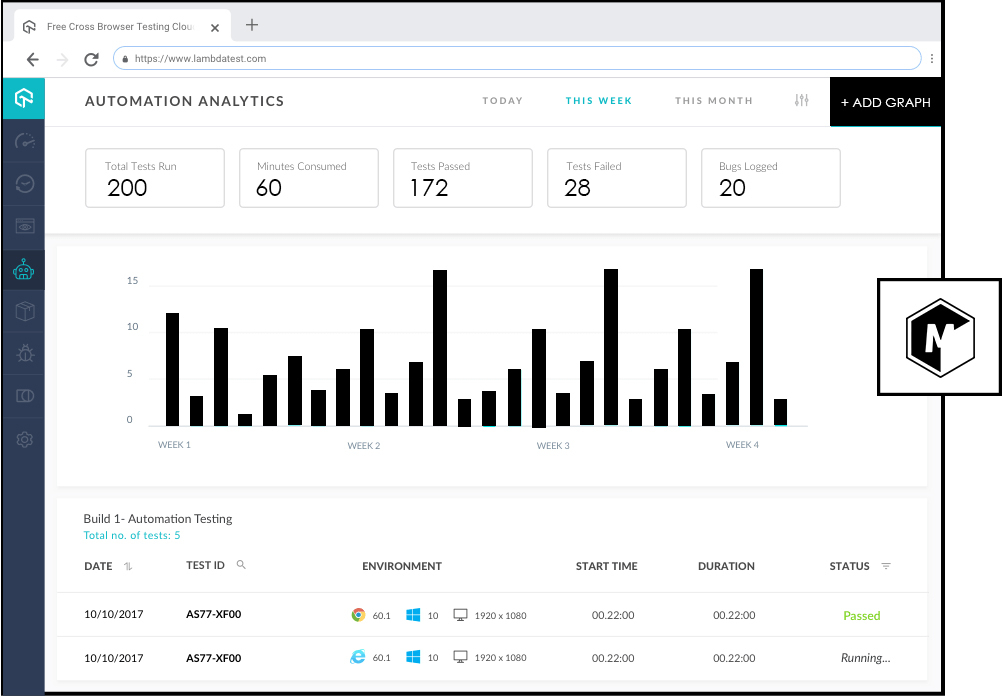
With LambdaTest automation analytics, you can also get detailed statistics of total tests run, minutes consumed, tests passed/failed and many more metrics along with Timeline charts and Automation logs.
START TESTINGSupports all frameworks and languages


24/7 Support From Our Tech Experts
You can get in touch with us by filling up the contact form, messaging in-app, or through call. You can write us at [email protected] and we'll get back to you in no time.
Give us a ShoutResources To Get Started With WebdriverIO



FREQUENTLY ASKED QUESTIONS
Have a specific question? Check out our Support Center.
What is WebDriverIO
WebdriverIO is an open-source test automation framework for automated browser testing using Node.js. Adding helper functions in WebDriverIO is really simple in WebDriverIO. Also, it can run both on WebDriver protocol and Chrome Devtools protocol, making it efficient for both Selenium Webdriver based cross browser testing or Chromium based automation. To top it off, since WebDriverIO is open source, you get a bunch of plugins for your automation needs.
Can I Mark My Test As Pass Or Fail?
The LambdaTest Selenium grid doesn’t identify if you test ‘passed’ or ‘failed’. It only identifies whether a test has executed to it’s last command or whether it has stopped/timed-out before it. The user would have to pass on these parameters to LambdaTest platform to make it possible for tracking these values at LambdaTest platform. Make use of LambdaTest API or LambdaTest Annotations, for pushing additional metadata to LambdaTest or to track the pass/fail status of a test.
Can I Run Parallel Testing using WebDriverIO Framework?
Yes! One of the key features of LambdaTest Selenium grid is the ability to run your test cases in parallel. Which means you can execute numerous automation test cases altogether and enable you to cut down on test times. With LambdaTest selenium grid you can run a single test scenario across different browsers or different test scenarios with the same browser (or any other combinations). Wondering how many parallel test cases can you run? That depends entirely on the number of concurrent sessions under your opted plan.
What Is The Maximum Queuing Capacity?
Maximum number of test cases that can be queued = n + 150
Here, n = number of concurrent sessions.For instance, if you are opting for pricing where you can avail up to 10 concurrent sessions. Then the maximum number of test cases that can be queued will be equal to 10 + 150 i.e. 160 queued test cases. LambdaTest would automatically schedule and execute test cases for you.
We have added a capacity constraint on the number of tests that can be queued to prevent over-exploitation of the platform. Refer LambdaTest Queuing Policy to know more.
Here, n = number of concurrent sessions.For instance, if you are opting for pricing where you can avail up to 10 concurrent sessions. Then the maximum number of test cases that can be queued will be equal to 10 + 150 i.e. 160 queued test cases. LambdaTest would automatically schedule and execute test cases for you.
We have added a capacity constraint on the number of tests that can be queued to prevent over-exploitation of the platform. Refer LambdaTest Queuing Policy to know more.
How Many Parallel Sessions Do I Need?
LambdaTest Concurrency Calculator is here to help you calculate the number of parallel sessions you need for your test coverage. Feed the information to our Concurrency Calculator, and it would suggest to you the appropriate number of parallel sessions.
What is Selenium Grid?
Selenium Grid allows parallel testing against various browsers & OS combinations through a Client-Server model. Here, the Server is known as the Hub which has multiple Clients to interact with Selenium Grid.
What is Selenium WebDriver?
Selenium WebDriver allows you to directly interact with the browsers through your automation test scripts. Java, PHP, C#, Python, Ruby, Perl, and Javascript are some of the programming languages it supports.
READY TO TEST WEBDRIVERIO SCRIPTS ONLINE?
Signup to use LambdaTest, it's completely
free to get started with
- No Credit Card Needed
- 24/7 Customer Chat Support
- 24/7 Support