

Next-Gen App & Browser Testing Cloud
Trusted by 2 Mn+ QAs & Devs to accelerate their release cycles


10 Best Python Debuggers for 2026
A debugger is a tool that helps identify and fix code errors. Explore the 10 best Python debuggers for 2026 to streamline debugging and boost productivity.

Nazneen Ahmad
February 3, 2026
While building software applications using Python, developers often experience scenarios where their Python code doesn’t work as expected and shows errors. In such cases, developers use Python debuggers to check the code and detect the difference between the actual state of the software application and its expected behavior.
By debugging using Python debuggers, developers identify and fix the errors in the Python code and ensure the smooth functioning of Python software applications. Developers use Python debuggers to identify errors and their resolution process, enabling developers to address issues quickly.
There are several Python debuggers in the market for the execution of debugging processes. However, finding the best one is the most challenging. To address this, we have curated a list of the ten best Python debuggers for 2026 with their key features.
Overview of Debugging
Debugging in the software development process is the method for identifying and fixing bugs in software applications. It is the most crucial process as it allows early identification of any critical bug that would otherwise cause costly fixes and delays in the software release.
Here, the developers check the program code and find any errors in the non-functioning software application. Although debugging is time-consuming and complex, it cannot be ignored or missed in software development.

Note: Debug your web and mobile apps across 5000+ real environments. Try TestMu AI Today!
What is a Python Debugger?
A Python debugger is a tool that helps identify and fix code errors by allowing developers to pause execution, set breakpoints, and inspect variables and program state.
Python debugger is the tool that performs the debugging process in the Python code. This mainly includes detecting syntax, semantic, and runtime errors that make the code unfunctional. Developers use such Python debuggers to pause the execution of the Python code and evaluate different variables, expressions, and states of the program at any given time.
With a Python debugger, it is possible to remove the source of error and understand the functioning of the code. However, without Python debuggers, it becomes challenging and time-consuming for the developer to fix the bugs, mainly due to the large codebase complex.
Below, we will list some of the best Python debuggers to use in 2026.
Best Python Debuggers for 2026
Python is used for both website and mobile app development. Therefore, developers need to use Python debuggers in the development process to debug and fix code issues. Today, there is a vast number of Python debuggers available to help developers.
Here are the best Python debuggers to look for in 2026:
pdb – The Python Debugger
The Python Debugger (pdb) is one of the best Python debuggers with a built-in native debugger that helps developers detect bugs effectively. The module pdb introduces an interactive source code debugger designed for Python programs.
It forms an integral part of the standard library packaged with Python upon installation on your workstation. Furthermore, this Python debugger offers a range of additional commands to assist you during Python development.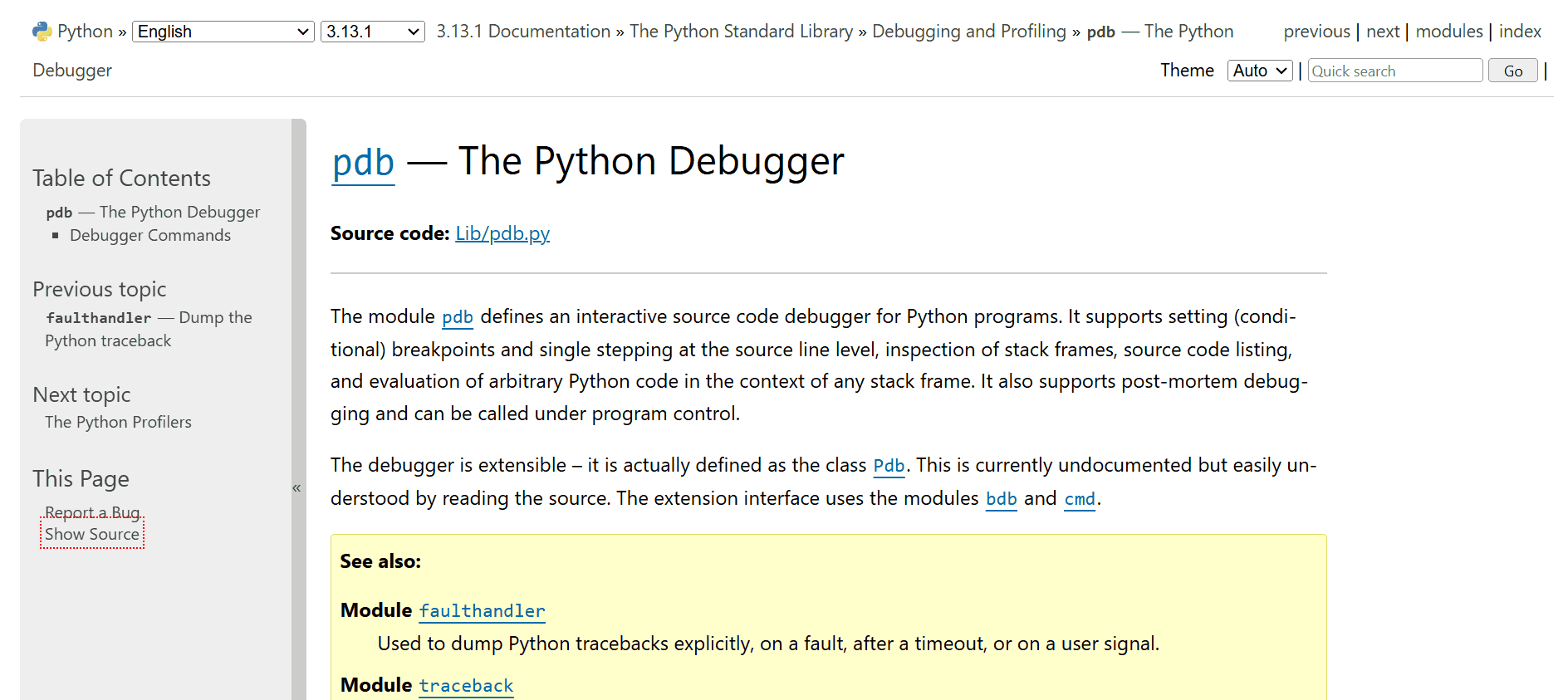
Features:
- Supports the setting of conditional breakpoints and enables single stepping at the source line level.
- Comes with the pdb.set_trace() function to stop the program execution, effectively identifying the root cause of bugs.
- Uses commands like next, step, and continue, giving precise control over program execution.
- Allows the evaluation of the stack frames, source code listings, and inspection of arbitrary Python code within the context of any stack frame.
- Supports post-mortem debugging and can be accessed under program control.
- Allows developers to pause program execution, measure variables, and traverse through the code to identify and resolve issues.
- Offers the capability to preserve and reload breakpoints and commands across debugging sessions, adding a layer of continuity to your debugging process.
PyCharm
PyCharm is one of the popular web development IDEs for Python. It includes different tools like an integrated debugger, test runner, Python profiler, built-in database tools, built-in terminals, and others. It allows you to write high-quality code and streamline the software development process.
Features:
- Enables you to execute various tests, be it a test file, a single test class, a method, or all tests in a folder.
- Allows you to establish breakpoints, inspect variables, and navigate through your code to identify and resolve issues efficiently.
- Lets you visualize outcomes in the graphical test runner, complete with execution statistics and seamless test-code navigation.
- Provides syntax highlighting for Python, facilitating the differentiation of keywords, variables, and other elements within your code.
- Offers features like Go to Definition and Find Usages to navigate your codebase.
- Allows code refactoring with tools for renaming variables, extracting methods, and more.
- Offers intelligent code completion suggestions, helping in faster code writing with fewer errors.
- Provides extensive support for writing and executing tests, seamlessly integrating with popular Python testing frameworks like unittest, pytest, and nose.
VS Code Debugger
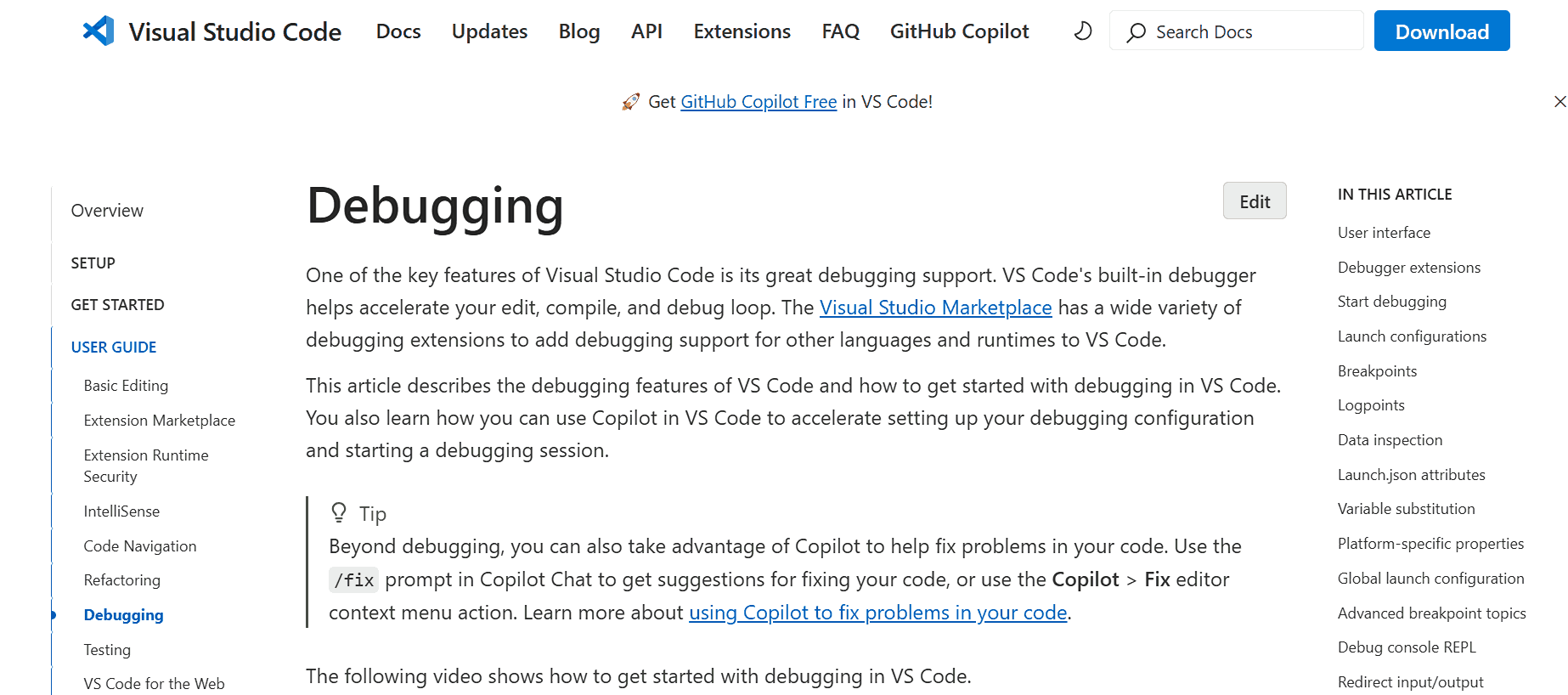
This is considered one of the best Python debuggers and is integrated into VS Code IDE with an extension that allows the debugging of Python code. Its features include step-by-step debugging, breakpoints, variable inspection, and supplementary tools for code highlighting, linting, and auto-completion. It is a popular choice among developers seeking a code editor seamlessly integrated with debugging capabilities.
Features:
- Sets breakpoints within your Python project by simply clicking in the gutter adjacent to the desired line for inspection.
- Evaluates the flow of code execution to find errors more efficiently.
- Allows users to view the value of the variables (local, global, and class) at the time of code execution.
- Catches and handles exceptions during debugging sessions, providing insight into unexpected errors in your code.
- Restarts or stops the debugging session anytime, allowing for iterative debugging and troubleshooting.
- Debugs multi-threaded Python applications, supporting stepping through code in different threads.
- Defines watch expressions to monitor specific variables or expressions and track their values as you step through the code.
PyDev
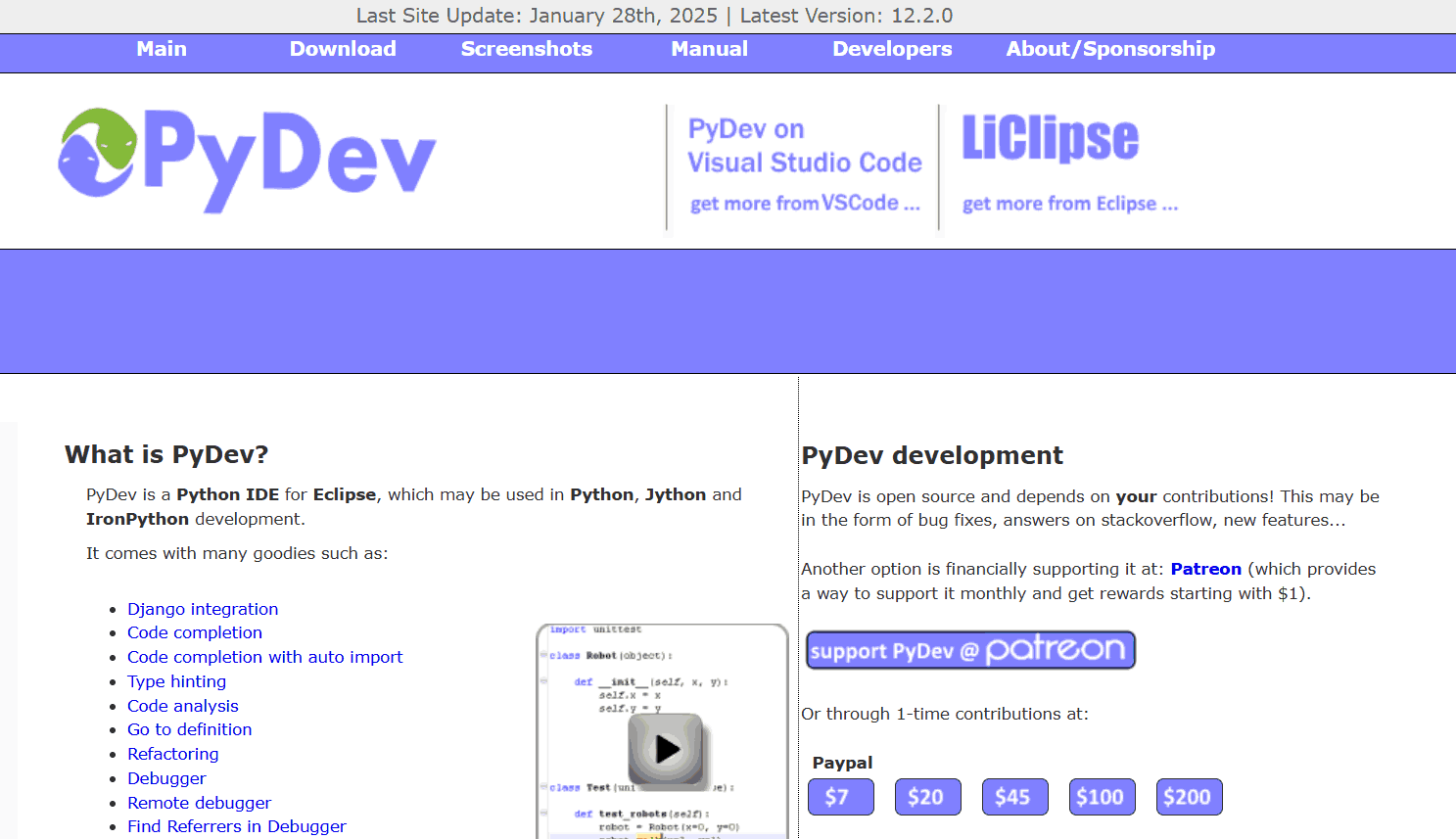
PyDev is an open-source IDE that supports the Django applications. It is yet another one of the best Python debuggers that performs code analysis and testing and offers code refactoring tools. This debugger is built on the top of the Eclipse platform and provides a development environment for Python programmers.
Features:
- Provides intelligent code completion functionality that facilitates faster and more accurate code writing.
- Offers static code analysis that can identify potential errors and provide suggestions for improvement, thereby assisting in creating high-quality code.
- Supports plugins that allow PyDev to be extended with additional features, including compatibility with popular Python frameworks like Django and Flask.
- Offers robust debugging capabilities, including support for multi-threaded and remote debugging.
- Supports Django applications for code analysis, testing, and refactoring tools.
ipdb
Internet Pinball Machine Database, or ipdb is one of the best Python debuggers that developers can integrate into the Python shell for debugging. With this Python debugger, developers can easily navigate to their code step by step, set breakpoints, and measure variables in real-time. It differs from other Python debuggers as it works within the Python interpreter, which eases its use and makes it compatible with different tools.
Features:
- Integrates with Python debugger and the IPython shell, ipdb facilitates a complete debugging environment.
- Allows developers to start the debugger directly from the IPython prompt, seamlessly transitioning between debugging and exploring their code interactively.
- Provides essential debugging functionalities such as setting breakpoints, traversing code execution, and inspecting variables, enabling easy identification and resolution of issues in Python programs.
- Streamlines the debugging workflow, delivering a more efficient and productive debugging experience for Python developers.
pdb++
pdb++ is among the best Python debuggers that leverage the standard pdb module. Its advanced features and enhancements streamline the debugging and analysis of Python code. As an extension of the standard library’s pdb module, it maintains compatibility while introducing several new features to enhance your debugging journey.
Features:
- Makes code easier to read within the debugger by color-coding it (requires Pygments library).
- Helps you finish typing expressions faster by suggesting completions as you type.
- Keeps the current line of code in focus while scrolling through the code listing, improving navigation.
- Understands your commands without needing prefixes like “p” (print) or “c” (continue), simplifying interaction.
- Allows you to customize the debugger’s look and feel, including enabling/disabling features and choosing colors.
trepan
It is a Python 3-based debugging tool known for its debugging capabilities for easy identification and fixation of bugs in the Python program. trepan is considered one of the best Python debuggers and features an interactive command-line interface, enabling developers to traverse code, define breakpoints, and inspect variables. Using these tools, developers can gain insight into the functioning of the program and manage the flow of code execution.
Features:
- Offers an interactive shell for evaluating and adjusting the program state during runtime.
- Makes navigation through the code one line at a time, and this allows full control of the execution flow.
- Allows you to set breakpoints anywhere in the Python code, whether functions, classes, or modules.
- Identifies issues like incorrect assignments or unexpected values by inspecting variable values.
- Integrates with popular text editors and IDEs like Vim, Emacs, and PyCharm, allowing for convenient code debugging within the preferred development environment.
- Evaluates expressions and lets you run Python code within the program’s context.
madbg
It is a remote debugger designed for Python. It facilitates a complete remote TTY experience, transmitting keyboard signals to the debugger, tab completion, command history, line editing, and various other functionalities. Moreover, it has the capabilities of the IPython debugger, which enhances its debugging ability, making it one of the best Python debuggers.
Features:
- Runs the IPython debugger with all its functionalities.
- Facilitates preemptive attachment to running programs without requiring gdb, a departure from conventional approaches.
- Affects minimally the debugged program, though it’s not yet recommended for deployment in production environments.
- Provides TTY features even when the debugged program works as a daemon or outside a terminal environment.
wbd
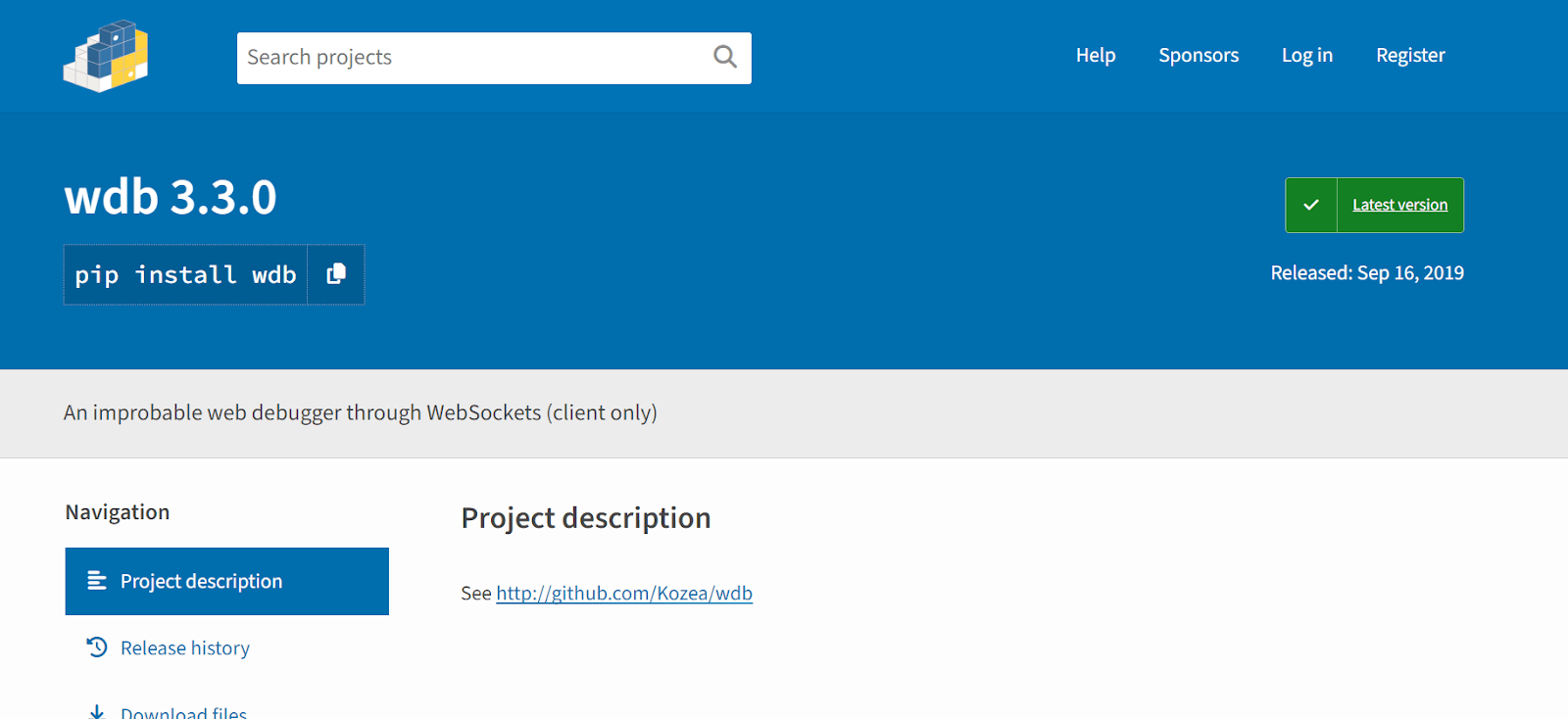
Next on our list of the best Python debuggers is wbd. It is a web debugger that is built on a client-server model. The wbd server manages the debugging ability and browser connection through WebSockets. This is structured on the Tornado framework.
wbd is compatible with Python 2 (2.6, 2.7), Python 3 (3.2, 3.3, 3.4, 3.5), and pypy. Furthermore, it offers the flexibility to debug a Python 2 program using a wdb server running on Python 3 and vice versa. It also allows debugging a program on one computer with a debugging server hosted on another computer, accessible through a web page on a third computer.
Features:
- Offers a web-based interface for effectively debugging Python code, which can be accessed through the web browser.
- Lets you connect the wbd server with the local machine and debug the code executed on remote servers.
- Sets breakpoints on the code to stop the code execution at any particular time.
- Exposes an HTTP API to control the debugging session programmatically.
- Associates with Python REPL (Read-Eval-Print Loop) directly within the debugger.
- Debugs multi-threaded Python apps.
- Integrates with different Python web frameworks like Flask and Django.
- Uses WebSockets to debug the running Python code from the web browser.
IPython
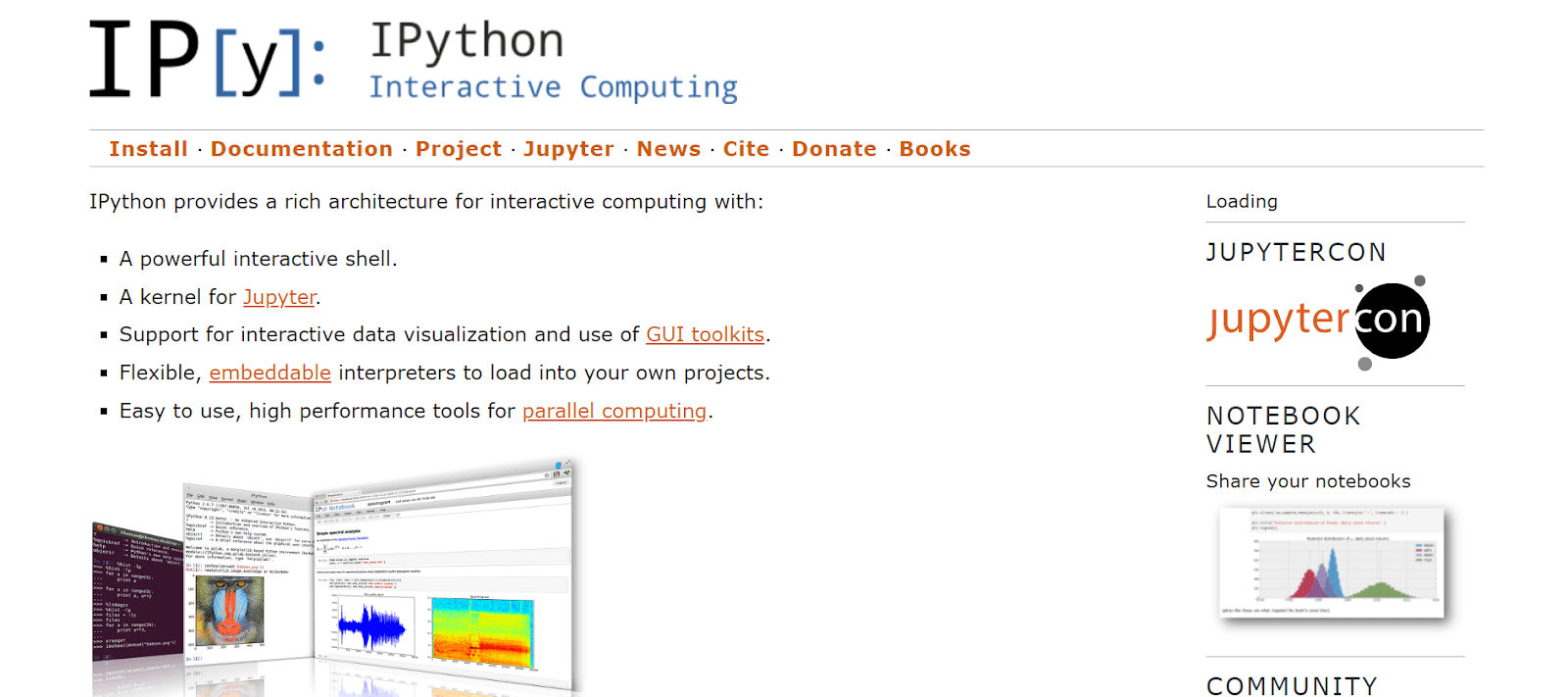
It is not primarily a Python debugger but functions as the interactive shell for Python. However, it still offers advanced debugging capabilities, including step-by-step debugging, interactive debugging, and post-mortem debugging.
Developed by Fernando Perez in 2001, IPython emerged as an enhanced Python interpreter. The introduction of the IPython Notebook in 2011 brought a web-based interface to the IPython terminal, while in 2014, Project Jupyter appeared as a derivative project from IPython.
Features:
- Acts as the main kernel for Jupyter Notebook and other front-end tools within Project Jupyter.
- Provides object introspection capabilities, enabling runtime inspection of object properties.
- Incorporates a magic command system for controlling Python environments and executing OS tasks.
- Offers post-mortem debugging functionality to investigate the program state at failure points.
- Includes profiling tools to analyze code performance.
- Comes with robust tab completion functionality for exploring available object methods, attributes, and functions.
Discover the top Python frameworks to watch out for in 2026. Stay updated on the tools shaping the future of development.
Factors to Consider When Choosing Python Debuggers
Selecting the best Python debuggers to debug code is crucial. This impacts the debugging process’s efficiency and effectiveness significantly. Various factors require consideration when evaluating which debugger aligns best with individual needs. Some of those are:
- Choose the Python debugger, which offers an easy and intuitive debugging experience. This will simplify the process of early identification and fixation of code errors.
- Verify the debugger’s compatibility with your Python version, operating system, and hardware setup to ensure seamless integration.
- Evaluate the Python debugger that can be integrated with the chosen development environment.
- Prioritize those Python debuggers that offer features like variable inspection, breakpoints, and line-by-line code execution.
- Look for debuggers backed by a strong community of users and developers, along with comprehensive support and documentation.
- Factor in the debugger’s cost, mainly if operating within budget constraints or contributing to an open-source project.
Considering these factors enhances the debugging process and plays a crucial role in facilitating effective testing. In today’s diverse tech world, developers and testers often encounter specific UI bugs when dealing with different browsers, devices, and platform combinations.
For instance, a developer or a tester might run into a glitch while testing a Python website on Chrome on macOS. To debug such issues quickly, they may need to check the rendering on different macOS versions. However, it’s not always practical for developers and testers to directly access on-premise macOS versions for testing purposes.
Establishing a robust test infrastructure for testing and debugging Python-based software applications across different permutations of browsers, devices, and OS combinations can be challenging. To overcome this challenge, developers and testers can opt for cloud-based solutions to debug and test their Python websites or apps on the cloud. One such cloud-based platform for debugging and testing is TestMu AI.
TestMu AI is an AI-native test orchestration and execution platform that enables developers and testers to debug and test Python-based websites and mobile apps on a remote test lab of 5000+ browser-OS combinations and 5000+ real environments at scale.
The image below provides a snap of the infrastructure available on TestMu AI online browser farm, showcasing a live Chrome session running on a real macOS Sonoma.
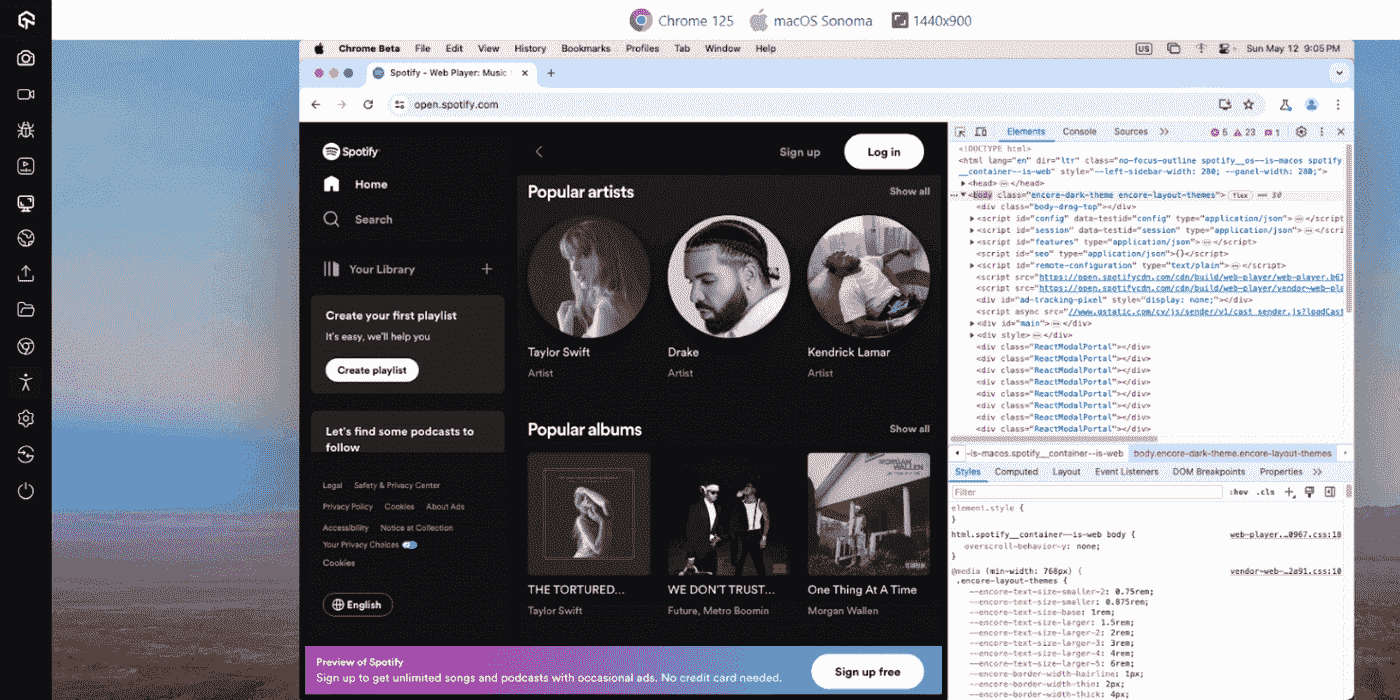
It offers a cloud-based testing platform that developers and testers can leverage for online debugging and testing. This platform enables them to test websites on different browsers while simultaneously debugging and resolving issues across various browsers, browser versions, and operating systems.

Conclusion
In this blog, we have discussed the ten best Python debuggers for 2026 that help fix the error in the Python code. You can choose the Python debugger that best aligns with your software project from the list provided.
When using the Python debugger, you can consider specific points for seamless execution of the Python debugger. For example, try to use the Python debugger to progress through your code sequentially. Set the breakpoints strategically within your code. These breakpoints facilitate halting execution at crucial junctures, enabling thorough inspection of your program’s state. Further, use the debugger’s call stack to visualize the ongoing execution context. This functionality helps identify errors arising from function calls.


Frequently asked questions
Did you find this page helpful?
More Related Hubs
TestMu AI forEnterprise
Get access to solutions built on Enterprise
grade security, privacy, & compliance
- Advanced access controls
- Advanced data retention rules
- Advanced Local Testing
- Premium Support options
- Early access to beta features
- Private Slack Channel
- Unlimited Manual Accessibility DevTools Tests