

Next-Gen App & Browser Testing Cloud
Trusted by 2 Mn+ QAs & Devs to accelerate their release cycles


Hybrid Framework In Selenium
Explore the Hybrid Framework in Selenium, a powerful testing framework merging Data-driven and Keyword-driven for efficient and maintainable automation solutions.

Urwashi Priya
December 25, 2025
The world of software testing has evolved significantly, leading to the emergence of innovative frameworks that enhance efficiency and maintainability. One such notable approach is the Hybrid Framework in Selenium, a testing methodology that combines the strengths of Data driven and Keyword driven. This blog delves into the intricacies of the Hybrid Framework, shedding light on its advantages, key components, and implementation strategies. From designing a maintainable framework to optimizing test execution, we’ll navigate through the best practices and cover insights to empower testers and developers in creating adaptable, robust, and effective automation solutions. Whether you’re a seasoned professional or a curious learner, this blog offers a comprehensive guide to harnessing the power of the Hybrid Framework in Selenium.
If you’re looking to improve your Selenium interview skills, check out our curated list of Selenium interview questions and answers.
What is a Hybrid Framework in Selenium?
A Hybrid Framework in Selenium is a comprehensive software testing framework combining primarily two testing methodologies: Data driven and Keyword driven. This fusion aims to leverage each methodology’s strengths while addressing its limitations. The goal is to create a flexible and efficient testing framework that can handle various scenarios, thus enhancing test reusability, abstract technical complexities, and fostering stakeholder collaboration.
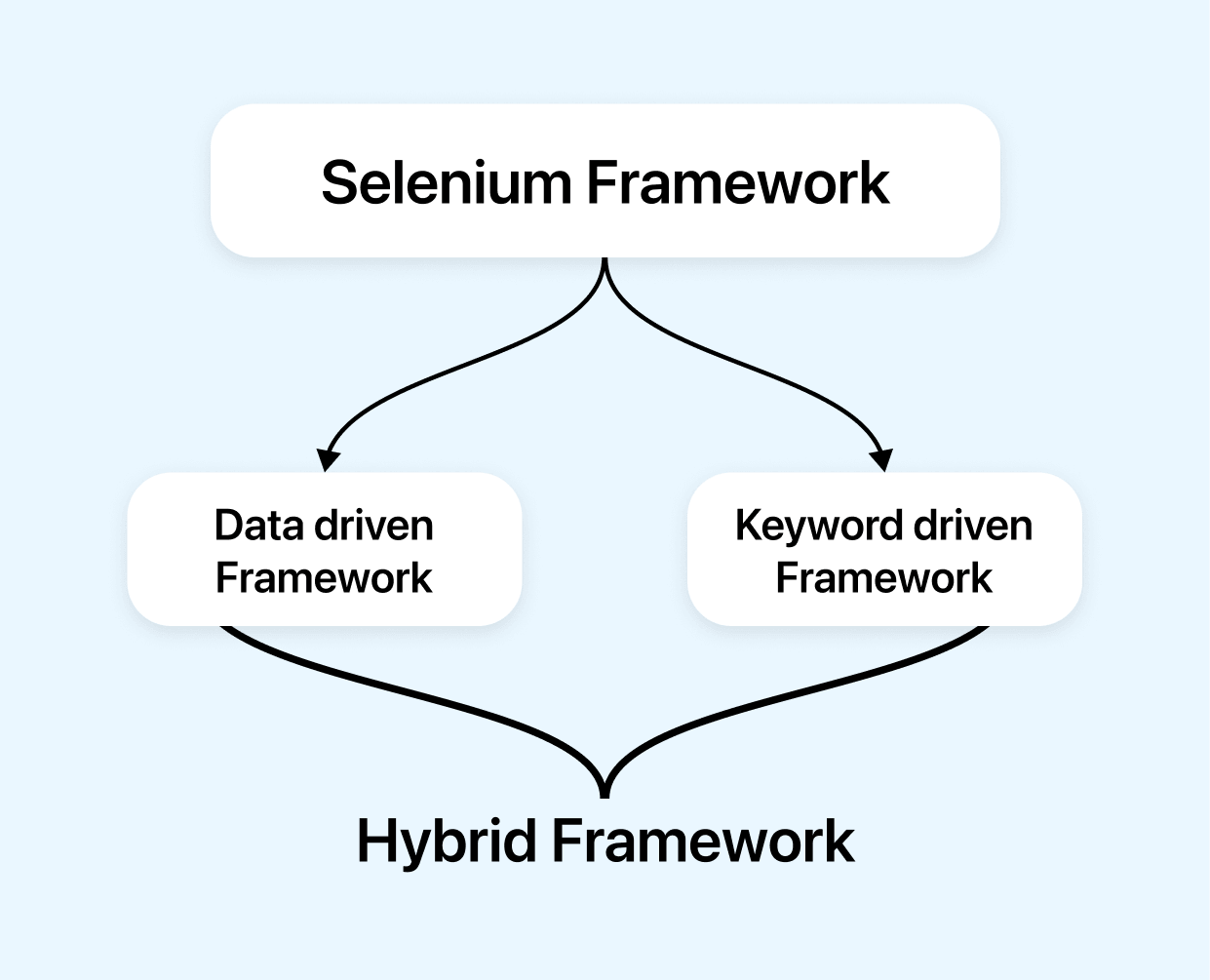
Advantages of Hybrid Framework in Selenium
Some of the advantages of using Hybrid Framework include:
- Flexibility to mix methodsA Hybrid Framework enables testers to seamlessly combine Data driven and Keyword driven frameworks to suit the project’s specific requirements best.
- Reusability of componentsUsing the concept of Data driven framework, i.e., by separating the test data from the test script, testers can create reusable test scripts that can be used for multiple test scenarios. This reusability reduces the effort required to create new tests and ensures consistent testing across different modules, leading to higher test coverage and reduced duplication of efforts.
- Simpler testingTesters can focus on writing clear and concise test scripts while the framework handles the complexities of test execution and reporting, ultimately improving the efficiency of the testing effort. Testers create high-level keywords that abstract complex actions or interactions within the application.
- Modular checksThis modular approach enhances maintainability, as changes in one module are less likely to impact others, facilitating quicker troubleshooting and updates. Keyword-driven testing brings this feature.
- Better team communication and collaborationStandardized procedures and a shared testing strategy enable cohesive teamwork. Keyword-driven testing enhances test case clarity for non-technical stakeholders in a hybrid framework. It simplifies test design language, making it accessible for review and contributions by non-technical team members. Furthermore, UI or behavior changes necessitate minimal keyword adjustments instead of rewriting the entire script.
- Broader scenario coverageThis ensures that various aspects of the application, such as functionality, user experience, and performance, are thoroughly tested, resulting in a more robust and reliable software product.
- Easier maintenanceWhen updates or changes are required, testers can focus on specific modules, minimizing the impact on other parts of the testing suite and reducing the overall maintenance workload. This concept is taken from Data driven Framework. They are easier to maintain as changes to the test data can be made quickly without modifying the test script.

Note: Turn Testing Complexity into Simplicity: Choose TestMu AI for Selenium based cloud grid to run your tests over 3000 real browsers and operating systems. Try TestMu AI Today!
Key Components of Hybrid Framework in Selenium
A Selenium Hybrid Framework is a potent blend of various testing methodologies designed to maximize test automation’s flexibility, maintainability, and reusability in test automation. To understand this framework better, let’s delve into its five key components:
- Function library
- Keyword Management
- Object Repository
- Test Case Template Design
- Driver Script
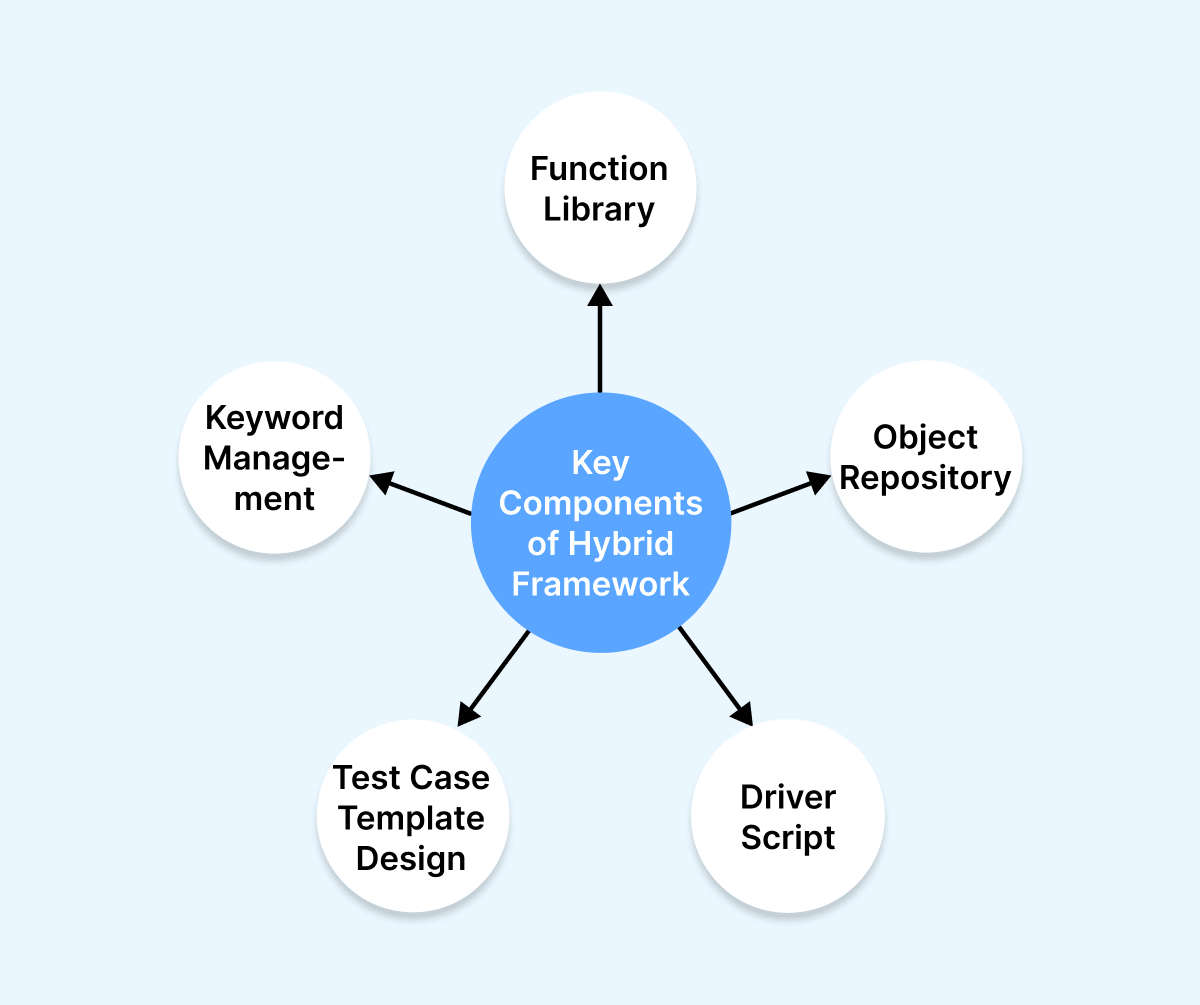
By integrating these five components effectively, a Selenium Hybrid Framework empowers testers to create robust, maintainable, and scalable test suites. It abstracts technical details, enables easy test case creation, and centralizes element management, ultimately improving the efficiency and reliability of web application testing.
Let’s understand all five components of the Hybrid framework in detail.
Implementation of Hybrid Framework in Selenium
Let’s look at how each component of the Hybrid Framework is implemented.
Function Library
“Function Library” refers to a repository of reusable methods or functions encapsulating specific behaviors, actions, and functionalities. These functions can be utilized across various layers or components of the hybrid framework, including manual testing, automated testing, and other testing-related activities.
Importance of Reusable Functions
Reusable functions are vital components in software testing for the following reasons:
- Efficiency: They save time by allowing the reuse of existing code for common tasks, enhancing productivity.
- Consistency: Reusable functions ensure uniform behavior across the application, preventing discrepancies.
- Reduced Duplication:They eliminate redundant code, minimizing errors and simplifying maintenance.
- Modularity: Functions can be developed and tested independently, promoting a well-structured system.
- Abstraction: They hide complex implementation details, allowing developers to work at a higher level.
- Scalability: Existing functions can be leveraged to accommodate new features, supporting growth.
- Cross-Team Collaboration: Shared functions create a common foundation, fostering teamwork.
- Testing Efficiency: Functions are tested once and reused, improving testing coverage and reliability.
- Code Reusability: Functions can be repurposed in different projects, saving effort and time.
- Adaptability: They can be designed for flexibility, making applications more adaptable to changes.

Creating and Managing Function Library
The described methods are used for each action the user takes. Each method comes with a keyword. The user does not need to write the method to do the same activity repeatedly.
Here, we’ve developed a library that validates the TestMu AI website logo and a valid login. We may simply call the function (here referred to as the “keyword”) with the appropriate inputs each time we need to verify a valid login.
from selenium import webdriver
from selenium.webdriver.common.by import By
import time

class LambdaTest:
    def __init__(self, driver):
        self.driver = driver

    def open_url(self, url):
        self.driver.get(url)

    # Function to verify the logo. Keyword here is "verify_lambdaTest_logo"
    def verify_lambdaTest_logo(self):
        logo_element = self.driver.find_element(By.CLASS_NAME, "tools_logo")
        return logo_element.is_displayed()

    # Function to verify valid login. Keyword used here is "valid_sign_in"
    def valid_sign_in(self, email, password):
        sign_in_link = self.driver.find_element(By.XPATH, '//*[@id="header"]/nav/div/div/div[2]/div/div/div[2]/a[1]')
        sign_in_link.click()
        time.sleep(5)
        email_field = self.driver.find_element(By.ID, "email")
        email_field.send_keys(email)
        time.sleep(5)
        password_field = self.driver.find_element(By.ID, "password")
        password_field.send_keys(password)
        time.sleep(5)
        sign_in_button = self.driver.find_element(By.ID, "login-button")
        sign_in_button.click()
        time.sleep(10)
        return "Welcome - LambdaTest" in self.driver.title

def main():
    driver = webdriver.Chrome()
    test = LambdaTest(driver)

    test.open_url("https://www.lambdatest.com/intl/en-in")

    # Test Case 1: Verifying LambdaTest logo
    assert test.verify_lambdaTest_logo(), "LambdaTest logo not displayed."

    # Test Case 2: Logging in with valid credentials
    # Replace with your valid email address and password
    assert test.valid_sign_in("[email protected]", "xxx"), "Login failed."

    driver.quit()

if __name__ == "__main__":
    main()
Output:
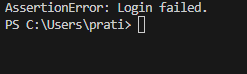
If the login process is successful, the code will run, and the TestMu AI website will open. If not, the following error will appear.
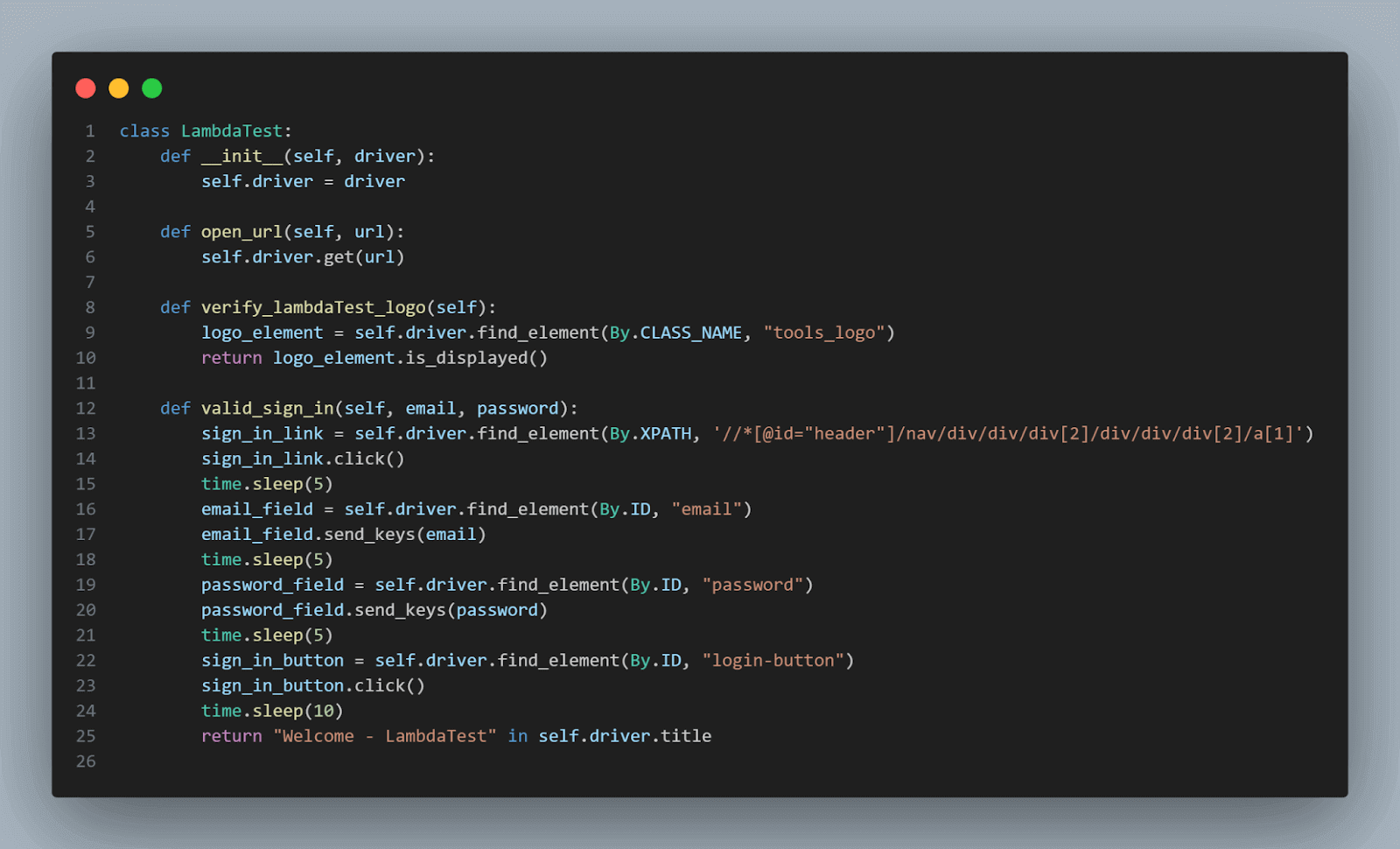
After importing the libraries, we declared the TestMu AI Class, which encapsulates the test automation methods.
- _ _init_ _(self, driver): Constructor that initializes the instance with a WebDriver object.
- open_url(self, url): Opens the provided URL using the WebDriver instance.
- verify_lambdaTest_logo(self): Verifies whether the TestMu AI logo element is displayed on the page or not.
- valid_sign_in(self, email, password): Performs a valid sign-in by clicking the sign-in link, entering email and password, and then clicking the sign-in button.
- time.sleep(): Adds delays in the automation.
- valid_sign_in method returns True if the page title contains “Welcome – TestMu AI,” indicating that there has been a successful login.
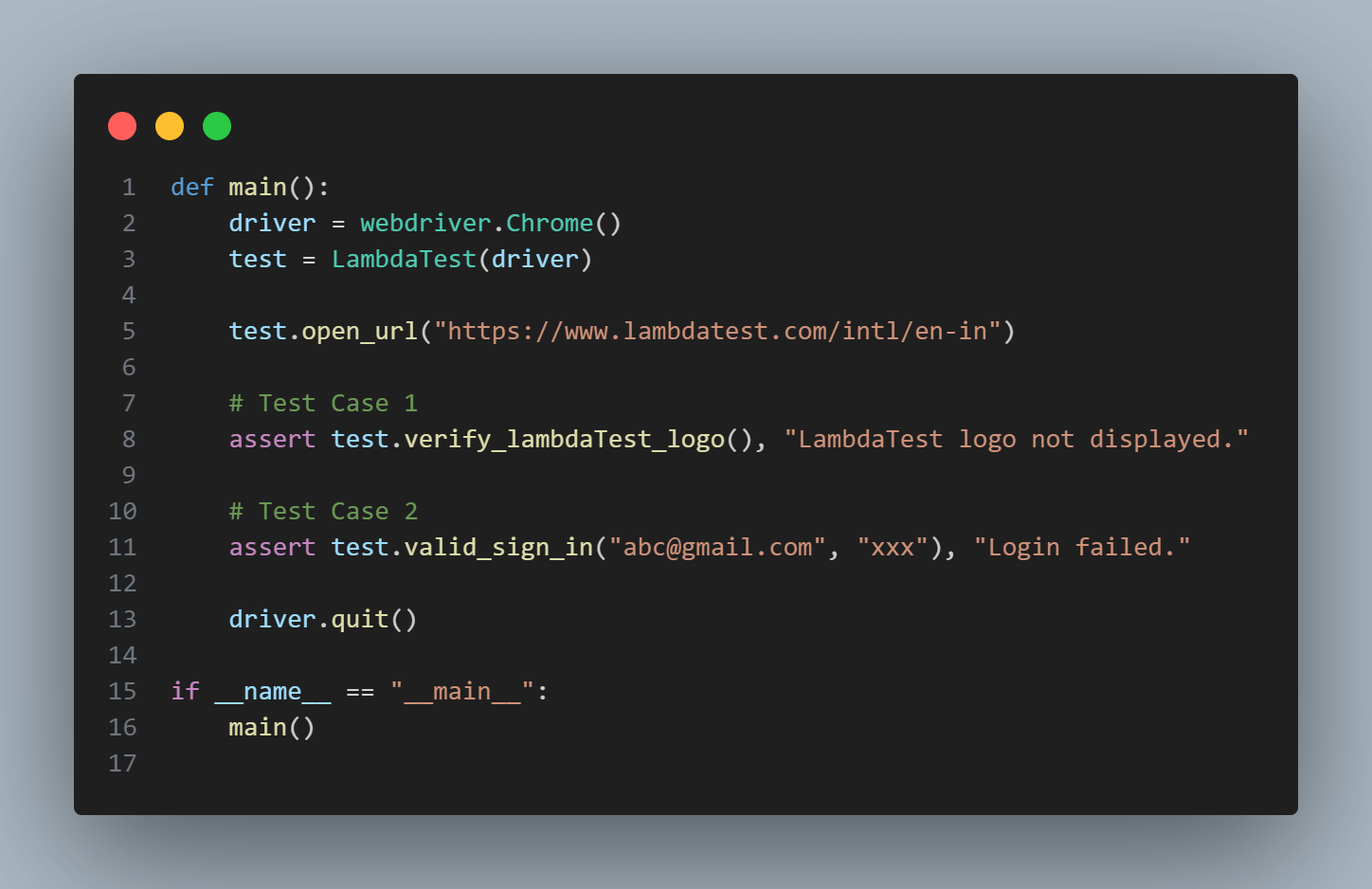
The main() function is the starting point of the script. It creates a Chrome WebDriver instance using webdriver.Chrome(). It instantiates the TestMu AI class with the WebDriver instance.
Then it opens the TestMu AI website and executes the test cases:
- Verifies if the TestMu AI logo is displayed.
- Performs a valid sign-in with the provided email and password.
After executing the test cases, it closes the WebDriver using driver.quit().
Keyword Management
Now, we have declared keywords for our instances as required. We need to manage them. We generally store them in Excel sheets.
Storing Keywords in Excel Sheets
Here’s how one can use Excel sheets to store keywords:
Keyword Definitions:
Define a row in the Excel sheet for each action or test step we want to automate. This row will contain columns for various attributes of the keyword, such as:
- Keyword Name
- Action (e.g., click, type, verify)
- Element Identifier (e.g., ID, XPath)
- Element Locator (e.g., actual value for locating the element)
- Parameters (e.g., input values)
- Expected Result (e.g., expected outcome)
- Comments or Notes
Keyword Execution Logic:
In the test script, read the Excel sheet and interpret the rows as keywords. For each keyword, extract the relevant information and execute the corresponding action using appropriate Selenium functions or other testing libraries.
Parameterization and Reusability:
Excel sheet allows to parameterize keywords easily. We can store dynamic values that change across test cases or scenarios using placeholders or cells.
Separation of Concerns:
Separate the test logic from the test data by storing keywords in Excel sheets. Testers can focus on defining keywords, while test data can be managed separately in the Excel sheet or in other data sources.
Maintenance and Updates:
When a keyword or action changes, we only need to update the Excel sheet instead of modifying multiple test scripts. It helps in easier maintenance and reduces the impact of changes on one’s test suite.
Structuring an Excel sheet for the test case defined above:
| Test Case | Keyword | Parameters | Expected Outcome |
|---|---|---|---|
| TC1 | open_url | https://www.lambdatest.com/intl/en-in | Page should open successfully |
| TC2 | verify_lambdaTest_logo |  | LambdaTest logo should be verified |
| TC3 | valid_sign_in | [email protected], xxx | Login should be successful |
The table above is a basic structure for organizing test cases in an Excel sheet. This structured Excel sheet helps testers document and organize test cases systematically, making executing, tracking, and reporting on the testing process easier. Each row represents a unique test scenario, and the columns help define the test steps, input data, and expected outcomes for efficient test case management.
We can expand this format above to include additional columns if needed, such as an “Actual Result” column to capture the outcome of the test, a “Status” column to mark the test as Pass/Fail, and so on.
Test Case Template Design
An organized and consistent test case template is necessary to create organized and consistent test documentation. A well-designed template improves test case clarity, thoroughness, and understandability.
Structuring Test Cases
Let’s see how to structure a test case in a Hybrid framework by taking our TC3(valid_sign_in) as an example:
Test Case Template
Test Case ID: TC-003
Test Case Name: Valid Sign In
Test Area: Authentication
Test Priority: High
Test Type: Functional
Preconditions:
- The user has a valid internet connection.
- The user is on the TestMu AI login page.
Test Steps:
- Click on the “Sign In” link.
- Enter a valid email address: “[email protected]”.
- Enter a valid password: “xxx”.
- Click the “Sign In” button.
Expected Results:
– The user should be successfully signed in, and the title of the resulting page should be “Welcome – TestMu AI.”
Test Data:
– Email: “[email protected]” – Password: “xxx”
Actual Results:
– The user is successfully signed in, and the title of the resulting page is “Welcome – TestMu AI.”
Pass/Fail Criteria:
– Pass: The user is signed in successfully, and the title matches the expected title. – Fail: The user is not signed in, or the title does not match the expected title.
Notes:
– This test case verifies that a user can sign in using valid credentials.
Object Repository
The Object Repository is a structured storage mechanism for all the UI elements and locators used in the test automation scripts. Instead of hardcoding locators directly into the test scripts, we store them in the Object Repository, allowing us to easily manage and update the locators when they change without modifying the test scripts themselves.
Managing UI Elements and Locators
In Selenium, UI elements are identified using locators such as ID, XPath, CSS selectors, etc. Let’s see how we can create an Object Repository to store these locators: We will continue our above example.
1. Start by creating an Object Repository File:We can choose the format of our choice, which includes JSON, XML, or a spreadsheet. Here, we have used JSON format.
{
    "logo_element": {
        "locator": "CLASS_NAME",
        "value": "tools_logo"
    },
    "sign_in_link": {
        "locator": "XPATH",
        "value": "//*[@id='header']/nav/div/div/div[2]/div/div/div[2]/a[1]"
    },
    "email_field": {
        "locator": "ID",
        "value": "email"
    },
    "password_field": {
        "locator": "ID",
        "value": "password"
    },
    "sign_in_button": {
        "locator": "ID",
        "value": "login-button"
    }
}
2. Object Repository Usage in Code:
We can modify our TestMu AI class to use the Object Repository to fetch the locators dynamically. Here’s how:
import json
import time
from selenium import webdriver
from selenium.webdriver.common.by import By

class LambdaTest:
    def __init__(self, driver):
        self.driver = driver
        self.object_repository = self.load_object_repository()

    def load_object_repository(self):
        # Load the Object Repository JSON file into memory
        with open('obj_repo.json') as file:
            return json.load(file)

    def find_element_by_locator(self, element_name):
        # Fetch the locator type and value from the Object Repository
        locator_type = self.object_repository[element_name]["locator"]
        locator_value = self.object_repository[element_name]["value"]

        # Use Selenium's By class to locate the element using the fetched locator
        return self.driver.find_element(getattr(By, locator_type), locator_value)

    def open_url(self, url):
        # Open the specified URL in the browser
        self.driver.get(url)

    def verify_lambdaTest_logo(self):
        # Find the logo element using the dynamic locator
        logo_element = self.find_element_by_locator("logo_element")
        return logo_element.is_displayed()

    def valid_sign_in(self, email, password):
        # Find the sign-in link using the dynamic locator and click on it
        sign_in_link = self.find_element_by_locator("sign_in_link")
        sign_in_link.click()

        # Find the email and password fields and fill them with provided values
        email_field = self.find_element_by_locator("email_field")
        email_field.send_keys(email)

        password_field = self.find_element_by_locator("password_field")
        password_field.send_keys(password)

        # Find the sign-in button using the dynamic locator and click it
        sign_in_button = self.find_element_by_locator("sign_in_button")
        sign_in_button.click()

        # Wait for the page to load
        time.sleep(10)

        # Check if the title of the page contains "Welcome - LambdaTest"
        return "Welcome - LambdaTest" in self.driver.title

def main():
    # Initialize the Chrome WebDriver
    driver = webdriver.Chrome()
    test = LambdaTest(driver)

    # Open the LambdaTest website
    test.open_url("https://www.lambdatest.com/intl/en-in")

    # Test Case 1
    assert test.verify_lambdaTest_logo(), "LambdaTest logo not displayed."

    # Test Case 2
    assert test.valid_sign_in("[email protected]", "xxx"), "Login failed."

    # Close the browser
    driver.quit()

if __name__ == "__main__":
    main()
In the approach mentioned above, the UI elements’ locators and corresponding values are stored in the JSON object repository.
In TestMu AI class,
- The load_object_repository method loads the JSON file into memory.
- The find_element_by_locator method takes an element name as an argument, looks up its locator and value from the object repository, and returns the corresponding Selenium WebElement.
By using an Object Repository, we decouple the test scripts from the actual locators. If the locators change, we only need to update the Object Repository(here obj_repo) JSON file, and our test scripts will still work.
Remember to create the obj_repos.json file with the content in the example JSON above.
Enhancing Test Maintenance
Test maintenance involves keeping our automated tests up-to-date and efficient as our application evolves. Since applications such as UI updates, new features, or bug fixes frequently change, we must ensure that our test scripts can adapt to these changes without extensive manual modifications. Here’s how we can enhance test maintenance in a Hybrid Framework:
- Centralized Object RepositoryBy storing UI element locators in a centralized Object Repository, we can easily update locators when they change. Instead of searching and modifying locators in multiple test scripts, we only need to update them in one place. This reduces the risk of broken tests due to locator changes.
- ParameterizationUse parameterization to make tests more adaptable. For instance, use variables or parameters instead of hardcoding test data directly into the test scripts, use variables or parameters. This allows us to update test data externally without modifying the scripts.
- Data-Driven TestingUtilize data-driven testing to separate test data from test logic. Store test data in external sources like spreadsheets, databases, or JSON files. This way, we can modify test data without touching the scripts.
- Reusable FunctionsMaintain a library of reusable functions for common actions. If the application changes, we only need to update the functions once, ensuring consistency across all test cases that use them.
Driver Script
In a Hybrid Framework, the script executes test cases using the keywords defined in our function library and follows the instructions in test case templates. It bridges the high-level test cases and low-level implementation details, such as interactions with UI elements, validations, and more.
Role of the Driver Script
Key roles of driver script are as follows:
- Parsing Test Cases: The driver script reads the test case templates, which outline the steps to be executed for each test case.
- Interpreting Keywords: For each step in a test case, the driver script interprets the corresponding keyword and its associated parameters from the test case template.
- Invoking Functions: The driver script calls the appropriate functions from the function library based on the interpreted keywords. These functions encapsulate the specific actions that need to be performed.
- Managing Test Data: The driver script may handle the retrieval and management of test data, which could be stored externally in databases, spreadsheets, or other sources.
# Import necessary libraries
from selenium import webdriver
from selenium.webdriver.common.by import By
import json
import time

# Class to manage the driver script for Hybrid Framework
class HybridDriver:
    def __init__(self, driver):
        self.driver = driver
        self.object_repository = self.load_object_repository()

    # Load object repository from JSON file
    def load_object_repository(self):
        with open('obj_repo.json') as file:
            return json.load(file)

    # Find element using the specified locator from object repository
    def find_element_by_locator(self, element_name):
        locator_type = self.object_repository[element_name]["locator"]
        locator_value = self.object_repository[element_name]["value"]
        return self.driver.find_element(getattr(By, locator_type), locator_value)

    # Execute the specified keyword with optional arguments
    def execute_keyword(self, keyword, *args):
        if keyword == "open_url":
            self.open_url(*args)
        elif keyword == "verify_lambdaTest_logo":
            return self.verify_lambdaTest_logo()
        elif keyword == "valid_sign_in":
            return self.valid_sign_in(*args)
        else:
            raise ValueError(f"Keyword '{keyword}' not recognized.")

    # Open the provided URL
    def open_url(self, url):
        self.driver.get(url)

    # Verify if LambdaTest logo is displayed
    def verify_lambdaTest_logo(self):
        logo_element = self.find_element_by_locator("logo_element")
        return logo_element.is_displayed()

    # Perform valid sign-in with provided email and password
    def valid_sign_in(self, email, password):
        sign_in_link = self.find_element_by_locator("sign_in_link")
        sign_in_link.click()
        time.sleep(2)
        email_field = self.find_element_by_locator("email_field")
        email_field.send_keys(email)
        time.sleep(2)
        password_field = self.find_element_by_locator("password_field")
        password_field.send_keys(password)
        time.sleep(2)
        sign_in_button = self.find_element_by_locator("sign_in_button")
        sign_in_button.click()
        time.sleep(5)
        return "Welcome - LambdaTest" in self.driver.title

# Main function to execute test cases
def main():
    # Initialize Chrome WebDriver
    driver = webdriver.Chrome()
    hybrid_driver = HybridDriver(driver)

    # Define test cases with steps. Also remember to change your credentials.
    test_cases = [
        ("TC-001", [
            ("open_url", "https://www.lambdatest.com/intl/en-in"),
            ("verify_lambdaTest_logo",)
        ]),
        ("TC-002", [
            ("open_url", "https://www.lambdatest.com/intl/en-in"),
            ("valid_sign_in", "[email protected]", "xxx")
        ])
    ]

    # Execute test cases and steps
    for test_case_id, steps in test_cases:
        print(f"Executing Test Case: {test_case_id}")
        for step in steps:
            keyword, *args = step
            hybrid_driver.execute_keyword(keyword, *args)

    # Quit the WebDriver
    driver.quit()

# Entry point of the script
if __name__ == "__main__":
    main()
In this example, the HybridDriver class serves as the driver script. It uses the object repository to fetch UI element locators and executes keywords based on the provided test case steps. The main() function demonstrates how to execute test cases using a list of steps for each test case.
Note: Turn Testing Complexity into Simplicity: Choose TestMu AI for Selenium based cloud grid to run your tests over 3000 real browsers and operating systems. Try TestMu AI Today!
Best Practices for Hybrid Framework
Let’s look at some of the best practices while implementing Hybrid Framework.
- Designing Maintainable FrameworksA properly designed framework makes updating and managing the test suite easier as the application enhances.
- Effective Synchronization and WaitsWe must implement synchronization mechanisms to handle delays generally caused by asynchronous behavior.
- Error Handling and ReportingWe must implement a robust error-handling mechanism to gracefully handle exceptions and continue test execution.
- Logging and Debugging TechniquesWe must incorporate logging at various levels (INFO, DEBUG, ERROR) to capture important information during test execution.
Keeping Code Clean and Modular
– Break the framework into modular components like libraries, pages, and test scripts. – Apply principles like DRY (Don’t Repeat Yourself) to eliminate redundancy and complexity.
Separation of Concerns
– Segregate test logic, test data, and configuration settings to ensure proper separation of concerns. – Maintain a clear distinction between functions for test actions and test verifications.
Handling Timing Issues in Tests
– Identify potential timing-related issues, such as slow-loading elements or AJAX requests. – Apply appropriate wait strategies to ensure tests are stable across different environments.
Applying Wait Strategies
– Use explicit waits for precise synchronization, implicit waits for general delays, and FluentWait for custom conditions. – Combine waiting mechanisms with Expected Conditions for optimal synchronization.
Implementing Error Handling Mechanisms
– Use try-catch blocks to catch and handle exceptions appropriately. – Employ exception classes to categorize and manage different types of errors.
Generating Comprehensive Test Reports
– Integrate reporting libraries like Extent Reports or Allure to generate detailed test execution reports. – The reports include information about test status, steps, assertions, and screenshots.
Debugging Approaches in the Framework
– Utilize IDE debuggers, breakpoints, and browser developer tools to walk through our code.
Limitations of a Hybrid Framework
Let’s look at some of the limitations while considering Hybrid Framework:
- Complexity: Balancing the integration of data-driven and keyword-driven approaches requires careful planning and design.
- Continuous Improvement: Failing to invest in ongoing enhancements can lead to stagnation and decreased efficiency.
- Skill Requirements: Developers and testers working with a Hybrid Framework need to have a strong understanding of data-driven and keyword-driven testing concepts, as well as programming languages and Selenium WebDriver.
- Execution Speed: The framework’s overhead, such as reading data from external sources, can impact the overall execution time.
- Tool Dependency: Many Hybrid Frameworks rely on third-party tools, libraries, or applications for certain functionalities, such as reading data from Excel sheets or generating reports.
- Initial Setup Overhead: Setting up the necessary infrastructure, such as data sources, keyword mappings, and test case templates, requires upfront effort and may be time-consuming.
- Maintenance of Test Data: As the test data is often stored externally (e.g., in Excel sheets), managing and updating test data across different test cases can be challenging.

Conclusion
The Hybrid Framework in Selenium offers a powerful approach by merging data-driven and keyword-driven testing methodologies. It provides flexibility, reusability, and collaboration benefits. Core components like function library, keyword management, templates, object repository, and driver script work together for seamless test execution. Following best practices ensures robustness. Despite challenges like complexity and learning curve, the framework’s advantages are significant. It’s a versatile solution for modern testing needs, enhancing software quality through efficient automation.


Frequently asked questions
Did you find this page helpful?
More Related Hubs
TestMu AI forEnterprise
Get access to solutions built on Enterprise
grade security, privacy, & compliance
- Advanced access controls
- Advanced data retention rules
- Advanced Local Testing
- Premium Support options
- Early access to beta features
- Private Slack Channel
- Unlimited Manual Accessibility DevTools Tests