

Next-Gen App & Browser Testing Cloud
Trusted by 2 Mn+ QAs & Devs to accelerate their release cycles


12 Best DevOps Testing Tools for 2026 (Compared and Ranked)
We compared 12 DevOps testing tools on pricing, CI/CD integration, and real pros/cons. Find what fits your pipeline, team size, and budget for 2026

Deepak Sharma
March 11, 2026
Your CI/CD pipeline is only as strong as the testing that runs inside it. Pick the wrong tools, and you get slow feedback loops, flaky tests, and releases that break in production. Pick the right ones, and your team ships faster with fewer defects.
The problem? Most comparison guides lump together everything from browser automation frameworks to monitoring dashboards to incident management platforms. That makes choosing harder, not easier.
We evaluated 15 tools that actually belong in a DevOps testing workflow, organized them by function, and compared them on CI/CD integration depth, test coverage, pricing, and learning curve.
What Is DevOps Testing?
DevOps testing means embedding automated tests throughout every stage of development, not treating QA as a separate phase before release. Tests run on every commit, every pull request, and every deployment. The industry calls this continuous testing, built on the principle of shift-left testing, where you catch bugs within minutes of writing the code instead of weeks before release.

Making that work requires the right combination of tools integrated into your CI/CD pipeline across five categories: testing platforms, browser and UI automation, CI/CD orchestration, API testing, and performance testing. The 15 tools below cover all five.
How We Evaluated These Tools
We excluded monitoring platforms, incident management tools, and infrastructure provisioning utilities. They matter in DevOps, but they are not testing tools.
For the 15 that made the list, we scored each on six criteria: CI/CD integration depth, test type coverage, language and framework support, learning curve, pricing model, and community support. Every tool below includes specific pros, cons, pricing, and a "best for" recommendation.
Quick Comparison: Top 12 DevOps Testing Tools
| Tool | Category | Best For | Open Source | Price |
|---|---|---|---|---|
| TestMu AI | Testing Platform | Cross-browser and mobile testing at scale | No | Free; from $15/mo |
| Selenium | Browser Automation | Web UI automation with multi-language support | Yes | Free |
| Playwright | Browser Automation | Modern web apps needing multi-browser E2E tests | Yes | Free |
| Cypress | Browser Automation | Frontend-heavy JavaScript applications | Yes | Free; Cloud $67/mo |
| Jenkins | CI/CD Orchestration | Pipeline orchestration with maximum flexibility | Yes | Free |
| GitHub Actions | CI/CD Orchestration | Teams already using GitHub for source control | No | Free; 2K min/mo |
| GitLab CI/CD | CI/CD Orchestration | Source control + CI/CD in one platform | Partial | Free; $29/user/mo |
| Postman | API Testing | API development, testing, and documentation | Partial | Free; Solo $9/mo |
| SoapUI | API Testing | SOAP and REST API functional testing | Partial | Free; Pro $6,449/yr |
| Apache JMeter | Performance Testing | Load testing web services and APIs | Yes | Free |
| k6 | Performance Testing | Developer-centric load testing with scripted scenarios | Yes | Free; Cloud $0+ |
| Appium | Mobile Testing | Cross-platform mobile app automation (iOS + Android) | Yes | Free |

Note: Looking to speed up your DevOps testing workflow? TestMu AI provides a cloud testing platform with 3,000+ browser and device combinations, integrated directly into your CI/CD pipeline. Start free today.
12 Best DevOps Testing Tools for 2026
The top DevOps testing tools for 2026 include TestMu AI, Selenium, Playwright, Cypress, Jenkins, GitHub Actions, GitLab CI/CD, Postman, SoapUI, JMeter, k6, and Appium
Testing Platforms
1. TestMu AI
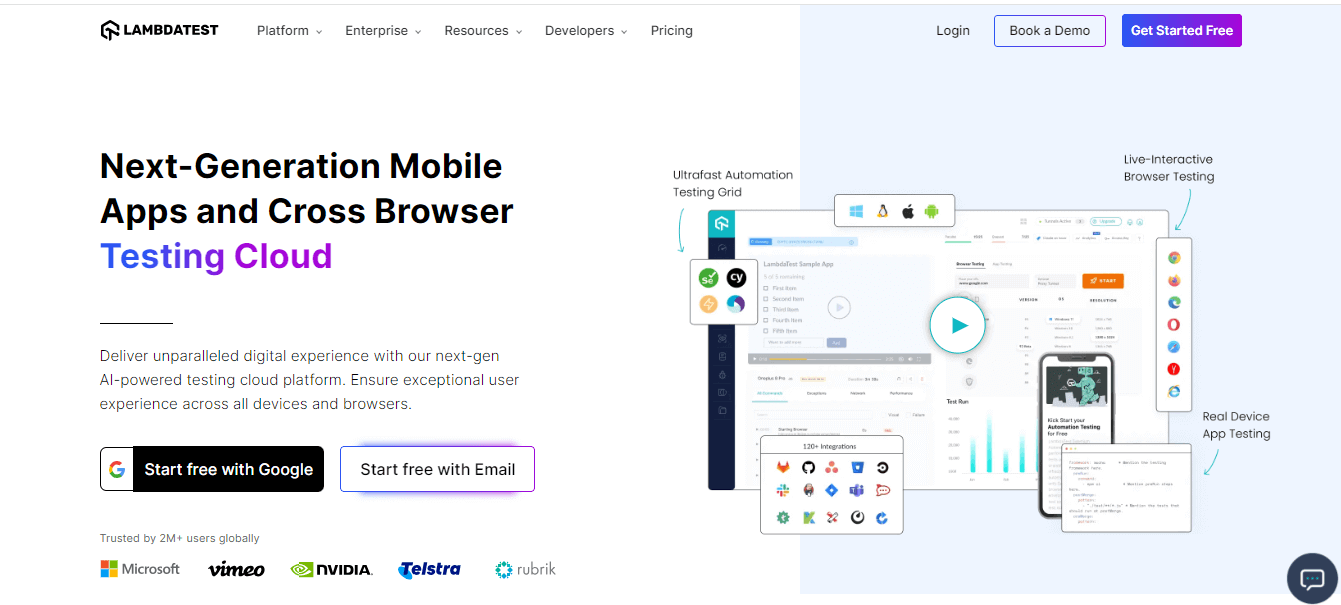
TestMu AI is an AI-native unified testing platform that lets you run manual and automated tests across 3,000+ real browsers, devices, and OS combinations on the cloud. It supports all major automation frameworks, including Selenium, Playwright, Cypress, Appium, Espresso, and XCUITest, which makes it a single platform for both web and mobile DevOps testing.
What sets TestMu AI apart from other cloud testing platforms is HyperExecute, its test orchestration engine that runs tests up to 70% faster than traditional Selenium grids. For teams running large regression suites in CI/CD pipelines, that speed difference can cut feedback loops from hours to minutes.
Key Features:
- Supports Selenium, Playwright, Cypress, Puppeteer, Appium, Espresso, and XCUITest
- 3,000+ real browser, device, and OS combinations
- KaneAI: AI-native test authoring agent that creates tests from natural language
- HyperExecute for up to 70% faster test execution
- Built-in visual regression testing with Smart UI
- Geolocation testing across 53+ countries
- Integrations with 200+ tools including Jira, Slack, GitHub, GitLab, Azure DevOps
Pros:
- One platform covers web, mobile, and API testing
- HyperExecute dramatically reduces CI/CD pipeline time
- Generous free tier for small teams
- KaneAI reduces test creation time for non-technical team members
Cons:
- Learning curve for teams new to cloud testing platforms
- Advanced features like HyperExecute require paid plans
- Real device testing is available only on higher-tier plans
Pricing: Free tier available. Paid plans start at $15/month.
CI/CD Integration: Direct plugins and integrations for Jenkins, GitHub Actions, GitLab CI, CircleCI, Travis CI, Azure DevOps, Bitbucket Pipelines, and TeamCity. Tests can be triggered via CLI or API.
Best for: Teams that need a unified cloud testing infrastructure for web and mobile, with fast parallel execution and deep CI/CD integration.
Browser and UI Automation
2. Selenium
Selenium remains the most widely adopted open-source browser automation framework. Selenium WebDriver allows you to write tests in Java, Python, C#, Ruby, JavaScript, and Kotlin, and run them across Chrome, Firefox, Safari, and Edge.
Its longevity means virtually every CI/CD tool, cloud testing platform, and testing framework integrates with it. If you are building a DevOps testing stack and need maximum compatibility, Selenium is the safe choice.
Key Features:
- Multi-language support: Java, Python, C#, Ruby, JavaScript, Kotlin
- Cross-browser support via WebDriver protocol
- Selenium Grid for distributed parallel testing
- Massive ecosystem of plugins, libraries, and community resources
- W3C WebDriver standard ensures long-term stability
Pros:
- Industry standard with the largest community
- Works with every CI/CD tool and cloud platform
- Multi-language support gives teams flexibility
- Extensive documentation and learning resources
Cons:
- No built-in test runner, reporting, or assertions (requires additional frameworks like TestNG, pytest, or JUnit)
- Higher setup complexity compared to Playwright or Cypress
- Flaky tests are common without careful wait strategies
- Slower execution than Playwright for equivalent tests
Pricing: Free and open source.
CI/CD Integration: All major CI/CD tools via WebDriver CLI. Plugins available for Jenkins, GitHub Actions, GitLab CI, Azure DevOps, and more.
Best for: Teams with existing Selenium expertise, multi-language environments, or requirements for maximum framework compatibility.
Enhance your Selenium 4 knowledge by watching this detailed video tutorial to gain valuable insights.
3. Playwright
Playwright is Microsoft's open-source end-to-end testing framework, and it has rapidly become the preferred choice for teams starting new automation projects. It connects directly to browsers via WebSockets (no WebDriver dependency), which makes tests faster and more reliable.
Playwright supports Chromium, Firefox, and WebKit with a single API, and it includes features that Selenium requires third-party tools for: auto-waiting, tracing, screenshot capture, video recording, and network interception. In 2026, Playwright also ships with built-in AI test agents (Planner, Generator, and Healer) that can explore your app, generate test files, and automatically repair failing tests.

Key Features:
- Cross-browser support: Chromium (Chrome, Edge), Firefox, WebKit (Safari)
- Multi-language: JavaScript/TypeScript, Python, Java, .NET
- Auto-waiting eliminates most flaky test issues
- Built-in trace viewer, screenshots, and video recording
- Network interception and API mocking
- Codegen tool that records actions and generates test scripts
- Built-in AI test agents for planning, generating, and healing tests
Pros:
- Fastest execution among modern E2E frameworks
- Auto-waiting dramatically reduces test flakiness
- Built-in test runner, assertions, and reporting (no extra dependencies)
- Excellent developer experience with trace viewer and codegen
- Native parallel execution with browser context isolation
Cons:
- Smaller community than Selenium (but growing rapidly)
- No native mobile app testing (web only)
- Frequent releases require keeping dependencies updated
Pricing: Free and open source.
CI/CD Integration: Native GitHub Actions workflow generated on setup. Works with Jenkins, GitLab CI, CircleCI, Azure DevOps, and any CI tool that supports CLI commands.
Best for: Teams starting new E2E automation projects who want the fastest, most reliable framework with the best developer experience.
4. Cypress
Cypress is a JavaScript-based end-to-end testing framework built specifically for modern web applications. Unlike Selenium and Playwright, Cypress runs inside the browser alongside your application, which gives it direct access to the DOM, network requests, and application state.
This architecture makes Cypress incredibly fast for testing JavaScript-heavy single-page applications. The real-time browser preview showing tests as they execute is a standout feature for debugging.
Key Features:
- Runs inside the browser for direct DOM access
- Real-time test execution preview
- Automatic waiting and retry-ability
- Built-in time-travel debugging with DOM snapshots
- Network stubbing and interception
- Screenshot and video capture on failure
- Cypress Cloud for test analytics and parallelization
Pros:
- Best-in-class debugging experience with time-travel snapshots
- Very fast setup (single npm install, no drivers needed)
- Excellent for JavaScript/TypeScript teams
- Strong plugin ecosystem
Cons:
- JavaScript/TypeScript only (no Python, Java, or .NET)
- Limited cross-browser support (Chromium family, Firefox, WebKit experimental)
- Cannot test multiple browser tabs or windows natively
- Cypress Cloud required for advanced parallelization and analytics (paid)
Pricing: Free (open source). Cypress Cloud starts at $67/month (billed annually at $799/year) for team features.
CI/CD Integration: Built-in CI/CD support with documented configurations for GitHub Actions, GitLab CI, Jenkins, CircleCI, Azure DevOps, Bitbucket Pipelines, and AWS CodeBuild.
Best for: JavaScript/TypeScript teams building single-page applications who prioritize debugging experience and fast test feedback.
If you are new to Cypress and want to upscale your Cypress automation testing experience, watch the detailed video below.
Note: Enhance your testing procedures by implementing DevOps practices, reducing manual work, and releasing top-notch software faster. Try TestMu AI Today!
CI/CD Orchestration
5. Jenkins
Jenkins is the most widely deployed open-source automation server, and it remains the backbone of CI/CD pipelines across thousands of organizations. Its primary role in DevOps testing is orchestrating test execution: triggering test suites, distributing tests across nodes, collecting results, and gating deployments based on test outcomes.
Key Features:
- 1,800+ plugins for virtually any integration
- Pipeline-as-code with Jenkinsfile (Declarative and Scripted)
- Distributed builds across multiple agents
- Extensive UI for build and test result visualization
- Active community with frequent updates
Pros:
- Maximum flexibility and customization
- Self-hosted (full control over infrastructure and data)
- Massive plugin ecosystem covers every testing tool
- Battle-tested at enterprise scale
Cons:
- Significant setup and maintenance overhead
- UI feels dated compared to GitHub Actions or GitLab CI
- Plugin conflicts can cause instability
- Requires dedicated infrastructure and DevOps expertise to manage
Pricing: Free and open source. Infrastructure costs are self-managed.
CI/CD Integration: Jenkins IS the CI/CD tool. It integrates with every testing tool via plugins or CLI.
Best for: Teams that need maximum pipeline customization and are willing to invest in self-hosted infrastructure management.
Learn everything about Jenkins and make your testing process efficient. Watch this video tutorial and gain detailed insights.
Subscribe to the TestMu AI YouTube channel for more videos on Selenium testing, Playwright testing, Cypress testing, and more.
6. GitHub Actions
GitHub Actions provides CI/CD workflows natively within GitHub repositories. For teams already using GitHub for source control, it eliminates the need for a separate CI/CD tool. Workflows are defined in YAML files and triggered by events like pushes, pull requests, or schedules.

Key Features:
- Native integration with GitHub repositories
- YAML-based workflow configuration
- 15,000+ community-maintained actions in the Marketplace
- Matrix builds for testing across multiple OS, language versions, and browsers
- Hosted runners (Linux, macOS, Windows) or self-hosted runners
Pros:
- Zero setup for GitHub users
- Generous free tier for open-source projects
- Matrix builds simplify multi-environment testing
- Community marketplace reduces custom scripting
Cons:
- Tightly coupled to GitHub (vendor lock-in)
- Debugging workflow failures can be challenging
- Concurrent job limits on free and Team plans
- Less flexible than Jenkins for complex, multi-stage pipelines
Pricing: Free for public repositories. Private repos get 2,000 minutes/month free. Team plans from $4/user/month include 3,000 minutes.
CI/CD Integration: Native to GitHub. Works with any testing tool that has a CLI or npm/pip package.
Best for: Teams using GitHub that want the simplest path to CI/CD without managing external infrastructure.
7. GitLab CI/CD
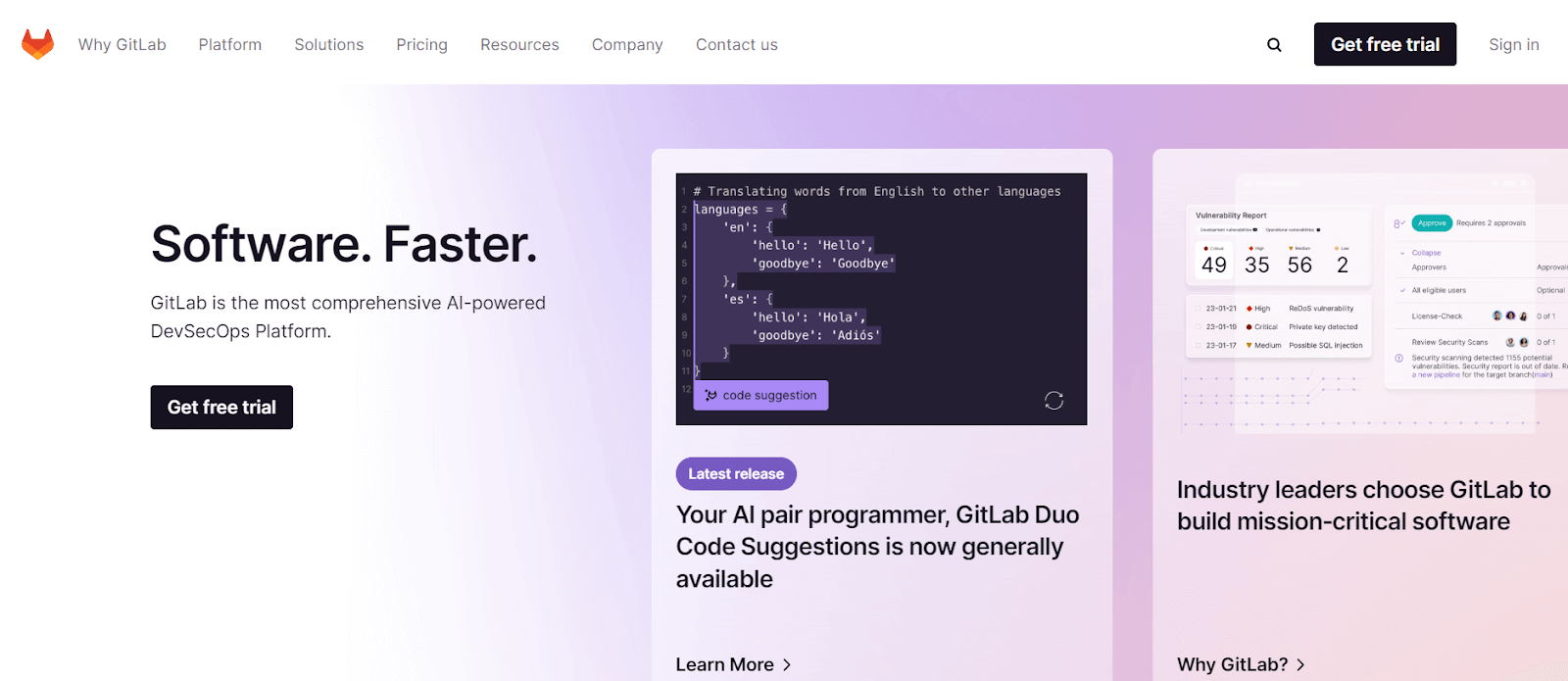
GitLab CI/CD is built directly into the GitLab platform, providing source control, CI/CD pipelines, and DevOps tooling in a single application. Pipelines are defined in .gitlab-ci.yml files with stages, jobs, and rules.
Key Features:
- Unified platform: source control, CI/CD, container registry, and security scanning
- Auto DevOps for automatic pipeline configuration
- Built-in security testing (SAST, DAST, dependency scanning)
- Pipeline visualization and merge request integration
- Self-hosted or SaaS options
Pros:
- All-in-one platform reduces tool sprawl
- Built-in security testing is a major differentiator
- Auto DevOps lowers the barrier to getting started
- Strong container and Kubernetes support
Cons:
- Can feel heavy for small teams that only need CI/CD
- Self-hosted GitLab requires significant infrastructure
- Some advanced features locked behind Premium/Ultimate tiers
- Pipeline syntax has a steeper learning curve than GitHub Actions
Pricing: Free tier with 400 CI/CD minutes/month. Premium from $29/user/month. Ultimate from $99/user/month.
CI/CD Integration: Native to GitLab. Works with any testing tool via shell executors, Docker images, or Kubernetes runners.
Best for: Teams wanting a unified DevOps platform with built-in security testing and no need for external CI/CD tools.
API Testing
8. Postman
Postman started as a REST API client and has evolved into a comprehensive API development and testing platform. For DevOps teams, its value lies in automated API test suites that can be executed in CI/CD pipelines using Newman, Postman's CLI runner.

Key Features:
- GUI for building and testing API requests
- Collection-based test organization
- JavaScript-based test scripts with assertions
- Environment variables for multi-stage testing (dev, staging, production)
- Newman CLI for CI/CD integration
- Mock servers for API simulation
- API documentation generation
Pros:
- Lowest learning curve of any API testing tool
- Newman makes CI/CD integration straightforward
- Collaboration features for team-wide API test management
- Mock servers enable testing against APIs still in development
Cons:
- Complex test scenarios require JavaScript scripting knowledge
- Performance testing capabilities are limited
- Free tier limits on collaboration and monitoring runs
- GUI-first design can slow down power users
Pricing: Free (1 user). Solo $9/month. Team from $14/user/month. Enterprise $49/user/month.
CI/CD Integration: Newman CLI works with Jenkins, GitHub Actions, GitLab CI, CircleCI, Azure DevOps, and any CI tool supporting npm packages.
Best for: Teams that need a collaborative API testing tool with low learning curve and easy CI/CD integration.
9. SoapUI
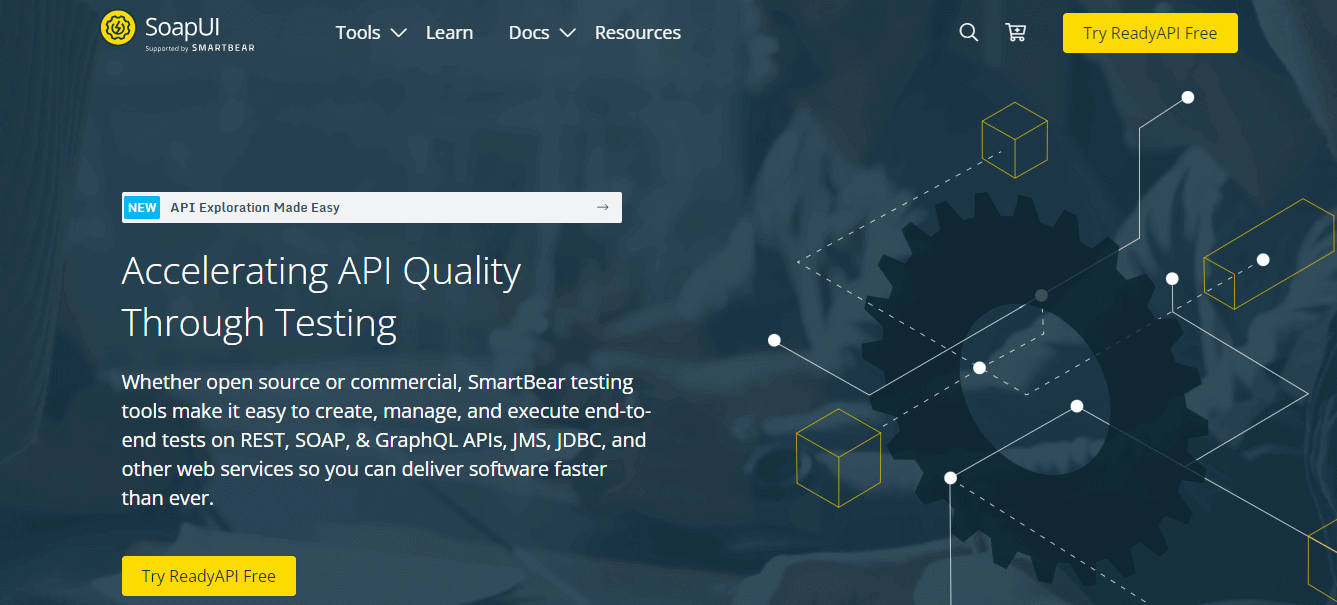
SoapUI is one of the longest-standing API testing tools, with deep support for both SOAP and REST APIs. The open-source version handles functional API testing, while SoapUI Pro (now ReadyAPI) adds data-driven testing, advanced assertions, and reporting.
Key Features:
- Support for SOAP, REST, GraphQL, and JMS protocols
- Data-driven testing with external data sources
- Assertion library for response validation
- Service mocking and simulation
- Groovy scripting for complex test logic
- Built-in compliance and security testing (Pro)
Pros:
- Best-in-class SOAP API testing
- Handles complex enterprise API scenarios
- Groovy scripting provides deep customization
- Strong support for WSDL-based services
Cons:
- UI feels dated and can be slow with large projects
- Steep learning curve for advanced features
- Open-source version lacks reporting and analytics
- Less popular with modern REST-first teams compared to Postman
Pricing: Open-source version is free. ReadyAPI starts at $6,449/year.
CI/CD Integration: Jenkins plugin, Azure DevOps integration, Bamboo plugin. CLI runner for any CI tool.
Best for: Enterprise teams working with SOAP APIs or complex multi-protocol service testing.
Performance Testing
10. Apache JMeter
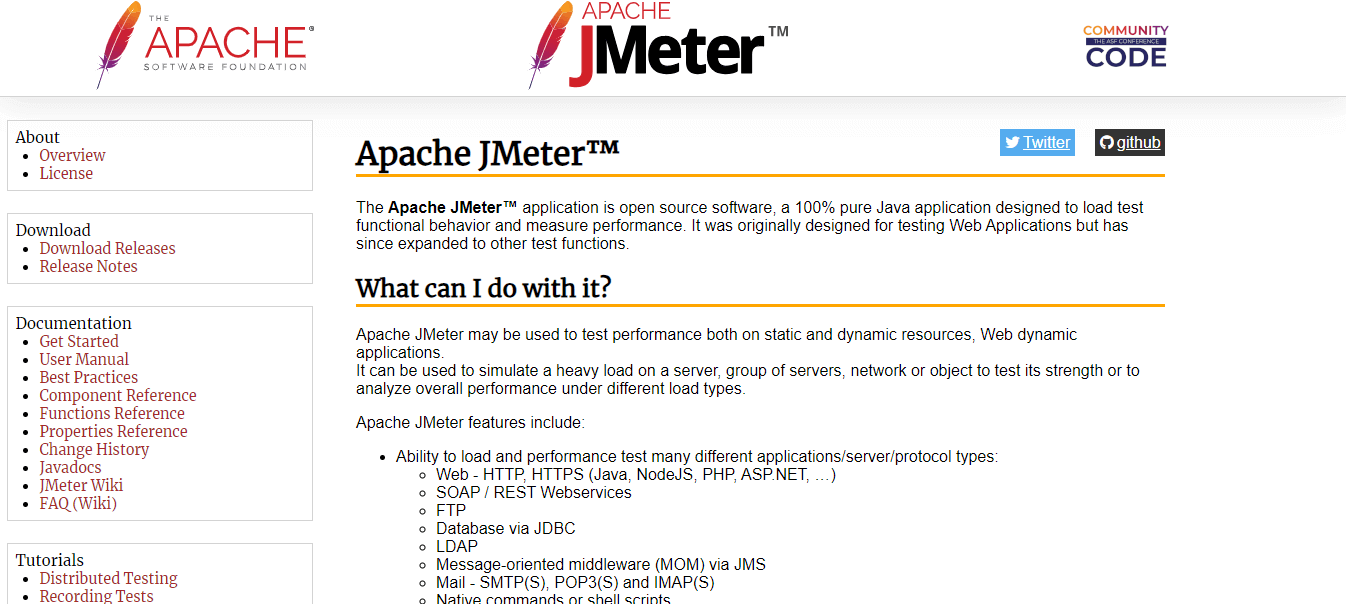
Apache JMeter is the most widely used open-source performance testing tool. It can simulate heavy loads on servers, networks, and applications to measure performance under stress. While originally designed for web applications, JMeter now supports databases, FTP, LDAP, and messaging protocols.
Key Features:
- Load testing, stress testing, and endurance testing
- Support for HTTP, HTTPS, SOAP, REST, FTP, JDBC, LDAP, JMS
- Distributed testing across multiple machines
- Extensible via plugins
- GUI for test plan creation and CLI for CI/CD execution
- Detailed reporting with graphs and tables
Pros:
- Mature, battle-tested, and widely trusted
- Handles virtually any protocol
- Large plugin ecosystem
- Distributed testing enables massive load simulation
Cons:
- GUI is resource-heavy and can be sluggish
- JMeter scripts (JMX) are XML-based and difficult to version control
- Requires JVM knowledge for advanced customization
- Not developer-friendly compared to k6 (no code-based scripts)
Pricing: Free and open source.
CI/CD Integration: Jenkins plugin (Performance Plugin). CLI mode works with GitHub Actions, GitLab CI, and any CI tool.
Best for: Teams needing versatile, protocol-agnostic load testing with distributed test capabilities.
11. k6
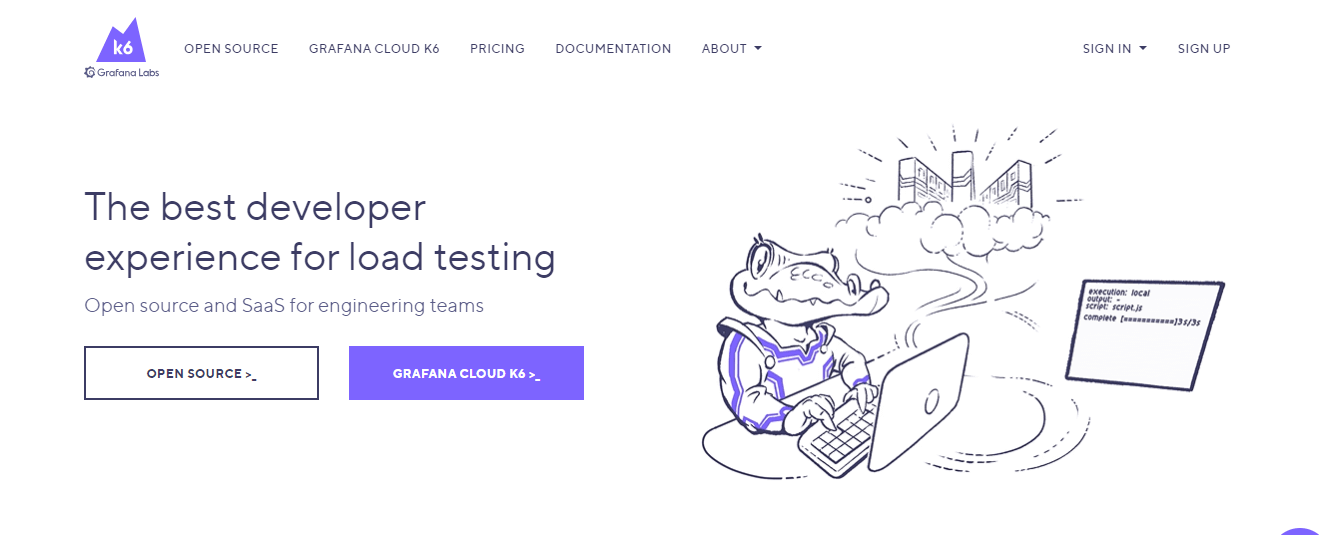
k6 (by Grafana Labs) is a modern, developer-centric load testing tool. Tests are written in JavaScript, version-controlled alongside application code, and executed via CLI. This makes k6 the natural choice for teams that want performance testing embedded in their CI/CD pipeline.
Key Features:
- JavaScript-based test scripts
- CLI-first design built for CI/CD
- Support for HTTP/1.1, HTTP/2, WebSocket, and gRPC
- Built-in metrics: response time, throughput, error rate, and custom metrics
- k6 Cloud for distributed load generation from 21 global locations
- Grafana integration for real-time dashboards
- Threshold-based pass/fail criteria for pipeline gating
Pros:
- Developer experience is best-in-class for performance testing
- Scripts are code, so they live in version control
- Lightweight CLI means no heavy GUI or JVM
- Threshold-based gating integrates naturally into CI/CD pipelines
Cons:
- JavaScript only (no Java/Python option)
- Browser-based testing is still in beta
- k6 Cloud pricing can escalate with high virtual user counts
- Smaller plugin ecosystem than JMeter
Pricing: Open-source CLI is free. k6 Cloud has a free tier with limits. Paid Cloud plans based on usage.
CI/CD Integration: CLI-first design works with any CI/CD tool. Documented integrations for GitHub Actions, GitLab CI, Jenkins, CircleCI, and Azure DevOps.
Best for: Developer teams that want performance testing written as code, version-controlled, and integrated into CI/CD pipelines.
If you wish to learn how to use k6 to validate your application performance, follow this detailed tutorial on k6 testing and get complete insights on its functionality, features, benefits, and more.

Mobile Testing
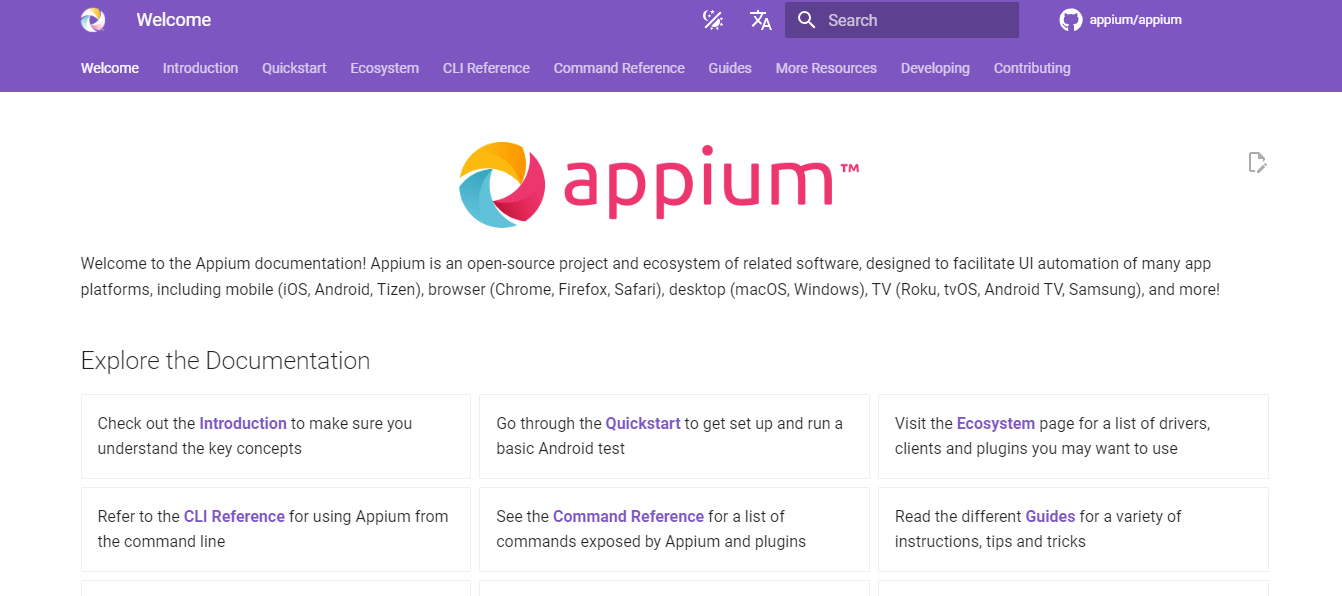
12. Appium
Appium is the leading open-source framework for mobile app test automation. It supports native, hybrid, and mobile web applications on both iOS and Android using the WebDriver protocol. This means teams already familiar with Selenium can reuse their knowledge.
Key Features:
- Cross-platform: iOS and Android with a single API
- Supports native, hybrid, and mobile web apps
- Multi-language: Java, Python, JavaScript, Ruby, C#
- WebDriver protocol compatibility
- Appium Inspector for element identification
- Works with real devices and emulators/simulators
Pros:
- One framework for both iOS and Android
- Uses standard WebDriver protocol (Selenium-compatible)
- Multi-language support
- Active open-source community
Cons:
- Setup can be complex (requires SDKs, Xcode, Android Studio)
- Test execution is slower than platform-native frameworks (Espresso, XCUITest)
- Flaky locators on complex mobile UIs
- Debugging mobile test failures requires platform expertise
Pricing: Free and open source.
CI/CD Integration: CLI-based execution works with any CI/CD tool. Commonly paired with cloud platforms like TestMu AI for parallel device testing in pipelines.
Best for: Teams that need cross-platform mobile testing with a single framework and multi-language support.
Learn how to use Appium to enhance your mobile app testing process. Watch this detailed video tutorial and get started with your mobile app automation.
DevOps Testing Strategy: Choosing the Right Tool Stack
The right tool stack depends on your team size, tech stack, and testing maturity. Here is a practical framework:
Small Startup (Under 10 Developers)
Keep it simple. You do not need five testing tools.
- E2E Testing: Playwright (free, fast, built-in everything)
- CI/CD: GitHub Actions (free for public repos, minimal setup)
- Performance Testing: k6 (free CLI, scriptable, CI/CD friendly)
- API Testing: Postman + Newman (free tier covers most startup needs)
Total cost: $0 for open-source projects; under $50/month for private repos.
Mid-Size Team (10 to 50 Developers)
You need parallel execution, cross-browser coverage, and team-wide test management.
- Testing Platform: TestMu AI (cloud infrastructure for parallel cross-browser and mobile testing)
- E2E Framework: Playwright or Cypress (depending on language preference)
- CI/CD: Jenkins or GitHub Actions (depending on existing infrastructure)
- API Testing: Postman Pro (team collaboration features)
- Performance Testing: k6 or JMeter (depending on protocol requirements)
Total cost: $200 to $800/month depending on plan and team size.
Enterprise (50+ Developers)
Scale, security, and compliance become primary concerns.
- Testing Platform: TestMu AI for (enterprise security, SSO, audit logs)
- E2E Framework: Selenium (maximum compatibility) or Playwright (modern projects)
- CI/CD: Jenkins (self-hosted control) or GitLab CI/CD (unified platform)
- API Testing: SoapUI/ReadyAPI (enterprise protocol support) + Postman (REST APIs)
- Performance Testing: JMeter (distributed load) + k6 (developer tests)
- Mobile Testing: Appium on TestMu AI (real device cloud)
Total cost: $2,000 to $10,000+/month depending on scale.
How to Integrate Testing into Your CI/CD Pipeline
Having the right tools is only half the equation. The real value comes from integrating them into your pipeline so tests run automatically on every code change. Here are two practical examples.
GitHub Actions Pipeline with Multi-Stage Testing
name: DevOps Testing Pipeline
on:
  push:
    branches: [main, develop]
  pull_request:
    branches: [main]

jobs:
  unit-tests:
    runs-on: ubuntu-latest
    steps:
      - uses: actions/checkout@v4
      - uses: actions/setup-node@v4
        with:
          node-version: 20
      - run: npm ci
      - run: npm test

  e2e-tests:
    needs: unit-tests
    runs-on: ubuntu-latest
    steps:
      - uses: actions/checkout@v4
      - uses: actions/setup-node@v4
        with:
          node-version: 20
      - run: npm ci
      - run: npx playwright install --with-deps
      - run: npx playwright test
      - uses: actions/upload-artifact@v4
        if: failure()
        with:
          name: playwright-report
          path: playwright-report/

  api-tests:
    needs: unit-tests
    runs-on: ubuntu-latest
    steps:
      - uses: actions/checkout@v4
      - run: npm install -g newman
      - run: newman run tests/api-collection.json -e tests/staging-env.json

  performance-tests:
    needs: [e2e-tests, api-tests]
    runs-on: ubuntu-latest
    steps:
      - uses: actions/checkout@v4
      - uses: grafana/setup-k6-action@v1
      - run: k6 run tests/load-test.js --out json=results.json
Jenkinsfile with Parallel Test Stages
pipeline {
    agent any
    stages {
        stage('Build') {
            steps {
                sh 'npm ci'
            }
        }
        stage('Test') {
            parallel {
                stage('Unit Tests') {
                    steps {
                        sh 'npm test'
                    }
                }
                stage('E2E Tests') {
                    steps {
                        sh 'npx playwright install --with-deps'
                        sh 'npx playwright test'
                    }
                }
                stage('API Tests') {
                    steps {
                        sh 'newman run tests/api-collection.json'
                    }
                }
            }
        }
        stage('Performance') {
            steps {
                sh 'k6 run tests/load-test.js'
            }
        }
    }
    post {
        always {
            publishHTML(target: [
                reportDir: 'playwright-report',
                reportFiles: 'index.html',
                reportName: 'Playwright Report'
            ])
        }
    }
}
These examples show a multi-stage testing approach: unit tests run first (fast feedback), then E2E and API tests run in parallel (broader coverage), and performance tests run last (resource-intensive). If any stage fails, the pipeline stops and the team gets notified immediately. This is the core of continuous testing in DevOps. Whether your team calls it DevOps QA testing or automated quality assurance, the principle is the same: every code change gets validated before it reaches production.
Key Takeaways
Choosing DevOps testing tools is not about finding a single "best" tool. It is about assembling a stack where each tool covers a specific testing need and integrates cleanly into your CI/CD pipeline.
Start with the comparison table above to shortlist tools by category. Match your selection to your team size and testing maturity using the strategy framework. Then integrate everything into your pipeline using the YAML and Jenkinsfile examples as starting templates.
The tools are the easy part. The hard part is building the culture of continuous testing where every developer treats quality as their responsibility. The right tools make that culture possible.
Ready to accelerate your DevOps testing? Start testing on TestMu AI for free with 3,000+ browser and device combinations, integrated directly into your CI/CD pipeline.


Frequently asked questions
Did you find this page helpful?
More Related Hubs
TestMu AI forEnterprise
Get access to solutions built on Enterprise
grade security, privacy, & compliance
- Advanced access controls
- Advanced data retention rules
- Advanced Local Testing
- Premium Support options
- Early access to beta features
- Private Slack Channel
- Unlimited Manual Accessibility DevTools Tests