

Next-Gen App & Browser Testing Cloud
Trusted by 2 Mn+ QAs & Devs to accelerate their release cycles


On This Page
- About the Webinar
- Introduction to TestMu AI
- Introduction to Zebrunner
- Benefits of TestMu AI and Zebrunner Integration
- TestMu AI and Zebrunner Accounts Configuration
- Advanced Test Analysis and Customized Test Reporting
- Q&A Session
- How long does the test typically take to run from Zebrunner using the TestMu AI platform?
- What is the benefit of Zebrunner if you are a non-developer?
- How do you define transparent test analytics for a black box test engineer?
- How can one test engineer maintain these automation test scripts for finding potential defects?
- Can TestMu AI only be used for UI Testing or can it be extended to API?
- Can you suggest any source for this topic?
- In TestMu AI, can you split a test suite on multiple browsers – basically can I parallelize 10 test suites at the same time?
- Hope You Enjoyed The Webinar!

Zebrunner and TestMu AI: Smart test execution and transparent test analytics
Learn how to integrate Zebrunner and TestMu AI together to get the most out of your automated testing.

Devansh Bhardwaj
March 7, 2026
Agile development pushes out incremental software updates faster than traditional software releases. But the faster you release, the more tests you have to write and run – which becomes a burden as your accumulated test suites multiply. So a more intelligent approach to testing is needed for fast releases. This is where Smart Test Execution comes in.
About the Webinar
In this webinar, our special guests, Irina Tsvirko, Software Development Team Lead at Zebrunner, and Veena Devi, Lead Engineer Developer Relations at TestMu AI, discusses effective test automation and provide a unique combo solution that enables QA engineers to execute testing more efficiently.
Since you got the Webinar overview, here’s the webinar video to acquaint yourself with the knowledge bombs that it holds!
Let’s dive into the world of effective test automation with this webinar!
Here’s the agenda for the Zebrunner and TestMu AI: Smart test execution and transparent test analytics webinar:
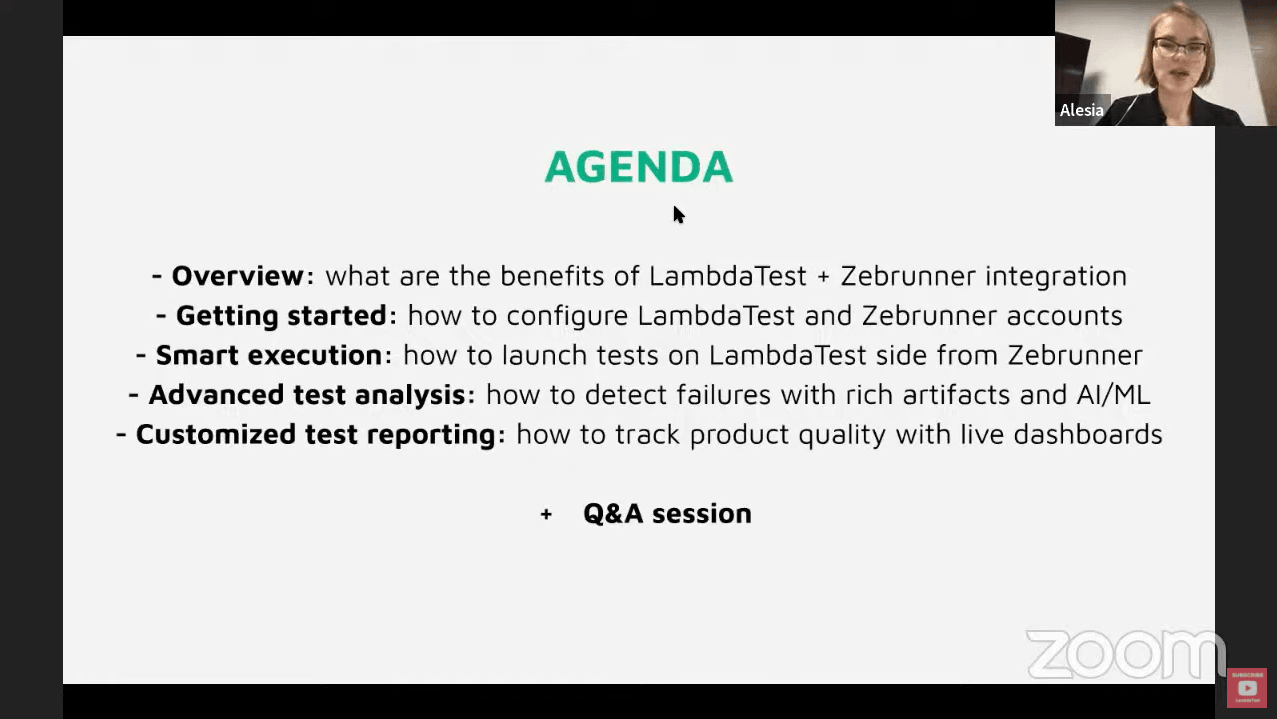
Introduction to TestMu AI
The webinar kicks off with Veena introducing the TestMu AI platform to the audience, explaining how it enables users to perform various software testing activities like mobile app testing, automated testing, visual regression testing, and more.
She further explains how Selenium testing tools like TestMu AI allow its users to automate Selenium testing across 3000+ browsers and operating systems along with 100+ integrations. TestMu AI supports over 40+ browsers for Cypress testing, including the latest versions of Chrome, Firefox, Safari, Opera, IE, etc. In addition, she also gives an in-depth tour of the TestMu AI platform. Finally, she discusses TestMu AI integrations with third-party tools and how users can leverage the data available in the automation dashboard.
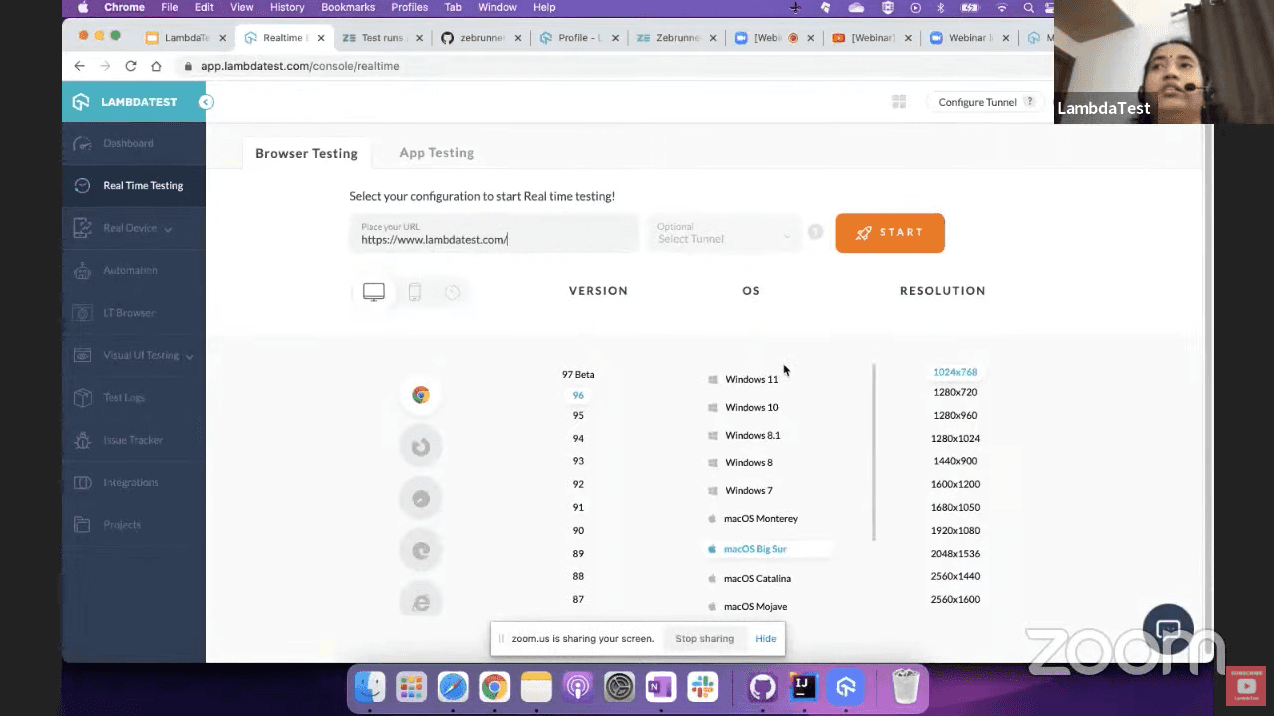
If you use the Selenium or Cypress framework, we recommend checking out our go-to guide for both Selenium and end-to-end Cypress testing with TestMu AI.
Introduction to Zebrunner
Irina Tsvirko, Software Development Team Lead at Zebrunner, introduces the audience to the Zebrunner platform and its offerings. She further explains how the integration of TestMu AI and Zebrunner can help developers run tests through TestMu AI Selenium Grid, present test results directly into Zebrunner, and quickly analyze them with various artefacts (video, screenshots, test logs), AI/ML failure classification, and quality trend reports.
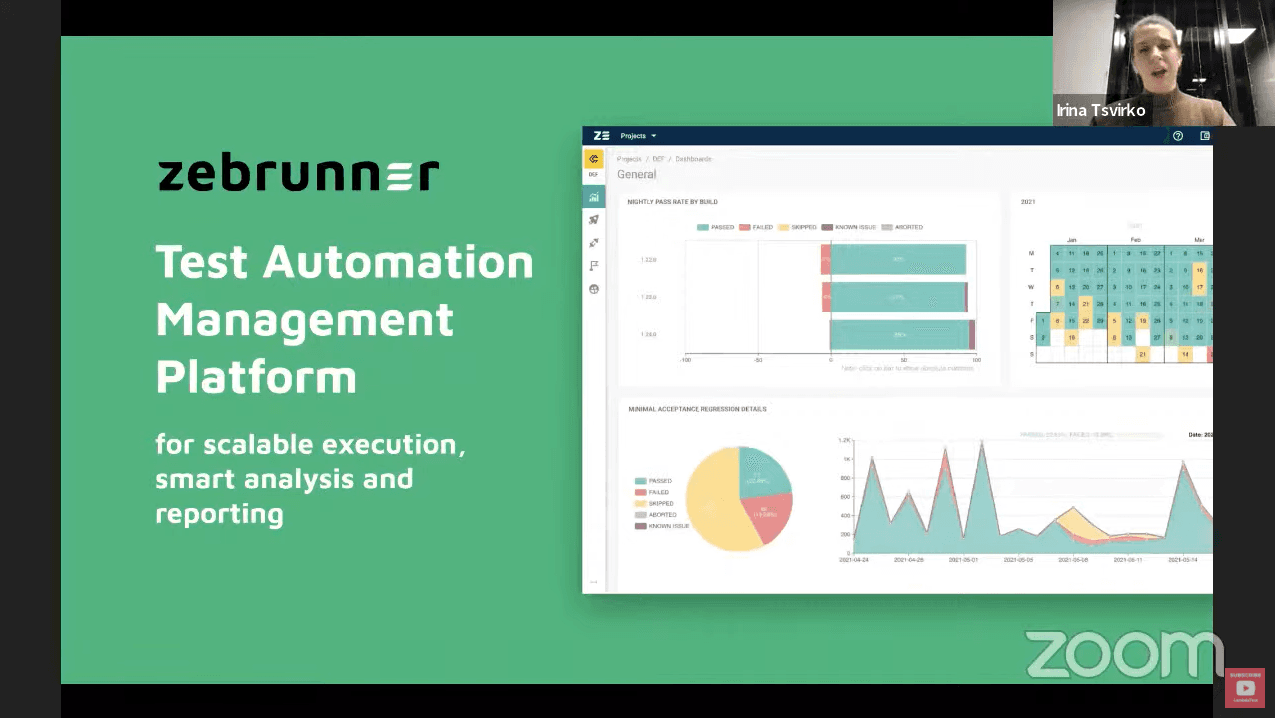
Benefits of TestMu AI and Zebrunner Integration
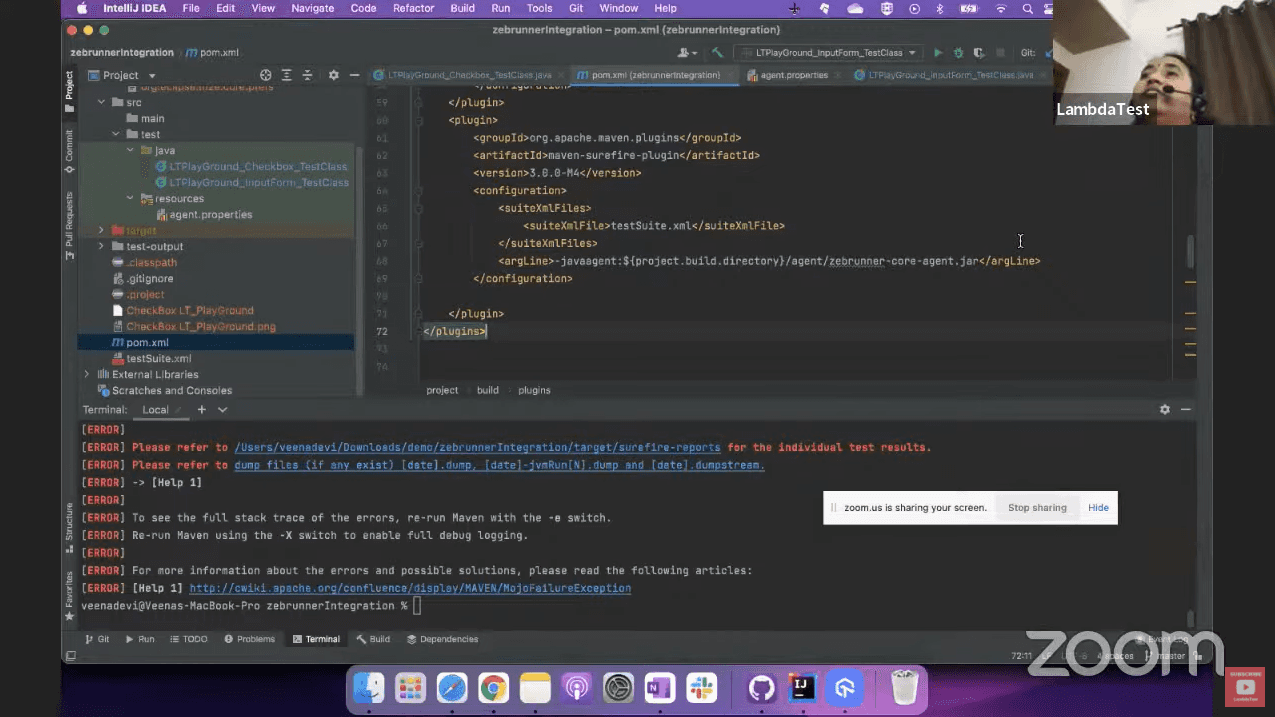
Going forward, Veena presents a live example of integrating a simple TestNG framework test case first with TestMu AI and then Zebrunner. She explains how users can leverage the TestMu AI integration by changing their local Chrome driver into a remote driver. She also describes how users can access the required capabilities, access key and the hub URL on the TestMu AI platform. After the test case has started to run, users can check the execution status under the automation tab on the TestMu AI platform and the Zebrunner platform.
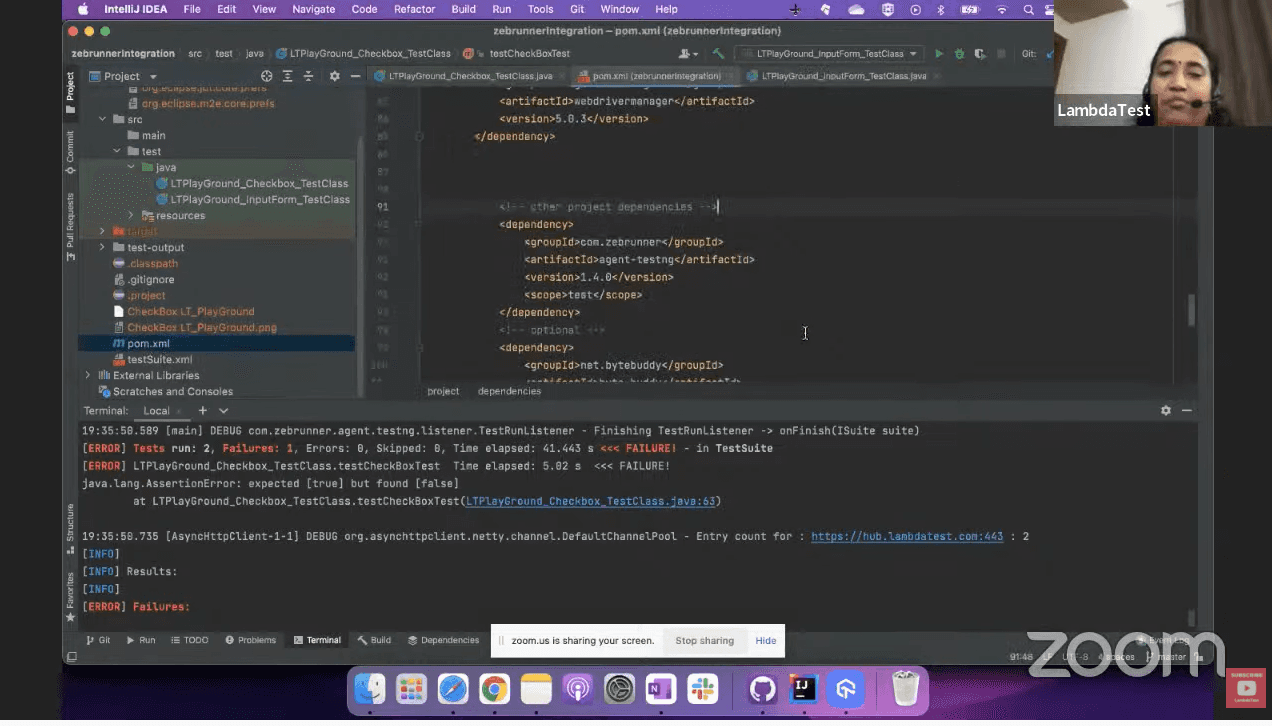
TestMu AI and Zebrunner Accounts Configuration
In this section, Veena explains how to configure TestMu AI and Zebrunner accounts and perform smart test execution. Next, she walks the audience by showcasing how the local project gets integrated with TestMu AI. Finally, the test case is executed on the cloud platform, and users will validate the results on the Zebrunner platform.
She further explains how users can check out test case history that contains test video recording, input config, etc. and how the issues can be shared with their team members through TestMu AI’s integration with multiple bug-tracking platforms like Jira, Notion, Datadog, etc.
Advanced Test Analysis and Customized Test Reporting
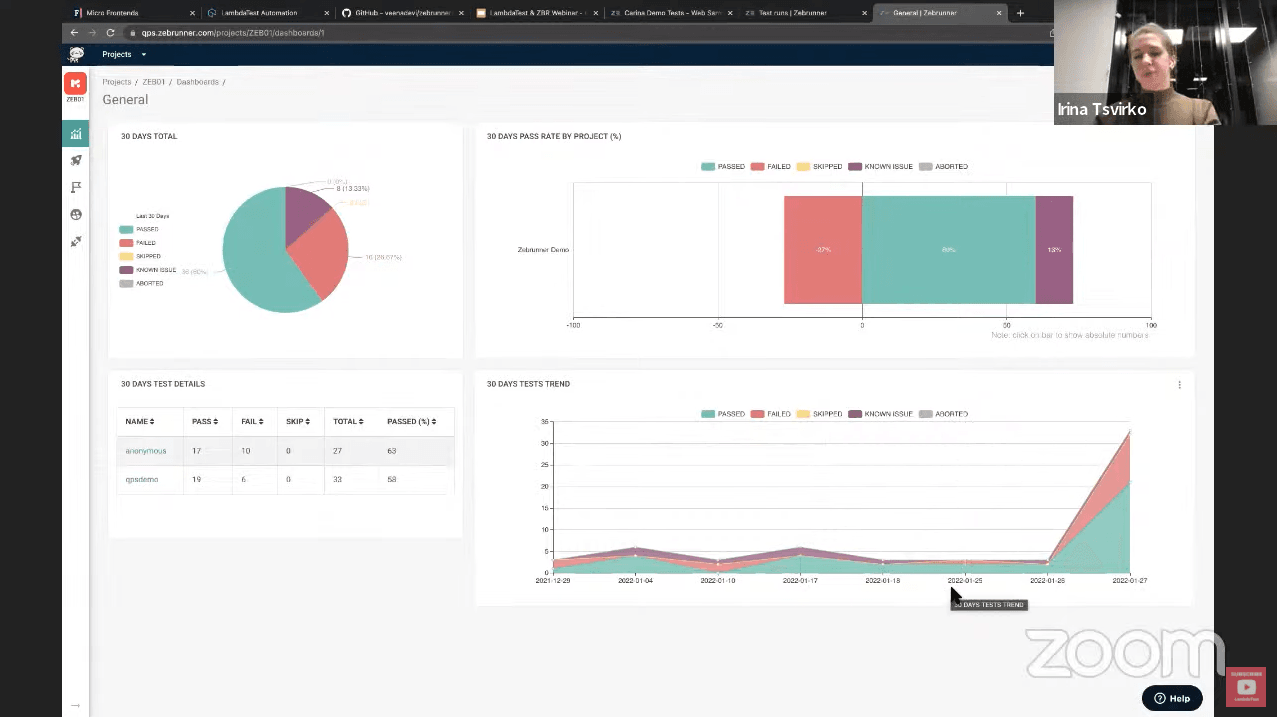
After this, Irina explains how users can make the best of the Zebrunner platform. First, she walks the audience through how users can get their tests executed and reported there with the help of an inbuilt automation launcher. Then, with the help of a sample test case, she explains how users with TestMu AI and Zebrunner integration can leverage the data and dive deep into the errors and issues.
To help the users analyze the tests with the lowest stability percentage, Zebrunner provides an insightful feature called the automatic failure recognition feature. Irina also talks about Zebrunner’s synchronization with test case management tools and how users can play around with them. Next, she briefly explains the platform’s dashboard for a higher level of analysis, proving to be highly useful for the QAs.
Now let’s jump into the Q&A session!
Q&A Session
Before wrapping up, Veena and Irina answered a number of questions raised by the viewers. Here are some of the insightful questions:
How long does the test typically take to run from Zebrunner using the TestMu AI platform?
Veena – So the moment you integrate TestMu AI within the Zebrunner platform, we have a test case already triggered from your existing Maven project to TestMu AI as well as Zebrunner. Like Irina had already showcased how to configure the launcher, in the same way, I can configure my GitHub project. After giving your platform keys, these keys and configurations are user-defined. You can pick them up from a configuration file or define them within the project structure only to configure. After that, you need to press the Launch button, and it will be queued for a few seconds.
The moment you see that it has started the test cases, the exact moment you’ll see the results being executed on the TestMu AI platform. You can also see the commands executed from the Zebrunner tool. The time depends on the number of steps. Although the kick-starting of the test happens at the exact moment for both Zebrunner and TestMu AI, you can see the results once the tests get executed.
What is the benefit of Zebrunner if you are a non-developer?
Irina – So probably from the side of manual testing, you can see the coverage and how many test cases are already automated if you get integrated with your test case management system. So our tool is more for automation testing, but manual testers can also use it and see the analytics or progress.
How do you define transparent test analytics for a black box test engineer?
Irina – So I’ll try to answer this question. So in the scope of our system, we provide transparency for the whole team; thus, allowing engineers to see and analyze all the results in real-time. Also, the management can monitor their process and improve it if necessary.
How can one test engineer maintain these automation test scripts for finding potential defects?
Veena – When you talk about test case maintenance, we have integrated many test case management tools in TestMu AI and Zebrunner.
Irina – Probably your automation scripts can be fixed from the code in your IDE if they require some fixing. So from our side, we cannot edit your automated test code, but you can edit them and report them again to see the results.
Veena – Yes, so TestMu AI also helps you execute, but no direct code editor is present on the platform. So all you can leverage are the available script management tools.
Can TestMu AI only be used for UI Testing or can it be extended to API?
Veena – So TestMu AI is basically for mobile app testing. If you want to test your API, whose validation can happen through UI, you can easily do it on the TestMu AI platform.
Can you suggest any source for this topic?
Veena – So as I mentioned, TestMu AI has a lot of blogs and YouTube videos from a lot of QA influencers. You can check the TestMu AI blogs and TestMu AI YouTube channel, and along with this, both platforms have documentation for every feature they offer.
In TestMu AI, can you split a test suite on multiple browsers – basically can I parallelize 10 test suites at the same time?
Veena – Okay, so here is a test suit (XML); rather than providing a single.xml file, you can give a folder. Adding *.xml will pick all the .xml files under the folder, and if you see the suit file, it can have multiple test classes based on the available parallel threads for your TestMu AI account. You can leverage this thread count and execute your test cases from here. It is not necessary to have multiple test suites. A single test suit can have various classes, and each class may have different browser capabilities. If you see here, class one will run on Windows 11 Firefox, and another class is executing on macOS Safari. So in this way, you can achieve your parallelism within TestMu AI, providing a definite capability.
Irina – We have a limited number of browsers on parallelism, but you can run your tests in a very large number of threads. If your need for parallelism is very high, you can integrate with TestMu AI and benefit from that.

Hope You Enjoyed The Webinar!
We hope you liked the webinar. In case you missed it, please find the recording of the Webinar above. Make sure to share this article with anyone who wants to learn more about smart test execution. Stay tuned for more exciting TestMu AI Webinars. You can also subscribe to our newsletter Coding Jag to stay on top of everything testing and more!
That’s all for now, happy testing!


Did you find this page helpful?
More Related Hubs
TestMu AI forEnterprise
Get access to solutions built on Enterprise
grade security, privacy, & compliance
- Advanced access controls
- Advanced data retention rules
- Advanced Local Testing
- Premium Support options
- Early access to beta features
- Private Slack Channel
- Unlimited Manual Accessibility DevTools Tests