

Next-Gen App & Browser Testing Cloud
Trusted by 2 Mn+ QAs & Devs to accelerate their release cycles


Integrating TestMu AI And Siesta For Effective Test Automation
Integrate Siesta with TestMu AI to perform automated browser testing of your websites and web applications on an online browser farm of 3000+ real browsers and OS combinations.

Salman Khan
March 7, 2026
Organizations build their digital presence by developing websites or web applications to reach a wider audience. This, in turn, leads to competition with the existing players in the market. As the new web applications roll into the market, they try to grab their share of the audience. However, to stay competitive, the existing web applications must also add new features to enhance their user experience.
One of the significant challenges the QA team faces while testing web applications is ensuring that the existing and new functionalities work fine when rendered across browsers and devices. Therefore, it is essential to perform . Additionally, devs and testers should use automated browser testing to expedite their browser testing process.
To make your automated web testing more productive than ever, we at TestMu AI are thrilled to announce our integration with Siesta by Bryntum -a JavaScript and UI testing tool for web pages and Node.js processes.
The TestMu AI and Siesta integration allow you to perform automated testing of websites or web apps on an online browser farm of 3000+ browsers and operating system combinations.
What is Bryntum’s Siesta?
Siesta by Bryntum is a JavaScript and UI testing tool for web pages and Node.js processes. You can run tests in browsers, Node.js, and Deno on Linux, macOS, and Windows. Siesta includes a powerful event recorder and player and an extensible automation package with cloud testing capabilities.
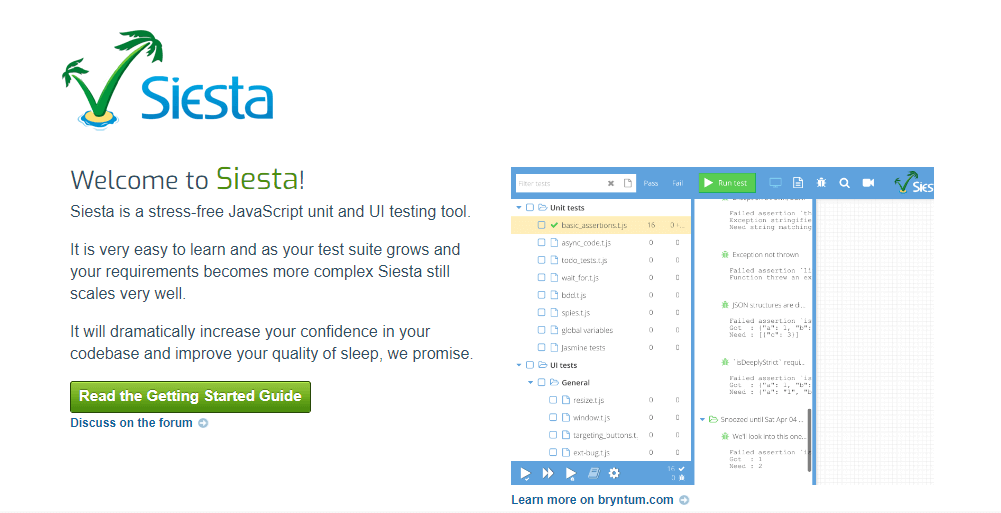
Siesta comes in two editions – Lite and Standard.
- Lite: Using the web interface, you can run your tests in Node.js and manually in any supported browser. Except for native simulations, you can record and replay user actions.
- Standard: It offers native events, browser automation, and integrations with all browsers.
Why use Siesta to automate web testing?
Getting started with Siesta is very simple. Additionally, it scales well as your test suite expands and your requirements become more complex. Siesta is jam-packed with powerful features that make automated web testing a breeze.
Let’s look at some of Siesta’s features –
- Test any JavaScript code, including Node, Angular, React, jQuery, and Ext JS.
- Automation package that includes support for Selenium WebDriver, SlimerJS, XVFB, and Puppeteer.
- A powerful event recorder for creating UI tests quickly.
- Simulate any mouse or keyboard interaction.
- Parallel testing for faster test execution.
- Integrate with any CI tools like TeamCity, Jenkins, or Bamboo.
- Extensible and simple to build your own test API layer
- Provides extensive API documentation.

Note: Run automated tests across 3000+ real desktop & mobile browsers. Try TestMu AI Now!
Integrating Siesta with TestMu AI
With TestMu AI and Siesta integration, you can launch your Siesta tests on the TestMu AI cloud platform with just a single command-line option. Following are the benefits of running Siesta tests on the TestMu AI platform.
- Automated testing across real desktop browsers and OS combinations.
- Cut down test execution time with parallel testing on an ultra-fast online Selenium Grid.
- Local testing of your private websites or web pages.
- TestMu AI integrations with third-party tools for CI/CD, Project Management, Bug Tracking, and more.
- Enterprise-grade security. So test securely and ship with confidence.
Shown below are the steps to run Siesta tests on the TestMu AI platform.
- Login to your TestMu AI account. Don’t have an account? Sign up for free.
- Download Siesta from the official website of Bryntum.
- Configure your TestMu AI Username and Access Key in the environment variables, or you can specify them in the Command line (CLI).
- Now, set up your local web server “localhost” on port 80 and execute the command below in the Command line.
C:\xampp\htdocs\siesta\bin\webdriver http://localhost/siesta/examples/browser/index.html --filter basic --lambdatest --username undefined --access_key undefined --cap browserName=firefox --cap platform=windows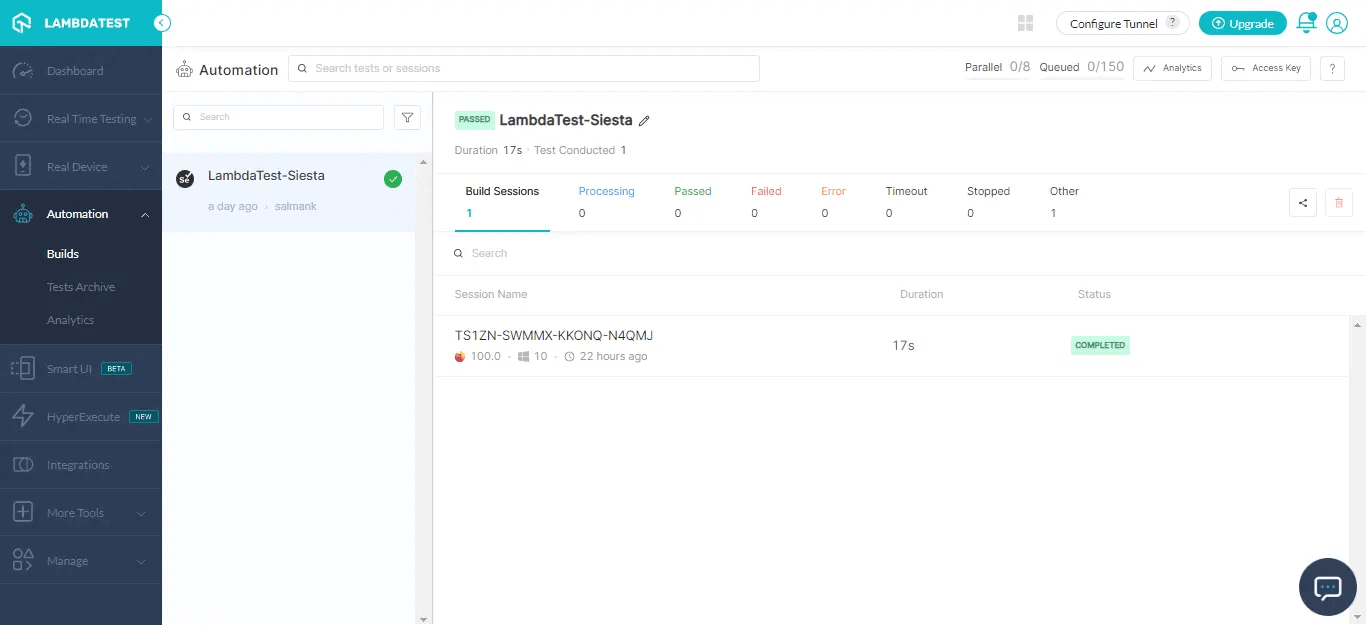
To generate the desired capabilities, navigate to our Desired Capability Generator.
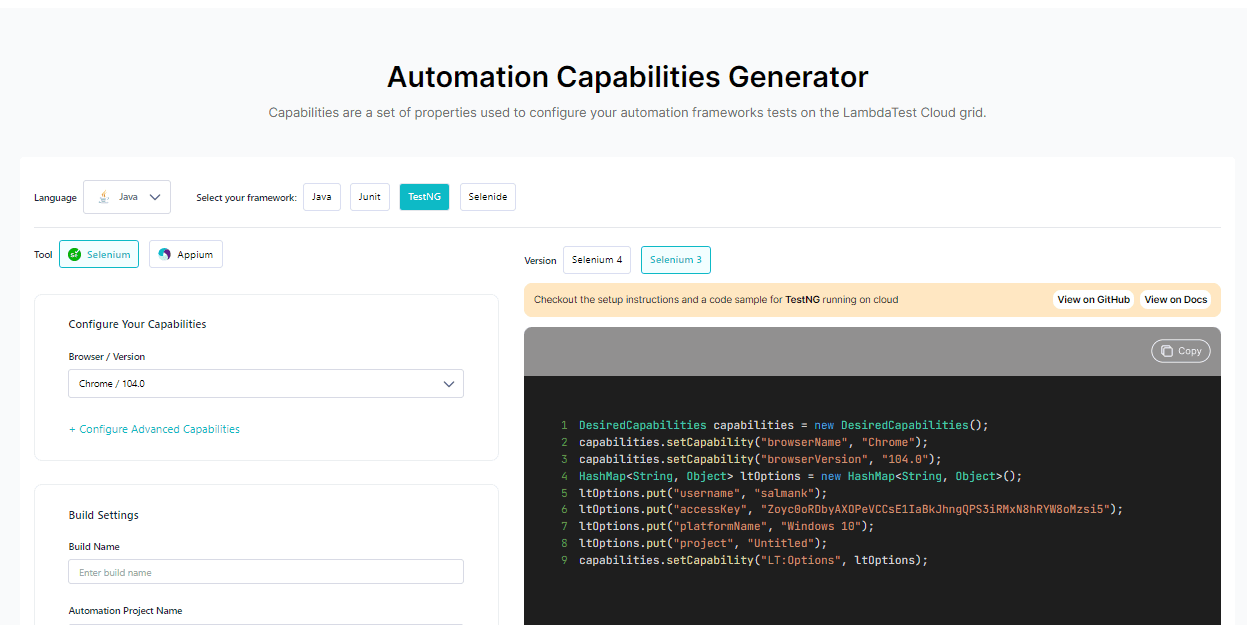
For more information, refer to our TestMu AI integration with Siesta documentation.

Wrapping Up!
We hope this new TestMu AI integration with Siesta will help you automate repetitive test cycles and add tremendous value to your team. Try this new integration and let us know your feedback.
If you have any queries or suggestions, please contact us at our 24/7 Customer Chat Support, or you can email us at [email protected].
Visit the TestMu AI Changelog to stay up to date on the latest product features and announcements.


Did you find this page helpful?
More Related Hubs
TestMu AI forEnterprise
Get access to solutions built on Enterprise
grade security, privacy, & compliance
- Advanced access controls
- Advanced data retention rules
- Advanced Local Testing
- Premium Support options
- Early access to beta features
- Private Slack Channel
- Unlimited Manual Accessibility DevTools Tests