

Next-Gen App & Browser Testing Cloud
Trusted by 2 Mn+ QAs & Devs to accelerate their release cycles


Simplifying Your Test Runs With ‘Make’: Benjamin Bischoff [Testμ 2022]
In this Masterclass at Testμ Conference, Benjamin Bischoff shed light on how to simplify your test runs with ‘Make.’

TestMu AI
January 10, 2026
Creating new software applications requires extensive effort and time. Validating each code line by line can be a cumbersome task since testing each software application feature is practically impossible. However, much effort goes into identifying glitches in the previously written code.
Considering the time constraints, you need to speed up the testing cycles. Besides accelerating test execution cycles, simplifying your test runs is also important. But how can you achieve that?
In this Masterclass at Testμ Conference, you will learn how to simplify your test runs with ‘Make’. This time, we have Benjamin Bischoff in the house. Being an application and game developer for 15 years, he decided to make test automation his primary career. Currently, Benjamin works at Trivago as a Test Automation Engineer.
Below are the key takeaways from the talk:
- Understand how automation engineers can simplify their test runs with ‘Make.’
- Benefits of Makefiles for various use cases.
- How to use old technology to solve problems.
Let’s have a look at critical pointers from this session!
What is Make?
Benjamin took off the session by explaining what Make is – it is related to any process that involves running arbitrary commands to convert a source file to an expected result. Typically, this has been used as a format to compile software like in C because you can express all the steps that should happen in a Makefile. But it says “any process,” – so it doesn’t have to be the compiling process. It can be a testing process or anything you want to do.
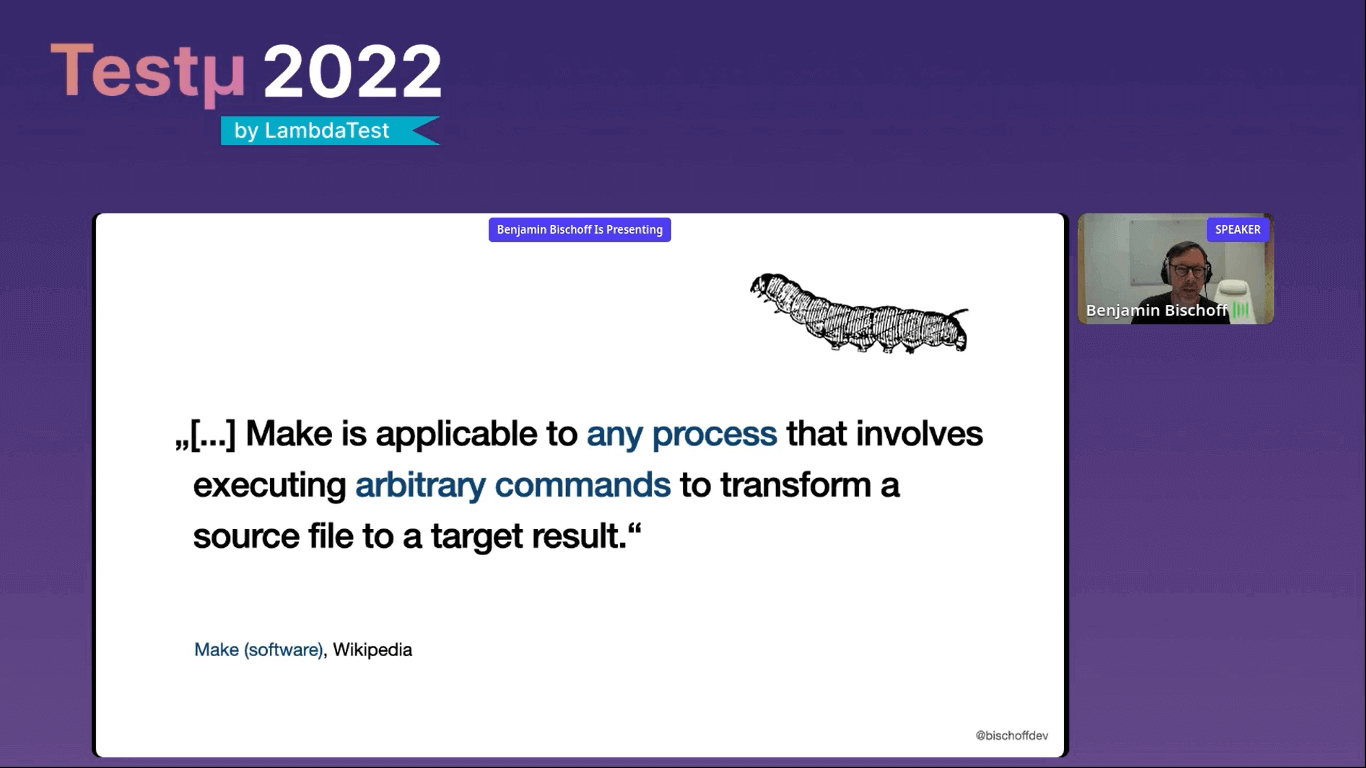
Few facts about Make.
- Developed by Stuart Feldman in 1976.
- Initially, it served as an automation tool for executable programs.
- It is built natively into macOS, Linux, and Unix.
- It is not necessarily included for Windows, but there are tools like Chocolatey, Cygwin, etc.
He then listed a few pros and cons of Make:
Pros:
- It’s available everywhere, like on every client computer, server, and docker
- container if they’re built on Linux.
- Working since 1976, therefore a proven solution.
- Easy to learn and flexible.
- Consistent across local and CI/CD builds.
- Since Makefile syntax is straightforward, it can act as additional documentation because it’s very easy to follow the steps required to build and test software applications.
Cons:
- Even though the syntax is pretty straightforward, learning its quirks can be tricky.
- It’s dependent on tabs and spaces.
- It’s challenging to identify any bugs.
Different parts of Makefile
Benjamin further describes how you can run the Makefile. Basically, Makefile consists of:
- Naming and invocation.
- Rules.
- Recipes.
You can always start with Make (name of the tool to run your Makefiles), which automatically looks for a file called makefile or Makefile to run. But as you see in the screenshot below, with the – f switch, you can call your Makefile whatever you want.
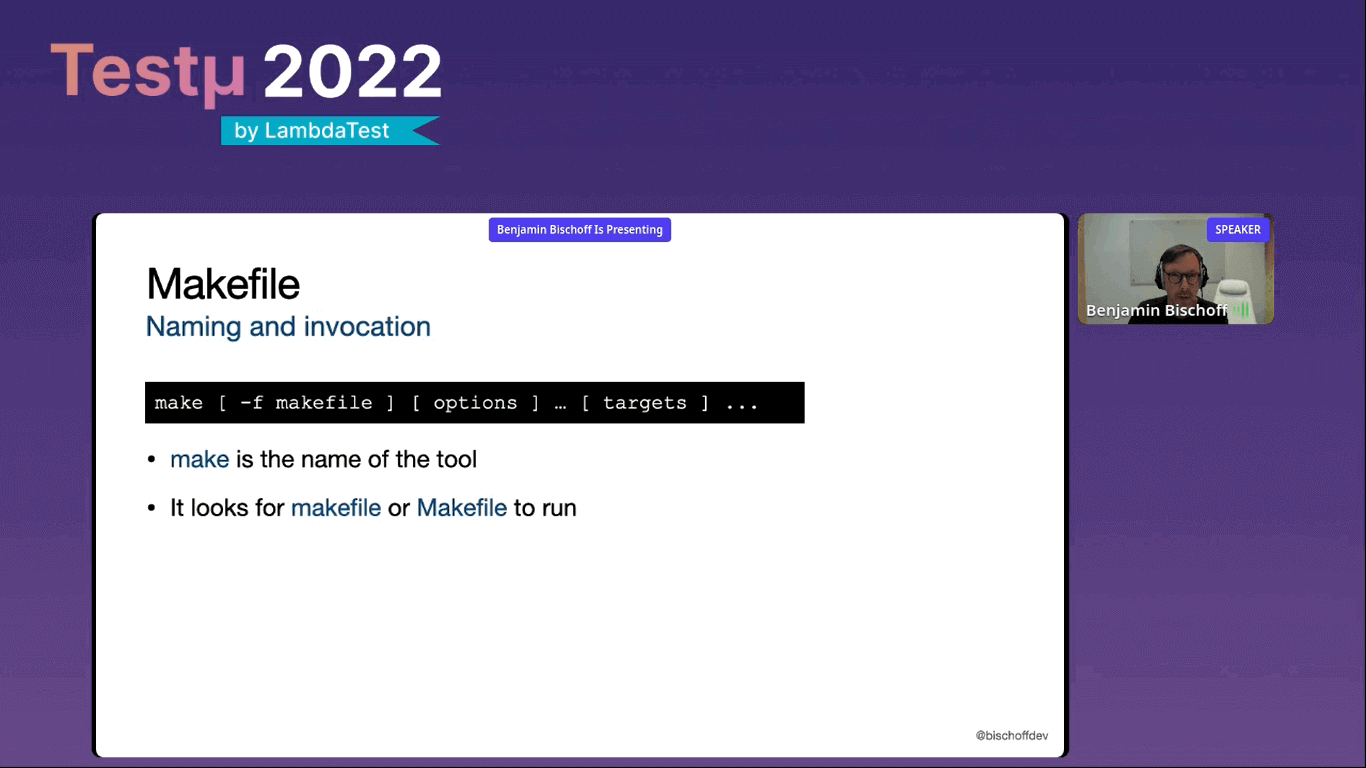
He strongly recommends calling it just Makefile to stick to the convention.
It returns a status code of zero which makes it excellent for CI/CD pipelines and is embedded into other batch operations as you instantly know if it was successful or not.
The next part of Makefile are rules which usually create and validate a target file. It is primarily dependent on timestamps. As you will see a little later, it doesn’t have to create a target file. There’s a little workaround that we can use to reach that, which makes it possible to use it for testing purposes.
Another part of Makefile is recipes – an action that makes invokes. It can be one or multiple commands. You have to be careful because each line and command has to be started with a tab. If you use a text editor that converts tabs to spaces, you will have a hard time. Therefore, you need to ensure when you write a Makefile. You use an editor that handles tabs correctly.
Here is an example of a simple Makefile.
dependency.txt:
@echo “Hello world” > dependency.txt
@echo “File created”
In the above Makefile, you have the “dependency.text” in the first line. This is the name of the rule called dependency.text, and by convention, Make expects this rule to create a file of the same name. So it anticipates the “dependency.txt” file to be there after this recipe runs.
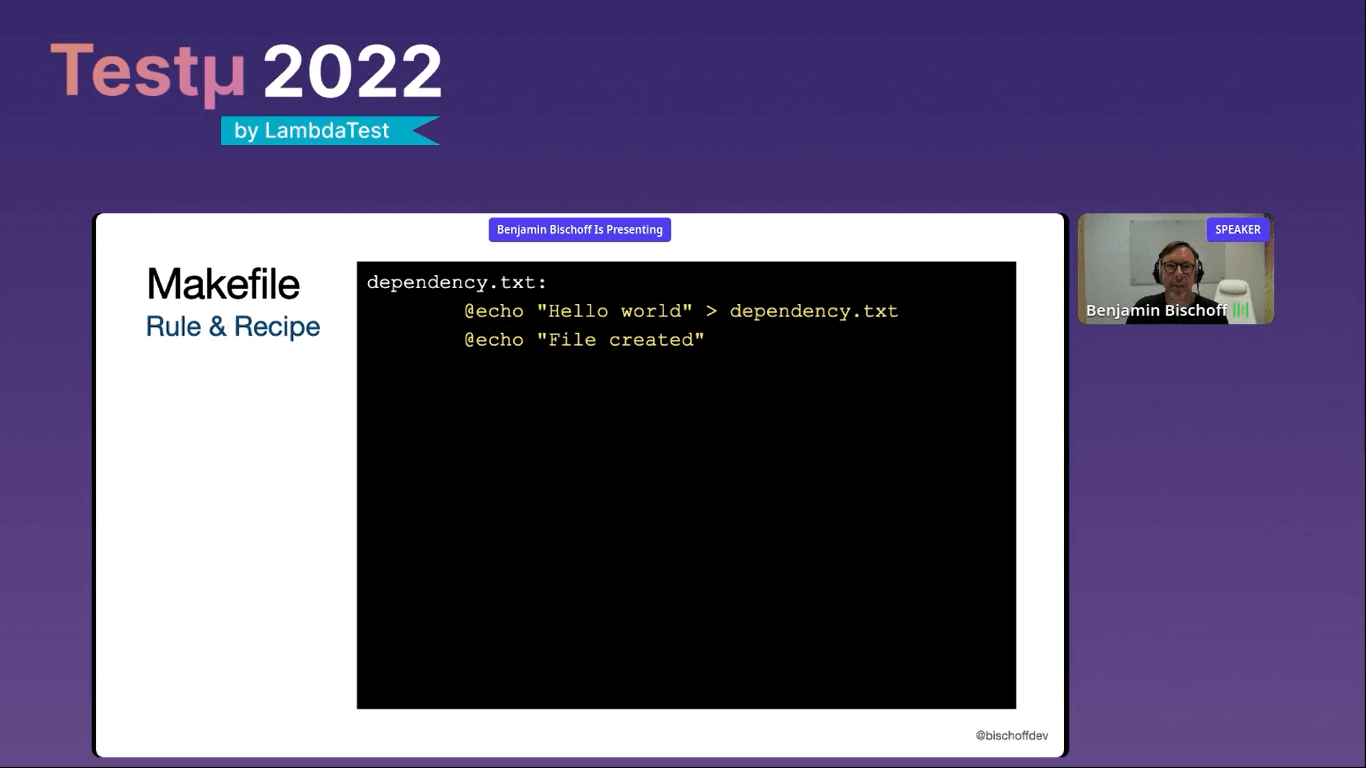
To satisfy this, we just write “Hello world” to a file called “dependency.text,” and an echo file is created. The “@” symbol in front of the echo suppresses the printing of the statement itself; otherwise, print “ Hello world.”
Benjamin then deep-dived into the Makefile and demonstrated some other aspects of Makefile along with code examples.
- Prerequisites in Makefile.
- The “.phony” target.
- Build order.
- Parameters.
- The “help” target.
He shared his GitHub repository for Make examples and showed real-world examples of running Selenium tests with Maven invocation, Make invocation, and GitHub Actions invocation.

What is just?
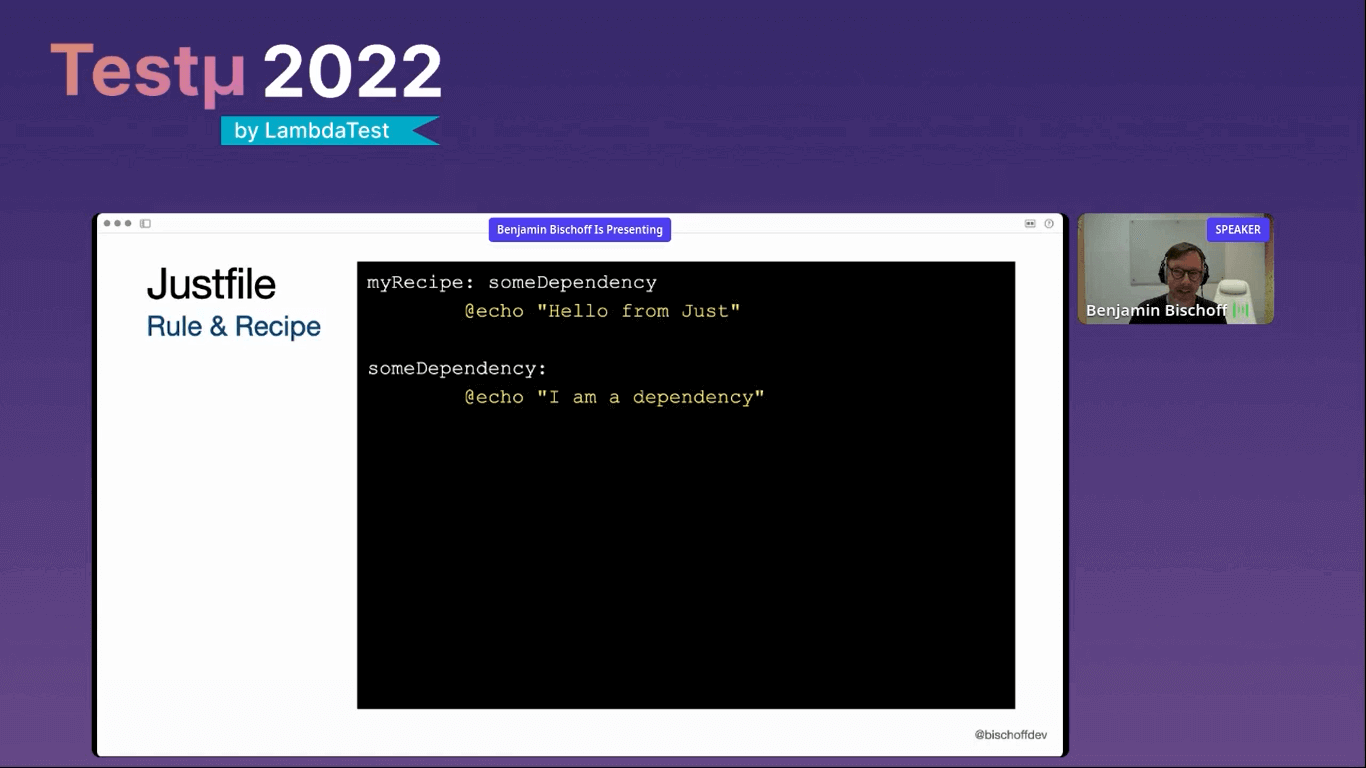
Benjamin then explained the newer solution called – just, which is the command running part of Make. Make runs makefile (Makefile) and just runs justfile without “.phony” target. It runs on Windows, macOS, and Linux; you must install it on the host system or container.
However, he still prefers Makefile over justfile.

Time for a Q&A session!
- We use Makefiles in our Jenkins pipelines, and until now, I never really understood what they were doing. Do you see this being a good use of makefiles?Benjamin: I definitely do if they are well-written and do helpful things. Also, if they hide certain complexity, you can use Makefile. You should just look into the Makefiles and try to follow along because, usually, it’s straightforward to follow the dependency tree in the Makefile and see what they’re doing. I would certainly recommend using Make for CI/CD.
- Are there any wrappers that can be utilized in Make?Benjamin: Make can use and call everything you can with a shell script. It can even be used to call other larger shell scripts. In fact, we do exactly by using simple Make rules, and each rule just calls a corresponding shell script. In this shell script, we can do many things like constructing the huge maven calls, using other solutions under the hood to make rest calls, or whatever you want.
- In your experience, how often do we have to train the team with this type of command and a great tool such as ‘Make’ or ‘Just’ to complement the team’s automation knowledge?Benjamin: For us, every single repository includes Makefiles. Once you start using them, you don’t have to train your team much because everyone is used to Makefiles being there.
Everything I do first when seeing the new repository is checking out the Makefile and looking if there is a Make help or a Make test in it. Then I run Make tests and test the project with whatever framework and technology there is, and if you’re lucky, there’s also a Make deploy that helps in deploying it locally, and then you’re done.
So you don’t have to be trained in specific frameworks and technologies and don’t need to know about docker.
After the successful Testμ Conference 2022, where thousands of testers, QA professionals, and developers worldwide joined together to discuss on future of testing.
Join the testing revolution at TestMu AI Testμ Conference 2023. Register now!” – The testing revolution is happening, and you don’t want to be left behind. Join us at TestMu AI Testμ Conference 2023 and learn how to stay ahead of the curve. Register now and be a part of the revolution.



Did you find this page helpful?
More Related Hubs
TestMu AI forEnterprise
Get access to solutions built on Enterprise
grade security, privacy, & compliance
- Advanced access controls
- Advanced data retention rules
- Advanced Local Testing
- Premium Support options
- Early access to beta features
- Private Slack Channel
- Unlimited Manual Accessibility DevTools Tests