

Next-Gen App & Browser Testing Cloud
Trusted by 2 Mn+ QAs & Devs to accelerate their release cycles


June 2020 Platform Updates: Github Actions, LT Browser & More!
We've launched Github Actions, LT Browser, new browsers for live testing, and more this June. Find out more about the exciting new features we went live within June 2020!

Rahul Rana
January 30, 2026
Hey Testers! I’ve got amazing news for you, we’ve come up with new features to make your life as testers a tad bit easier! And we hope, our efforts keep making testing better for you with every new feature & product release. At TestMu AI we believe our goal is to bring the whole testing ecosystem to the cloud for you, and we’re constantly working towards it with each release at a time.
That being said, I am happy to announce to you the exciting new features and product, we’ve added in June on our platform!
GitHub Actions For LambdaTunnel
First thing First! A shout out for our team for launching TestMu AI tunnel action on the GitHub marketplace. Here’s the tweet shared by our VP Engineering announcing the launch!
We at @lambdatest are in ♥️ with Github Actions and so excited to launch our LambdaTest tunnel action on @github marketplace ?https://t.co/FEi8bP0jto@natfriedman @msupernaut
— Mayank Bhola (@Mayankbhola) July 3, 2020
Our launch received a warm welcome, our efforts were appreciated by none other than Country Manager of GitHub India. Kudos to the team for a great effort!
Great to see Developer focused platforms from India creating GitHub Actions to automate CI/CD ! ? https://t.co/F1IKx1igzy
— Maneesh Sharma (@msupernaut) July 3, 2020
Now, moving onto the Github Action! Using our Github action for TestMu AI Tunnel, you can now easily test your privately or locally hosted website! All you need to do is embed the TestMu AI tunnel GitHub action into your job and you’re all set. Whenever the GitHub action is triggered, it automatically takes care of setting up the binary file. It also takes care of performing Selenium test automation using the TestMu AI tunnel.
After integrating with the tunnel, you can perform local page testing on 3000+ browsers and OS using our Selenium grid. You can also test your website on mobile devices and make sure they are responsive. Run your Selenium tests in GitHub Actions.
LT Browser For Live Mobile View Debugging
Earlier in June, we launched LT Browser, a browser for developers and designers, which help them validate their design and debug their website on various mobile viewports. With LT Browser you can perform live testing to ensure responsive web design of your website on different viewports. So far we’ve received great responses on it, you might want to check it out for yourself.
These are some of the features you should not miss out on:
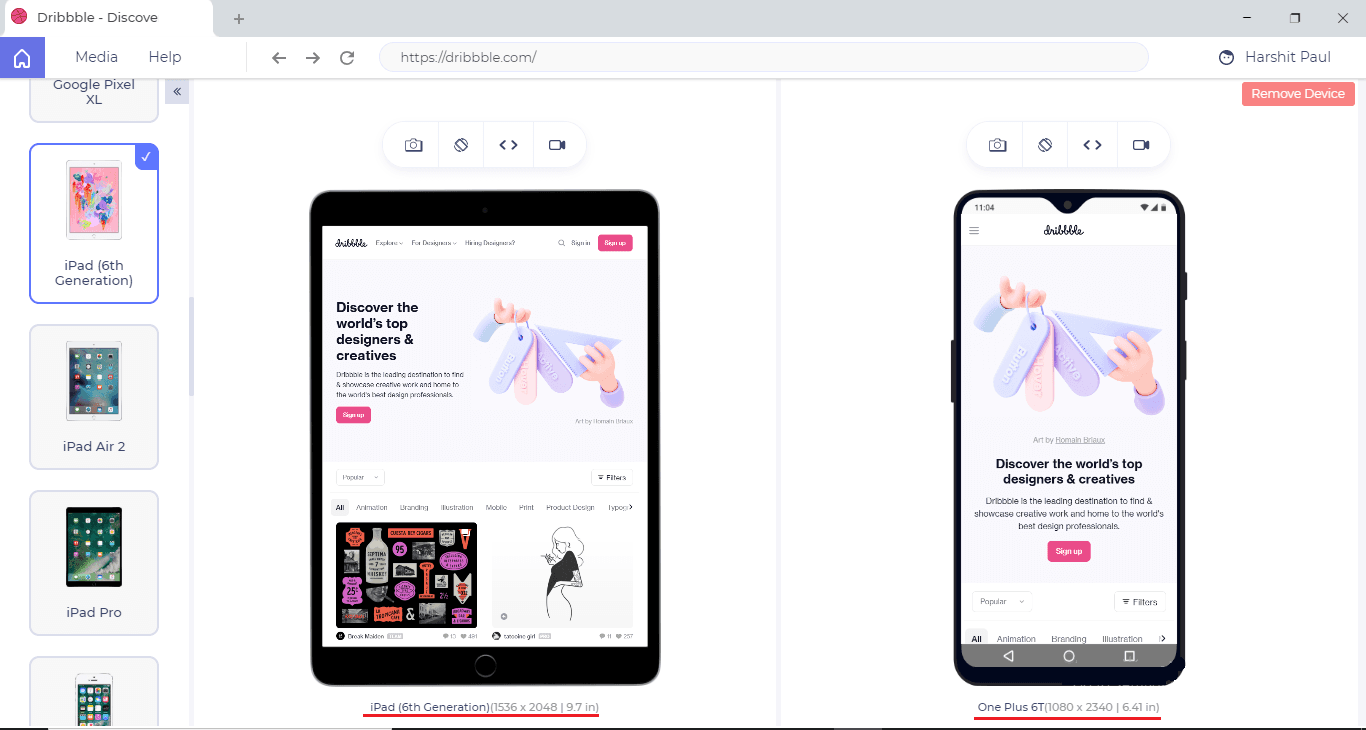
Check Responsive Design On Different Device Viewports
You can now check the mobile view of your website in different mobile view and see how it renders on different devices.
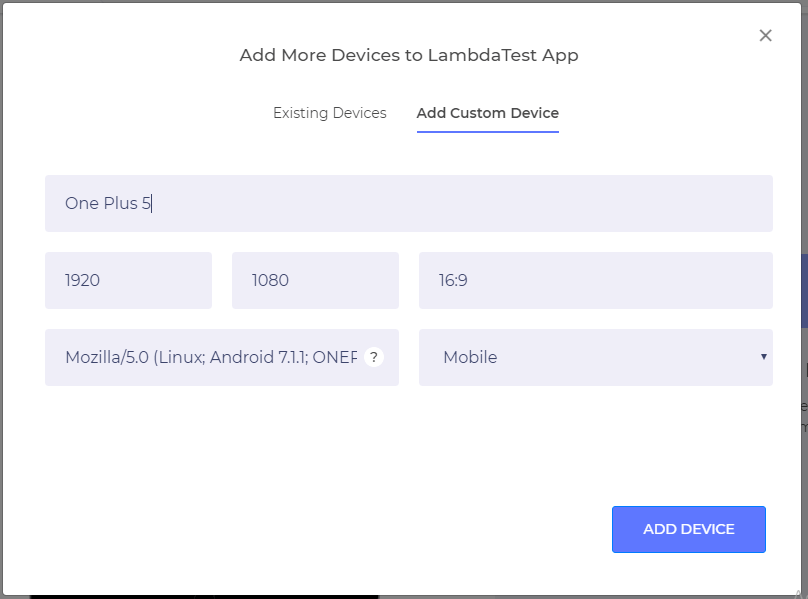
Create Your Own Custom Device
Now you are not restricted to the devices we offer, you can easily create your custom devices and save it for any future responsive testing efforts.
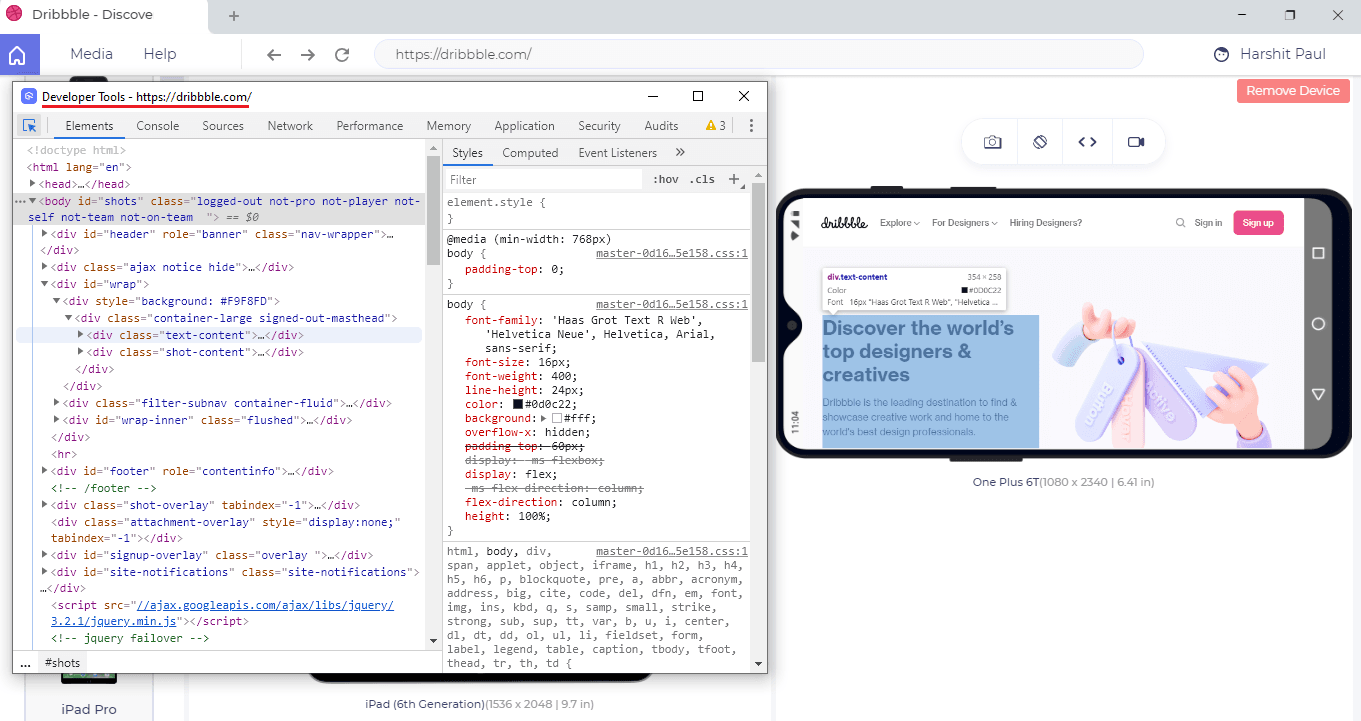
Built-In Developer Tools To Make Your Debugging Process Blazing Fast.
With LT Brower you can now perform live mobile view debugging and validate any changes on your website instantly.
TestMu AI Integration With Airtable

For all the Airtable fans, we’ve finally come out with the integration of the popular collaboration tool. Airtable is certainly admired by many with its raw power and simplicity, with its powerful databases and interactive spreadsheets.
Now you can log your bugs in Airtable whenever you are performing cross browser testing with TestMu AI. Using this integration you can easily mark bugs on your website whenever you are performing browser compatibility testing. All you need to do is mark the bug & highlight the issue, a form pops up just like the one shown below:
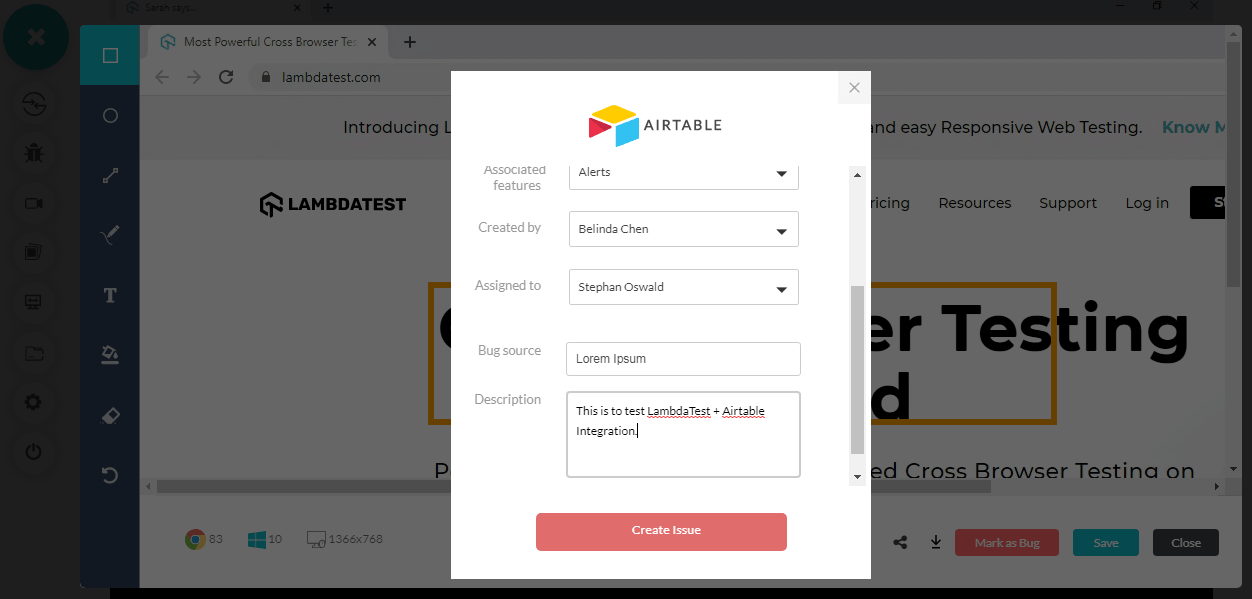
After you’ve created the issue, it automatically gets logged into your bug tracker in Airtable:
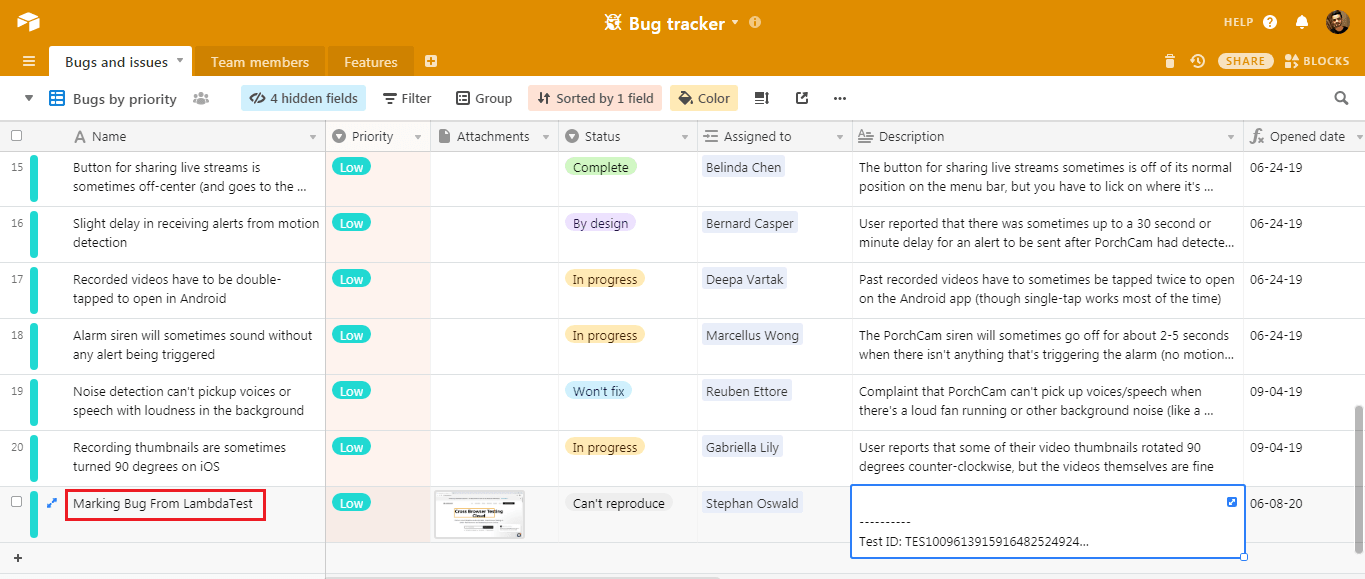
Using this tool you can easily collaborate with your team and see the progress on the bug as well.
New Browsers For Live-Testing
We’re constantly working towards bringing in new browsers to the table, to make sure that your test coverage keeps getting better. You can now perform live browser compatibility testing on:
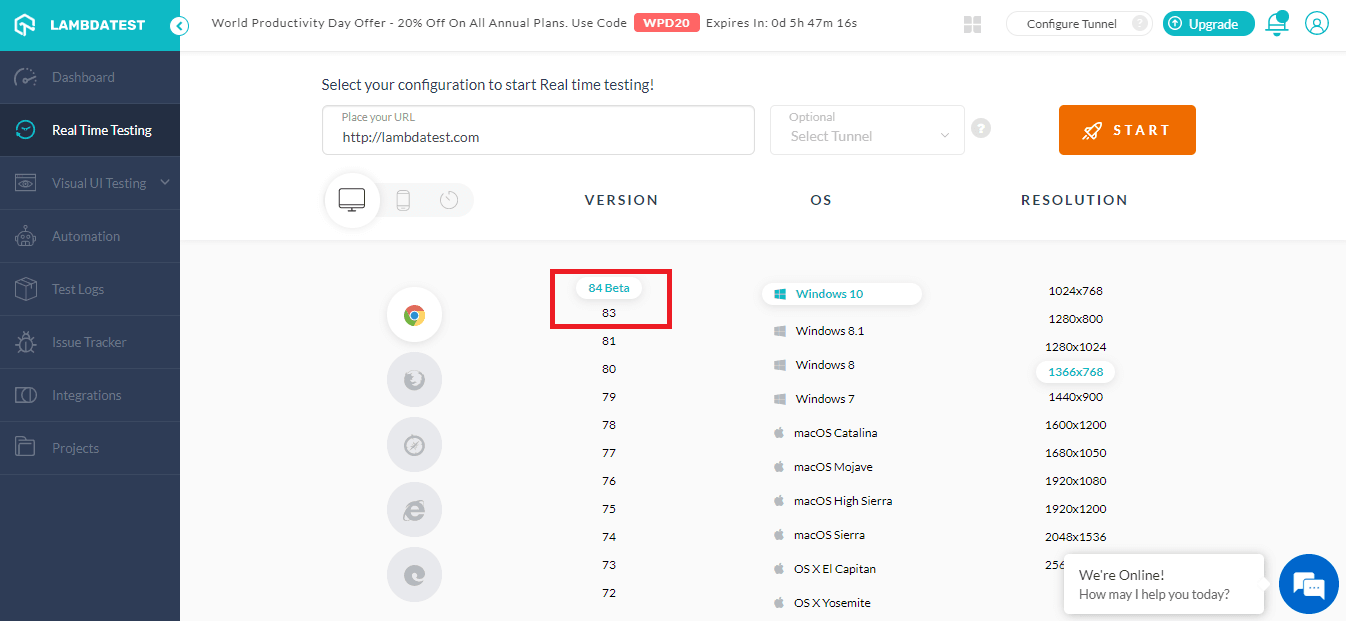
- Chrome 83 & Chrome 84 Beta
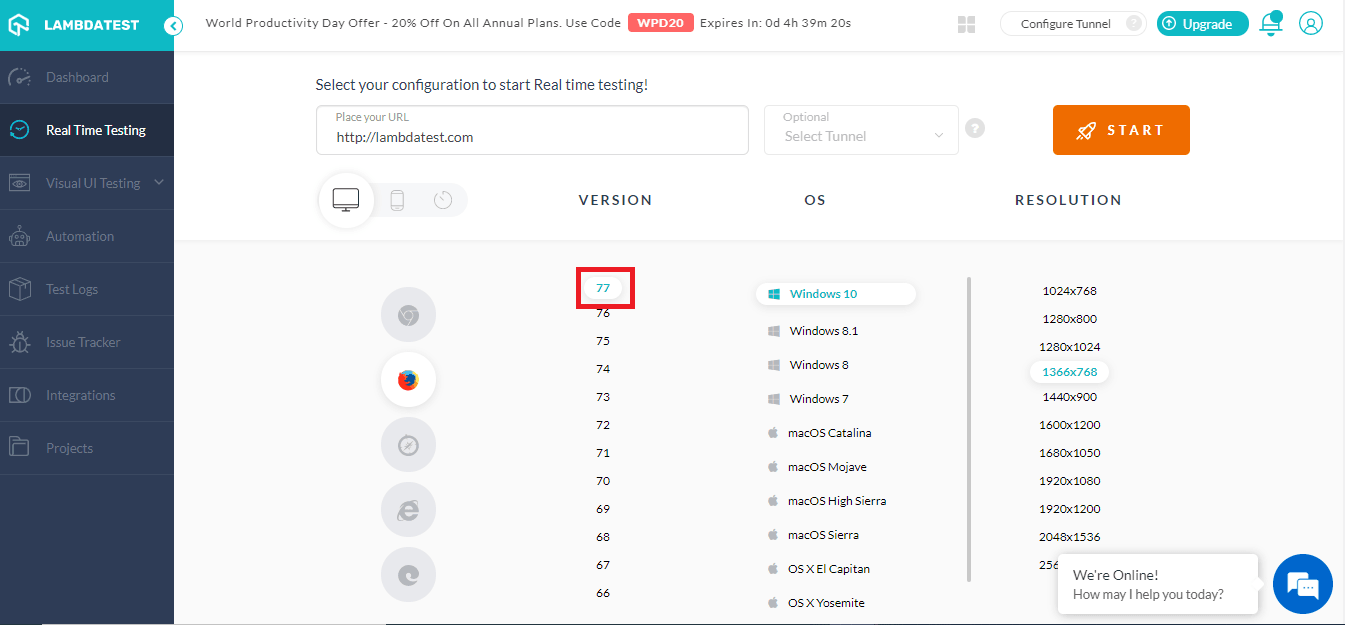
- Firefox 77
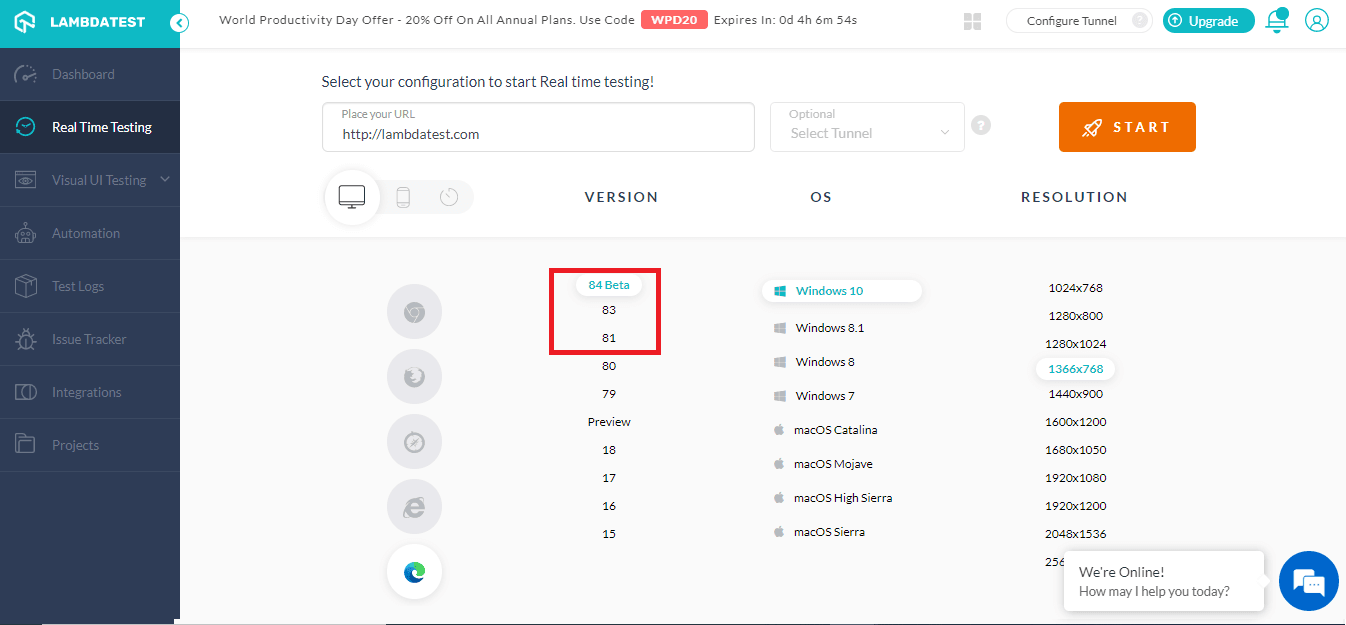
- Test on Edge 81, Edge 83 & Edge 84 Beta
- Opera 68, Opera 69 Beta
Test On Chrome 83 & Chrome 84 Beta
With the new Chrome browser 83, HTML forms have gone through a revamp. This is something you might not want to miss, as you want to make sure that your users get a seamless experience while interacting with your user forms. Also, TLS 1.0 and TLS1.1 Protocol has been removed due to certain vulnerabilities. You can perform live cross browser testing in both on these browsers on TestMu AI.
Test On Firefox 77
Firefox is one of the widely used browsers, only after Chrome and Safari. It makes sense to include it in your test coverage for cross browser testing efforts. This is why we’ve come up with the latest firefox browser to ensure better test coverage.
Test On Edge 81, Edge 83, Edge 84 Beta
Latest Edge browsers have seen an addition of collection feature, better mouse support in full screen. You can easily check out these features while performing cross browser testing on Edge 81, Edge 83, Edge 84 Beta.
Test On Opera 68 & Opera 69 Beta
Even though it is not as popular as other browsers, it is still being used by a considerable amount of users for their browsing activities. That’s why you should certainly test on Opera 68 & Opera 69 Beta.
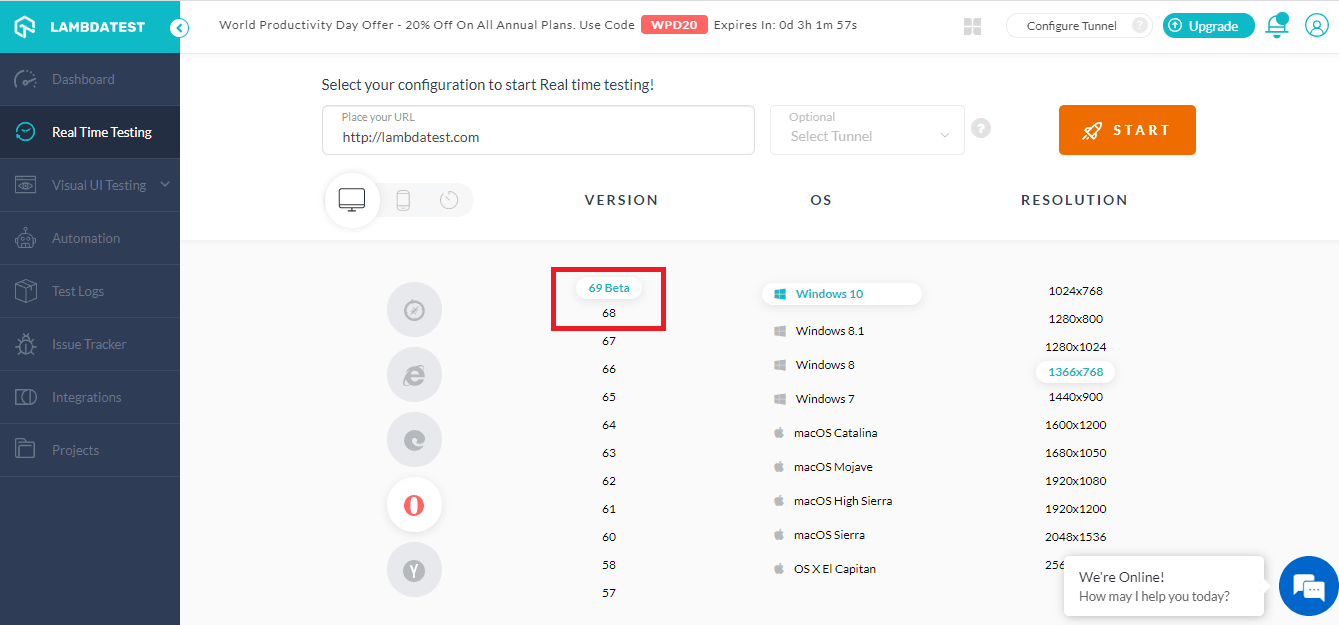
To know more about this update you can read our previous update on latest browser versions.
This Is Just The Beginning!
Expect a lot more in the future. As we’re working towards bringing in a lot more features to our platform. I hope you liked these new additions to our rosters. Give it a spin and do share your take on them. We always appreciate good feedback or even feature requests. You can do so by reaching us on [email protected] or dropping us a message on customer support!
That’s all for now! More amazing features are on the way, till then, Happy Testing!!!?
Upcoming Webinar: Continuous Testing Pipelines with CircleCI and TestMu AI

Austin Siewert
CEO, Vercel
Discovered @TestMu AI yesterday. Best browser testing tool I've found for my use case. Great pricing model for the limited testing I do 👏
2M+ Devs and QAs rely on TestMu AI
Deliver immersive digital experiences with Next-Generation Mobile Apps and Cross Browser Testing Cloud



Did you find this page helpful?
More Related Hubs
TestMu AI forEnterprise
Get access to solutions built on Enterprise
grade security, privacy, & compliance
- Advanced access controls
- Advanced data retention rules
- Advanced Local Testing
- Premium Support options
- Early access to beta features
- Private Slack Channel
- Unlimited Manual Accessibility DevTools Tests