

Next-Gen App & Browser Testing Cloud
Trusted by 2 Mn+ QAs & Devs to accelerate their release cycles


Top 18 Codeless Testing Tools for 2026
18 codeless testing tools compared. Features, pricing, pros and cons for KaneAI, Katalon, Tosca, testRigor, mabl, and more.

Shakura Banu
March 24, 2026
Looking for the best codeless testing tools to speed up your QA process? You're in the right place.
Codeless automation testing tools let teams create and run automated tests without writing scripts. Instead of coding in Java or Python, testers use visual interfaces, drag-and-drop workflows, or plain English commands.
This blog covers 18 codeless automation testing tools - comparing features, pricing, and ideal use cases to help you pick the right one for your team.
Key Takeaways
- Codeless testing tools let users create and run automated tests without writing code using plain English, visual interfaces, and drag-and-drop workflows.
- Modern platforms include AI-powered element detection, self-healing locators, and natural language test authoring that speed up test creation significantly.
- Tools like KaneAI, Katalon, and testRigor handle functional test automation, while Tricentis Tosca and ACCELQ target enterprise SAP, Oracle, and mainframe environments.
- The best tool depends on your team: startups benefit from BugBug and CloudQA, DevOps teams prefer mabl, and enterprises need Tosca or ACCELQ.
- GenAI-native platforms like KaneAI support AI agent testing (chatbots, voice assistants) using natural language, a capability traditional codeless tools lack.
- Codeless tools handle 80-90% of testing scenarios faster than Selenium, but code-based frameworks remain better for complex custom logic.
What Are Codeless Testing Tools?
Codeless testing tools allow testers to create, execute, and maintain automated tests without writing scripts. Instead of coding in Java, Python, or JavaScript, users build tests using visual interfaces, record-and-playback, or plain English instructions.
Writing automation scripts is time-consuming and requires programming expertise. Codeless automation testing removes this barrier by letting anyone on the team, from manual testers to business analysts, contribute to test automation.
The best codeless testing tools available today come with built-in features that simplify test creation and maintenance:
- Plain English test authoring for writing tests in natural language
- Drag-and-drop interfaces for building test flows visually
- Record and playback for capturing user actions as test steps
- AI-powered element detection for stable, reliable locators
- Self-healing locators that auto-adapt when the UI changes
- CI/CD integrations for running tests in pipelines
Code-Based vs Codeless Testing
| Code-Based | Codeless |
|---|---|
| Write scripts in Java, Python, JavaScript | Visual workflows, drag-and-drop, plain English |
| Programming expertise | Basic HTML/CSS understanding |
| Weeks to months | Hours to days |
| Update scripts when UI changes | Self-healing locators adapt automatically |
| Custom logic, complex scenarios | Fast coverage, cross-team collaboration |
Top 18 Codeless Testing Tools for Faster QA
Let's explore the most popular codeless testing tools that help QA specialists to go on board for the Codeless Test Automation journey!
1. KaneAI by TestMu
KaneAI by TestMu AI is a GenAI native QA Agent-as-a-Service platform, equipped with groundbreaking features for test authoring, management, and debugging, tailored specifically for high-speed quality engineering teams. It empowers users to create and refine complex test cases using natural language, drastically cutting down the time and expertise needed to dive into test automation.
Core Features:
- Create and evolve tests effortlessly using Natural Language Processing (NLP) instructions, making test creation accessible to all team members, regardless of coding skills.
- Automatically generate and automate test steps based on high-level objectives, reducing the need for manual scripting.
- Convert your automated tests into all major languages and frameworks, providing flexibility in your testing approach.
- Use natural language to express complex conditionals and assertions, making test scenarios clearer and more understandable.
- Translate your actions into natural language instructions to create robust tests.
- Seamlessly tag KaneAI in Slack, JIRA, or GitHub to initiate automation directly from these platforms.
- Easily sync natural language instructions with code edits for smooth test modifications.
- Track changes with version control, keeping your test iterations organized.
- Automatically spot and fix bugs during test execution for smoother workflows.
- Resolve issues by manually interacting, editing, or removing problematic steps.

2. Katalon Studio
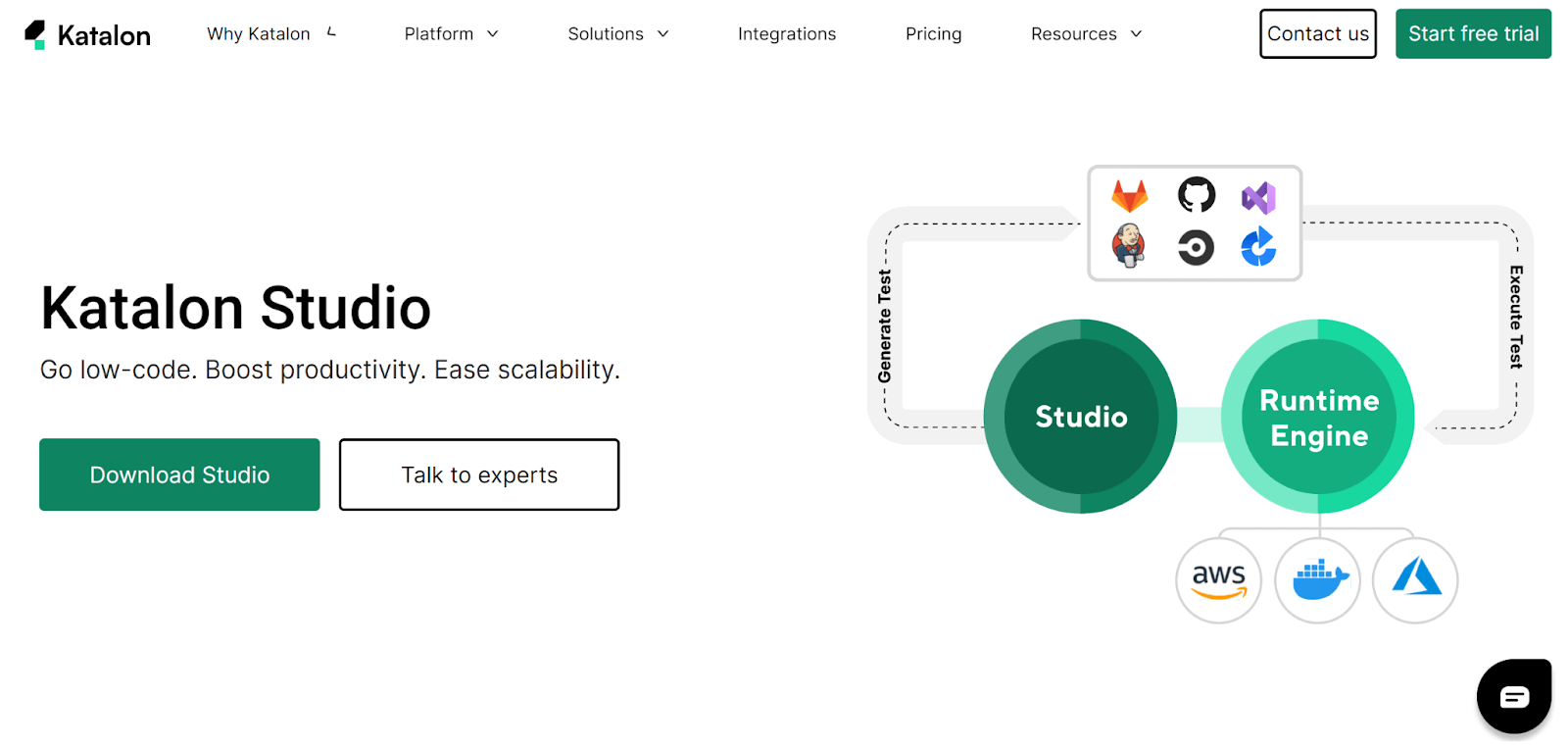
Katalon Studio is ranked among one of the top codeless testing tools and a popular choice for its extensive range of test abilities across Desktop, Mobile, Web, APIs, and applications. Its unique features are simple-to-use and best for experienced and beginner QA engineers. Katalon comes with an accessible interface for test experts and business users. The drag-and-drop commands, record, and playback traits make it a perfect codeless automated testing tool. QA engineers can easily import external test libraries and allow the tool to be implemented, avoiding building a framework from scratch.
Core Features:
- Requires minimal programming skills.
- Supports API, web, desktop, and mobile automation testing.
- Comes with in-built test-case libraries, project templates, object repositories, and keywords.
- Supports native plugins for the famous Continuous Integration tools.
- Capable of locating modifications in the object and creating tests consequently.
- Powerful recording and playback feature.
- Comprehensive and robust reporting capacities.
- Supports in-built integrations like Issue Management, Notifications & Communication, and Test Management.
3. Leapwork
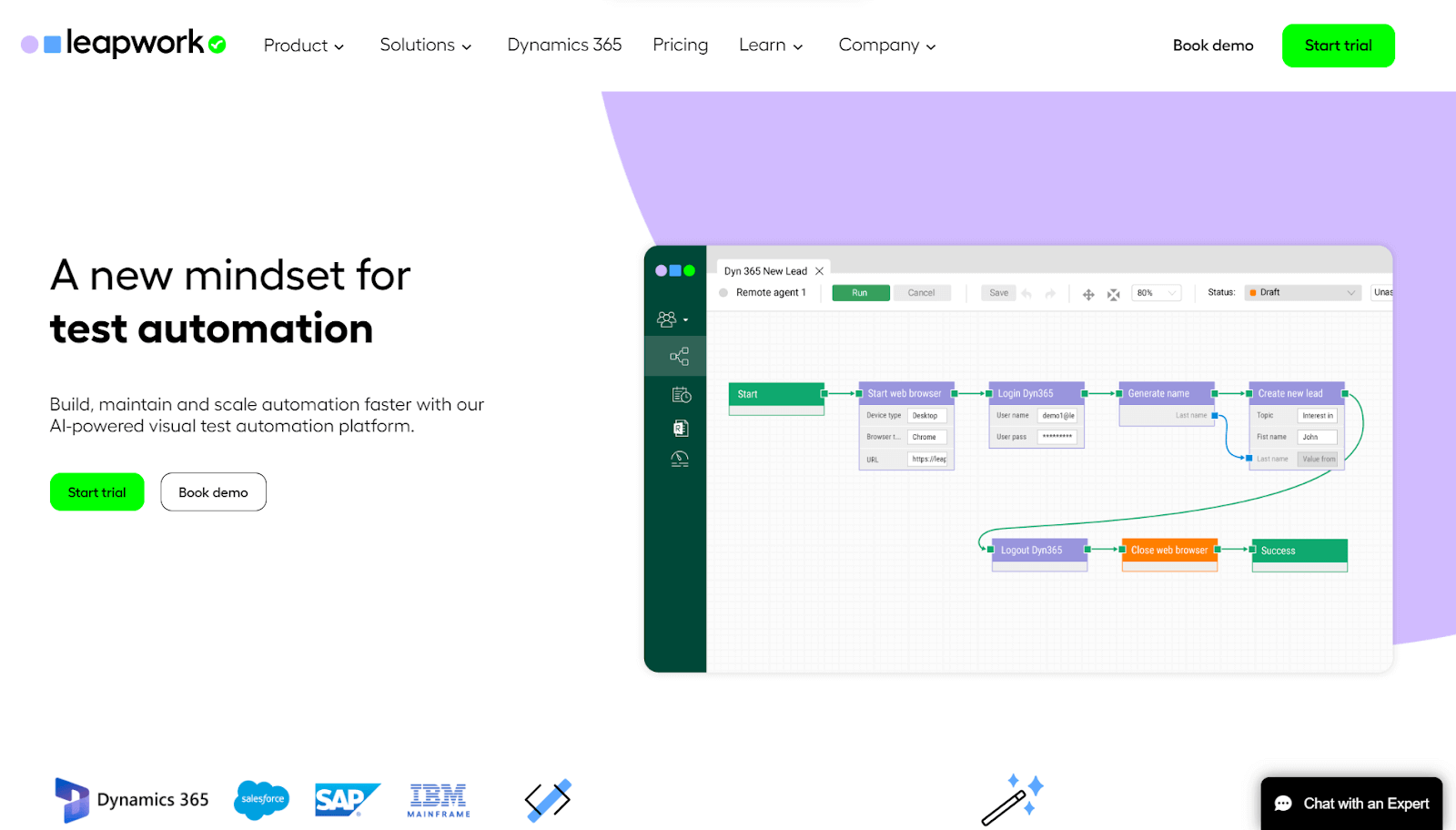
Leapwork is an advanced cloud-based, codeless automation testing tool that supports the testing of many forms of apps, including Windows and Web. With Leapwork, you can enable your agile project team to speed up the development and implementation of the QA automated testing procedure. Designed for both Desktop and Web apps, this codeless testing tool comes with predefined building blocks and default libraries for automation, aiding QA teams to improve productivity and save time.
Core Features:
- Capability to reuse automated flows across distinct test cases.
- Visualize flow builder through drag & drop building blocks.
- Codeless capacities to shorten the learning curve for QA teams.
- Supports cross-browser tests and parallel runs.
- Easy integration with the current DevOps toolset.
- Smart recorder for capturing test steps & running them automatically.
- Capable of managing huge volumes of data and supporting various data sources.
Check how to overcome test automation challenges by integrating LEAPWORK with TestMu AI.
4. Ranorex Studio
Ranorex Studio is an all-purpose and among the most popular codeless testing tools for professionals and beginners. This is a perfect codeless automation testing tool to automate mobile, web-based, and desktop apps without needing a scripting language to automate the app. Ranorex mainly uses standard programming languages like C# & VB.NET.
Using this codeless testing tool, you can use the drag-&-drop User Interface objects, capture-&-replay tool, and code modules to automate regression testing. Ranorex also allows testers to generate modular automation scripts that are maintainable and effective, irrespective of programming expertise. The Ranorex core API is incorporated with Selenium WebDriver; hence one can easily deliver cross browser testing on a Selenium Grid.
Core Features:
- Cross-platform tests, counting mobile, web, and desktop environments.
- Records & replays the user's communication to generate reusable scripts that can be modified with its action editor.
- Test scripts can be run between the commands of a specific test case.
- RanoreXPath technology recognizes the UI components of the app.
- The exclusive spy engine tracks descriptions of each User Interface component on the screen.
- Compare and confirm images with an accepted image that can be straight uploaded to the software.
- Integrations with Azure DevOps, JIRA, Bugzilla, TestRail, Git, Jenkins, and more, so one could easily build an entire automated tests toolchain.
5. BugBug.io
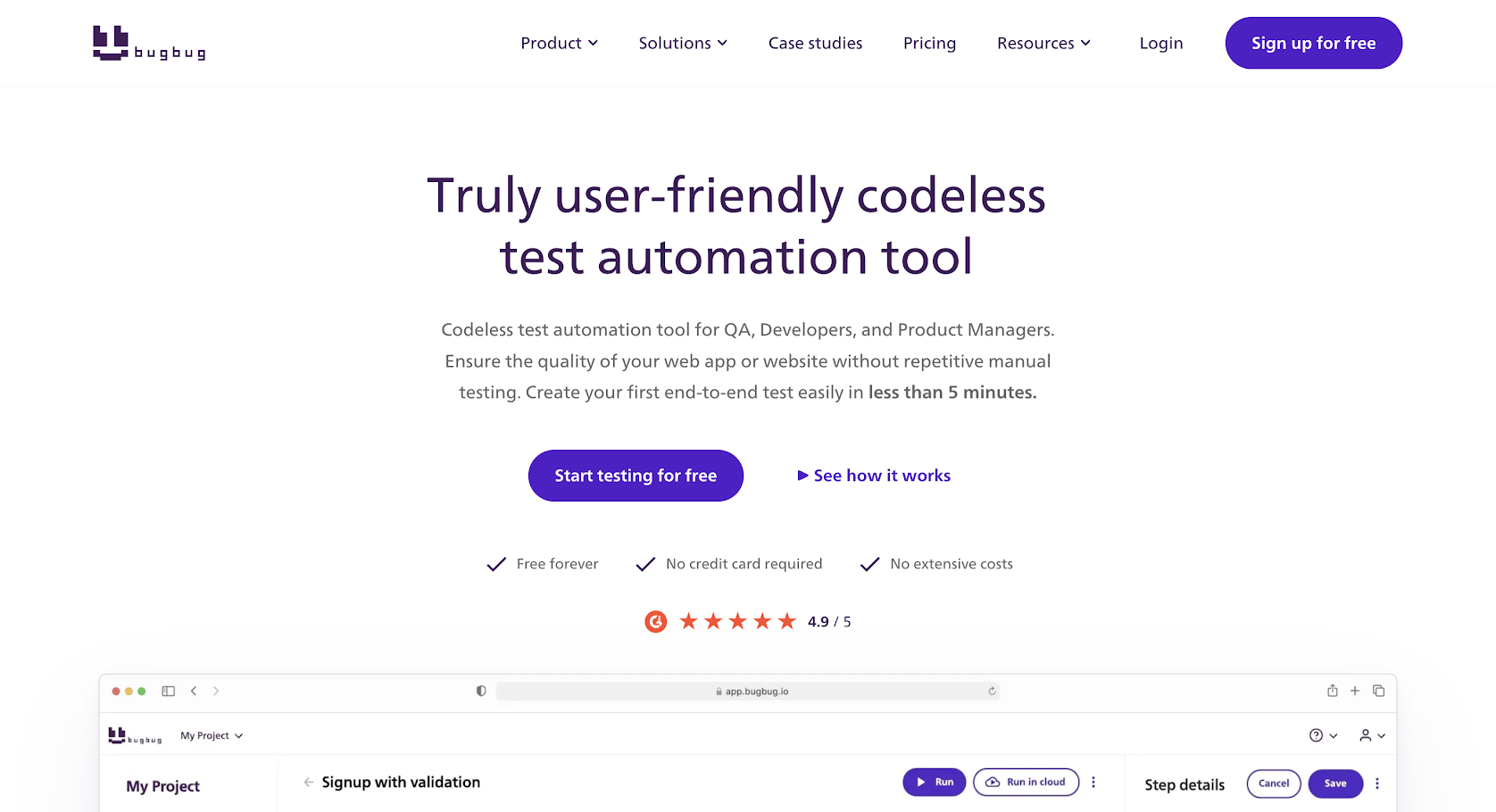
BugBug.io is a codeless testing tool that makes it easy to create and execute automated tests without the need for programming skills. With its visual interface, users can easily create test cases by dragging and dropping components from their application's user interface.
The tool is compatible with desktop, mobile, and web apps. Additionally, it supports several frameworks and technologies, including React, Angular, Vue.js, jQuery, Xamarin, Appium, and Selenium.
Core Features:
- The codeless testing approach enables users to create tests quickly and easily without coding.
- Supports a wide range of testing types, including functional, regression, performance, and visual testing.
- Cloud-based infrastructure enables easy collaboration and sharing of test results.
- Cross-browser visual testing ensures the consistent appearance of web applications.
- A User-friendly interface makes it easy to create, run, and manage tests.
6. Selenium IDE
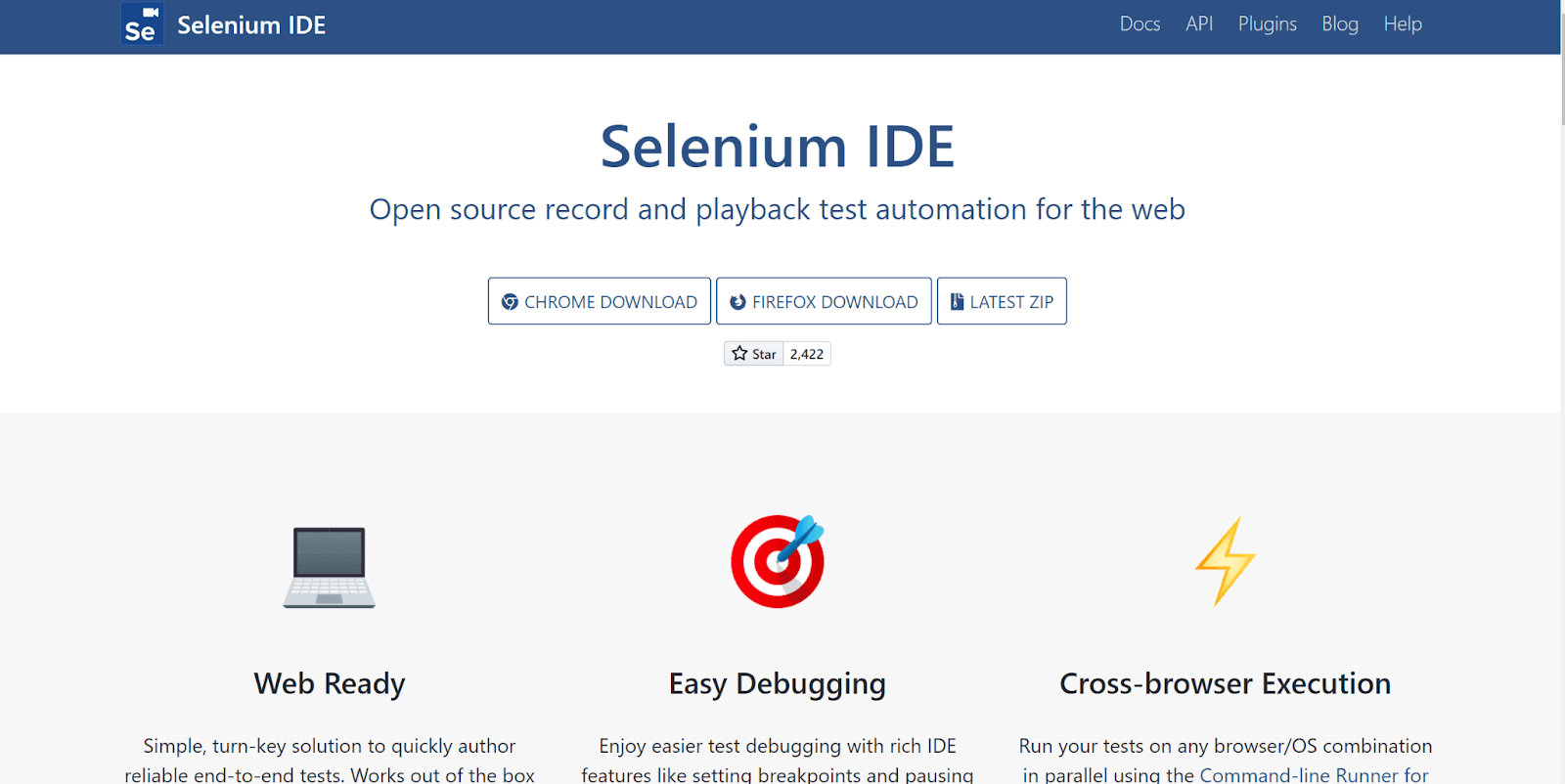
Selenium IDE is one of the top codeless testing tools that allows you to automate web applications with everything that Selenium offers without needing to write codes. It uses the record & playback feature to support codeless automated testing. Selenium IDE can be extended with plugins. They bring in new commands to IDE or incorporate them with other services. It is a simple-to-use codeless automated testing tool that gives instantaneous feedback and allows you to run testing on any OS and Browser combination using the Selenium IDE command-line runner.
Core Features:
- Allows you to run a particular test or an entire test suite that counts a group of tests.
- Setting breakpoints & pausing on exemptions makes it effortless for debugging testing from the IDE itself.
- Used for browser automation testing as cross-browser testing can be implemented using the Selenium SIDE runner.
- Supports several commands used to create loops, insert waits, rise asserts, and more.
- It has a wide-ranging command set that allows a control flow structure. Commands like if else, if, etc. assist in executing conditional testing from the IDE.
- The run command allows testers to reuse a specific test case inside another test suite.
- Supports a group of Selenese commands (or series of Se commands) that allows you to execute tests.
- Trouble-free comparison and modification of test cases - test scripts generated through IDE are stored as JSON files that simplify comparing, changing, and examining tests.
7. CloudQA
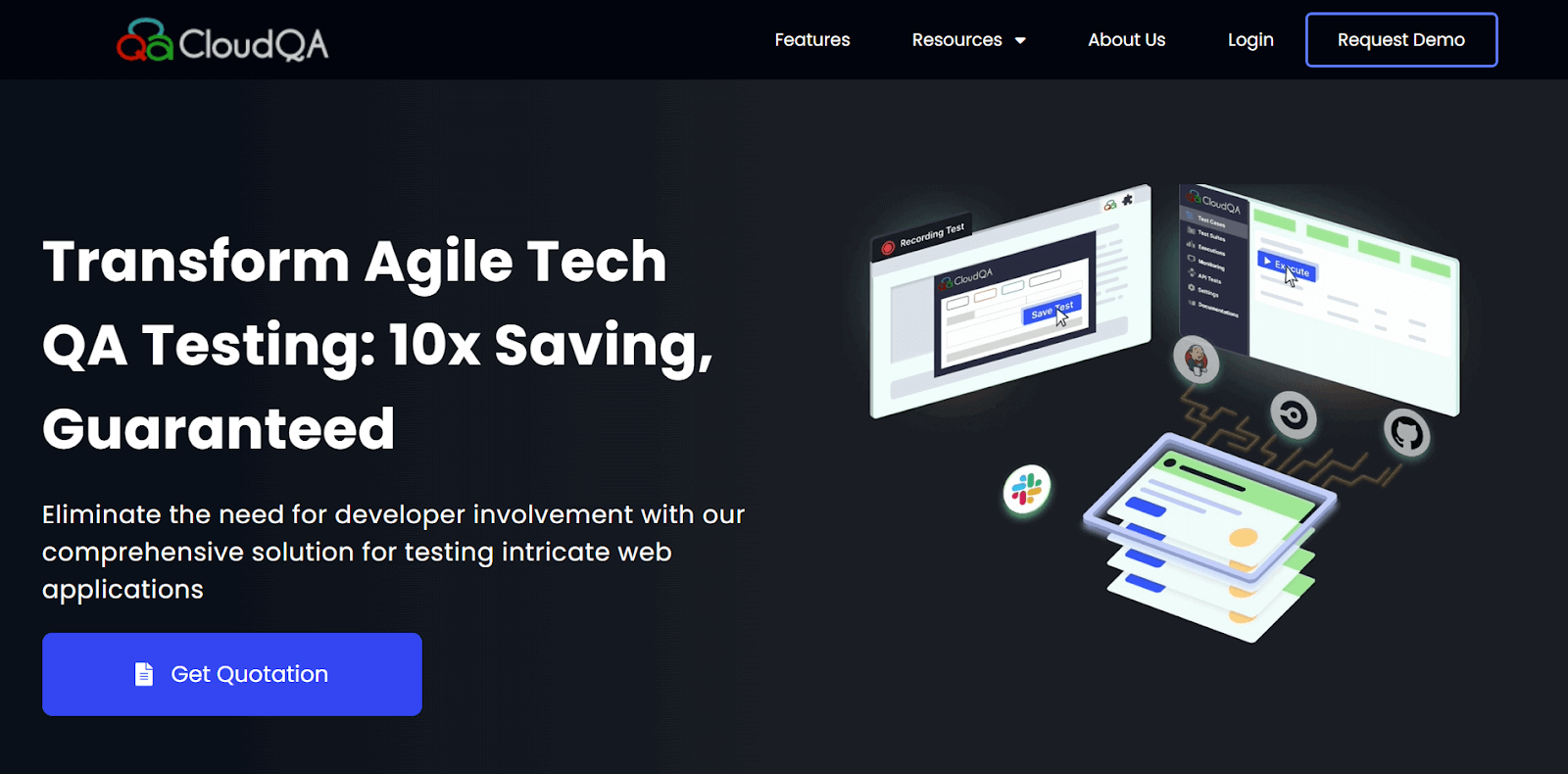
CloudQA is a robust integrated cloud-based automated testing platform launched to build, manage, and implement tests against several browsers separately and in parallel. CloudQA is not just a Record and Playback tool; it offers its users an integrated report tool for rapidly generating and scheduling regression test suites.
This codeless automation testing tool gives you the same power as Selenium, with no advanced programming expertise required. Recorded testing is put into manageable modules and visible incomprehensible forms. Even the same tests can be reused for load tests, regression tests, and synthetic monitoring.
Core Features:
- Higher reusability for synthetic examining without changing any codes.
- Scrutinize multiple data sets over varied browsers (e.g., Mozilla Firefox, Internet Explorer, Chrome).
- Huge and smooth capacity to maintain thousands of tests.
- Smart Record & Playback tests with screenshots after each step.
- Schedule and execute testing unattended.
- Support for data-driven tests.
- Bugs can be managed through 3rd-party integrations like Slack, Asana, GitHub, JIRA, etc.
8. ACCELQ
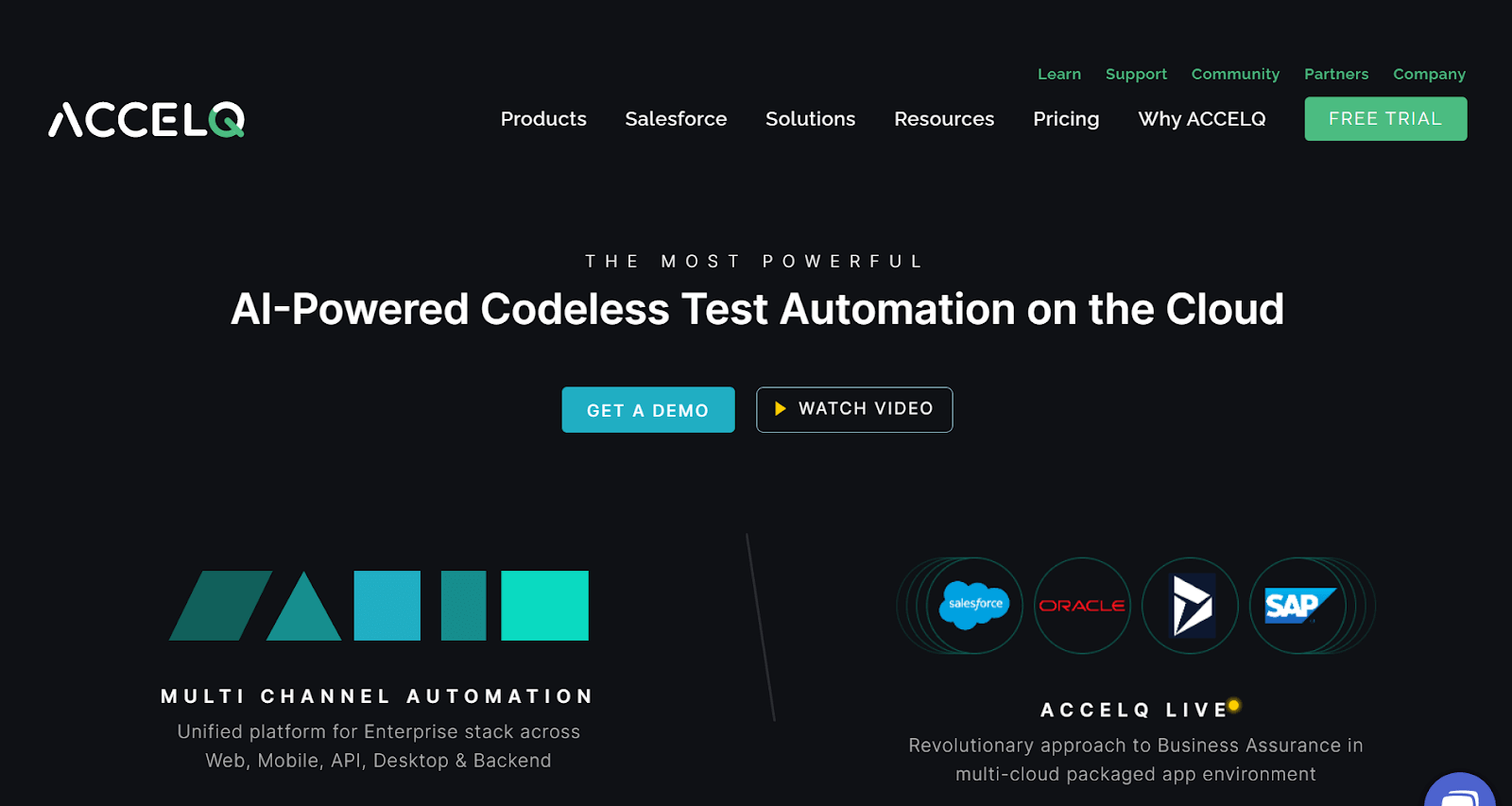
ACCELQ is an Artificial Intelligence-powered codeless automated testing tool that fulfils all the criteria of being a perfect codeless selenium automation tool. ACCELQ can automate desktops, web, mainframes, and other apps with minimal effort and time, speeding up the test cycle. Unlike other codeless testing tools, its self-healing traits and natural English coding make it very different from others in the competition.
With an easy and fast-to-develop user interface, it can be smoothly incorporated with existing and famous DevOps and quality toolchains quite smoothly. Traits like Extendible & Open Source Alignment, Natural Language Programming, Automated Test Generation, and Intelligent Element Explorer have made it an instant hit among companies.
Core Features:
- Highly safe and scalable for enterprise practice.
- Capacity to automate User Interface and API with ease and in a similar flow.
- Creates app blueprint for great visual test designs.
- Speedy development and least maintenance with Embedded Frameworks.
- Projecting and Path Analysis traits for generating test scenarios.
- Maximize test coverage through Data flows and Model UI.
- Continuous integration-ready and allows in-sprint automation.
9. Sikuli

Sikuli uses image recognition techniques to run automated Graphical User Interface tests to identify and manage Graphical UI components. It can also be useful when working with the Selenium WebDriver, particularly when automating Java applets and Flash objects, while IDE scripts increase their capabilities.
In contrast to other codeless testing tools, a visible app Graphical User Interface is needed during run-time. Therefore, Sikuli can't execute and maintain several scripts concurrently when the Graphical User Interface changes several times.
Core Features:
- Supports several platforms like Linux, Mac, and Windows.
- Record images at the Pixel level for User Interface verification.
- Automate tests on distinct devices and emulators.
- Incorporate with Se (Selenium) for automating desktop apps.
- Record & Playback various actions such as mouse actions and drag & drop.
10. Testim
Testim is one of the popular codeless testing tools that aid in the quick and simple creation and execution of automated tests by QA teams. Testim makes it simple for testers to build and maintain automated test cases without programming knowledge because of its user-friendly drag-and-drop interface and AI-powered testing capabilities.
Core Features:
- By automatically creating test cases and locating flaws, its AI-powered testing capabilities contribute to the acceleration of the test process.
- Used to test APIs, web applications, and mobile applications, guaranteeing that every component of the software is adequately tested.
- Highly repeatable and reliable, lowering the possibility of human mistakes and guaranteeing that software product have undergone extensive testing.
- Without any programming experience, testers can easily design and manage test cases using Testim's drag-and-drop interface.
11. Tricentis Tosca
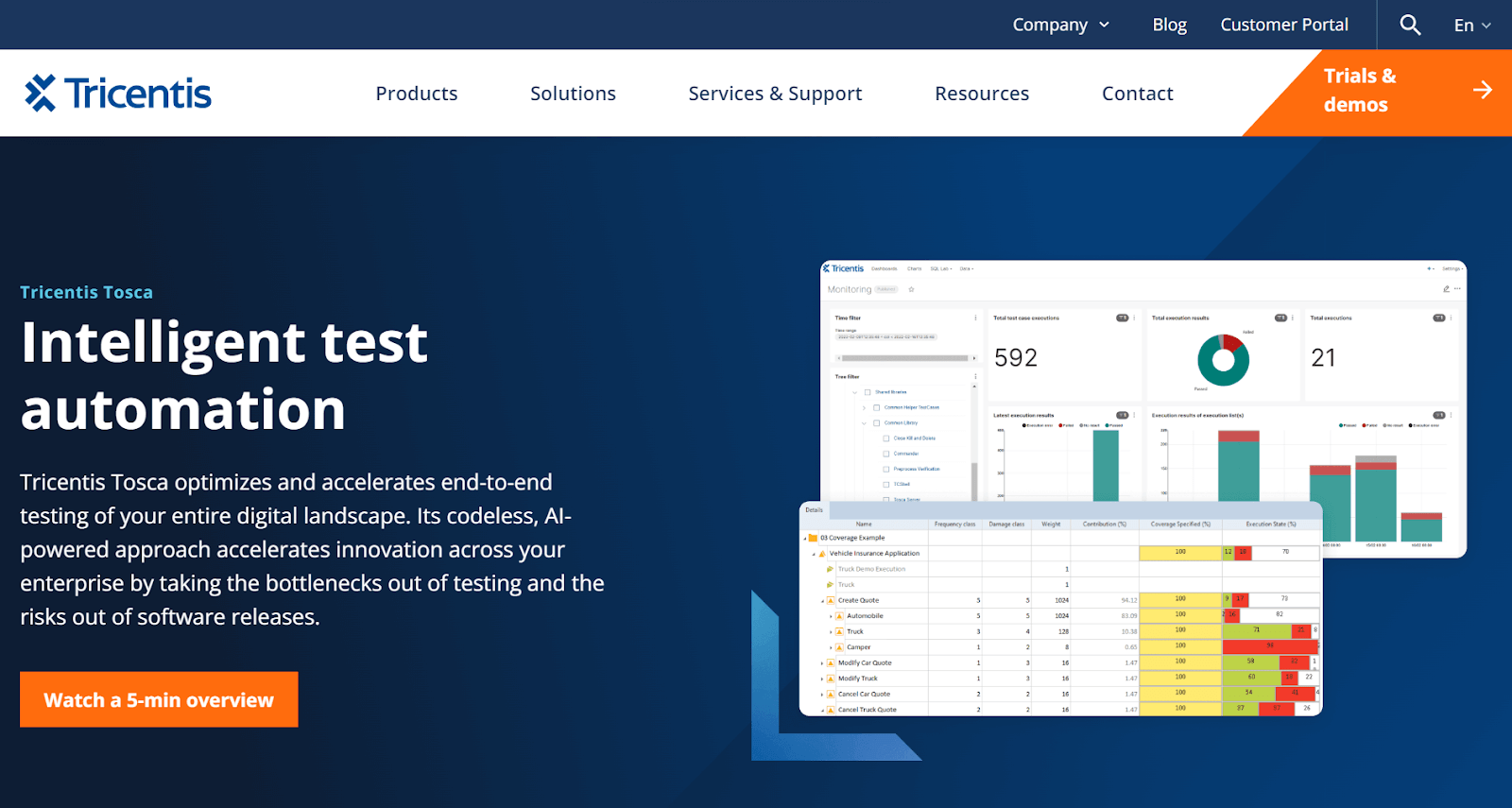
Tricentis Tosca is one of the popular codeless testing tools that help organizations improve their software testing process by providing end-to-end test automation. It makes it simple for testers to build and run automated test cases without the need for extensive programming knowledge. Tosca supports a wide range of technologies, including on the web, desktop, mobile, and mainframe applications, and offers a variety of testing features, including functional testing, performance testing, and regression testing.
Core Features:
- Enables the creation and execution of automated test cases by testers without the need for in-depth programming expertise.
- Provides thorough information on test results that help testers quickly discover and resolve problems.
- Allows for smooth integration with widely used development tools like Jira, Jenkins, and Selenium, which makes it simple to integrate automated testing into existing workflows.
- Supports agile testing methodologies, allowing QA teams to keep up with the fast-paced nature of modern software development.
12. SoapUI
SoapUI is one of the codeless testing tools created especially for testing web services, REST APIs, and SOAP APIs. It provides several capabilities that enable testers to rapidly and easily design and execute automated tests without the need for in-depth programming skills. All testers can use SoapUI, as it comes in free and paid editions.
Core Features:
- Offers codeless automation capabilities, enabling testers to create and execute automated test cases without writing any code.
- Supports a range of protocols, including HTTP, JMS, JDBC, REST, and SOAP, making it a versatile testing tool for various applications.
- Provides detailed reports on test results, making it easy to identify and fix issues quickly. It also offers advanced analytics capabilities, enabling testers to identify trends and patterns in their test results.
13. UiPath Test Suite

UiPath Test Suite is one of the powerful codeless testing tools designed to simplify the automation of test cases for web and desktop applications. It offers a user-friendly interface that enables users to create and run automated tests without coding skills, significantly reducing the time and effort required for software testing.
It makes it simple for testers to create and run end-to-end tests that mimic user actions, including clicking buttons, typing text, and moving between sites. Advanced capabilities like AI-based testing, image-based automation, and test data management are also included making it a complete solution for all testing requirements.
Core Features:
- Reduces the time and effort needed for testing by allowing testers to write and run automated tests without the requirement for coding knowledge.
- Supports complete testing of desktop and web apps, including automated testing using images and artificial intelligence.
- Enables teams to work together on testing tasks and to communicate test results and cases.
- Offers sophisticated features for handling test data, such as test data generation and data-driven testing.
- Provides real-time data and analytics on test execution, assisting teams in finding and promptly resolving problems.
14. Rapise
Rapise is a codeless testing tool that enables testing teams to create and execute automated tests without coding. It is a powerful tool that provides a complete testing solution for web, desktop, and mobile applications. Its intuitive visual interface allows users to easily create and maintain complex test cases and scenarios.
Rapise offers many features, such as object-based recording, test script editing, image-based testing, data-driven testing, and cross-browser testing. It also integrates with popular automation testing frameworks like Selenium and Appium, allowing users to leverage existing test cases and frameworks. Rapise also supports agile development methodologies by offering continuous integration and delivery capabilities.
Core Features:
- With its easy-to-use visual interface, testers can create and execute tests without any coding knowledge.
- Allows testers to identify objects in the application and use them as building blocks to create test cases.
- Supports testing on various platforms, including web, desktop, and mobile applications.
- Supports agile development methodologies by providing continuous integration and delivery capabilities.
15. Virtuoso
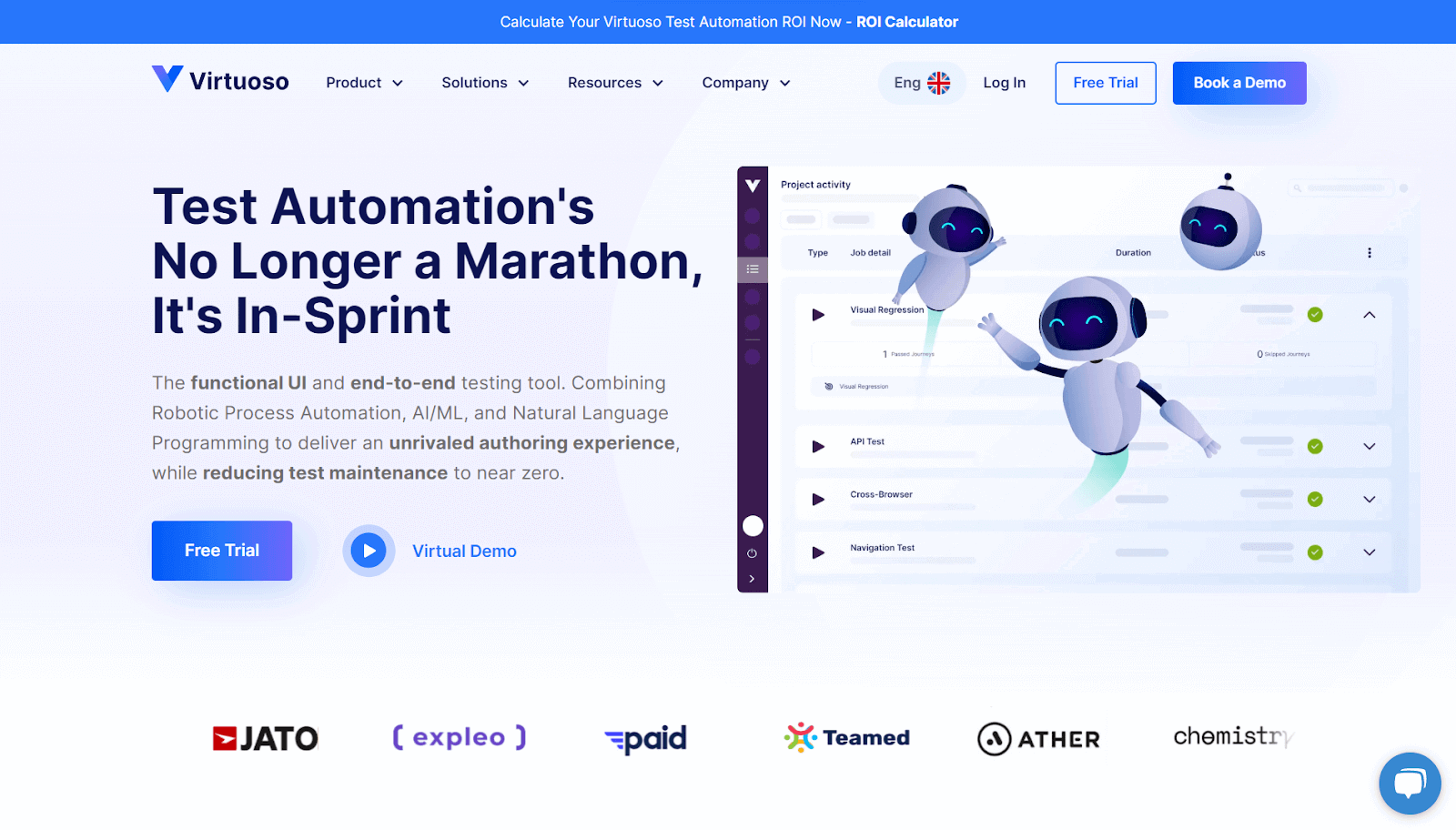
Virtuoso is a codeless testing platform that enables organizations to design and run automated tests without the need for coding expertise. Users can create and execute tests using a visual method with a user-friendly interface it provides. As Virtuoso offers testing for desktop, mobile, and web applications, it is a flexible solution for a range of platforms. With its intuitive drag-and-drop functionality, users can easily create test cases by assembling different actions and interactions within the application under test.
Core Features:
- Non-technical stakeholders can build and run tests because no coding knowledge is required.
- Supports desktop, mobile, and web applications, enabling thorough testing across several platforms.
- The user experience is improved, and test case generation is made simpler with the drag-and-drop feature.
- Ensures uniformity and compatibility across different contexts.
- Integrates with popular tools and frameworks, enhancing collaboration and fitting into existing workflows.
16. Ghost Inspector
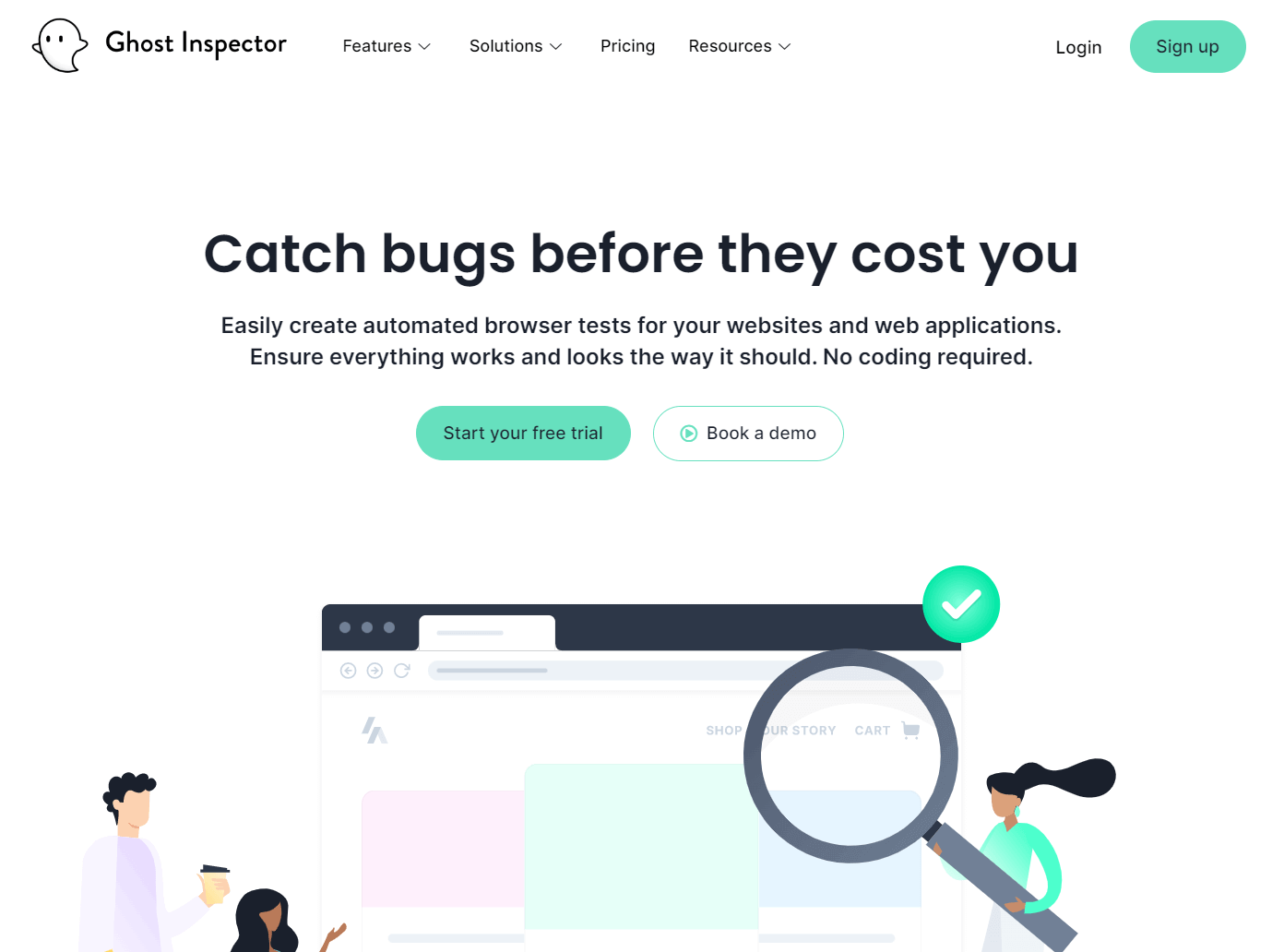
Ghost Inspector is one of the powerful codeless testing tools that allows users to easily create and manage automated tests without any programming knowledge. The tool is designed to streamline the testing process by providing an intuitive interface that allows testers to quickly create and run tests and manage and analyze test results. Ghost Inspector supports a variety of web technologies and applications, making it a versatile choice for testing teams across different industries.
Core Features:
- Ghost Inspector runs in the cloud, allowing testers to run tests from anywhere with an internet connection.
- Test runs can be scheduled at specific times, allowing teams to ensure that their tests are running consistently and regularly.
- Integrates with a variety of other tools, including JIRA, Slack, and Zapier, allowing teams to manage their testing workflows and results across different platforms easily.
17. Reflect
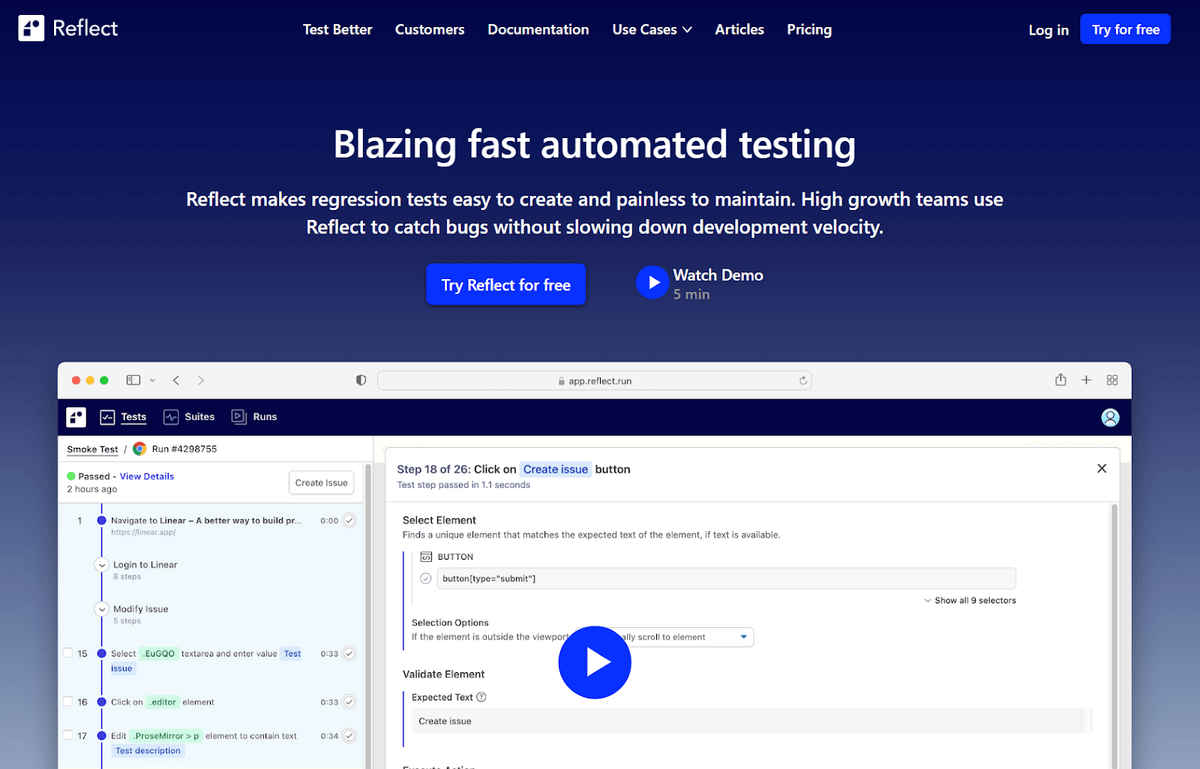
Reflect is a codeless automation testing tool that allows software testers to create automated tests without coding. Reflect uses natural language processing and machine learning to understand user interactions with the application under test and then generate test cases accordingly. The tool integrates with popular CI/CD tools and issue trackers, making it easy to incorporate into existing workflows.
Core Features:
- Allows testers to create automated tests without the need for coding, reducing the time and effort required to create and maintain tests.
- With Reflect, testers can easily create and execute many tests across multiple browsers and devices, improving test coverage and identifying issues early in the development cycle.
- Integrates with popular CI/CD tools, allowing testers to run tests automatically as part of the build process and get feedback quickly, reducing the time to identify and fix issues.
- Provides a web-based interface that makes it easy for team members to collaborate on test creation and execution, ensuring everyone has visibility into the testing process.
18. RainForestQA
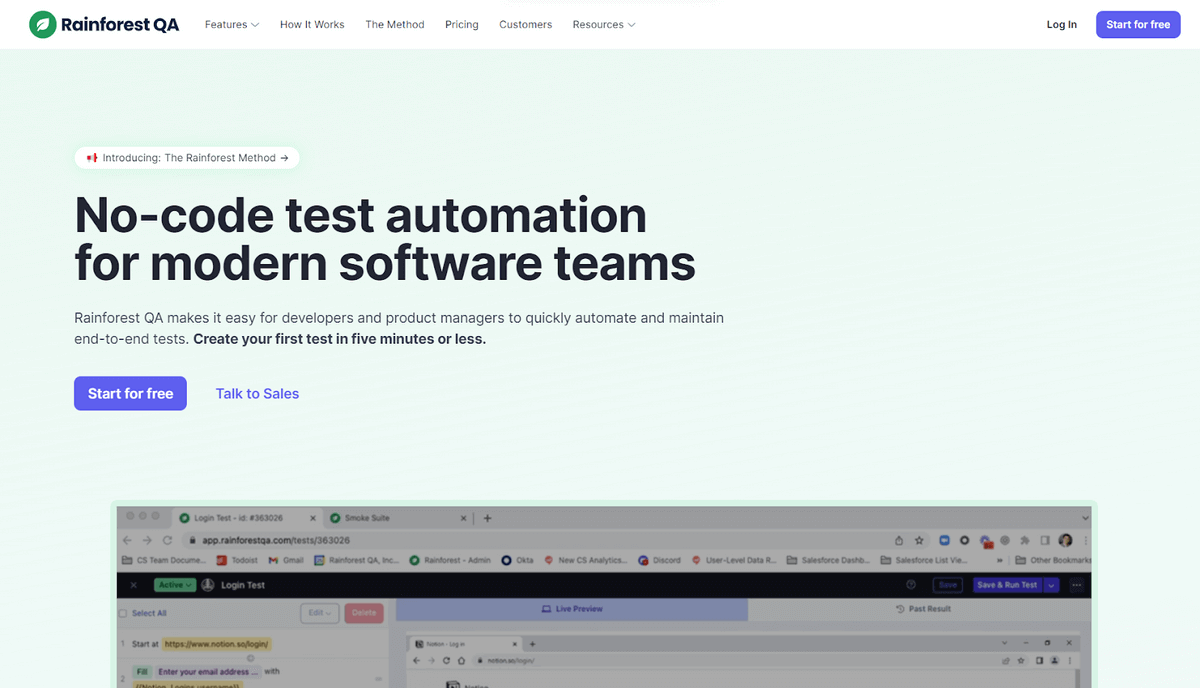
RainForestQA is a cloud-based codeless testing tool that enables teams to create, manage, and execute tests without writing a single line of code. It uses AI-driven testing to identify and prioritize tests so that teams can focus on the most important ones first. With RainforestQA, users can create tests using natural language, making it accessible for those who are not proficient in programming. Tests can also be easily maintained and updated through the tool's visual interface.
Core Features:
- Allows teams to create and execute tests without needing programming skills.
- Prioritizes tests based on the likelihood of defects and coverage.
- Provides results in minutes, allowing teams to address issues quickly.
- Tests can be easily updated and maintained through the tool's visual interface.
- Integrates with popular tools like Jira and Slack, making it easy to incorporate into existing workflows.
Codeless Testing for AI Agents
Traditional codeless tools test web and mobile UIs. But as AI agents (chatbots, voice assistants, copilots) become embedded in enterprise software, QA teams need tools that can test agent behavior, not just button clicks.
What is Agent-to-Agent Testing?
Agent-to-Agent Testing is an emerging category where an AI testing agent interacts with your AI agent to validate:
- Conversation flows and response accuracy
- Edge cases and fallback handling
- Multi-turn dialogue consistency
- Integration with backend systems
Why Traditional Codeless Tools Fail for AI Agents
| Challenge | Traditional Tools | AI Agent Testing |
|---|---|---|
| Dynamic responses | Expect fixed UI elements | Handle variable AI outputs |
| Conversation context | Stateless interactions | Maintain multi-turn context |
| Intent validation | Check button clicks | Validate semantic meaning |
| Edge case coverage | Manual scenario creation | AI generates edge cases |
How KaneAI Solves This
KaneAI by TestMu AI is the first GenAI-native testing agent that supports:
- Natural language test authoring - Write tests like "Verify the chatbot correctly handles refund requests for orders over $100"
- AI agent testing - Test chatbots, voicebots, and LLM-powered features
- Automatic test evolution - Tests adapt as your agent's behavior changes
- Multi-platform coverage - Web, mobile, API from a single interface
Code-Based vs Codeless Automated Testing
Here are the differences between code-based vs codeless automated testing.
| Parameter | Code-Based Testing | Codeless Testing |
|---|---|---|
| Test Creation | Tests are created using code by developers or testers. | Tests are created using drag-and-drop, visual workflows, or record and replay. |
| Programming Knowledge Required | High | Low to moderate |
| Test Maintenance | Code changes may require test updates. | No coding knowledge is required for test maintenance. |
| Test Execution | Automated using scripts written in the programming language. | Automated using a graphical interface, reducing the amount of coding required to execute tests. |
| Test Coverage | Higher coverage as tests can be highly customized. | Lower coverage as tests are created using pre-built modules and require less customization. |
| Time to Create Tests | Longer | Shorter |
| Tool Complexity | Higher | Lower |
| Learning Curve | Steep | Shallower |
| Integration with Other Tools | Integration may require more coding. | Integrates easily with other tools, including CI/CD, test management, and other software development tools. |
Wrapping Up!
There is an overabundance of benefits of codeless testing tools that outweigh the negative aspects of automation testing. They eventually save significant expenses and time in coding functionalities and convey quality through favorable test coverage. However, these tools need more documentation, features, and modularity.
In summary, software testers prefer codeless test automation as a critical component in the Agile development procedure. It wouldn't replace code-based testing completely but accelerate their work. It is still maturing with its unique advantages and requirements in 2025 and complements the picture's whole automation tests.
If you're also exploring broader options beyond codeless tools, check out this detailed list of the best UI testing tools to find the right fit for your testing strategy.


Frequently asked questions
Did you find this page helpful?
More Related Hubs
TestMu AI forEnterprise
Get access to solutions built on Enterprise
grade security, privacy, & compliance
- Advanced access controls
- Advanced data retention rules
- Advanced Local Testing
- Premium Support options
- Early access to beta features
- Private Slack Channel
- Unlimited Manual Accessibility DevTools Tests