
TestMu AI - The Best BrowserStack Alternative
Compare BrowserStack alternatives on price, real devices and AI test authoring. Free migration support makes the switch low-risk.

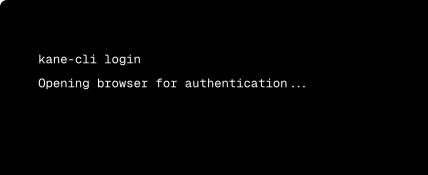
Automate Browser Flows from your
Terminal with Kane CLI

Trusted by 3M+ users globally at




"We have tripled our tests and are now executing tests in less than 2 hours with 78% Faster Test Execution"


"We figured out a more efficient way to monitor system health and resolve failures earlier in lower environments."





"TestMu AI has significantly boosted our testing speed, is easy to implement, and provides exceptional support."


"With 70% faster test execution, TestMu AI helped us achieve faster time-to-market and enhanced CX."



Why Choose TestMu AI Among BrowserStack Alternatives?

Top Choice
Features

BrowserStack
AI & Automation
AI test authoring agent
Low-code and no-code test authoring
Auto-healing for flaky locators

AI root cause analysis
Agent-to-agent testing
Advanced performance analytics

Performance & Scale
Test orchestration
Max single automation session
Browser and OS combinations
Real Android and iOS devices
Device spin-up time
Multi-device testing
Frameworks supported
Deployment, Pricing & Support
True on-premise deployment
Live plan, 1 parallel session
Automate plan, 1 parallel test
Free tier after trial
Visual regression and accessibility
Migration support
24x7 human support
Methodology
How We Compared BrowserStack Alternatives
Every row above was scored against BrowserStack's public pricing page, product documentation, and support FAQs as of August 2026, alongside hands-on runs of the same Selenium and Appium suites on TestMu AI. Where a capability depends on plan tier or a separately-priced product, we say so rather than marking it absent, and prices are the list rates both vendors publish for annual billing. BrowserStack leads on raw browser and device breadth, and we say that in the table. We re-check this comparison whenever either platform changes pricing or ships a material feature.
Last updated
August 2026
What we compared
20 head-to-head rows across AI, scale, deployment, pricing and support
Sources
BrowserStack's published pricing and docs, plus hands-on TestMu AI runs
TestMu AI vs BrowserStack Pricing: Save upto 40%
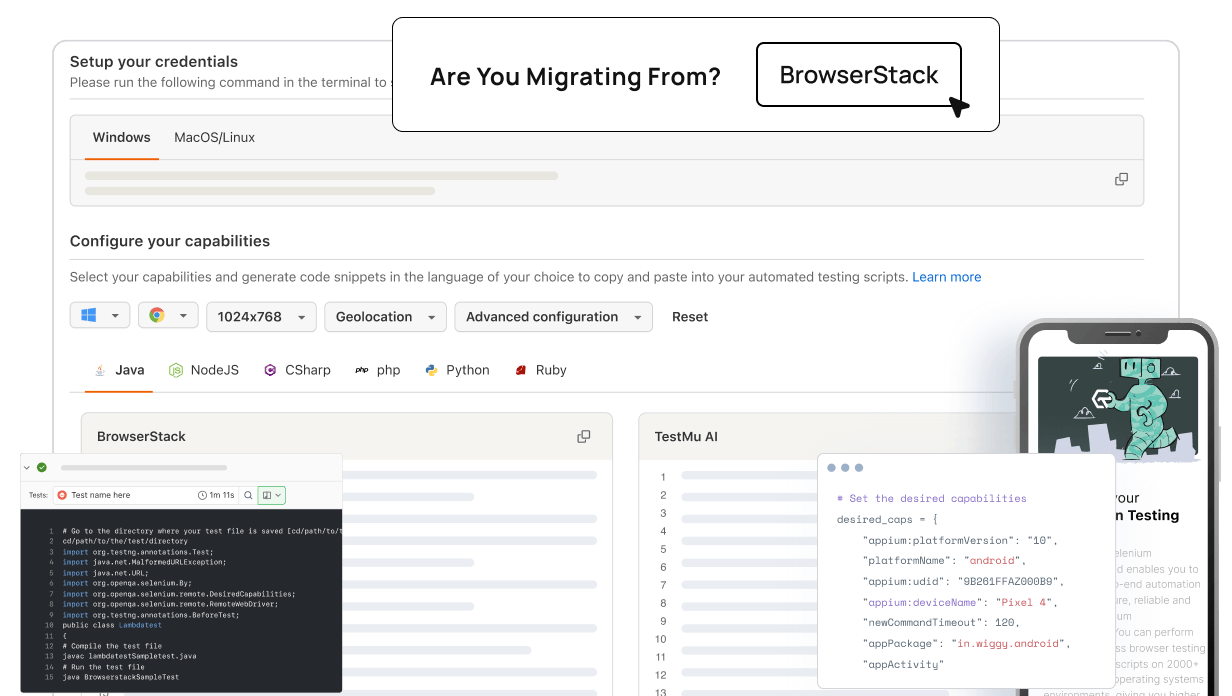
Migrate from BrowserStack to TestMu AI in 3 Steps
Username and AccessKey
- Go to Account Settings → Password & Security
- Copy your Username and Access Key into your .env file
Hub URL
- Swap the hub URL to @hub.lambdatest.com/wd/hub
- No infra or test-runner changes required
Automation Capabilities
- Replace bstack:options with LT:Options
- Existing Selenium, Playwright, Cypress, and Appium scripts work as-is

Why Switch from BrowserStack?
Trusted by 2M+ users worldwide, here is where TestMu AI closes the gaps teams run into on BrowserStack.

One-hour automation session cap
BrowserStack caps a single Automate session at 1 hour, and the limit is not configurable, so long suites must be split.

Shared-grid queue waits
BrowserStack's shared-grid architecture introduces session lag, slow device loading, and peak-hour queue waits at scale.

No autonomous test agent
BrowserStack Low Code Automation is a recorder-led builder sold on its own plan. KaneAI plans, authors and triages a test end to end from a plain-English objective.

No true on-premise option
BrowserStack's self-hosted grid runs inside your AWS, Azure or GCP account, not on hardware in your own datacenter.

Concurrency is the real cost
BrowserStack Automate is priced per parallel test, so adding concurrency at crunch time means upgrading the contract.

Pay extra to see why tests failed
BrowserStack Automate runs tests but not why they failed. Test Observability is sold as a separate paid product.
BrowserStack contract ending soon?
If your BrowserStack renewal is on the horizon, this is the right moment to switch. Our migration team plans the cutover around your contract end date so there is no overlap and no disruption to your QA pipeline. Free migration support is included on every Automate plan and covers the hub URL swap, the bstack:options to LT:Options namespace change, and full validation of your Selenium, Playwright, Cypress, and Appium suites on the TestMu AI grid before go-live.
Which BrowserStack Alternative Fits Your Team?
Both platforms ship the basics. The right choice depends on what you're optimizing for - speed, AI-native authoring, raw device breadth, or cost. Here is where each one genuinely wins.
AI-first QA teams
Teams investing in AI-authored tests, agent-to-agent workflows, and hyper-parallel execution pick TestMu AI. KaneAI generates tests from natural language and HyperExecute cuts suite time by up to 70%. BrowserStack does not ship native equivalents.
Cost-sensitive growth teams
A free tier (100 lifetime automation minutes, 300 HyperExecute minutes and 2 parallel sessions, no card) and paid plans from $15/month make TestMu AI the practical pick for indie devs, agencies, and seed-to-Series B teams. BrowserStack's Desktop & Mobile tiers start at $39/mo Live and $175/mo Automate, billed annually.
Long-tail device coverage
If your test matrix includes pre-2018 hardware, niche regional Android OEMs, or legacy iOS versions outside the active support window, BrowserStack's 30,000+ raw pool covers more ground. Most production teams do not need that depth, but if you do, this is BrowserStack's clearest edge.
Success Stories of TestMu AI (Formerly LambdaTest)

50%
reduction in test execution time
“HyperExecute is a highly reliable test execution platform and has excellent customer support.”
Sagar Uday Kumar
Sr. Engineering Manager
More Reasons to LoveTestMu AI (formerly LambdaTest)
See how TestMu AI improves your testing with seamless integration, quicker results, and unmatched accuracy.
Users
3M+
Tests
1.5B+
Enterprises
18K+
Countries
132
TestMu AI Named a Challenger in the 2025 Gartner® Magic Quadrant™
Read ReportTestMu AI recognized in The Forrester Wave™: Autonomous Testing Platforms, Q4 2025
Read ReportWall of Fame
TestMu AI is the #1 choice for SMBs and enterprises across the globe.
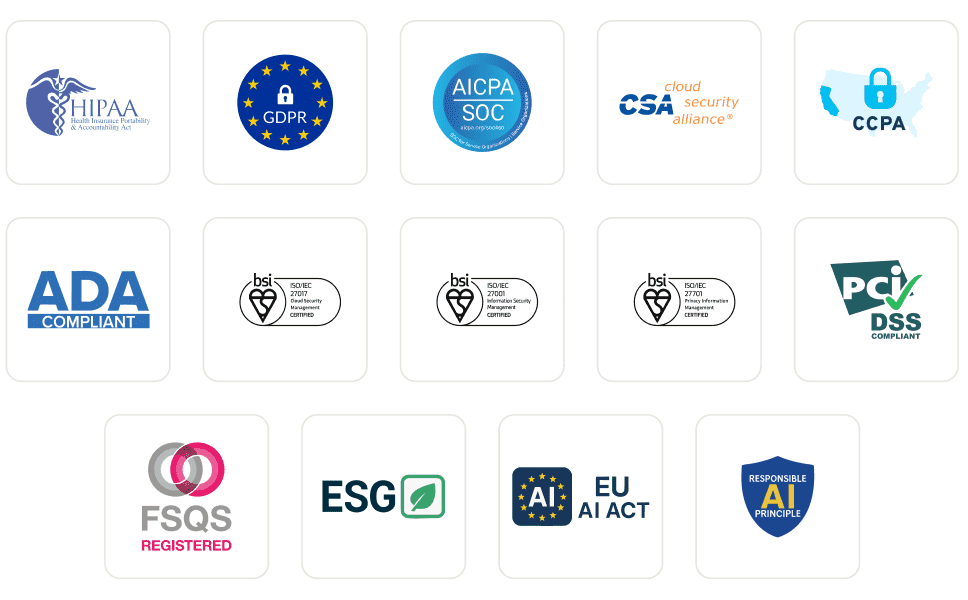
Enterprise-Grade Security
We safeguard your data and AI systems with global security, privacy, responsible AI, and ESG standards.
Integrations
Works where you work, 120+ integrations with the tools your team relies on.



As Seen On
Why Teams Choose TestMu AI Over BrowserStack !
Second day using @testmuai and it's already proven itself a lot faster than Cross Browser Testing and BrowserStack, at half the price!

Matthew Bryson
@mbrysonuk

Seems like a good alternative to BrowserStack. The inclusion of a free tier is a definite plus. There were a good mix of real devices.

Eric G
Capterra Reviewer
For cross browser testing, BrowserStack seems to be the default, but it's too heavy, difficult to use, and expensive. So I'm trying out other testing tools. So far, TestMu AI seems to be the best.

Hiroyuki Maruno
@hirokyMaruno
Frequently asked questions
TestMu AI forEnterprise
Get access to solutions built on enterprise-grade
security, privacy, & compliance
- Advanced access controls
- Advanced data retention rules
- Advanced Local Testing
- Premium Support options
- Early access to beta features
- Private Slack Channel
- Unlimited Manual Accessibility DevTools Tests