

Next-Gen App & Browser Testing Cloud
Trusted by 2 Mn+ QAs & Devs to accelerate their release cycles


On This Page
- What are Test Management Tools?
- Top Test Management Tools in 2026
- Why Do You Need Test Management Tools?
- Types of Test Management Tools
- How to Choose the Right Test Management Tool
- Benefits of Integrating Test Management Tools
- Common Challenges with Test Management Tools and How to Overcome Them
- Future of Test Management Tools

Top 28 Test Management Tools & Software 2026
Explore AI test management tools like TestMu AI, TestRail, Zephyr, qTest & PractiTest. Streamline test cases, automate workflows & improve traceability.

Divyasshree N
March 2, 2026
A test management tool helps teams plan, organize, and track software testing efforts in one place. QA teams are under pressure to deliver faster without sacrificing quality, but many still rely on spreadsheets and disconnected tools.
The World Quality Report 2024-25 reveals that only 40% of organizations have quality engineers embedded in agile teams, resulting in missed bugs, slow feedback, and inefficiencies.
Test management tools fix this by centralizing testing activities, helping teams stay organized and deliver higher-quality software faster.
Overview
Test management tools are used to plan, organize, and monitor the entire testing process, helping teams manage test cases, track progress, log defects, and ensure quality throughout the software development lifecycle.
Top Tools to Know
- TestMu AI Test Manager: A cloud-based platform for running manual and automated tests at scale across real devices and browsers, with seamless CI/CD integration and test orchestration support.
- TestRail: Scalable test planning and execution tool with robust analytics.
- Xray: Jira-native solution with full traceability for manual and automated tests.
- Qase: Agile-focused tool with intuitive UI, bug tracking, and API support.
- Zephyr: Flexible Jira-integrated solution, ideal for Agile and DevOps workflows.
- QA Touch: Cloud test management for test cases, bug tracking with Jira/Slack integration
- PractiTest: End-to-end test lifecycle management with rich dashboards and integrations.
- Testmo: Unified tool for exploratory, manual, and automation testing.
- Kualitee: All-in-one solution for test case management, defect logging, and reuse.
- QMetry: Enterprise-grade testing platform with BDD, automation, and CI/CD support.
- Testpad: Lightweight, checklist-style tool for fast, flexible manual testing.
- TestMonitor: Simple tool for UAT and risk-based testing with requirement mapping.
Key Capabilities
- Centralized Control: Manage test cases, plans, and assets in one place.
- Test Execution: Track runs, schedule tests, and coordinate with teams.
- Real-Time Reporting: Monitor progress with dashboards and reports.
- Bug Integration: Connect with tools like Jira, GitHub, and others.
- End-to-End Traceability: Link tests to requirements for better tracking.
- Automation Support: Integrate with CI/CD tools and test frameworks.
- Role Management: Set permissions and define custom workflows.
Choosing the Right Tool
- Team Size & Maturity: Small teams may prefer Qase or Testpad; large teams need scalable tools like TestMu AI, TestRail, or QMetry.
- Testing Type: Choose based on manual, automated, or hybrid testing workflows.
- Integration Needs: Ensure compatibility with tools like Jira, GitHub, Jenkins, and CI/CD pipelines.
- Reporting & Analytics: Prioritize tools with dashboards, filters, and trend reporting for actionable insights.
- Ease of Use: Look for intuitive UI/UX to reduce onboarding time and increase team adoption.
- Scalability & Flexibility: Tools should support future growth, custom workflows, and diverse testing needs.
- Support & Community: A strong knowledge base, responsive support, and active user community are vital.
What are Test Management Tools?
Test management tools are software applications that help QA teams plan, execute, and track tests by centralizing test cases, defect tracking, and reporting for better collaboration.
Test management tools are software applications designed to help QA teams plan, execute, and track software tests in an organized manner. These tools centralize the process of managing test cases, test execution, tracking defects, and generating detailed reports. By providing a structured environment, they improve collaboration between testers, developers, and project managers.
What They Do
Test management tools simplify and streamline the testing lifecycle. Here’s how they help:
- Unified Test Repository: They centralize storage for test cases, plans, and documents, keeping everything organized and accessible.
- Structured Test Planning: Facilitate the creation of test plans, cycles, and scheduling for better test execution control.
- Bug Management Integration: Connect with issue trackers like Jira or Bugzilla, so teams can log and monitor bugs without switching tools.
- Progress Tracking: Built-in dashboards and reports highlight coverage, status, and areas needing attention.
- Seamless Tool Integration: Work well with CI/CD tools, automation frameworks, and DevOps environments for continuous testing.
- End-to-End Traceability: Map test cases to user stories and bugs, ensuring complete test coverage and accountability.
- Team Collaboration: Enable testers, developers, and stakeholders to work together through comments, notifications, and shared tasks.
- Reusable Test Assets: Support modular test creation, allowing reuse of test steps across different suites or projects.
- Automation Support: Compatible with automated scripts to manage both manual and automated testing workflows.
- Role-Based Access and Workflows: Allow configuration of user roles, custom workflows, and access control for better governance.
What Are the Top Test Management Tools in 2026?
Top test management tools in 2026 include TestMu AI Test Manager, TestRail, Zephyr Scale, qTest, PractiTest, Xray, and Testpad for organizing tests and improving quality.
1. TestMu AI Test Manager
The Test Manager in TestMu AI enables you to efficiently create and manage test cases with intuitive hotkeys and customizable workflows. You can add detailed steps, actions, and other specifics to run your tests effectively. Plus, TestMu AI’s automated mapping feature allows you to effortlessly import test cases using API or CSV, with fields and values mapped automatically.
Features:
- Unified Test Manager for managing test cases with intuitive hotkeys and customizable workflows.
- Seamless integration with CI/CD tools, Jira, GitHub, Slack, and more.
- AI-driven insights to optimize test steps and improve test coverage.
- Real-time testing with live monitoring, duration tracking, and automatic evidence creation like screenshots and videos.
- Support for multi-configuration test plans, with flexible case assignments and configuration selection.
Pros:
- Scalable testing across 10,000+ real devices and 3,000+ browser/OS combinations.
- AI-enhanced test optimization for increased accuracy and reduced manual effort.
- Real-time collaboration with detailed test history, live updates, and automated test evidence.
- Seamless workflow integration with popular tools like Jira, GitHub, and CI/CD pipelines.
- Customizable workflows to match specific team requirements.
Cons:
- Initial learning curve due to the platform’s wide range of features and integrations.
Why It’s Important: TestMu AI helps teams scale testing efficiently by combining orchestration, AI-driven insights, and real-time collaboration in one unified platform—accelerating feedback and improving product quality.
Pricing: TestMu AI offers flexible pricing plans, including a free trial, making it suitable for teams of all sizes and needs.
2. Xray
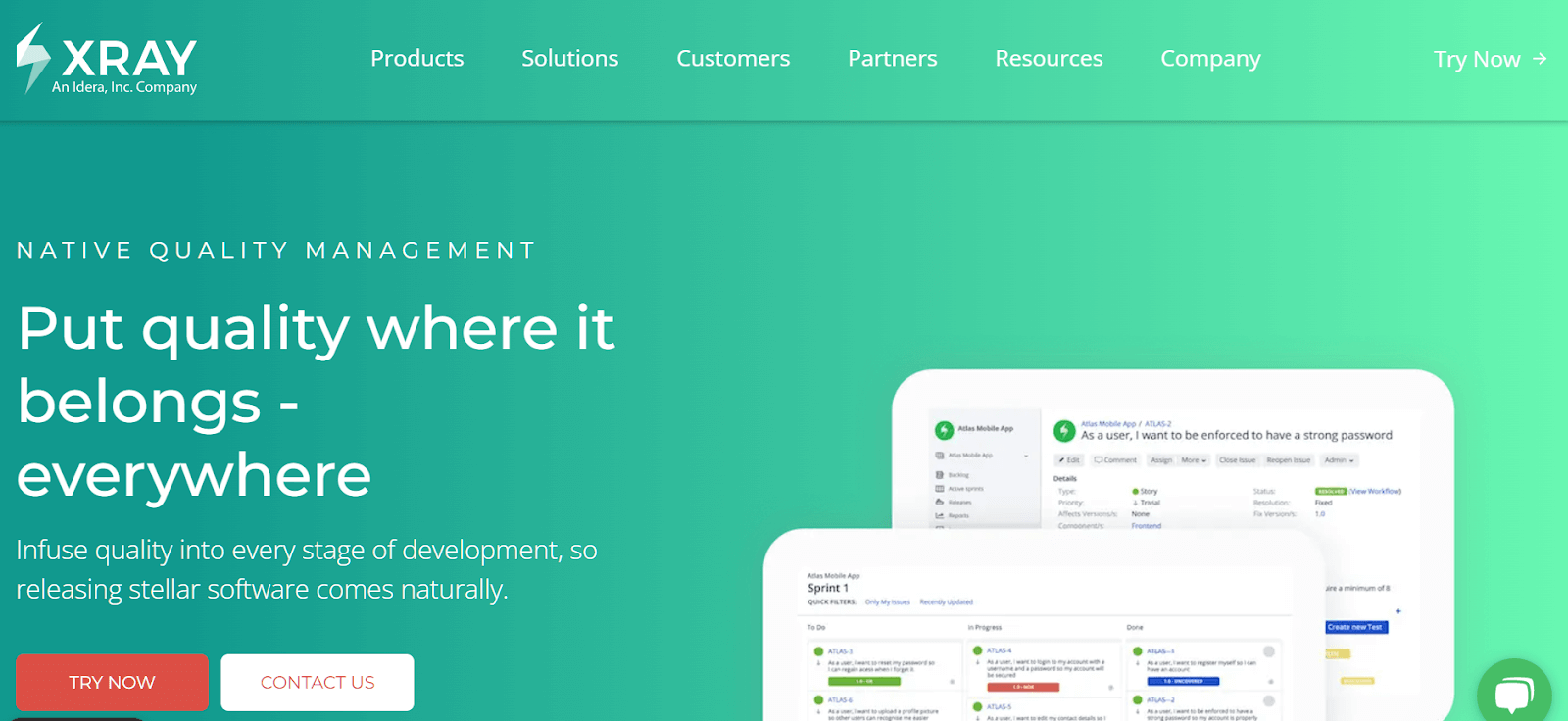
Xray is a comprehensive test management tool that integrates seamlessly with Jira, enabling teams to manage both manual and automated testing. It offers real-time test coverage reports and provides full traceability between tests, defects, and requirements, making it an ideal solution for large-scale, fast-moving projects. Trusted by major brands like Lufthansa, Vodafone, and Samsung, Xray is designed for teams that need flexibility, scalability, and reliability in managing their testing efforts.
Features:
- Native test management within Jira, eliminating the need for third-party tools.
- Supports both exploratory and automated testing, along with traditional manual testing.
- Provides real-time reporting for tracking test coverage.
Pros:
- Ideal for teams already using Jira, ensuring seamless integration.
- Offers full traceability between tests, defects, and requirements for better visibility.
- Integrates with Jenkins, Bamboo, and supports REST APIs for automation.
Cons:
- Limited to Jira; it cannot be used independently outside the Jira ecosystem.
- Scaling with Jira users can lead to significantly higher costs.
Why It’s Important: Xray allows agile teams to centralize their test management within Jira, improving collaboration, traceability, and efficiency in handling complex projects.
Pricing: Pricing is based on Jira user counts and varies for Server, Data Center, and Cloud deployments, providing flexibility to fit different team sizes and project needs.
3.TestRail
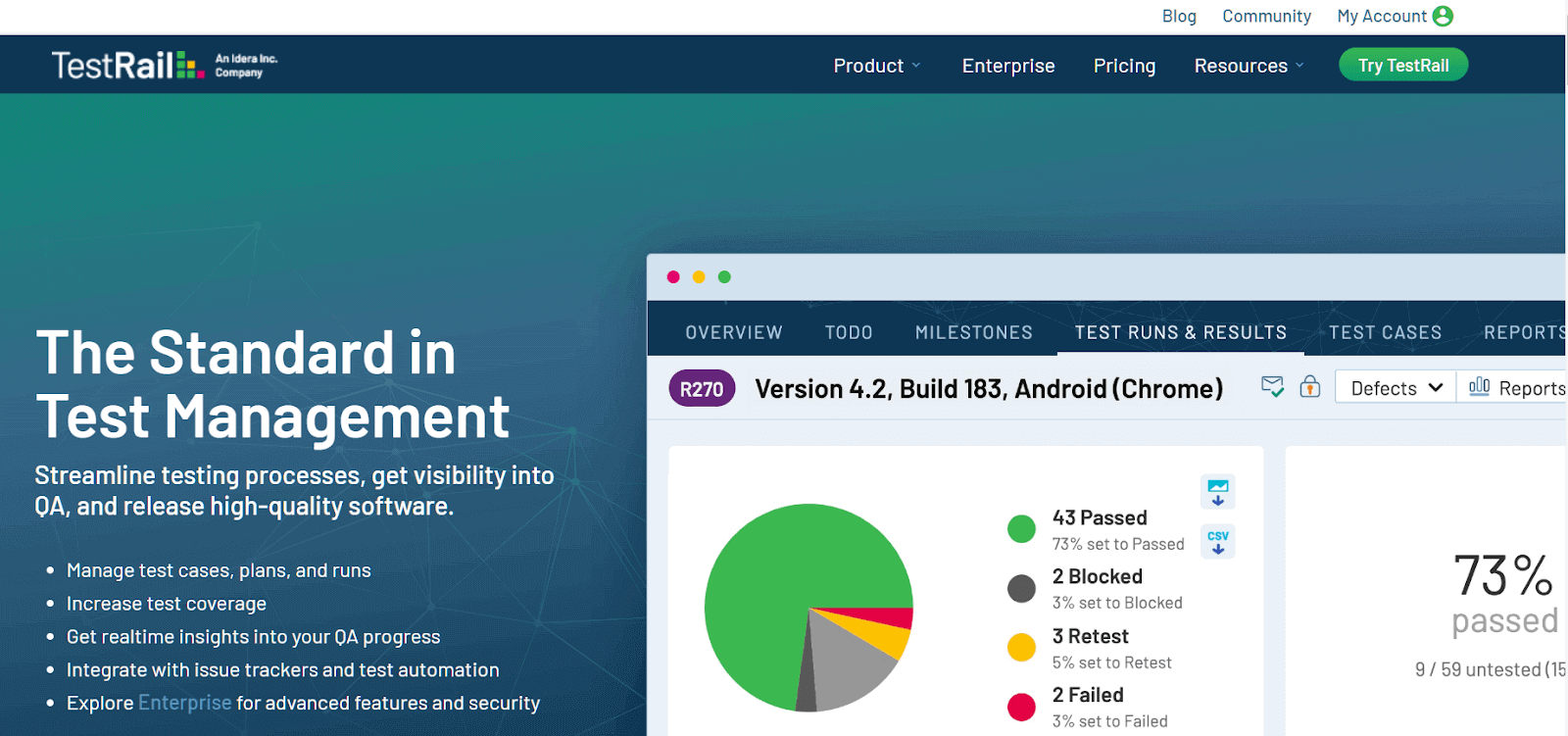
TestRail is a web-based test management tool that helps teams organize, manage, and track software testing efforts. It allows users to create test cases, track test progress, and generate reports. Integrated with popular tools like Jira and GitLab, TestRail provides a seamless experience for managing testing workflows.
Features:
- Manage test cases, suites, and plans in one place.
- Role-based access, visual dashboards, and clear reporting.
- Integrates with tools like Selenium and Jenkins for smooth automation.
Pros:
- Scales efficiently as your team grows.
- Available in both cloud-based and on-premise options.
- Comprehensive documentation and an active community for support.
Cons:
- Costs increase with the number of users.
- Setup time required, especially for larger teams.
Why It’s Important: TestRail is a widely adopted, reliable, and scalable tool, making it an essential choice for QA teams of all sizes.
Pricing: Pricing is based on the number of users, with options for Server and Cloud deployments.
4. Tricentis Test Management Solution
Tricentis Test Management offers a suite of test management tools designed to meet the needs of both agile teams and large enterprises. With options like Tricentis Test Management for Jira, qTest Pro, and qTest Enterprise, it provides scalable solutions for managing test planning, execution, and reporting.
Features:
- Scalable for enterprise QA teams.
- Supports agile and DevOps workflows.
- Advanced reporting and analytics.
Pros:
- Integrates with CI/CD tools and automation frameworks.
- Prioritizes risk-based testing.
- Suitable for large-scale test planning.
Cons:
- Not ideal for small teams.
- Requires training for full utilization.
Why It’s Important: Perfect for large QA teams managing complex software projects, helping to centralize testing and improve collaboration.
Pricing: Pricing is based on the product chosen, with custom pricing available for larger teams and enterprises.
5. TestLodge
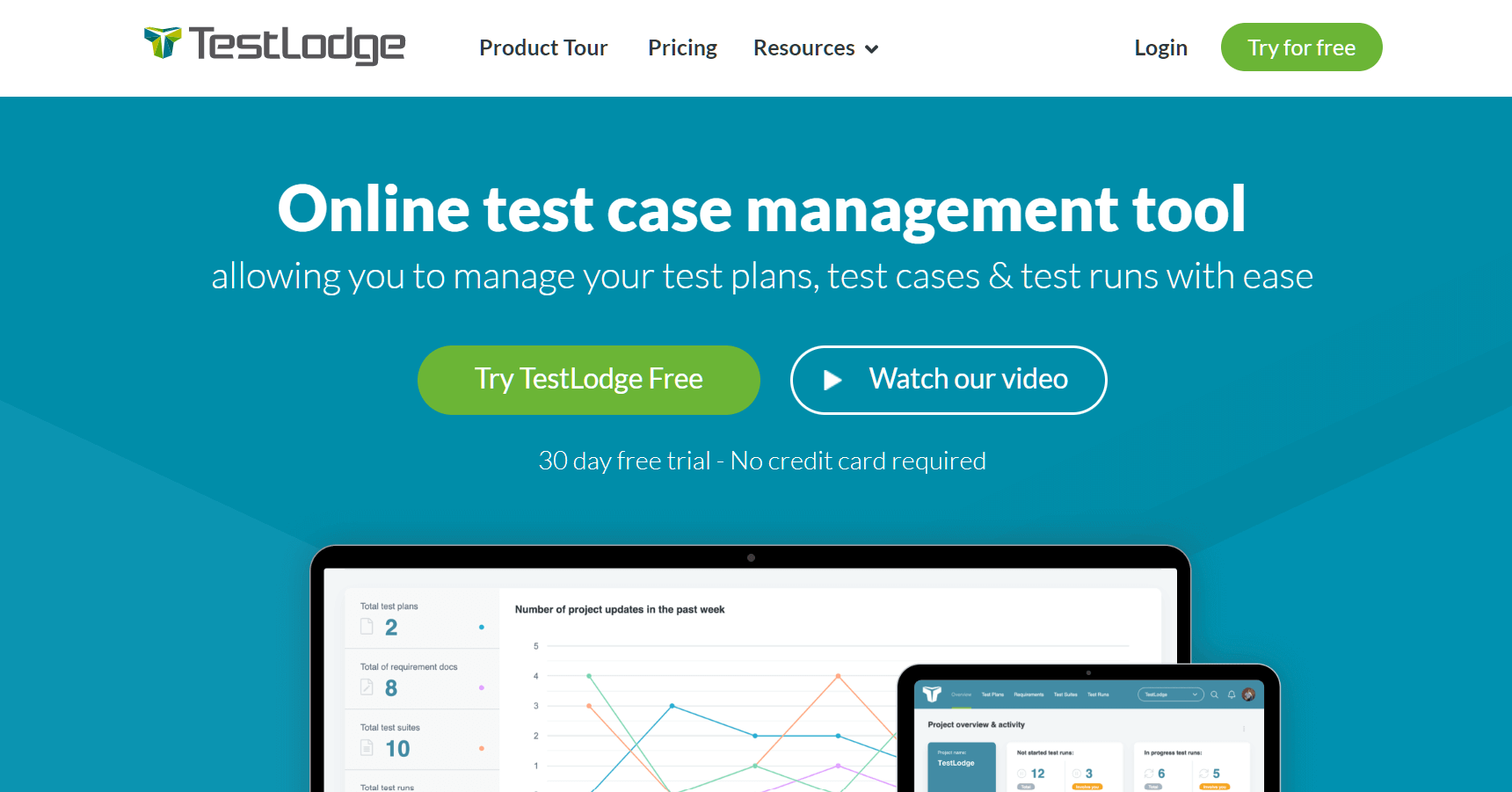
TestLodge is an online test case management tool that simplifies managing test plans, test cases, and test runs. It offers flexibility with the ability to create unlimited test suites and users, and allows easy updates to test documents as needed. TestLodge integrates with popular issue tracking tools like Jira, Trello, and Asana, making it a great fit for teams focused on manual testing.
Features:
- End-to-end manual test management solution.
- Integrates with tools like Jira, Trello, and Asana.
- Supports test plan creation, execution tracking, and requirement management.
Pros:
- Simple, clean UI designed for manual testing.
- Affordable and scalable for growing teams.
- Seamless integration with popular project management tools.
Cons:
- Lacks support for test automation.
- Limited advanced analytics and reporting features.
Why It’s Important: TestLodge is ideal for small to mid-sized QA teams that focus on manual testing and need structured test management.
Pricing: Offers four pricing plans with unlimited users and test suites, catering to various team sizes and needs.
6. QA Touch
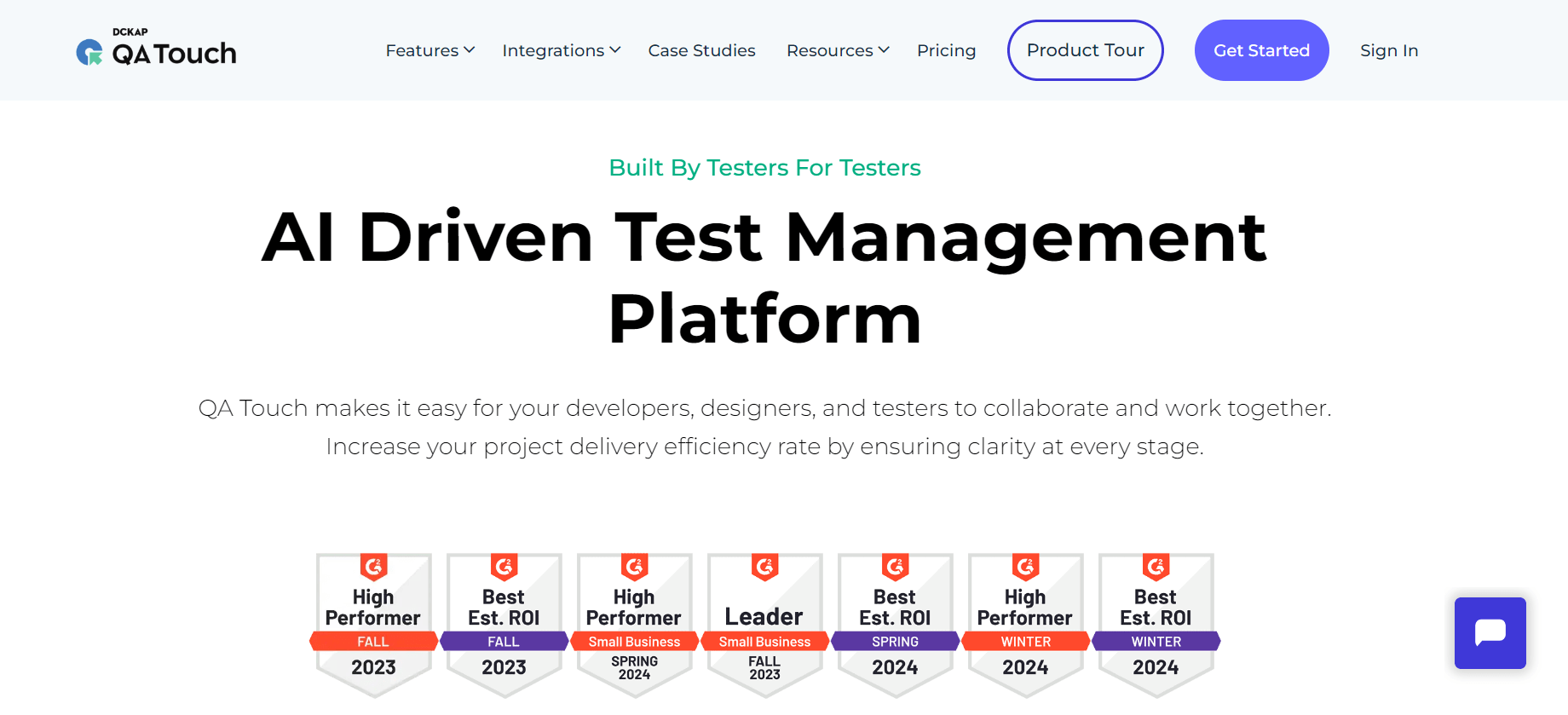
QA Touch is a cloud-based test management tool that streamlines the testing process for software development. It offers test case management, bug tracking, and integrates seamlessly with tools like Jira and Slack. The platform supports Agile and Waterfall methodologies, making it ideal for teams of all sizes.
Features:
- Cloud-based test management tailored for agile teams.
- Manages requirements, test cases, and defect tracking.
- Ready-to-use integrations with Jira, Jenkins, GitHub, and Slack.
Pros:
- Simple, user-friendly interface with a smooth onboarding experience.
- Supports importing both manual and automated test results.
- Budget-friendly and quick to get started.
Cons:
- Reporting capabilities aren’t as advanced as some enterprise tools.
- Limited customization for larger, complex environments.
Why It’s Important: QA Touch is perfect for small QA teams or startups that need an agile, collaborative, and affordable test management solution.
Pricing: Budget-friendly pricing with flexible options for small teams and startups.
7. TestMonitor
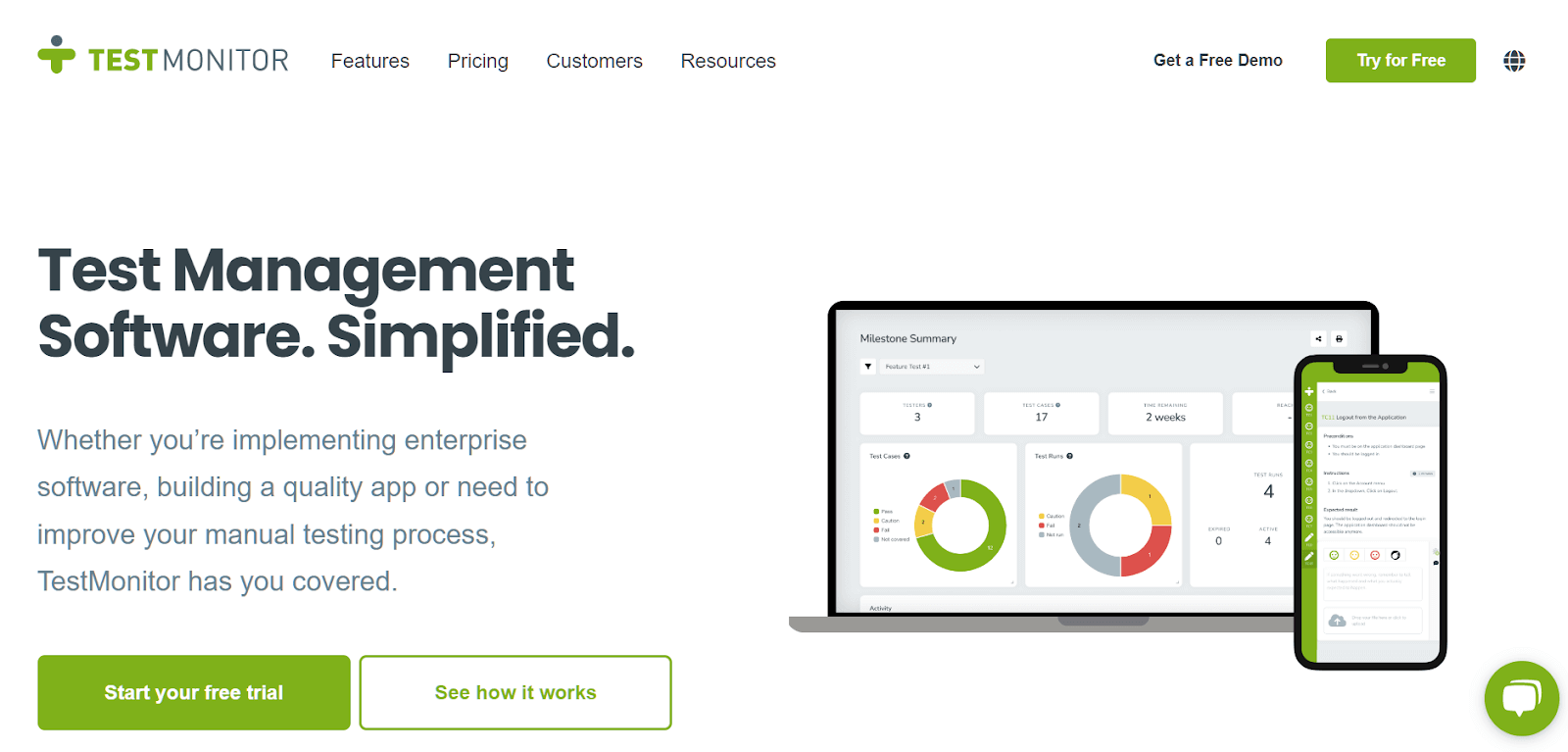
TestMonitor is a user-friendly test management platform designed for manual testing, offering features like requirement and risk management, test case management, milestone planning, and reporting. Its unique strength is the ability to assign multiple requirements to one or more test cases, ensuring comprehensive test coverage. With version 7.1, TestMonitor now includes Okta single sign-on for enhanced security.
Features:
- End-to-end test management focused on manual testing.
- Tracks requirements, plans tests, and manages issues.
- Simple, clean, and intuitive interface for easy use.
Pros:
- No coding required, making it ideal for non-technical users.
- Customizable dashboards and reporting.
- Integrates with Jira, Azure DevOps, and Slack for smooth workflows.
Cons:
- Limited support for automated testing.
- Advanced features come at a higher pricing tier.
Why It’s Important: TestMonitor is perfect for UAT, QA teams, and business users who need structured manual test management with an intuitive interface.
Pricing: TestMonitor offers a 14-day free trial. Pricing increases for advanced features and larger teams.
8. TestFLO
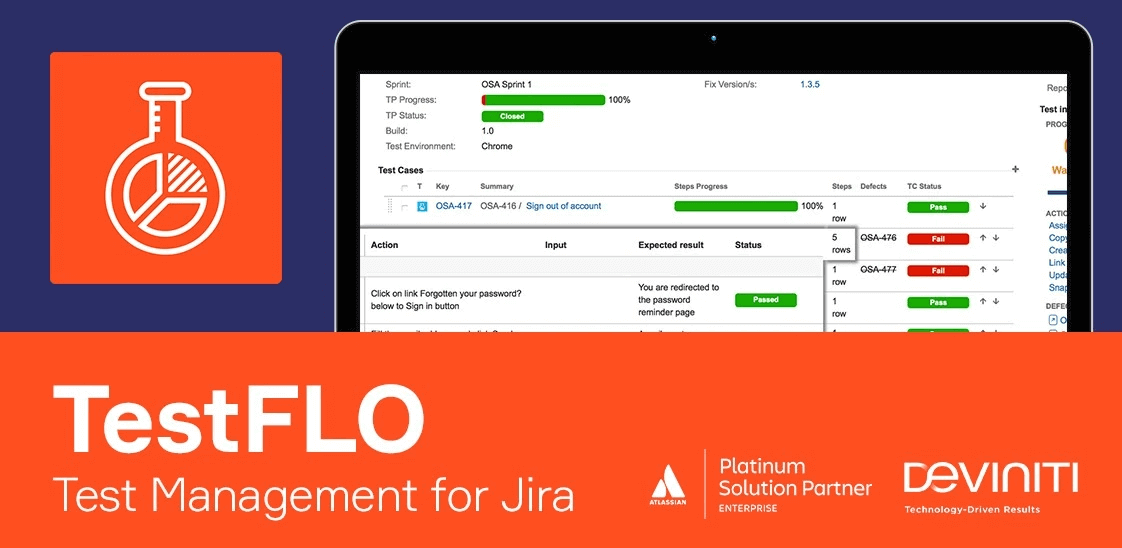
TestFLO is a test management tool designed to seamlessly integrate with Jira, making it ideal for large-scale software testing. Its Test Repository allows users to quickly create test cases, test plans, and add preconditions. TestFLO supports CI/CD pipeline integrations, ensuring that testing is embedded within the DevOps cycle for continuous delivery. For automating test execution, users can install the Test Execution plugin to run JUnit or Selenium tests on Bamboo or Jenkins.
Features:
- Full test management within Jira, eliminating the need to switch between platforms.
- Custom workflows aligned with your team’s testing, execution, and bug processes.
- Traceability and comprehensive coverage reports to track progress effectively.
Pros:
- Native Jira integration simplifies the workflow.
- Highly customizable to fit various team structures.
- Suitable for regulated industries like ISO and FDA compliance.
Cons:
- Limited to Jira users; cannot be used as a standalone tool.
- Configuration has a steeper learning curve.
Why It’s Important: TestFLO is perfect for teams already using Jira and needing integrated, scalable test management without switching platforms.
Pricing: Pricing details are available upon request, depending on team size and deployment requirements.
9. Micro Focus Silk Central
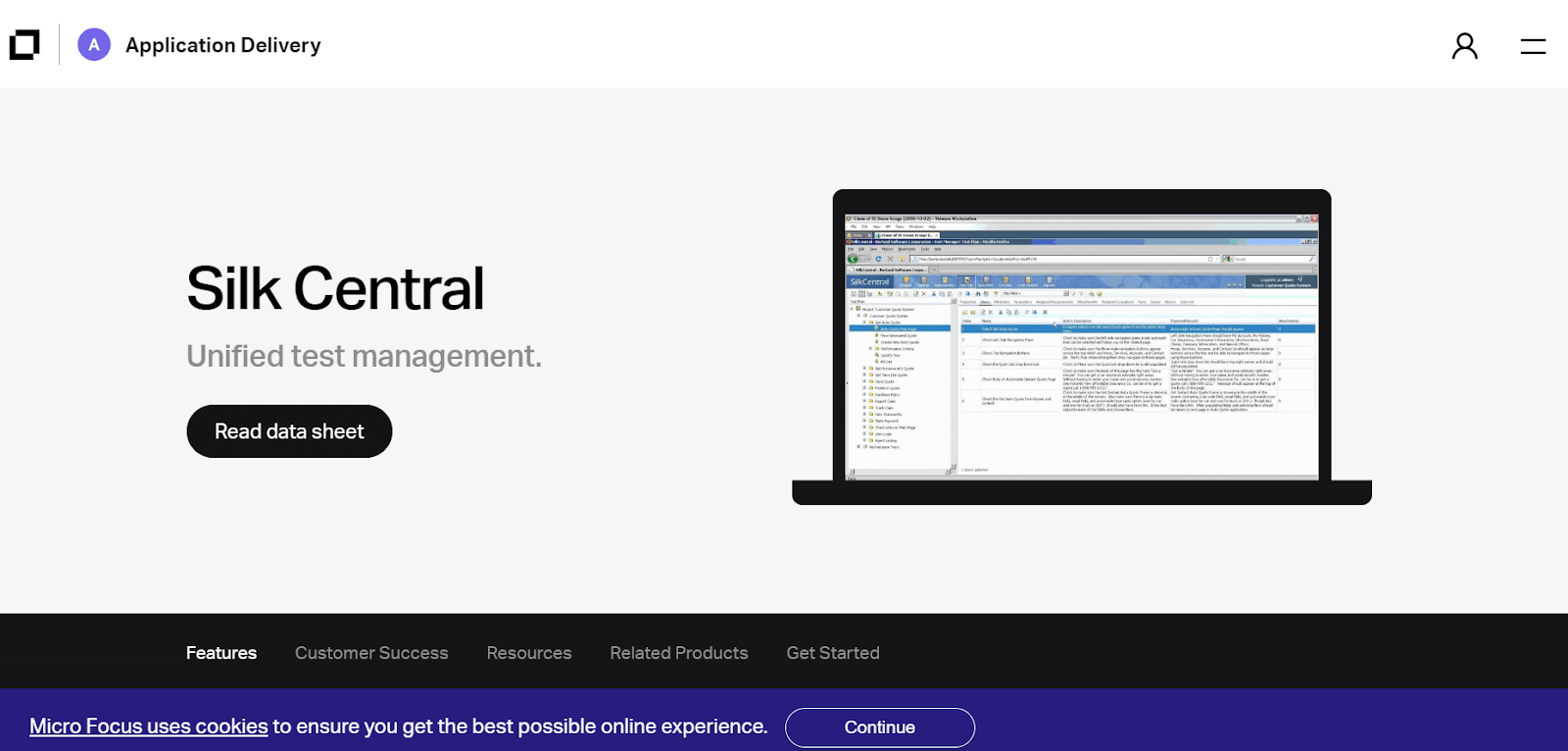
Silk Central is a comprehensive test management tool designed for large teams, offering seamless integration with JIRA. It provides end-to-end test management capabilities, including test planning, execution, and reporting, making it ideal for complex, enterprise-level projects.
Features:
- Designed for large teams and advanced test management needs.
- Supports test planning, requirements linking, and risk-based testing.
- Enables automated test execution for efficiency.
Pros:
- Scales well for large organizations.
- Supports both manual and automated testing.
- Integrates with Micro Focus tools and CI/CD pipelines.
Cons:
- High setup cost and complexity.
- Outdated user interface compared to modern alternatives.
Why It’s Important: Silk Central is crucial for enterprises needing scalability, robust test management, and seamless integration across teams.
Pricing: Pricing is based on team size and deployment needs, with a higher cost for enterprise-level deployments.
10. Qase
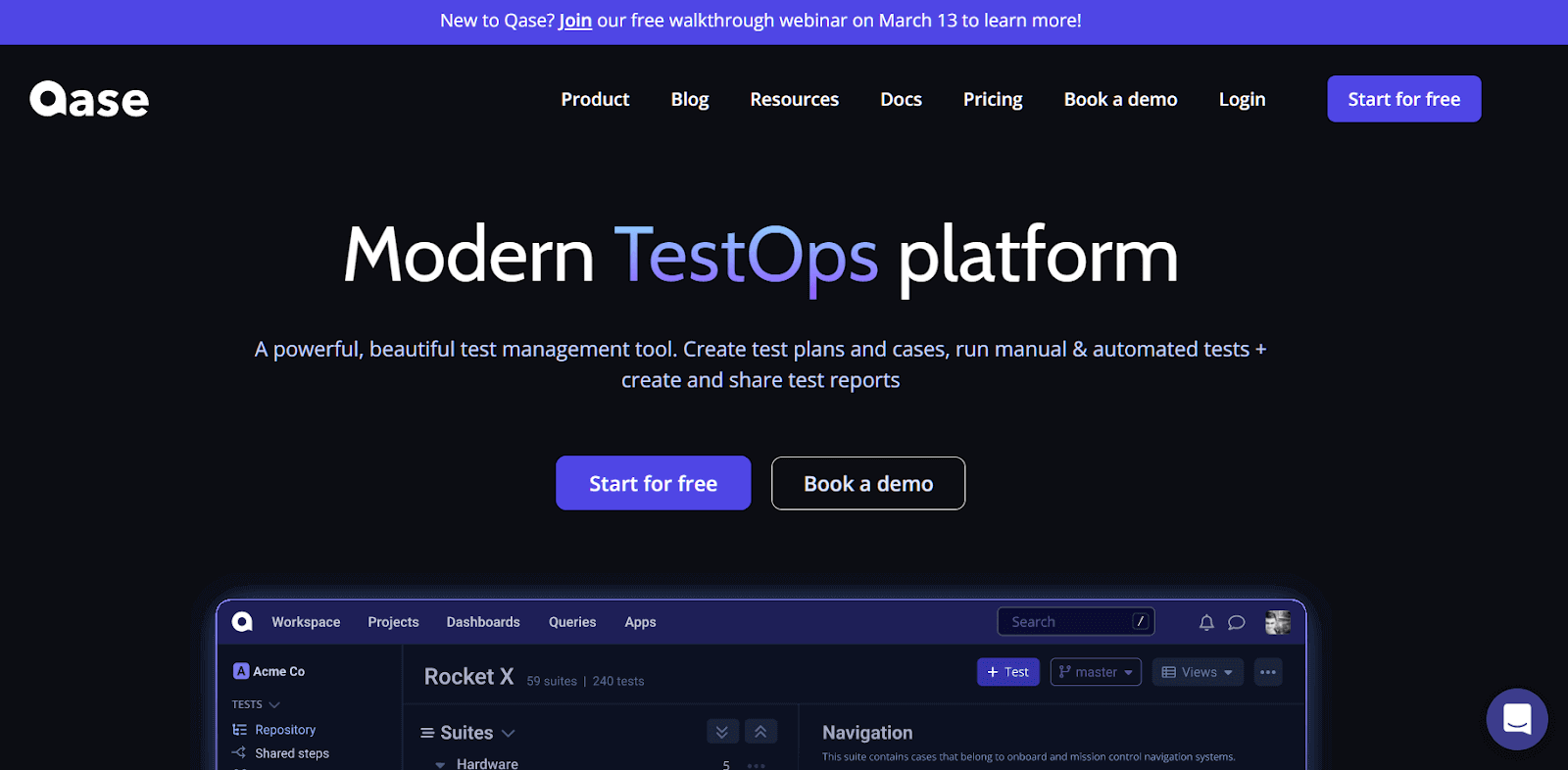
Qase is a cloud-based test case management software designed to help teams organize, plan, and track their testing efforts. It integrates with popular tools like Jira and GitLab, making it a flexible and modern solution for agile teams.
Features:
- Cloud-based platform for managing all testing activities.
- Includes test case management, execution tracking, and reporting.
- Integrates with CI tools and bug trackers.
Pros:
- Sleek, modern UI for quick onboarding.
- REST API for automation and CI/CD workflows.
- Free plan available for small teams.
Cons:
- Limited customization on lower-tier plans.
- Growing adoption compared to more established tools.
Why It’s Important: Ideal for agile teams seeking a fast, flexible, and modern test management solution.
Pricing: Offers a free plan, with paid tiers for startups, businesses, and enterprises.
11. Test Collab
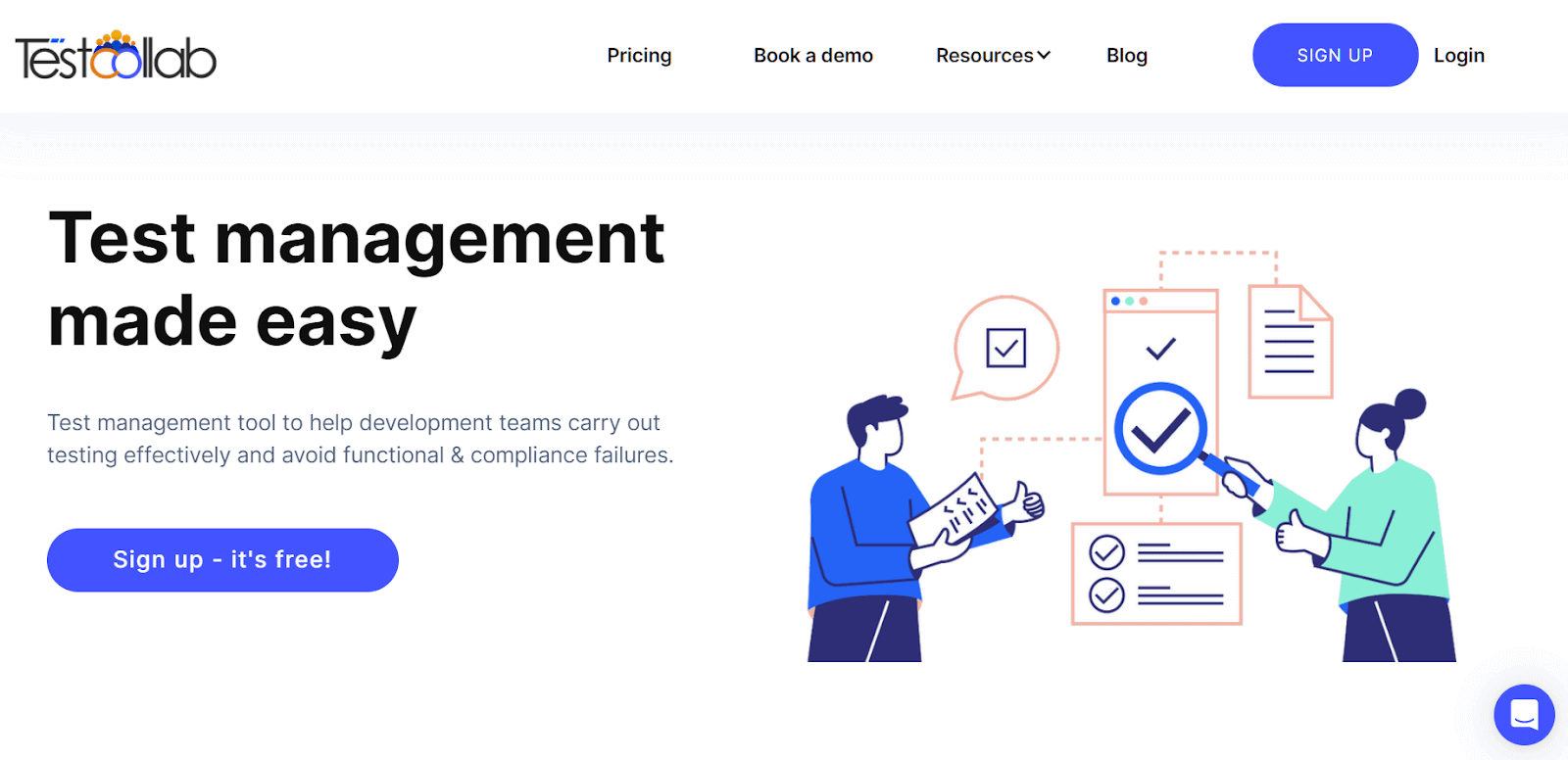
TestCollab is a powerful test management tool that centralizes your team’s work in one shared space. It offers easy test case management, real-time collaboration, and integration with tools like GitHub and Jira, making it a great choice for teams focused on efficiency and communication.
Features:
- Centralized test repository for managing test cases, plans, and conversations.
- One-click test execution with time tracking for each case.
- Integrates seamlessly with GitHub, Jira, and CI pipelines.
Pros:
- Quick setup and easy to use.
- Free plan available for small teams.
- Real-time comments and status updates for enhanced collaboration.
Cons:
- Lacks advanced features found in enterprise-level tools.
- Limited integrations for large-scale enterprise environments.
Why It’s Important: TestCollab is perfect for startups and small QA teams looking for an easy-to-use, collaborative tool for fast delivery and efficient testing.
Pricing: Offers free, premium, and enterprise plans to accommodate teams of various sizes.
12. Tuskr
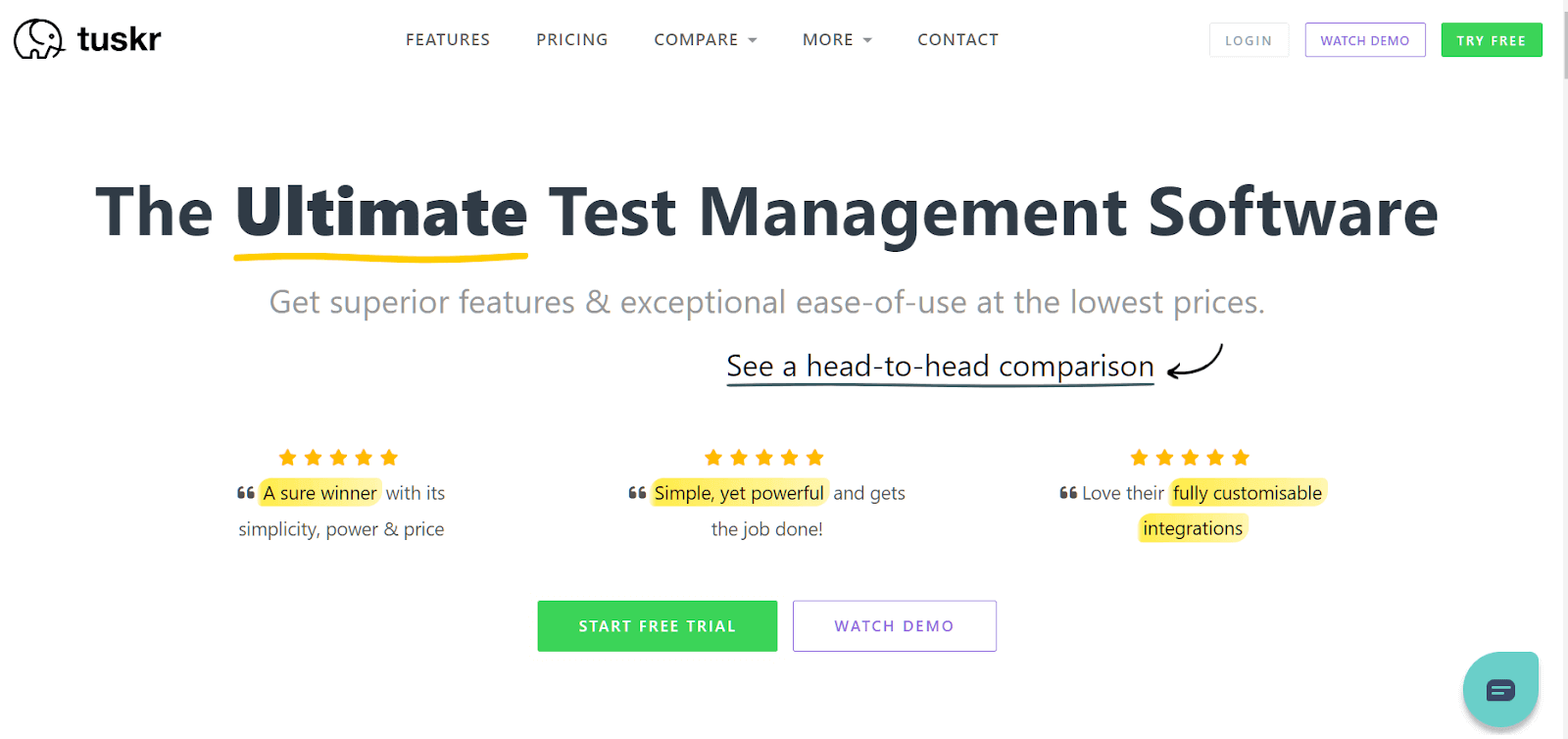
Tuskr is a cloud-based test management tool with a simple, intuitive UI that makes test management easy. It provides rich-text formatting for test case creation, supports custom fields and result statuses, and offers scalability for large projects. Tuskr’s bulk mode and recycle bin features enhance usability, making it a great choice for teams of any size.
Features:
- Cloud-based test management with an easy-to-use interface.
- Allows creation and management of test cases, executions, and result analysis.
- Supports custom fields and result statuses, as well as bulk operations.
Pros:
- Affordable pricing with a generous free plan.
- Simple onboarding and user-friendly interface.
- Supports reusable test steps and bulk actions for efficiency.
Cons:
- Still growing with limited third-party integrations.
- Limited support for test automation.
Why It’s Important: Tuskr is perfect for small to mid-sized QA teams looking for a simple and efficient solution for managing their testing processes.
Pricing: Offers a free plan, along with Team and Business plans to suit teams of various sizes.
13. XQual
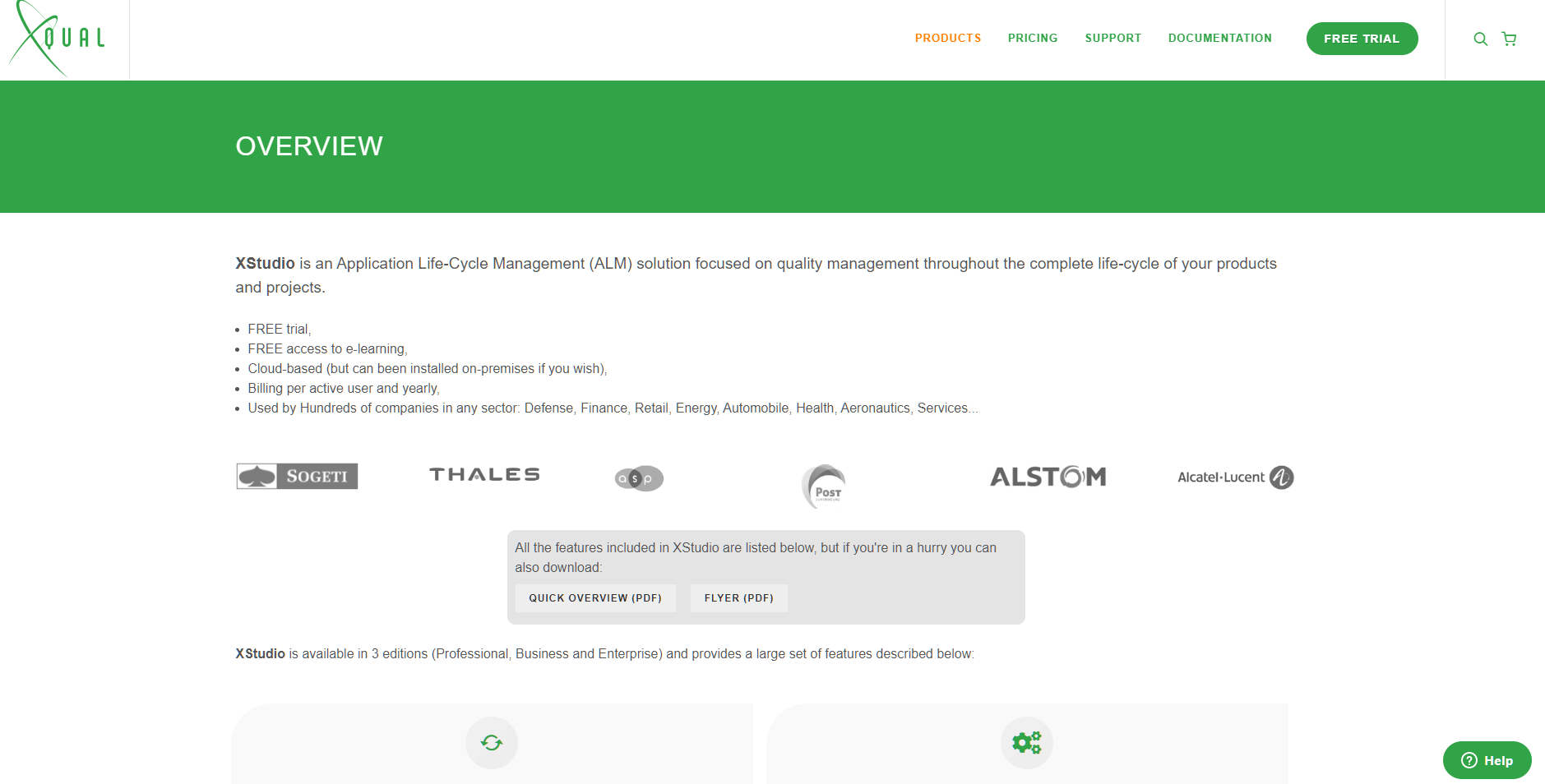
XStudio by XQual is an application lifecycle management tool designed to manage and measure the maturity and quality of releases. It supports exploratory, manual, and automated testing and provides comprehensive test campaign orchestration, making it ideal for technical QA teams needing advanced automation support.
Features:
- Full ALM and test management with strong automation support.
- Integrates with over 60 automation frameworks.
- Tracks everything from requirements and risks to test campaigns and reports.
Pros:
- Supports testing across both desktop and web environments.
- Built-in automation server for seamless integration.
- Flexible and tailored for highly technical QA teams.
Cons:
- User interface can be overwhelming for new users.
- Best suited for teams with advanced automation needs, not beginner-friendly.
Why It’s Important: XStudio is perfect for technical QA teams seeking tight integration with automation and complete control over their testing process.
Pricing: Pricing is available upon request, with options tailored to different team sizes and requirements.
14. Klaros
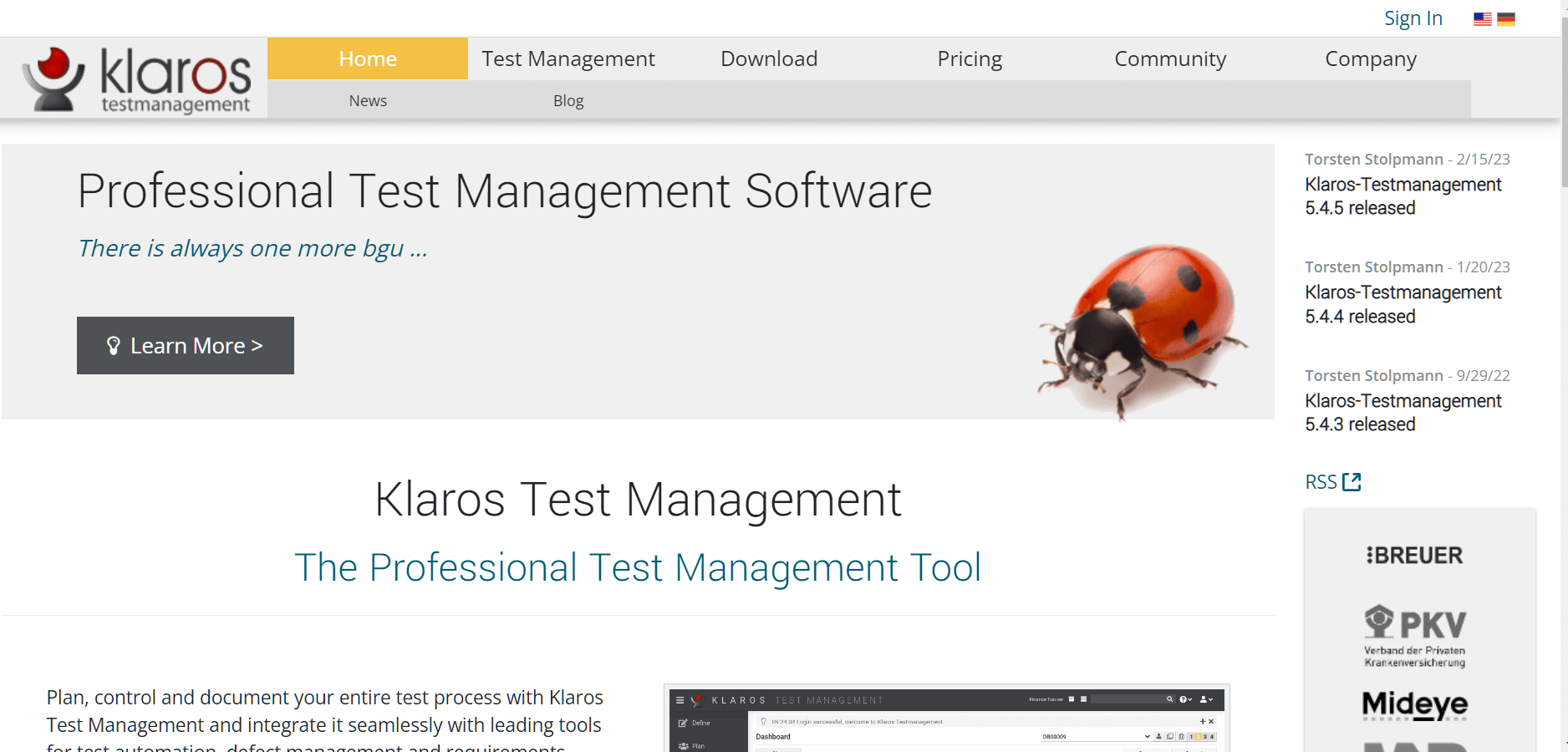
Klaros is a flexible, web-based test management tool designed to handle both manual and automated testing. It helps teams reduce maintenance costs by using reusable test procedures and integrates easily with Jenkins and other tools via REST APIs. Klaros is ideal for growing QA teams looking for an efficient way to manage test cases, requirements, and defects in one place.
Features:
- Manages test cases, requirements, and bug tracking in a centralized platform.
- Supports both manual and automated testing.
- Integrates with Jenkins and CI servers via REST APIs for a streamlined workflow.
Pros:
- Free Community Edition available.
- Lightweight and fast, offering great performance.
- Flexible setup for various testing needs.
Cons:
- UI is functional but lacks a modern design.
- Setup may require technical support.
Why It’s Important: Klaros is a great choice for growing QA teams or educational environments that need a simple, cost-effective test management solution.
Pricing: Available in a free Community Edition and a paid Enterprise Edition with additional features.
15. Kualitee
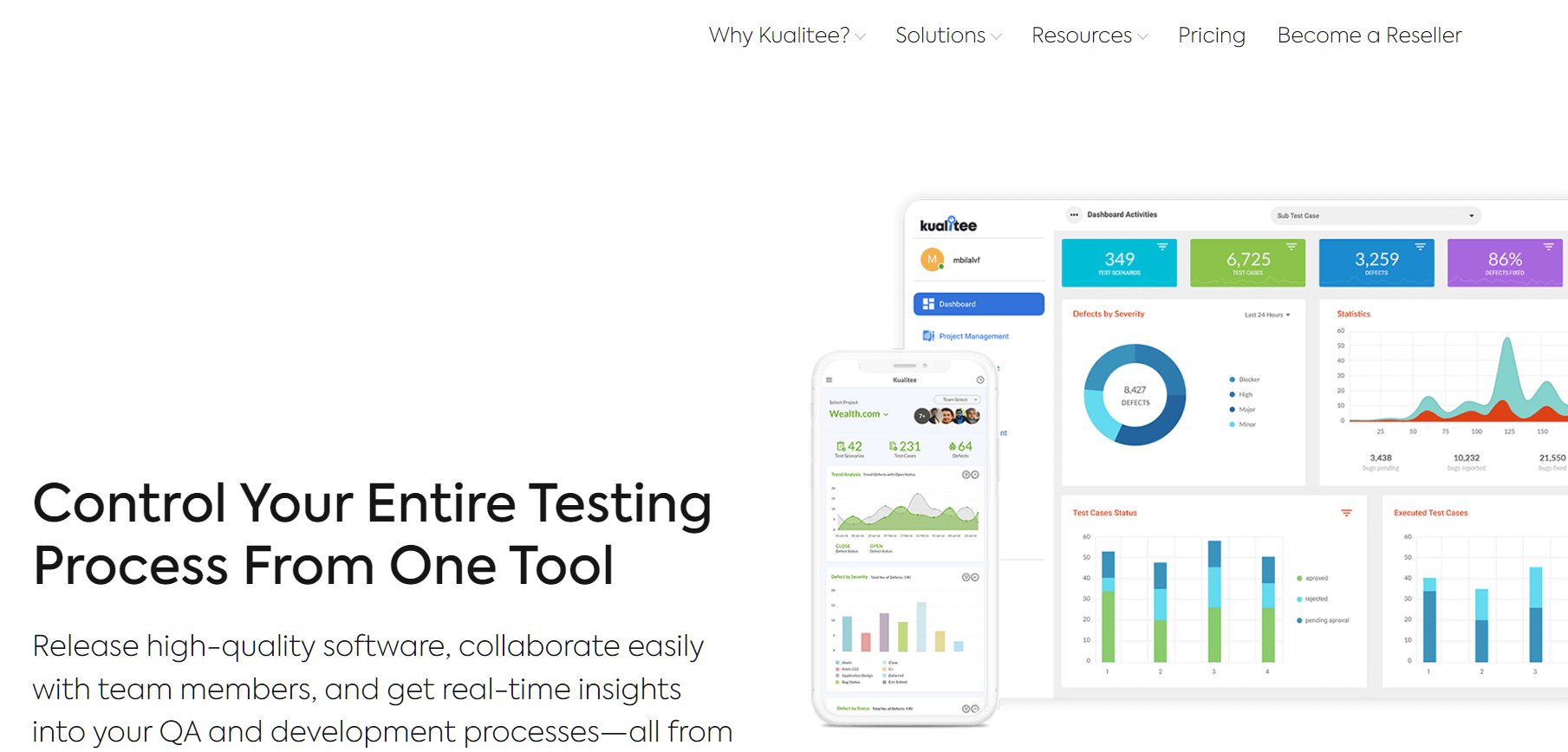
Kualitee is an all-in-one test management tool that supports manual and automated testing, offering features like test case management, defect tracking, and real-time reporting. It integrates with project management tools such as JIRA, Trello, and Asana, and even provides mobile access for on-the-go testing.
Features:
- End-to-end test management including requirements, test cases, and defects.
- Real-time team collaboration with user-friendly dashboards.
- Supports importing results from automated test tools.
Pros:
- Intuitive interface with mobile support.
- Strong traceability and audit logs.
- Integrates with Jira and popular automation tools.
Cons:
- Performance may decrease with large projects.
- Limited analytics on lower-tier plans.
Why It’s Important: Kualitee offers a complete solution for managing testing, with strong collaboration, traceability, and integration support.
Pricing: Available with both cloud-based and on-premise options. Pricing varies based on deployment and team size.
16. SpiraTest
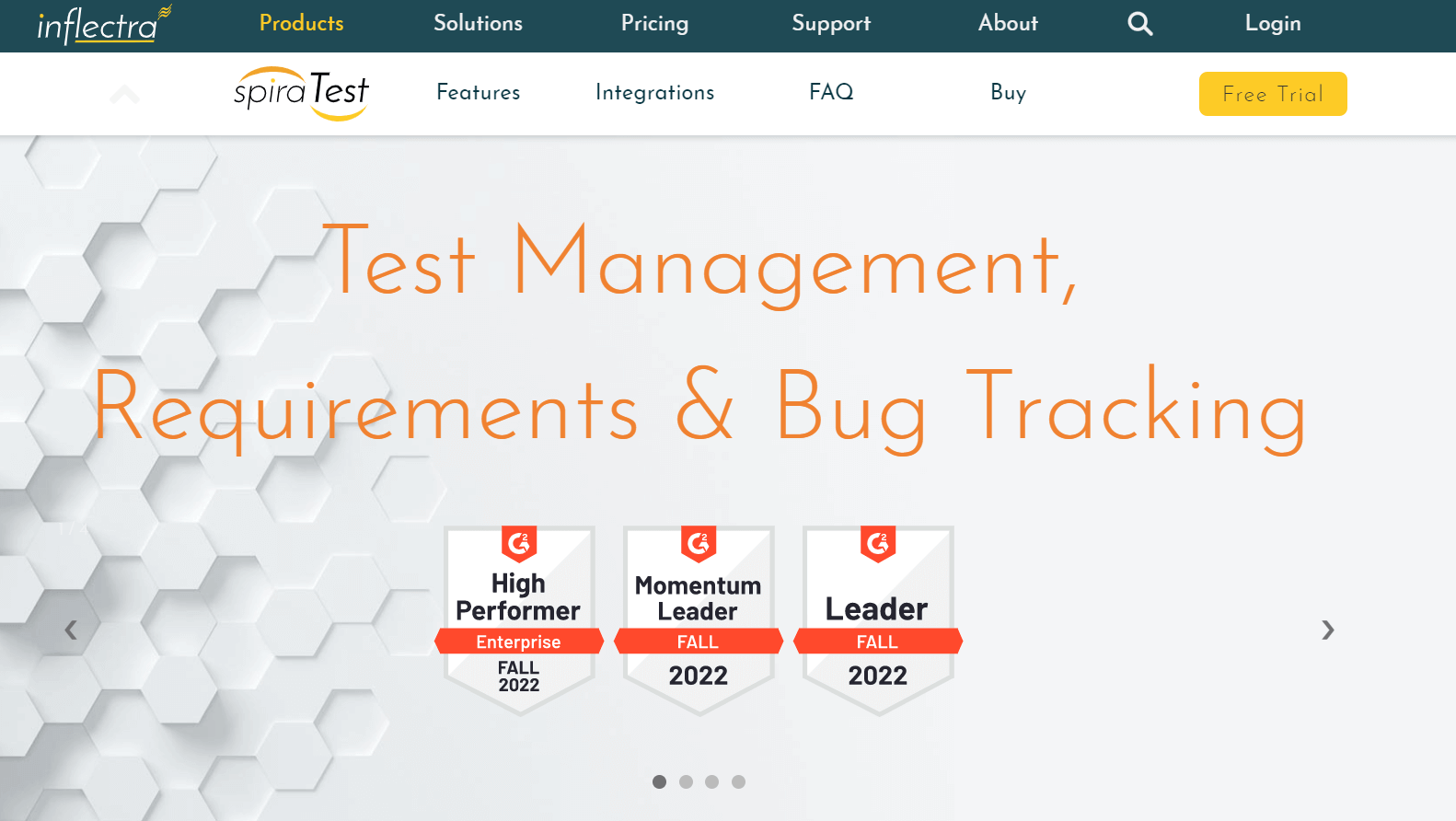
SpiraTest is a test management tool that helps QA teams manage requirements, tests, bugs, and issues in a single platform, offering complete traceability. It provides customizable workflows, reporting, and support for both manual and automated testing, making it ideal for teams needing full coverage and compliance.
Features:
- End-to-end QA management for requirements, test cases, and bug tracking.
- Custom workflows and dashboards tailored to team needs.
- Supports automated test execution and clear progress reporting.
Pros:
- Full traceability across the QA lifecycle.
- Suitable for regulated industries like HIPAA and FDA.
- Available for both on-premise and cloud deployments.
Cons:
- User interface feels slightly outdated.
- Better suited for waterfall or hybrid models rather than fully agile teams.
Why It’s Important: SpiraTest is crucial for QA teams in regulated environments, helping maintain compliance and ensuring comprehensive test coverage.
Pricing: Pricing is based on the number of concurrent users, offering scalability for teams of all sizes.
17. Testiny

Testiny is a fast, responsive test management tool built as a single-page JavaScript web app. It offers intuitive features like test case management, test run tracking, and Jira integration, making it an excellent option for teams needing a simple yet effective solution for test case organization.
Features:
- Manage test cases, execute tests, and track results on one platform.
- Quick test creation using keyboard shortcuts and reusable steps.
- Seamless integration with Jira and other issue tracking tools.
Pros:
- Modern, user-friendly interface.
- Quick test case creation and easy organization.
- Flexible test cycle planning.
Cons:
- Limited integration with automation tools.
- Not ideal for large enterprise-level teams.
Why It’s Important: Testiny is a lightweight, efficient choice for teams that need simple, streamlined test case management without unnecessary complexity.
Pricing: Offers a free plan for up to 3 users. The Advanced plan is priced at $17 per month, with a custom-priced Enterprise plan for larger teams.
18. Testpad
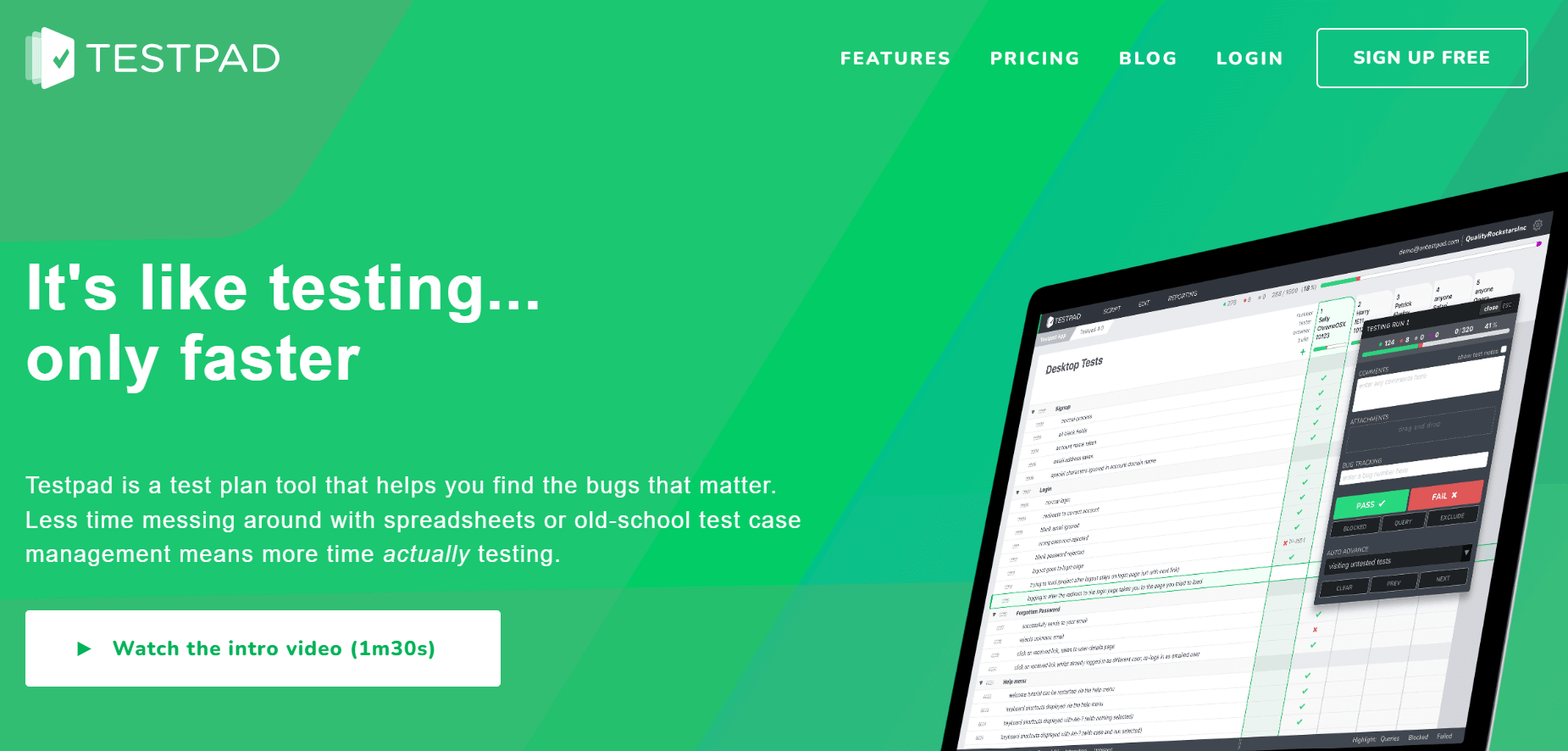
Testpad is a lightweight, agile test management tool designed to support various testing approaches like Exploratory, Ad Hoc, Regression, and BDD. It uses free-form checklists and syntax highlighting, providing teams with flexibility in their testing process without the complexity of traditional test case management tools.
Features:
- Simple checklist approach for manual testing.
- Fast, keyboard-driven test editing.
- Test plans can be shared via links, no login required.
Pros:
- Ideal for exploratory and user acceptance testing.
- Extremely intuitive and easy to use.
- Great for teams without dedicated QA engineers.
Cons:
- Lacks advanced analytics and detailed reporting.
- Does not support automation or version control for test cases.
Why It’s Important: Testpad is a perfect fit for startups or small teams seeking a straightforward, no-frills manual testing tool for quick test execution.
Pricing: Offers four plans: Essential for individuals/small teams, Team for 10-25 testers, Department for larger teams, and Custom for enterprise needs.
19. Testmo
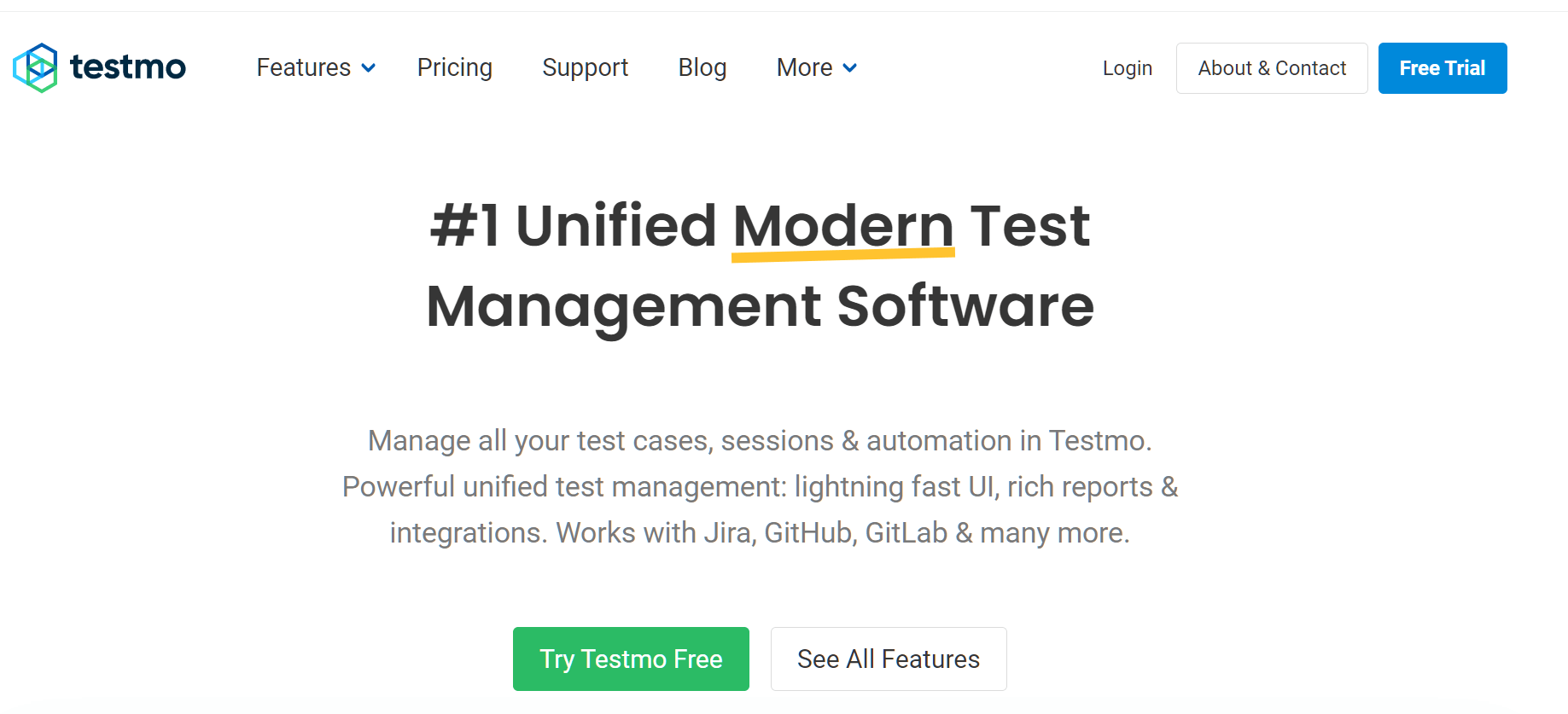
Testmo is a modern test management tool that combines manual, exploratory, and automated testing into one unified platform. It supports test automation across any tool, platform, or CI pipeline and provides rich reporting and real-time charts for tracking testing progress.
Features:
- Unified platform for manual, automated, and exploratory testing.
- Tracks test runs and results directly from CI pipelines.
- Integrates with popular tools like GitHub, GitLab, Jira, and more.
Pros:
- Modern user interface with an intuitive, clean design.
- Ideal for teams using a mix of testing strategies.
- Provides detailed insights and real-time status tracking.
Cons:
- A newer tool with a smaller market presence.
- Limited third-party content and community support compared to legacy tools.
Why It’s Important: Testmo is perfect for teams combining manual and automated testing who need a unified platform to manage all testing efforts.
Pricing: Offers three plans: Team, Business, and Enterprise, tailored to the needs of different organizations.
20. PractiTest

PractiTest simplifies manual, exploratory, and automated testing into a single collaborative platform. It integrates with any automation tool via its REST API, FireCracker, or the xBot framework, allowing teams to run, monitor, and track automation tests directly from the platform. For large organizations, PractiTest’s Test Library module consolidates test scripts into a centralized repository for easy reuse across projects.
Features:
- Full test lifecycle management, covering requirements, test runs, bugs, and reporting.
- Customizable dashboards and filters for team-specific workflows.
- Easy integration with tools like Jira, Azure DevOps, and GitHub.
Pros:
- Strong traceability between requirements and defects.
- Supports reusable and parameterized test cases.
- Robust real-time reporting for better visibility.
Cons:
- The interface may be overwhelming for new users.
- Pricing may be expensive for smaller teams.
Why It’s Important: PractiTest enables teams to centralize their QA efforts, providing full transparency and accountability for efficient and organized testing.
Pricing: A 14-day free trial is available. Pricing can be on the higher side for smaller teams.
21. EasyQA

EasyQA is a test management tool that combines test case management and bug tracking in one platform. It allows teams to write, implement, and track test cases and defects, with flexible deployment options including on-premise, SaaS, Cloud, or Web-Based. EasyQA also provides detailed reports on issues, including defect status, priority, and severity, giving teams insights to improve product quality.
Features:
- Combines test management and bug tracking in one platform.
- Supports automated test result uploads without additional steps.
- Built-in API support and works well for mobile app testing.
Pros:
- Built-in bug tracker for easy defect logging.
- Role-based access control and customizable permission settings.
- Available in cloud and on-premise deployment options.
Cons:
- User interface feels slightly outdated.
- Documentation could be more comprehensive.
Why It’s Important: EasyQA is a solid all-in-one solution for teams needing to manage both testing and defects seamlessly, ensuring smooth workflows and clear insights into product quality.
Pricing: Priced at $10 per user per month.
22. Juno.one
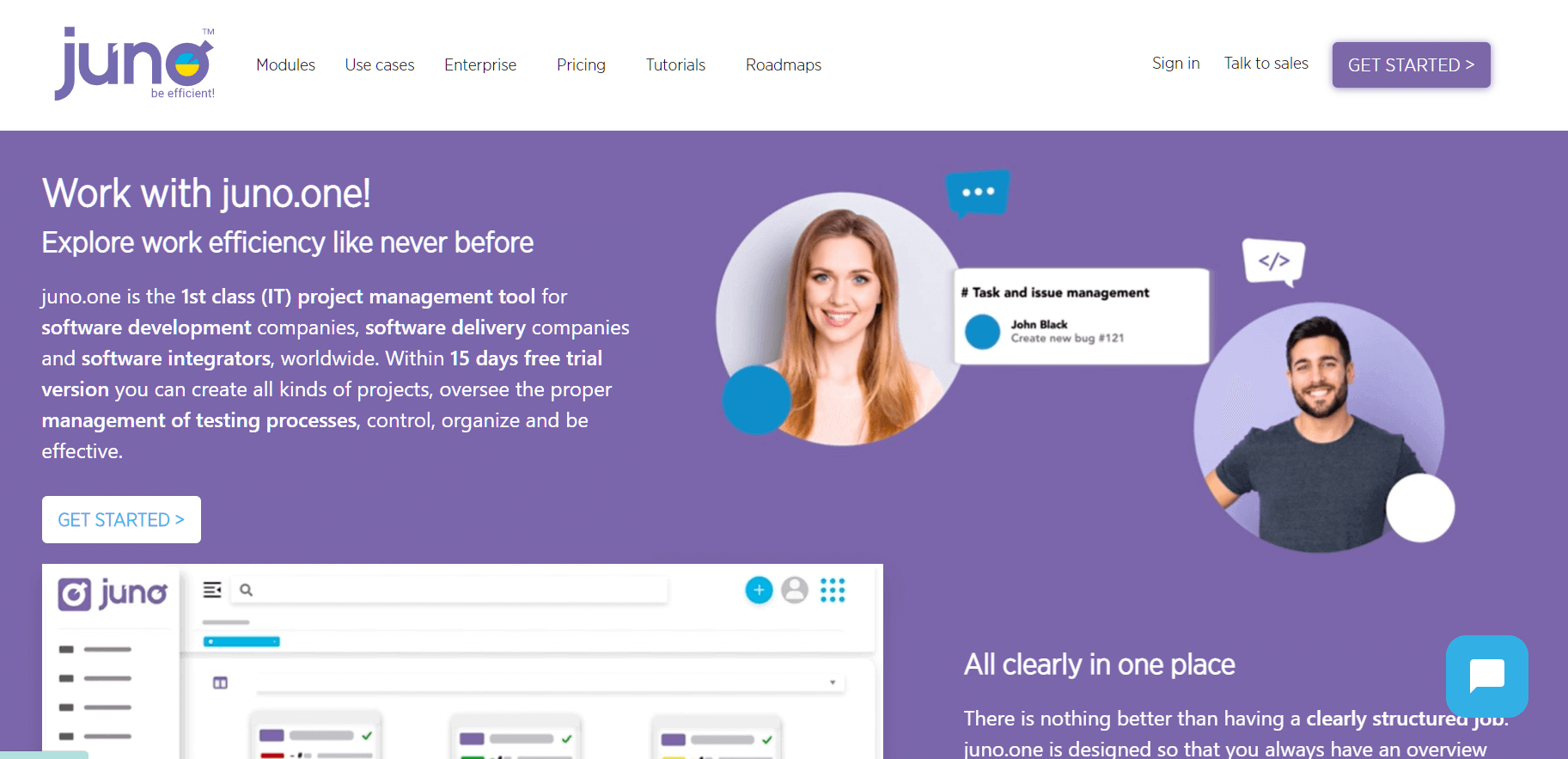
Juno.one is an all-in-one project management tool that integrates test management with issue tracking and time estimation. Designed for agile teams, it features Scrum and Kanban boards, making it easy to track test cases, requirements, and project progress.
Features:
- Centralized platform for managing requirements, test cases, and issues.
- Scrum and Kanban boards for agile project tracking.
- Advanced reporting and clear audit history for progress tracking.
Pros:
- All-in-one solution for test and project management.
- Intuitive UI with customizable workflows.
- Seamless integration with Confluence, GitHub, and Jira.
Cons:
- Steeper learning curve for non-technical users.
- Limited support for test automation.
Why It’s Important: Juno. One is ideal for Scrum and Kanban teams needing a unified platform for test management and agile project tracking.
Pricing: Available in Startup, Business, Enterprise, and On-premise plans.
23. Aqua ALM
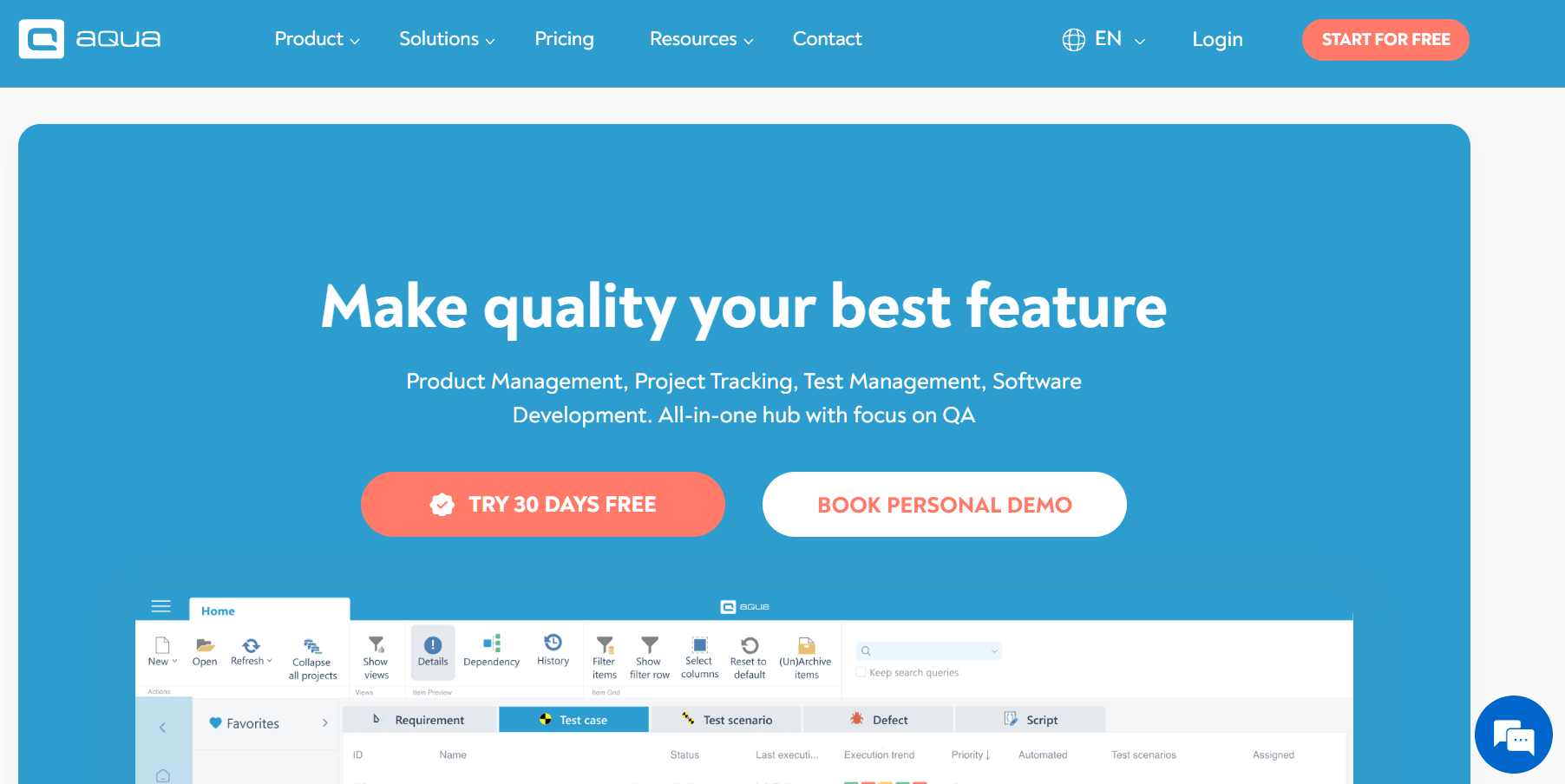
Aqua ALM is a comprehensive tool that integrates product management, project tracking, and test management. With Aqua’s AI assistant, teams can generate test cases while reviewing requirements and automate the identification of impactful tests, saving time on flaky test executions.
Features:
- End-to-end tool for managing projects and test cases.
- Supports both manual and automated test execution with clear reporting.
- GDPR-compliant with customizable workflows.
Pros:
- Combines manual and automated testing support.
- Advanced reporting and user permission controls.
- Well-suited for enterprise-scale testing environments.
Cons:
- Less recognized in global markets.
- User interface could be more modern.
Why It’s Important: Aqua is ideal for enterprises needing secure, compliant, and efficient test lifecycle management.
Pricing: Offers Aqua Cloud for easy startup and Aqua Enterprise for larger-scale enterprise usage.
24. QMetry
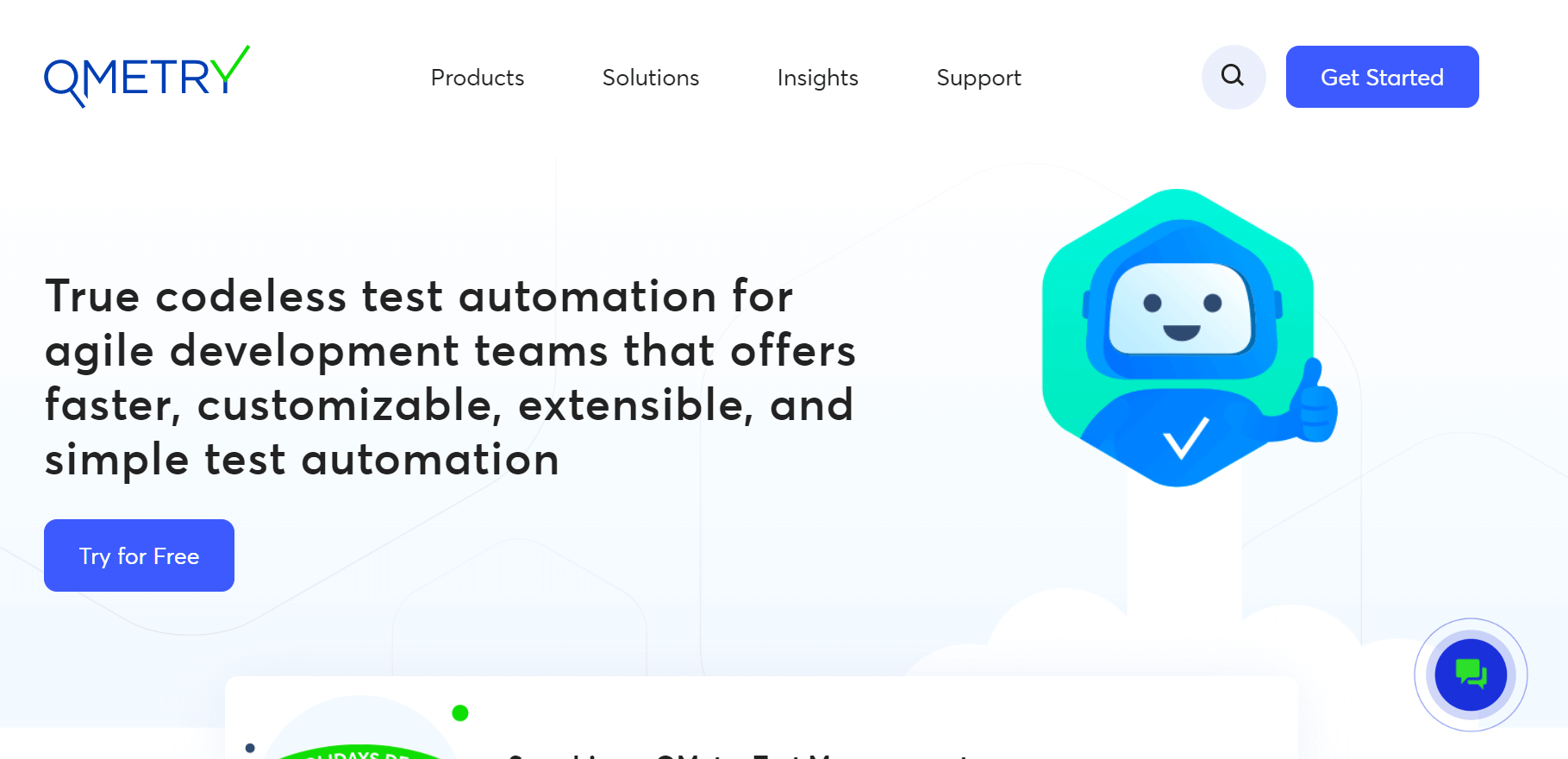
QMetry is a test management solution that offers codeless test automation, making it ideal for Agile development teams. It supports omnichannel and multi-language scripting, allowing for greater test reusability and efficient automation. With features like the AI-powered QQBot to eliminate duplicate test assets, QMetry enhances testing efficiency.
Features:
- Scalable tool for both manual and automated testing.
- Supports BDD, test case reusability, and traceability.
- Integrates seamlessly with CI/CD pipelines and DevOps tools.
Pros:
- Centralized management for complex testing workflows.
- Jira-native version for seamless integration.
- Strong reporting and visualization features.
Cons:
- User interface may feel cluttered for beginners.
- Customization needed to fully leverage all features.
Why It’s Important: QMetry is perfect for enterprise DevOps environments where automation and test reuse are crucial for efficiency.
Pricing: Pricing details are available upon request.
25. ReQtest

ReQtest is a cloud-based requirements management tool that integrates test management and bug tracking. It offers traceability between requirements and test results, helping teams track project scope, quality, and progress. With visual reports and Kanban boards, ReQtest makes collaboration easy for both testers and business users.
Features:
- Cloud-based test management with integrated requirement and bug tracking.
- Visual test reports and Kanban boards to manage workflows.
- Supports collaboration between testers and business users.
Pros:
- Fully accessible via browser with no installation needed.
- User-friendly, especially for non-technical team members.
- Supports both agile and traditional development methodologies.
Cons:
- Limited support for test automation.
- User interface may appear outdated to some users.
Why It’s Important: ReQtest is perfect for cross-functional teams where business users play an active role in QA and UAT processes.
Pricing: Flexible pricing structure, making it suitable for businesses of all sizes.
26. TestCaseLab
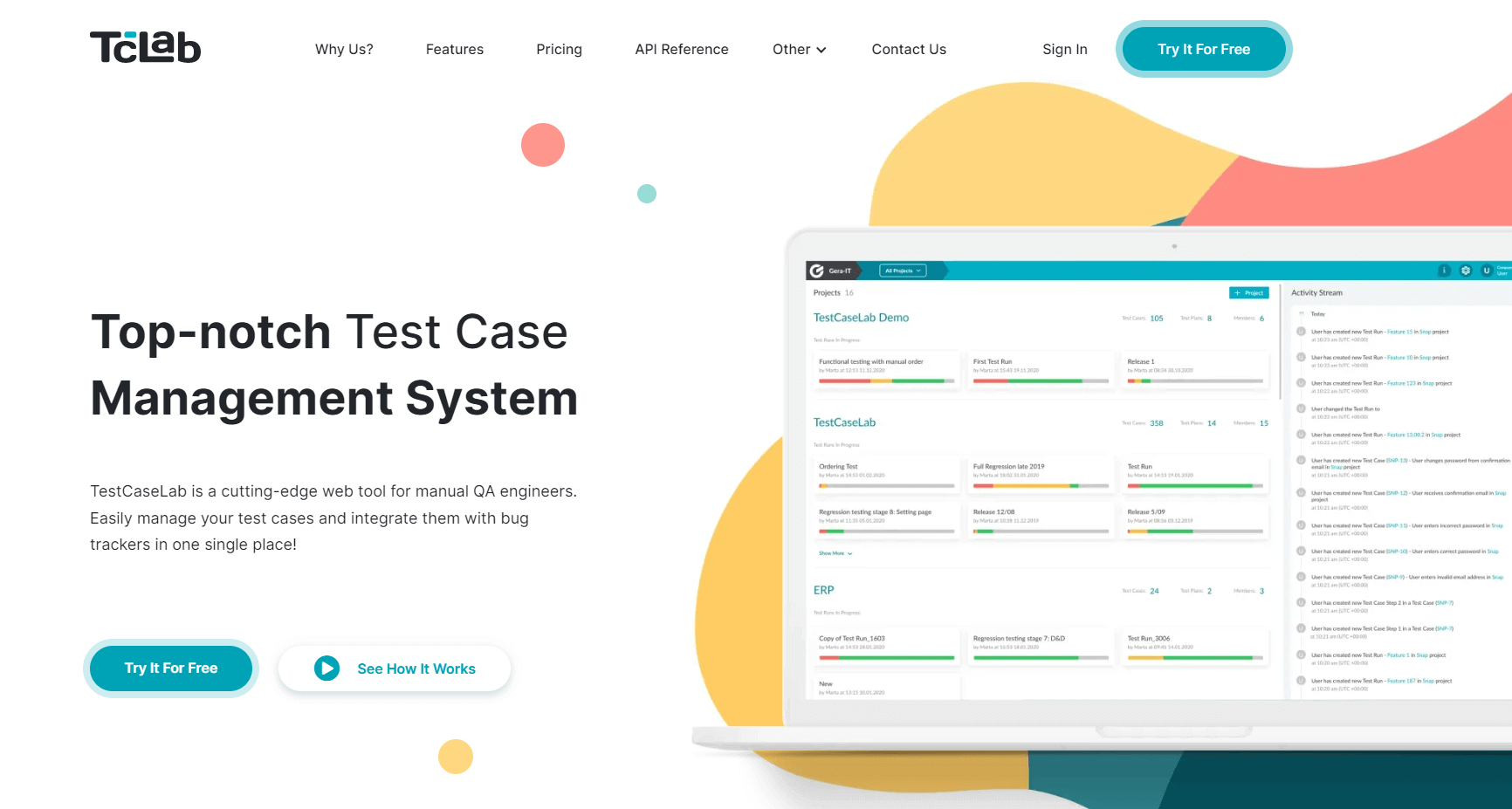
TestCaseLab is a simple yet effective test case management system designed for manual QA engineers. It allows teams to create test plans, organize test cases, and manage test runs with ease. The intuitive interface makes it easy to update and control test cases on the fly, accommodating various team structures.
Features:
- Lightweight test case management with support for creating test suites.
- Real-time reporting and smooth team collaboration.
- Integrates with tools like Jira, Redmine, and Slack.
Pros:
- Clean, intuitive interface for organizing tests.
- Budget-friendly pricing for smaller teams.
- Fast onboarding with a minimal learning curve.
Cons:
- Limited support for advanced test automation integrations.
- No mobile app available.
Why It’s Important: TestCaseLab is perfect for small to mid-sized teams looking for a straightforward, efficient test management solution without unnecessary complexity.
Pricing: Offers Basic, Essential, Advanced, and Ultimate plans to suit different team sizes and needs.
26. TestGear
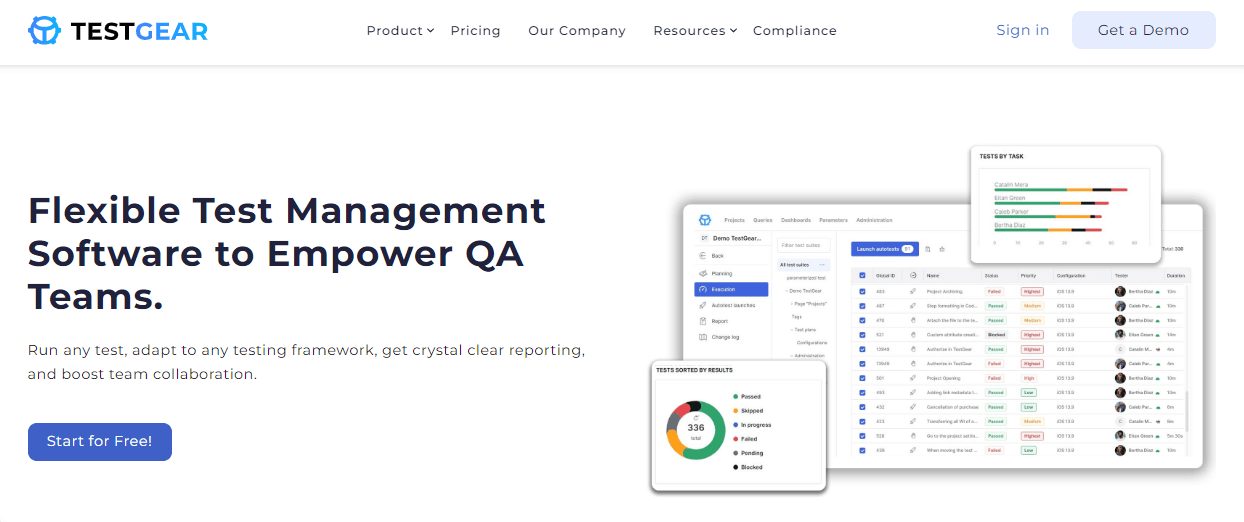
TestGear is a test management tool that integrates both manual and automated testing within a single interface. It offers transparent reporting and allows teams to store and share test documentation and product information through its test library, streamlining collaboration and test management.
Features:
- Supports both manual and automated test case management.
- Includes visual dashboards with real-time reporting.
- Built-in defect tracking for efficient bug management.
Pros:
- Scales easily across different team sizes.
- Flexible role-based access and permissions.
- Integrates with popular CI/CD and bug-tracking tools.
Cons:
- Limited recognition and available documentation.
- User interface could be more modern.
Why It’s Important: TestGear is a promising solution for QA teams seeking an all-in-one tool for managing both manual and automated testing effectively.
Pricing: Offers a 14-day free trial, with a license available after registration and workspace creation in TestGear Cloud.
27. Valispace

Valispace is a test management tool designed for hardware and systems engineering projects, helping teams aggregate all engineering data in one place. It enables real-time collaboration and enhances traceability, making it easier to manage complex engineering environments and meet tight deadlines.
Features:
- Tailored for hardware and systems engineering projects.
- Supports traceability, syncing with requirements, and impact analysis.
- Facilitates real-time collaboration across engineering teams.
Pros:
- Ideal for aerospace, automotive, and hardware-driven industries.
- Combines requirements and verification management in one platform.
- Integrates with Jira and test automation tools for better efficiency.
Cons:
- Too specialized for standard software QA needs.
- Requires industry-specific knowledge for effective use.
Why It’s Important: Valispace is crucial for sectors where software testing intersects with regulated systems engineering and compliance requirements, ensuring efficient management and oversight.
Pricing: Pricing is available upon request, tailored for industry-specific needs.
Why Do You Need Test Management Tools?
You need test management tools to streamline testing, enhance collaboration, improve software quality, track progress in real-time, and ensure traceability and compliance.
Test management tools offer significant benefits to enhance the efficiency, collaboration, and quality of the testing process. Here's why they are essential:
- Overcome Common Testing Challenges: Simplify the testing process, reduce manual errors, and eliminate fragmented workflows by centralizing test cases and defect tracking.
- Enhance Collaboration Across Teams: Improve communication and collaboration between QA, developers, and project managers by providing a single, transparent view of testing efforts.
- Improve Software Quality and Reduce Time to Market: Quickly identify bugs, automate test executions, and streamline the testing cycle to ensure faster releases and better-quality software.
- Track and Report Test Progress in Real-Time: Enable real-time test monitoring, generate detailed reports, and use dashboards for actionable insights and data-driven decision-making.
- Optimize Resource Management: Efficiently allocate resources by tracking the progress of testing efforts, understanding workload distribution, and avoiding bottlenecks.
- Ensure Traceability and Compliance: Maintain traceability from requirements to defects and ensure that testing is in line with compliance standards, which is crucial in regulated industries.
- Improve Test Coverage: Easily manage and track test cases across different platforms and environments, ensuring comprehensive test coverage and minimizing missed defects.
- Boost Productivity with Automation Integration: Integrate with automation tools and CI/CD pipelines to automate repetitive tests and enhance testing efficiency.
- Reduce Costs by Preventing Defects: By identifying defects early in the development process, test management tools help avoid costly fixes later in the lifecycle.
- Streamline Test Case Reusability: Leverage a centralized repository to reuse test cases across projects, improving consistency and saving time on redundant work.
What Are the Types of Test Management Tools?
Types of test management tools include manual, automated, hybrid, cloud-based, open-source, and enterprise-level tools designed for different testing needs and team sizes.
Test management tools come in various forms, each designed for specific testing needs. Here's a quick breakdown:
- Manual Test Management Tools: These tools, designed for teams focused on manual testing, help manage and track test cases and results.
- Automated Test Management Tools: Tools for automated test management, integrate with automation frameworks such as Selenium and Appium. These integrations allow for smooth management as well as tracking of automated tests.
- Hybrid Test Management Tools: These support both manual and automated testing, and that makes them ideal for teams that use a combination of both approaches.
- Cloud-Based Test Management Tools: These tools are scalable and also integrate well with CI/CD systems. Cloud-based test management tools can be accessible from just about anywhere.
- Open-Source Test Management Tools: These tools are free and customizable, so they are ideal for smaller teams that have limited funds and specialized requests.
- Enterprise-Level Test Management Tools: These tools, designed inside large organizations, offer advanced features, integrations, and strong support for complex testing workflows.
How to Choose the Right Test Management Tool
Selecting the right test management tool is crucial for optimizing your testing process. Here’s how to make the right choice:
- Assess Your Team’s Testing Needs: Consider the size of your team, the complexity of your projects, and the types of tests you perform (manual or automated) when choosing a tool.
- Look for Integration Capabilities: Ensure the tool integrates seamlessly with your existing testing frameworks, CI/CD pipelines, and other tools like Jira or GitHub.
- Evaluate Scalability: Choose a tool that can grow with your team and adapt to the increasing demands of your projects, especially if you’re planning for future expansion.
- Prioritize User-Friendliness: Select a tool with an intuitive interface to minimize the learning curve for your team and improve adoption rates.
- Consider Reporting and Analytics Features: Look for tools that offer comprehensive reporting and analytics, so you can easily track testing progress, identify bottlenecks, and make data-driven decisions.
- Check for Support and Community: Consider the level of customer support and the availability of resources like documentation, forums, or user communities to assist with troubleshooting and learning.
- Factor in Budget Constraints: Ensure the tool aligns with your budget, considering both upfront costs and long-term scalability, especially for large teams.
What Are the Benefits of Integrating Test Management Tools?
Integrating test management tools streamlines workflows, provides real-time updates, improves collaboration, automates reporting, centralizes data, and enhances test coverage.
Integrating test management tools with other systems can significantly enhance your testing process. Here's how:
- Streamlined Workflows: Integrating test management tools with CI/CD pipelines and version control systems ensures a seamless workflow from development to testing.
- Real-Time Updates: With integrations, test results, bug reports, and project updates are synchronized across all tools, keeping teams informed in real-time.
- Improved Collaboration: Test management tools integrated with project management tools like Jira improve communication between development and QA teams, ensuring better collaboration.
- Automated Reporting: Integration with other tools automates test reporting, saving time and providing stakeholders with timely insights.
- Centralized Data: Integration ensures that test results, defects, and test cases are stored in a central location, improving traceability and transparency.
- Faster Issue Resolution: Integrated systems allow automatic defect tracking and notifications, speeding up issue identification and resolution.
- Enhanced Test Coverage: Linking test management tools with test automation frameworks ensures full coverage across manual and automated tests, reducing gaps in your testing process.
- Better Resource Allocation: Integrating with project management tools helps allocate testing resources efficiently, ensuring the right resources are applied to critical tests.
- Reduced Redundancy: Integration minimizes manual data entry and eliminates duplicate efforts across different tools, improving overall efficiency.
- Optimized Test Execution: Automated tools integrated with test management software allow for faster execution of test cases, reducing testing time and accelerating delivery cycles.
- Accurate Traceability: Integration with version control and defect tracking systems ensures that every change, bug, and test is traceable from start to finish, aiding in compliance and audits.
Common Challenges with Test Management Tools and How to Overcome Them
Test management tools come with various challenges that can impact their effectiveness. Below is a table outlining common issues and practical solutions to overcome them.
| Challenge | Solution |
|---|---|
| Complexity and Learning Curve | Choose user-friendly tools with intuitive interfaces and provide proper training. |
| Integration Issues | Ensure compatibility with existing tools and use APIs for custom integrations. |
| Tool Customization Limitations | Select tools that offer customization options or use flexible, open-source tools. |
| Cost and Budget Constraints | Choose scalable tools that fit your budget, or opt for open-source tools with essential features. |
| Data Overload | Leverage filtering, reporting, and dashboard capabilities to streamline data. |
| Lack of Support and Documentation | Choose tools with active support teams, strong community resources, and detailed documentation. |
| Scalability Issues | Choose tools designed for growth and ensure they can handle increasing test cases, users, and complexity. |
| Inconsistent Test Execution | Use integrated automation frameworks and CI/CD tools to ensure consistent and reliable test execution. |
| Poor Collaboration | Ensure seamless integration with communication and project management tools like Jira and Slack. |
| Security Concerns | Select tools that adhere to industry-standard security practices, including data encryption and role-based access control. |
What Is the Future of Test Management Tools?
The future of test management tools includes AI-driven automation, deeper DevOps integration, cloud-based solutions, codeless testing, and predictive testing capabilities.
Test management tools are evolving with advancements in AI, automation, and cloud solutions. Here's what's coming:
- AI-Driven Automation: AI will automate test creation, execution, and defect detection, streamlining the testing process.
- Seamless Integration with DevOps: Test management tools will integrate more deeply with DevOps pipelines for continuous testing and faster feedback.
- Advanced Reporting and Analytics: AI-powered analytics will provide deeper insights into testing trends, defects, and performance.
- Cloud-Based Solutions: Cloud-based tools will offer scalable, flexible, and accessible testing from anywhere.
- Greater Collaboration Features: Enhanced collaboration features will improve communication and real-time teamwork between cross-functional teams.
- Increased Focus on Security and Compliance: Test tools will incorporate stronger security features and ensure compliance with industry standards.
- Codeless Test Management: Codeless tools will allow non-technical users to manage tests without needing programming knowledge.
- Predictive Testing Capabilities: AI will predict which tests are likely to fail, optimizing test coverage and resources.
- Continuous Learning and Test Optimization: Tools will continuously learn from test data to improve test suites and identify flaky tests.
- Integration with AI-Powered Testing Agents: AI-powered testing agents will be more integrated, providing smarter test planning and execution.
Conclusion
Choosing the right Test Management Tool isn’t just about organizing test cases; it’s about making the entire QA process more connected, efficient, and scalable. From reducing the chaos of manual tracking to improving collaboration between testers and developers, these tools help teams keep up with fast-moving release cycles without compromising on quality.
Every team works a little differently, which is why we’ve highlighted 28 tools that bring something unique to the table, whether it’s tight CI/CD integration, end-to-end traceability, or support for both manual and automated testing. No matter your team’s size or setup, the right Test Management Software can make a big difference in how smoothly and effectively you ship quality software.
Citations


Frequently asked questions
Did you find this page helpful?
More Related Hubs
TestMu AI forEnterprise
Get access to solutions built on Enterprise
grade security, privacy, & compliance
- Advanced access controls
- Advanced data retention rules
- Advanced Local Testing
- Premium Support options
- Early access to beta features
- Private Slack Channel
- Unlimited Manual Accessibility DevTools Tests