

Next-Gen App & Browser Testing Cloud
Trusted by 2 Mn+ QAs & Devs to accelerate their release cycles


Appium: Endgame and What’s Next? [Testμ 2022]
The automation backend architecture of Appium has undergone significant development along with the release of numerous new capabilities. Read this blog to know more.

TestMu AI
January 10, 2026
The automation backend architecture of Appium has undergone significant development along with the release of numerous new capabilities. With the advent of Appium, test engineers can cover mobile apps, desktop apps, Flutter apps, and more.
In this insightful session of the Testµ conference, Sai Krishna, Lead Consultant, Thoughtworks, and Srinivasan Sekar, Lead Consultant, Thoughtworks, shared on Appium Endgame and what will be next.
With 12 years of expertise, Sai Krishna is a Lead Consultant at ThoughtWorks. He has spent a lot of time developing automation frameworks and testing mobile applications. He enjoys contributing to Open Source technologies. He participates actively in Appium and is a member of the Appium organization.
At ThoughtWorks, Srinivasan Sekar is a Lead Consultant with 11 years of experience. He specializes in creating frameworks for automation. He evaluated several mobile and web applications. He enjoys adding open-source projects. He is a member of Appium.
Watch this video to learn about Appium, one of the most popular open-source test automation frameworks for mobile app testing. If you are preparing for an interview you can learn more through Appium Interview Questions.
Srinivasan started the talk by sharing the Index:
- State of Appium
- Appium 2.0 Arch
- Appium Drivers
- Appium Plugins
- Appium CLI
- Appium Test Support Libs
Srinivasan continues by installing Appium 1.x. Sai discussed a few difficulties he encountered when setting up the Appium 1.x.
In case you want to know different ways to install appium you can refer to below video.
There are numerous drivers that assist in automating both windows native apps and mac native apps throughout the growth of Appium 1.x.
Was there a requirement you came across that you would like to develop and your driver for a specific use case that you have come across over the last seven to eight years in Appium 1.x, excluding android and iOS? asks Srinivasan.

Appium Driver
Anyone who constructed a custom driver over the previous few years may have encountered significant difficulties due to the necessity of forking numerous modules. Appium contains a large number of modules spread across multiple sources.
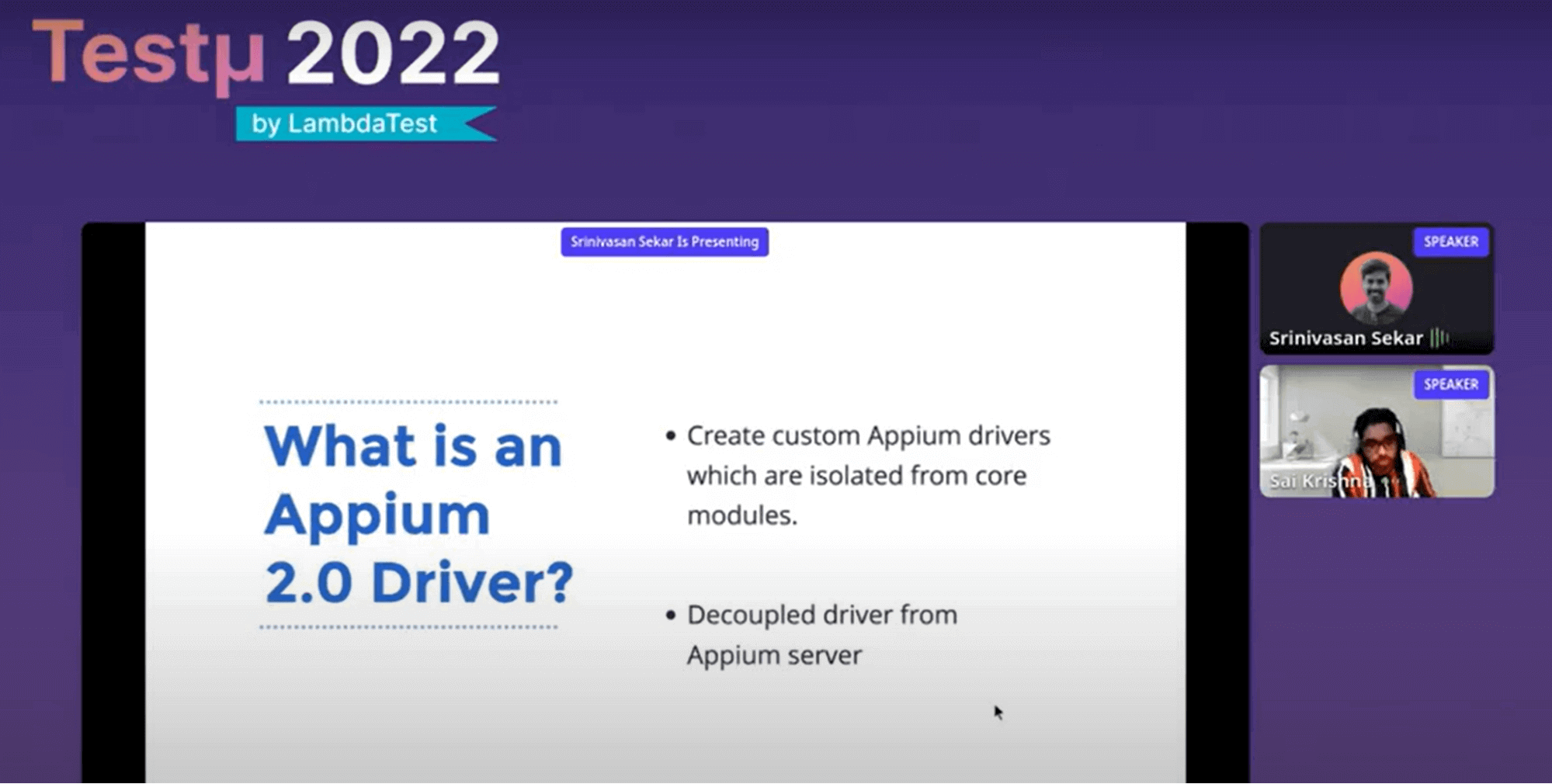
A beta version of Appium 2.0 has been available for a while. The primary objective of Appium 2.0 is to improve the user and development communities surrounding Appium. One of the problems included the chrome driver when you ideally intended to automate things on a native iOS application. Appium 2.0 is here to help with this. You got what you wanted to check out with Appium 2.0.
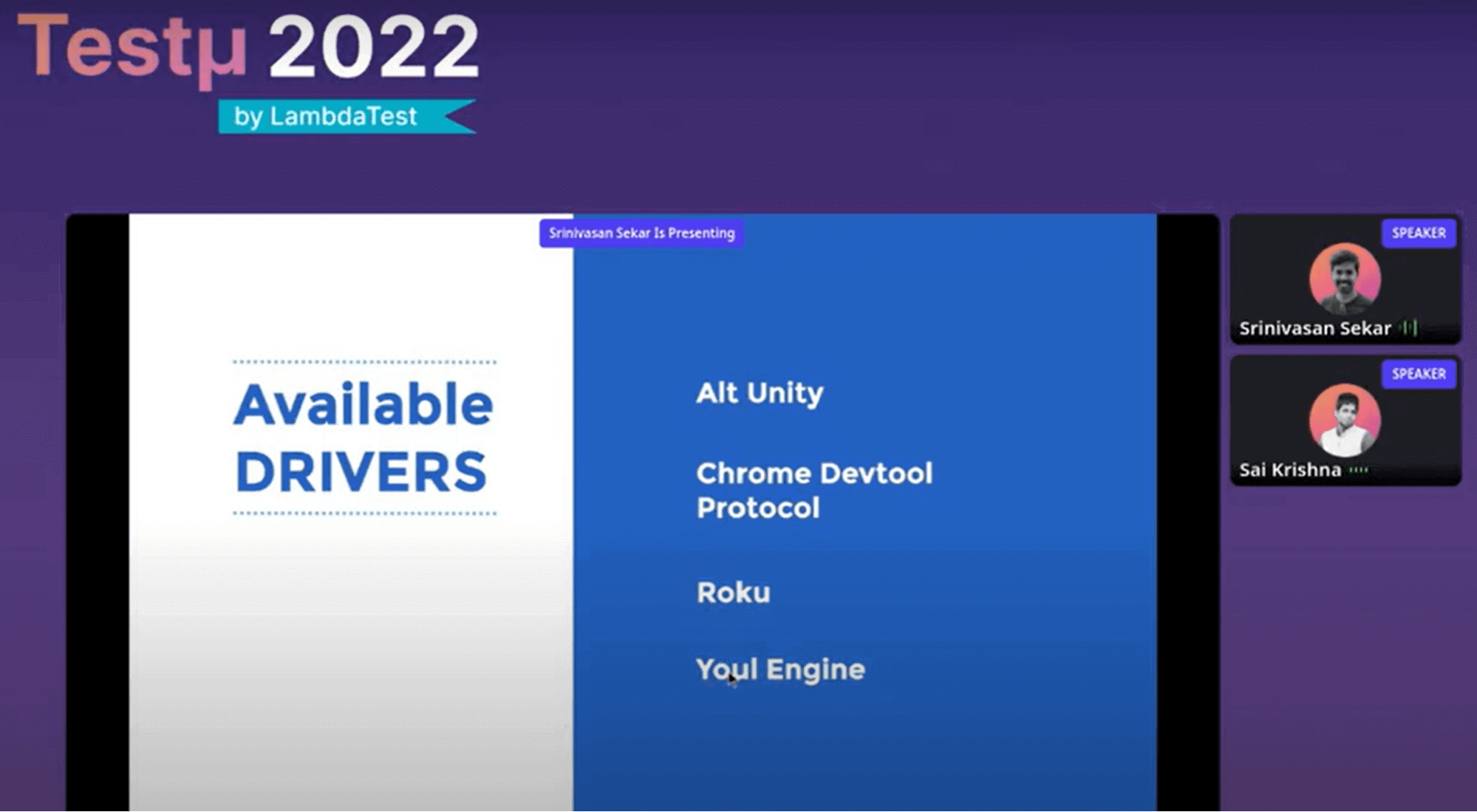
The above slide mentions the available drivers that are maintained by the community.
The Appium server is just bare metal. You must install the driver you chose to utilize for your automation in addition to the Appium server. Therefore, you may choose between the Espresso driver and the UI automation tool if it is Android. Tomorrow, if you decide against using the UI automation tool, you can simply remove it and continue working on the UI test driver. In Appium 1.x, this is not the situation.
If there are any problem fixes for Appium, 1.x users must wait a long time to download the most recent version of the software. Therefore, if there is even a minor bug repair, the Appium server takes its sweet time.
To improve both the user and developer experiences, building drivers for the developer community is a hassle. Without knowing the internal code foundation, one can design their drivers. You could create and maintain your driver, run independently of the Appium server and have its release cycle.
- Appium 2.0 creates custom Appium drivers, which are isolated from core modules.
- It is a decoupled driver from the Appium server.
Appium Plugins
Small pieces of code known as Appium plugins interact with the Appium server. Have there ever been times when you needed to change an Appium command? Sai presents his problem in the same way. Then, Srinivasan develops an answer for this in Appium Plugins. Instead of using find element by id, one might construct their command and override it by using find element by image. You may develop your unique commands, each with its life cycle. You don’t even need to bother the Appium server.
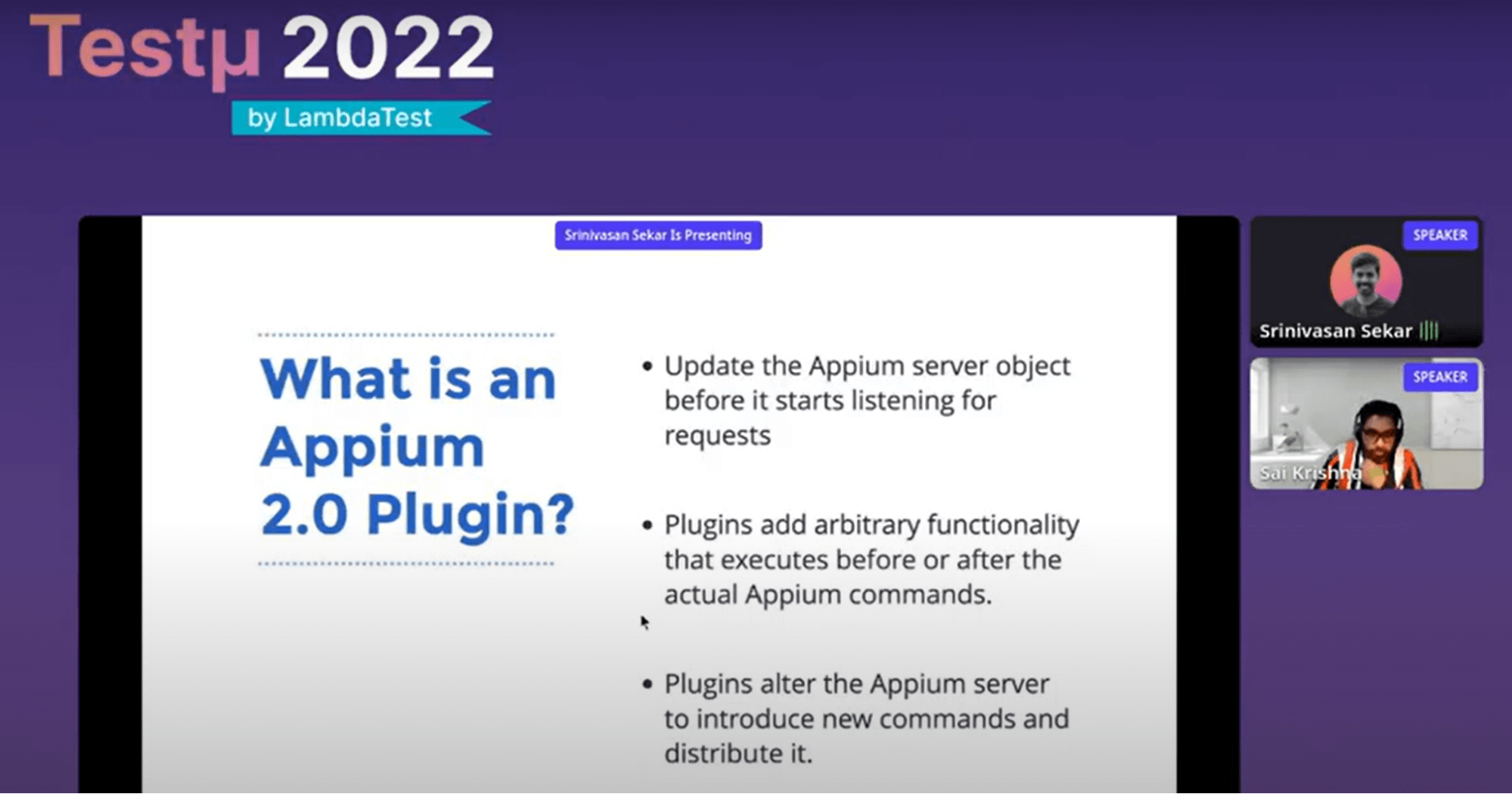
The Appium server initiates its activation, follows your built-in commands, and manages its life cycle. Therefore, you can have a plugin talk to the server running on a mobile device rather than the driver connecting to your application under test via the server operating on the mobile device. Therefore, you could write your custom commands in addition to replacing or rewriting the entire Appium command. The Appium plug-in addresses these use scenarios.
Appium Plugin Architecture
Srinivasan goes into further detail regarding the architecture of the Plugin. Appium 2.0 follows the same client-server architecture as 1.x, as is common knowledge. Customers can therefore use any language that IBM supports. So, after initializing the driver with various choices or capabilities, we locate an element, perform an action on that element, and then terminate the driver.
It interacts with the server in a straightforward client application written in any programming language we choose. Based on our given capabilities, it invokes the driver, sends the instruction to the driver, and the driver running on the device initializes the server.
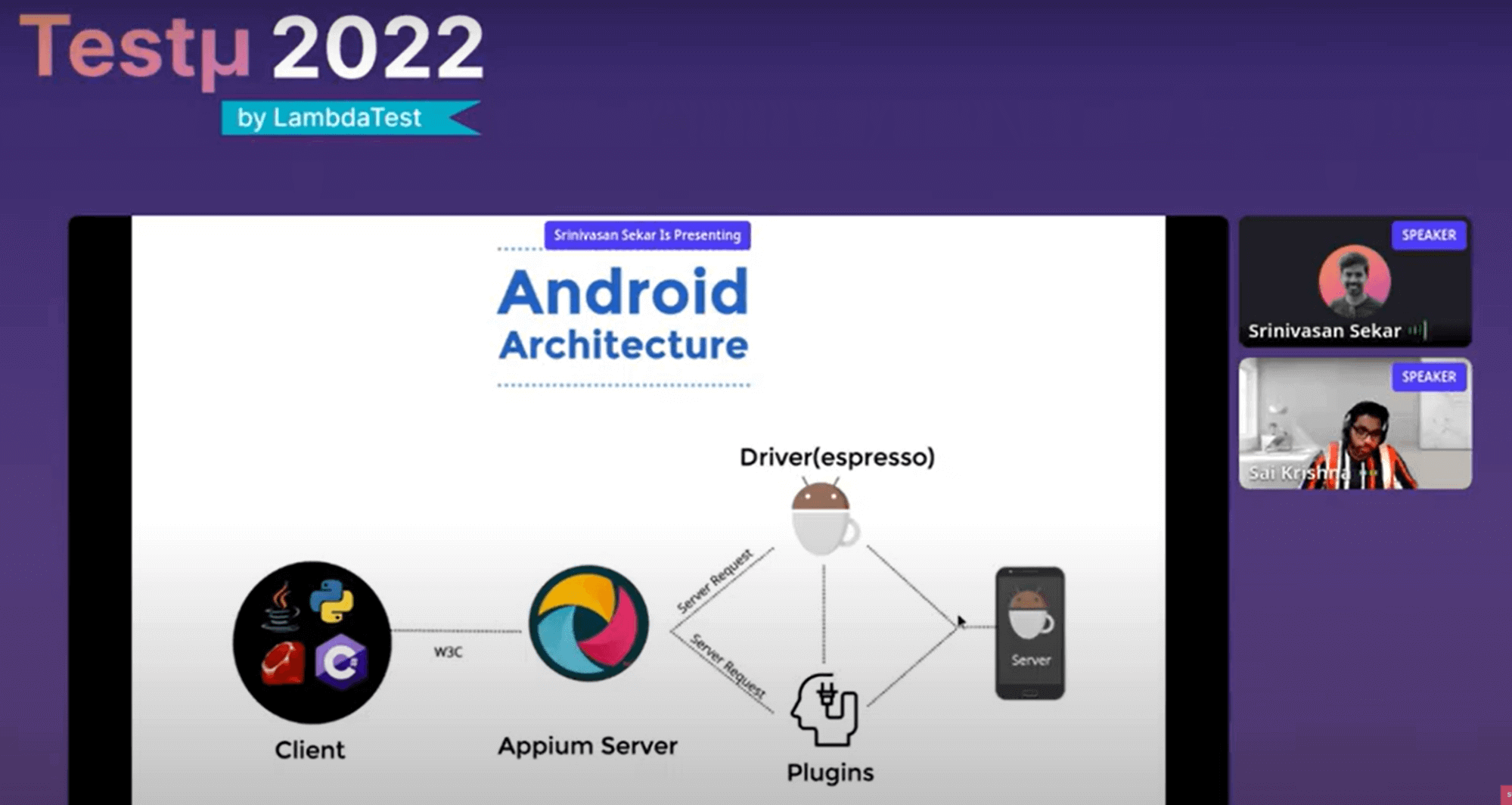
Therefore, the server installed on the device communicates with the application being tested before sending the response back to the driver, who then transmits it to the server before sending it to the client. Thus, everything is done using the web driver protocol defined by the W3C standard. Therefore, this is the usual flow when there are only drivers present. There will be two servers operating simultaneously: an appium server on your Mac, Windows, or Linux computer and a server running on a mobile device, emulator, or simulator. The Appium server communicates with the driver on these servers. The Driver first communicates with the device’s internal server before communicating with the tested application. So the plugin is now available. It’s a small code that could interact or fit into the Appium’s life cycle.
- Update the Appium server object before it starts listening for requests.
- Plugins add arbitrary functionality that executes before or after the actual Appium commands.
- Plugins alter the Appium server to introduce new commands and distribute them.
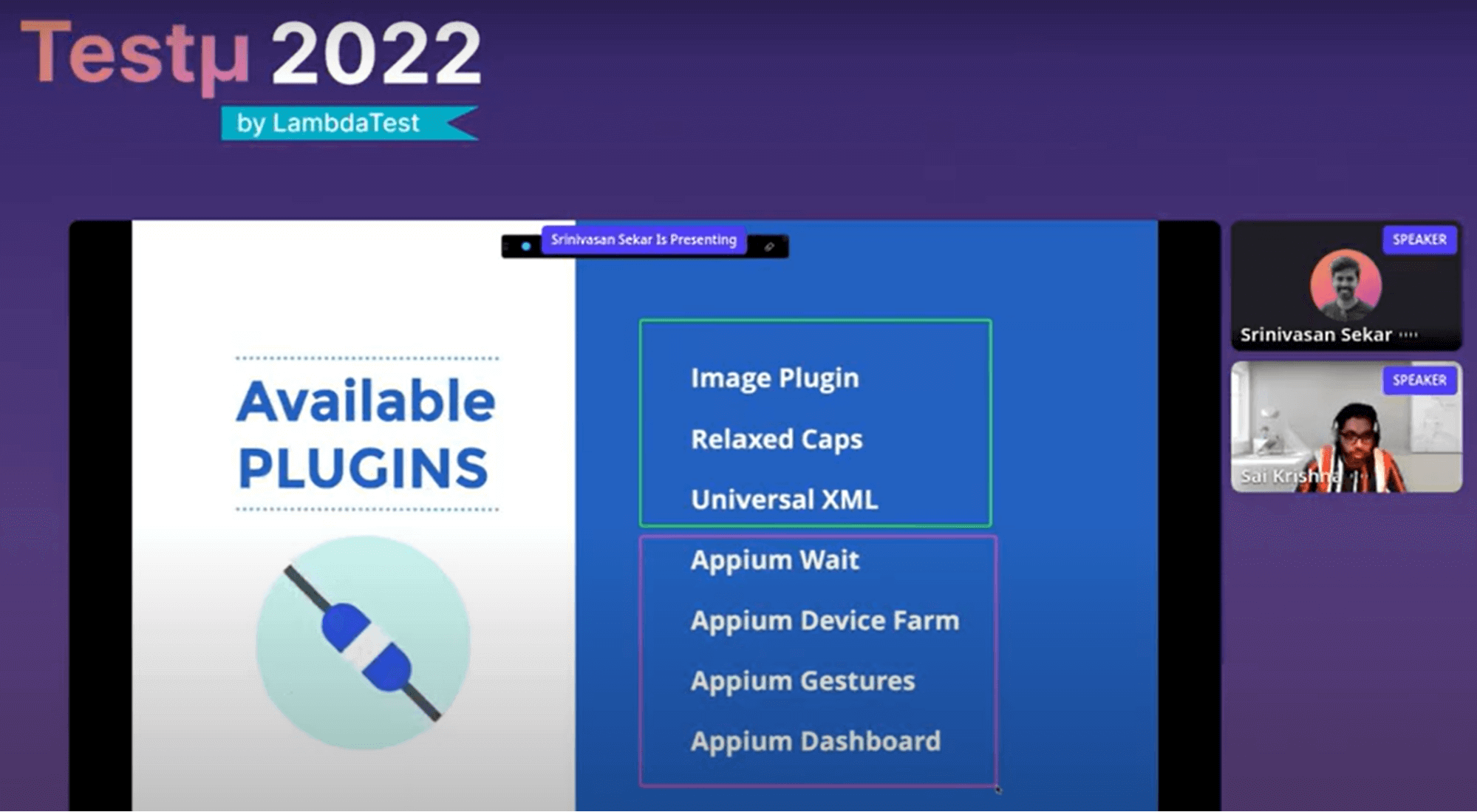
The above slide shows the available plugins that are maintained by the community.
Srinivasan further gives a live demonstration. To get an idea of what he demonstrates, peep into the full video.
Benefits of Appium 2.0
- Decoupled drivers from the Appium server helps Appium users to install only specific appium drivers of their choice based on their needs.
- Creating custom Appium drivers will be easier with Appium 2.x.
- Minor updates or bug fixes to any Appium drivers are available to use as quickly as possible than Appium 1.x without the wait for new server releases.
It was indeed an insightful session with Srinivasan and Sai. The session ended with a few questions asked by the attendees. Here is the Q&A:
- What are the major areas to focus on while performing E2E mobile testing?Srinivasan: It appears to be working. Because it moves at its own pace, it tries to test every aspect of the functionality in an integration test while keeping the functional scope as little as feasible. To have as few tests as feasible at the end of a functional test running over the device, you may concentrate on the important parts, i.e., wherever native features are involved.
- There are so many developments of tools in browser automation (Cypress/Playwright). What are your thoughts on some new automation tools in Mobile automation?Srinivasan: Appium has been able to dominate the market for functional automation for a while now. Google has made significant investments in it and is widely utilized in creating native apps. Some tools were introduced but could not be used, such as Appium for cross-platform support, although Espresso is still available. And now, maybe a little out of date on the market, flutter has its integration, a package built on top of the deprecated flutter driver.
- Although windows app testing has been minimal lately, we are one of those companies with legacy systems. And we’re facing uncertainty because the WinAppDriver used by Appium is not actively maintained anymore, anything on that front?Sai Krishna: When the Appium development team was not actively maintaining AppDriver, it was maintained by the Microsoft team. I recall seeing a thread from one of the managers from Microsoft who was in charge of the VM driver. They declared that they would actively browse it. I’m not sure how far that went, though. The WinAppDriver and its relationship with Microsoft, however, are not being maintained by the Appium development team.
You can use TestMu AI to test on Oppo & other mobile devices right from android to iPhone. In case you are a beginner to Appium you can learn to perform mobile app testing easily through this tutorial.
After the successful Testμ Conference 2022, where thousands of testers, QA professionals, and developers worldwide joined together to discuss on future of testing.
Join the testing revolution at TestMu AI Testμ Conference 2023. Register now!” – The testing revolution is happening, and you don’t want to be left behind. Join us at TestMu AI Testμ Conference 2023 and learn how to stay ahead of the curve. Register now and be a part of the revolution.



Did you find this page helpful?
More Related Hubs
TestMu AI forEnterprise
Get access to solutions built on Enterprise
grade security, privacy, & compliance
- Advanced access controls
- Advanced data retention rules
- Advanced Local Testing
- Premium Support options
- Early access to beta features
- Private Slack Channel
- Unlimited Manual Accessibility DevTools Tests