

Next-Gen App & Browser Testing Cloud
Trusted by 2 Mn+ QAs & Devs to accelerate their release cycles


10 Ways to Avoid Cross-Browser Compatibility Issues [2026]
Being cross browser compatible is one of the major challenge one faces while developing a website. Here are 10 ways to avoid browser compatibility issues!

Shubham Saxena
February 7, 2026
In the present day, apart from the development phase itself, developers face another major challenge. Even after spending weeks, sometimes months developing a website, most developers have a tough time testing its functionality on all major platforms.
With the wide array of browsers present, chances are that the website will face varied issues over these. Adding to the trouble is the advent of numerous devices which together, create an extremely large number of combinations to test on.
The website might sport the best design and features but as long as it is not tested to work on every possible platform, it will remain a ‘Work in Progress’. So to overcome the challenge of testing and simplifying the process, there are several cross browser testing tools like TestMu AI.
Yet, sometimes some minimal steps can prevent cross browser compatibility issues. Today we’ll look at some of the most common cross browser compatibility issues and how to fix them.

Note: Automate your app tests over 3000+ real devices and OS configurations. Try TestMu AI Now!
What Is Cross Browser Compatibility?
Cross browser compatibility ensures websites function and display consistently across different browsers like Chrome, Firefox, Safari, and Edge.
What Are the Common Browser Compatibility Issues?
Common browser compatibility issues include missing DOCTYPE declarations, browser detection problems, HTML/CSS validation errors, CSS resets, layout incompatibilities, vendor-specific functions, and feature functionality differences across browsers.
1. DOCTYPE Error
Imagine writing the entire code and missing out on the most basic line! Yes, it can lead to a faulty rendering. Several browsers with outdated versions such as the Internet Explorer 8.0 and earlier often check for the Doctype.
In case it is missing, the site will be not be rendered as per expectations. To understand why the doctype is checked, we would have to understand the two modes in which a browser operates.
The first mode is called the Strict Mode. In this mode, the browser works with stricter code error checks and ensures the code adheres to W3C specifications.
The second mode is called the Quirks Mode. It was created to provide backward compatibility to older browser versions and does not perform strict error checking.
When there is a missing "Doctype" tag in the webpage, the browser tends to go into the quirks mode. If a browser doesn't support HTML5, it won't understand which version to look for.
This would lead to some tags becoming unresponsive and the webpage will not look as intended.
The solution to this problem is a simple one line code at the very beginning of the code. It looks like this:
!DOCTYPE html
This will ensure a perfectly rendered site in every browser available.
2. Browser Detection
Unlike any other product, browsers are being loaded with technology to optimize output. This means less consumption, more output. But, due to these advancements, even javascript has a lot to offer to browsers. So, at times, when an old browser is being used chances are the javascript fails to detect the browser.
This is a common cross-browser compatibility issue caused by obsolete javascript. Tackling this issue is easy by removing browser detection.
Instead, use Modernizr, a collection of 'superfast tests' that list all browser features. Using this, developers can direct the site to focus on features rather than browsers.
3. HTML/ CSS Validation
Another major cross-browser compatibility issue faced by developers is the validation of HTML and CSS codes. This is mainly because different browsers read code differently. And not only read but also handle them differently.
There are times when developers are stuck with an error as small as missing out on closing a tag. While some browsers might auto correct, others might not display the feature it signifies. For example, missing out on might cause an error on Internet Explorer and not on chrome.
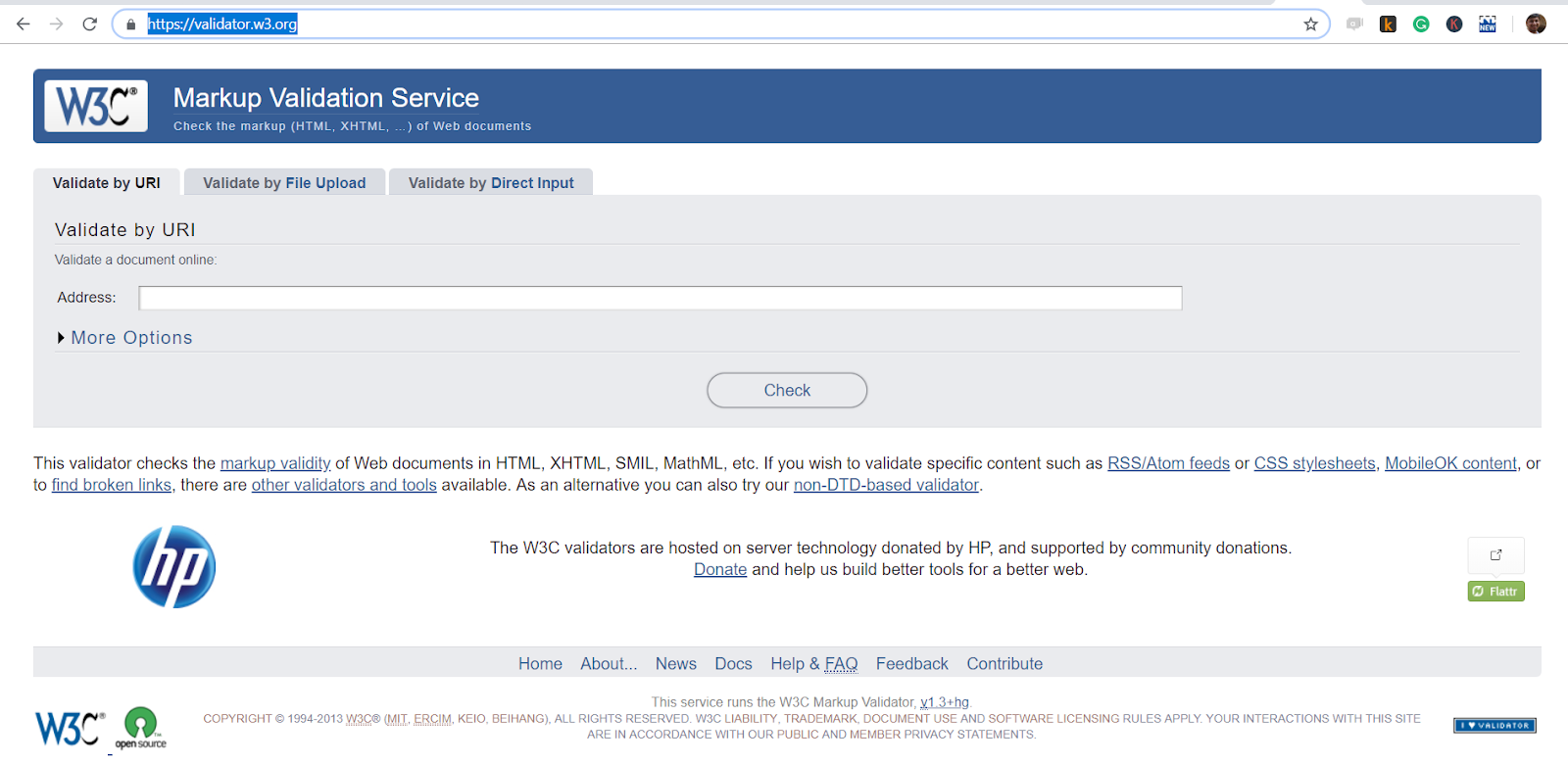
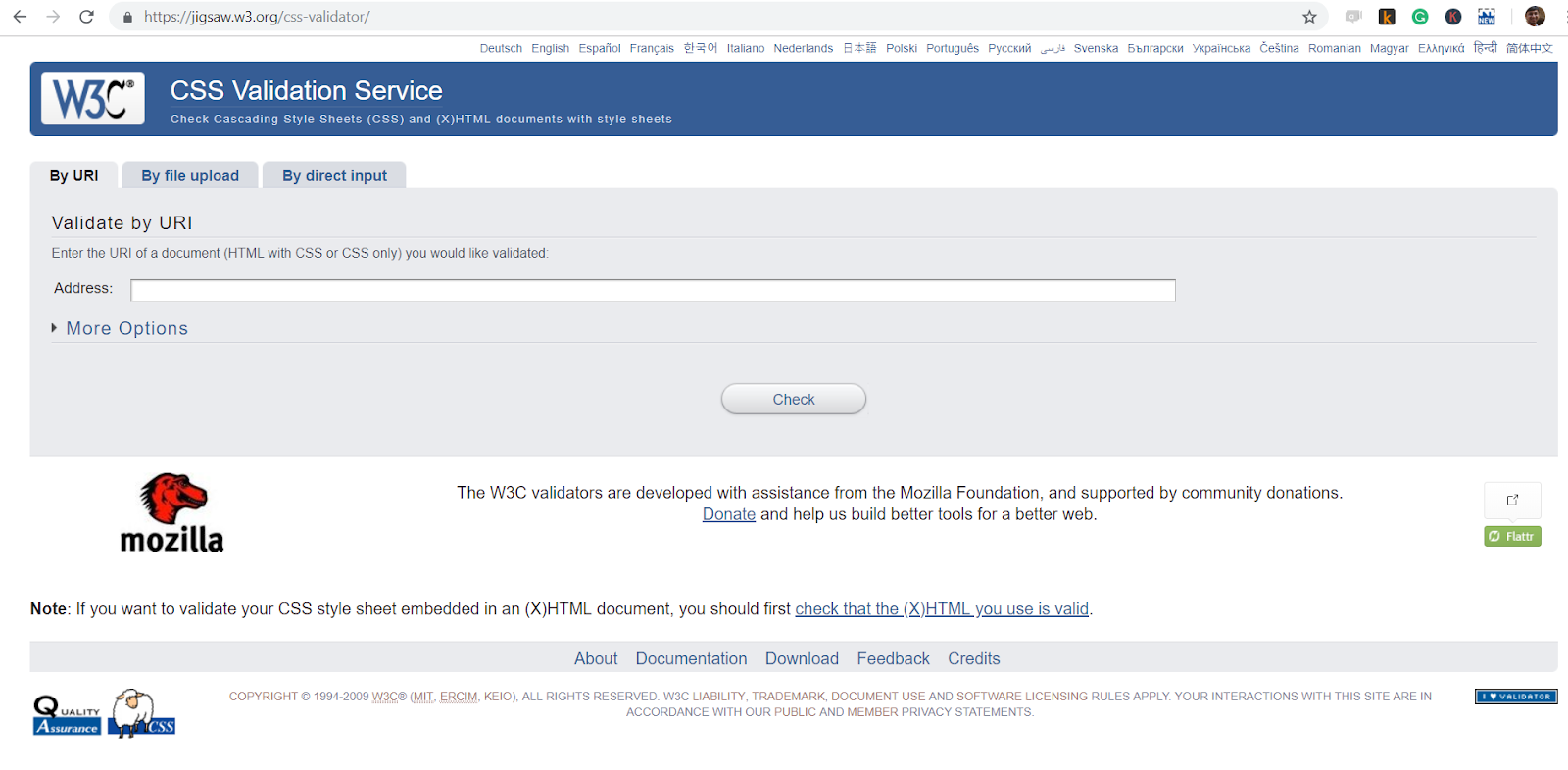
It is a very common cross-browser compatibility issue and has a simple solution. One can use code validating tools for HTML and CSS depending on their requirements. These validators are powered by W3C.
4. CSS Resets
Browsers by default have a design layout (CSS style) which is applied to the website. For any website to implement its own layout, the default has to be overridden. Until implemented, websites will be rendered differently on different browsers.
To overcome this cross-browser issue, the websites rendered are ‘reset’ to the same basics. For this, developers use CSS reset style sheets. Addition of the style sheet ensures avoidance of any layout design issue.
Some common reset style sheets used include HTML5Reset, Eric Meyers CSS Reset and the Github based Normalize.css.
5. Layout Compatibility
As previously mentioned, browsers have default layout styling. But, developers started using ‘Resets’ in CSS to remove the default design and apply their own.
It has been one of the most common cross-browser compatibility issues. It often stems from irresponsive design on mobile devices or lack of layout support in modern browsers.
These issues are now easier to solve. A common solution is the use of floats which is supported by most browsers. But, a float is a floating image inside a text box and comes with limitations.
For the modern-day layout, dedicated layout mechanisms such as CSS grids and Flexbox have been introduced. These are supported by most modern browsers and are effectively used by developers.
6. Vendor Specific functions
The functions defined by the developer are, at times, contain functionality specific to browsers. While writing the CSS code, these browsers are denoted by specific codes.
To ensure proper functionality and avoid this cross-browser issue, one needs to ensure the addition of the function without the prefix as well. This will ensure there is no error in other browsers.
Common vendor prefixes include:
- Mozilla Firefox (-moz)
- Internet Explorer (-ms)
- Opera (-o)
- Safari and Chrome (-webkit)
7. Website Feature Functionality
While technology keeps evolving and there are workarounds for the changes, a check on the features of the website should be on your checklist to avoid cross-browser compatibility issues.
While cross-browser testing with tools is part of the process, cross-check feature support with various browsers before market release.
Another important aspect is using polyfills and feature detection. This preventive measure can improve cross-browser compatibility.
Here’s a short glimpse of the Selenium 101 certification from TestMu AI:
This certification is for anyone who wants to stay ahead among professionals who are growing their career in Selenium automation testing.

Austin Siewert
CEO, Vercel
Discovered @TestMu AI yesterday. Best browser testing tool I've found for my use case. Great pricing model for the limited testing I do 👏
2M+ Devs and QAs rely on TestMu AI
Deliver immersive digital experiences with Next-Generation Mobile Apps and Cross Browser Testing Cloud

8. Use Cross-Browser Friendly Libraries And Frameworks
Most websites are comprised of various third-party libraries and frameworks. These tools help developers bring structure, scalability, and security to web applications.
Using the wrong alternatives can lead to cross-browser issues ranging from incorrect library features to complete framework crashes.
To avoid such issues, it is highly recommended to use well known and trusted frameworks that are cross-browser friendly.
- Angular JS and React JS are some examples of cross-browser friendly web application development frameworks.
- Bootstrap, Animate are examples of trusted CSS libraries.
- JQuery is an example of a cross-browser friendly scripting library.
9. Use Separate Stylesheets For Different Browsers
Stylesheets can quickly turn into a mess. As more styles accumulate, they become bulky and unstructured.
If all styles catering to different browsers come into the same stylesheet, it becomes a maintenance nightmare.
To navigate this difficulty, keep styles separate for each browser type your website supports.
Once separated, include them in the same HTML page using conditional comments to invoke the right stylesheet for each browser.
10. Test On Real Browsers And Devices
In order to make sure that your website doesn’t have any cross browser compatibility issues, you need to test it across various real browsers and devices. The idea is to make sure your website performs seamlessly across various real browsers and devices used by your users.
Setting up your own device lab and infrastructure can be exhausting and consume significant time and money. Scaling your testing efforts requires continuously adding more devices.
With online Selenium Grid like TestMu AI, you can easily scale your efforts without worrying about setting up your own infrastructure.
TestMu AI is an AI-native test orchestration and execution platform. It lets you run manual and automated tests at scale on over 5000+ real devices and 3000+ browsers and OS combinations.

Why Should You Perform Cross-Browser Testing?
Cross-browser testing is essential because bugs always find ways to creep in despite preventive measures, ensuring your website functions consistently across all browsers and devices used by your audience.
No matter how much you avoid bugs, they always find a way to creep in. You always need to test for cross-browser compatibility issues.
At TestMu AI, we provide a seamless framework for cross-browser compatibility testing. Our interactive and real-time testing platform helps you identify bugs and take a proactive approach to fixing them.


Frequently asked questions
Did you find this page helpful?
More Related Hubs
TestMu AI forEnterprise
Get access to solutions built on Enterprise
grade security, privacy, & compliance
- Advanced access controls
- Advanced data retention rules
- Advanced Local Testing
- Premium Support options
- Early access to beta features
- Private Slack Channel
- Unlimited Manual Accessibility DevTools Tests