
Test Your Website On Internet Explorer Simulator Online
Test on Latest and Legacy Versions Of Internet Explorer Simulators to Ensure Cross Browser Compatibility. Watch in Action
Watch in Action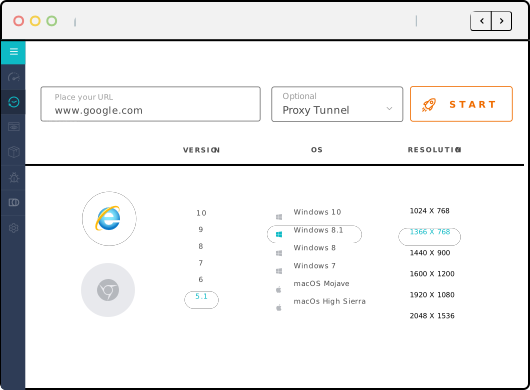
Perform Live-Interactive Test On Internet Explorer Simulator
Make sure that your website or web application is providing a perfect experience to users. Leverage LambdaTest to run compatibility tests on Internet Explorer Simulators across IE11, IE10, IE9, IE8, & IE7.
Start TestingSelenium Cross Browser Testing Grid Online
Run Selenium tests across latest and legacy browsers like Internet Explorer using Simulators on cloud. Develop, test, and deliver faster every time with automated cross browser testing using LambdaTest.
Get Started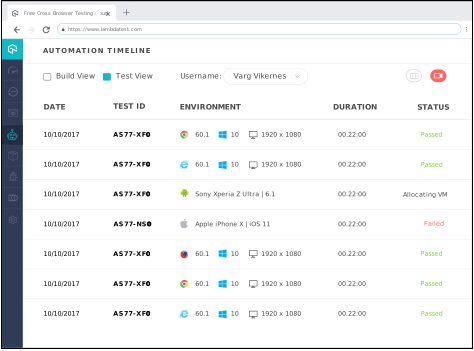
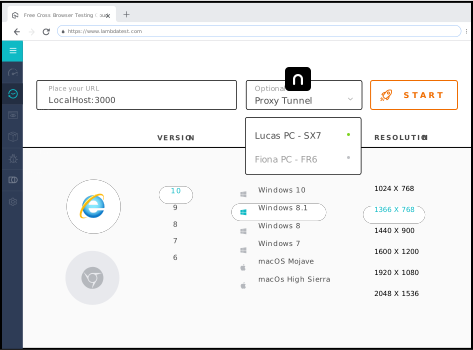
Perform Local Cross Browser Testing On Internet Explorer Simulator
With LambdaTest you can test your locally hosted web pages on Internet Explorer using Simulators on cloud and connecting through a secure shell connection hosted as LambdaTest Tunnel.
Start TestingNEED UNLIMITED MINUTES FOR TESTING ON IE Simulator?
Our paid plans start at only $15/month.
See Plans & PricingSign Up
Test on Internet Explorer Simulator across IE 11, IE 10, IE 9, IE 8, IE 7
Choose from a range of browser versions to test on IE Simulator, and ensure that your customers get pixel perfect experience irrespective of browser version they are using.
Start TestingOne Click Debug On Internet Explorer Simulator
While performing cross browser testing on Internet Explorer Simulators, you can also debug with ease! This can also be done while testing your locally hosted web application on our IE Simulator.
Developer Tools
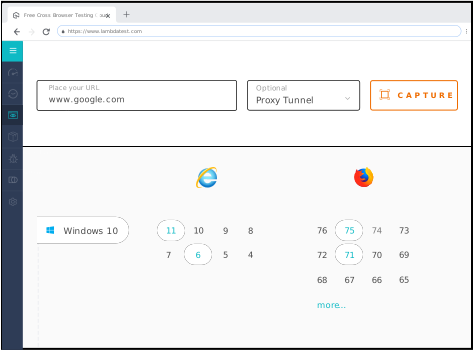
Faster Automated Screenshot Testing On Internet Explorer Simulator
Our Automated Screenshot Generation feature helps you rapidly test the layout of your web-app on different versions of Internet Explorer using our Simulator on cloud.
Automated Screenshot TestingSeamless Collaboration And Testing
Log issues and communicate instantly during test sessions with your team through our in-built issue tracking tool. You can create, view, edit, and assign issues to team members with related screenshots and videos. You can also share the issues via email, slack or directly log it in JIRA.
See All Integrations
Live Interactive Cross Browser Testing On IE Simulator
Perform live interactive testing of your public or locally hosted websites and web apps on our Internet Explorer Simulator.
Geolocation Testing On Internet Explorer Simulator
Test your website from different locations on IE Simulator to assure pixel perfect experience across the globe. You can test for Geo Targeting, Geo Blocking, Geo Localization across 27+ countries including India, Japan, United States, Canada, Germany, UK, Australia and more.
Geolocation Testing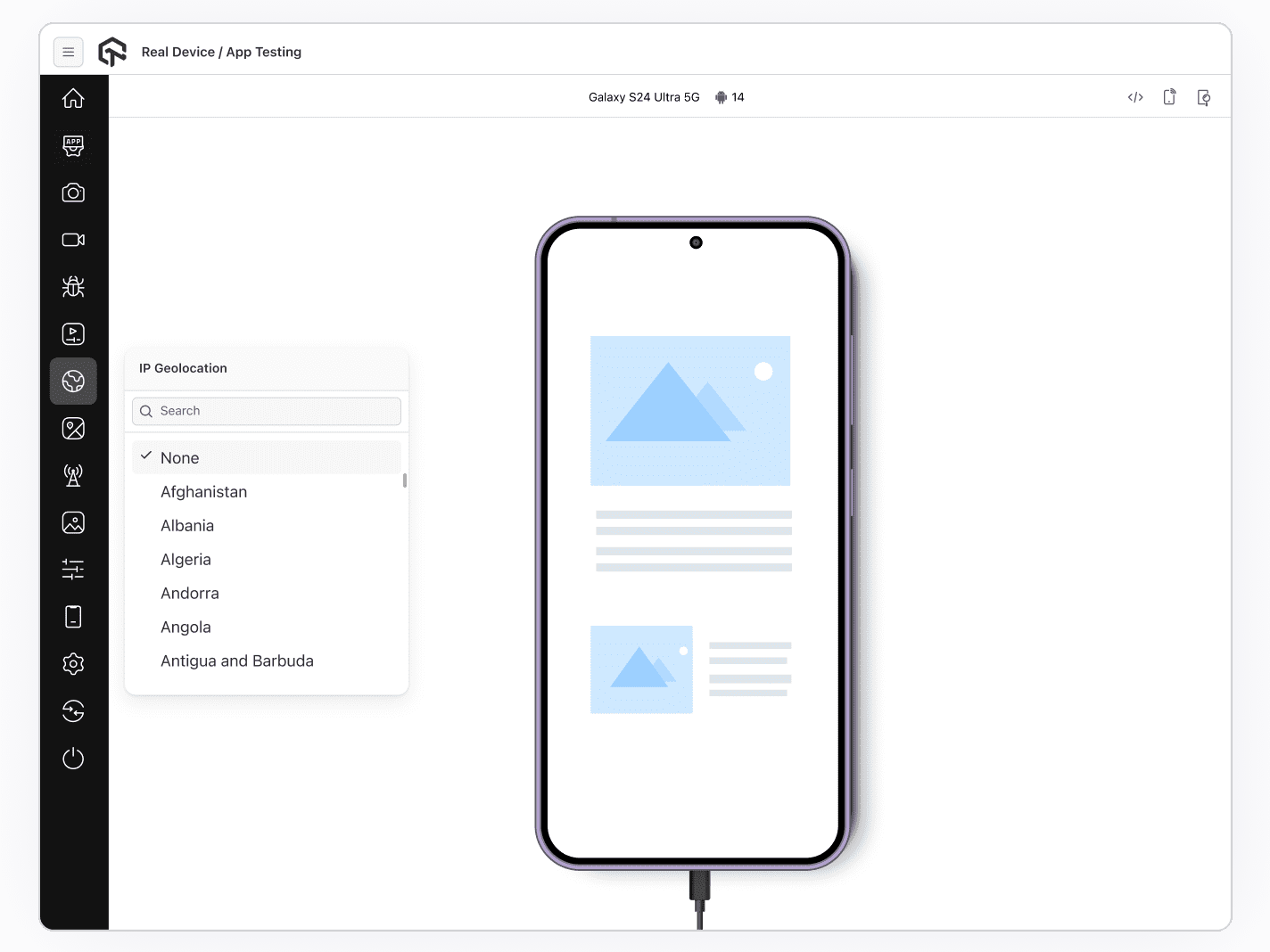
24/7 Support From Our Tech Experts
Got questions?
We have you covered. Our tech experts are available on our support 24*7. You can get in touch with us by filling up the contact form, messaging in-app, or through call. You can also write to us at [email protected] and we'll get back to you in no time.
Give us a ShoutWe have you covered. Our tech experts are available on our support 24*7. You can get in touch with us by filling up the contact form, messaging in-app, or through call. You can also write to us at [email protected] and we'll get back to you in no time.
FREQUENTLY ASKED QUESTIONS
Why is it important to test websites on Internet Explorer?
Internet Explorer has approx 2.5% market share in the US. Due to security concerns, generally, businesses allow only one browser like Internet Explorer and restrict other browsers. However, given the growth of the IE user base and the CSS supports it offers, it becomes important to test the website on Internet Explorer.
What is an Internet Explorer Simulator?
An Internet Explorer simulates an Internet Explorer browser. It helps developers and testers to quickly test their websites on Internet Explorer.
What are the limitations of testing with the IE Simulator?
IE Simulators just simulate an Internet Explorer browser experience and are generally slower than the IE browser on a real device. Developers and QA testers cannot replicate the specific CSS support and how certain interactions will function on a real device IE browser. Performing the tests on Internet Explorer is inadequate without running them on a real device.
What is modern IE?
Modern.ie is Microsoft's distribution of tools to test websites in multiple browsers, including not only legacy Internet Explorers but also mobile devices.
What is a remote Internet Explorer browser (remoteIE)?
remoteIE is a free service from Microsoft that enables you to run the latest version of Internet Explorer on Windows 10 from different platforms like Windows, Mac OS X, iOS, and Android. You don't need to install any OS or VMs.
How can I test the website on IE with LambdaTest?
LambdaTest offers a range of real IE browsers. You can perform live-interactive and automated browser testing on multiple IE versions like IE11, IE10, IE9, IE8, IE7 on real operating systems. Just register on LambdaTest, select configuration, and start testing on IE.