
Screen Resolution Testing With LT Browser
Perform screen resolution tests of your website across 50+ device viewports
 Watch in Action




Device 1
- 1

iPhone 12 Pro
- 1

iPad Pro
×

Device 2
- 2

Google Pixel
- 2

1024X768
×
iPhone 12 pro(1170x2532)
Ipad pro(2048 x 2732)

Google Pixel (1080 x 1920)
Desktop 1024 x 768
Why my mobile website refused to connect? : Your website may not be supporting iframe but our Chromium-based LT Browser has the solution. Mobile friendly testing across 50+ different device viewports to enjoy un-interrupted mobile testing. Try LT Browser for free!

You are about to download LT Browser for Linux
×Download Deb
64-bit version for Debian/Ubuntu
Download RPM
64-bit version for Fedora/openSUSE
By downloading and using LT Browser, I agree to the Privacy Policy and Terms.






Mobile Screen Resolution Test Of Your Website
Perfrom screen resolution test of your website across 30+ mobile viewports with LT Browser . Check the responsiveness on pre-installed Android and iOS screen resolutions or custom mobile resolutions.

Screen Resolution Test On Tablets
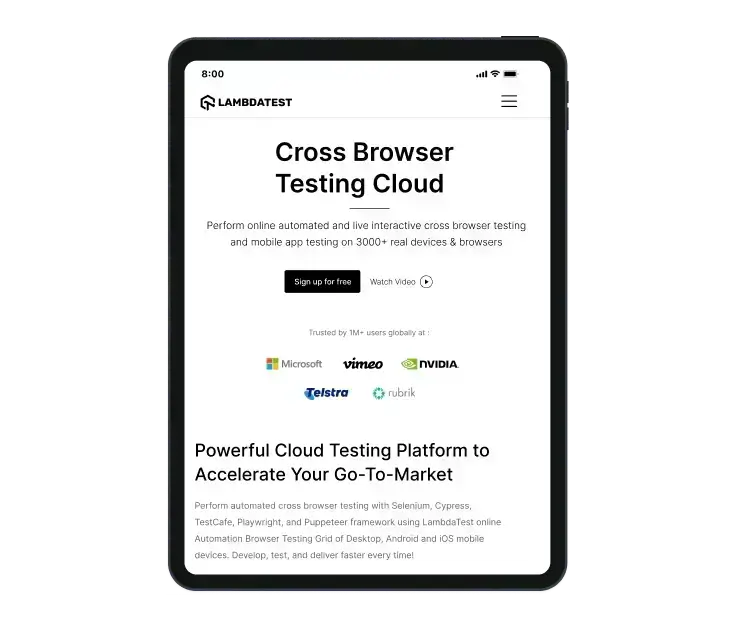
Ensure your website or web application's resolution through screen resolution testing on pre-installed iPad and Galaxy tablet viewports or custom tablet screen resolutions. You can also check the responsiveness in landscape and portrait modes with this developer-friendly browser.
Website Screen Resolution Test On Different Laptops
Test your website's screen resolutions on a plethora of pre-installed laptop viewports. You can also create custom laptop resolutions by mimicking your laptop's resolution.

Screen Resolution Test On Different Desktops
Ensure that your website or web application is easy to view across a variety of desktop screen resolutions. You can do this by using LT Browser , which allows you to create custom resolutions.

100% Accuracy is Essential - Switch to Real Device
Mobile emulators and simulators offer a glimpse, but they fall short in mimicking real-world scenarios. Don't settle for emulations/simulations; choose real device.
 Natural gestures - pinch to zoom in, 2 fingure scroll etc
- Detailed device and app/crash logs
- Integrate with TestFlight, AppStore
Screen Resolution Testing With LT Browser

Native Chromium Engine
Use all Chrome browser features like settings and APIs, having better OS integration, accessing latest Chrome DevTools.

Multiple Device Viewports
Choose from a wide range of devices and effortlessly interact and test responsiveness across multiple device viewports.

Dedicated Chrome DevTools
Enhance your mobile view debugging with built-in Chrome dev tools for each device viewport, enabling faster debugging.

Multiple Recording Options
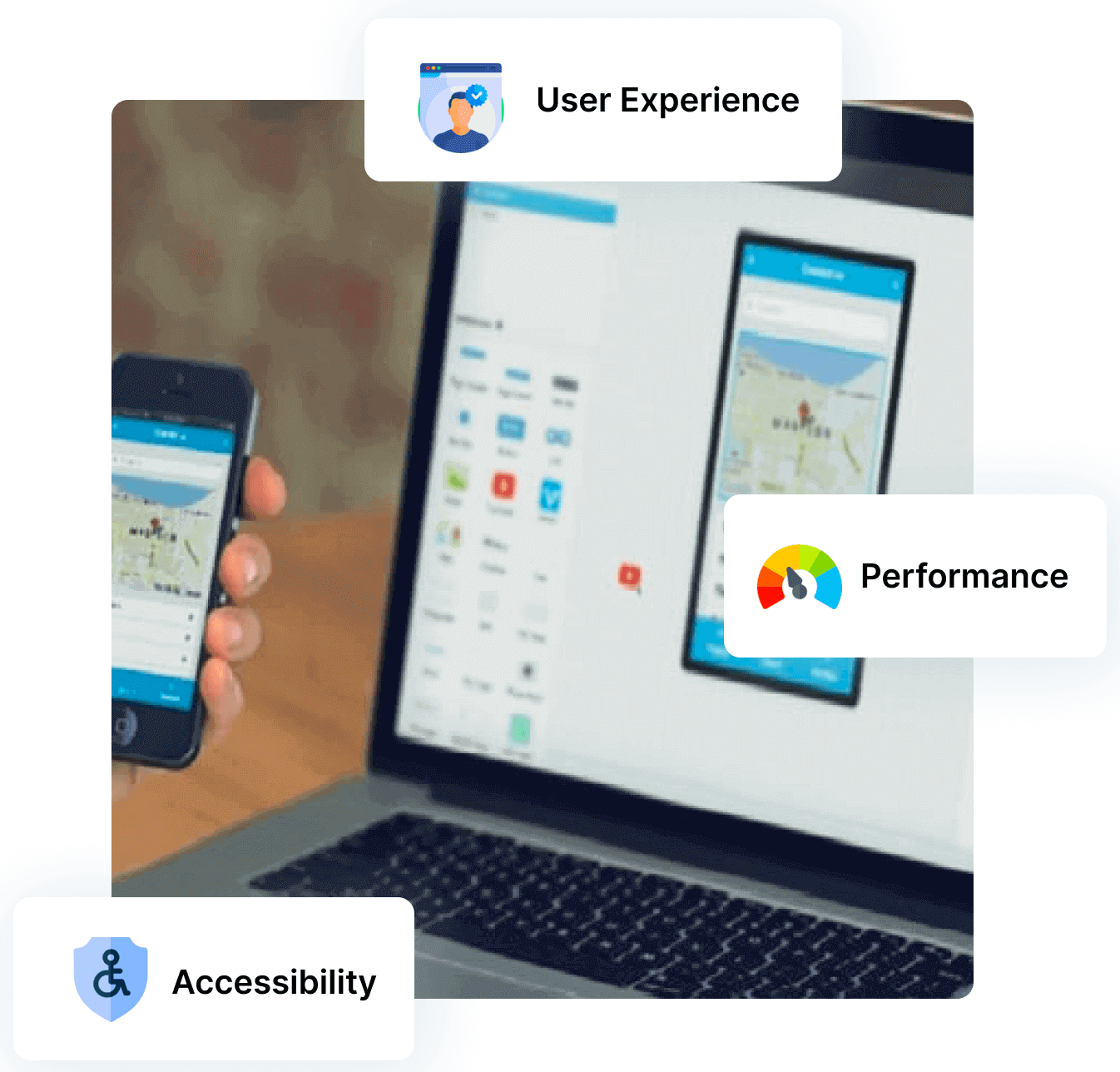
LT Browser lets you record the entire screen or a specific tab in tablet or mobile view and easily share it with your team.

Google Lighthouse Report
Get access to concise lighthouse report for viewing your website's key performance metrics, including accessibility score and SEO.

Hot Reloading Feature
LT Browser's user-friendly interface, quick documentation, and hot reloading ensure seamless code updates in device viewports.

Network Throttling
Ensure seamless user experience by checking your mobile view website's responsiveness on various network profiles.

Multiple Bug Reports
Create and share responsive bug reports seamlessly across preferred project management or messaging tools.

Test History
Developers using LT Browser access their test history for informed decisions and clear site cookies via Chrome settings.





You are about to download LT Browser for Linux
×Download Deb
64-bit version for Debian/Ubuntu
Download RPM
64-bit version for Fedora/openSUSE
By downloading and using LT Browser, I agree to the Privacy Policy and Terms.
FAQs
What is Screen Resolution test?
Screen resolution test is a way to check how clear images and text appear on different devices like computers, phones, or tablets. It helps ensure that websites look good and are easy to read no matter what device someone is using.
What does screen resolution testing mean for websites?
Screen resolution testing involves verifying how websites display on various devices (like desktops, tablets, and mobiles) with different screen resolutions. This process is crucial for ensuring that web pages are rendered correctly, providing users with an optimal browsing experience regardless of the device or browser combination they use.
Does screen size affect resolution?
Yes, screen size can affect resolution. In simple terms, larger screens tend to have higher resolutions, which means they can display more details and appear clearer.
How Can I Find Out My Screen Resolution?
To find your screen resolution, right-click on your desktop, select Display settings (Windows) or System Preferences > Displays (Mac), and look for the resolution settings.
How do you perform screen resolution testing?
To test your screen resolution, right-click on the desktop, select Display Settings Windows or System Preferences > Displays (Mac), and check the resolution slider or tab. Alternatively, use online tools like WhatIsMyScreenResolution.com for quick verification.
How to calculate screen resolution?
To calculate screen resolution, multiply the number of horizontal pixels by the number of vertical pixels on a display. For example, 1920 pixels (width) × 1080 pixels (height) equals a resolution of 1920x1080.
Is High screen resolution good?
Yes, high screen resolution is generally beneficial as it enhances image clarity, sharpness, and overall visual experience, especially for tasks like graphic design, gaming, and content consumption.
How do I know my screen size?
To determine your screen size, measure the diagonal distance from one corner to the opposite corner of your screen. Alternatively, check your device's settings or consult the manufacturer's specifications for the display size information.
Should you opt for emulators or simulators for screen resolution testing?
Comparatively speaking, checking website resolution on emulators or simulators yields less accurate results than testing on actual devices. This is true because software applications known as emulators and simulators closely imitate the operation of actual devices. We recommend opting for LT Browser for screen resolution testing. With LT Browser, you can accurately test various screen resolutions and viewports, ensuring your website or application looks perfect on all devices. Our tool provides an intuitive interface and extensive resolution options, making it the ideal choice for comprehensive testing.

1.2B+
Tests

2M+
Users

10000+
Enterprises

132
Countries
Elevate Testing Experience With LT Browser
Transform Mobile App Testing and Experience Innovation with LT Browser. Achieve Your Mobile Responsiveness Goals – Try LT Browser Today!
 Talk to us