
Free Responsive Website Emulator
Build, Test & Debug Responsive Websites With Our Life Time FREE Tool LT Browser.

 Watch in Action




Device 1
- 1

iPhone 12 Pro
- 1

iPad Pro
×
Device 2
- 2
Google Pixel
- 2

1024X768
×
iPhone 12 pro(1170x2532)

Ipad pro(2048 x 2732)

Google Pixel (1080 x 1920)
Desktop 1024 x 768
Why my mobile website refused to connect? : Your website may not be supporting iframe but our Chromium-based LT Browser has the solution. Test your website across 50+ different device viewports to enjoy un-interrupted mobile web testing on 50+ device screens. Try LT Browser for free

You are about to download LT Browser for Linux
×Download Deb
64-bit version for Debian/Ubuntu
Download RPM
64-bit version for Fedora/openSUSE
By downloading and using LT Browser, I agree to the Privacy Policy and Terms.
You are about to download LT Browser for Linux
×Download Deb
64-bit version for Debian/Ubuntu
Download RPM
64-bit version for Fedora/openSUSE
By downloading and using LT Browser, I agree to the Privacy Policy and Terms.






100% Accuracy is Essential - Switch to Real Device
Mobile emulators and simulators offer a glimpse, but they fall short in mimicking real-world scenarios. Don't settle for emulations/simulations; choose real device.
 Natural gestures - pinch to zoom in, 2 fingure scroll etc
- Detailed device and app/crash logs
- Integrate with TestFlight, AppStore
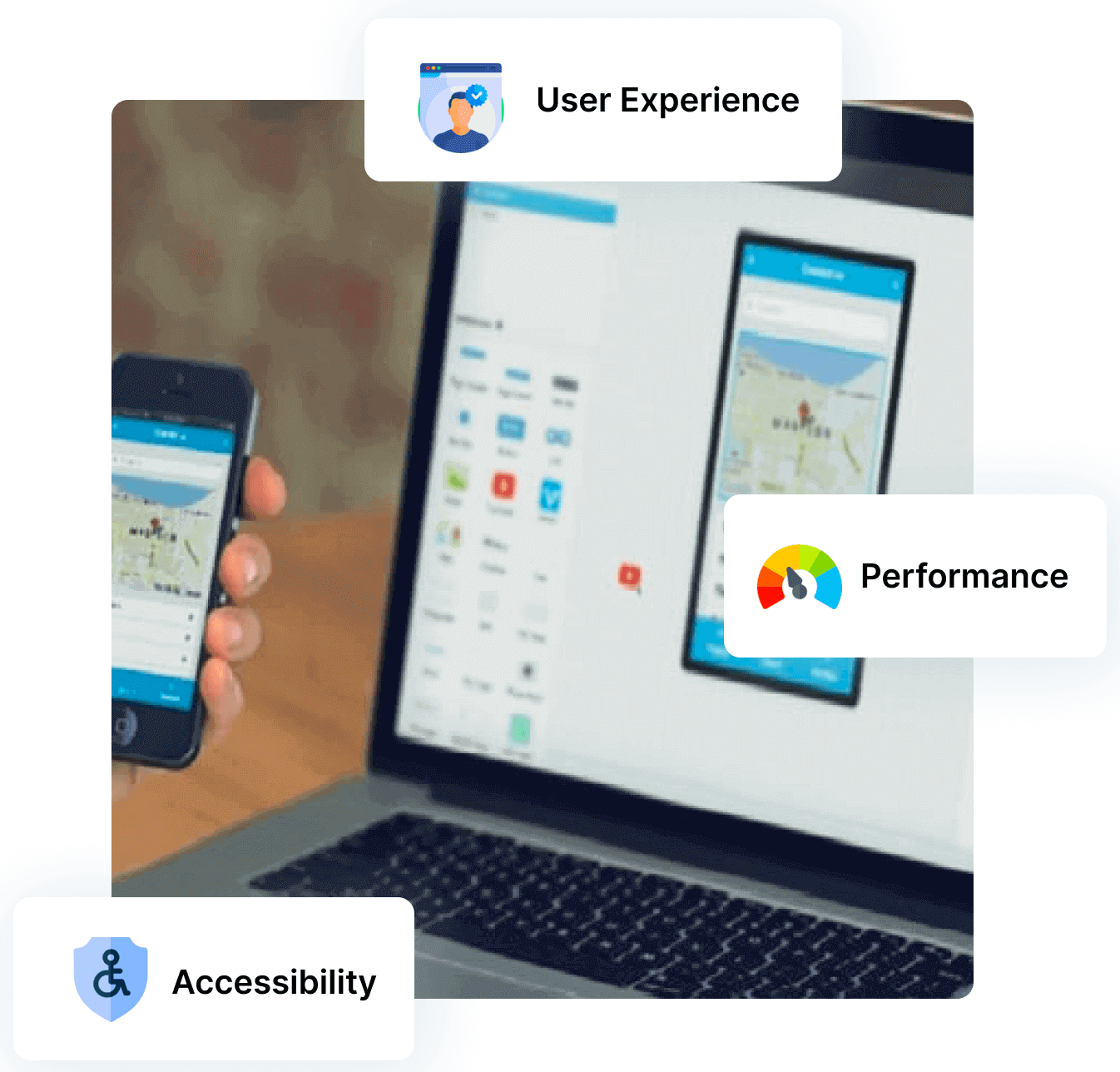
Accelerate Testing with Our Responsive Website Emulator

Native Chromium Engine
Use all Chrome browser features like settings and APIs, having better OS integration, accessing latest Chrome DevTools.

Multiple Device Viewports
Choose from a wide range of devices and effortlessly interact and test responsiveness across multiple device viewports.

Dedicated Chrome DevTools
Enhance your mobile view debugging with built-in Chrome dev tools for each device viewport, enabling faster debugging.

Multiple Recording Options
LT Browser lets you record the entire screen or a specific tab in tablet or mobile view and easily share it with your team.

Google Lighthouse Report
Get access to concise lighthouse report for viewing your website's key performance metrics, including accessibility score and SEO.

Hot Reloading Feature
LT Browser's user-friendly interface, quick documentation, and hot reloading ensure seamless code updates in device viewports.

Network Throttling
Ensure seamless user experience by checking your mobile view website's responsiveness on various network profiles.

Multiple Bug Reports
Create and share responsive bug reports seamlessly across preferred project management or messaging tools.

Test History
Developers using LT Browser access their test history for informed decisions and clear site cookies via Chrome settings.





FAQs
What is a responsive website?
A responsive website is a website that provides the same optimal viewing experience on any device. It uses fluid, proportion-based grids and flexible images to adapt the layout of content to the size of the screen, no matter what device or window size.
How can I test responsive website?
LT Browser is a handy website emulator for checking the responsiveness of your website on several kinds of devices. It allows you to create custom screen resolutions and then test your site for responsiveness at each resolution.
What is responsive website emulator?
It is a type of software or virtual environment designed to emulate the responsive behavior of a website over multiple screen resolutions. LT Browser is the best website emulator for development and testing of a website.
Why responsive website testing is important?
You should test responsiveness of your website to make sure it responds well to users coming from different browsers, devices and screen sizes. It is a best way to make sure your site runs as smoothly as possible.
What are the popular devices I should test my website on?
Following are the major devices one should consider fot responsive testing.
Mobile- iPhones, Samsung Galaxy series, OnePlus phones of past 2 to 3 years.
Tablets- iPads and Samsung Tablets launched in past 3 to 4 years
PCs- Laptops from Lenovo, Dell, Apple for past 5 years
Mobile- iPhones, Samsung Galaxy series, OnePlus phones of past 2 to 3 years.
Tablets- iPads and Samsung Tablets launched in past 3 to 4 years
PCs- Laptops from Lenovo, Dell, Apple for past 5 years
How to make my website responsive?
There no one size fits all but following are the major points should keep in mind for testing the website.
- 1. Choose a mobile responsive theme for website
- 2. Use light images , videos, and CSS
- 3. Prefer easy to read font and font size 4. Check for CTA designs, size and placement
- 5. Avoid un necessary pop-ups 6. Avoid un necessary hyperlinks on website
- 7. Test website regularly
What is the difference between responsive and adaptive design?
Responsive website is fluidic enough to adapt to any shape or size of the viewing device. Adaptive website first detect a predefined resolution and shows pre decided static elements of the website. Google ranks mobile friendly websites higher then any other form of website.
What is a website emulator?
A website emulator is a tool that allows you to view and interact with a website as if you were using a different device, operating system, or web browser. This can be useful for testing how a website looks and works on different platforms or for accessing sites that may not be compatible with your current device or browser.

1.2B+
Tests

2M+
Users

10000+
Enterprises

132
Countries
Elevate Your Responsive Testing Experience
Experience firsthand how our platform can empower you to reach your Responsive testing objectives and bring innovation in your testing procedures. Try LambdaTest today.
 Talk to us
You are about to download LT Browser for Linux
×Download Deb
64-bit version for Debian/Ubuntu
Download RPM
64-bit version for Fedora/openSUSE
By downloading and using LT Browser, I agree to the Privacy Policy and Terms.