TestMu AI Chrome Extension
Perform live-interactive and automated cross browser testing of websites with TestMu AI
Chrome Extension across 3000+ Real Browsers and Operating Systems
Add To Chrome Now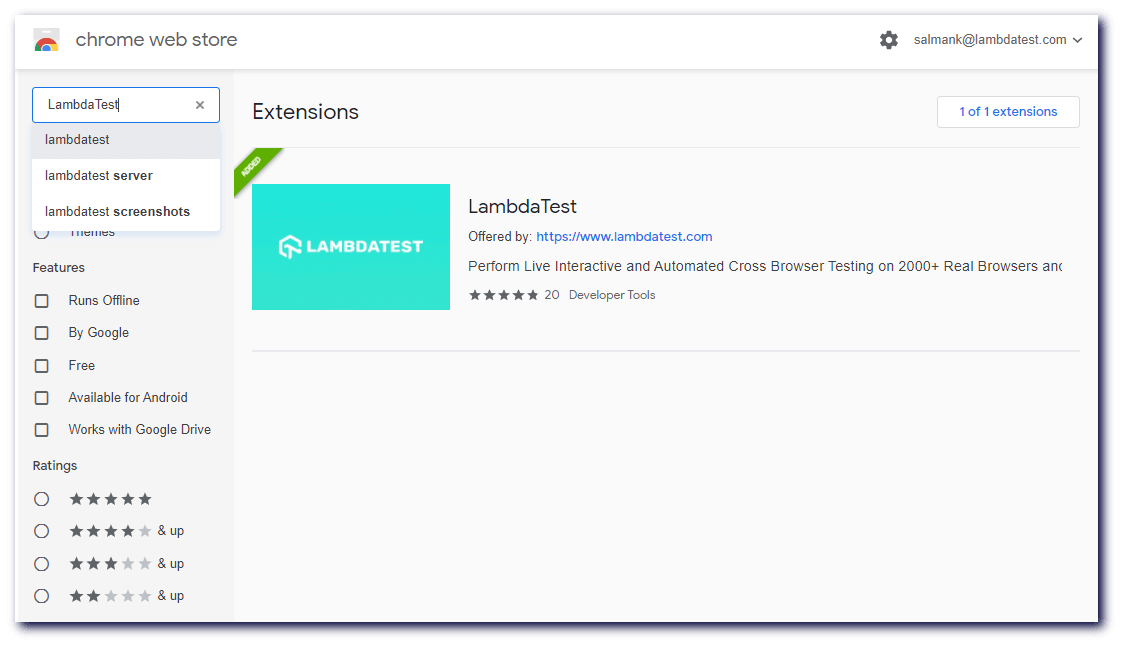
TestMu AI Chrome Extension For Browser Testing
Perform live-interactive and automated cross browser testing of websites & web apps across multiple real browsers and operating system right from your browser tab and fastrack cross browser compatiblity issues of your websites and web apps.
Get Started with TestMu AI Chrome Extension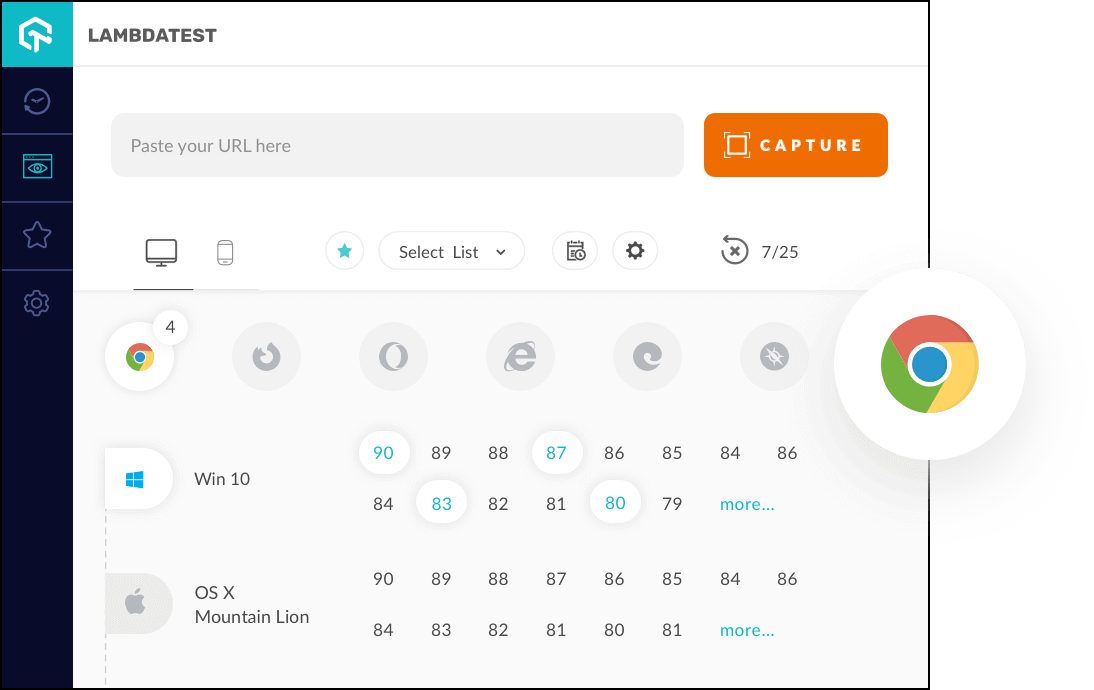
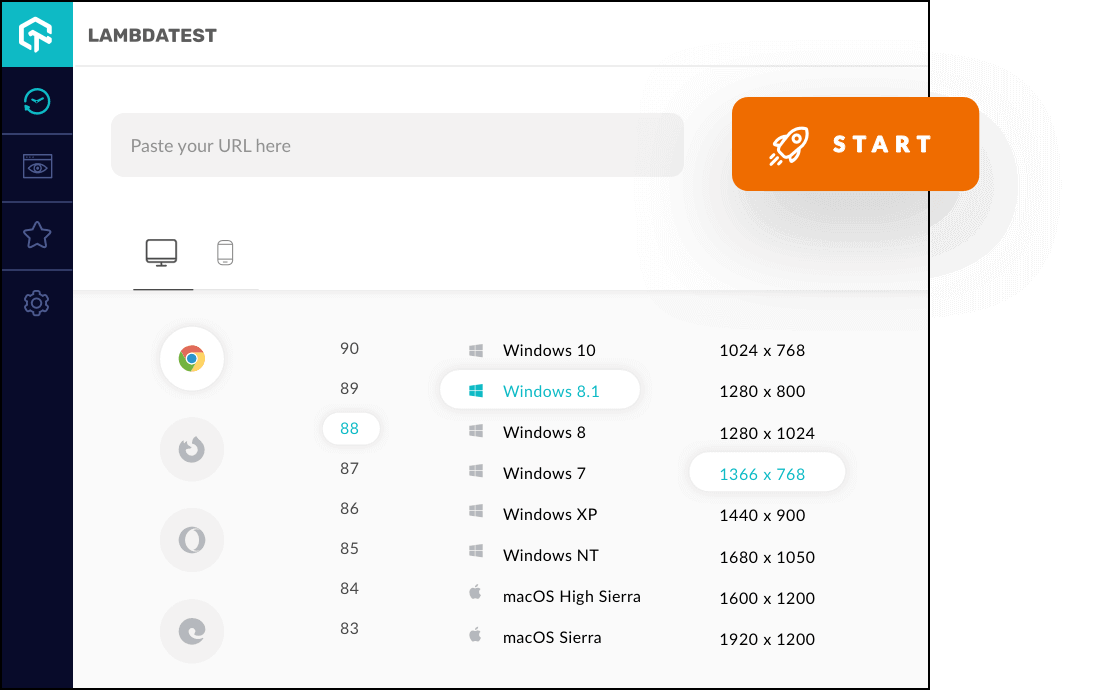
Live-Interactive Testing For Browser Compatibility
Ensure your websites renders seamlessly across different browser environments. Enter the test URL, choose configurations and perform real-time testing of the websites over 2000 browsers. Get instant access to real machines running on the cloud, latest and legacy web browsers, browser versions, operating system, and resolutions.
Capture Full Page Automated Screenshots
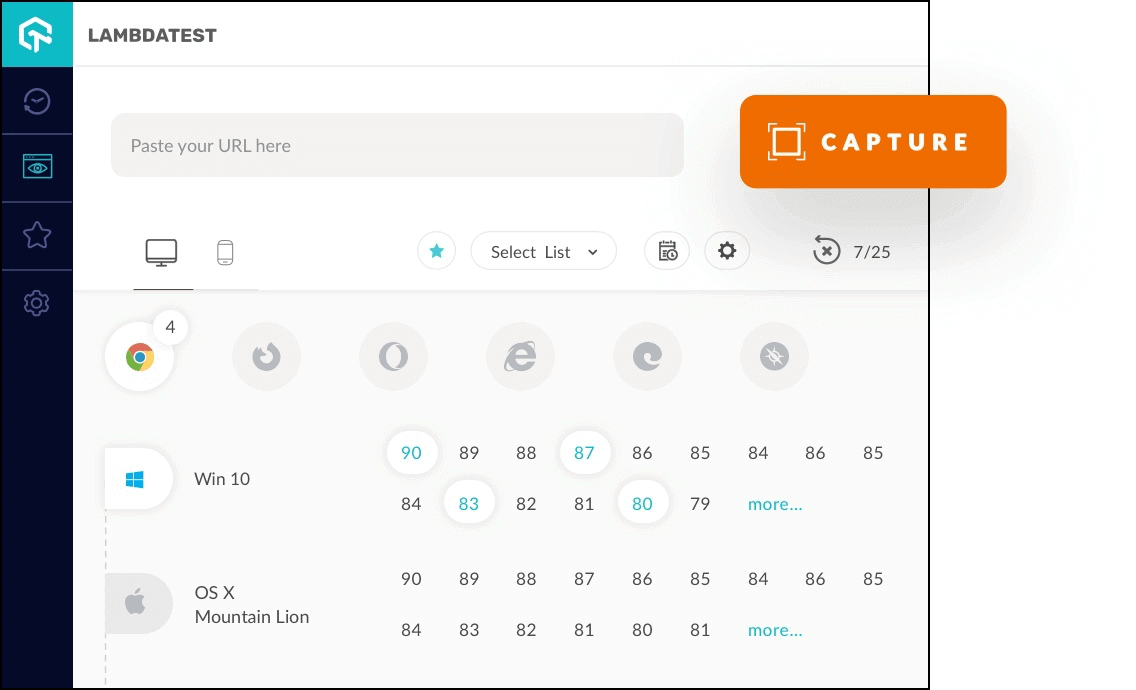
You can simply take screenshots directly from your local browser. You can take direct screenshots on upto 25 different browser and operating system configuration at a time by clicking on TestMu AI’s icon and selecting the configuration using TestMu AI.
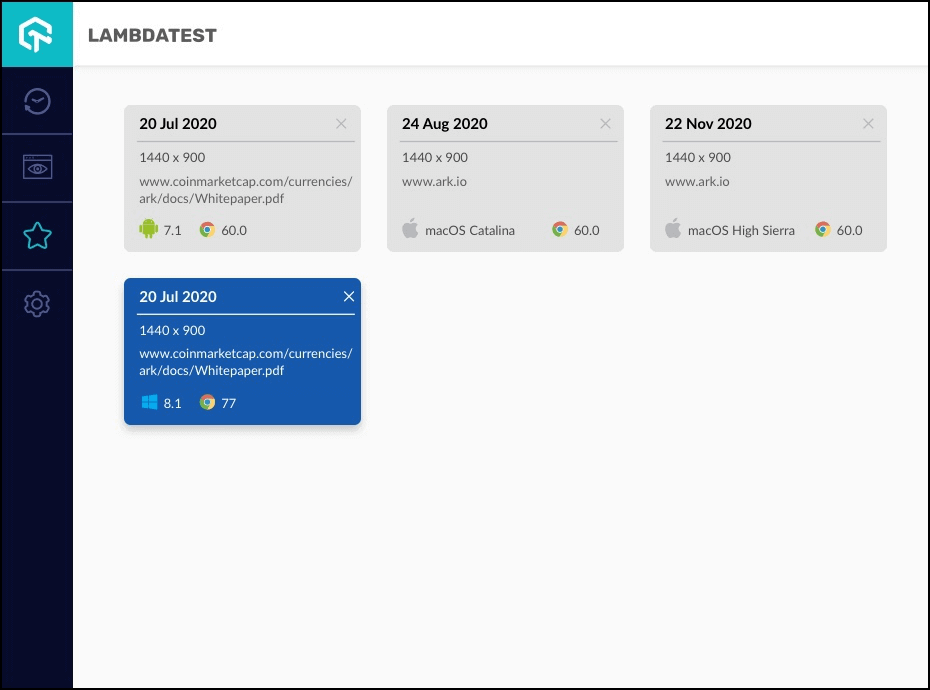
Launch Real Time Tests Quickly With Favorites
Perform real time testing instantly using Favorites and eliminate the painpoint of selecting configurations everytime. Add your favorites configurations in Favorites and launch the test with same configuration right from your browser tab.
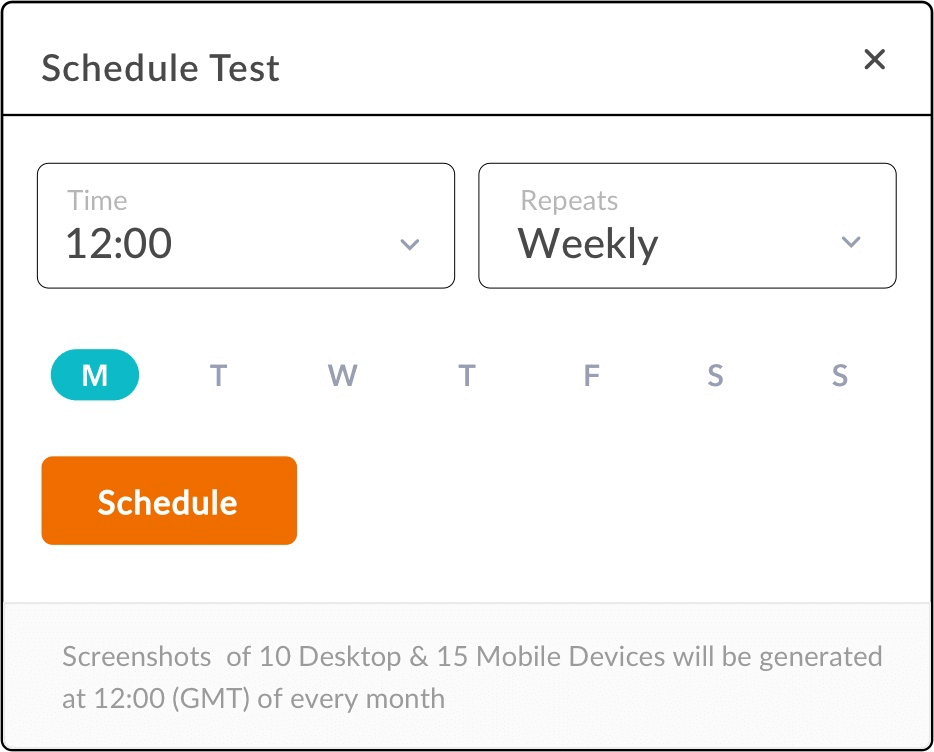
Schedule Screenshots With Automated Screenshot Scheduler
Eliminate the process of capturing screenshots manually. With TestMu AI Automated Screenshot Scheduler, schedule the screenshots on a daily, weekly, and monthly basis. TestMu AI will automatically run the screenshot tests, and will deliver the screenshots to your mailbox.
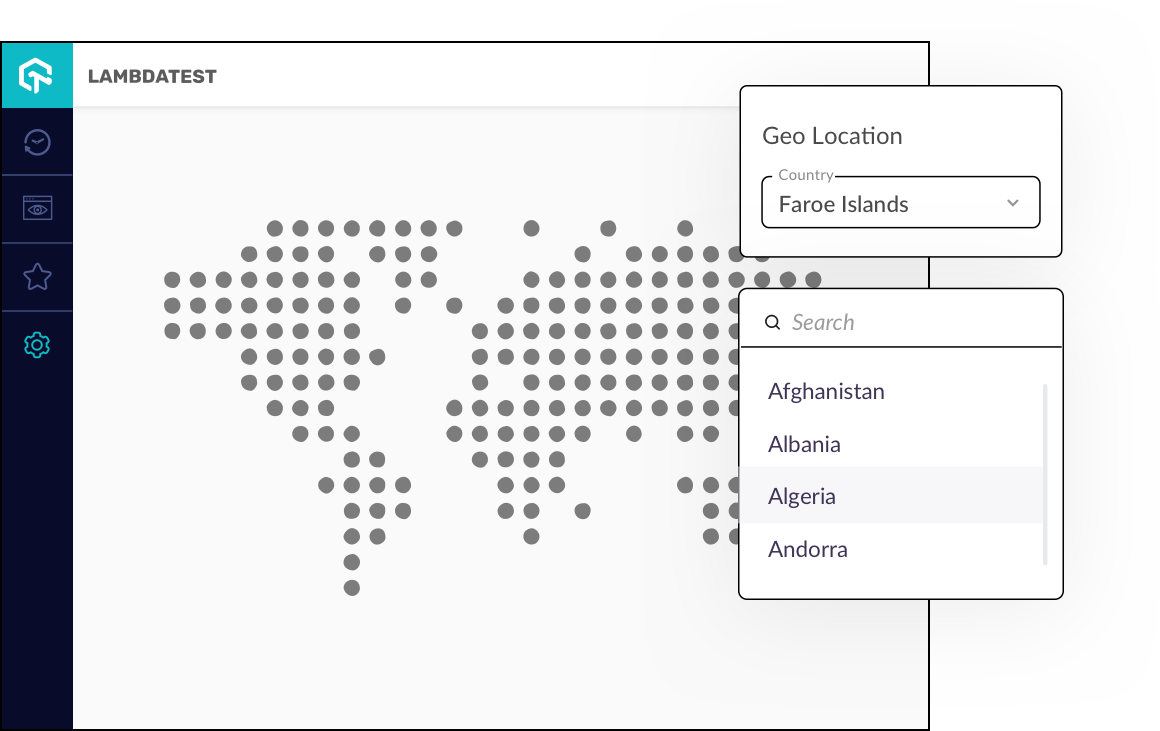
Perform Geolocation Tests Across Different Locations
Test websites across different geographies on 3000+ browser environments and check how it renders or behaves across different geolocations. Perform tests for Geo-Targeting, Geo-Blocking, Geo Localization across various locations. Select the location and browser environments and kick start your geolocation testing.
Walkthrough: TestMu AI Chrome Extension
Watch the video and get started with our Chrome Extension
Seamless Collaboration
Integrate LambdaTest with your favorite tool and save yourself from manually managing bugs and tasks. Also fits with your CI/CD pipeline.