

Next-Gen App & Browser Testing Cloud
Trusted by 2 Mn+ QAs & Devs to accelerate their release cycles


21 Best VS Code Extensions to Boost Your Productivity
Explore some of the best VS Code extensions to boost productivity, streamline workflows, and test across browsers with tools like TestMu AI, GitHub Copilot, and more.

Shakura Banu
February 17, 2026
VS Code extensions help you improve your coding efficiency and streamline workflows, making Visual Studio Code a go-to tool for any developer. Knowing some of the best VS Code extensions for your coding environment, can help you choose the right one for your web development needs.
What Is a VS Code Extension?
A VS Code extension is an add-on that boosts the capabilities of your Visual Studio Code editor. These extensions can introduce new features, enhance existing ones, or connect VS Code to other tools and services. They allow you to personalize your development environment, making it better suited to your programming style, language preferences, and workflow.
Some of the Best VS Code Extensions
Below are some of the best VS Code extensions explained in detail to help you make an informed decision when choosing the ones that best suit your development needs.
1. TestMu AI VS Code Extension
The TestMu AI VS Code extension brings the power of this testing platform directly into your development workflow. Recognized as one of the best VS Code extensions, it allows you to perform real-time cross-browser testing of public or locally hosted websites and web applications, without leaving the VS Code Editor.
With this extension, you can instantly trigger live-interactive testing sessions, eliminating the need for complex setups, thanks to its seamless integration of cloud-based infrastructure directly into your development environment.
At its core, TestMu AI is an AI-native test execution platform that enables you to run both manual and automated tests at scale across 3000+ browsers and OS combinations & 10,000+ real devices.
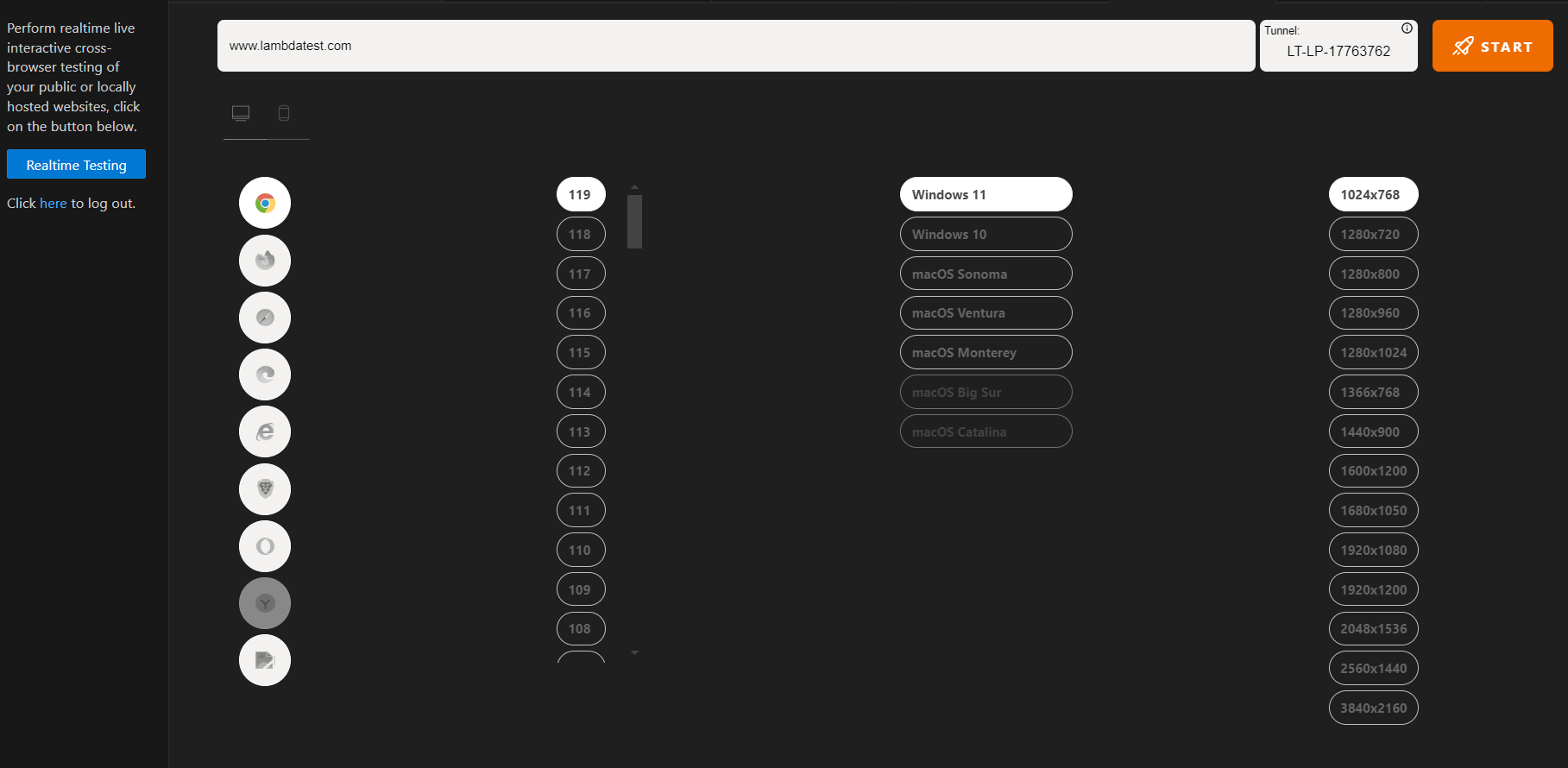
Key Features:
- Run mobile web tests: Execute tests within VS Code using Android emulators (including Mac), iPhones, and iOS simulators for iPhone and iPad.
- Perform geolocation testing: Conduct tests across various browsers and device configurations to verify location-based behavior.
- Log UI bugs directly: Capture UI bugs during testing sessions with the “Mark as Bug” feature.
- Use the built-in issue tracker: Seamlessly manage and organize reported bugs within the extension.
For a full walkthrough and complete setup on how to test public or locally hosted web apps, follow the support documentation to configure TestMu AI VS Code extension.

Note: Test locally hosted websites using the VS Code extension. Try TestMu AI Now!
2. Live Server
Live Server is another popular and one of the best VS Code extensions that helps you launch a local development server with a live reload feature for static and dynamic pages. You can easily manage and track your code changes because every time the code changes are saved, the changes are instantly reflected in the browser. This allows you to spot errors or issues and easily experiment with your code.
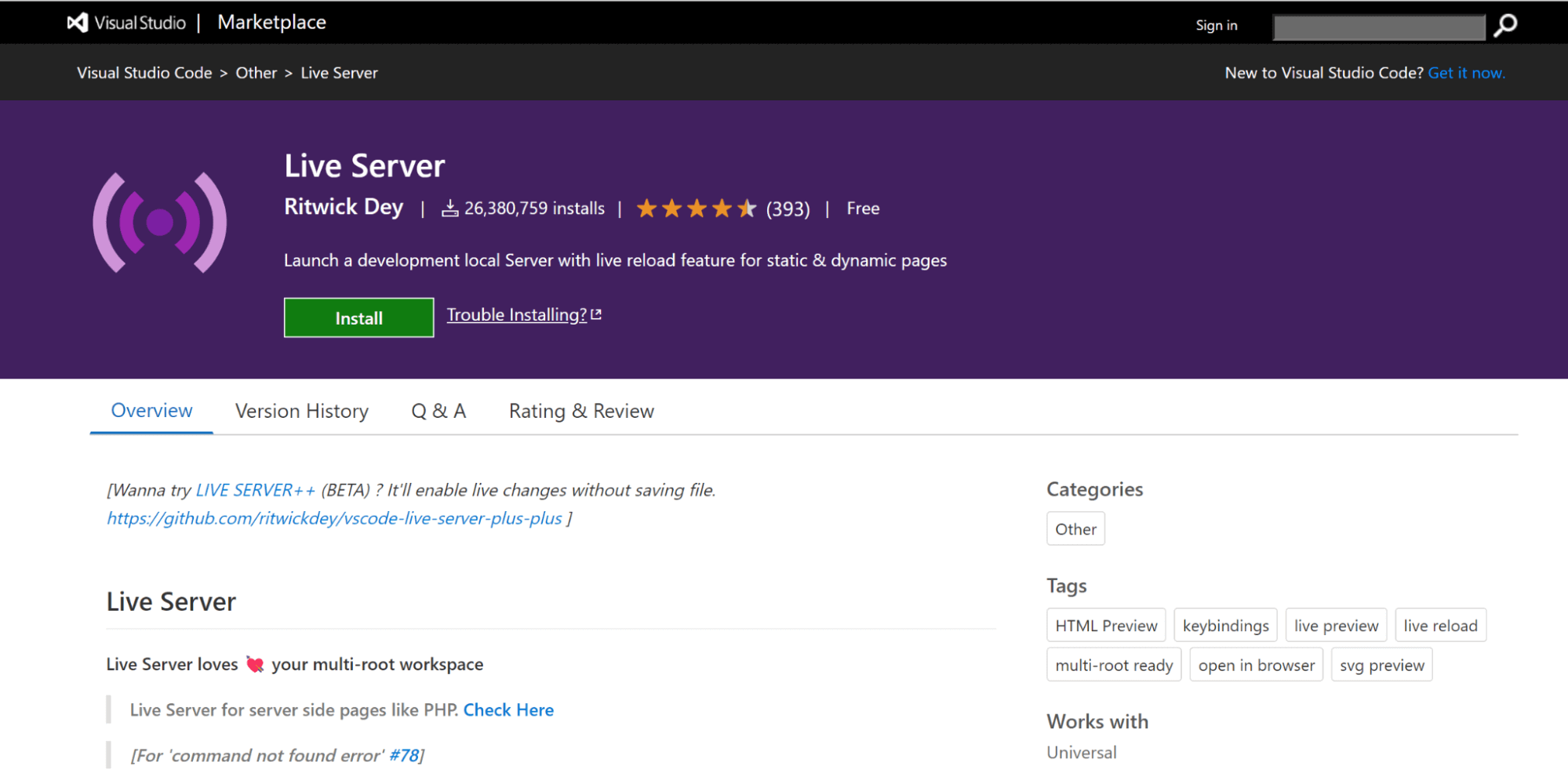
Key Features:
- Start or stop the server: Control the server with a single click from the status bar.
- Support quick development: Enable rapid development using a live server.
- Hotkey control: Use hotkeys for efficient server management.
- Exclude files from change detection: Support excluding files to optimize change monitoring.
3. Remote – SSH
Remote – SSH extension is one of the best VS Code extensions that allows you to create your development environment using the dual combination of any remote machine with an SSH server. This helps you to simplify the development or troubleshooting processes in different scenarios. The source code is not required for your local machine, as this extension directly executes commands and other required dependencies on the remote machine.
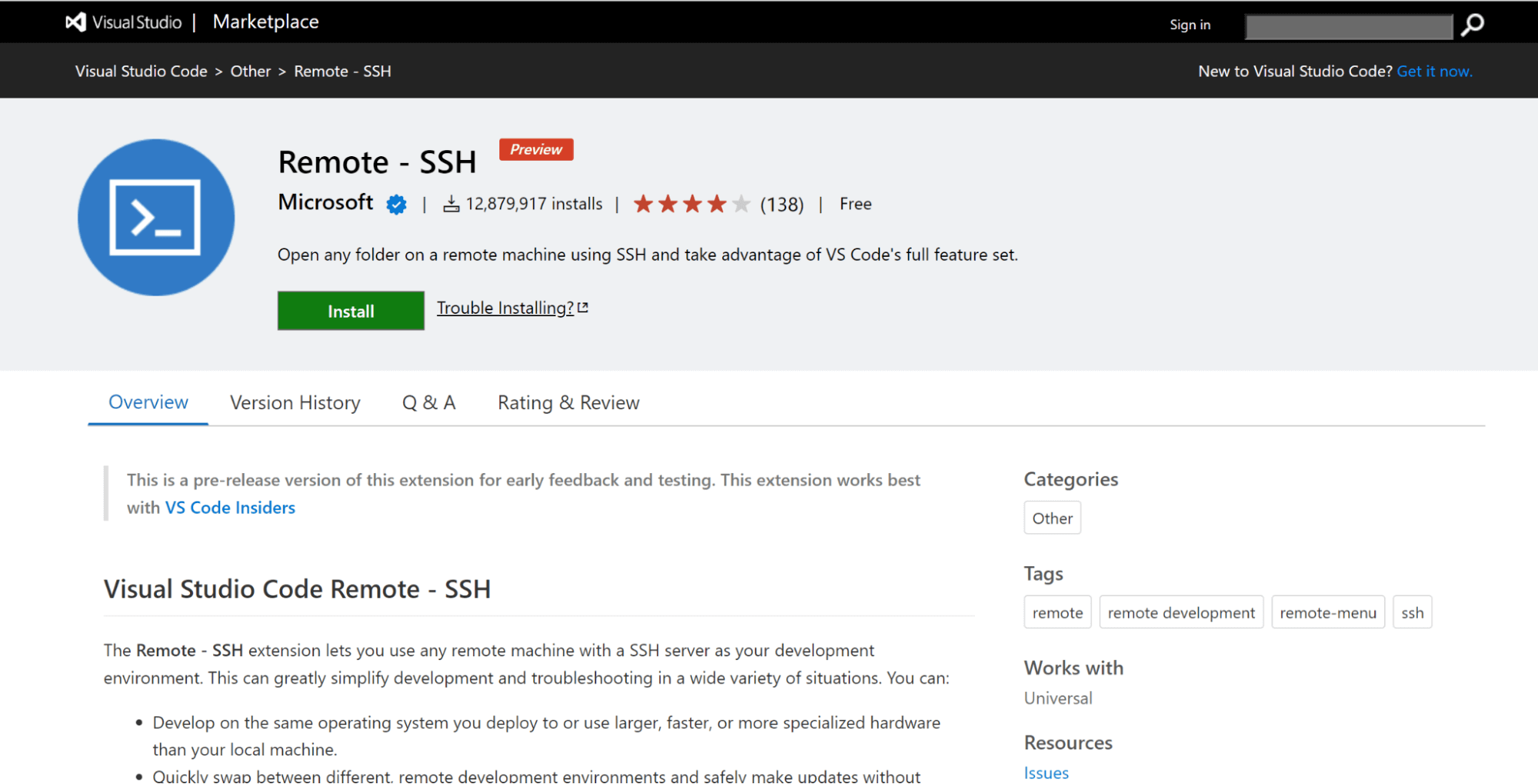
Key Features:
- Debug remotely: Debug applications running on customer setups or in the cloud.
- Swap between environments: Quickly switch remote environments with necessary updates without affecting the local machine.
- Access development environments: Use multiple locations or machines to access existing setups.
4. Peacock
Peacock allows you to change the color of the Visual Studio Code environment or workspace. This is helpful when you’re working with multiple VS Code instances and want to easily identify the one you’re currently using. It’s a favorite among developers and often considered one of the best VS Code extension options for improving workflow clarity.
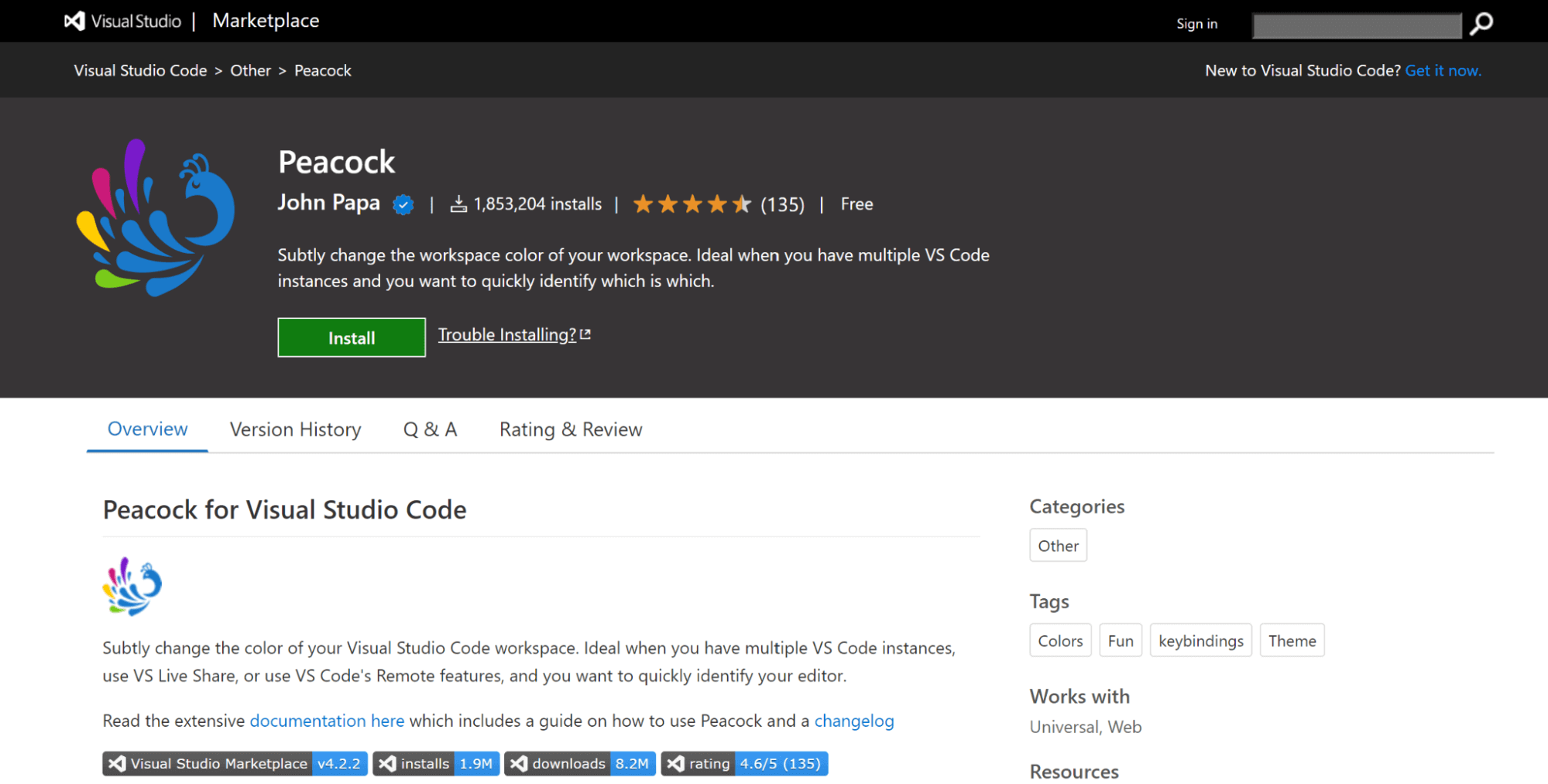
Key Features:
- Color code instances: Apply your preferred colors to quickly identify each Visual Studio Code instance.
- Remote integration coloring: Visual Studio Code editor displays a distinctive color during remote integration.
- Live Share session coloring: Apply unique colors when participating as a Guest or Host in Live Share sessions.
5. Snippet
Snippet is one of the best VS Code extensions for improving your productivity in the long run. Snippet provide a collection of various extensions for the commonly used programming languages. The React Snippet is the most commonly used extension nowadays.
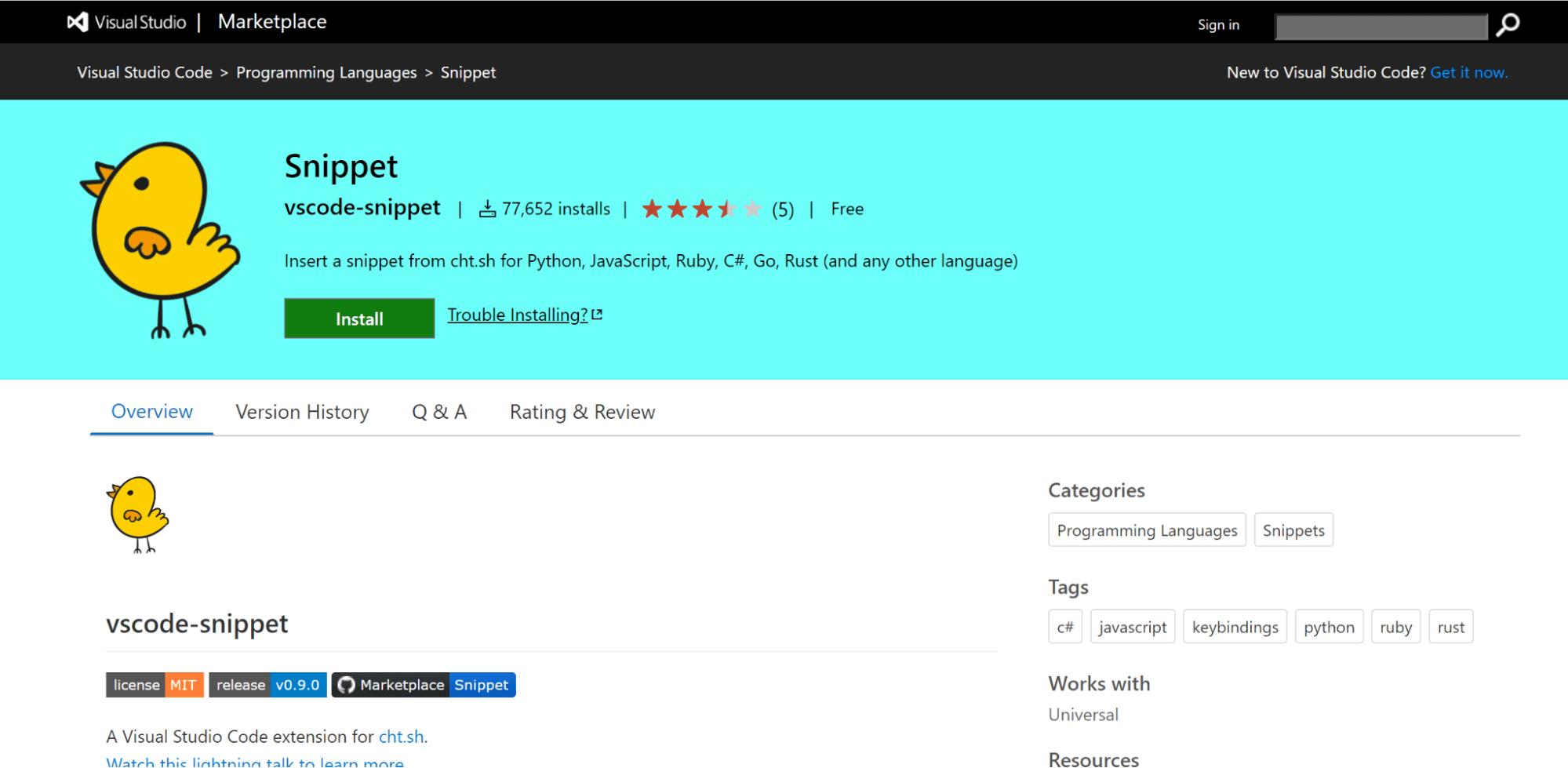
Key Features:
- Zero configuration: Works immediately without setup.
- Auto language detection: Identifies programming language from the editor.
- Simplifies code entry: Eases input of repeating code snippet.
6. CSS Peek
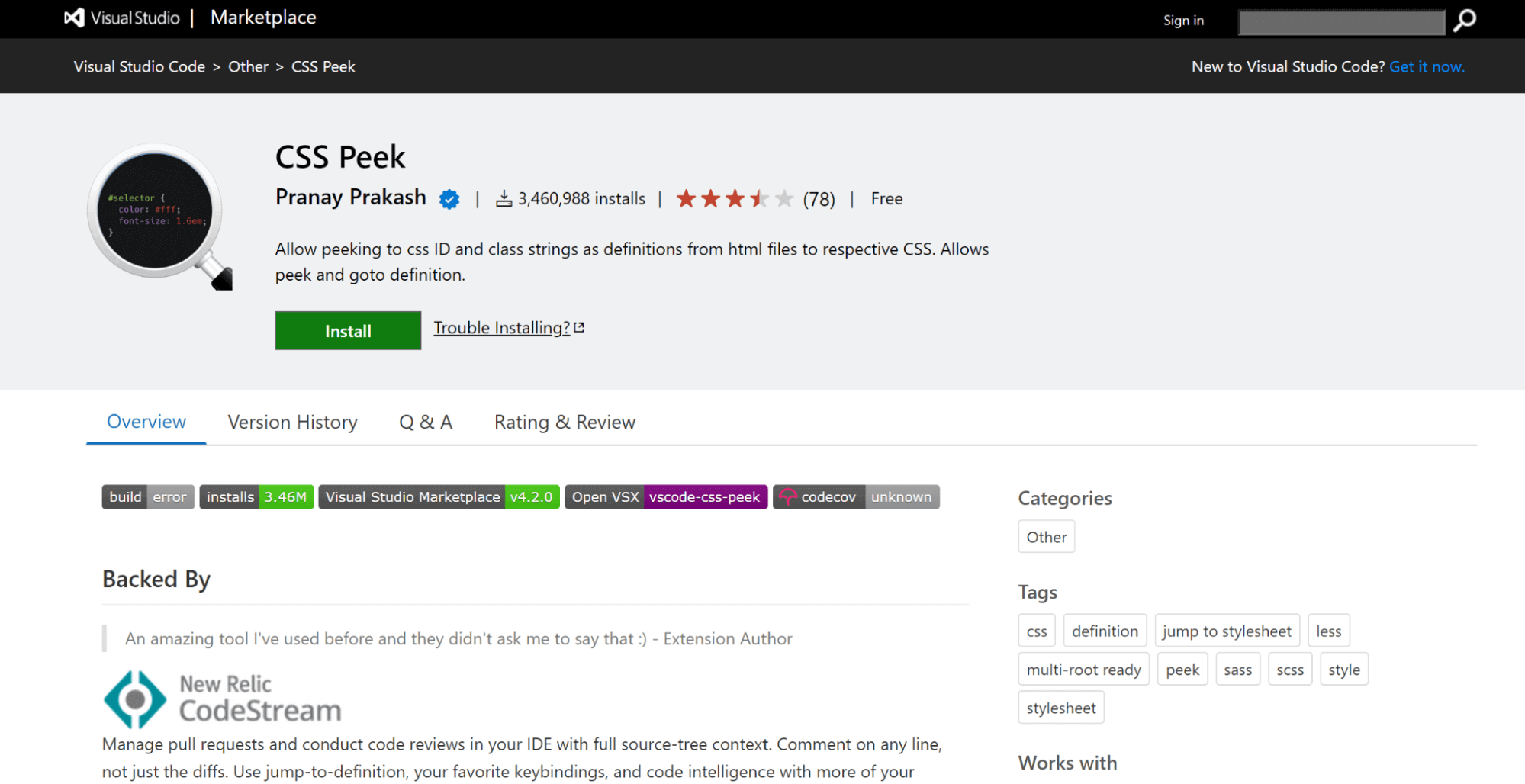
CSS Peek has been helpful to front-end developers in improving the way development requirements are handled. As one of the best VS Code extensions, it lets you manage pull requests in your IDE and perform code reviews with complete source-tree context. This allows you to navigate directly to the right CSS code if you know the class or ID name.
Key Features:
- Navigate CSS definitions: Access CSS definitions and symbols in the workspace with a few clicks.
- Symbol provider: Includes an option to view symbols.
- Flexible commenting: Allows commenting on any line.
7. Prettier
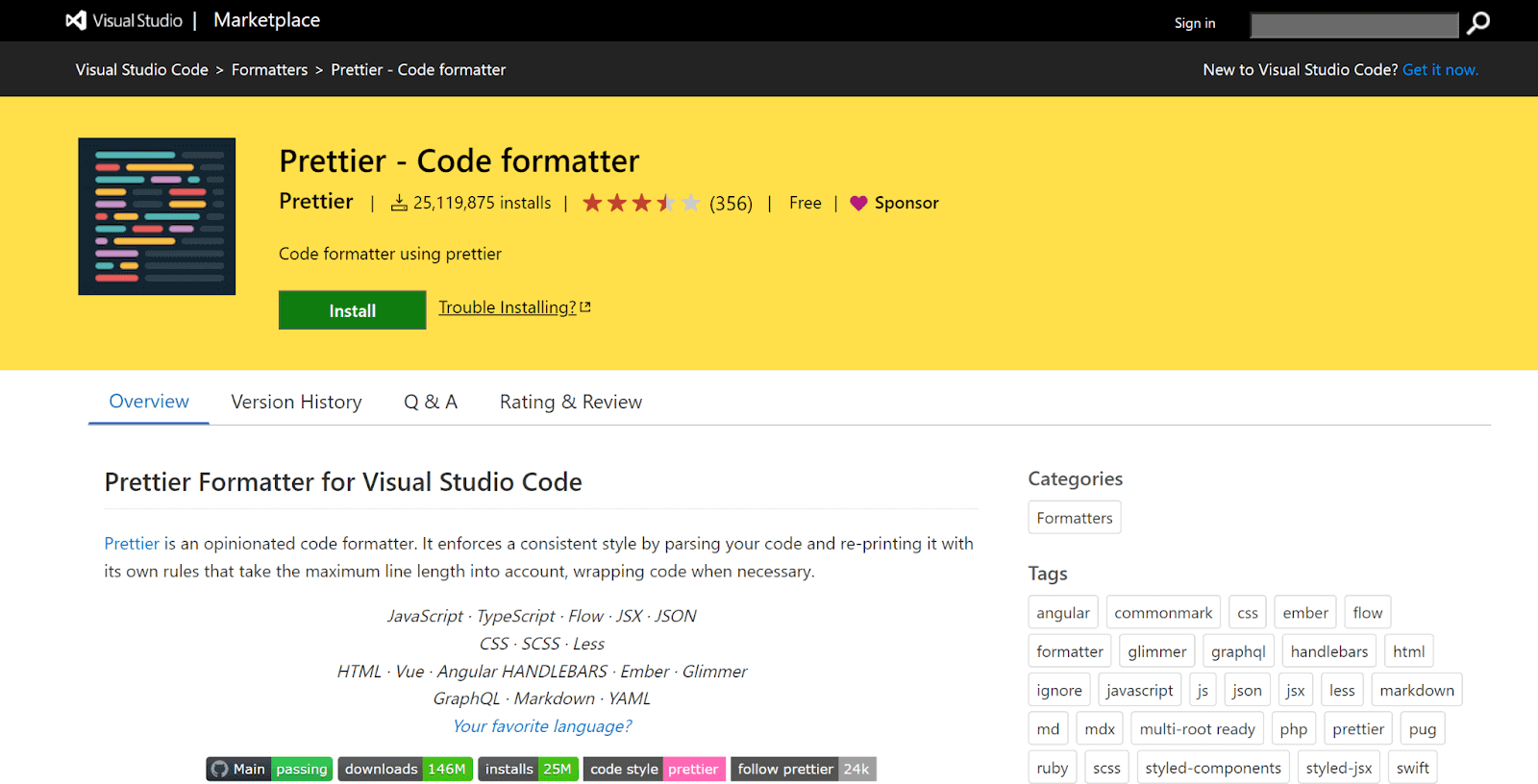
Prettier VS Code extension helps you spend less time on code formatting by automatically fixing common issues like inconsistent quotes, missing semicolons, or spacing. It’s considered one of the best VS Code extensions for ensuring consistent code style across your project and gives you the flexibility to customize formatting rules.
You can also save your settings and apply them quickly using shortcuts, making it easy to maintain your preferred coding standards.
Key Features:
- Easy installation: Install the extension hassle-free.
- Uniform code style: Enforces consistent formatting by removing original styling.
- Code regeneration: Recreates code from scratch while handling multiple lines.
8. Relative Path
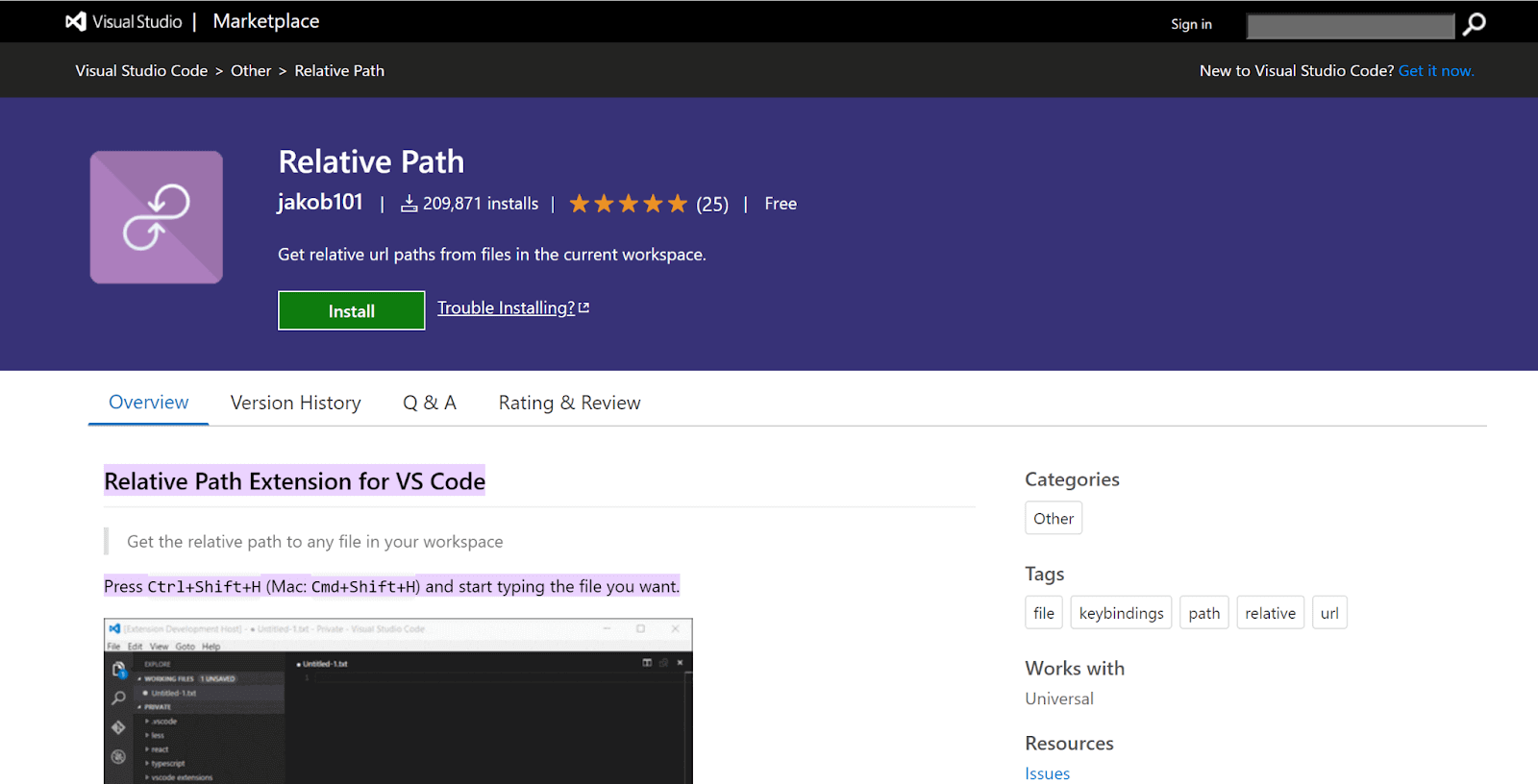
Relative Path is a handy VS Code extension that solves the common challenge of finding or copying the relative path to a file in your workspace. It also helps you write import statements effortlessly.
Just type the file name, and the extension automatically provides the correct relative path from your current file location. It’s especially useful when working across large codebases and is considered one of the best VS Code extension tools for boosting productivity.
Key Features:
- Improve search performance: Enhances file switching speed across different folders.
- Quick file access: Press Ctrl+Shift+H (Mac: Cmd+Shift+H) and start typing to find files instantly.
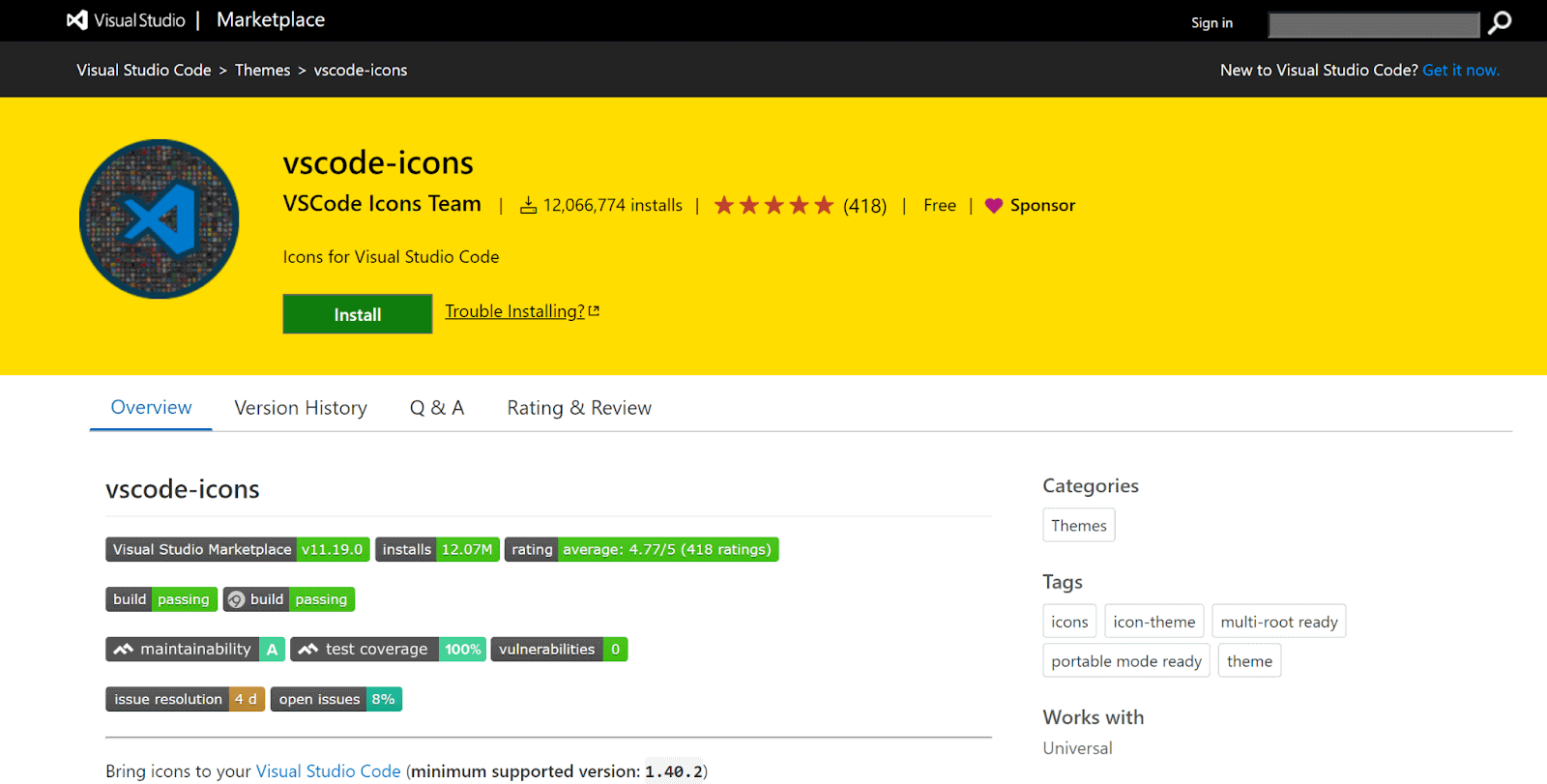
9. vscode-icons
vscode-icons allow you to create descriptive icons to categorize between files and folders easily. This is one of the best VS Code extensions that helps to make code more visually appealing so that it is easier for teams to work in close collaboration. This means you can always come back after some time and concentrate on your code with undivided attention, resulting in a great end-user experience.
Key Features:
- Customize icons: Change icon appearance and associations per extension.
- Auto project detection: Automatically switches icons based on the active project type.
- Custom configuration: Supports personalized icon settings.
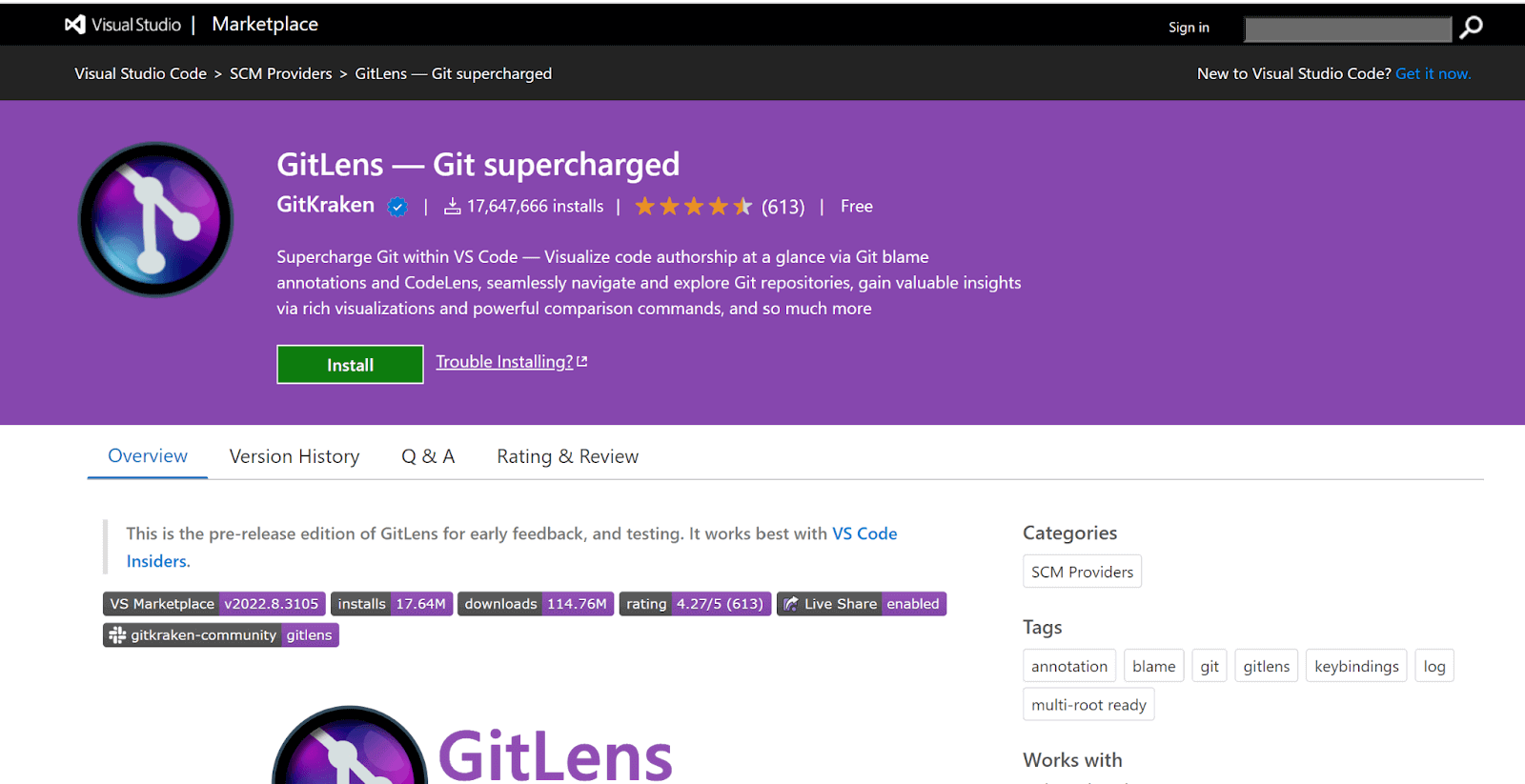
10. GitLens
GitLens is one of the most powerful and best VS Code extensions that enhances your Git experience right inside Visual Studio Code. It simplifies version control by letting you track changes across your codebase with ease. You can view detailed history, see who made what changes and why, and explore how your code has evolved over time, all without leaving your editor.
Key Features:
- Customizable settings: Enable or disable specific features as needed.
- Inline blame annotation: Displays the current line’s blame at the line end.
- Status bar blame: Shows commit and author details in the status bar.

11. Import Cost
The Import Cost extension comes in handy when you’re managing size requirements for your imported packages. It displays the estimated size of each import directly in the editor, helping you track the weight of dependencies. This insight helps you avoid performance issues, making it a strong candidate for the best VS Code extension for size-aware development.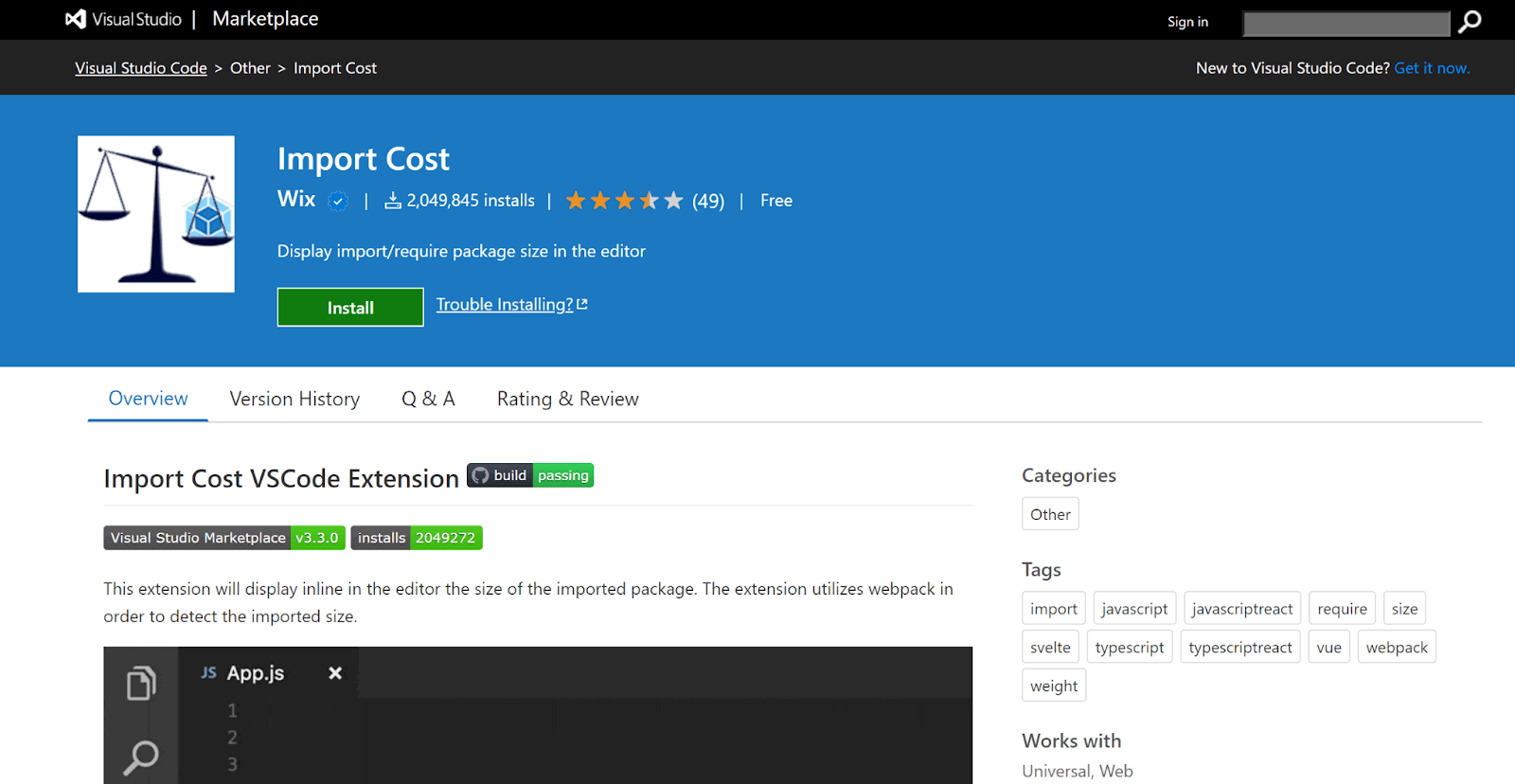
Key Features:
- Default importing: Supports standard import statements.
- Entire content importing: Allows importing complete modules.
- Selective importing: Enables importing specific parts.
- Submodule importing: Supports importing submodules.
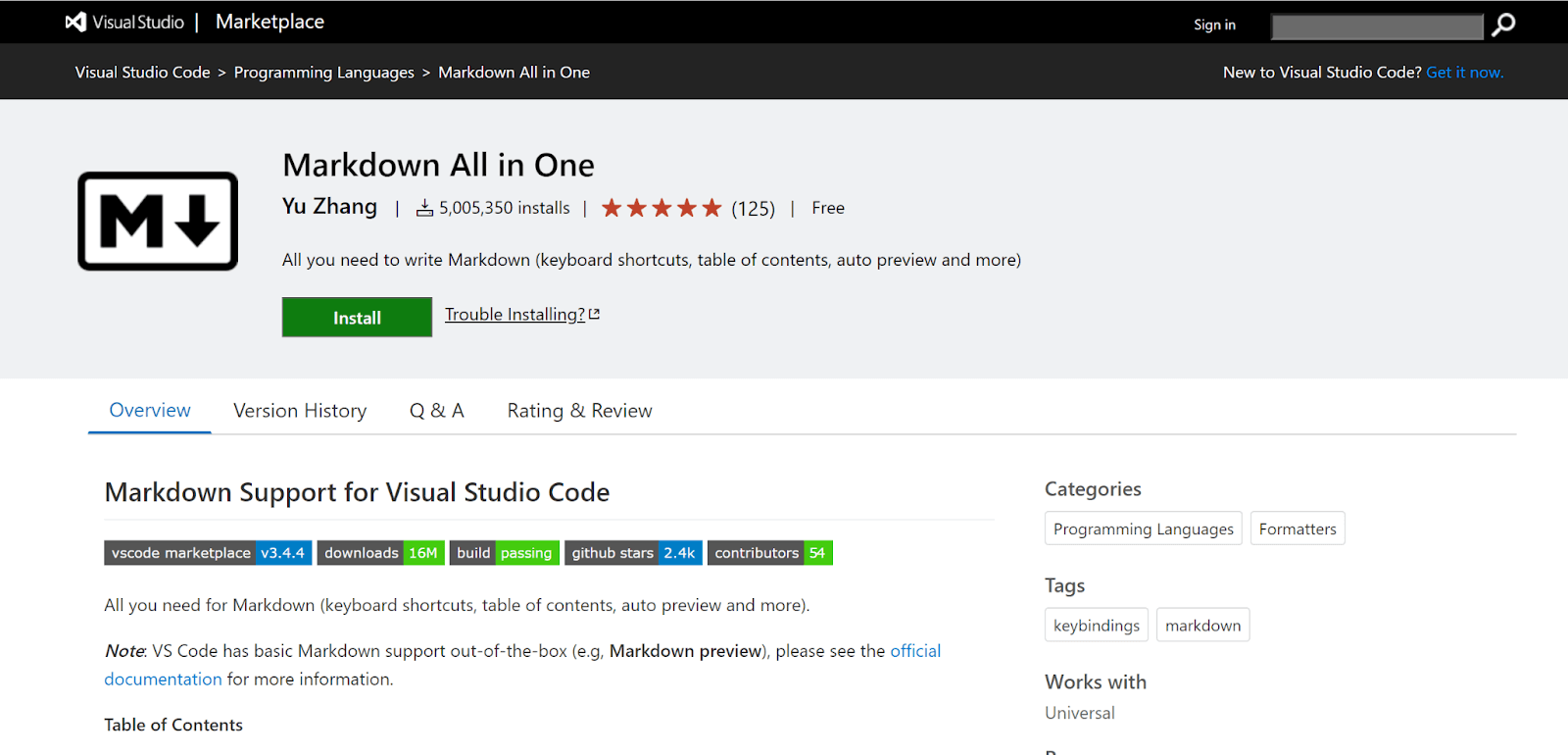
12. Markdown All in One
Markdown All in One enhances the Markdown capabilities with Visual Studio Code. VS Code provides Markdown support out of the box. This extension stands out as one of the best VS Code extensions for boosting productivity. Markdown is commonly used across different technical domains, and this extension is crucial in improving overall productivity and speed.
Key Features:
- Text shortcuts: Offers easy-to-use shortcuts for editing and adding content.
- Auto-preview: Displays a live preview of markdown content.
- Syntax autocomplete: Provides autocomplete for markdown syntax.
- List support: Simplifies adding lists and bullets.
13. JavaScript Code Snippets
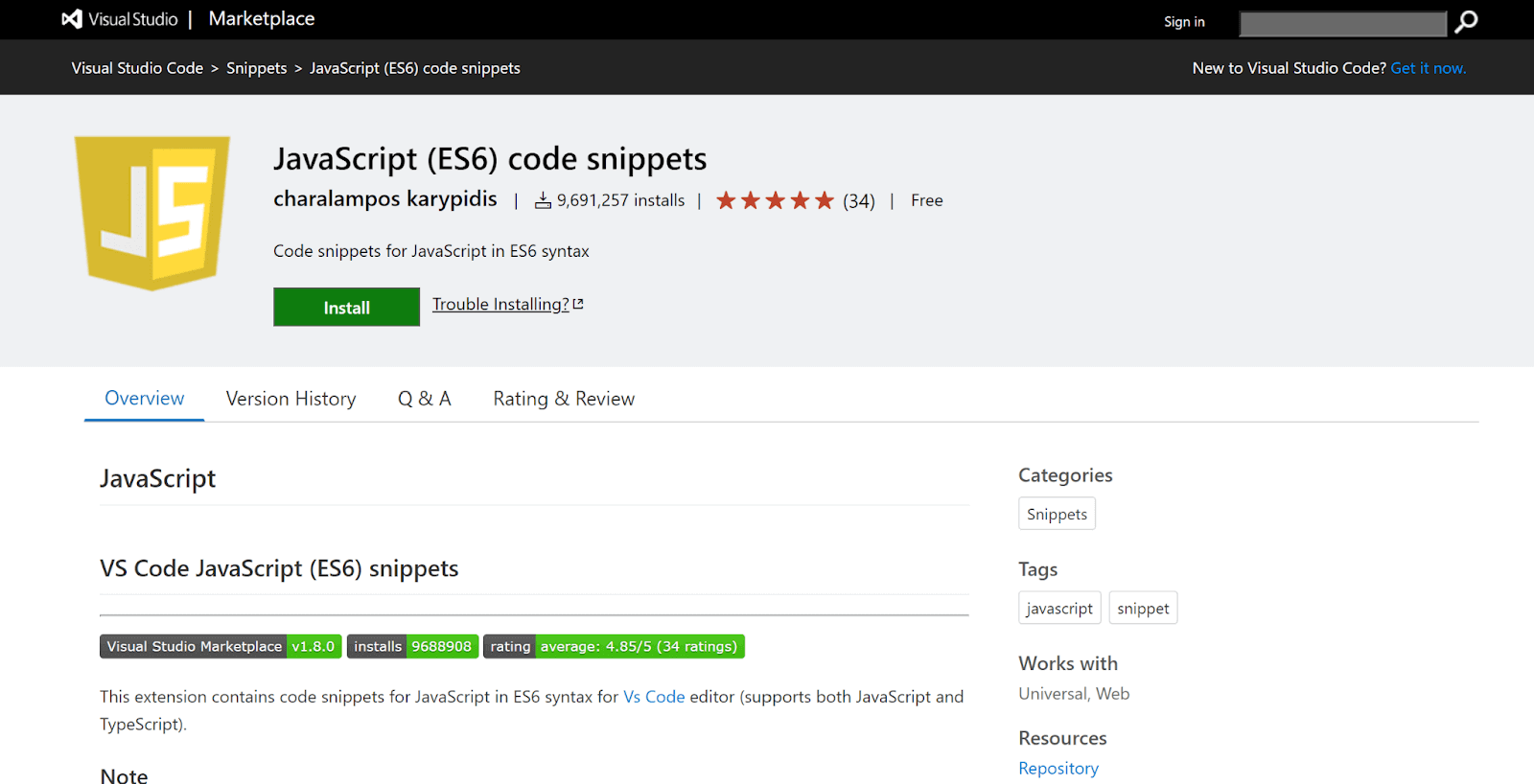
JavaScript (ES6) code snippets are useful for the VS Code Editor. Both JavaScript and TypeScript are supported. To install this extension, you can launch the Command Palette and install the JavaScript (ES6) code snippets to use them going forward.
As one of the best VS Code extensions, it improves the overall developer experience. Other code snippets for flavors, such as Angular, are also readily available in the market.
Key Features:
- Find objects: Easily locate a specific object within a collection.
- Loop through objects: Iterate over keys and values efficiently.
- Key assignment: Assign keys to an object using matching names.
14. GraphQL
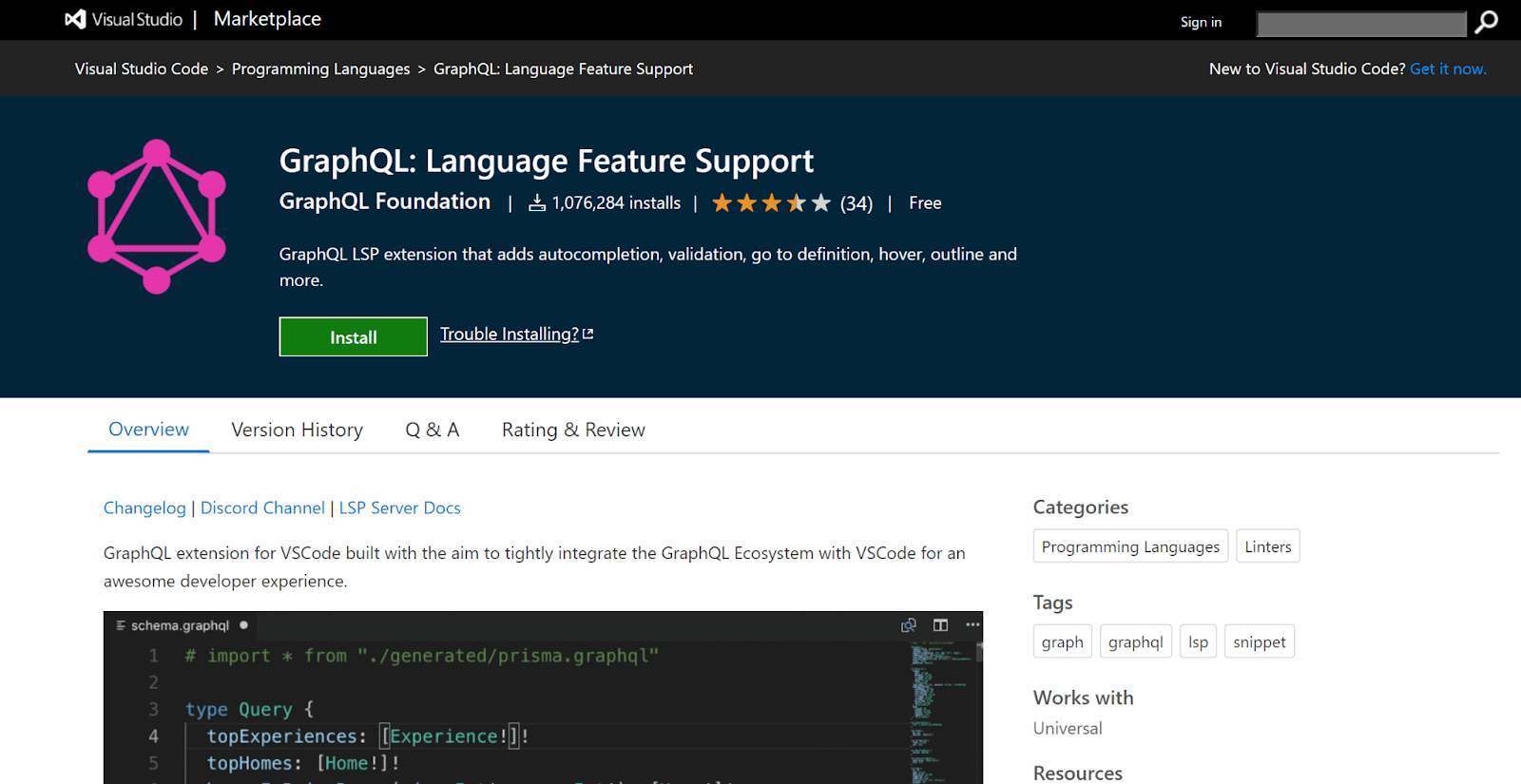
The GraphQL extension has grown in popularity and implementation in the last few years. This is suggested by the fact that over half a million downloads were done in the VS Code marketplace, which shows the immense potential this extension has to offer the developer ecosystem. Backed by the GraphQL foundation, it stands out as one of the best VS Code extensions, ensuring robust support and up-to-date implementation.
Key Features:
- Enhanced developer experience: Improves productivity when working with GraphQL.
- Schema validation: Validates GraphQL schemas efficiently.
- Config file support: Handles graphql-config files for single or multiple projects.
- Syntax highlighting: Highlights GraphQL syntax for better readability.
- Autocomplete suggestions: Provides intelligent code completion.
15. Tabnine
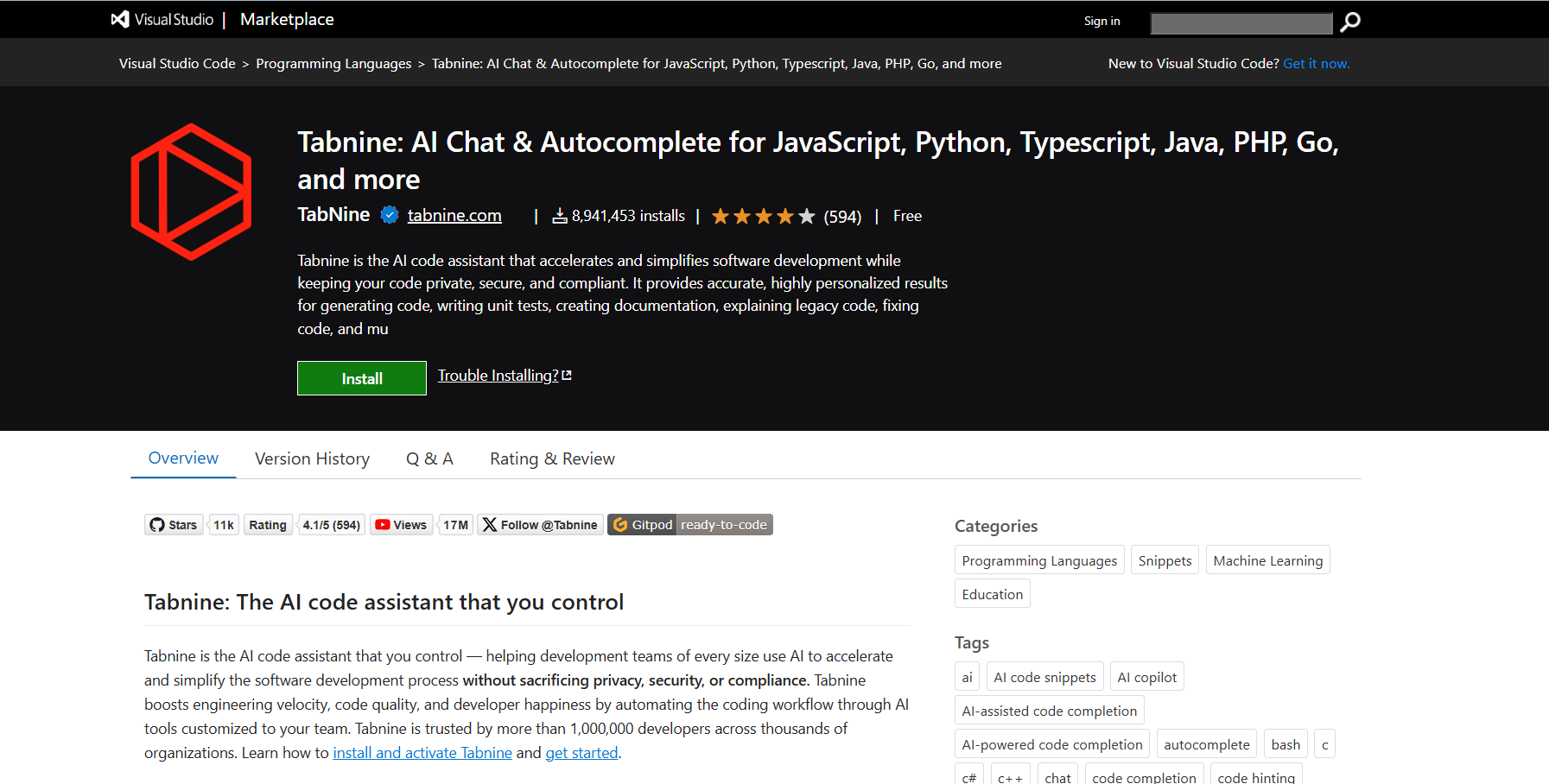
Tabnine is a unique AI-powered code completion extension that helps to increase overall productivity. Recognized as one of the best VS Code extensions, Tabnine’s free version is ideal for junior developers working alone in a big team. Tabnine Pro is an advanced version that offers advanced AI code completion for professional developers. You can install Tabnine directly from the VS Code Marketplace.
Key Features:
- ML-powered suggestions: Leverages machine learning for smarter code completion.
- Language support: Compatible with all programming languages.
- Boosts productivity: Enhances workflow efficiency with long-term business impact.
16. TODO Highlight
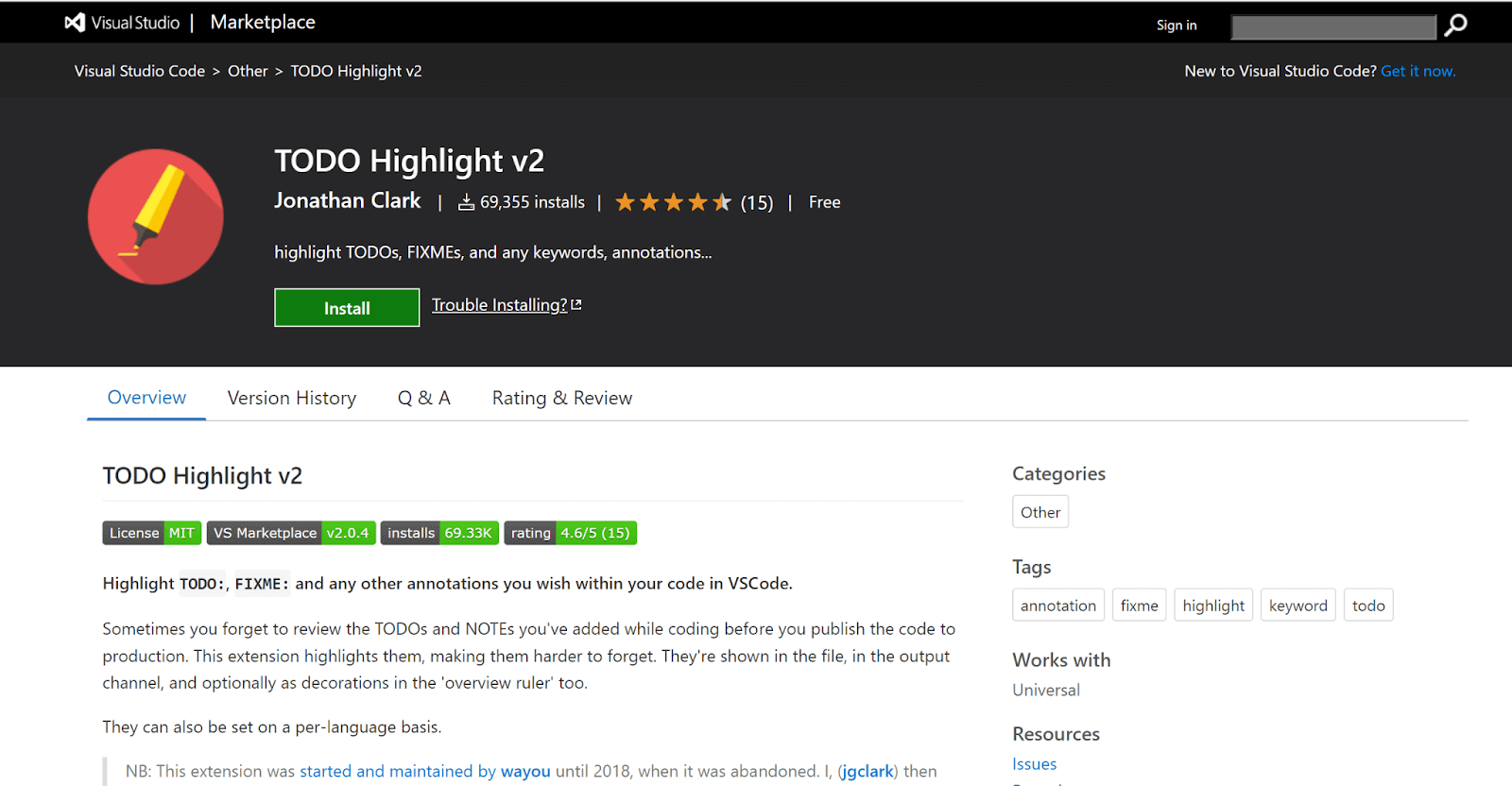
The TODO Highlight VS Code extension helps you easily spot and manage TODOs and fixme comments in your code. It highlights these annotations so they stand out, making it easier to track unfinished tasks before pushing code to production.
You can toggle highlights and view a list of all annotations in one place. In real-world projects, it’s common to leave notes in the code, but without clear visibility, they often get overlooked. This extension is considered one of the best VS Code extensions to ensure they don’t slip through the cracks.
Key Features:
- Color-coded TODOs: Supports various color themes for easy identification.
- Custom keywords: Allows customization of TODO and FIXME labels.
- Annotation listing: Displays annotations in a separate file for better tracking.
17. Regex Previewer
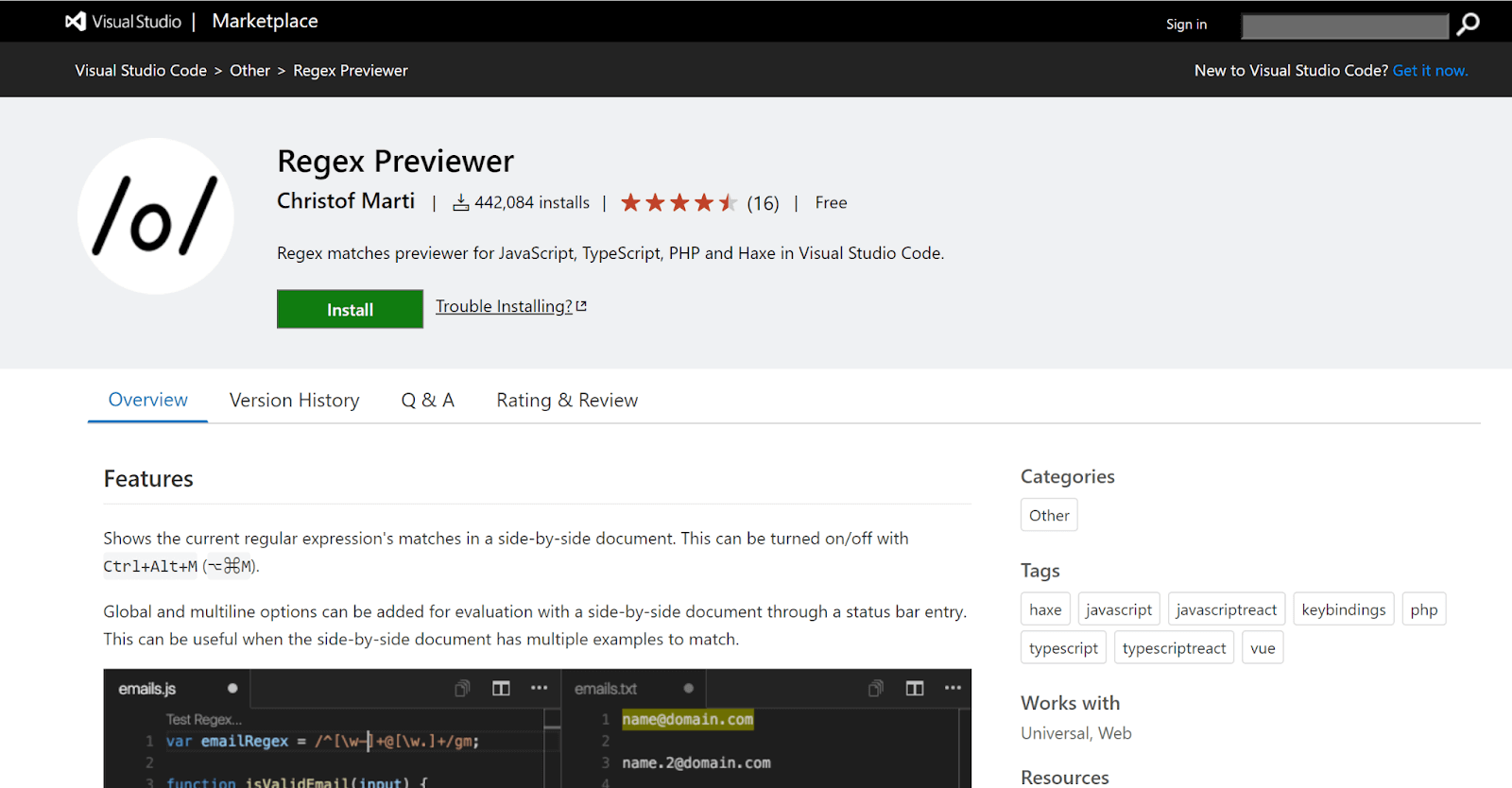
The Regex Previewer VS Code extension makes it easier to write and test regular expressions by providing a live preview of matches in a side document. It includes multiple examples for different use cases, helping you understand and refine your regex faster.
Regular expressions can be tricky, especially in complex projects, and this extension helps reduce trial-and-error. That’s why it’s become one of the best VS Code extensions for developers working with regex.
Key Features:
- Toggle preview: Enable or disable side-by-side document view as needed.
- Regex options: Add global and multiline flags for evaluation in the side document.
18. Bookmarks
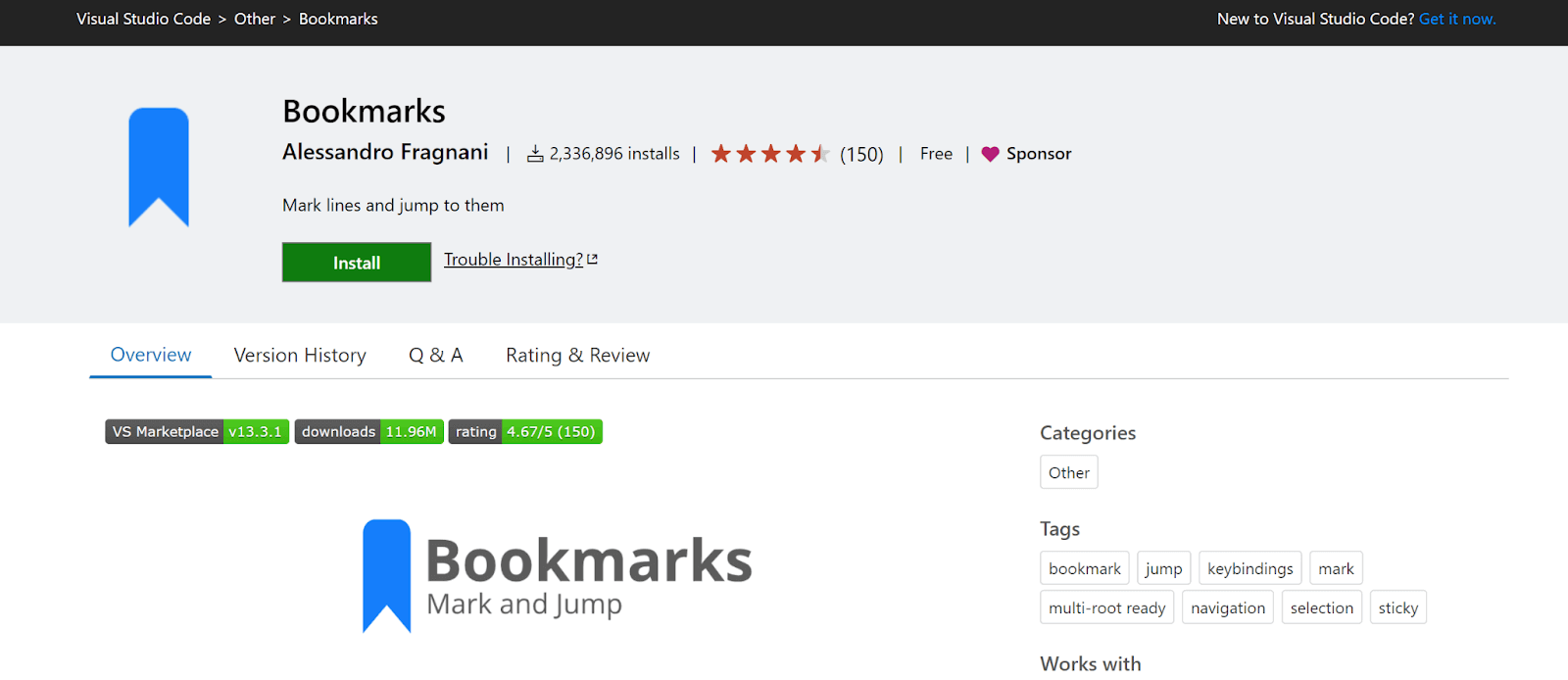
The Bookmarks extension enhances navigation in VS Code by allowing you to add, manage, and jump between bookmarks in your code. This makes it easier to track important lines, revisit key sections, and switch between locations quickly, especially useful in large files or while debugging. It’s considered one of the best VS Code extensions for improving code navigation.
Key Features:
- Virtual workspace support: Works seamlessly in virtual environments.
- Technical support: Assistance is available for queries and issues.
- Dedicated sidebar: Access and manage bookmarks easily.
- Code markers: Mark or unmark positions within code.
- Named bookmarks: Assign names to marked positions for quick identification.
19. Docker
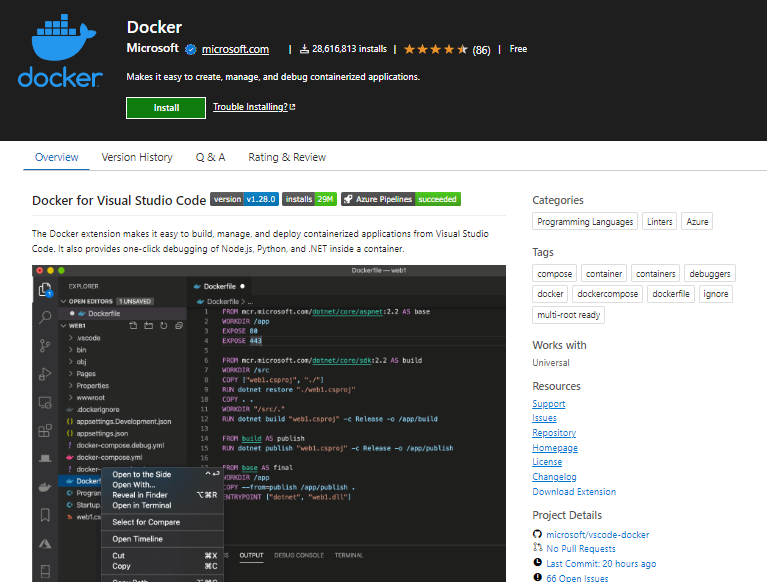
Docker, a game-changing and one of the best VS Code extensions, simplifies package management with precision. Analogous to Import Cost, Docker’s streamlined interface estimates the space utilization of your containerized applications right in the editor.
This intuitive feature ensures developers stay within size constraints, preventing unforeseen issues. Docker excels with default, content, selective, and submodule importing, promoting seamless integration.
Key Features:
- Workflow optimization: Encapsulates apps for consistency across environments.
- Inline size estimation: Helps gauge resource needs during development.
- Flexible importing: Supports importing from base images to specific components.
- Team consistency: Encapsulates dependencies for collaborative coding.
20. GitHub Copilot
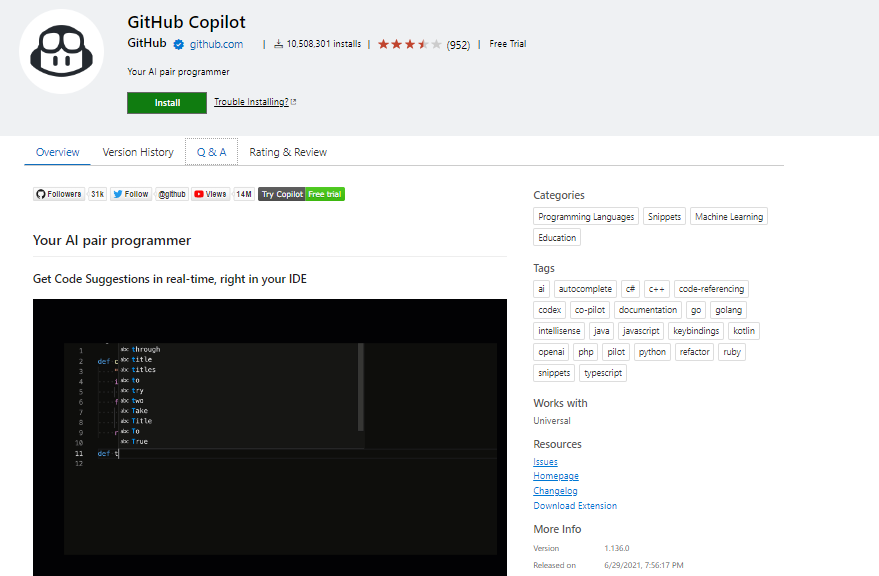
GitHub Copilot is an invaluable and one of the best VS Code extensions, revolutionizing code development. Seamlessly integrated, Copilot intelligently generates code suggestions as you type, leveraging machine learning to comprehend context and provide instant snippets.
Key Features:
- Swift Code Generation: Accelerates coding with its swift generation of accurate, context-aware code snippets.
- Diverse Language Support: Supports a wide array of programming languages, making it versatile for developers working on various projects.
- Enhanced Productivity: By automating coding tasks, Copilot streamlines the development process, allowing developers to focus on higher-level problem-solving.
21. ChatGPT Helper
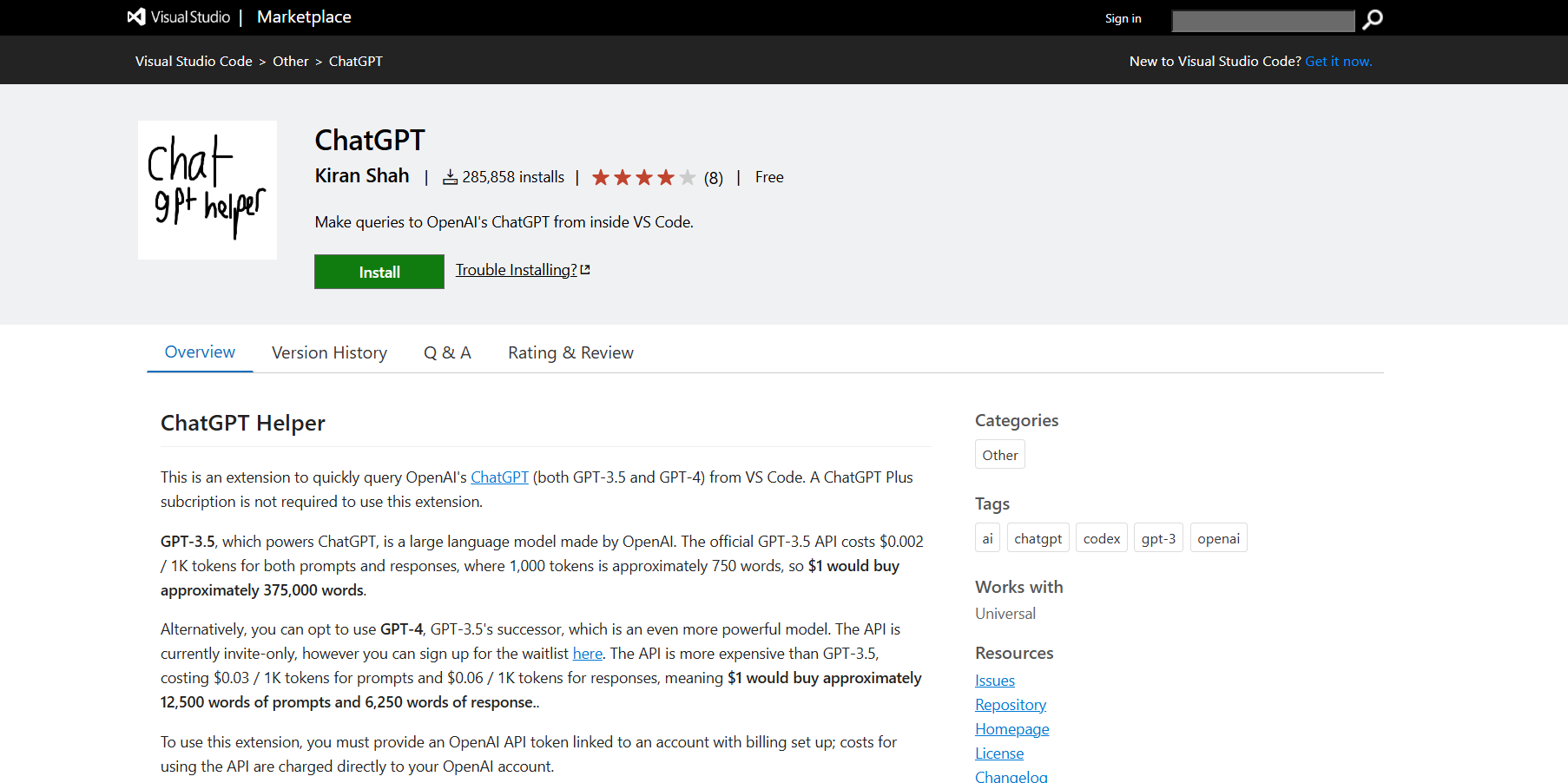
ChatGPT Helper is a powerful VS Code extension that lets developers interact with OpenAI’s GPT-3.5 or GPT-4 models directly inside the editor. You can debug, explain, or ask questions about your code without leaving your workspace. All it requires is an OpenAI API key, no ChatGPT Plus needed. It’s easily among the best VS Code extensions for boosting productivity with AI.
Key Features:
- Debug with GPT: Ask GPT-3.5 or GPT-4 why the selected code isn’t working.
- Explain code: Get explanations by selecting code and using the explain command.
- Free-form questions: Ask anything via the Command Palette.
- API-based access: Works with GPT-3.5 and GPT-4 using your OpenAI API key.
- No subscription needed: Doesn’t require ChatGPT Plus.
- Tabbed responses: View replies in a separate tab for clarity.
Conclusion
We explored some of the best VS Code extensions set to make a significant impact in 2025. With a wide range of options available, choosing the right extension depends heavily on your specific needs and development workflow.
Before deciding, it’s important to consider key factors like productivity, developer experience, collaboration tools, feature set, language-specific support, and how well the extension handles formatting and debugging. The choice ultimately depends on what aligns best with your organization’s goals and objectives.
Among the available options, the TestMu AI VS Code extension stands out for how quickly it has reshaped the developer ecosystem. Still, the best choice is the one that integrates smoothly into your daily workflow and enhances the way you build, test, and collaborate.
Co-Author: Saniya Gazala
Saniya Gazala is a Computer Science graduate from Reva University. She began as a manual tester, honing her skills in defect identification and problem-solving. Transitioning to technical writing, she simplified complex tech concepts for users. Her journey is marked by continuous learning and growth in the tech industry.


Frequently asked questions
Did you find this page helpful?
More Related Hubs
TestMu AI forEnterprise
Get access to solutions built on Enterprise
grade security, privacy, & compliance
- Advanced access controls
- Advanced data retention rules
- Advanced Local Testing
- Premium Support options
- Early access to beta features
- Private Slack Channel
- Unlimited Manual Accessibility DevTools Tests