

Next-Gen App & Browser Testing Cloud
Trusted by 2 Mn+ QAs & Devs to accelerate their release cycles


On This Page

Top 13 AIOps Tools: Automate Your IT Operations (2026)
Discover Top AIOps tools to streamline IT operations, reduce downtime, automate incident response, and ensure a smoother, more reliable infrastructure.

Prince Dewani
February 11, 2026
AI is rapidly transforming every industry and IT operations is no exception. That’s where AIOps tools come in. You must be thinking “What is AIOps tools ?” As the name suggests AIOps (Artificial Intelligence for IT Operations) tools use artificial intelligence (AL) and machine learning (ML) to automate and optimize IT workflows. By analyzing large sets of real-time data, they detect anomalies, predict issues, and trigger automated actions, making it easier to manage complex IT environments, as explained in more detail in our article on the Benefits of AIOps.
To understand the role of AIOps Tools in IT Operations, let’s consider an example, imagine a major e-commerce platform facing frequent slowdowns and server crashes during high-traffic periods, then it adopts an AIOps tool to monitor system behavior continuously. The tool proactively identified traffic surges and potential failures, allocating resources accordingly. This reduced downtime and improved smoother customer experiences during peak shopping hours.
With that in mind, let’s take a look at some of the popular AIOps tools that are helping businesses stay ahead of IT challenges.
Overview
AIOps tools use both artificial intelligence (AI) and machine learning (ML) to effectively enhance IT operations. AIOps will analyze a large amount of real-time data to give meaningful insight.
Top 13 AIOps Tools:
- Dynatrace
- IBM Cloud Pak for AIOps
- Splunk IT Service Intelligence (ITSI)
- Dell APEX AIOps
- BigPanda
- Datadog
- Moogsoft
- PagerDuty
- LogicMonitor
- New Relic AI
- ServiceNow IT Operations Management (ITOM)
- Zenoss Cloud
- OpenText IT Operations Cloud
AIOps tools works in three main steps:
- Monitor and Discover: Gathers data from applications and quickly identifies anomalies.
- Engage:It processes data and presents useful insights with IT teams often using integrated collaboration tools.
- Act and Automate: It recommends solutions using historical incident data, enabling rapid automated resolution.
Top AIOps Tools
The best AIOps tools that are popularly used in IT operations are listed below:
1. Dynatrace
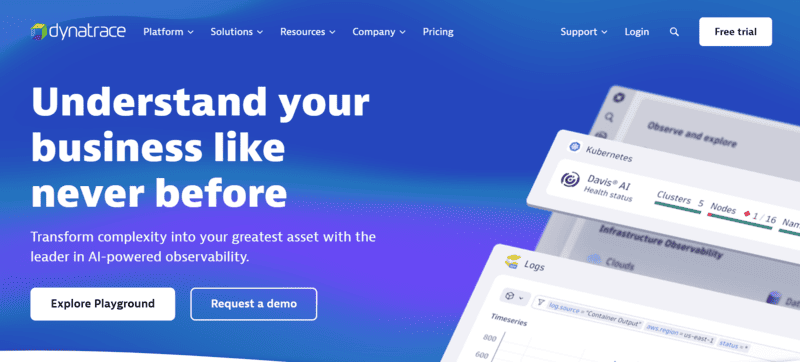
Dynatrace is a full-stack observability platform that uses AI to monitor, analyze, and optimize performance in different cloud environments, applications, and infrastructure.
As per my experience after using this, I can say that it provides proper automated root cause analysis and a real time monitoring feature which ensures smooth performance management at a large scale.
Feature:
- Automated Root Cause Analysis: It Quickly identifies the root cause of performance issues across complex environments.
- AI-Powered Insights: Provides actionable insights and recommendations to optimize performance in real-time.
- Real-Time Monitoring: Offers comprehensive, real-time visibility into all aspects of your IT infrastructure.
2. IBM Cloud Pak for AIOps
IBM Cloud Pak for AIOps integrates AI with IT service management to improve service delivery, reduce downtime, and improve system performance.
I will suggest IBM Cloud Park because it comes with the brand trust of IBM, a well know Tech company.
Feature:
- AI-Driven Incident Detection: It uses Machine learning (ML) to detect and prioritize incidents before they impact users.
- Automated Remediation: It automates responses to recurring issues, reducing manual efforts.
- Integrated ITSM: It seamlessly integrates with IT service management platforms to optimize operations.
3. Splunk IT Service Intelligence (ITSI)
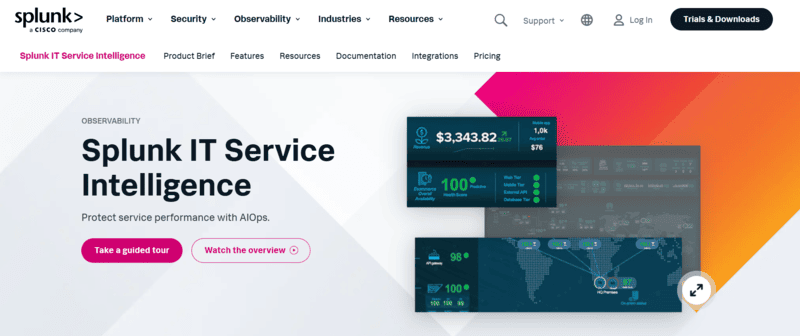
Splunk ITSI helps organizations run IT services by using AI and machine learning to improve visibility, prediction, and automation of service operations. This reduces human effort plus solves problems faster.
Feature:
- Service Health Dashboard: It shows a single view of your entire IT service health with real-time insights.
- Predictive Analytics: Uses AI to forecast service problems and prevent potential failures that can occur in future.
- Advanced Anomaly Detection: It finds unusual patterns in service performance which reduces downtime and improves reliability.
4. Dell APEX AIOps
Dell APEX AIOps by Dell Technologies Inc which is a tech gaint gives a set of tools that not only automate but also optimize your IT operations for businesses, I have witnessed how it integrates AI to predict issues and improve service performance. It is highly helpful to streamline the IT management.
Feature:
- Predictive Maintenance: Uses AI to predict potential system failures and accordingly takes actions to resolve.
- Cloud Resource Optimization: It optimizes cloud infrastructure utilization to decrease costs and enhance efficiency.
- Integrated AI Solutions: It uses AI to automate the workflows and enhance your system monitoring.
5. BigPanda
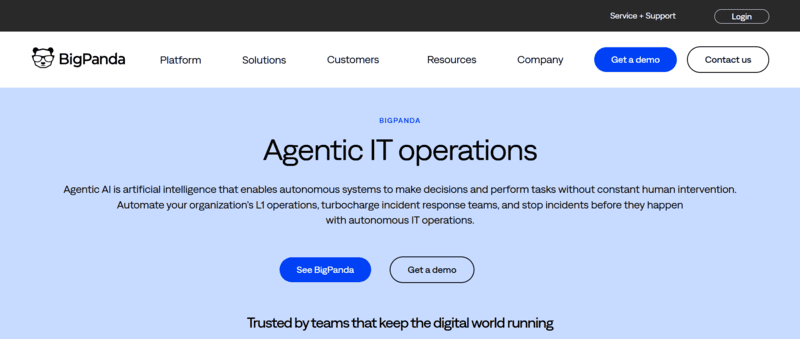
BigPanda is an event correlation and incident management tool that uses AI to streamline IT operations, reduce alert noise, and automate incident resolution. It makes monitoring easy and simple by grouping related incidents and providing clear, actionable insights.
Feature:
- Event Correlation: Using its AI it automatically correlates events across systems and finds patterns to decrease false alerts.
- Automated Incident Management: It shows AI-driven workflows to quickly resolve problems.
- Customizable Dashboards: It provides flexible and easy-to-use dashboards to monitor all your IT operations.
6. Datadog
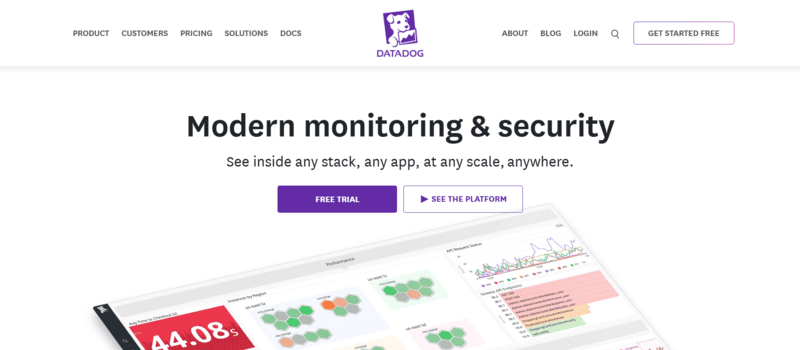
Datadog is a cloud based monitoring platform that integrates AIOps abilities to provide real-time insights into infrastructure, applications, and logs. It helps the IT team to monitor system health and solve any issues before they impact business operations.
Feature:
- Unified Monitoring: Monitors applications, logs, and cloud environments in a single platform.
- Anomaly Detection: AI finds and alerts teams to any abnormal behavior in real time.
- Infrastructure Metrics: Tracks infrastructure performance with detailed metrics for optimal management.
7. Moogsoft
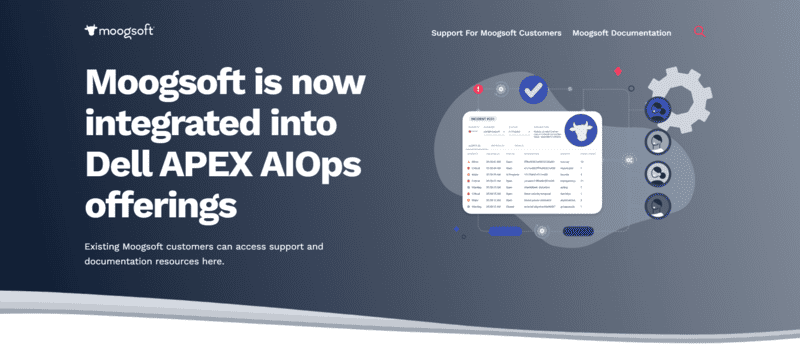
Moogsoft is an AIOps tool that focuses on event correlation, incident management, and reducing alert fatigue by using its AI automation. It provides IT teams with the context and information which they require to resolve issues more efficiently and conveniently.
Feature:
- Noise Reduction: Automatically filters out unnecessary alerts which reduces alert fatigue.
- Collaborative ChatOps: Facilitates team collaboration using integrated chat-based workflows.
- AI-Driven Anomaly Detection: Detects anomalies and identifies the root cause of incidents quickly.
8. PagerDuty
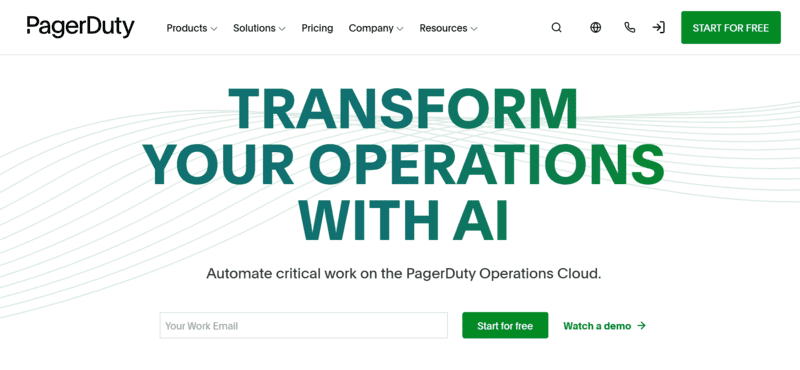
PagerDuty is an incident management platform that helps IT Teams to respond and resolve issues efficiently using AI-driven incident prioritization and automation. It easily integrates with your existing monitoring tools for quick problem resolution.
Feature:
- Real-Time Incident Response: It shows real-time alerts and insights in order to resolve issues promptly and efficiently.
- Automated Workflows: Automates incident resolution workflows, saving time and reducing errors.
- AI-Powered Severity Classification: Uses AI to classify incidents based on their severity, helping teams prioritize.
9. LogicMonitor
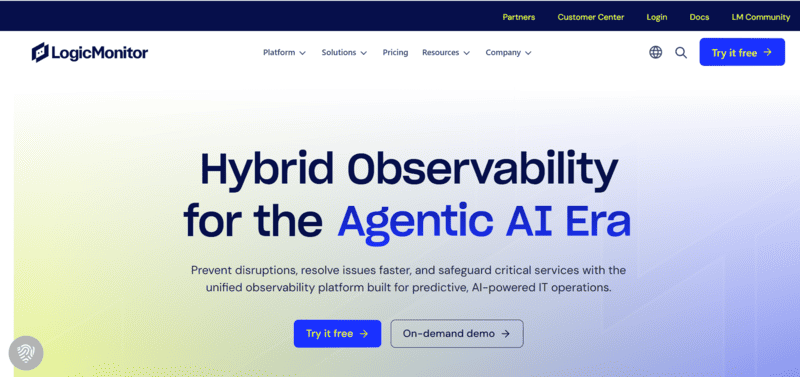
LogicMonitor is an AI-powered monitoring tool that offers unified visibility across all the IT environments starting from on-premises to cloud infrastructure. It helps to find issues before they actually impact users, offering proactive monitoring solutions.
Feature:
- Automated Discovery: Automatically discovers and monitors new devices and systems as they are added to the network.
- Cloud and Hybrid Monitoring: It gives deep monitoring for both cloud-based and on-premise environments.
- Scalable Architecture: Easily scales to accommodate large and growing IT environments.
10. New Relic AI
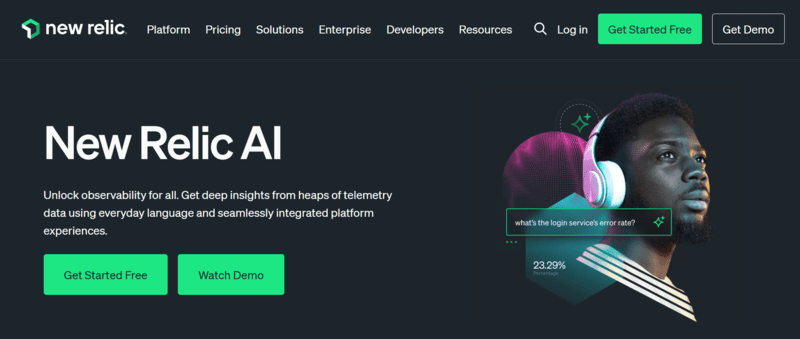
New Relic AI delivers real-time application performance monitoring with AI-driven insights, helping teams identify and fix issues before they affect users. It provides deep visibility into application performance and integrates seamlessly with other New Relic products for a unified experience.
Feature:
- Predictive Analytics: Anticipates issues before they occur by leveraging machine learning.
- Full-Stack Observability: Monitors applications, infrastructure, and user experiences in one platform.
- Root Cause Analysis: Quickly pinpoints issues with detailed root cause analysis using AI.
11. ServiceNow IT Operations Management (ITOM)
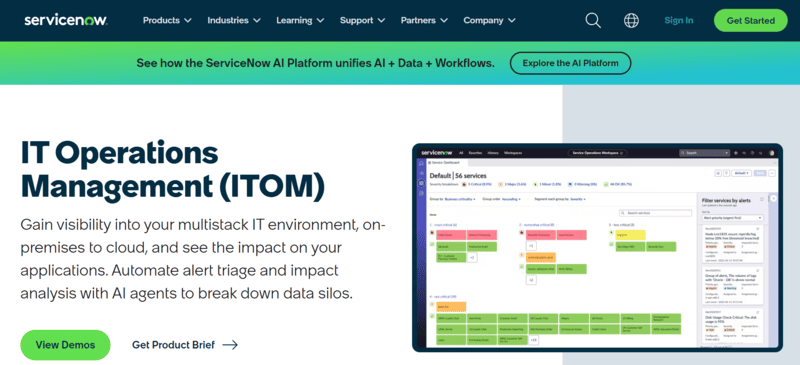
ServiceNow ITOM uses AI to manage IT operations, optimize resource allocation, and enhances incident management across many cloud environments. It also improves service reliability through intelligent automation.
Feature:
- Proactive Monitoring: It forecasts service problems and recommends fixes before they affect performance.
- AI-Powered Workflow Automation: Automates incident resolution, reducing manual effort.
- Cloud Resource Optimization: Helps optimize cloud resource allocation based on usage patterns.
12. Zenoss Cloud
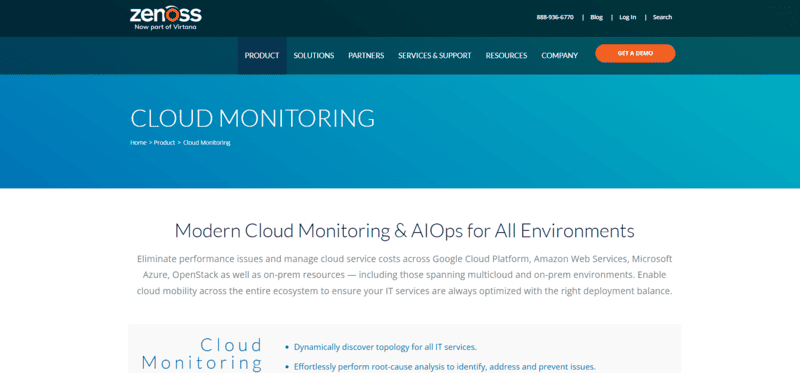
Zenoss Cloud is an intelligent monitoring and AIOps service, which helps organizations to get real-time visibility of their IT infrastructure performance. It automatically detects issues and resolves it.
Feature:
- Unified Monitoring: It uses a Single dashboard to monitors cloud and on-premise infrastructure.
- Automated Problem Resolution:It uses AI to automate issue detection and starts resolution process.
- Predictive Alerts: AI forecasts potential issues before they affect system performance.
13. OpenText IT Operations Cloud
OpenText IT Operations Cloud is an AI-powered platform that provides advanced monitoring, issue detection, and automated incident resolution, which makes sure the optimal IT performance.
Feature:
- Anomaly Detection: Uses AI to detect uncertainity and alert IT teams about potential issues.
- Cloud-Based Monitoring: It provides flexible, cloud-based monitoring solutions for IT operations.
- AI-Powered Automation: Automates incident resolution and system optimizations using machine learning models.
How AIOps Works?
To monitor and manage IT environments, these AIOps platforms make use of various data sources from applications. These data sources include:
- Events: Changes or occurrences in the system that must be tracked.
- Metrics: It uses numerical data to measure the health and performance of system.
- Logs: AIops uses detailed records of system activities, which are used to troubleshoot issues.
- Alerts: It notifies you regarding potential issues or system failures.
The AIOps works in three key steps:
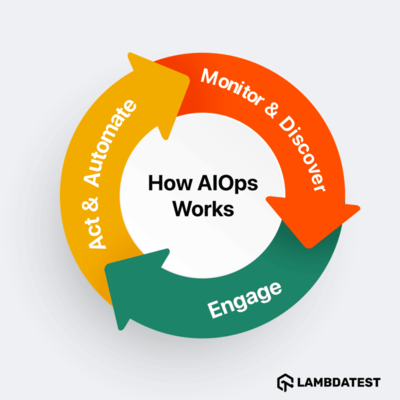 1. Monitor and Discover (Gathering Information)
In the first step, AIOps gathers data from your applications, such as events, metrics, logs, and alerts. The system then establishes what “normal” behavior looks like—like how many logs are generated in a given period or the acceptable number of errors according to service level objectives (SLOs).
By understanding this baseline, AIOps can quickly spot anomalies and alert IT teams when things go wrong.
2. Engage (Understanding the Problem)Once data is collected, AIOps processes it and presents the most relevant information to IT operations professionals, often using collaboration tools like “chat ops.” Now, this step help to reduce excessive information by only showing what’s required to resolve the issue.
AIOps provides context, such as where the problem is located in the system, what actions needs to take, and how these actions have worked in the past. This makes troubleshooting faster and more efficient for IT teams.
3. Act and Automate (Fixing It Quickly)
Now that the IT professional or Site Reliability Engineer (SRE) has all the necessary context, they can take action. AIOps shows solutions based on previous successful resolutions that worked before and with just a click, the IT team can start an automated script or runbook to fix the issue.
This automated action helps resolve problems quickly, ensuring minimal downtime and faster recovery for systems such as invoicing applications.
Conclusion
In this article, we have covered everything you need to know about AIOps tools, from what they are and why they’re important to how they work . We listed 13 top AIOps tools, each with its unique features and benefits and we also explained how these AIOps tools can help you improve efficiency, reduce downtime, and automate problem resolution. We also explained the three key steps which includes Monitor and Discover, followed by Engage, and the final step which was Act and Automate.
By understanding AIOps, businesses simplify IT operations, fix problems quicker along with gain better system performance. This guide presents how AIOps operates – it also assists you in selecting tools to improve your IT environment and increase output.


Frequently asked questions
Did you find this page helpful?
More Related Hubs
TestMu AI forEnterprise
Get access to solutions built on Enterprise
grade security, privacy, & compliance
- Advanced access controls
- Advanced data retention rules
- Advanced Local Testing
- Premium Support options
- Early access to beta features
- Private Slack Channel
- Unlimited Manual Accessibility DevTools Tests