

Windows Emulator Online For Browser Testing
Test your web pages and web apps for compatibility across latest and legacy Microsoft Windows browsers, and operating systems.



LambdaTest is now
TestMu AI
Trusted by 2M+ users globally at




"We have tripled our tests and are now executing tests in less than 2 hours with 78% Faster Test Execution"


"We figured out a more efficient way to monitor system health and resolve failures earlier in lower environments."





"TestMu AI has significantly boosted our testing speed, is easy to implement, and provides exceptional support."


"With 70% faster test execution, TestMu AI helped us achieve faster time-to-market and enhanced CX."



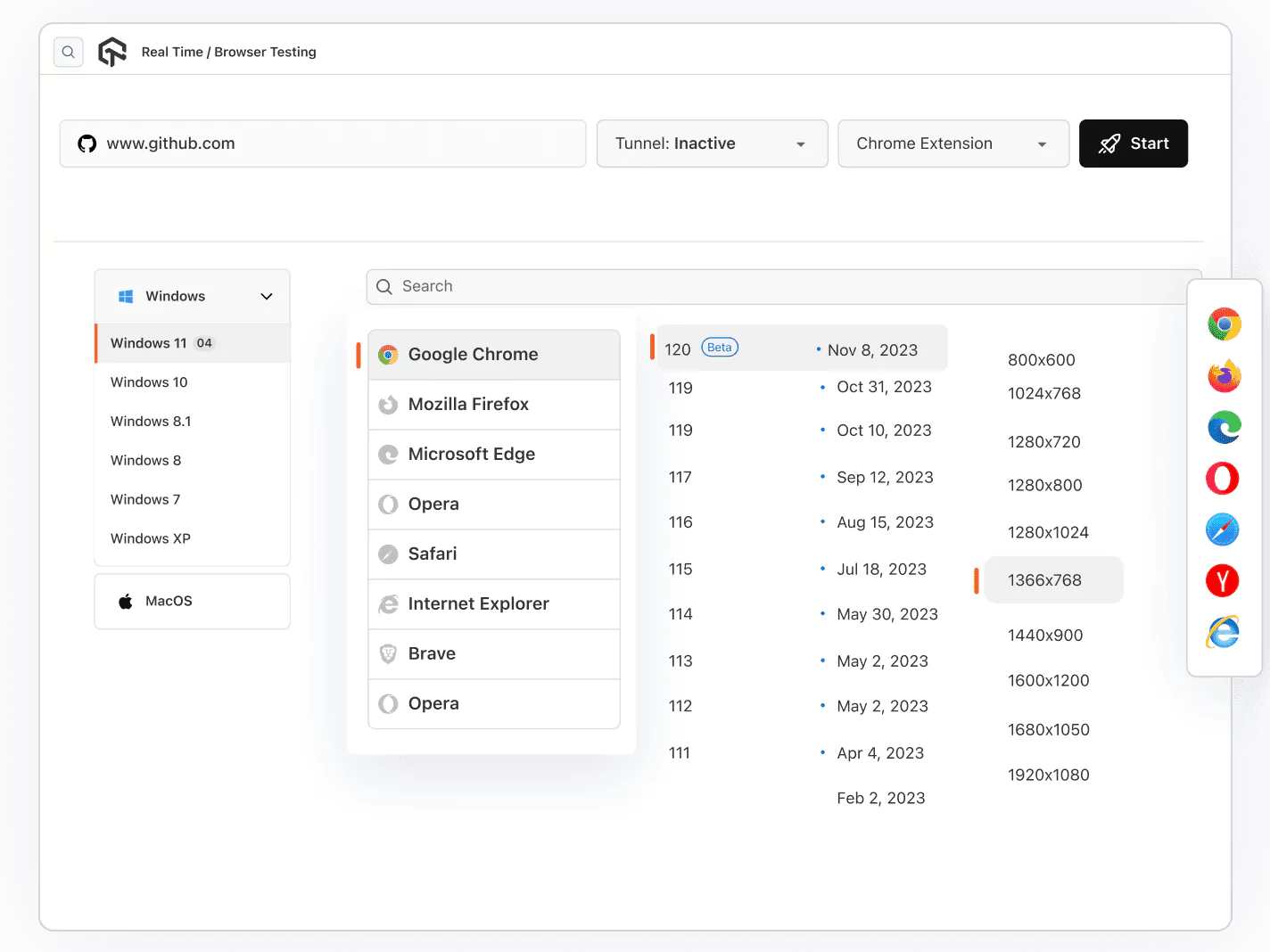
Test on Opera, Chrome, Safari, Edge, IE, Yandex And Firefox Browsers
Ensure the best experience on your website no matter what browser it is. TestMu AI helps you achieve confidence with its Windows emulators online.
Get Started For Free
Automated Screenshots with a Click of a Button
With TestMu AI automated screenshots testing tool, Perform visual cross browser compatibility testing across 5000+ mobile and desktop browsers by just selecting the configurations and scheduling at your favorite interval.
Get Started For Free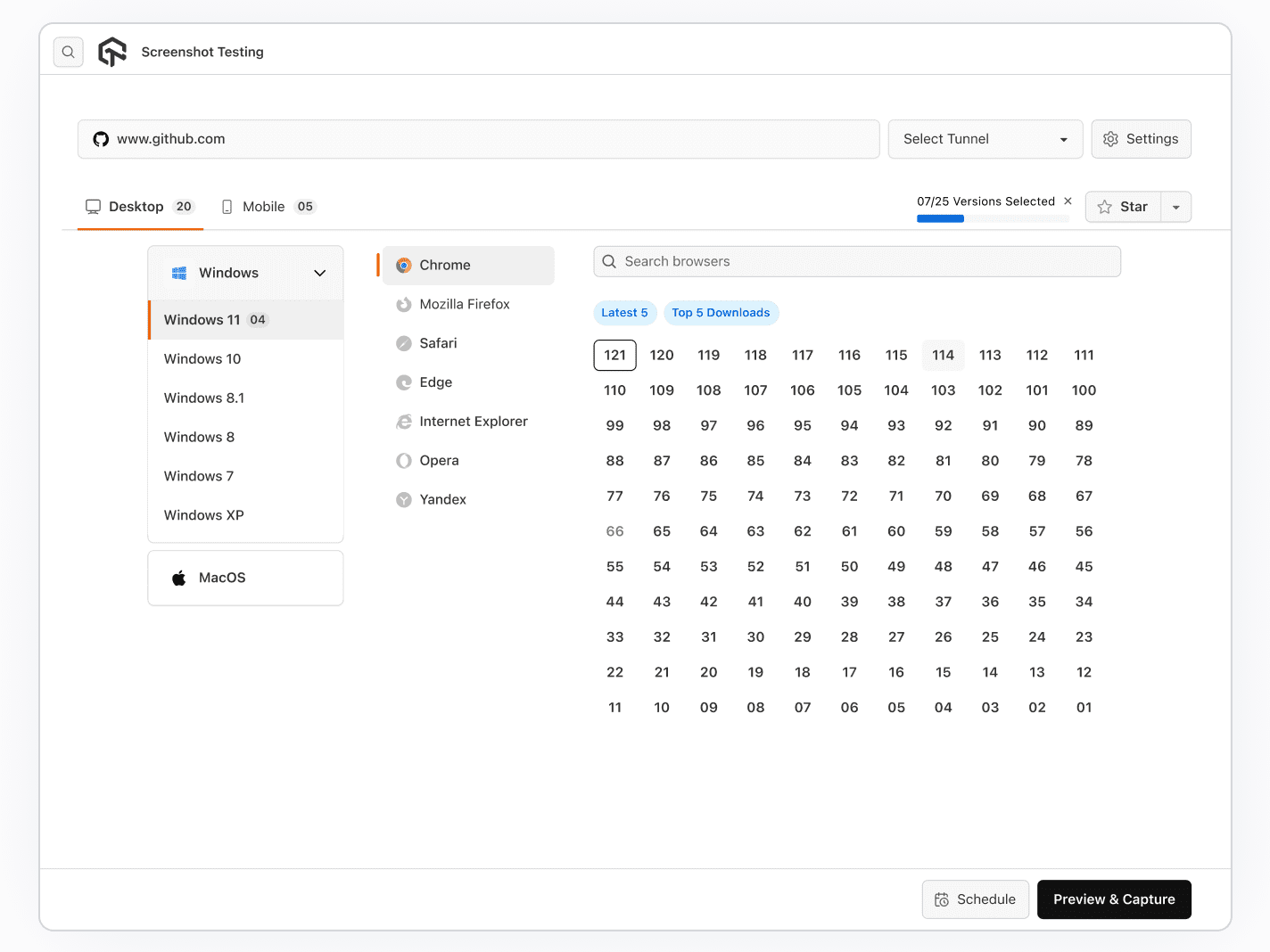
Integrated Native Developer Tools For Debugging
Be it Chrome, Opera, Firefox or any Windows browser, Windows emulator on TestMu AI comes with a in-built native developer tools to help you debug.
Get Started For Free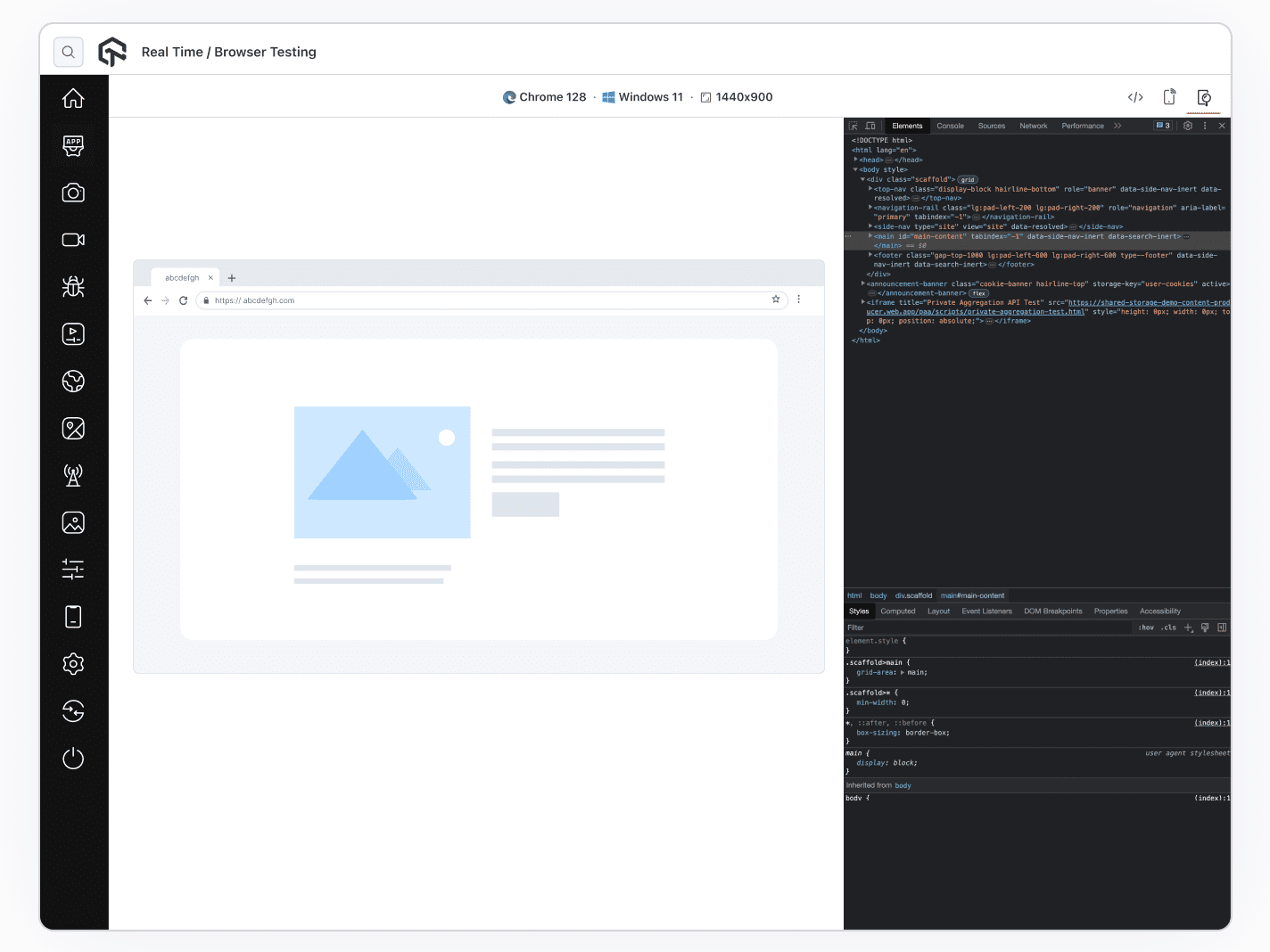
2M+ Devs and QAs rely on TestMu AI
Deliver immersive digital experiences with Next-Generation Mobile Apps and Cross Browser Testing Cloud
 Sign up with google
Testing Ecosystem on Windows Emulator
- Pre Loaded Chrome Extensions
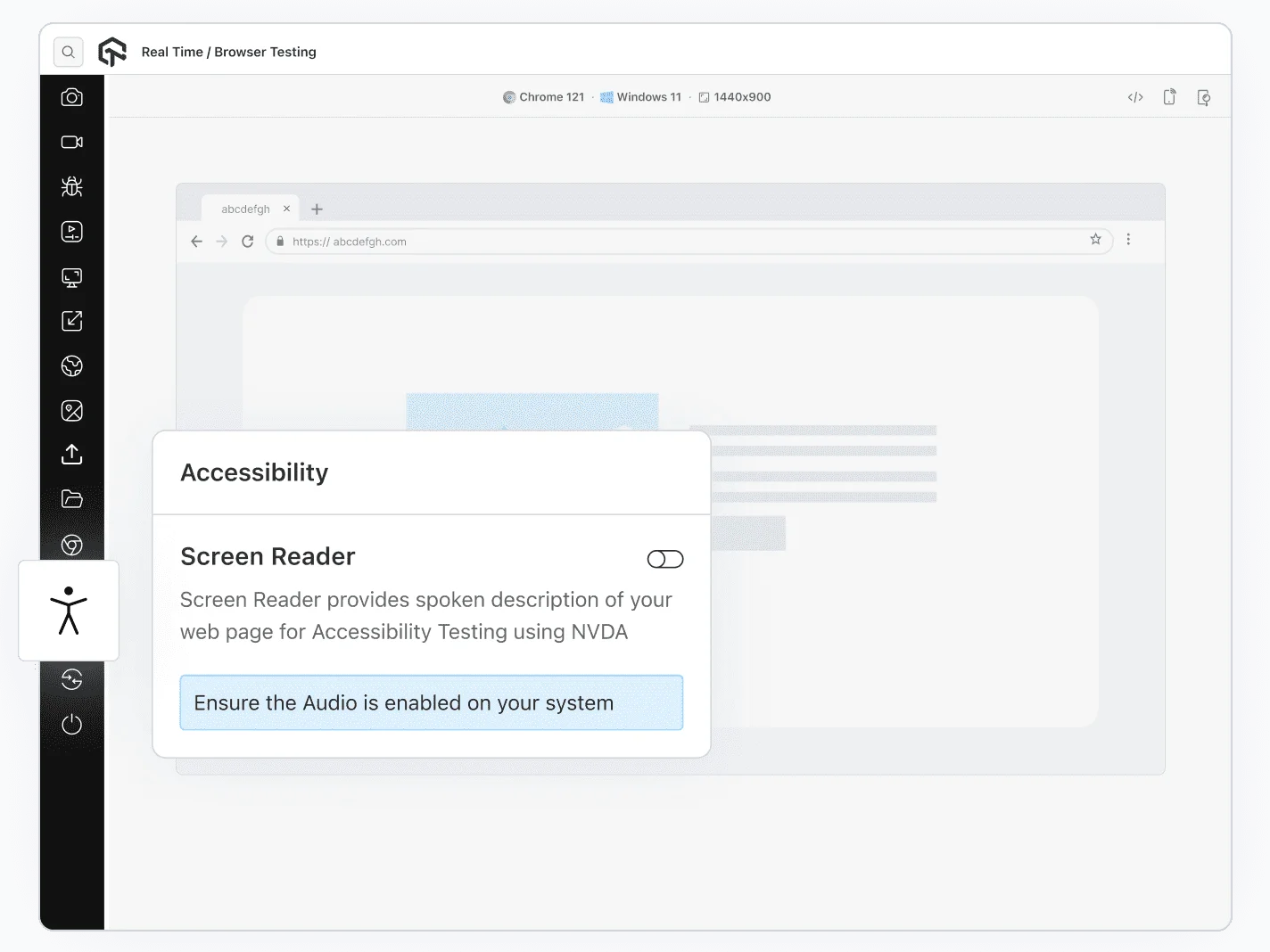
- Accessibility Testing
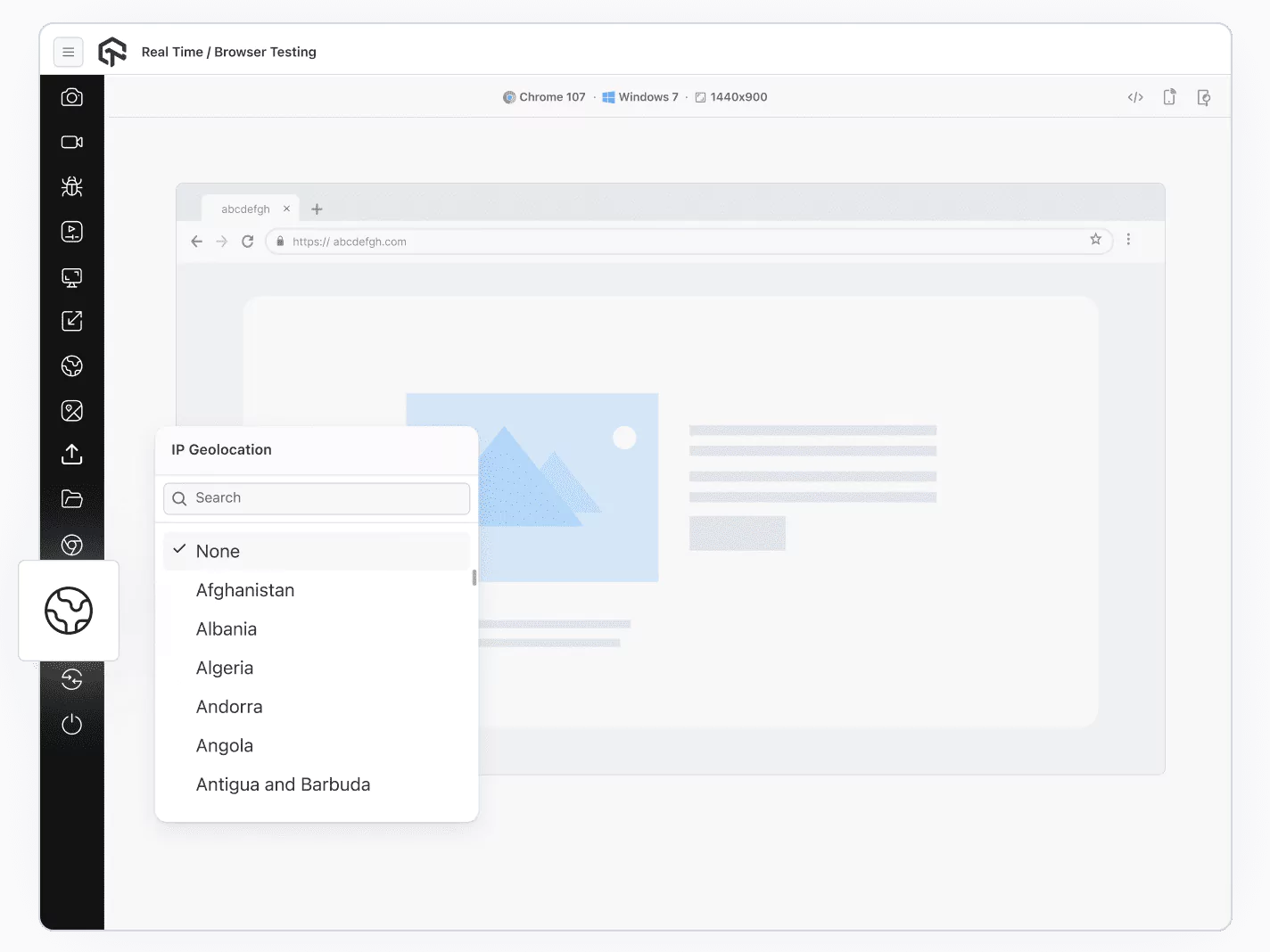
- Geolocation Testing
- Test Locally Hosted Website
Chrome Extensions Testing
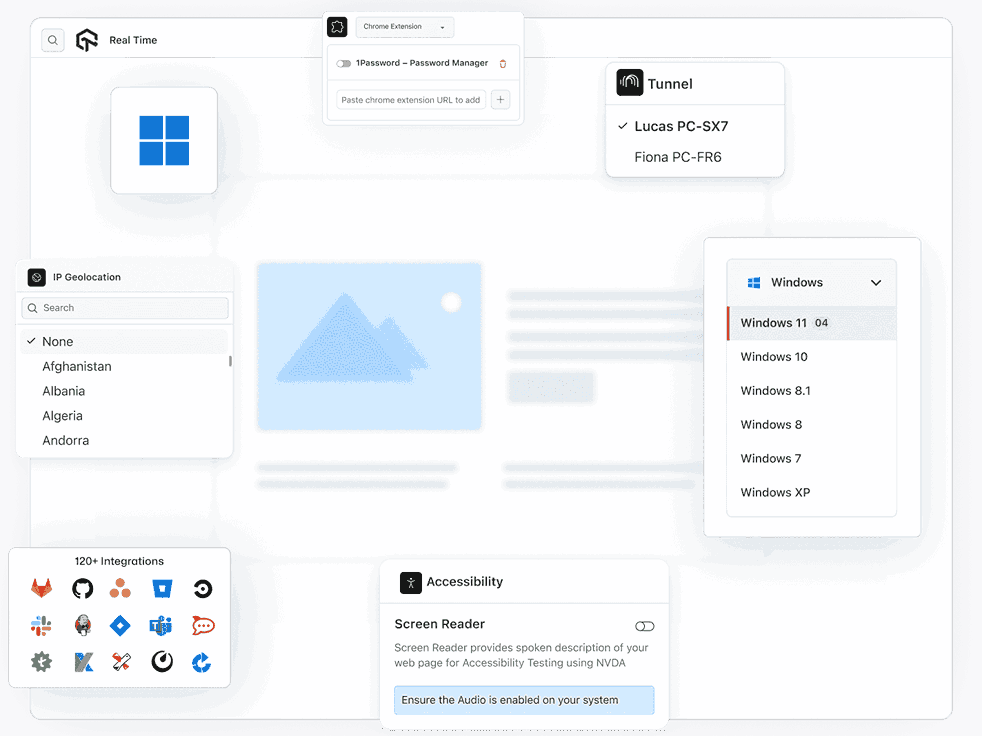
Add your favorite Chrome extensions before starting a test session. Access the same extensions within the test session without the need to repeatedly log in and add them inside VMs.
Get Started For Free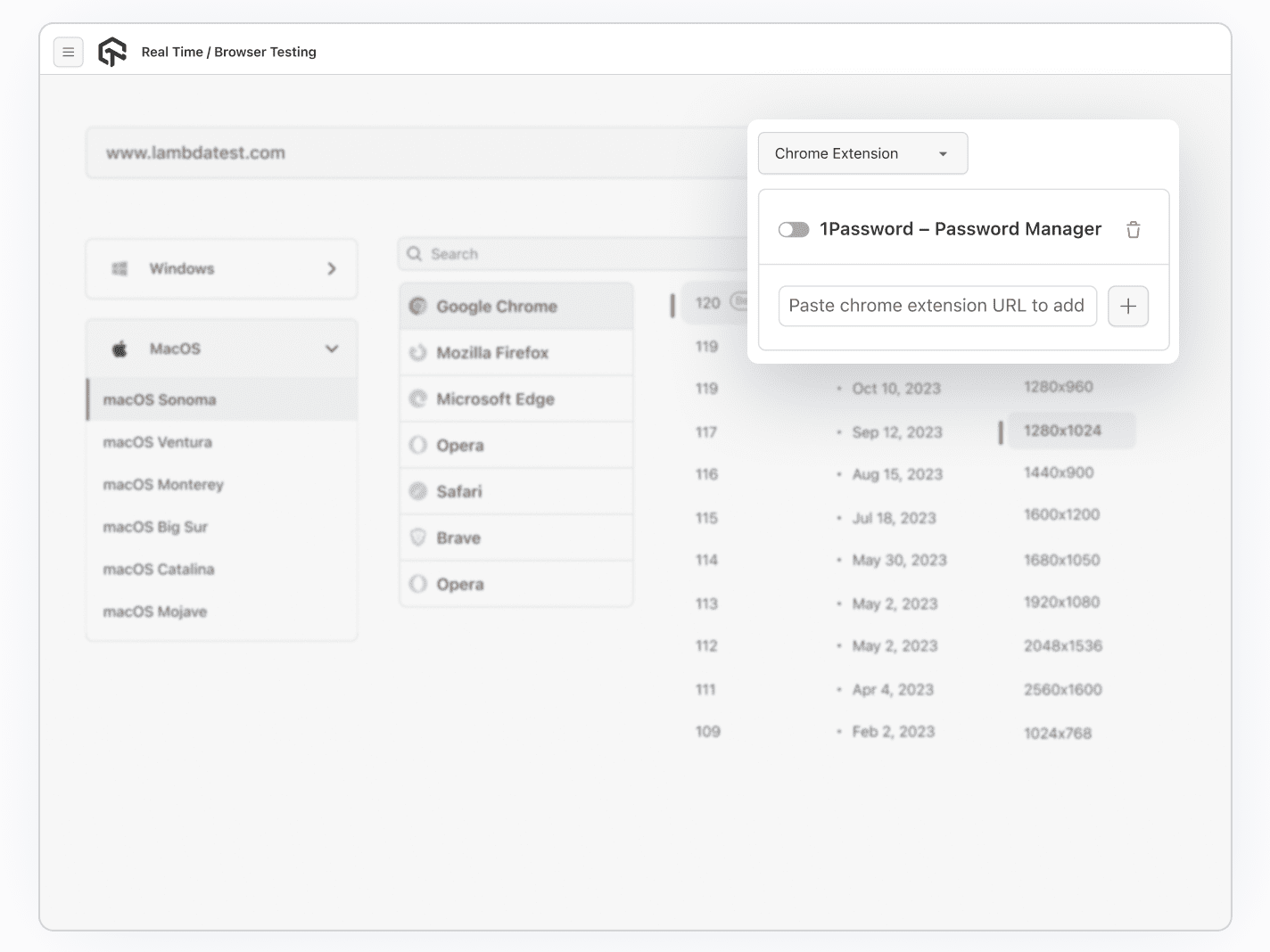
More Reasons to Test on Windows Emulator Online

Screen Resolution
Easily change your PC's screen resolution during testing to check how your website or app responds to different screen sizes.

Uploads Files
Effortlessly integrate data sources, craft insightful dashboards, and pinpoint quality issues with detailed Test Analytics & Observability Suite.

Mark as Bugs
Use the 'Mark as Bug' feature on TestMu AI to flag any UI issues you find during testing and share them with your team effortlessly.

Inbuild Project Management Tool
Effortlessly participate in your projects, switch between project versions, & save your progress directly within the test environment.

120+ Integrations
Integrate effortlessly with your testing stack through a wide array of 120+ out-of-the-box integrations.

24/7 Support
Got questions? Reach our 24/7 in-app chat or email [email protected] for swift assistance, ensuring prompt resolution and support.









Frequently asked questions
TestMu AI forEnterprise
Get access to solutions built on Enterprise
grade security, privacy, & compliance
- Advanced access controls
- Advanced data retention rules
- Advanced Local Testing
- Premium Support options
- Early access to beta features
- Private Slack Channel
- Unlimited Manual Accessibility DevTools Tests