

Next-Gen App & Browser Testing Cloud
Trusted by 2 Mn+ QAs & Devs to accelerate their release cycles


11 Best Cross Browser Testing Tools for 2026
This article sheds light on the best cross browser testing tools to look for in 2025.

Divyasshree N
March 2, 2026
Cross browser testing is important to ensure websites and web apps works as intended on different browsers, browser versions and operating systems. However, while performing cross browser testing, covering all the latest and legacy browsers, browser versions, devices, and operating systems can be cumbersome.
In addition, setting up an in-house test infrastructure can put a dent in the organization’s budget, and managing the browser and OS updates can take considerable bandwidth from your IT or DevOps team. This is where cloud-based cross browser testing tools help you and solve the problem of ensuring that a website and web application function flawlessly across numerous browsers, devices, and platforms combinations.
In this blog, we list down the best cross browser testing tools.
Overview
What Is Cross Browser Testing?
Cross browser testing ensures a website functions consistently across different browsers, devices, and operating systems by identifying rendering and functional inconsistencies before release.
Which Cross Browser Testing Tools Stand Out in 2026?
Several platforms have emerged as reliable options for validating browser compatibility at scale. Here is a quick look at the tools that are shaping cross browser testing in 2026.
- TestMu AI: AI-native test execution platform offering access to over 10,000 real devices, browsers, and OS combinations with support for Selenium, Cypress, Playwright, and other major frameworks.
- SeleniumBox: Enterprise-grade Selenium and Appium infrastructure solution designed for organizations with strict data privacy requirements, deployable behind corporate firewalls or in private cloud environments.
- Functionize: AI-driven test automation platform with self-healing capabilities that reduces manual maintenance while supporting cross-browser and cross-device testing at scale.
- Ranorex Studio: No-code cross browser testing tool with drag-and-drop test creation, parallel execution support, and built-in web scraping and functional testing capabilities.
- Testim: AI-powered automation platform focused on reducing test maintenance overhead with self-improving stabilizers, root cause analysis, and parallel execution on Selenium-compatible grids.
Overview of Cross Browser Testing
In cross browser testing, a website or mobile application is tested to ensure it is “browser-agnostic,” i.e., works across various browsers, devices, operating systems, and their combinations. Because each browser’s way of parsing the Document Object Model (DOM) differs significantly, the output is sensitive to how the developer of the web application under test explicitly or implicitly identifies the application’s UI controls.
It is important to note that if a website or web app works on your PC, it does not mean it will work on another user’s machine. Therefore, you need to ensure a web or mobile app works fine when accessing through
- Multiple browser-OS combinations: Running the tests across Chrome, Firefox, Edge, Safari, and operating systems like Windows, macOS, Linux, Android, and iOS.
- Different devices: Running the cross-device tests across Desktops, Laptops, Smartphones, and Tablets.
- Assistive technologies: Your web app must be compatible with the tools used by people with impairments.
Why Are Cross Browser Testing Tools Needed?
People use numerous browsers with different operating systems to browse the web. Not to mention, a site or an application has to be compatible with varying browser versions. This myriad makes cross browser testing a problematic task.
Here are some challenges that QA teams face when performing cross browser testing on applications.
- As there are a plethora of browsers and operating system combinations to test, investing in in-house infrastructure is not a viable approach. Here, a critical challenge is to update the browsers, devices, and operating systems as per the market trends.
- Setting up and maintaining an in-house browser or online device farm is tedious and typically has scalability issues. Creating the cross browser testing infrastructure can become a challenge if you are using manual testing.
- Web browsers continuously receive updates. Popular browsers like Chrome, Firefox, Edge, and their different versions, are rolling out quickly. While browser enhancements are necessary for improved functionality and new features, they may also contain defects or bugs.
- The design layout may break when the website renders on different screen resolutions. Testing websites manually for visual mismatches can take an immense amount of time, and another challenge is ensuring cross browser compatibility.
This creates another hurdle for the testing team to run the tests repeatedly to ensure that everything works well with the latest browser versions.
By using cross browser testing tools, you can ensure that your website is compatible with multiple web browsers, even different versions of the same browser. Some standard features of cross browser testing tools include the ability to test on a wide range of browsers and browser versions, the ability to test on different operating systems, and the ability to test on different screen resolutions.
Some cross browser testing tools also provide features like debugging, capturing screenshots, recording videos of the test sessions, and more. These tools can save time and reduce human error by automating the process of testing a website or mobile application on different browsers.
Best Cross Browser Testing Tools
This section will list the best cross browser testing tools to make the process more manageable and scalable. You can select the tools based on your requirement and budget by categorizing them depending on the software applications you want to test.
TestMu AI (Formerly LambdaTest)
TestMu AI is a full-stack agentic AI quality engineering platform that helps teams test smarter and deliver faster. Built for scale, it offers end-to-end AI agents to plan, create, run, and evaluate software quality.
It offers a scalable cloud grid for cross-browser testing on 10,000+ real devices, browsers, and OS combinations.
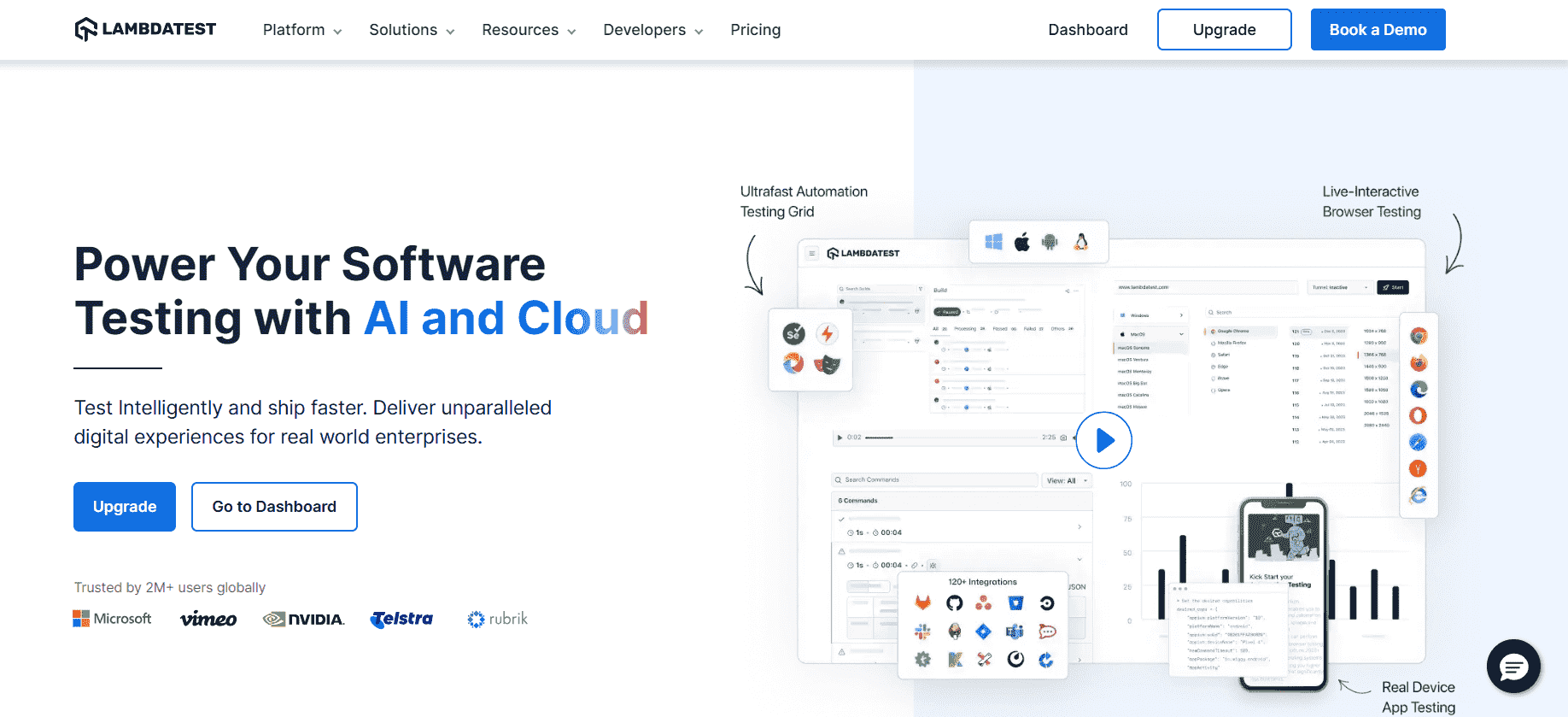
You can even perform live interactive testing in real browser environments. Hence, it helps you test your website or mobile app on a wide range of Windows, macOS, Android, and iOS platforms, including legacy and the latest desktop and mobile browsers.
Key Features
- Run automation tests with different programming languages and frameworks on an online browser farm of real desktop and mobile environments.
- Smart visual regression testing on the cloud to identify visual deviations.
- Perform localhost testing of web and mobile applications.
- Geolocation testing of web and mobile apps across 53+ geographies.
- Chromium-based LT Browser – for faster responsive testing across 50+ pre-installed device viewports.
- 120+ third-party integrations with tools for CI/CD, project management, Codeless Automation, and more.

SeleniumBox
With SeleniumBox by Element34, organizations can simplify their Selenium and Appium infrastructure for cross browser web and mobile testing. It enables the running of automated web and mobile testing behind corporate firewalls. In addition to running on your corporate servers, you can deploy SeleniumBox in a private cloud for Linux OS. It targets enterprises, financial organizations, and healthcare providers with high-security requirements, particularly regarding data privacy.

Key Features
- It provides high scalability that grows with your needs.
- Comes with maintenance-free browsers that are pre-tested for functionality and compatibility.
- Integrate SeleniumBox in CI/CD environments for your continuous testing needs.
- Using SeleniumBox, you can manually access all browsers.
- Track system usage, integrate with monitoring tools, and get advanced test reporting.
Functionize
Functionize is an AI-powered test automation platform that helps organizations create, execute, and maintain tests efficiently. It leverages machine learning to provide intelligent, self-healing test automation, reducing manual effort and accelerating the testing process.
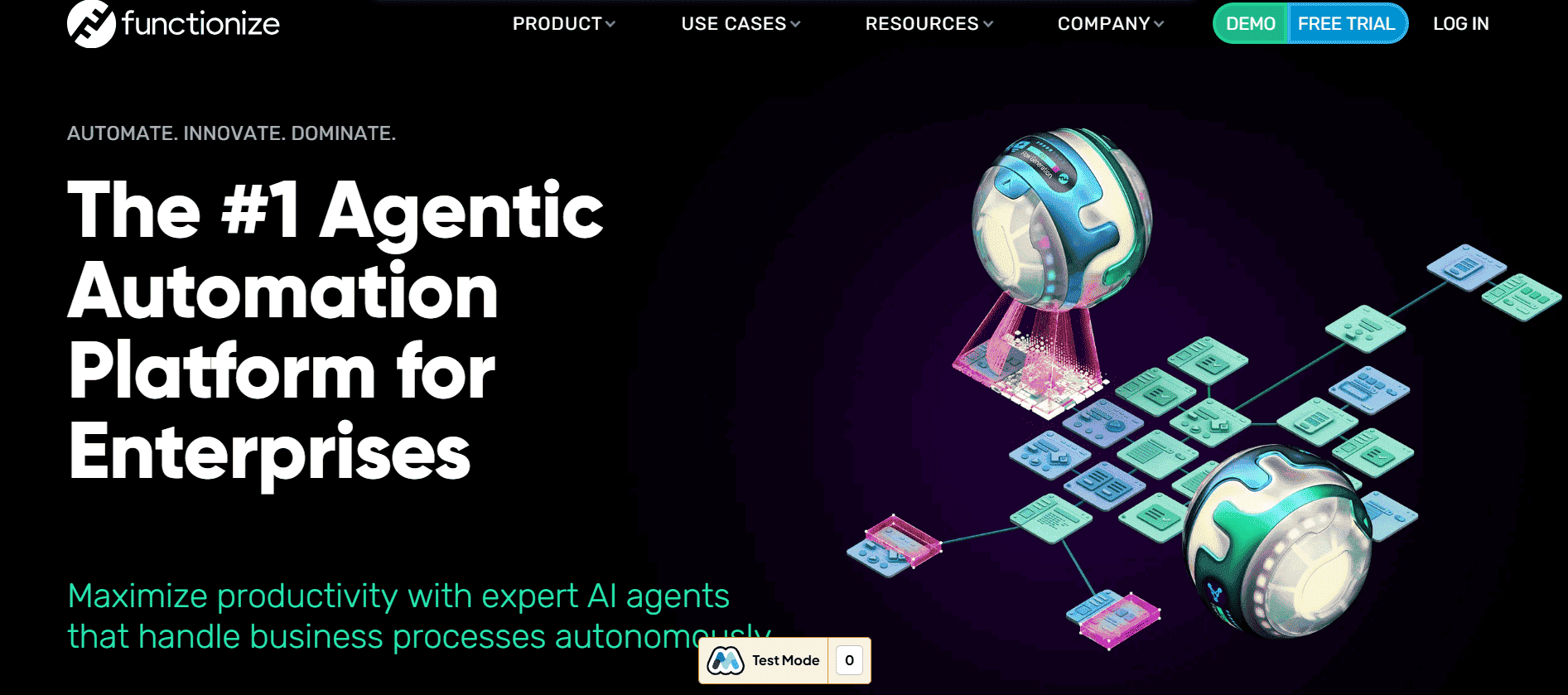
When Functionize performs automated testing, it uses AI-driven tests to detect failures, generate detailed reports, and provide insights with logs, screenshots, and step-by-step execution details. You can monitor test progress in real-time through the platform.
Key Features
- AI-powered test automation for smarter, self-healing tests.
- Supports cross-browser and cross-device testing at scale.
- An intuitive interface with real-time dashboards and reporting.
- Seamless integration with CI/CD pipelines and DevOps workflows.
Ranorex Studio
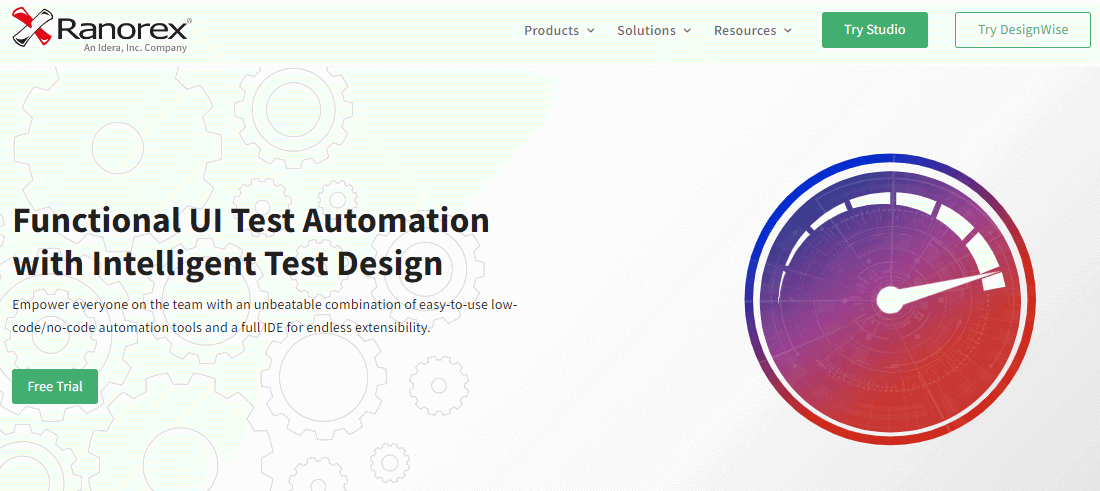
Ranorex Studio is a powerful yet easy-to-use cross browser testing tool for web testing. It offers several out-of-box features, such as integration with Ranorex Web Test, which provides two powerful functionalities – web scraping and functional testing. For example, you can scrape all links in your browser automatically. For each link, you can create tests using the title or text.
Key Features
- It helps you create automated UI tests using simple drag-and-drop actions with zero coding or scripting knowledge.
- Develop test cases that are easy to build, maintain and learn.
- Incorporating test automation reduces manual efforts, boosts team productivity, and enhances software quality.
- Support for parallel testing to execute test cases on multiple devices simultaneously.
Testim
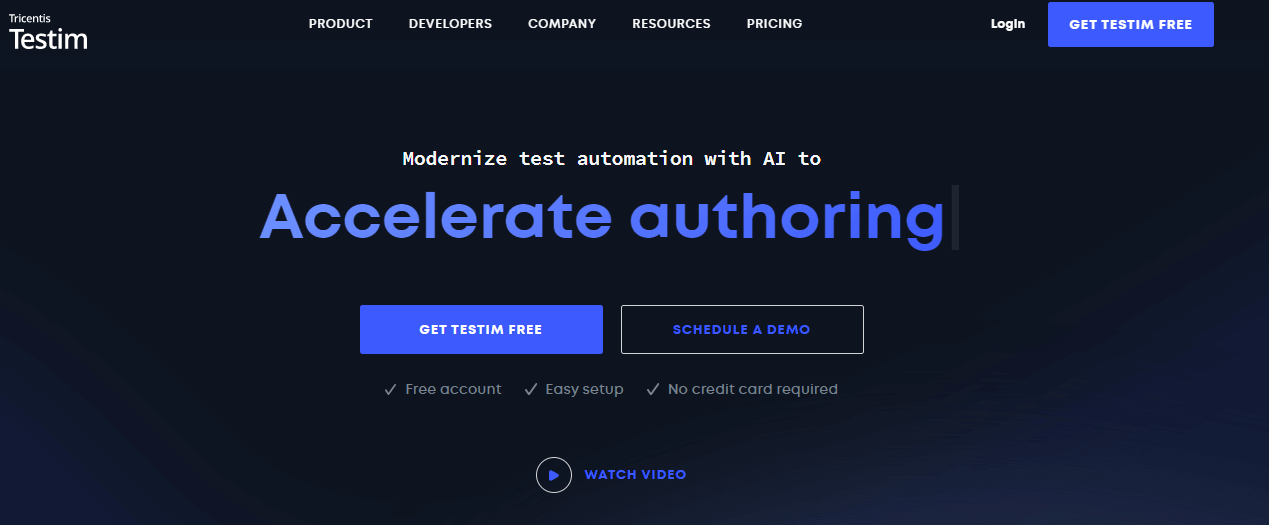
Testim is a scalable cross browser testing that provides AI-powered test automation. It is more centric towards reducing time and effort to maintain test automation environments, as a simple bug can disrupt multiple software features. Testim is for organizations that seek immediate fixes for user-interface tests that focus on the flow of complex procedures.
Key Features
- Offers an intuitive UX making the test creation process easier and simpler.
- Provides a comprehensive test automation platform with greater test coverage with its fast authoring process.
- Eliminates flaky tests that consume resources with self-improving AI-powered stabilizers.
- Pinpoint the root causes to make hassle-free debugging.
- Run parallel test execution on Selenium-compatible grids.
TestComplete
TestComplete is a cross browser testing tool that automates browser compatibility testing on different configurations and operating systems. TestComplete can handle and identify dynamic web elements in the most accessible technologies with the help of built-in support for 500+ controls and third-party frameworks.

Key Features
- It supports different programming languages like JavaScript, Python, C++, C#, VBScript, Delphi, etc.
- Run tests in parallel across different real environments – without zero setup or configuration.
- Uses object recognition using AI and property-based methods.
- Integrations with CI/CD tools, testing frameworks, and the SmartBear ecosystem.
Virtuoso
Virtuoso is a cross browser testing tool using which you can import test requirements, automatically create a test structure, and develop fully executable functional end-to-end tests. It also leverages AI capabilities to automate end-to-end testing on different browsers, operating systems, and mobile devices.
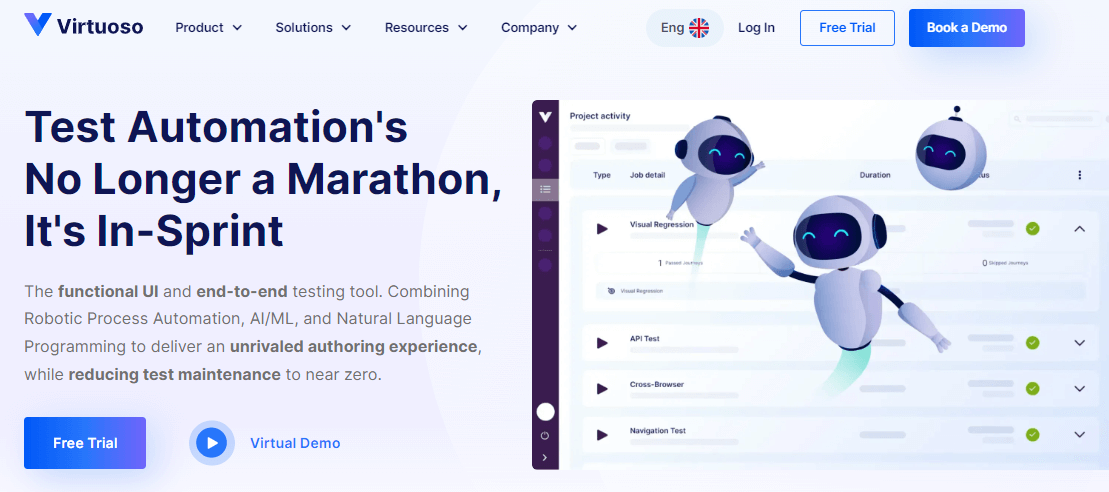
To ensure your web and mobile apps are on point everywhere, you can create functional tests using Natural Language Programming, integrated API testing, and Visual Regression tests.
Key Features
- For no-code automation, you can author tests in natural language.
- Before creating an app, generate tests from requirements or wireframes.
- Create API calls for your functional tests and store them to use later on.
- Seamlessly integrates with popular tools like GitHub, Slack, Microsoft Azure, and more.
- Offers support for live authoring, author codeless tests, root cause analysis, etc.
QA Wolf
QA Wolf is an end-to-end testing automation testing tool that supports organizations with a pool of highly-skilled QA engineers to create, run, and repeat all your complex and critical test cases. It eliminates the burden of in-house QA efforts and provides valuable resources to meet your end-to-end testing needs.
When QA Wolf performs bug testing, their team runs tests, looks into failures, and then generates a bug report with repro instructions, a video recording, logs, etc. To view test progress at any moment, you can log into their platform or wait for an expert review session planned.
Key Features
- Get end-to-end test coverage, a comprehensive test plan strategy, test maintenance, bug reports, etc.
- Run your test cases in parallel.
- An easy-to-use app for real-time status updates.
- Integrates with your existing internal systems to give you a real-time view of your software’s app performance.
Comparium
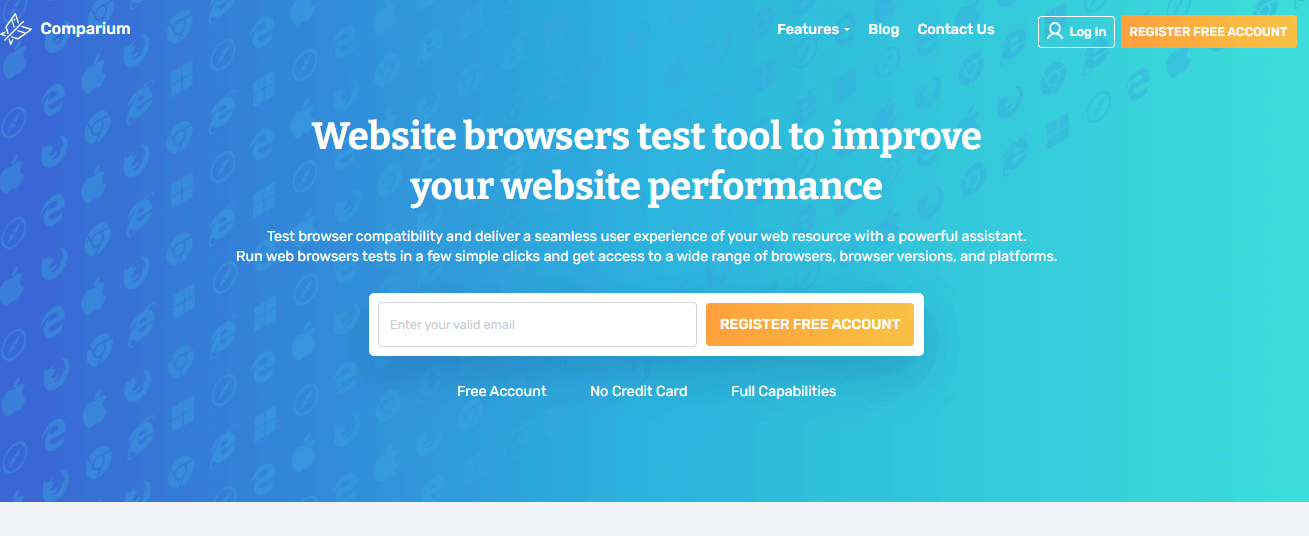
Comparium lets you perform cross browser compatibility on different platforms. It offers taking screenshots of web resources across different browsers and OS combinations, comparing the results in manual and auto modes, and running live-time tests.
Key Features
- Consolidated screenshots from different browsers so you can easily compare them manually or in auto mode.
- Auto-detection of visual discrepancies by highlighting them.
- Support all the latest web browsers.
- With Real-time testing, connect to the desired browser and operating systems to check your website without installing additional software.
Autify
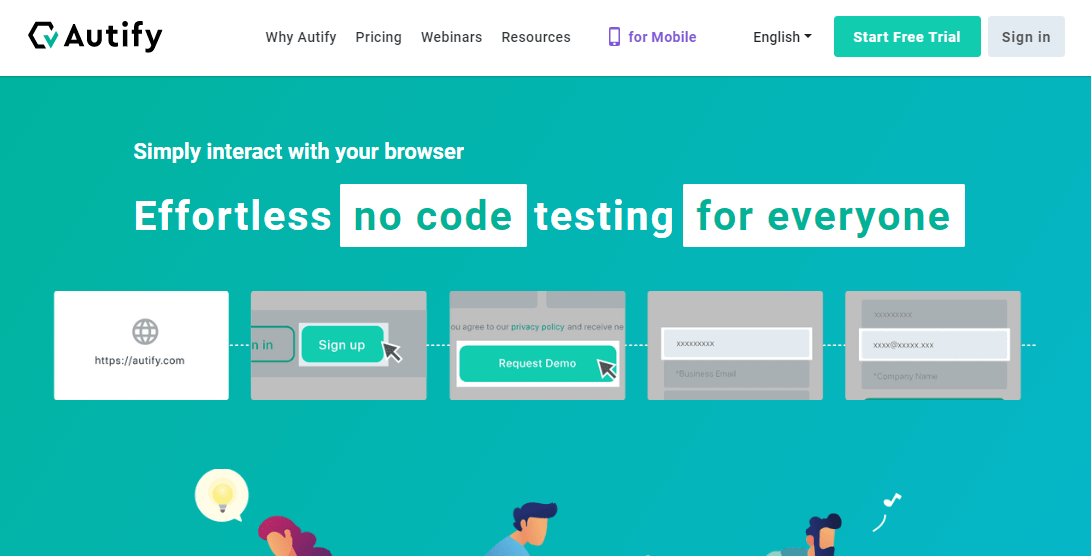
Autify is a web and mobile automation testing tool that lets you create, manage and run complex test cases or test suites and generate test reports. It provides greater test coverage and also supports visual regression testing, which will identify visual mismatches in your applications.
Key Features
- Record interactions using the Autify Recorder Chrome extension.
- Runs tests on Windows, macOS, and Linux, as well as on the web and mobile browsers.
- Autify allows you to test on real devices.
- Integrates with tools such as Jenkins, TestRail, and Slack.
ContextQA
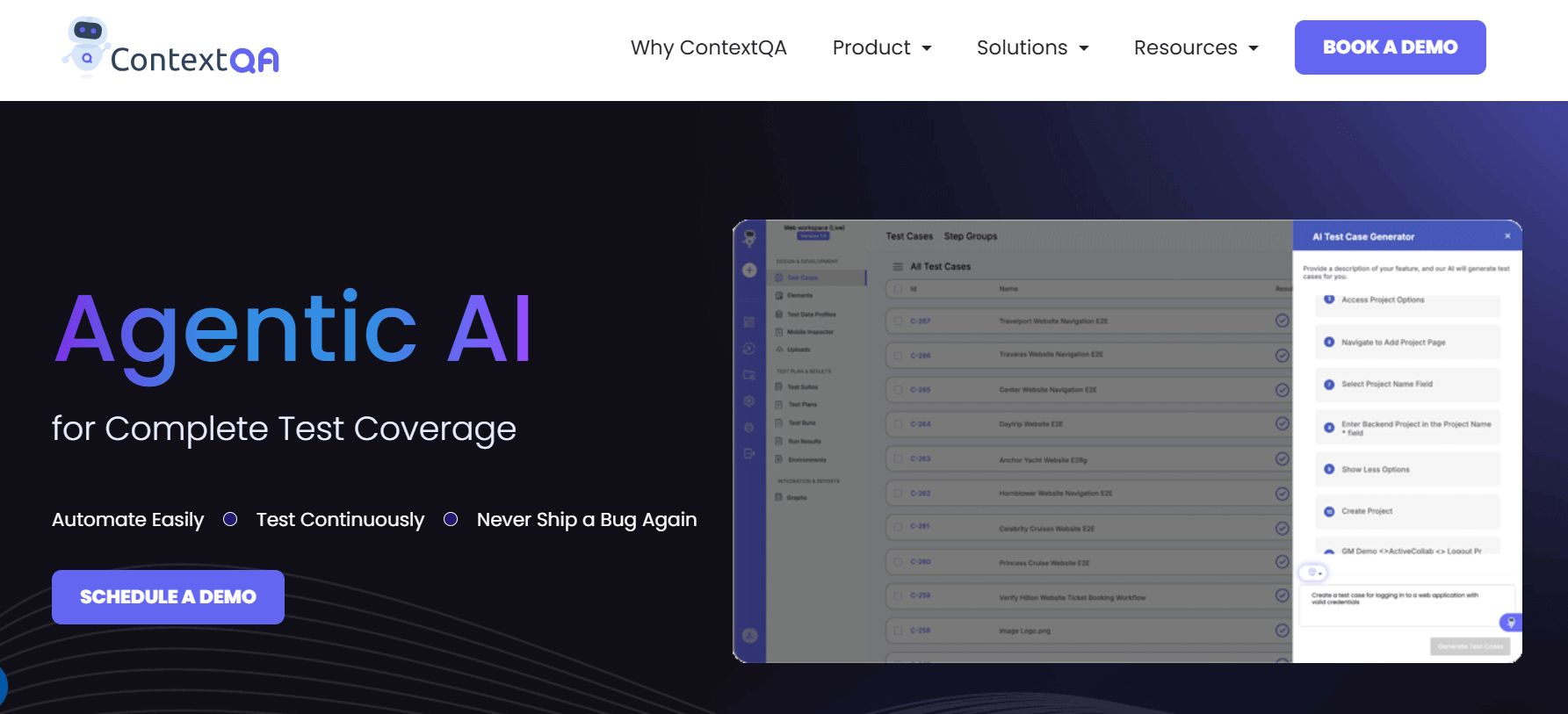
ContextQA is a cross-browser testing tool that lets you test your website or mobile application across multiple browsers and devices, ensuring compatibility and performance. It has intuitive interface and robust features that helps you catch issues early and deliver a seamless user experience.
Key Features
- Supports automated cross-browser testing on multiple devices and browsers.
- Provides visual testing to capture UI changes across browsers.
- Offers detailed test reports and logs for easy debugging.
- Integrates with popular CI/CD tools for seamless test execution.
How to Choose the Right Cross Browser Testing Tool?
Cross browser testing can be easier and less painful if conducted on a cloud-based platform. Before deciding on a cloud-based solution, the test engineer should weigh the benefits and drawbacks of each option and consider the following factors:
- Organization requirements: What features are you looking for in a cross browser test tool? What project will this tool be used for, what is the project’s scope, what type of testing will the tool be required to perform, and so on?
- Range of browsers, devices, and OS: After you’ve calculated and analyzed the devices and browsers that your customers prefer, you’ll need to select a cloud testing tool that offers a wide range of browsers, devices, OS, and testing frameworks required to test the web product.
- Scalability: An organization starting with test automation may not be well prepared to build an internal testing infrastructure that can quickly adapt to business needs and scale up to launch more products and services. A cloud-based tool could help scale testing needs by reducing weeks of work to hours.
- Integrations with third-party tools: Third-party integrations with tools for CI/CD, project management, codeless automation, and more allow you to speed up your testing journey.
Conclusion
Cross browser testing is vital in the software development process to ensure that your website or web application works seamlessly across all latest and legacy browsers, devices, and operating systems. While many tools are available for cross browser testing, the tools listed in this guide provide options based on your budgets and testing requirements.
In 2025, these tools will continue to evolve, providing even better ways to ensure browser compatibility of your software applications.
Happy testing!

Note: Test websites and web apps across 3000+ browser environments. Try TestMu AI Now!
SeleniumBox
Functionize
Ranorex Studio
Testim
TestComplete
Virtuoso
QA Wolf
Comparium
Autify
ContextQA
How to Choose the Right Cross Browser Testing Tool?
Conclusion


Frequently asked questions
Did you find this page helpful?
More Related Hubs
TestMu AI forEnterprise
Get access to solutions built on Enterprise
grade security, privacy, & compliance
- Advanced access controls
- Advanced data retention rules
- Advanced Local Testing
- Premium Support options
- Early access to beta features
- Private Slack Channel
- Unlimited Manual Accessibility DevTools Tests