

Next-Gen App & Browser Testing Cloud
Trusted by 2 Mn+ QAs & Devs to accelerate their release cycles


8 Best Chatbot Builders in 2026 [Tested & Compared]
Not all chatbot builders solve the same problem. Here's an honest breakdown of 8 platforms — what each is good at, what it isn't, and how to test before you ship.

Akarshi Aggarwal
March 31, 2026
At some point in the last two years, chatbots stopped being a "nice to have" and became something users actively expect. The platforms behind them have evolved just as fast, from rigid rule-based flows to LLM-powered bots that can handle context, pull live data, and hand off to a human without the user noticing.
Picking the wrong chatbot builder costs you more than time. You end up with a bot that misreads intent, breaks on edge cases, or quietly hallucinates answers your customers act on. This guide covers what chatbot builders actually are in 2026, which platforms are worth your attention, how to choose between them, and how to test a chatbot before it goes anywhere near production.
Overview
8 Best Chatbot Builders in 2026
- Market shift: Most serious chatbot builders in 2026 are LLM-powered with RAG, tool integrations, and agentic capabilities — rule-based and intent-only bots are legacy.
- Platforms covered: Botpress (developer hybrid), Tidio (e-commerce), Chatbase (fastest RAG setup), ManyChat (social commerce), Voiceflow (voice + multimodal), Rasa (open-source full control), Dialogflow CX (Google Cloud), Landbot (conversational lead gen).
- Selection criteria: Match builder to skill level, use case complexity, channel requirements, data compliance needs, and total cost at production volume.
- Testing is critical: LLM-powered bots are non-deterministic — use semantic testing (not string assertions) across intent accuracy, context retention, fallback behavior, RAG accuracy, and adversarial inputs.
- Key tool: KaneAI enables plain-English test scenarios, CI/CD integration, and agent-to-agent testing for chatbot validation before production.
What Is a Chatbot Builder and How Have They Changed in 2026?
A chatbot builder is a platform that lets teams design, train, deploy, and manage conversational AI agents without building a custom NLU pipeline from scratch. You define the logic, connect your data sources, and the platform handles language understanding, dialogue management, and deployment infrastructure.
Most chatbot builders in 2026 are no longer wiring together rule trees and intent-matching scripts. They are wrapping large language models (LLMs) with memory, tool integrations, and orchestration layers. The result is a chatbot that reasons across context, pulls live data from a CRM, and handles follow-up questions it was never explicitly trained on.
Four generations of chatbot technology coexist in the market today:
- Rule-based bots: respond to predefined keywords and fixed paths. Fast to deploy, zero hallucination risk, but brittle. They break the moment a user goes off-script.
- Intent-based (NLU) bots: classify user inputs into intents and entities. More flexible, but require extensive intent libraries and training data to perform well.
- LLM-powered bots: use foundation models like GPT-4, Claude, or Gemini as their reasoning engine. They handle context natively, manage ambiguous input, and can be grounded in company-specific knowledge via RAG. Most serious builders in 2026 are in this category.
- Agentic bots: go beyond answering questions to taking actions like calling APIs, updating records, and triggering workflows mid-conversation. Platforms like Botpress, Voiceflow, and Intercom are actively building toward this model.
Understanding which generation your use case requires is the right starting point before evaluating any platform.
Types of Chatbot Builders
Before comparing platforms, map your use case to the right category. Most evaluation mistakes happen when teams pick an enterprise-grade platform for a simple FAQ bot, or a lightweight no-code tool for something that genuinely needs full control.
No-Code / Visual Builders
- Drag-and-drop editors, pre-built templates, multi-channel deployment (web, WhatsApp, Messenger)
- Best for: customer support, lead capture, e-commerce FAQs, appointment booking
- Examples: Tidio, ManyChat, Landbot, Chatbase
LLM-Powered Platforms
- Visual or low-code interface backed by a foundation model; you supply the knowledge base and the platform handles retrieval and response generation
- Best for: knowledge-intensive support bots, onboarding assistants, internal Q&A tools
- Examples: Chatbase, Botpress (with LLM nodes), Voiceflow, Intercom Fin
Open-Source / Developer Frameworks
- Full control over model selection, dialogue management, and deployment; no managed hosting
- Best for: enterprises with strict data residency requirements, regulated industries
- Examples: Rasa, Botpress self-hosted
Enterprise Conversational AI Platforms
- Multi-language support, compliance controls, contact center integrations, and human handoff out of the box
- Best for: large-scale contact centers, high-volume B2C deployments, regulated industries
- Examples: Google Dialogflow CX, Intercom (enterprise tier), IBM Watson Assistant
Best Chatbot Builders Comparison Table
| Platform | Best For | No-Code? | LLM-Powered? |
|---|---|---|---|
| Botpress | Developer custom flows | Partial | Yes |
| Tidio | E-commerce support | Yes | Yes |
| Chatbase | Knowledge-base bots | Yes | Yes |
| ManyChat | Social / WhatsApp | Yes | Partial |
| Voiceflow | Voice and multimodal | Partial | Yes |
| Rasa | Enterprise full-control | No | Yes |
| Google Dialogflow CX | Google Cloud ecosystems | Partial | Yes |
| Landbot | Conversational lead gen | Yes | Yes |
8 Best Chatbot Builders
Below is a mix of no-code platforms, LLM-powered builders, and developer-first frameworks. They solve different problems, so the comparison table is a good place to start before diving into the individual breakdowns.
Botpress
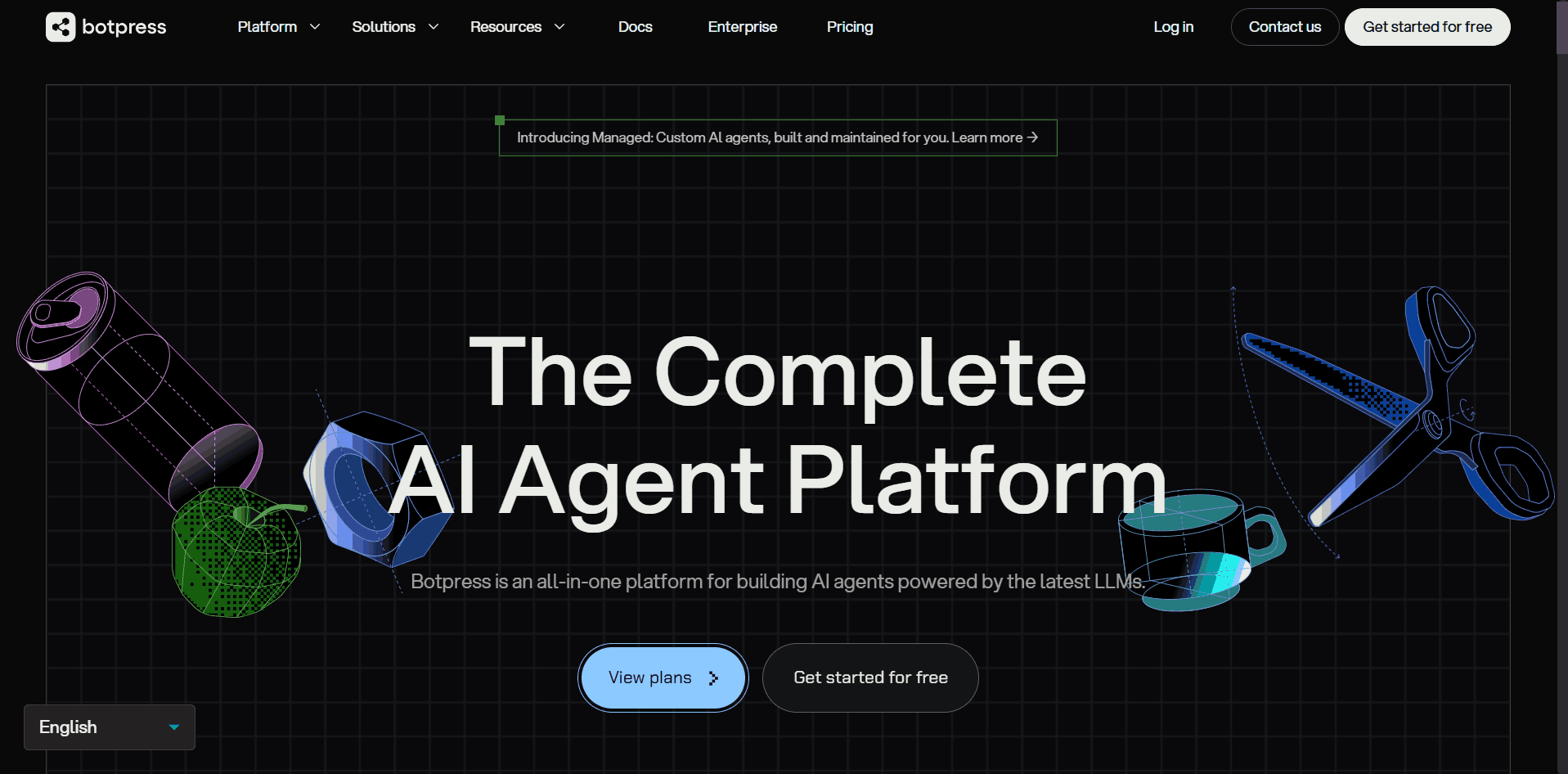
Botpress sits at the intersection of no-code accessibility and developer depth. You can build basic bots visually, but its real strength is dropping into JavaScript for custom logic, calling external APIs mid-conversation, and integrating multiple LLMs inside a single flow. The free tier covers 500 messages per month with full feature access.
Pros
- Visual canvas plus code fallback gives both non-technical and engineering teams room to work
- Strong multi-LLM support; swap or combine models without rebuilding flows
Cons
- Visual flows become hard to manage as conversation complexity scales
- Teams end up writing more custom code than expected for production-grade deployments
Tidio
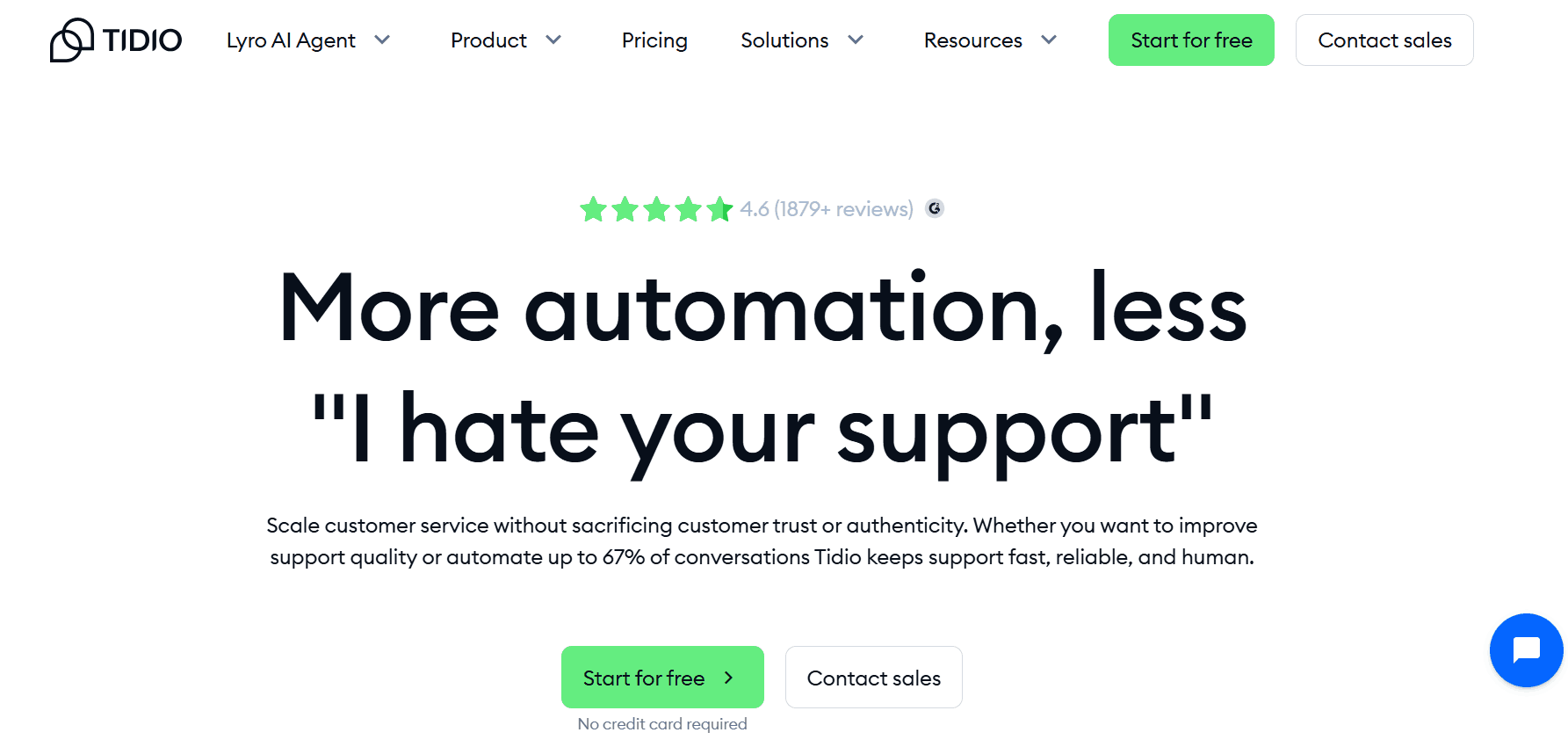
Tidio is purpose-built for customer support and e-commerce. Its AI agent handles incoming questions using your product catalog, help docs, and FAQ data, and escalates to a human agent when confidence is low. Setup is beginner-friendly, and integrations with Shopify, WooCommerce, HubSpot, and Klaviyo activate in minutes.
Pros
- Hybrid bot-plus-live-chat model handles the full support workflow in one platform
- Fast deployment; most teams are live within a day
Cons
- Pricing scales with conversation volume and gets expensive at high traffic
- Struggles with multi-part or nuanced questions outside its training data
Chatbase
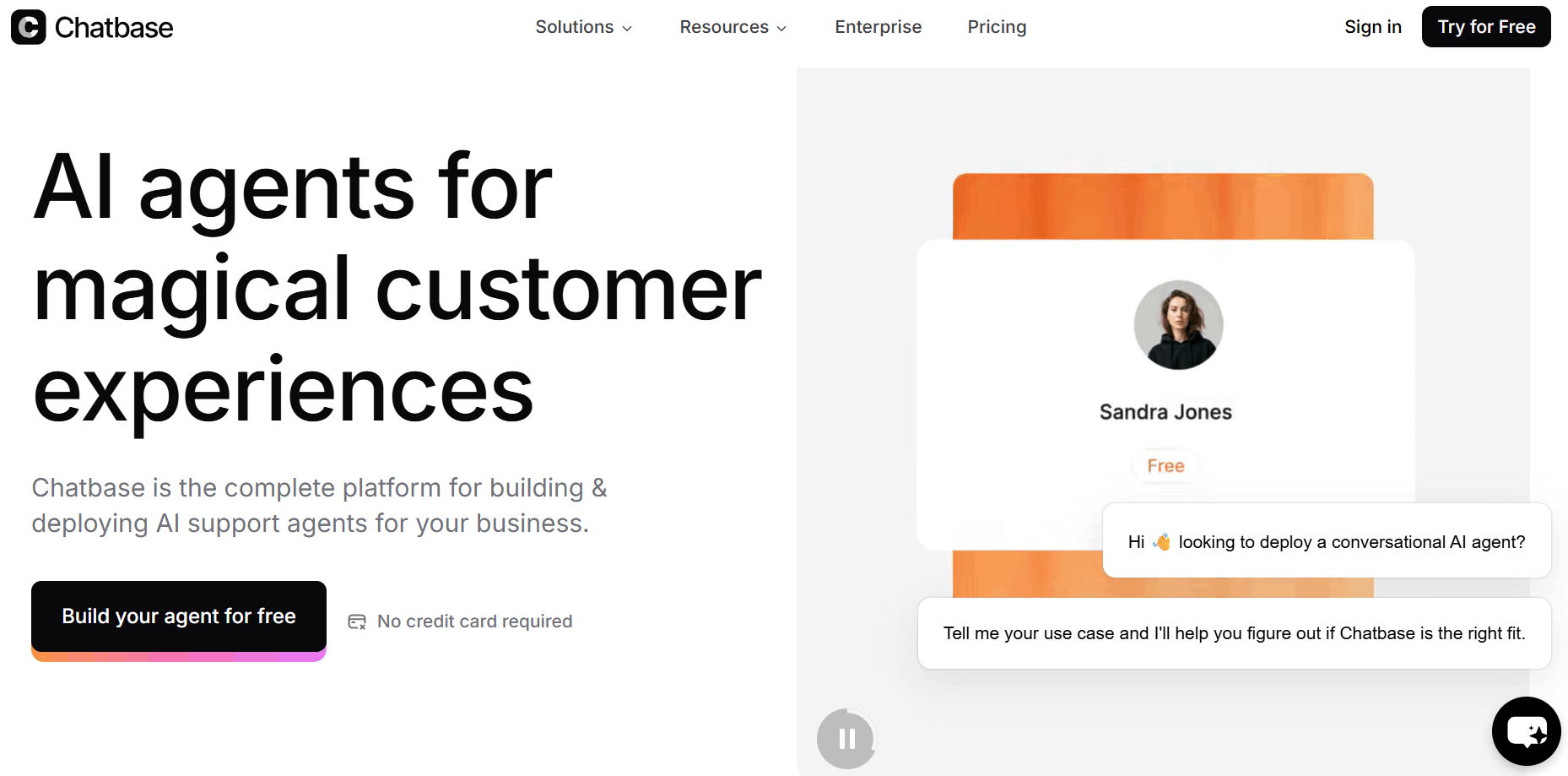
Chatbase is the fastest path from "I have documentation" to "I have a working chatbot." Connect your data sources (URLs, PDFs, Notion, Confluence), and Chatbase builds a RAG-powered assistant on top. Content syncing is automatic, so knowledge base updates flow through to the bot without manual intervention.
Pros
- Fastest time-to-deployment on this list for knowledge-base use cases
- Suggestions feature identifies gaps in training data based on failed responses
Cons
- Not designed for complex dialogue logic or multi-step workflows
- Limited customization beyond knowledge retrieval and basic flow branching
ManyChat
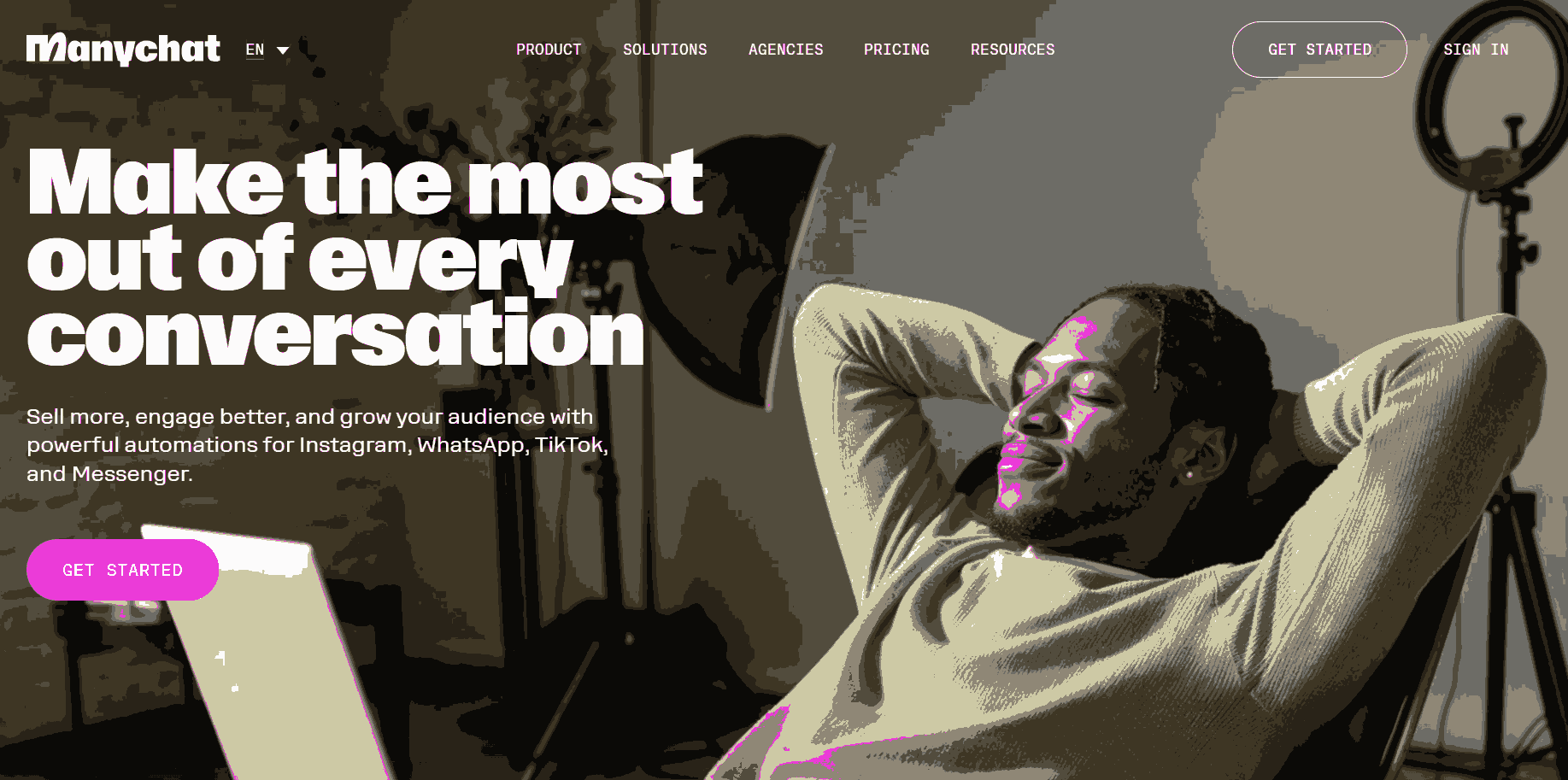
ManyChat leads the market for social commerce automation. It connects natively to Instagram, Facebook Messenger, and WhatsApp Business API, and builds flows that trigger on post comments, story mentions, DM keywords, and paid ad interactions. The AI Flow Builder handles intent recognition more reliably in 2026 than earlier versions.
Pros
- Best-in-class segmentation, A/B testing, and broadcast features for social channels
- Strong template library; fast to launch acquisition and re-engagement campaigns
Cons
- Narrow scope: social and messaging channels only, not a general-purpose support tool
- Complex integrations outside its supported app ecosystem require workarounds
Voiceflow
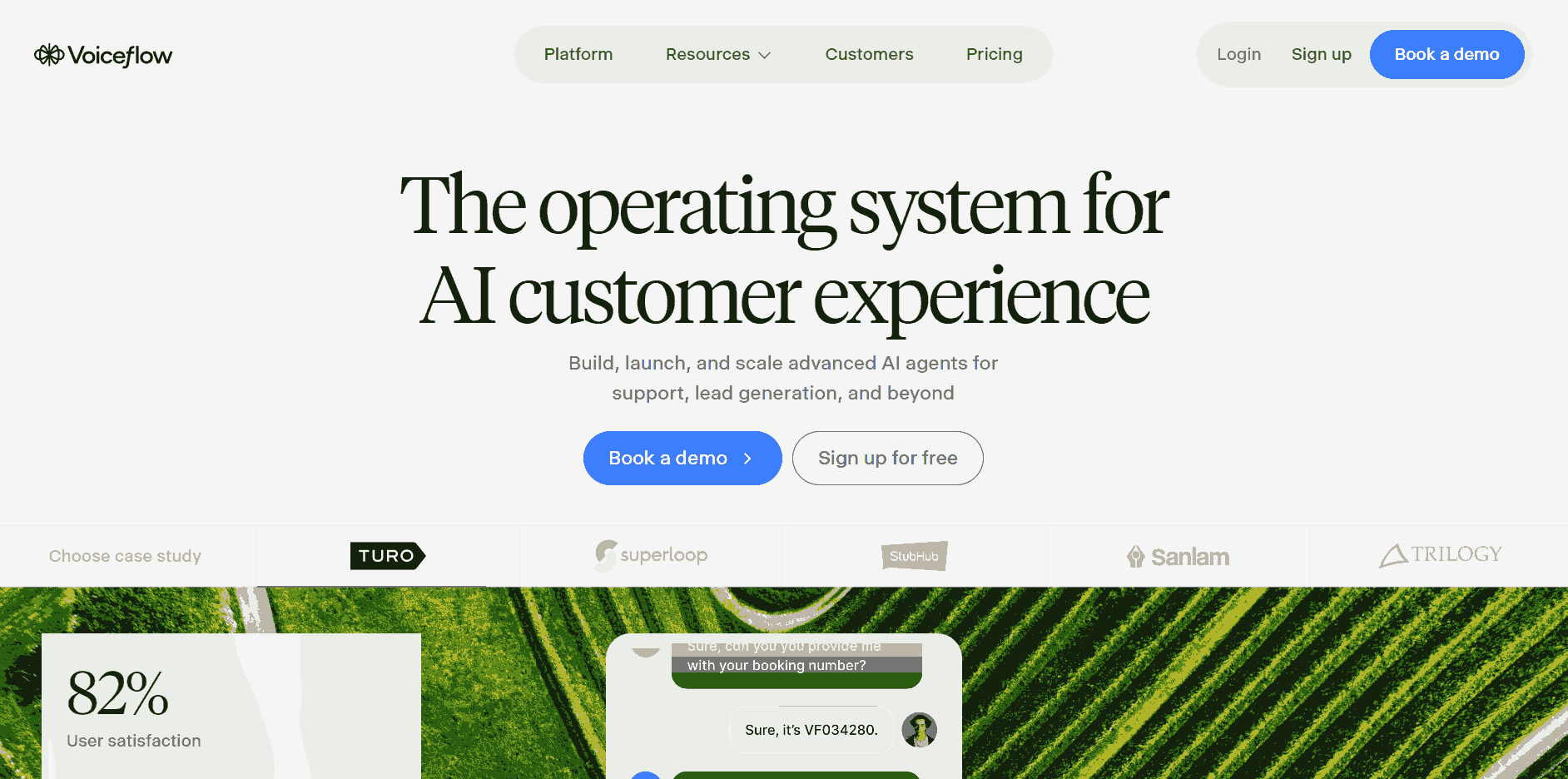
Voiceflow's visual editor handles complex branching conversation design, including voice interfaces (Alexa, Google Assistant), web chat, and custom API endpoints. Teams can prototype in Voiceflow and hand off to engineering for production deployment, reducing friction between design and development.
Pros
- Handles structured flows and open-ended LLM responses in the same conversation
- Serious voice and multimodal support; one of few builders covering Alexa and Google Assistant
Cons
- Steeper learning curve than no-code alternatives
- Advanced features require more configuration time than simpler platforms
Rasa
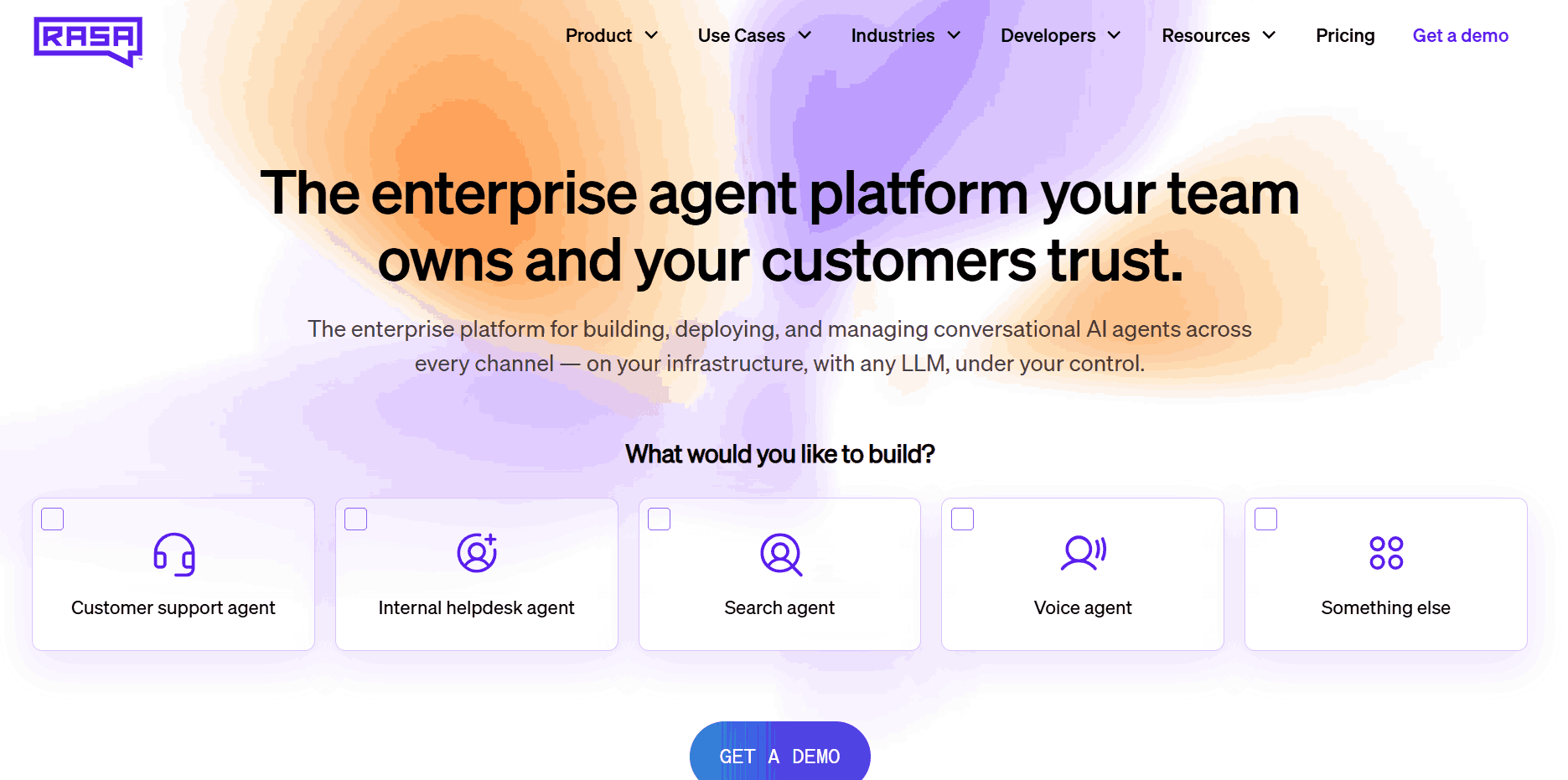
Rasa is an open-core framework, not a hosted platform. It gives complete control over intent classification, entity extraction, dialogue management, and deployment infrastructure. Nothing leaves your environment unless you send it there. Teams need NLP expertise to train and maintain the models effectively.
Pros
- Full data residency control; the only viable option in many regulated industries
- Deep system integration without the custom connector overhead of hosted platforms
Cons
- High implementation effort; not a quick-start option for most teams
- Ongoing model maintenance requires dedicated NLP or ML expertise
Google Dialogflow CX
Dialogflow CX separates intent recognition from fulfillment cleanly, making complex dialogue flows easier to build and maintain as requirements evolve. It supports text and voice natively, integrates with Google Assistant, and provides solid multi-language support. For teams already on Google Cloud, the connectors to BigQuery, Cloud Functions, and Contact Center AI are a genuine advantage.
Pros
- Enterprise-grade reliability and multi-language support from day one
- Tight GCP ecosystem integration reduces setup overhead for existing Google Cloud users
Cons
- Setup overhead is hard to justify outside Google Cloud
- Pay-per-use pricing requires careful volume forecasting at scale
Landbot
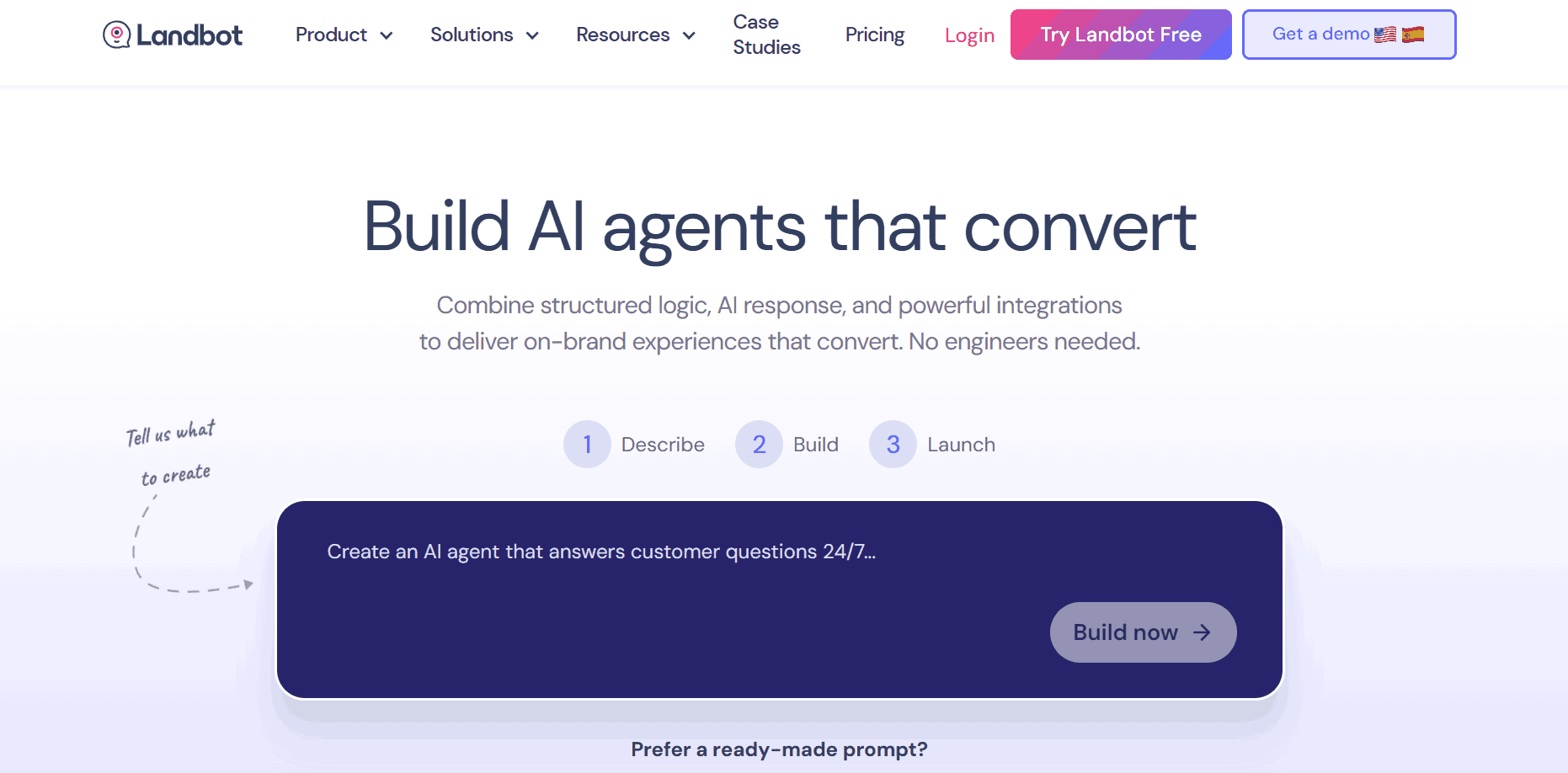
Landbot builds guided conversational experiences that feel closer to interactive forms than traditional chat. This format works well for lead qualification, onboarding flows, and survey-style workflows where structured input matters more than open-ended conversation. Its WhatsApp integration is strong, and the template library covers a wide range of B2B and B2C use cases.
Pros
- Conversational form design converts better than static forms for lead capture
- Clean UI and fast deployment for marketing teams without technical resources
Cons
- Not suited for open-ended support or complex reasoning use cases
- Less flexible for heavily customized dialogue logic compared to developer-oriented platforms
How to Choose the Right Chatbot Builder
| Factor | What to Evaluate |
|---|---|
| Builder skill level | No-code tools (Tidio, Chatbase, ManyChat) need zero engineering. Botpress and Voiceflow need some. Rasa needs dedicated NLP expertise. |
| Use case complexity | FAQ bots and lead flows work on any no-code platform. Multi-turn reasoning and dynamic data retrieval need LLM-powered platforms. Strict compliance points to Rasa or Dialogflow CX. |
| Channels | WhatsApp/Instagram natively: ManyChat or Landbot. Omnichannel at scale: Botpress or Rasa. Voice: Voiceflow or Dialogflow CX. |
| Data and compliance | Check data storage location and GDPR/SOC 2 certification. Self-hosted Rasa or Botpress may be the only option in regulated environments. |
| Total cost | Calculate cost at your expected conversation volume, not the free tier limit. Message-based pricing scales steeply at production traffic. |
Test before you commit. Most platforms offer free tiers or trials. Build a representative conversation scenario and run it before locking into a platform — that is where most evaluation surprises surface.
How to Test a Chatbot Before It Goes to Production
Building a chatbot is the first half of the job. Testing it before it talks to real users is the second half, and most teams underinvest here.
Modern LLM-powered chatbots are non-deterministic. The same input can produce different outputs depending on context, model temperature, and retrieval results. That variability is what makes them feel natural and it is also what makes traditional scripted test frameworks insufficient on their own.
What Chatbot Testing Should Cover
- Intent recognition accuracy: Test each core intent with 15–20 paraphrase variations. Aim for 90%+ accuracy on critical flows before deployment.
- Context retention across turns: Verify the bot maintains earlier inputs through follow-up questions and topic switches.
- Fallback and error handling: Deliberately test out-of-scope inputs to confirm the bot redirects or escalates gracefully rather than hallucinating a response.
- RAG accuracy: For knowledge-base bots, ask questions whose answers are not in the knowledge base. The bot should admit uncertainty, not fabricate an answer.
- Load and performance: Simulate concurrent users to catch response degradation before it reaches production.
- Security and adversarial inputs: Test prompt injection attempts and jailbreak patterns before your users discover them.
Common Chatbot Failures That Testing Catches
Skipping structured testing leads to a predictable set of production failures: hallucinated answers delivered with false confidence, context lost between turns, infinite loops on unexpected inputs, and edge case responses that damage brand trust. Most of these are catchable before deployment with the right test coverage in place.
Testing Chatbots with KaneAI
Traditional scripted test frameworks were built for deterministic outputs. You cannot assert an exact response string when the model's output varies on every run. This is where the testing approach needs to shift.
KaneAI is TestMu AI's AI-native test agent that works across conversational interfaces and web applications. Instead of hardcoded string assertions, KaneAI evaluates whether the chatbot answered the right question correctly.
For teams building on Botpress, Voiceflow, Rasa, or any platform with a web or API interface:
- Write test scenarios in plain English: "user asks about the return policy; bot should confirm the 30-day window and offer a return link"
- KaneAI executes them across conversation flows and flags semantic failures, not just string mismatches
- Tests plug into CI/CD pipelines so every knowledge base update or prompt change triggers an automated regression run
- Multi-turn tests verify that context retention holds across complex dialogue sequences
TestMu AI also supports Agent-to-Agent testing for chatbots that call external tools and APIs mid-conversation. You can validate the full pipeline, from user input through retrieval and tool calls to final response in a single automated test run.
Building a chatbot without a testing layer means the failures are not hypothetical. They are scheduled.


Frequently asked questions
Did you find this page helpful?
More Related Hubs
TestMu AI forEnterprise
Get access to solutions built on Enterprise
grade security, privacy, & compliance
- Advanced access controls
- Advanced data retention rules
- Advanced Local Testing
- Premium Support options
- Early access to beta features
- Private Slack Channel
- Unlimited Manual Accessibility DevTools Tests