

Next-Gen App & Browser Testing Cloud
Trusted by 2 Mn+ QAs & Devs to accelerate their release cycles


17 Best IDEs to Boost Your Productivity in 2026
Explore the 17 best IDEs for 2026 to boost coding productivity with smart debugging, cloud support, AI tools, and keyword-driven development workflows.

Saniya Gazala
February 8, 2026
IDEs (Integrated Development Environments) are powerful platforms that let you write, test, and debug code in one place. The best IDEs go further by supporting extensions like version control, code formatting, and AI-assisted tools, helping developers code faster and more efficiently across different languages and frameworks.
Overview
Modern IDEs offer real-time collaboration and AI-driven assistance. They also integrate performance and security tools for smarter development.
Curated List of Best IDEs
- Eclipse: Open-source Java IDE with plugins.
- IntelliJ IDEA: Smart Java development IDE.
- Visual Studio: Microsoft’s all-in-one IDE.
- PyCharm: Python-focused IDE with smart tools.
- Arduino IDE: Easy coding for Arduino boards.
- Xcode: Apple’s IDE for macOS & iOS apps.
- Code::Blocks: Lightweight C/C++ IDE.
- Android Studio: Official Android app IDE.
- JupyterLab: Interactive coding notebooks.
- RStudio: IDE for R and data analysis.
- RubyMine: Ruby and Rails IDE.
- WebStorm: JavaScript and front-end IDE.
- Gitpod: Cloud-based ready-to-code IDE.
- Eclipse Theia: Extensible cloud & desktop IDE.
- Windsurf: Lightweight web IDE.
- Cursor: AI coding assistant.
- Fleet: JetBrains’ collaborative lightweight IDE.
How to Choose the Best IDEs?
Choose an IDE that complements your workflow, whether you prefer a lightweight editor or a feature-rich environment. The right fit should feel intuitive, reduce friction, and support how you code every day.
What Is an IDE?
An IDE is a software suite that streamlines the entire development workflow by combining tools like a code editor, debugger, compiler, and build automation, all in one interface. It reduces cognitive load, enforces code consistency, and accelerates tasks like refactoring, debugging, and deployment.
By centralizing development, IDEs help you stay focused, minimize errors, and collaborate more efficiently. Whether you’re writing a script or building a complex system, the best IDEs boost productivity, offer deeper code insights, and support rapid iteration.
With an IDE, you can:
- Smart Code Editing: Write and edit code with features like auto-complete, syntax highlighting, and real-time suggestions
- Built-in Testing: Run and test your code directly inside the IDE.
- Advanced Debugging: Set breakpoints, inspect variables, and fix issues with step-by-step debugging tools.
- Project Management: Organize files, folders, and integrate version control systems like Git.
- Quick Setup: Install dependencies, plugins, and extensions with just a few clicks.
- Ready-to-Use Templates: Start new projects faster using built-in templates for your preferred language or framework.
In short, an IDE offers a unified platform to simplify and accelerate software development, from writing code to deployment.

Note: Build faster with smart IDEs that support testing and debugging. Try TestMu AI now!
Most Popular and Best IDEs Developers Use Today
Choosing the right IDE can make a big difference in your development workflow. Whether you’re coding in Python, Java, or JavaScript, there’s an option here to suit your needs.
Below are some of the most widely used and trusted IDEs that developers rely on across various languages and platforms.
1. Eclipse
Eclipse is one of the best IDEs available; it is a modular IDE using a plugin architecture where developers can compose toolchains. It includes core components like a Java-based editor, workspace/project management, an integrated build system (via Ant or Maven), and a plugin ecosystem that supports language tooling, UI design, and code analysis.
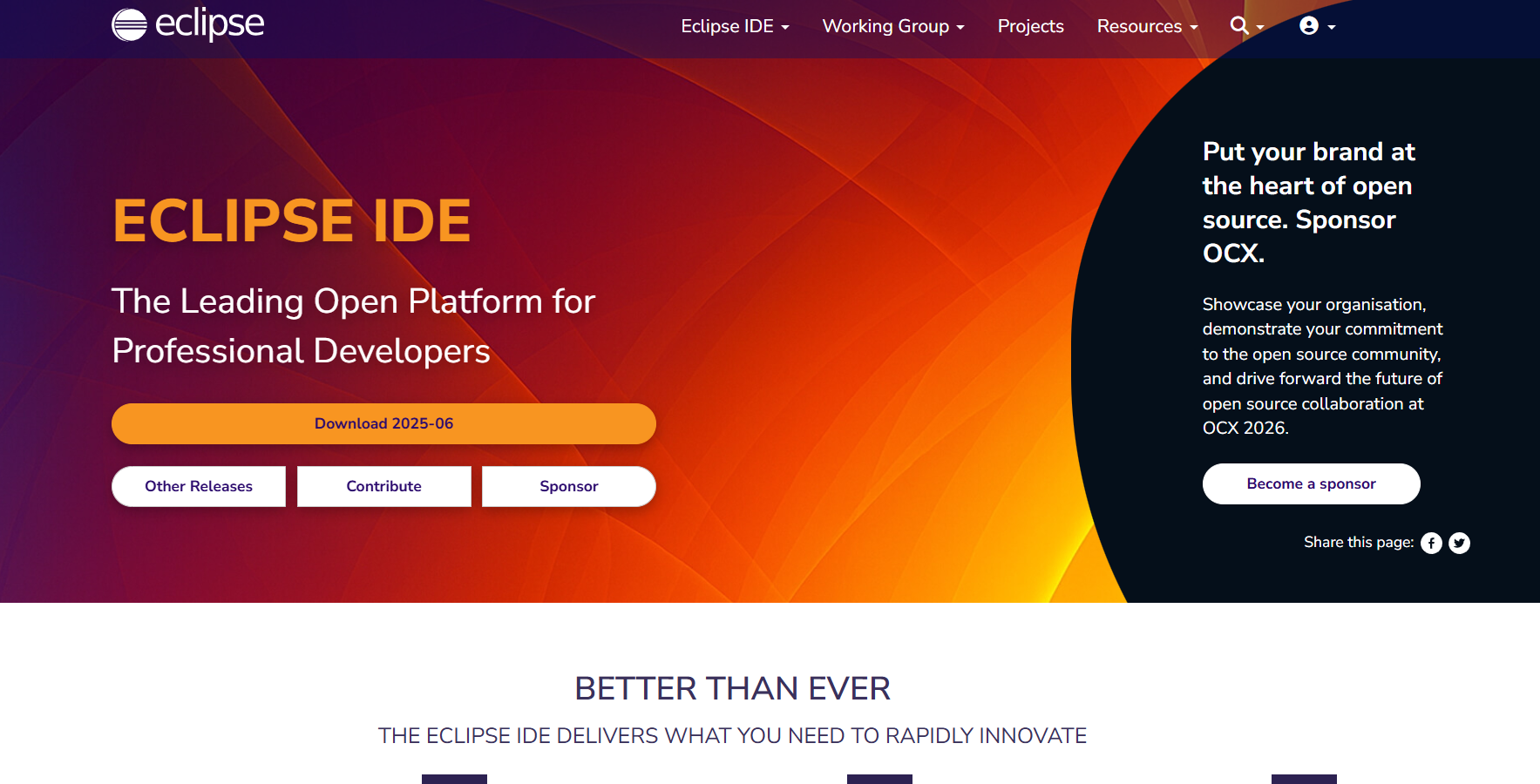
Key features:
- Plugin Architecture: Modular OSGi-based system enabling runtime extension.
- Workspace & Project Management: Organizes projects into workspaces with multi-language support via plugins.
- Editor Utilities: Syntax coloring, code completion, refactoring, code analysis, and quick-fix suggestions.
- Build Tool Integration: Supports Ant, Maven, and CMake, with the capability to use Maven pom.xml as project descriptor.
2. IntelliJ IDEA
IntelliJ IDEA earns its place among the best IDEs for both JVM and non-JVM development. With features like AST-driven code insight, real-time error checking, built-in decompiler, bytecode viewer, version control integration, and run/debug configurations for multiple environments.
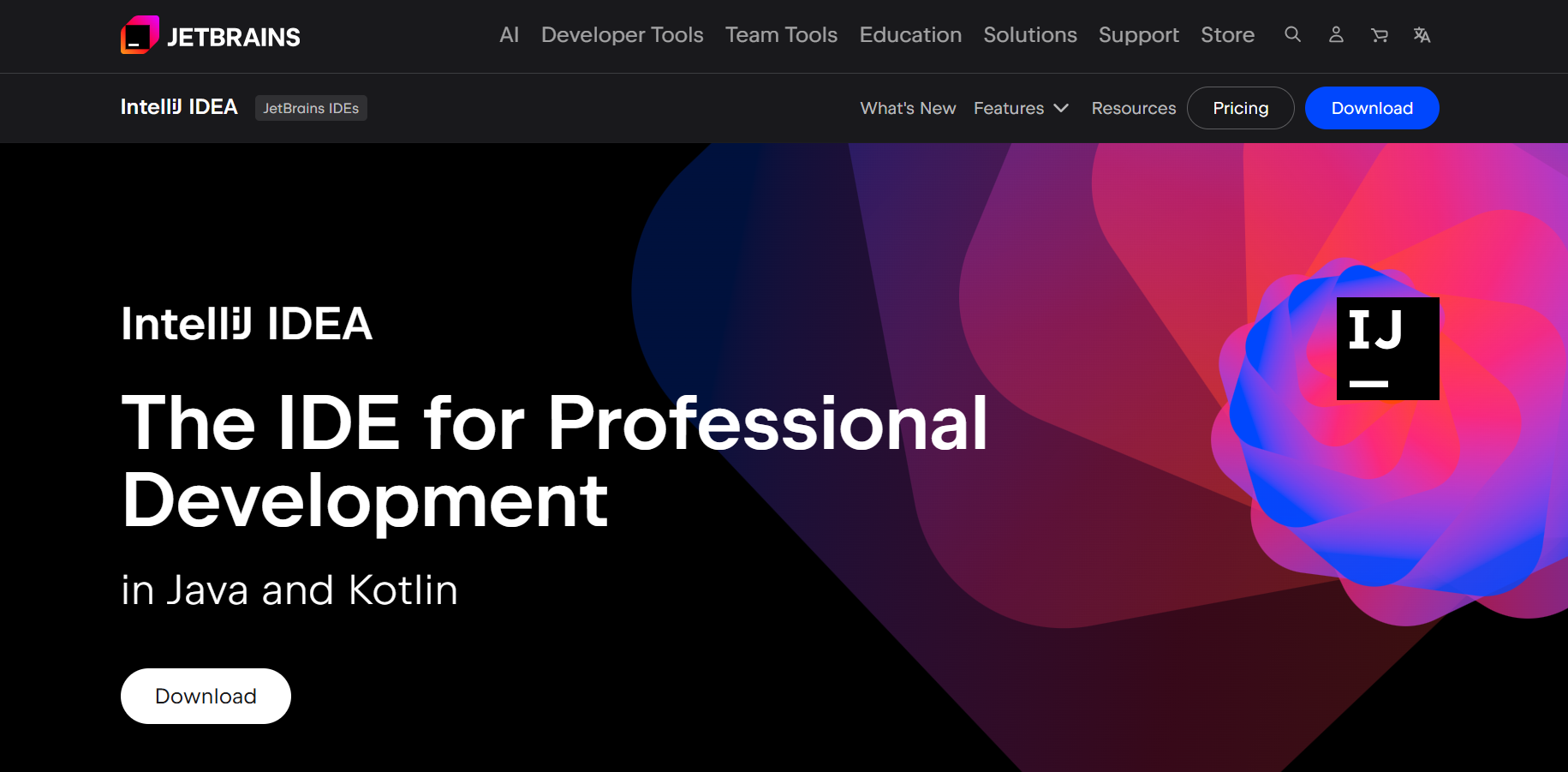
Key features:
- Context-Aware Coding Tools: Code completion, navigation, refactoring, and inspections driven by AST.
- Integrated Build Systems: Built-in support for Maven, Gradle, sbt.
- Database Connectivity: Embedded database tools in the Ultimate edition via DataGrip components.
- Version Control Support: Git, Mercurial, SVN, with additional Perforce in Ultimate.
- Plugin Ecosystem: Thousands of plugins via JetBrains Marketplace across both Community and Ultimate editions.
3. Visual Studio
Visual Studio is a full-featured IDE with a project system that supports solutions, editors for multiple languages, integrated build tools (MSBuild), visual designers (for UI, forms), debugging with watch windows and live code analysis, and extensions via the Visual Studio Marketplace, making it one of the best IDEs for comprehensive development needs.
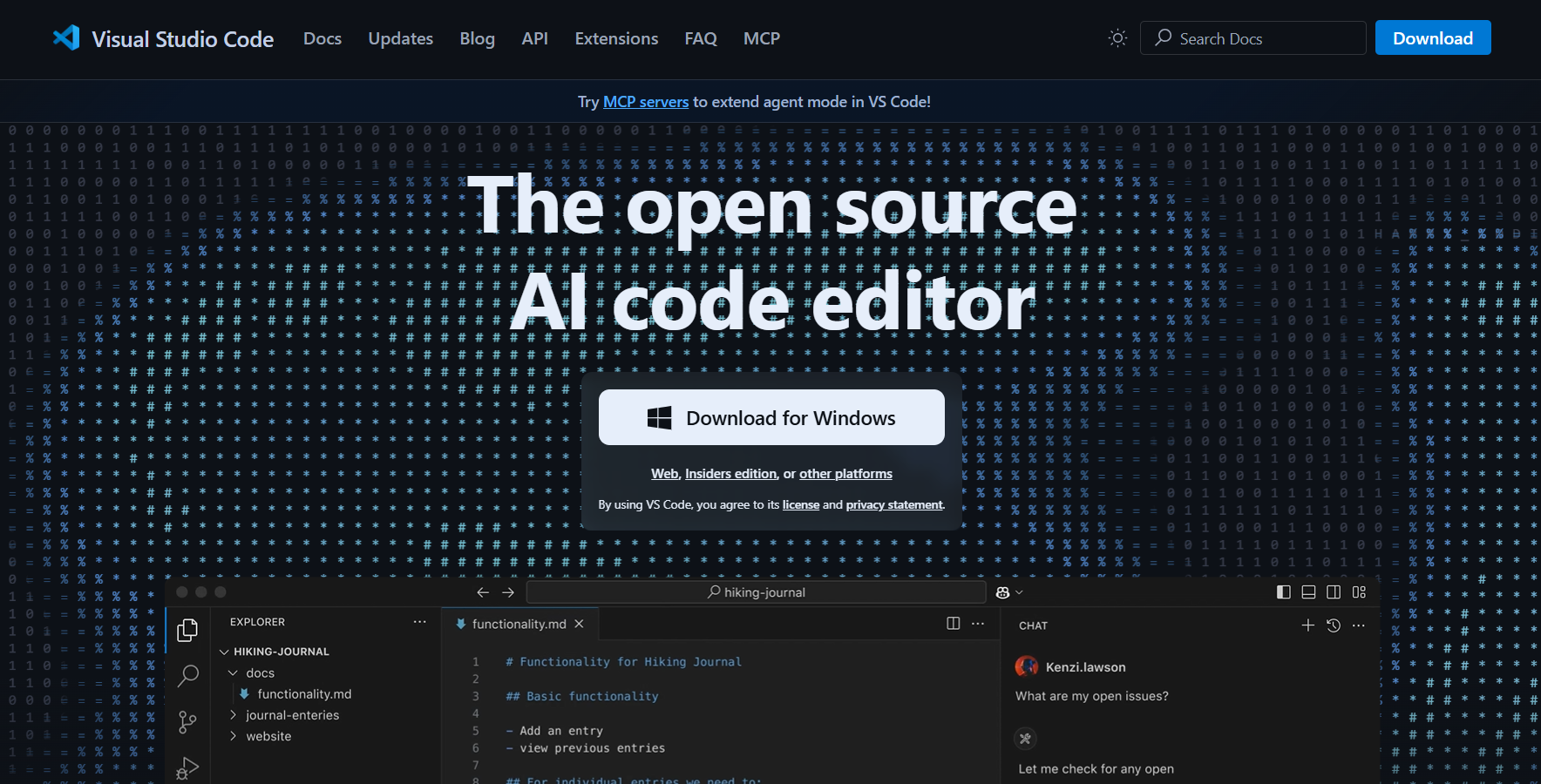
Key features:
- Solution & Project System: Manages multi-project setups via .sln and .csproj files.
- Language Editors: Supports C#, VB.NET, C++, and F# with syntax highlighting and IntelliSense.
- MSBuild Integration: Builds and compiles code via MSBuild project files.
- Visual Designers: Offers drag-and-drop interfaces for forms, WPF, and web pages.
- Debugger and Live Analysis: Enables breakpoint-based debugging, watch windows, and live code insights.
- Extension Framework: Expands IDE through Visual Studio Marketplace plugins.
4. PyCharm
PyCharm is powered by the IntelliJ Platform and ranks among the best IDEs for Python with features such as an intelligent code editor, integrated Python REPL, virtual environment and package management interface, interactive debugger, dedicated test runners, and Jupyter notebook file support.
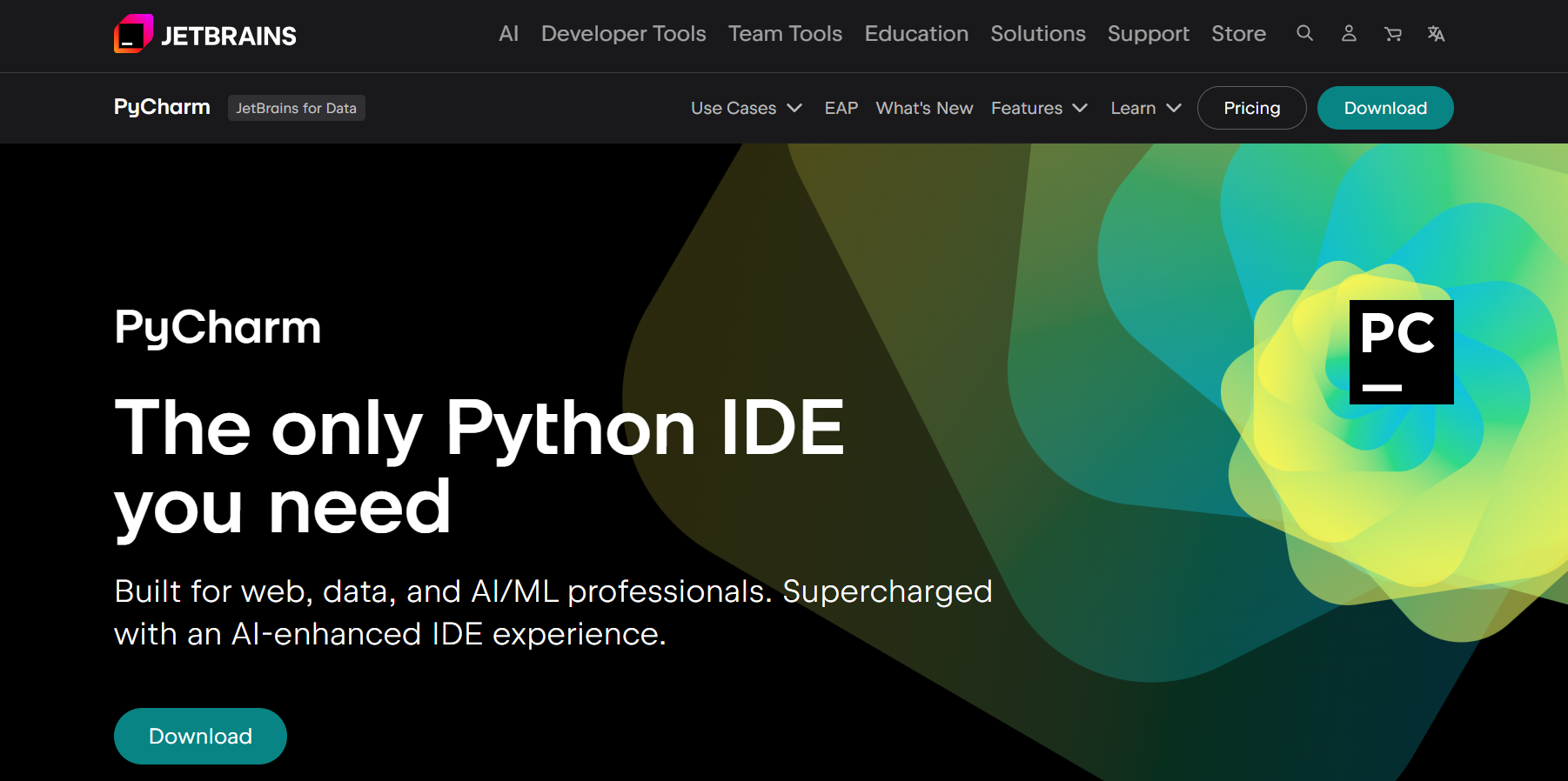
Key features:
- Python Language Support: Syntax highlighting, error detection, quick fixes, and context-sensitive code completion.
- Code Navigation & Refactoring: Go-to symbols, extract method/variable, rename, and more.
- Built-in Debugger and Test Runner: Inline debugging, breakpoints, integrated pytest, unittest, and coverage via Coverage.py.
- Toolchain Integration: Virtualenv, package managers, Docker, Vagrant, SSH, remote interpreters.
- VCS and Database Tools: Support for Git/Mercurial/Subversion/Perforce, unified VCS UI, plus SQL editing for Pro edition.
- Terminal and Console: Embedded terminal and interactive Python consoles.
5. Arduino IDE
Arduino IDE is a lightweight GUI with a text editor and basic code folding, a serial monitor for device communication, a board and port configuration manager, and a one-click compile-and-upload button for handling microcontroller code deployment.
 Key features:
- Minimalist Code Editor: Offers basic text editing with simple code folding.
- Serial Monitor: Connects and interacts with microcontrollers via the serial port.
- Board/Port Configurator: Selects the target microcontroller board and COM port.
- Compile-and-Upload Action: One-click mechanism to compile sketches and upload to the board.
6. Xcode
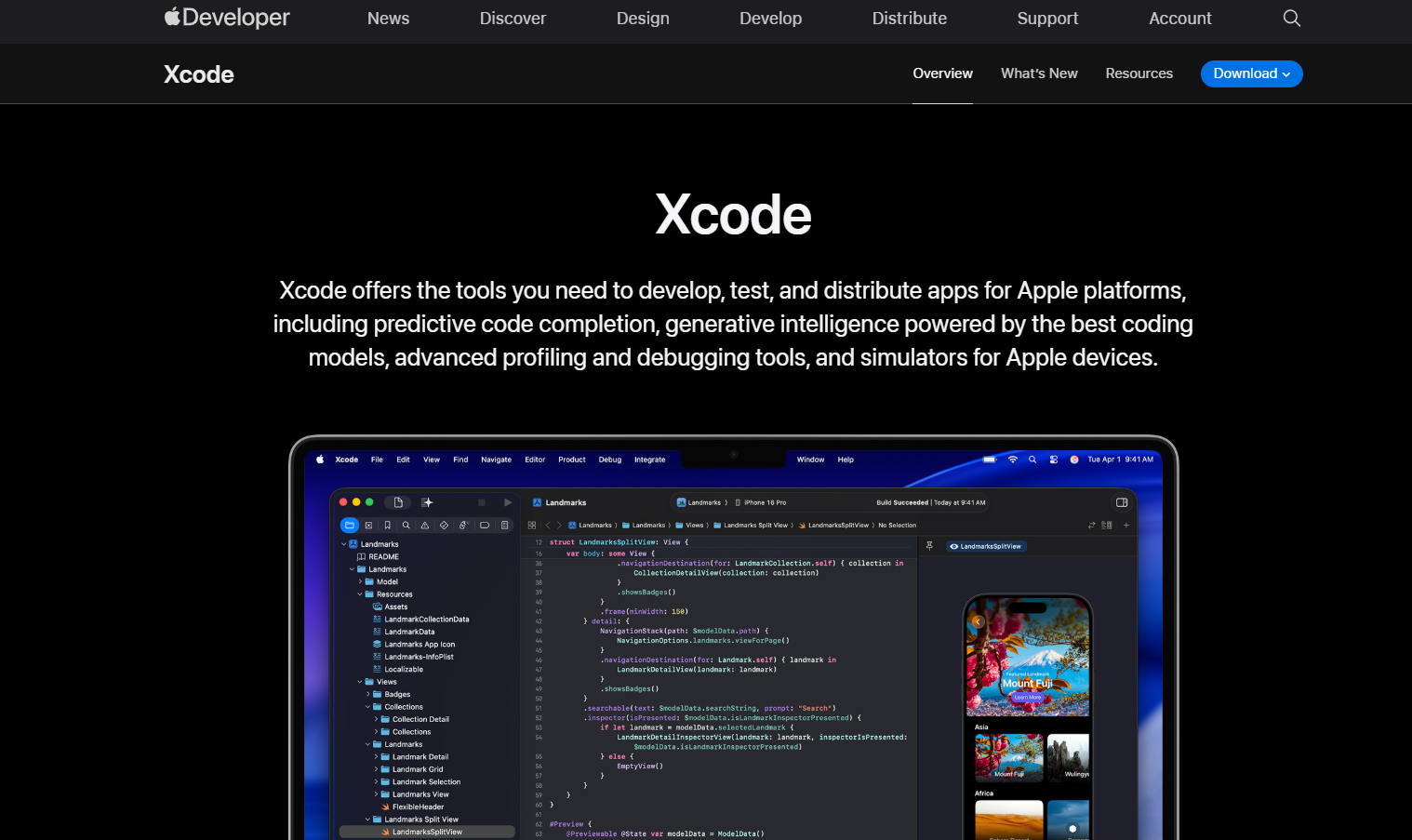
Xcode is Apple’s IDE that offers an editor with Interface Builder for UI design, project templates for Apple platforms, build system integration through Xcodeproj and xcbuild, debugging with LLDB, simulator launchers, and code indexing for Apple SDKs. It’s often regarded as one of the best IDEs in this space due to its seamless adaptation to the Apple ecosystem, tight SDK integration, and robust simulator support.
Key features:
- Interface Builder Integration: Design UIs visually with Storyboards and XIBs.
- Template-Based Project Setup: Generates projects for iPhone, macOS, Watch, and tvOS.
- Build System: Uses .xcodeproj and xcodebuild for compiling.
- LLDB Debugger Integration: Inspect, pause, and evaluate runtime code.
- Simulators: Launch apps in iOS, watchOS, and tvOS emulated environments.
- SDK-Aware Code Indexing: Offers autocompletion and documentation within Apple platform contexts.
7. Code::Blocks
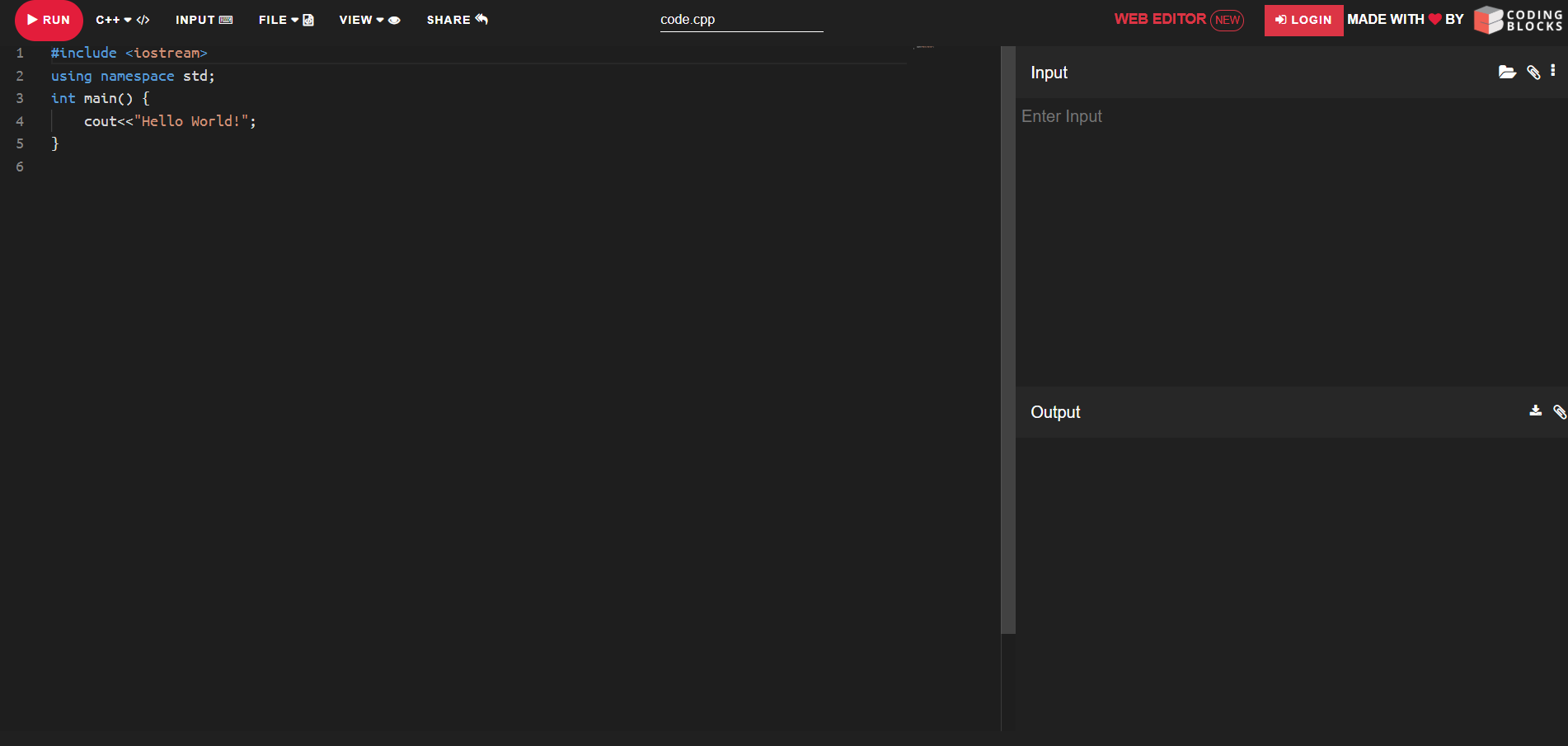
Code::Blocks uses a workspace/project model with customizable build targets, editor panels based on Scintilla, plugin-managed compiler support (including GCC and Clang), dynamic debugging via GDB, and user-configurable interface layouts.
Key features:
- Workspace and Build Targets: Organizes projects with customizable build profiles.
- Scintilla Editor Panels: Provides raw text editing with syntax support.
- Compiler Plug-Ins: Supports GCC, Clang via dynamic plugin loading.
- GDB Debugger Integration: Enables breakpoints and variable inspection.
- Customizable Layouts: Allows user-defined panel arrangements and tool docking.
8. Android Studio
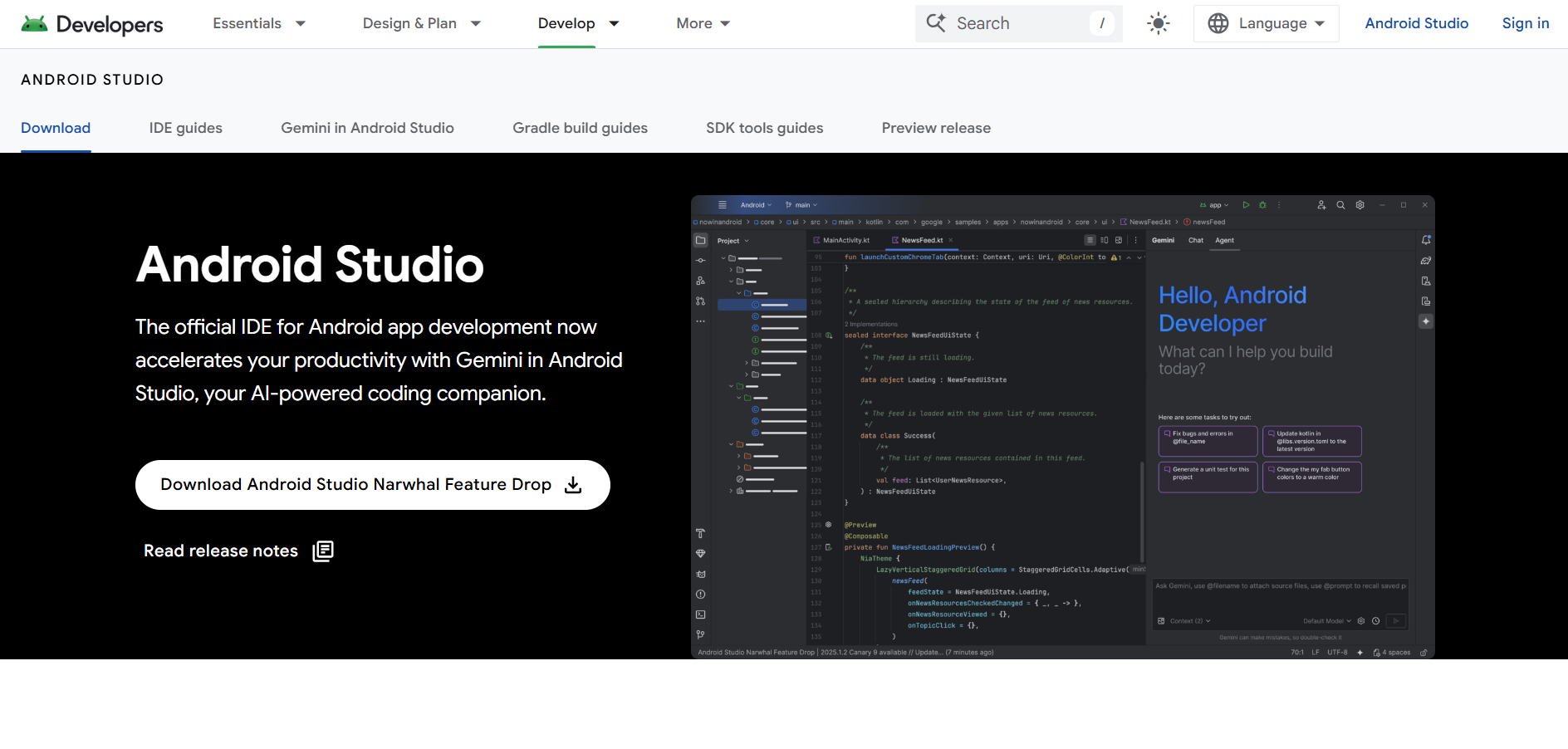
Android Studio is built on the IntelliJ Platform and includes Android-specific project templates, a Gradle-based build system, Android Emulator integration, a visual layout editor, manifest and resource managers, and a device logcat viewer, making it the go-to IDE for Android app development.
Key features:
- Android Templates: Generates initial Android app skeletons.
- Gradle Build System: Automates builds using Gradle configuration files.
- Emulator Integration: Runs virtual Android devices from the IDE.
- Layout Editor: Visually constructs UI using drag-and-drop.
- Resource and Manifest Managers: Edits XML files for layout, strings, and Android manifest.
- Logcat Viewer: Displays real-time device logs within the IDE.
9. JupyterLab
JupyterLab is a web-based interface offering notebook-style editing, interactive code execution, variable inspection, a built-in file browser, terminal access, and plugin support for visual outputs, making it one of the best IDEs for rapid prototyping and data-driven experimentation.
Key features:
- Notebook Interface: Executes code in cells with inline output.
- Variable Inspector: Displays current variables and their values.
- File Browser: Manages files from within the browser interface.
- Terminal Access: Launches system terminals alongside notebook editing.
- Extension Support: Renders charts, media, and integrates external plugins.
10. RStudio
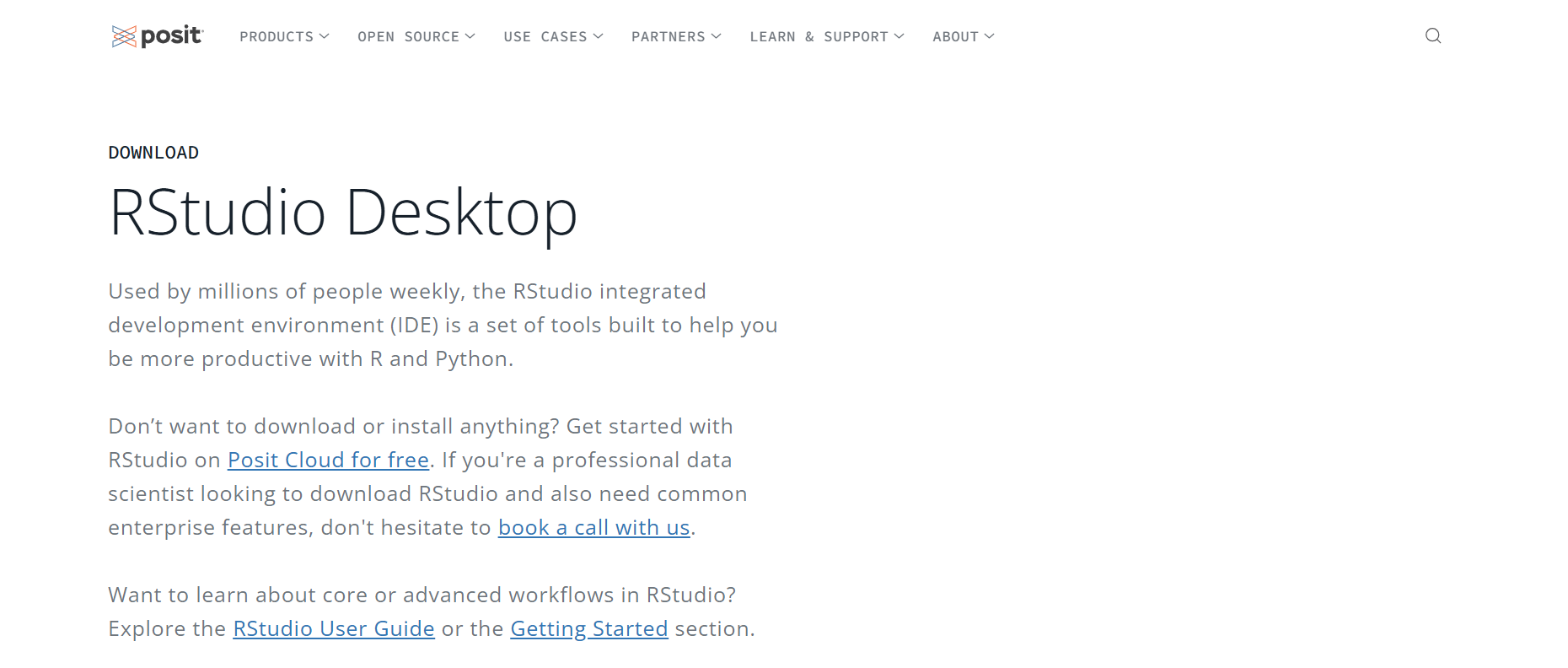
RStudio IDE combines a script editor, R console, workspace and environment panels, data-viewing grids, built-in plot pane, package manager, and debugger for R syntax (e.g., breakpoints, stepping through code). Its integrated layout and immediate feedback loop make it one of the best IDEs for prototyping in data science workflows.
 Key features:
- Script Editor with Syntax: Supports R code with syntax highlighting.
- Interactive Console: Runs R commands and scripts directly.
- Environment Panel: Shows current variables and workspace objects.
- Data Grid Viewer: Displays data frames in a tabular view.
- Plot Pane: Renders visual output inline.
- Package Manager and Debugger: Manages libraries and enables breakpoint-based debugging.
11. RubyMine
Based on IntelliJ, it offers a Ruby-aware code editor, Rails project structure navigation, integrated IRB console, test framework runners, Gem and Bundler integration, and Rails-aware refactoring support.
 Key features:
- Ruby-Aware Editor: Highlights syntax and follows Ruby and Rails conventions.
- Rails Project Navigator: Understands and surfaces Rails-specific directories and structures.
- IRB Console: Integrated Ruby interactive shell.
- Test Framework Support: Runs RSpec, Minitest, and Cucumber tests.
- Gem and Bundler Support: Adds, updates, and manages gem dependencies.
- Rails Refactoring Tools: Recognizes Ruby/Rails code patterns and applies refactoring operations.
12. WebStorm
WebStorm is another IntelliJ variant geared for modern web development. It includes HTML/CSS/JavaScript editing, framework-specific support for React, Vue, and Angular, an integrated debugger, Node.js tools, package.json management, and a built-in terminal, making it one of the best IDEs for web developers working across full-stack JavaScript.
 Key features:
- HTML/CSS/JavaScript Editor: Supports syntax highlighting and code completion.
- Framework Tooling: Recognizes React, Angular, and Vue project structures.
- Built-in Debugger: Debugs client-side JS and Node.js apps.
- Node.js Integration: Manages package.json, runs tasks, and scripts.
- Integrated Terminal: Command-line access inside the IDE.
13. Gitpod
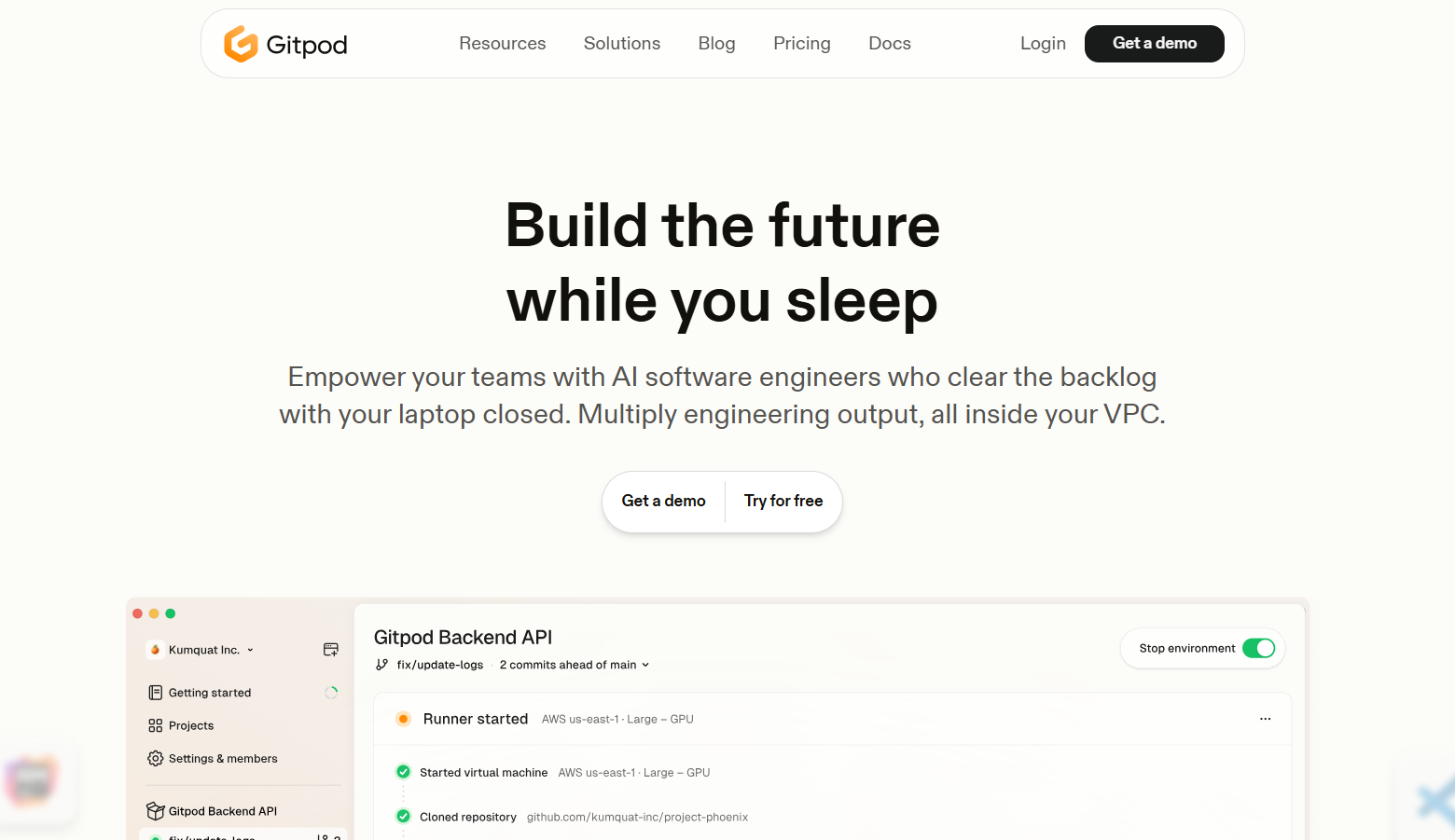
Gitpod is a cloud-based, browser-accessible IDE built for automated, ready-to-code development environments. It provides prebuilt development containers that support real-time collaboration and continuous integration workflows.
Key features:
- Prebuilt Dev Environments: Automatically builds workspaces with dependencies via gitpod.yml.
- VS Code-Based Editor: Supports a familiar interface and extension system.
- Ephemeral Workspaces: Provides runnable, containerized environments per session.
- Built-In Terminal: Executes shell commands in the workspace.
- Workspace Lifecycle Management: Automates workspace startup, pause, and teardown.
- CI/CD Pipeline Hooks: Can trigger builds/tests on code changes.
- Port Forwarding: Exposes apps running in containers to the browser.
- Multi-Repo Support: Launches environments for mono or multi-repo setups.
- Collaborative Snapshots: Saves and shares session states across users.
14. Eclipse Theia
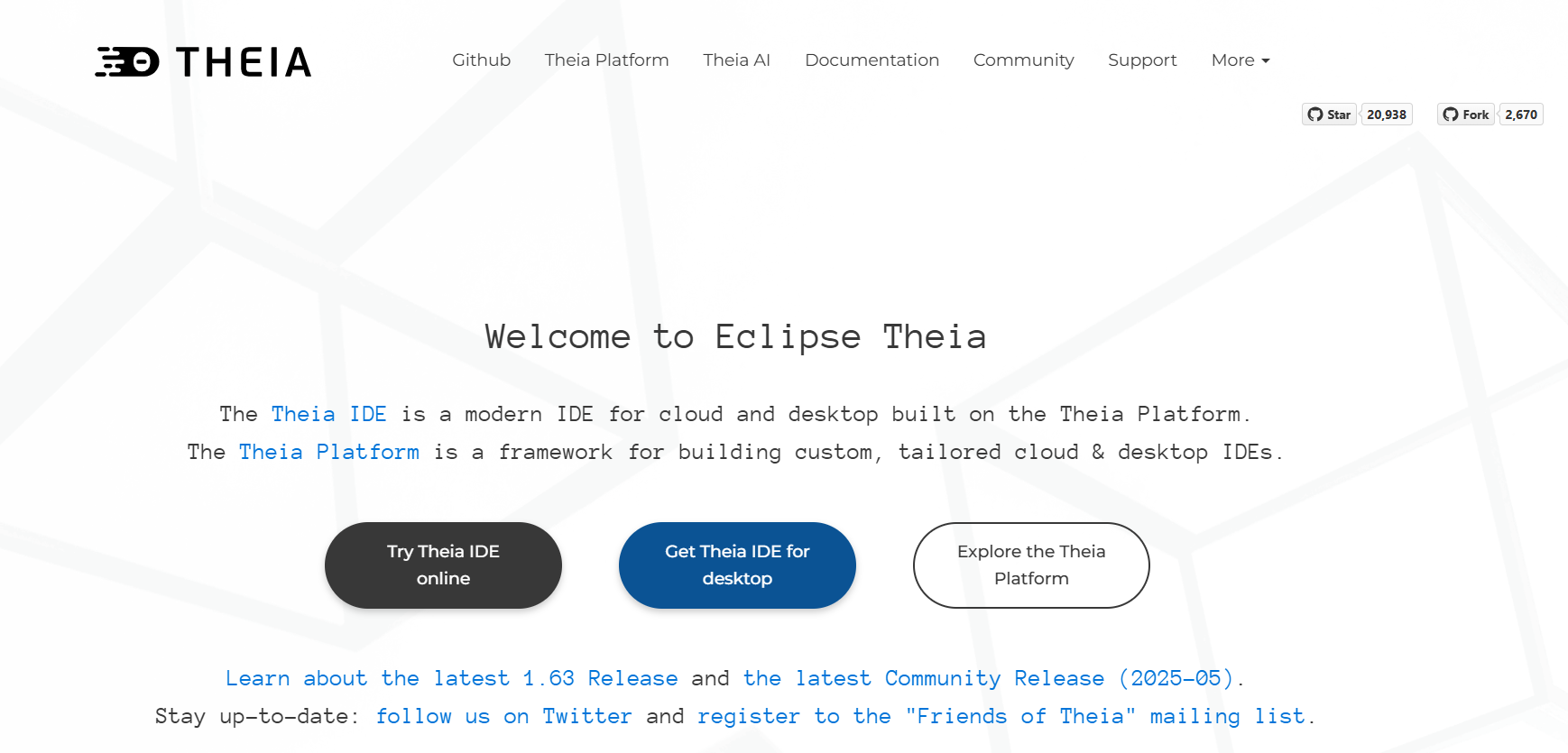
Eclipse Theia is a modern, modular open-source IDE framework with a decoupled front-end and back-end architecture. It supports the Language Server Protocol (LSP) for intelligent code completion, the Debug Adapter Protocol (DAP) for debugging, and a rich plugin system, making it one of the best IDEs for extensibility and customization.
Key features:
- Modular IDE Framework: Separates front-end and back-end processes.
- LSP Support: Leverages the Language Server Protocol for code intelligence.
- DAP Support: Uses Debug Adapter Protocol for debugging workflows.
- Extension-Based UI: Enhances functionality via Theia plug-ins.
- Embeddable Framework: Powers IDEs like Arduino IDE 2 and Mbed Studio.
15. Windsurf
An AI-native IDE powered by its “Cascade” agent, which deeply understands your project’s context. It offers intelligent autocomplete, live web preview with seamless edit-and-deploy, AI-generated codelenses, inline natural language commands, and a model-context protocol for tool integrations, positioning it among the best IDEs for AI-assisted development.

Key features:
- Cascade Agent: Context-aware AI agent with holistic project understanding.
- Supercomplete Autocomplete: Generates multi-line code completions in context.
- In-Editor Live Preview: Displays the rendered app inside the IDE and allows direct edits.
- In-IDE Deployment: Builds and deploys apps directly within the environment.
- MCP (Model-Context Protocol): Connects AI models to external tools/services.
- In-Line Commands (Cmd+I): Generates or refactors code using natural language.
- Codelenses and Highlighted Actions: Provides quick inline code operations next to breadcrumbs.
- Tab-to-Jump Navigation: Moves cursor predictively through code.
- Automatic Linter Integration: ID’s issues and autocorrects via Cascade.
- Problems Tab: Lists detected code issues across the project.
16. Cursor
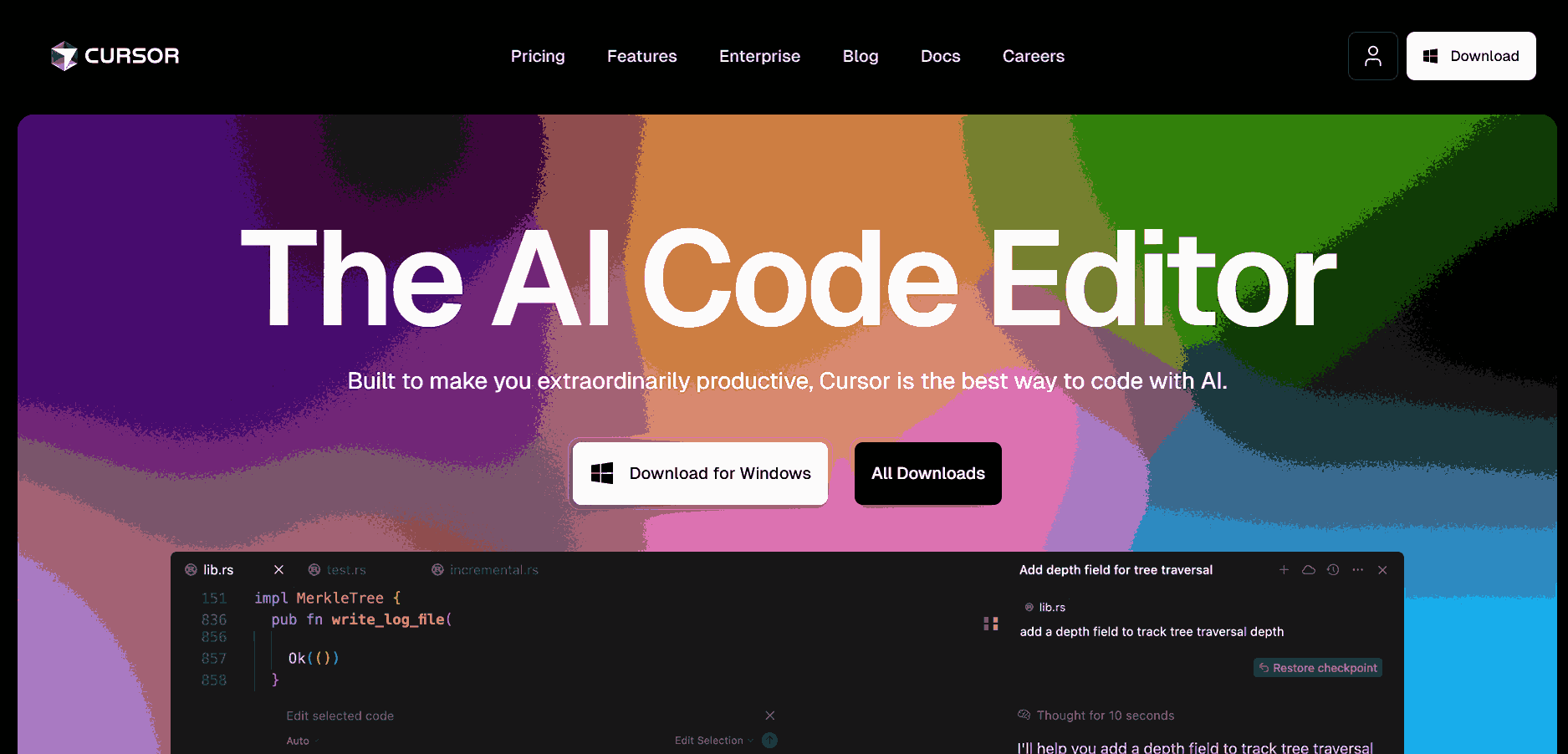
An AI-centric code editor built on a modern foundation, supporting language editing for Python, TypeScript/JavaScript, Java, and Swift. Core features include smart auto-completion, migration-friendly keyboard shortcut mappings, rich extension system, and customizable components for the editor and workflows. It stands out as one of the best IDEs for multi-language development.
Key features:
- AI Autocomplete (Tab): Predicts next edits powered by proprietary models.
- Multi-Line Edits: Suggests edits spanning multiple lines at once.
- Smart Rewrites: Detects errors and corrects code across context.
- Agent Mode (Ctrl+I): Executes end‑to‑end code changes via natural-language prompt.
- Context-Aware Retrieval: Understands and queries the entire codebase.
- Run Terminal Commands: Generates and executes shell commands from prompts.
- Loop-on-Error Fixes: Detects lint errors and repeatedly applies fixes.
- Privacy Mode and SOC 2 Compliance: Ensures code isn’t transmitted without consent.
17. Fleet
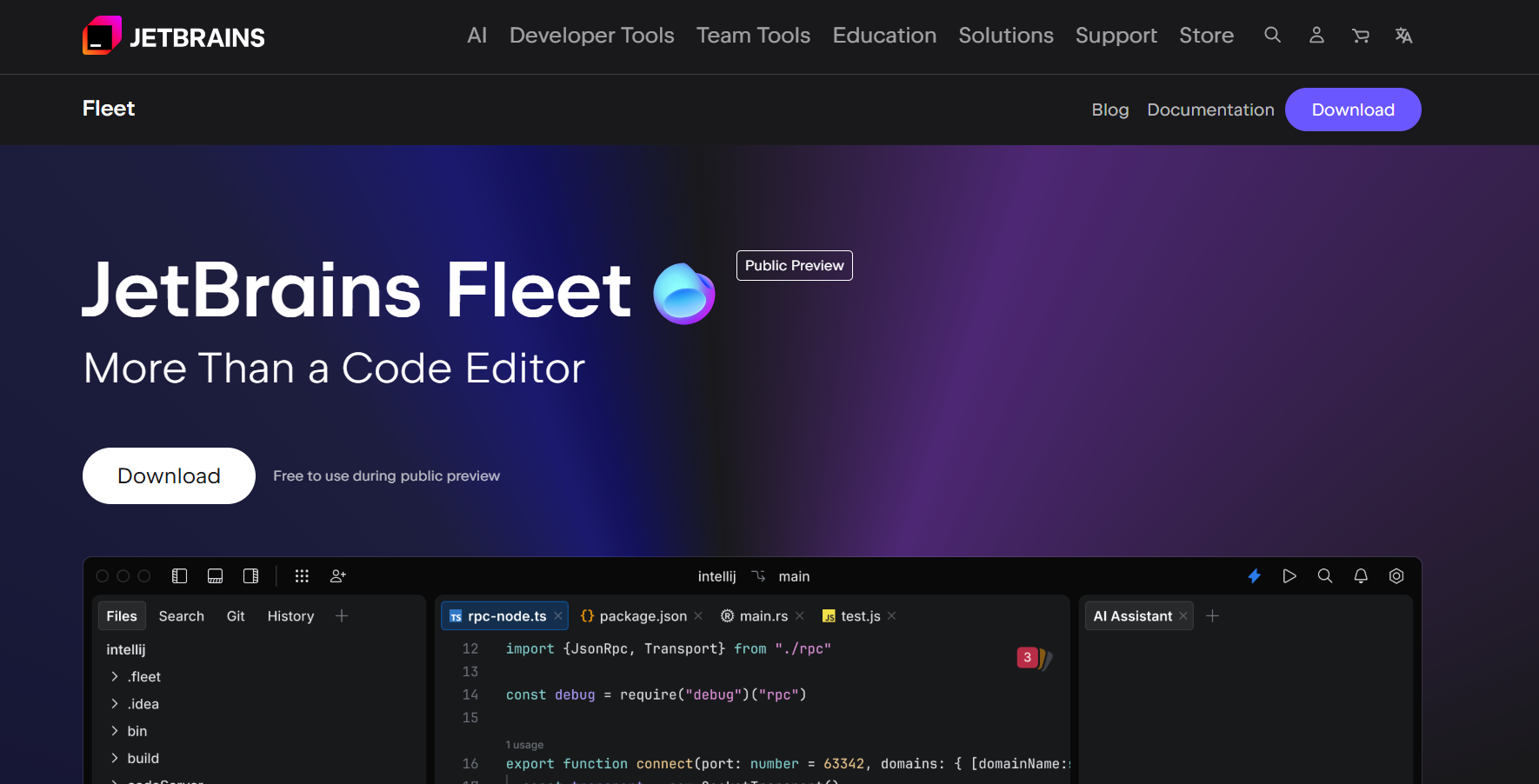
Fleet is a JetBrains lightweight IDE with a distributed design. It leverages IntelliJ’s code engine for smart completion, refactoring, error checks, and quick fixes. With built-in Git tools, terminal, AI assistance, Docker/Kubernetes integration, and collaboration features, it ranks among the best IDEs for cloud-native and remote development.
Key features:
- Dual-Mode UI: Switches between a lightweight editor and a full IntelliJ-based IDE.
- Smart Mode Activation: Enables indexing, refactoring, and completion only when needed.
- Language Server Support: Connects to LSP or IntelliJ back-end for language intelligence.
- Project-Aware Completion: Contextual code completion and navigation.
- Real-Time Error Detection: Highlights and suggests fixes on-the-fly.
- Built-In Tools: Includes terminal, Git, run/debug panels.
- Layered Settings: Applies overrides at user and workspace levels.
How to Choose the Right IDE for Your Development?
Selecting the best IDEs is more than just picking tools with the most features; it’s about finding the right fit for how you think and code.
Here are the key factors to consider when choosing the right IDE for your workflow:
- Language Support: Make sure the IDE either natively supports your primary programming language or offers a mature plugin ecosystem. For example, Python developers often lean toward PyCharm, while Java developers might prefer IntelliJ IDEA or Eclipse. QA testers using JavaScript for automation may find VS Code or WebStorm more suitable.
- Project Type: Choosing among the best IDEs must be based on the kind of project you’re building, whether web applications, mobile apps, embedded systems, test automation, data science notebooks, or enterprise software. IDEs like Android Studio are built for mobile, while RStudio fits data science workflows.
- Code Intelligence: Look for features like smart auto-completion, syntax highlighting, inline documentation, and code navigation. These improve productivity and reduce errors, especially in large or unfamiliar codebases.
- Debugging Tools: Check for built-in debugging capabilities such as breakpoints, watch variables, stack trace navigation, and step-through execution. For testers, this is especially helpful when tracing failures in automated tests.
- Version Control Integration: Native support for Git, GitHub, GitLab, or other VCS tools is essential for managing branches, reviewing diffs, and collaborating with teams. Look for IDEs with built-in GUIs or command palette support for VCS operations.
- Extensibility: Evaluate how easily the IDE can be extended with plugins, extensions, or language servers. Developers and QA engineers often benefit from integrating linters, test runners, formatters, or cloud service toolkits.
- UI/UX and Customization: A clutter-free, responsive, and intuitive interface boosts developer focus. When choosing among the best IDEs, make sure it supports theming, keyboard shortcuts, panel docking, and layout customization to suit different workflows and preferences.
- Build and Deployment Tools: The best IDEs offer seamless build system integration (like Maven, Gradle, Webpack), terminal access, and even CI/CD support. This is especially valuable for testers who manage test pipelines and environment provisioning.
- Cross-Platform Support: Ensure the IDE runs smoothly on your development OS (Windows, macOS, Linux) and supports remote containers or cloud-based environments if needed.
Platforms like TestMu AI, while not IDEs themselves, offer powerful integrations (such as their GitHub Copilot extension) that bring test automation directly into IDEs like VS Code, helping bridge the gap between testing and development without switching contexts.
TestMu AI is a GenAI-native test orchestration and execution platform that enables you to run manual and automated tests at scale across 3000+ browser and OS combinations.
- Performance and Resource Usage: Lightweight IDEs are ideal for scripting or automation tasks, while more feature-rich IDEs may consume more memory. Strike a balance based on project complexity and system resources.
- Remote and Cloud Support: For distributed teams or cloud-native development, look for features like remote SSH editing, DevContainer support, or web-based IDEs such as GitHub Codespaces. This flexibility is crucial for hybrid work setups.

Conclusion
The best IDEs in 2026 reflect the growing diversity of developer needs, from cloud-native environments to AI-assisted workflows. Rather than a one-size-fits-all solution, the right IDE is the one that adapts to your goals, enhances your speed without friction, and integrates smoothly with the tools you rely on. As development evolves, flexibility, intelligence, and ecosystem depth are no longer optional; they’re foundational. Choose the best IDE that doesn’t just support your code but also elevates the way you build, test, and deliver software with confidence.


Frequently asked questions
Did you find this page helpful?
More Related Hubs
TestMu AI forEnterprise
Get access to solutions built on Enterprise
grade security, privacy, & compliance
- Advanced access controls
- Advanced data retention rules
- Advanced Local Testing
- Premium Support options
- Early access to beta features
- Private Slack Channel
- Unlimited Manual Accessibility DevTools Tests