

Next-Gen App & Browser Testing Cloud
Trusted by 2 Mn+ QAs & Devs to accelerate their release cycles


Track and Manage Bugs Effectively with TestMu AI and Axosoft
Easily handle projects and bug tracking through the integration of Axosoft and TestMu AI, boosting teamwork and productivity.

Mythili Raju
January 29, 2026
In the fast paced world of modern business, streamlined project management is essential. As businesses handle many projects, the complexity of keeping everything organized and on track can be overwhelming. This is where project management tools come to the rescue. They offer a competitive edge by enabling organizations to allocate resources, manage tasks, and maintain accountability efficiently.
Axosoft is a project management tool offering many features, including bug and issue tracking, discussion boards, customer relationship management, and more.
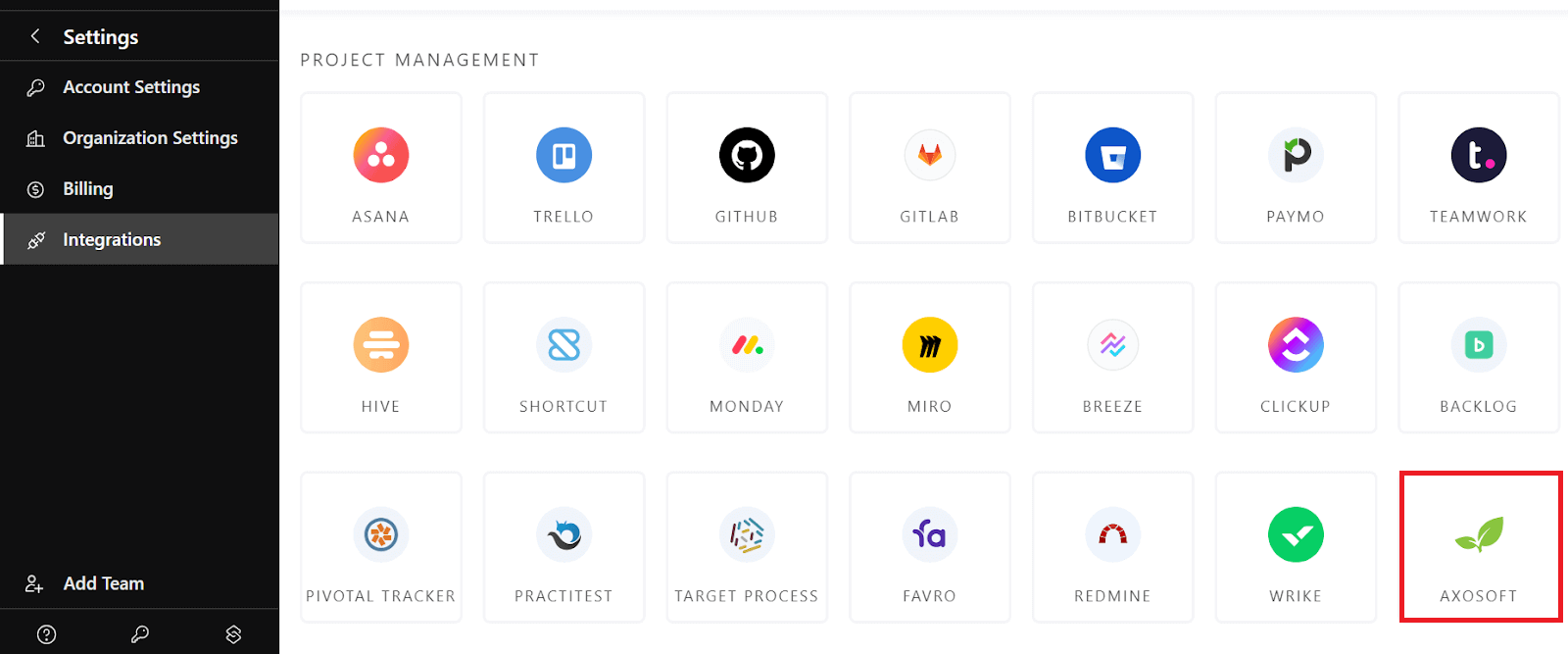
With the integration of TestMu AI and Axosoft, you can avoid the hassle of manually maintaining issues and tasks. Instead, you can log bugs with a single click while conducting cross browser testing directly from the TestMu AI platform into your Axosoft instance. This integration streamlines your bug tracking and project management process, making it more efficient and enhancing team collaboration.
If you want to try this integration, please refer to our detailed documentation on TestMu AI integration with Axosoft.
What is Axosoft?
Axosoft is a project management and bug tracking software that enables software development teams and project managers to plan, execute, and oversee their projects efficiently. It is highly adaptable and designed to cater to the needs of agile development teams, offering a comprehensive set of features for agile project management, including user story creation, sprint planning, task tracking, and bug/issue management.
Here are some of the use cases of Axosoft that make it stand out:
- Agile Project Management: Axosoft is well-suited for teams that follow agile methodologies, such as Scrum. It offers tools for sprint planning, backlog management, and sprint tracking.
- Bug and Issue Tracking: Axosoft includes a built-in bug and issue tracking system, making it easier for development teams to log, prioritize, and resolve software defects and issues.
- Customizable Workflows: The software is highly customizable, allowing teams to tailor its features to their unique project management and development processes.
- Collaborative Development: It promotes collaboration within development teams by providing a centralized platform for task assignments, discussions, and documentation.
- Reporting and Analytics: Generate reports and gain insights into project performance and team productivity, facilitating data-driven decision-making.
- Integration and APIs: Seamlessly integrate Axosoft with other tools and applications using APIs and built-in integrations to enhance its capabilities.

Note: Log bugs using Axosoft integration. Try TestMu AI Today!
TestMu AI Integration with Axosoft
The integration of TestMu AI with Axosoft represents a significant advancement in optimizing testing and project management processes. It helps streamline bug reporting and tracking, facilitating the seamless transfer of issues from TestMu AI to the Axosoft instance.
TestMu AI is an AI-Native test orchestration and execution platform that offers a scalable online browser farm of 3000 real browsers and operating system combinations, enabling users to improve test coverage and ensuring the delivery of high-quality software applications while maintaining a well structured and responsive project management approach.
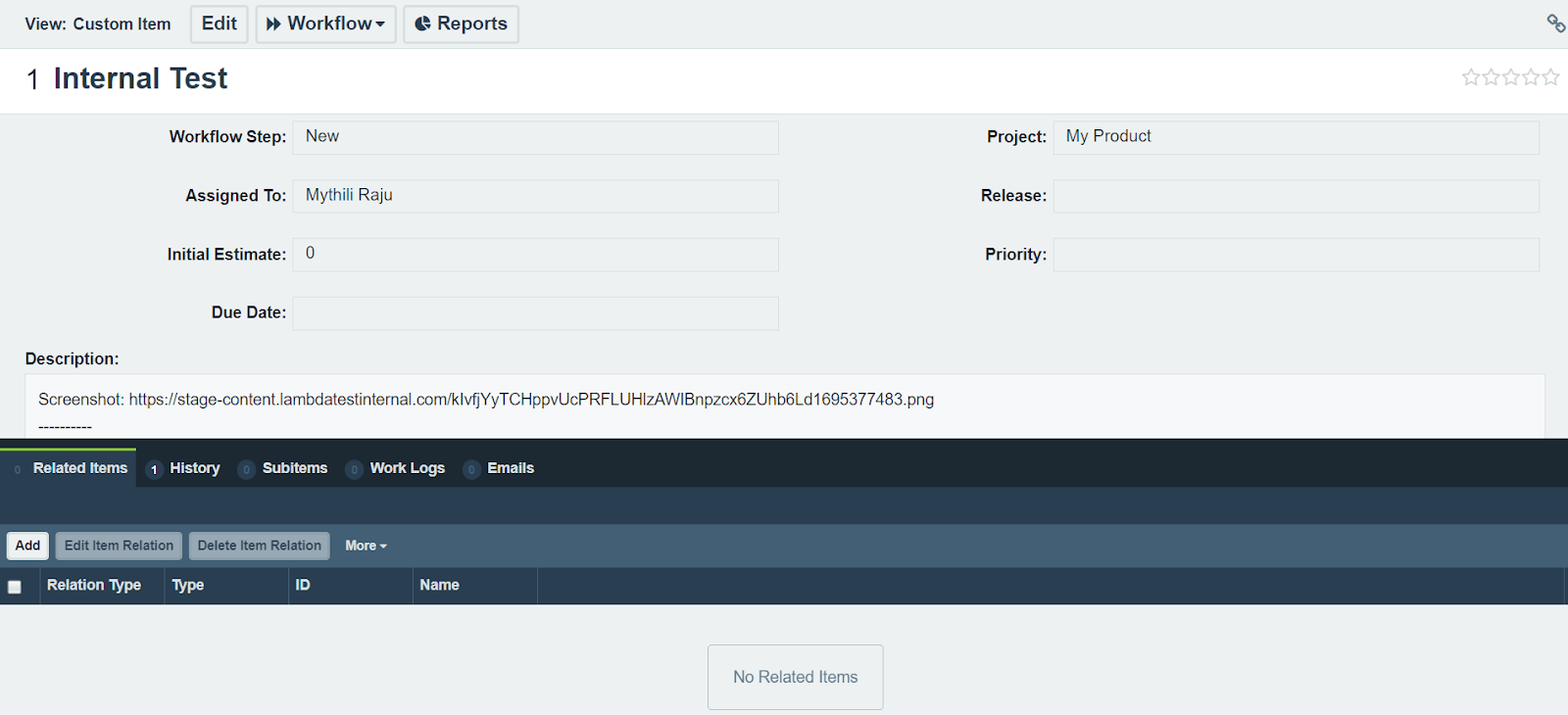
Bugs identified during testing in the TestMu AI platform are effortlessly logged directly into your Axosoft project, ensuring all issues are promptly documented and assigned to the appropriate team member for resolution. This integration optimizes the bug-tracking workflow, significantly reducing the time and effort required to manage issues and allowing for uninterrupted focus on resolving them.
In addition, you can automatically add test results and bug reports from TestMu AI to Axosoft, where it centralizes error data, simplifying access for team members to identify issues. This, in turn, promotes efficient communication among team members, fostering alignment in the approach to error resolution.
All in All
When you combine TestMu AI and Axosoft, you combine two powerful tools to simplify software testing and project management. This means it’s easier to find, document, and fix any problems you encounter while testing your software. We believe this partnership will boost your productivity and help your software development work more effectively.
Don’t hesitate to try this integration, and let us know what you think about the TestMu AI Community. If you have questions or need help, contact us through our chat portal or at [email protected].
Happy testing! 😊


Did you find this page helpful?
More Related Hubs
TestMu AI forEnterprise
Get access to solutions built on Enterprise
grade security, privacy, & compliance
- Advanced access controls
- Advanced data retention rules
- Advanced Local Testing
- Premium Support options
- Early access to beta features
- Private Slack Channel
- Unlimited Manual Accessibility DevTools Tests