

Power Your Software Testing with AI Agents and Cloud
The Native AI-Agentic Cloud Platform to Supercharge Quality Engineering. Test Intelligently and Ship Faster.


- TestMu AI (Formerly LambdaTest)
- /
- Blog
- /
- 8 Best Chatbot Builders in 2026 [Tested & Compared]
8 Best Chatbot Builders in 2026 [Tested & Compared]
Not all chatbot builders solve the same problem. Here's an honest breakdown of 8 platforms in 2026 and which one you should choose.
Last Updated on:
Chatbots have become one of the most practical tools businesses can deploy today, whether you are automating customer support, qualifying leads, or building internal knowledge assistants. But with dozens of platforms available, picking the right one is harder than it looks. Features overlap, pricing models vary wildly, and what works for a simple FAQ bot falls flat when you need multi-turn reasoning or API integrations.
This guide breaks down the 8 best chatbot builders in 2026 based on real use cases, what each platform is actually good at, where it falls short, and how to figure out which one fits your team's skill level, budget, and goals.
Overview
To build the best chatbot in 2026, use Botpress for custom developer flows requiring visual and code-level control, or select Tidio to automate e-commerce customer support with built-in live chat handoff. Other top platforms specialize in RAG-powered knowledge bases, social commerce, voice interfaces, and enterprise data residency.
Best Chatbot Builders in 2026
- Best for developer custom flows: Botpress offers a visual drag-and-drop canvas with a code editor fallback for custom JavaScript logic, allowing developers to build multi-LLM flows without vendor lock-in.
- Best for e-commerce support: Tidio automates customer support by using its Lyro AI agent to answer queries from product catalogs and help docs, with built-in smart escalation to live human agents.
- Best for rapid knowledge-base setup: Chatbase builds RAG-powered assistants directly from uploaded documents, URLs, Notion, and Confluence, automatically syncing knowledge base updates to the bot without manual intervention.
- Best for social commerce automation: ManyChat automates marketing and acquisition on Instagram, WhatsApp, and Facebook by triggering automated DM flows from post comments, story mentions, and ad interactions.
- Best for voice and multimodal design: Voiceflow features a hybrid canvas for designing voice interfaces and web chat, allowing teams to prototype complex branching conversations and export them directly via API.
- Best for regulated enterprise control: Rasa provides an open-core framework that runs entirely on-premises, giving organizations complete control over data residency, intent classification, and dialogue management without sending data externally.
- Best for Google Cloud ecosystems: Google Dialogflow CX separates intent recognition from fulfillment, making it easier for teams within the Google Cloud ecosystem to build and maintain complex, native voice and text dialogue flows.
- Best for conversational lead generation: Landbot provides a no-code, LLM-powered platform designed specifically for capturing leads and building structured onboarding flows through conversational interfaces.
What to Look for When Picking a Platform
- Skill level requirements: No-code tools like Tidio require zero engineering, whereas open-core frameworks like Rasa require dedicated NLP expertise to train and maintain models.
- Conversation complexity: Simple FAQs and lead forms work on any no-code platform, but multi-turn reasoning and context retention require an LLM-powered builder.
- Channel compatibility: ManyChat excels at social media and WhatsApp automation, while Voiceflow is optimized for voice interfaces and multimodal conversation design.
- Compliance and residency: Self-hosted deployments of Rasa are often the only viable options for organizations operating in highly regulated environments.
- Production cost calculation: Teams should calculate platform pricing based on expected production message volume rather than relying on free-tier limits.
How to Test a Chatbot Before Launch
- Intent accuracy testing: Teams should evaluate chatbot performance across 15 to 20 paraphrase variations per core intent to ensure reliable classification.
- Context retention testing: Teams must verify that the chatbot successfully retains context across multi-turn conversations and sudden topic switches without losing track of user data.
- Fallback behavior testing: Teams should test how the chatbot handles out-of-scope inputs to ensure it triggers appropriate fallback responses instead of generating hallucinated answers.
- RAG accuracy testing: Teams must assess retrieval-augmented generation accuracy by asking questions that are explicitly missing from the connected knowledge base.
- Adversarial input testing: Teams should subject the chatbot to prompt injection patterns and adversarial inputs to ensure security boundaries remain intact.
- Automated regression testing: KaneAI supports plain-English test scenarios, semantic pass/fail evaluations, and automated CI/CD regression runs on every knowledge base update.
What Is a Chatbot Builder and Which Type Do You Need?
A chatbot builder is a platform that lets teams design, train, deploy, and manage conversational AI agents without building a custom NLU pipeline from scratch. You define the logic, connect your data sources, and the platform handles language understanding, dialogue management, and deployment infrastructure.
Most chatbot builders in 2026 are no longer wiring together rule trees and intent-matching scripts. They are wrapping large language models (LLMs) with memory, tool integrations, and orchestration layers. The result is a chatbot that reasons across context, pulls live data from a CRM, and handles follow-up questions it was never explicitly trained on.
Four generations of chatbot technology coexist in the market today:
- Rule-based bots: respond to predefined keywords and fixed paths. Fast to deploy, zero hallucination risk, but brittle. They break the moment a user goes off-script.
- Intent-based (NLU) bots: classify user inputs into intents and entities. More flexible, but require extensive intent libraries and training data to perform well.
- LLM-powered bots: use foundation models like GPT-4, Claude, or Gemini as their reasoning engine. They handle context natively, manage ambiguous input, and can be grounded in company-specific knowledge via RAG. Most serious builders in 2026 are in this category.
- Agentic bots: go beyond answering questions to taking actions like calling APIs, updating records, and triggering workflows mid-conversation. Platforms like Botpress, Voiceflow, and Intercom are actively building toward this model.
Understanding which generation your use case requires is the right starting point before evaluating any platform.
Best Chatbot Builders Comparison Table
| Platform | Best For | No-Code? | LLM-Powered? |
|---|---|---|---|
| Botpress | Developer custom flows | Partial | Yes |
| Tidio | E-commerce support | Yes | Yes |
| Chatbase | Knowledge-base bots | Yes | Yes |
| ManyChat | Social / WhatsApp | Yes | Partial |
| Voiceflow | Voice and multimodal | Partial | Yes |
| Rasa | Enterprise full-control | No | Yes |
| Google Dialogflow CX | Google Cloud ecosystems | Partial | Yes |
| Landbot | Conversational lead gen | Yes | Yes |
8 Best Chatbot Builders
Below is a mix of no-code platforms, LLM-powered builders, and developer-first frameworks. They solve different problems, so the comparison table is a good place to start before diving into the individual breakdowns.
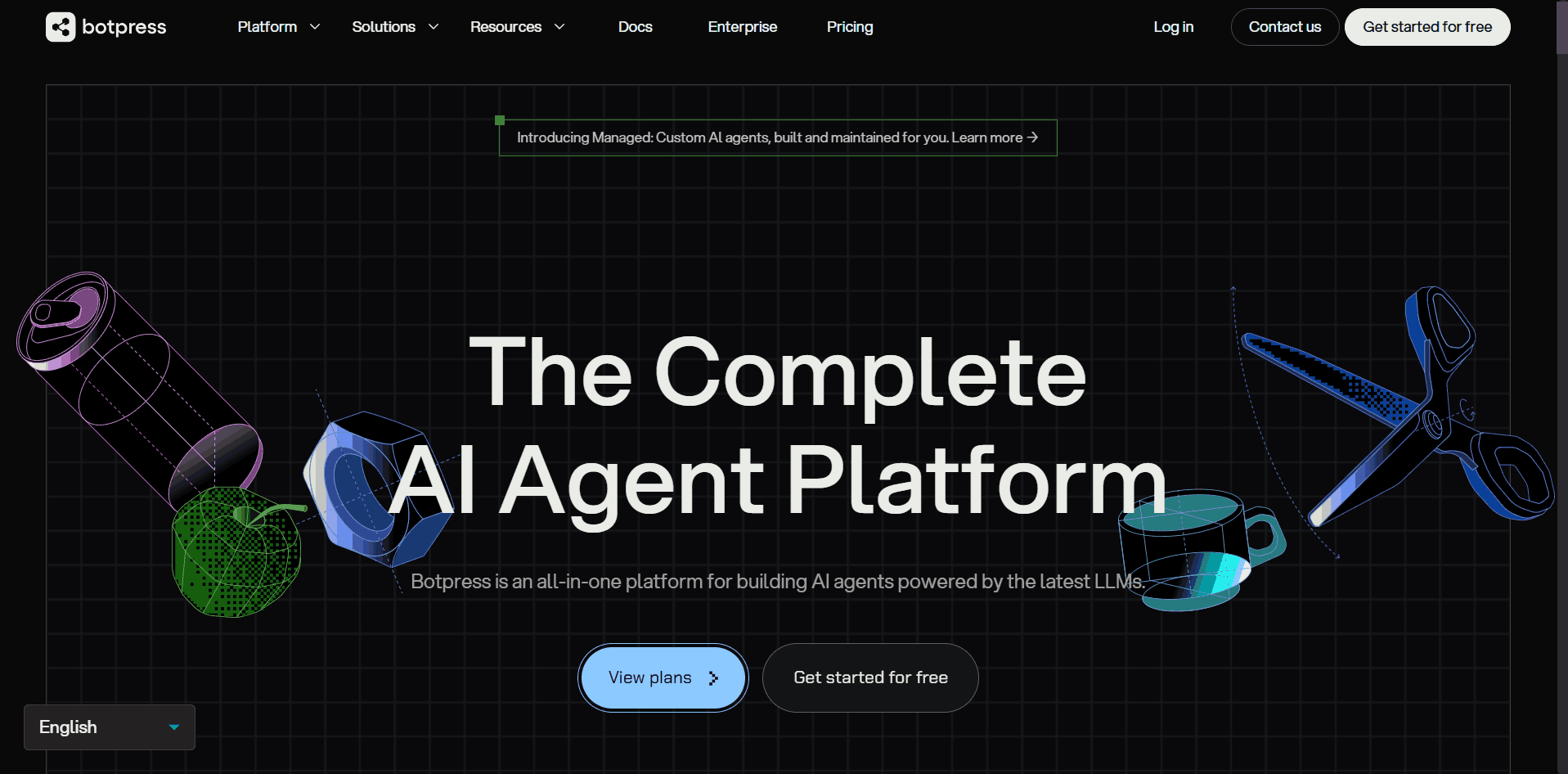
Botpress
Botpress lets you build bots visually and drop into JavaScript when you need custom logic, external API calls, or multi-LLM flows inside a single conversation. The free tier covers 500 messages per month with full feature access.
Key Features
- Visual Builder: drag-and-drop canvas with a code editor fallback for custom JavaScript logic mid-conversation
- Multi-LLM: connect GPT-4, Claude, Gemini, or local models and swap them without rebuilding flows
- Built-in RAG: upload documents or connect URLs and Botpress handles retrieval automatically
- Integrations: 100+ pre-built channels including WhatsApp, Telegram, Slack, Microsoft Teams, and Zendesk
- Self-hosting: the open-source Community Edition runs entirely on your own infrastructure
- Custom Actions: bots can call external APIs, query databases, and trigger webhooks mid-conversation
Pros
- Scales from simple bots to complex flows without switching platforms
- No LLM vendor lock-in; swap models without touching conversation logic
- Free open-source tier with full self-hosting and no upfront commitment
Cons
- Visual flows become hard to manage as conversation complexity scales
- Teams end up writing more custom code than expected for production-grade deployments
Pricing
Free plan available (500 messages/month, 1 bot). Paid plans start at $89/month. LLM token usage billed separately at provider cost.
Tidio
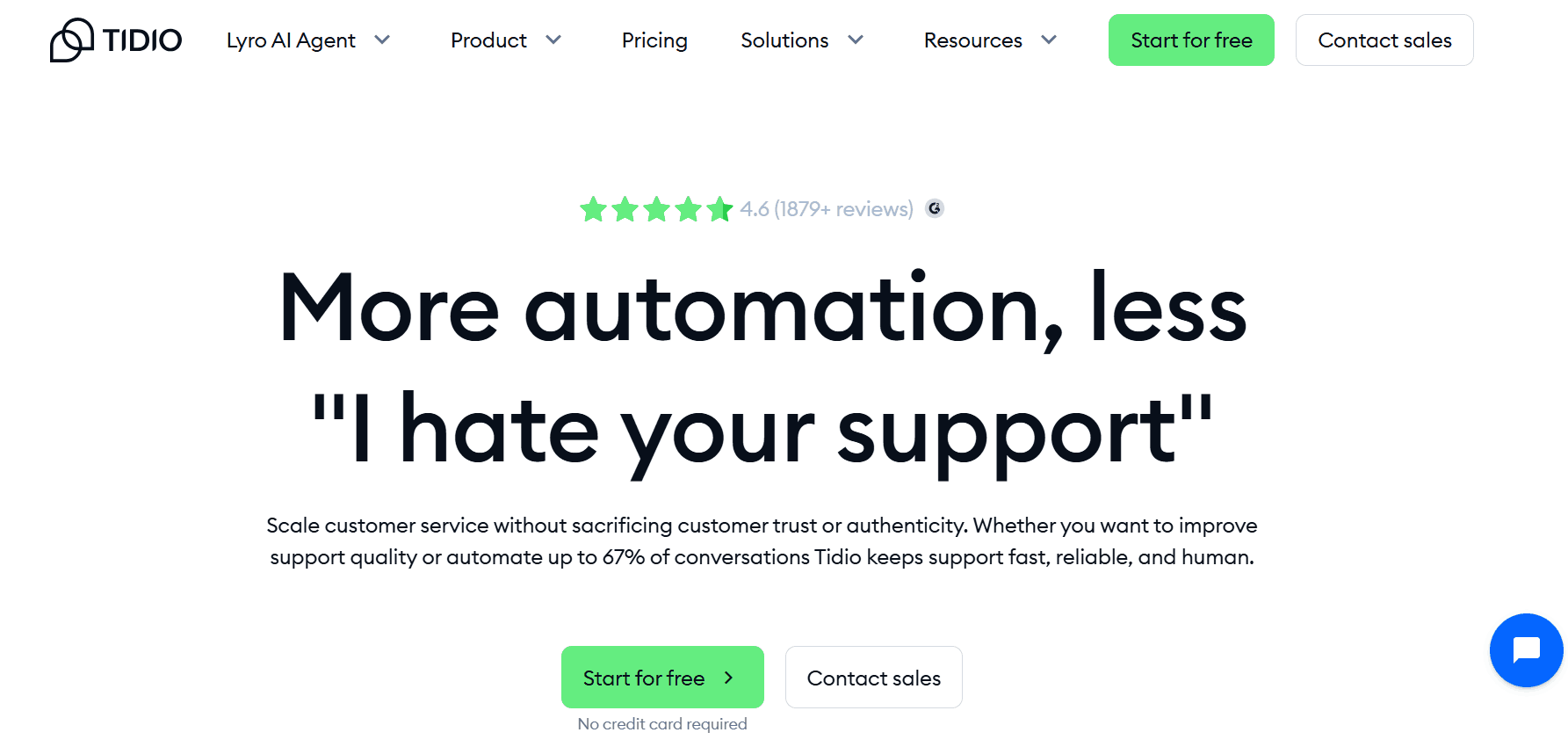
Tidio is purpose-built for customer support and e-commerce. Its AI agent handles incoming questions using your product catalog, help docs, and FAQ data, and escalates to a human agent when confidence is low. Setup is beginner-friendly, and integrations with Shopify, WooCommerce, HubSpot, and Klaviyo activate in minutes.
Key Features
- Lyro AI: LLM-powered support agent trained on your FAQs and help docs, handles up to 70% of queries automatically
- Live Handoff: bot and live chat in one platform with smart human escalation when bot confidence drops
- Integrations: native connections to Shopify, WooCommerce, HubSpot, and Klaviyo that activate in minutes
- Visitor Tracking: shows real-time browsing behavior so agents have context before a conversation starts
- Mobile App: lets support agents manage and respond to conversations from iOS and Android
- E-commerce Flows: pre-built automations for cart abandonment, order status, and returns
Pros
- Bot and live chat on one subscription; no need for separate tools
- Lyro automates up to 70% of queries, reducing agent workload significantly
- Most e-commerce support flows work out of the box with no custom setup
Cons
- Pricing scales with conversation volume and gets expensive at high traffic
- Struggles with multi-part or nuanced questions outside its training data
Pricing
Free plan available (50 conversations/month). Paid plans start at $29/month.
Chatbase
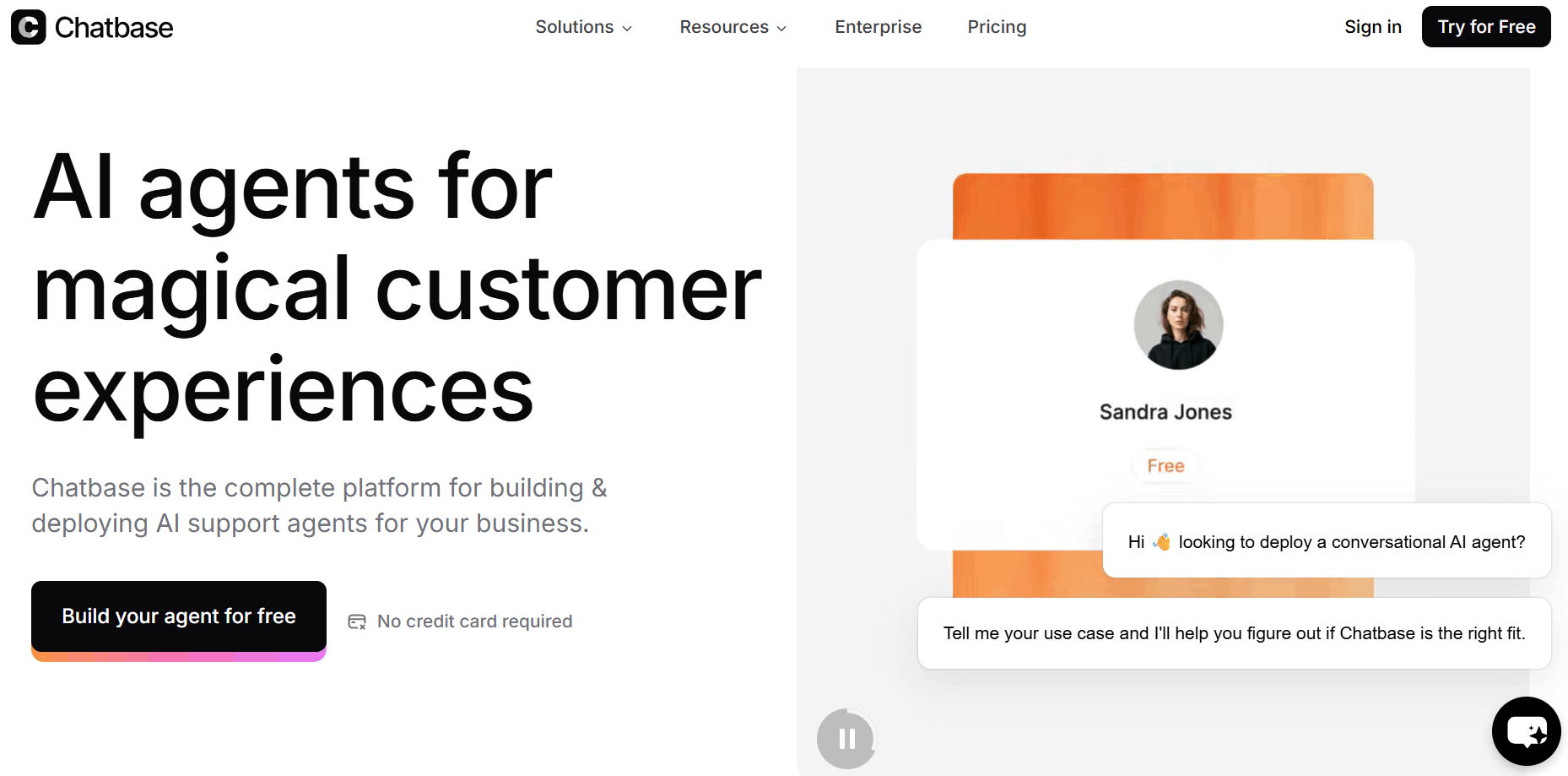
Chatbase is the fastest path from "I have documentation" to "I have a working chatbot." Connect your data sources (URLs, PDFs, Notion, Confluence), and Chatbase builds a RAG-powered assistant on top. Content syncing is automatic, so knowledge base updates flow through to the bot without manual intervention.
Key Features
- Multi-source RAG: ingest PDFs, URLs, Notion pages, Confluence docs, and Google Drive files as a knowledge base
- Auto-sync: knowledge base updates automatically when source content changes, no manual re-upload needed
- Multilingual: supports 95+ languages with automatic detection and no separate configuration per language
- Embed & API: deploy as a chat widget on any site or integrate via API for custom frontend builds
- Analytics: dashboard showing conversation volume, unanswered questions, and common topics
- Prompt Editor: set tone, persona, and response boundaries for the bot without touching code
Pros
- No ML expertise needed; fully manageable by non-technical teams
- Auto-sync keeps the knowledge base current without manual re-uploads
- Focused scope reduces configuration errors for documentation bots
Cons
- Not designed for complex dialogue logic or multi-step workflows
- Limited customization beyond knowledge retrieval and basic flow branching
Pricing
Free plan available (50 message credits/month, 1 agent). Paid plans start at $40/month.
ManyChat
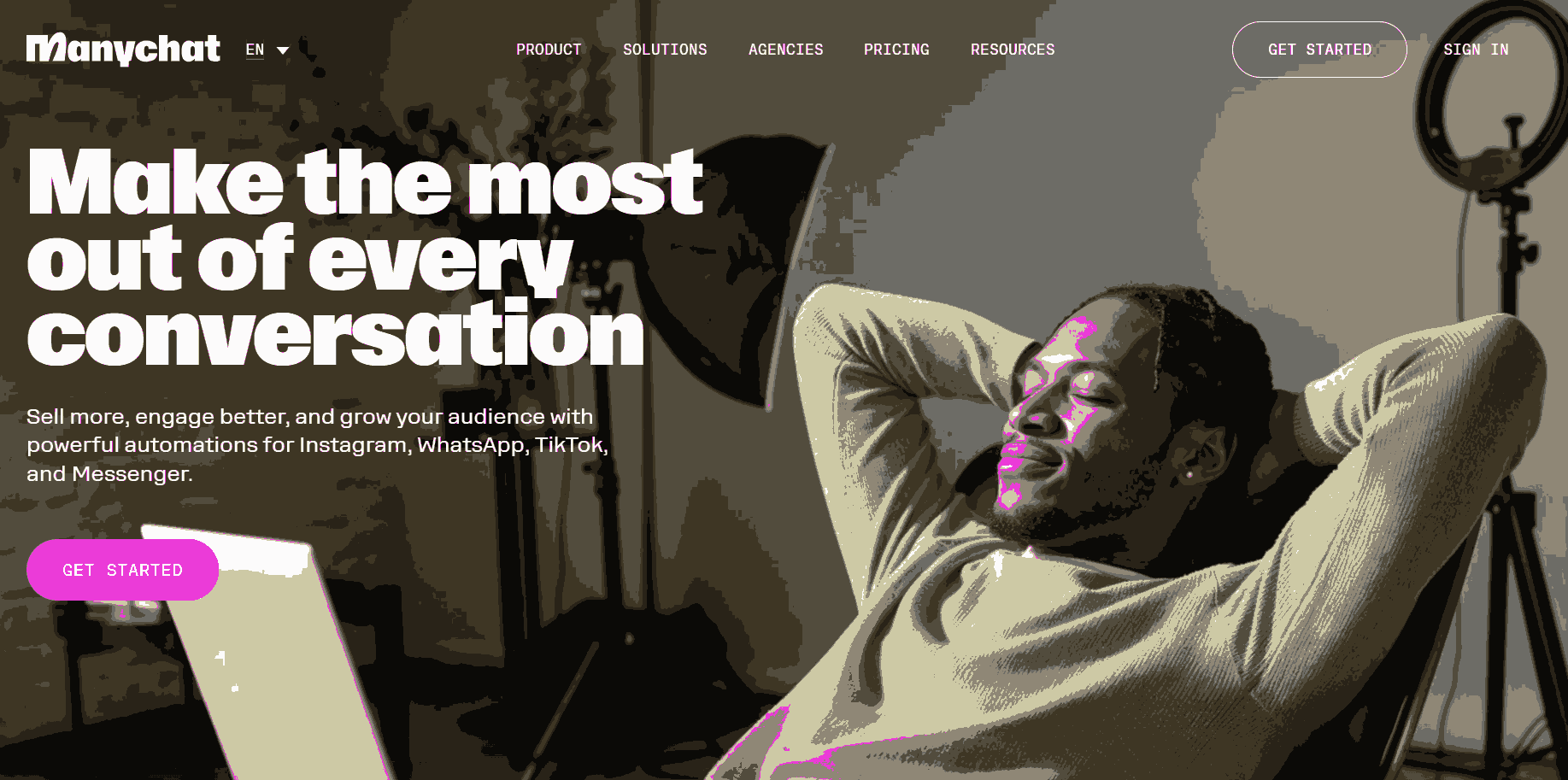
ManyChat leads the market for social commerce automation. It connects natively to Instagram, Facebook Messenger, and WhatsApp Business API, and builds flows that trigger on post comments, story mentions, DM keywords, and paid ad interactions. The AI Flow Builder handles intent recognition more reliably in 2026 than earlier versions.
Key Features
- Instagram Automation: triggers DM flows from post comments, story replies, and ad interactions
- Channel Support: native WhatsApp Business API, Facebook Messenger, and SMS in one platform
- AI Flow Builder: intent detection handles open-ended messages inside otherwise structured flows
- Segmentation: tag and segment contacts for targeted broadcasts and drip sequences
- A/B Testing: test flow variants against each other to optimise conversion rates
- Integrations: connects directly to Shopify, Google Sheets, and Zapier for e-commerce and data workflows
Pros
- Purpose-built for social commerce, especially comment-to-DM automation feature
- Focuses on acquisition and re-engagement, not just support
- Marketing can launch and iterate independently without engineering
Cons
- Scope limited to social and messaging channels only, not a general-purpose support tool
- Complex integrations outside its supported app ecosystem require workarounds
Pricing
Free plan available (up to 1,000 contacts). Pro plan starts at $15/month, scaling with contact count. WhatsApp, SMS, and email usage billed separately.
Voiceflow
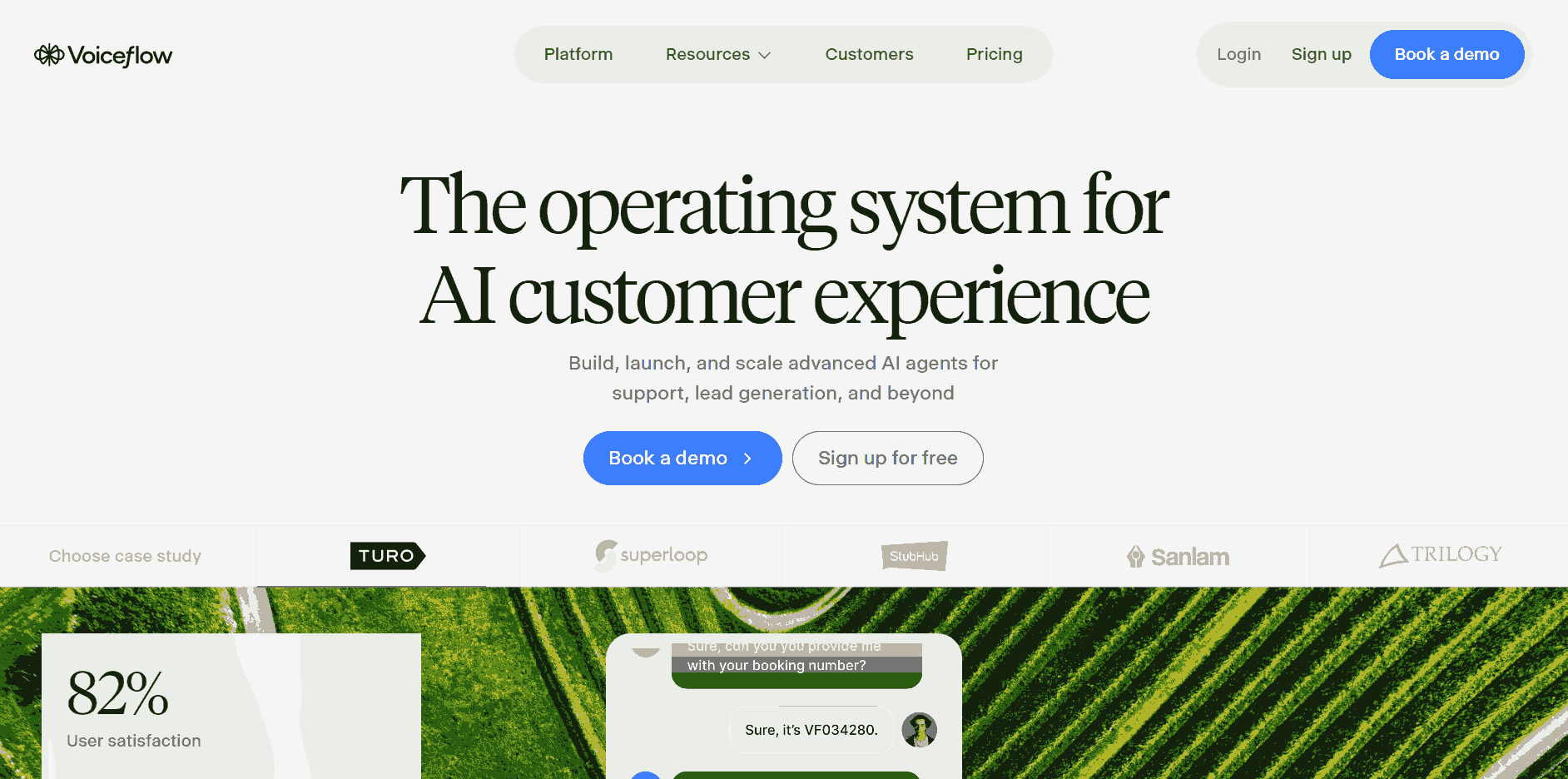
Voiceflow's visual editor handles complex branching conversation design, including voice interfaces (Alexa, Google Assistant), web chat, and custom API endpoints. Teams can prototype in Voiceflow and hand off to engineering for production deployment, reducing friction between design and development.
Key Features
- Hybrid Canvas: mix deterministic flow steps and open-ended LLM steps in the same conversation
- Voice Support: builds for Amazon Alexa and Google Assistant alongside web chat and custom API channels
- Knowledge Base: built-in RAG with automatic retrieval; connects to OpenAI, Anthropic, and Google models
- Design Handoff: designers prototype in Voiceflow, engineers export and deploy directly via API
- Collaboration: shared workspaces with comments and version history for cross-functional teams
- API Nodes: call external services and webhooks at any step mid-conversation
Pros
- Prototypes built in Voiceflow don't need rebuilding for production
- Covers voice and chat in one editor; no separate tools needed
- Shared workspaces and version history suit agencies and larger teams well
Cons
- Steeper learning curve than no-code alternatives
- Advanced features require more configuration time than simpler platforms
Pricing
Free plan available for prototyping. Paid plans start at $60/month per editor. Additional editor seats cost $50/month each.
Rasa
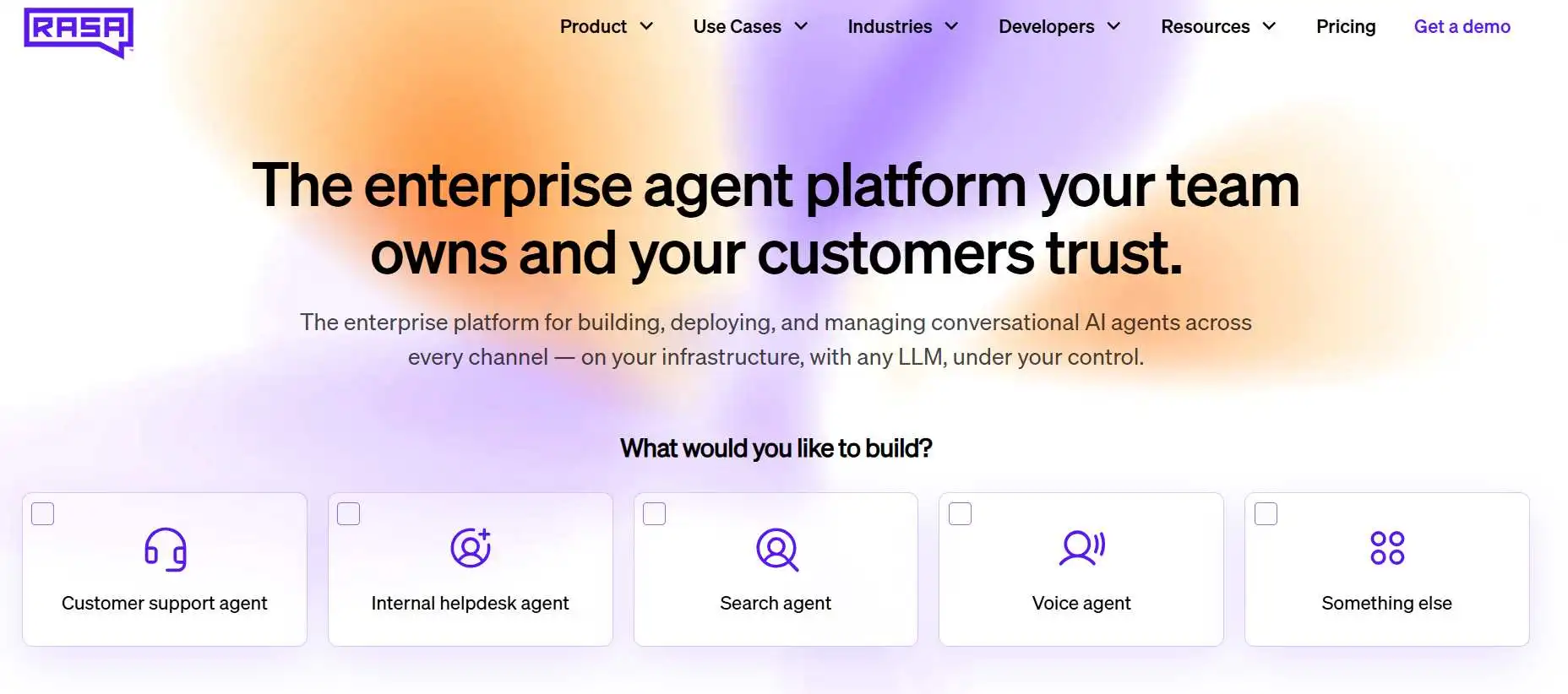
Rasa is an open-core framework, not a hosted platform. It gives complete control over intent classification, entity extraction, dialogue management, and deployment infrastructure. Nothing leaves your environment unless you send it there. Teams need NLP expertise to train and maintain the models effectively. That control also puts quality on you, so plan for Rasa testing across NLU, dialogue policies, and custom actions before the assistant reaches users.
Key Features
- NLU Pipeline: open-source DIET classifier handles intent recognition and entity extraction
- Dialogue Policy: TED (Transformer Embedding Dialogue) manages multi-turn conversation state
- Self-hosting: runs entirely on your own infrastructure with no data leaving your environment
- Custom Actions: Python webhooks connect to any external API, database, or business logic
- Rasa Pro: adds analytics, role-based access control, and enterprise support on top of the open-source base
- Pluggable Pipeline: swap in custom tokenizers, featurizers, or LLM-based classifiers without rebuilding
Pros
- Often the only compliant option in regulated sectors like healthcare and finance
- No per-message pricing at the open-source tier; lower TCO at scale than any hosted platform
- Full code auditability that no hosted alternative can match
Cons
- High implementation effort; not a quick-start option for most teams
- Ongoing model maintenance requires dedicated NLP or ML expertise
Pricing
Developer Edition is free and open-source. Paid plans start at $35,000/year. Pricing requires contacting sales directly.
Google Dialogflow CX
Dialogflow CX separates intent recognition from fulfillment cleanly, making complex dialogue flows easier to build and maintain as requirements evolve. It supports text and voice natively, integrates with Google Assistant, and provides solid multi-language support. For teams already on Google Cloud, the connectors to BigQuery, Cloud Functions, and Contact Center AI are a genuine advantage.
Key Features
- State Model: pages and flows structure complex dialogue logic and keep it maintainable at scale
- Multi-language: 40+ languages supported with per-language intent training inside the same agent
- Voice & Text: native text and voice support with phone gateway for contact center deployments
- Analytics: built-in sentiment analysis and conversation data exportable directly to BigQuery
- Webhook Fulfillment: connects to any backend with tight integrations for Cloud Functions and Contact Center AI
- Version Control: built-in test console and versioning for managing releases and regression testing
Pros
- Fits into existing GCP infrastructure with no separate vendor or billing to manage
- Enterprise-grade uptime and scalability backed by Google infrastructure
- Most mature enterprise conversational AI from a major cloud provider
Cons
- Setup overhead is hard to justify outside Google Cloud
- Pay-per-use pricing requires careful volume forecasting at scale
Pricing
New customers get a $600 free trial credit. After that, pay-per-use at $0.007 per text request.
Landbot
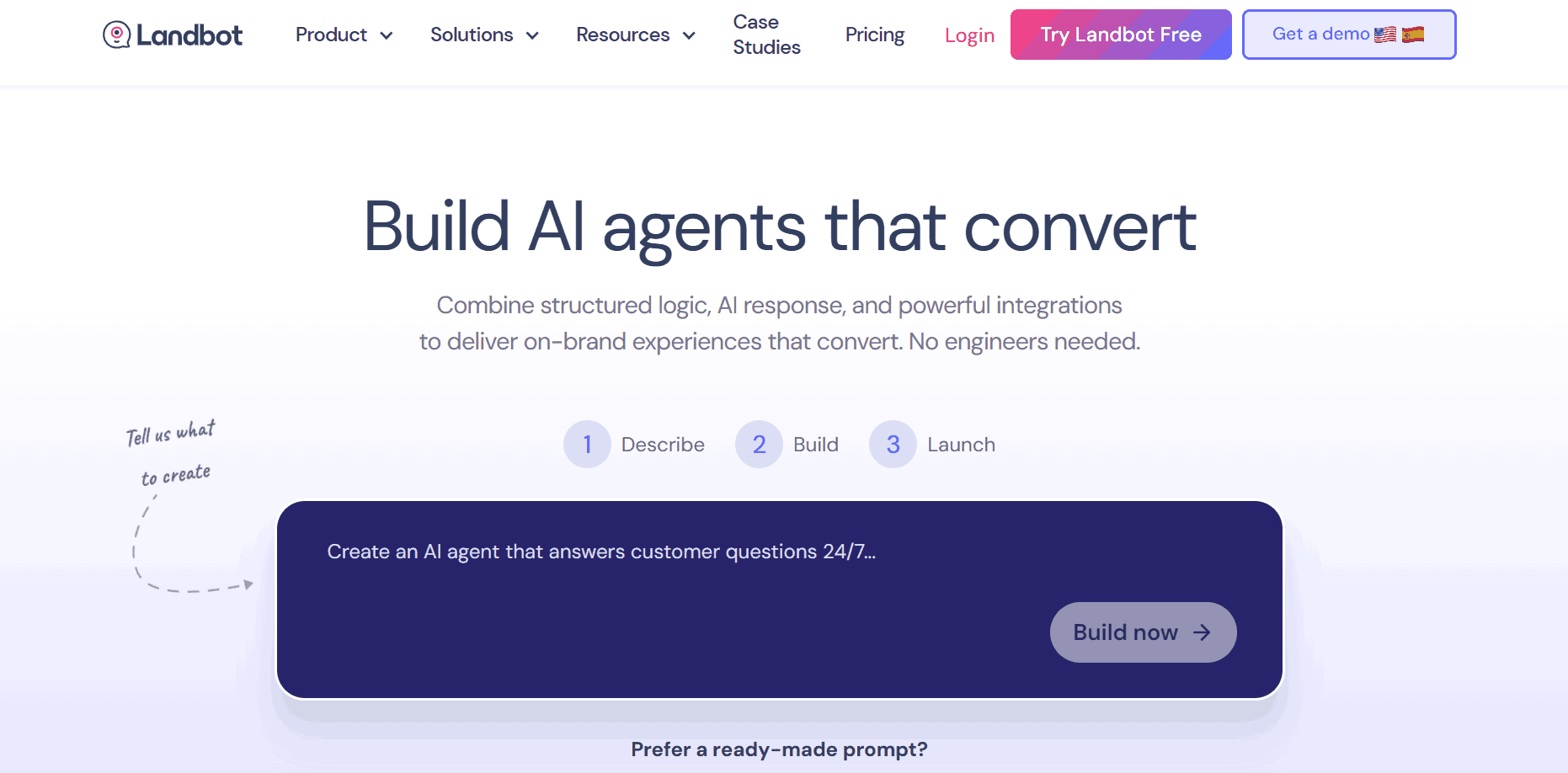
Landbot builds guided conversational experiences that feel closer to interactive forms than traditional chat. This format works well for lead qualification, onboarding flows, and survey-style workflows where structured input matters more than open-ended conversation. The WhatsApp integration is reliable, and the template library covers a wide range of B2B and B2C use cases out of the box.
Key Features
- Visual Builder: no-code drag-and-drop editor with conditional logic, variables, and branching paths
- WhatsApp Support: dedicated WhatsApp Business API plan with template message management built in
- AI Step: GPT-powered node embeds an open-ended LLM response inside otherwise structured flows
- Integrations: native Zapier, Make, and webhook connections for CRMs and marketing tools without code
- Form Embed: replaces static web forms with a chat-style question-and-answer experience
- Analytics: tracks completion rates, drop-off points, and answer data per flow step
Pros
- Conversational format drives higher form completion rates than static forms
- Marketing can build and iterate without engineering involvement
- Strong WhatsApp support without enterprise-tier pricing
Cons
- Not suited for open-ended support or complex reasoning use cases
- Less flexible for heavily customized dialogue logic compared to developer-oriented platforms
Pricing
Free plan available (100 chats/month). Paid plans start at $46/month. WhatsApp plans start at $233/month billed annually.
Types of Chatbot Builders
Looking at the eight platforms above, they fall into four distinct categories. Each solves a different class of problem, and knowing which bucket a platform sits in is the fastest way to rule out the ones that don't fit your use case.
No-Code / Visual Builders
- Drag-and-drop editors, pre-built templates, multi-channel deployment (web, WhatsApp, Messenger)
- Best for: customer support, lead capture, e-commerce FAQs, appointment booking
- From this list: Tidio, ManyChat, Landbot, Chatbase
LLM-Powered Platforms
- Visual or low-code interface backed by a foundation model; you supply the knowledge base and the platform handles retrieval and response generation
- Best for: knowledge-intensive support bots, onboarding assistants, internal Q&A tools
- From this list: Chatbase, Botpress (with LLM nodes), Voiceflow
Open-Source / Developer Frameworks
- Full control over model selection, dialogue management, and deployment; no managed hosting
- Best for: enterprises with strict data residency requirements, regulated industries
- From this list: Rasa, Botpress (self-hosted)
Enterprise Conversational AI Platforms
- Multi-language support, compliance controls, contact center integrations, and human handoff out of the box
- Best for: large-scale contact centers, high-volume B2C deployments, regulated industries
- From this list: Google Dialogflow CX
How to Choose the Right Chatbot Builder
No single platform wins across every use case. The right chatbot builder depends on where your team sits on the technical spectrum, what your bot needs to do, and which channels your users are actually on. Evaluate against your real constraints, not feature checklists.
- Builder skill level: No-code tools (Tidio, Chatbase, ManyChat) need zero engineering. Botpress and Voiceflow need some. Rasa needs dedicated NLP expertise.
- Use case complexity: FAQ bots and lead flows work on any no-code platform. Multi-turn reasoning and dynamic data retrieval need LLM-powered platforms. Strict compliance points to Rasa or Dialogflow CX.
- Channels: If your primary channels are WhatsApp or Instagram, ManyChat and Landbot are the natural fit. For omnichannel deployments at scale, Botpress or Rasa handle the complexity better. Voice interfaces point toward Voiceflow or Dialogflow CX.
- Data and compliance: Check data storage location and GDPR/SOC 2 certification. Self-hosted Rasa or Botpress may be the only option in regulated environments.
- Total cost: Calculate cost at your expected conversation volume, not the free tier limit. Message-based pricing scales steeply at production traffic.
Test before you commit. Most platforms offer free tiers or trials. Build a representative conversation scenario and run it before locking into a platform, this is where most evaluation surprises surface.
How to Test a Chatbot Before It Goes to Production
Building a chatbot is the first half of the job. Testing it before it talks to real users is the second half, and most teams underinvest here.
Modern LLM-powered chatbots are non-deterministic. The same input can produce different outputs depending on context, model temperature, and retrieval results. That variability is what makes them feel natural and it is also what makes traditional scripted test frameworks insufficient on their own.
What Chatbot Testing Should Cover
- Intent recognition accuracy: Test each core intent with 15–20 paraphrase variations. Aim for 90%+ accuracy on critical flows before deployment.
- Context retention across turns: Verify the bot maintains earlier inputs through follow-up questions and topic switches.
- Fallback and error handling: Deliberately test out-of-scope inputs to confirm the bot redirects or escalates gracefully rather than hallucinating a response.
- RAG accuracy: For knowledge-base bots, ask questions whose answers are not in the knowledge base. The bot should admit uncertainty, not fabricate an answer.
- Load and performance: Simulate concurrent users to catch response degradation before it reaches production.
- Security and adversarial inputs: Test prompt injection attempts and jailbreak patterns before your users discover them.
Common Chatbot Failures That Testing Catches
Skipping structured testing leads to a predictable set of production failures: hallucinated answers delivered with false confidence, context lost between turns, infinite loops on unexpected inputs, and edge case responses that damage brand trust. Most of these are catchable before deployment with the right test coverage in place.
Testing Chatbots with KaneAI
Traditional scripted test frameworks were built for deterministic outputs. You cannot assert an exact response string when the model's output varies on every run. This is where the testing approach needs to shift.
Tools like KaneAI work across conversational interfaces and web applications. Instead of hardcoded string assertions, KaneAI evaluates whether the chatbot answered the right question correctly. AI app testing with KaneAI by TestMu AI covers the functional side, checking the chatbot's web UI flows and API calls in one run.
For teams building on Botpress, Voiceflow, Rasa, or any platform with a web or API interface:
- Write test scenarios in plain English: "user asks about the return policy; bot should confirm the 30-day window and offer a return link"
- KaneAI executes them across conversation flows and flags semantic failures, not just string mismatches
- Tests plug into CI/CD pipelines so every knowledge base update or prompt change triggers an automated regression run. Learn more at KaneAI CI/CD integration docs.
- Multi-turn tests verify that context retention holds across complex dialogue sequences
TestMu AI's Agent Testing covers the complete pipeline in a single automated run: user input, retrieval, tool calls, and final response. For chatbots that call external APIs or trigger workflows mid-conversation, this is the only way to catch failures across the full chain. Start with Testing Your First AI Agent.
Conclusion
The shift from rigid, rule-based trees to LLM-powered agents has fundamentally changed what a chatbot can do for your business. Choosing between a no-code tool like Chatbase or a developer framework like Botpress depends on your technical stack, but the real differentiator is how you handle non-deterministic outputs.
Because LLM-powered agents can be unpredictable, traditional testing no longer cuts it. Using KaneAI to run semantic, agent-to-agent validation is the only way to ensure your bot actually follows logic and remains reliable at scale. Your choice of builder matters, but your testing strategy is what prevents production failures.
Author

Akarshi Aggarwal
Blogs: 27

Akarshi Aggarwal is a community contributor with 2+ years of experience in marketing and growth. She specializes in automation testing and frameworks like Cypress, Playwright, Selenium, and Appium. Akarshi has written numerous technical articles, contributing valuable insights into automation testing practices. She actively engages with the tech community, sharing expertise on test automation and quality engineering. On LinkedIn, she is followed by over 7,000 QA professionals, software testers, DevOps engineers, developers, and tech enthusiasts.
Reviewer

Anubhav Singhmaar
Reviewer
Anubhav Singhmaar is an AI Product Manager at TestMu AI driving Kane CLI, the command-line tool that brings browser automation to the terminal, turning natural-language flows into runs in a real Chrome browser that return pass or fail with shareable proof. He owns the roadmap and prioritization and works with engineering to ship developer-facing features. Before TestMu AI, he spent over four years at Sprinklr owning enterprise voice AI across APAC and EMEA. A mechanical engineer turned product manager, he grounds guidance in real QA workflows.


Chatbot Builders FAQs
Did you find this page helpful?
More Related Blogs
TestMu AI forEnterprise
Get access to solutions built on Enterprise
grade security, privacy, & compliance
- Advanced access controls
- Advanced data retention rules
- Advanced Local Testing
- Premium Support options
- Early access to beta features
- Private Slack Channel
- Unlimited Manual Accessibility DevTools Tests