/run Command
Use /run to plan a selection, execute the active profile's lifecycle hooks, collect evidence, and judge each acceptance criterion.
Syntax
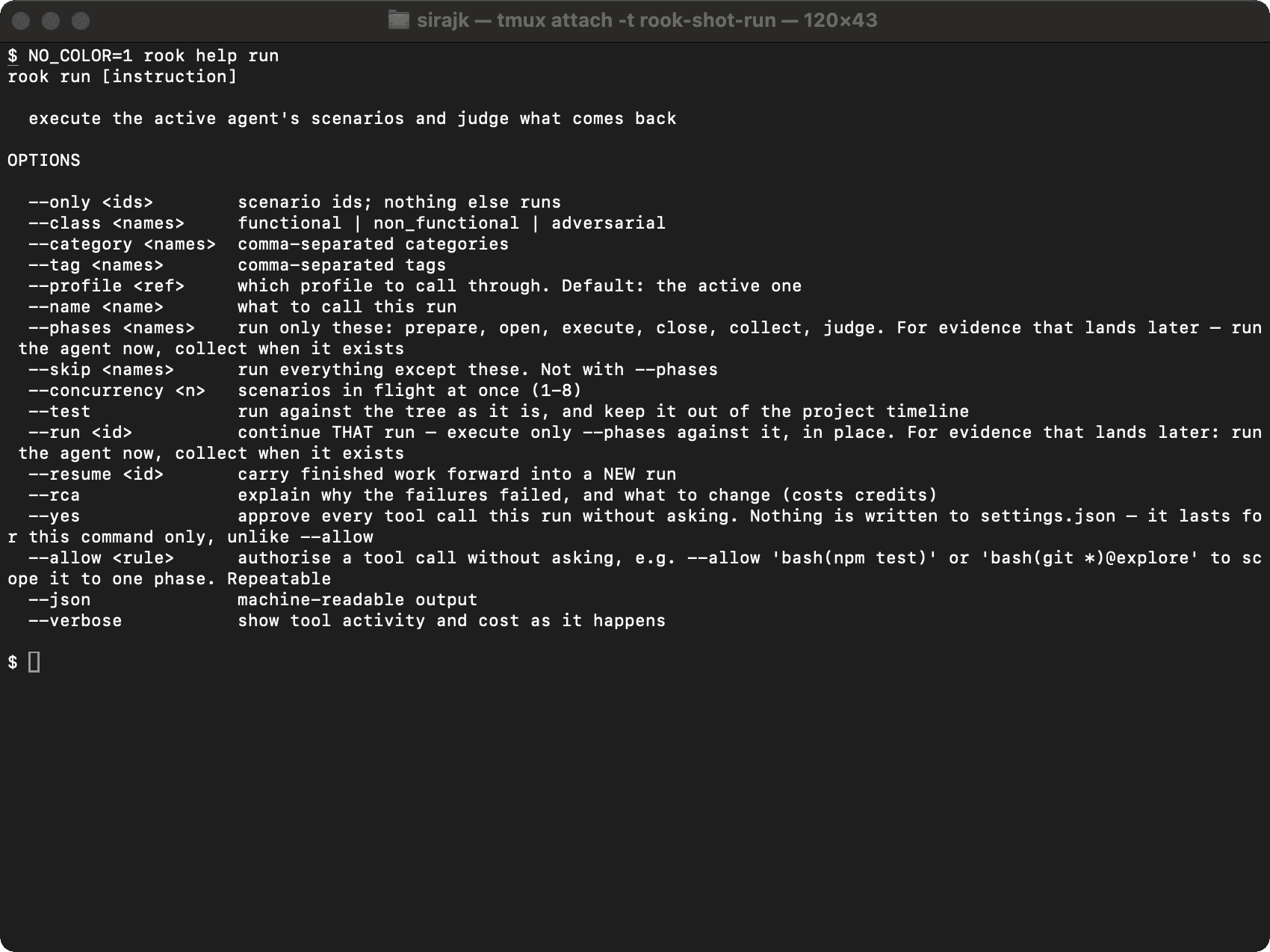
/run [selection options] [-- free-text instruction]
The shell form is rook run with the same options.
| Option | Purpose |
|---|---|
--only <ids> | Run only comma-separated scenario IDs. |
--class <names> | Filter by functional, non_functional, or adversarial. |
--category <names> | Filter by comma-separated categories. |
--tag <names> | Filter by comma-separated tags. |
--profile <ref> | Override the active profile for this run. |
--name <name> | Give the run a readable label. |
--phases <names> | Run only a contiguous selection of prepare, open, execute, close, collect, and judge. |
--skip <names> | Run everything except the named phases. Cannot be combined with --phases. |
--concurrency <n> | Run 1 to 8 scenarios at once. An explicit value overrides the planner. |
--test | Run the current tree without placing the result on the shared project timeline. |
--run <id> | Continue that same run in place with the phases selected by --phases. |
--resume <id> | Carry compatible completed work forward from an earlier run. |
--rca | Explain failure clusters and what to change; this spends additional credits. |
--allow <rule> | Pre-authorize one exact tool rule for this launch. Repeatable. |
--json | Emit machine-readable events. |
--verbose | Show tool activity and credits as work happens. |
Examples
/run --only SC-001,SC-004 --concurrency 1
/run --class adversarial --profile staging --name security-gate
/run --test -- investigate the current unsynchronized changes
/run --phases prepare,open,execute,close
/run --run 01JABC... --phases collect,judge
/run --resume 01JABC... --rca
Before target execution, Rook writes and shows a run plan. In the TUI you can proceed, discard it, or describe a change. Headless runs proceed with the written plan, so use explicit filters in version-controlled CI configuration.
A normal timeline run requires an agent that has been synchronized at least once. If the current tree changed, use /sync or intentionally choose --test.
Lifecycle Phase Selection
The fixed order is:
prepare → open → execute → close → collect → judge
The first five points are profile hooks; judge is Rook's evaluation phase. prepare runs once per run, execute runs once per turn, and open, close, and collect run per scenario when the profile defines them.
Partial execution is useful when logs or traces arrive later. Run the target through close, keep the run ID, then use --run to add collect and judge to the same run. This differs from --resume, which starts a new run and carries compatible completed work into it.
Rook sorts selected phases into lifecycle order and refuses an invalid hole when a later phase depends on a defined phase that was skipped.
The target's writes are real. Rook cannot roll them back. Use staging data and start with one harmless scenario.
Related Commands
Lifecycle phases and hooks · Run tests · /sync · /runs · /report

 Chat with Us
 Ask the Community