/profile Command
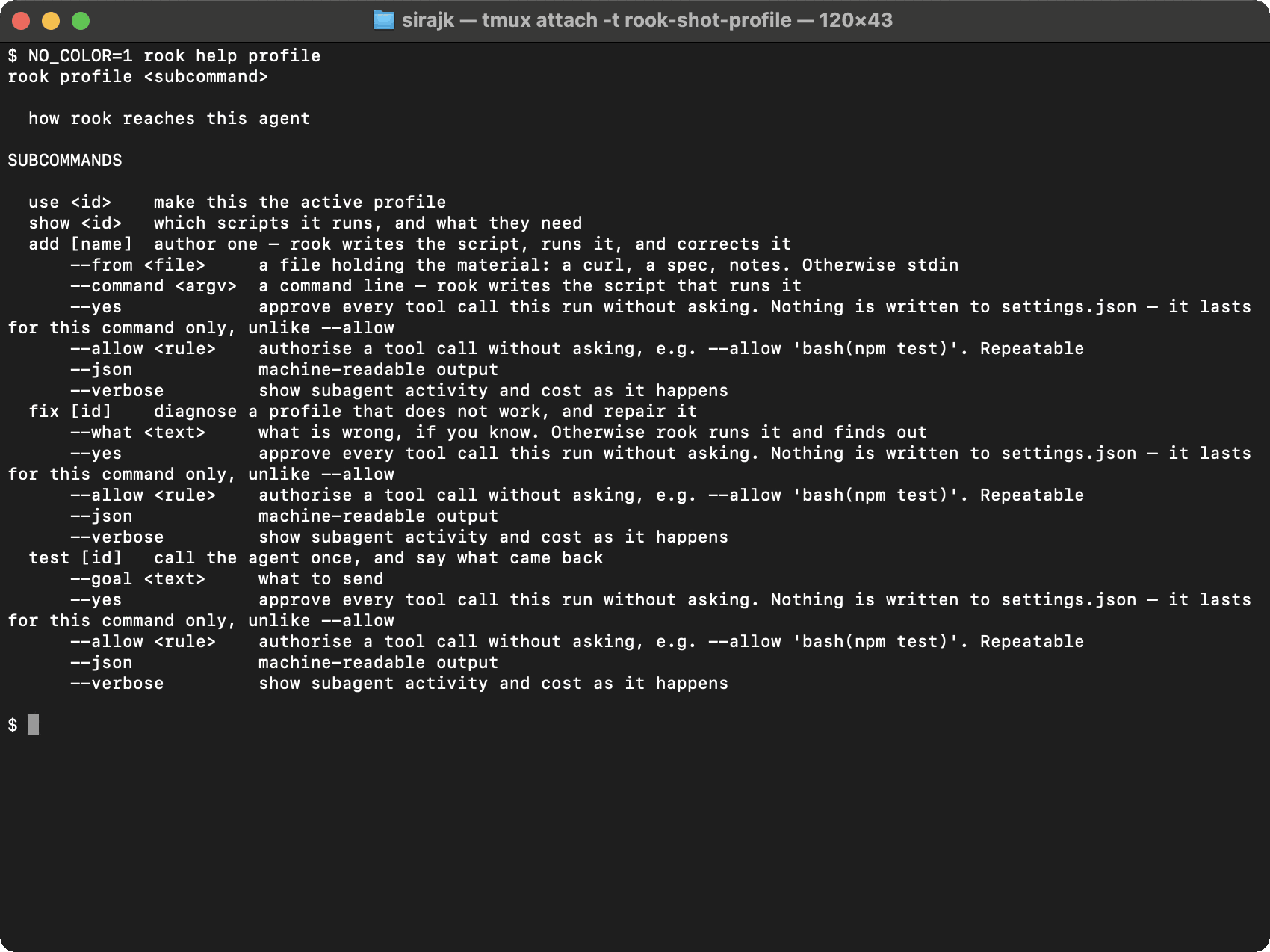
A profile names the reviewable hook scripts Rook uses to invoke a live agent. Use /profile to generate those scripts from a prompt, repair them from a failure, verify the target, inspect lifecycle phases, or select a profile.
Syntax
/profile
/profile use <id>
/profile show <id>
/profile add [name]
/profile add <name> --command '<argv>'
/profile add <name> --from <material-file>
/profile fix [id] [--what <text>]
/profile test [id] [--goal <text>]
The shell form uses rook profile with the same subcommands and options. Pipe a cURL command, integration description, or other material to rook profile add <name> when --from is omitted.
Subcommands
| Command | Effect |
|---|---|
/profile | Open a TUI picker. In a shell, list profiles, mark the active one, and show unverified or missing-variable state. |
/profile use <id> | Select an existing profile by ID. Verify it before using it for a run. |
/profile show <id> | Print each lifecycle phase and script, non-default timeouts or delays, required variables, and reported capabilities. |
/profile add [name] | Ask how the agent is reached, then generate scripts, run them, and correct them from the actual response. |
/profile add <name> --command | Generate a hook script for the supplied local command line. Rook sends the goal through the generated script rather than requiring a template token in the command. |
/profile add <name> --from | Generate from a file containing a cURL command, specification, Postman export, notes, paths, URLs, or a combination of material. |
/profile fix [id] | Run a broken profile, diagnose the response or error, and repair its scripts. Add --what when you already know what changed. |
/profile test [id] | Invoke once without a model rewrite, show what came back, and update observed capabilities when it succeeds. |
add and fix also accept --yes, repeatable --allow, --json, and --verbose. Use approval bypasses only for a reviewed, launch-scoped authoring task.
Profile creation writes one or more .mjs scripts and maps them to prepare, open, execute, close, or collect. execute is required. Rook reads credential-shaped values from local environment variables and refuses literal assignments in generated scripts.
Verification is local to this machine because endpoint reachability is local. A newly authored profile is promoted automatically only after it returns an agent answer; profiles that have not been proved from this workspace remain visibly marked unverified. Run /profile test before selecting one manually.
Rook does not provide profile edit or remove commands. Profiles are plain files so changes can be reviewed and diffed with the rest of the workspace.
Related Commands
Prompt-based profiles · Lifecycle phases and hooks · /env · /run

 Chat with Us
 Ask the Community