rook Command
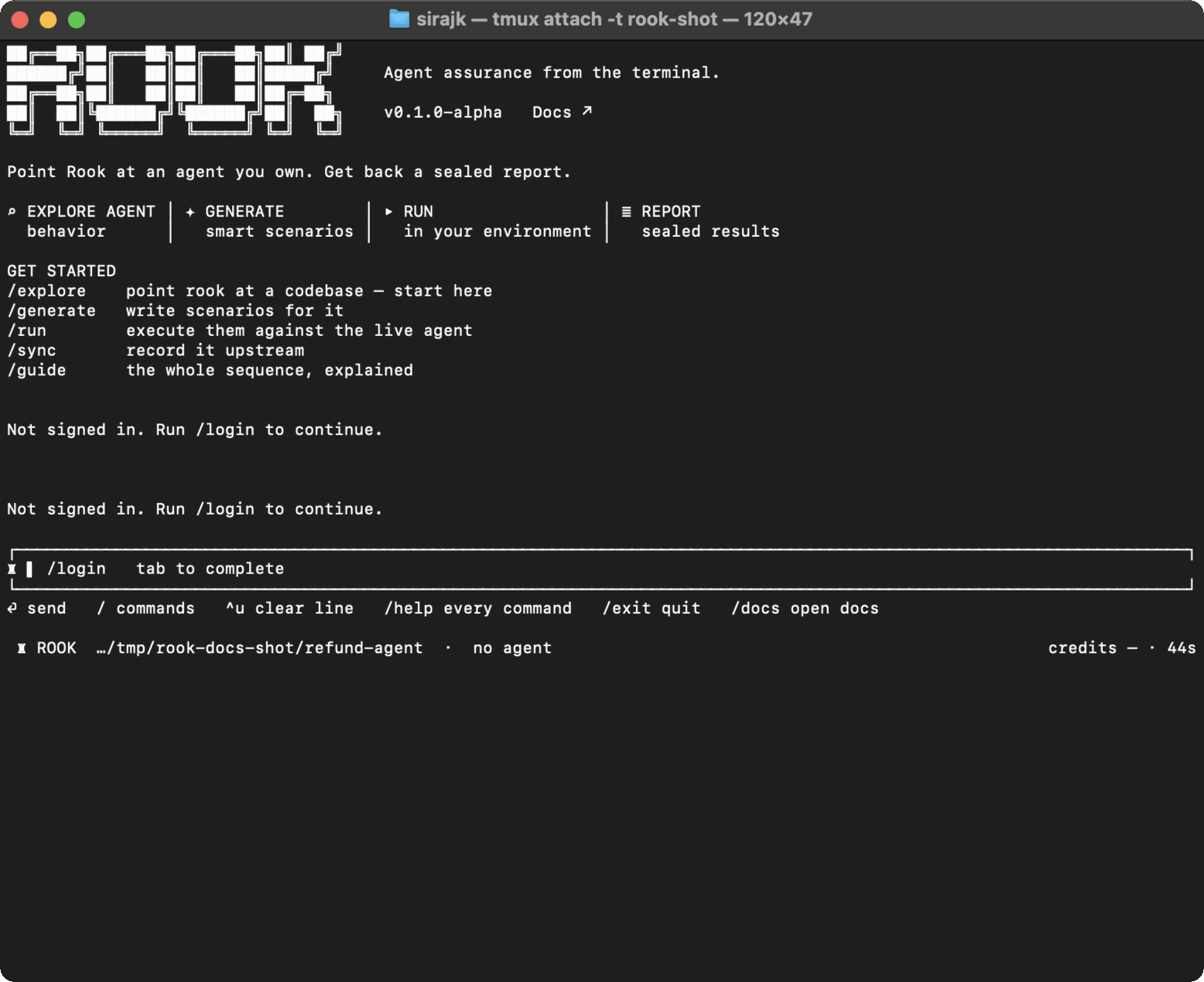
Use rook to start the interactive terminal in the workspace whose agent material and testing state you want to use.
Syntax
rook
rook --no-animation
rook --version
rook --help
The TUI keeps the active project, agent, profile, credits, command duration, progress, and permission questions visible. Use --no-animation for recordings, slow terminals, or a static startup.
First Start
- Change to the workspace containing your checked-out agent, PRD, or test specification.
- Run
rook. - Use
/loginif the session is not authenticated. - Choose a project with
/project. - Enter
/guidefor the workflow or/helpfor every command.
Run Rook from the intended workspace. The current directory selects the local .testmuai/rook/ store; project content is kept below projects/<project-id>/. The workspace is also the base for relative source, command, certificate, and evidence paths.

 Chat with Us
 Ask the Community