/logout Command
Use /logout to revoke the current token and remove stored Rook credentials.
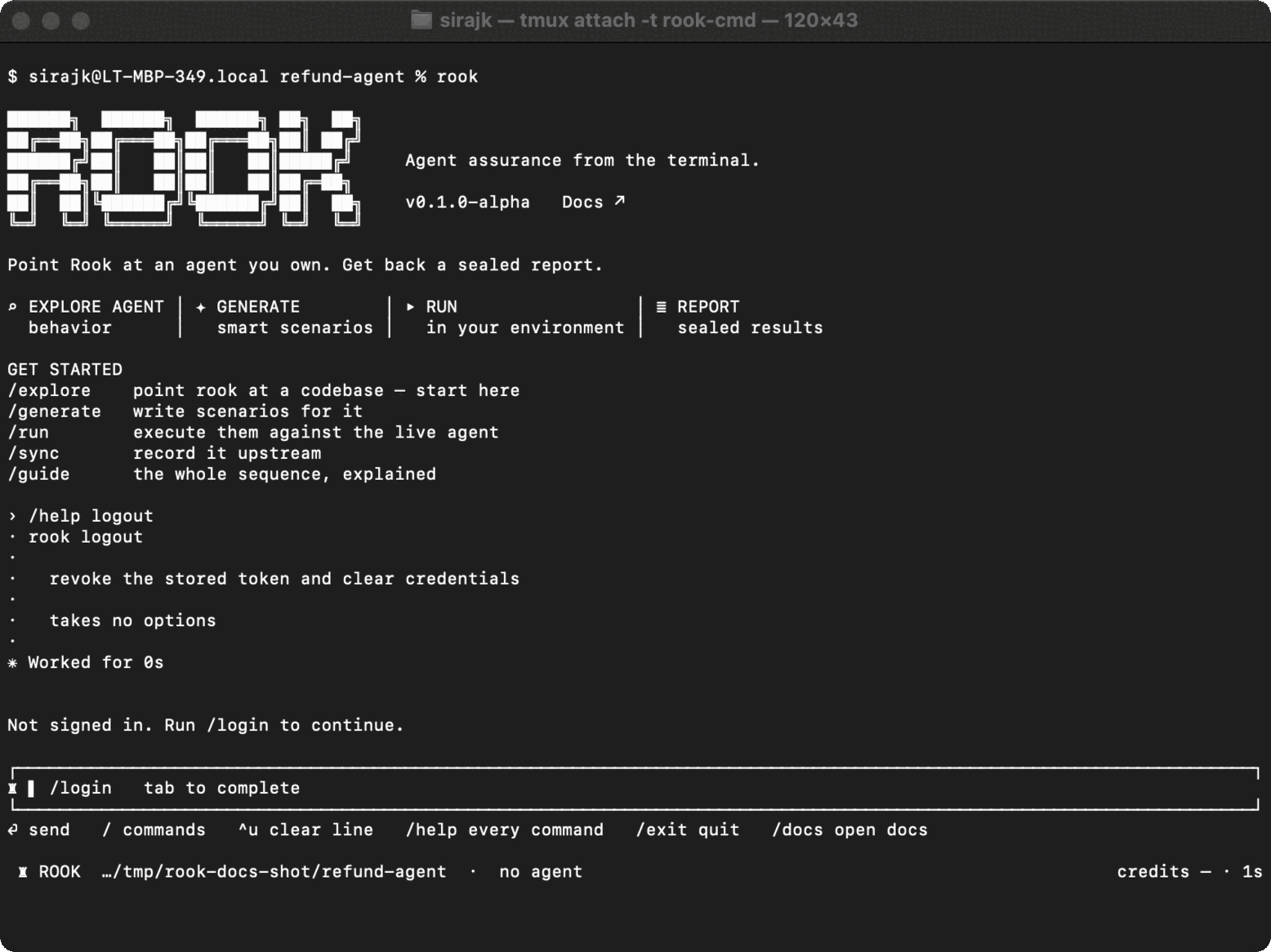
Syntax
Interactive:
/logout
Headless:
rook logout
When to use it
- Switch to another TestMu AI account.
- Remove access from a shared workstation.
- Reset a credential that is invalid or unexpectedly scoped.
Effect
A logout asks the server to revoke the token and then clears the locally stored credential. Local cleanup happens even when remote revocation cannot be confirmed. It does not delete agents, profiles, scenarios, run evidence, or environment variables.
If remote revocation fails—for example, while offline—the credential is still removed from this machine, but the token may remain valid elsewhere. Because the local copy is gone, retrying logout cannot revoke that token. On a shared or lost workstation, use the account's security controls to revoke active access when you are online.
Credentials are global for Rook terminals using the same Rook home. Logging out in one workspace affects other active or future Rook sessions on that machine.
Real-world account switch
/logout
/login
/auth status
The TUI input is disabled during an active run. Press Esc, wait for the prompt to return, inspect the target if a write may have occurred, and then log out.
Common problems
- Offline logout still removes the local credential, but it may leave server-side revocation unconfirmed. Verify account access through the account's security controls when online.
- If another terminal still appears authenticated, refresh its status. Do not assume cached UI text reflects the current token.
Related commands
/login · /auth · rook whoami

 Chat with Us
 Ask the Community