/status Command
Use /status to understand where the current machine stands before synchronizing or running tests.
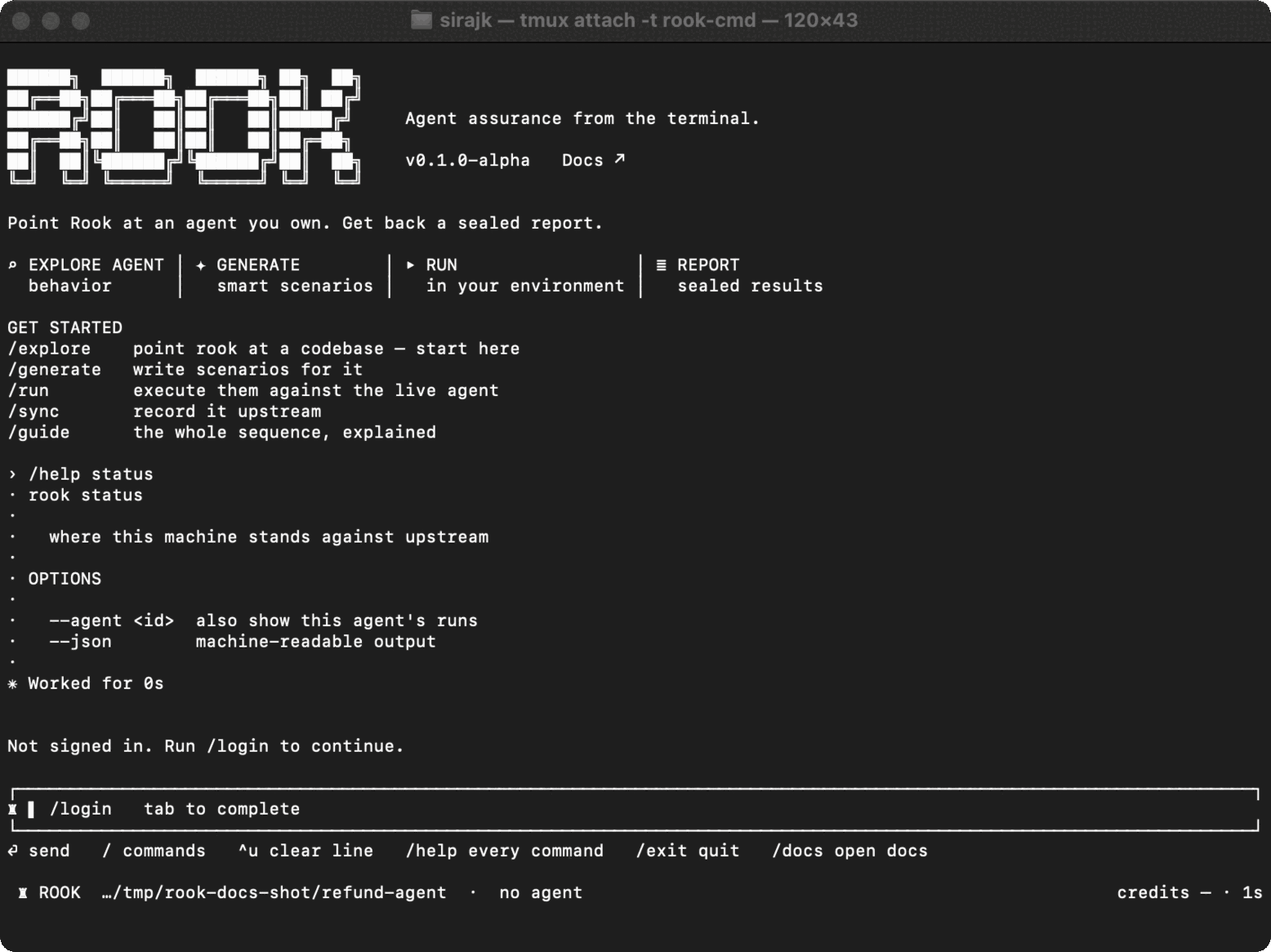
Syntax
/status
/status --agent <id>
/status --json
The shell form is rook status with the same options.
Tree States
| State | Meaning | Next action |
|---|---|---|
unsynced | This agent has never been recorded upstream. | Run /sync. |
clean | Local content matches the recorded version. | No action. |
ahead | Local content changed after the last sync. | Review and run /sync. |
behind | Upstream advanced while this machine stayed on an older version. | Reconcile upstream changes before syncing. |
diverged | Local and upstream histories both moved. | Reconcile the branch; Rook does not overwrite it silently. |
unknown | Local state is known, but upstream could not be checked. | Restore connectivity and rerun status. |
Status returns upstream run information for --agent, or for the active agent when the option is omitted. It identifies unfinished local runs and completed runs whose scenario results still need reconciliation.
Status exits successfully even when the tree is not clean; the state is data, not a command failure. In automation, inspect the --json response.

 Chat with Us
 Ask the Community