/login Command
Use /login when Rook has no stored credential or the existing token is invalid.
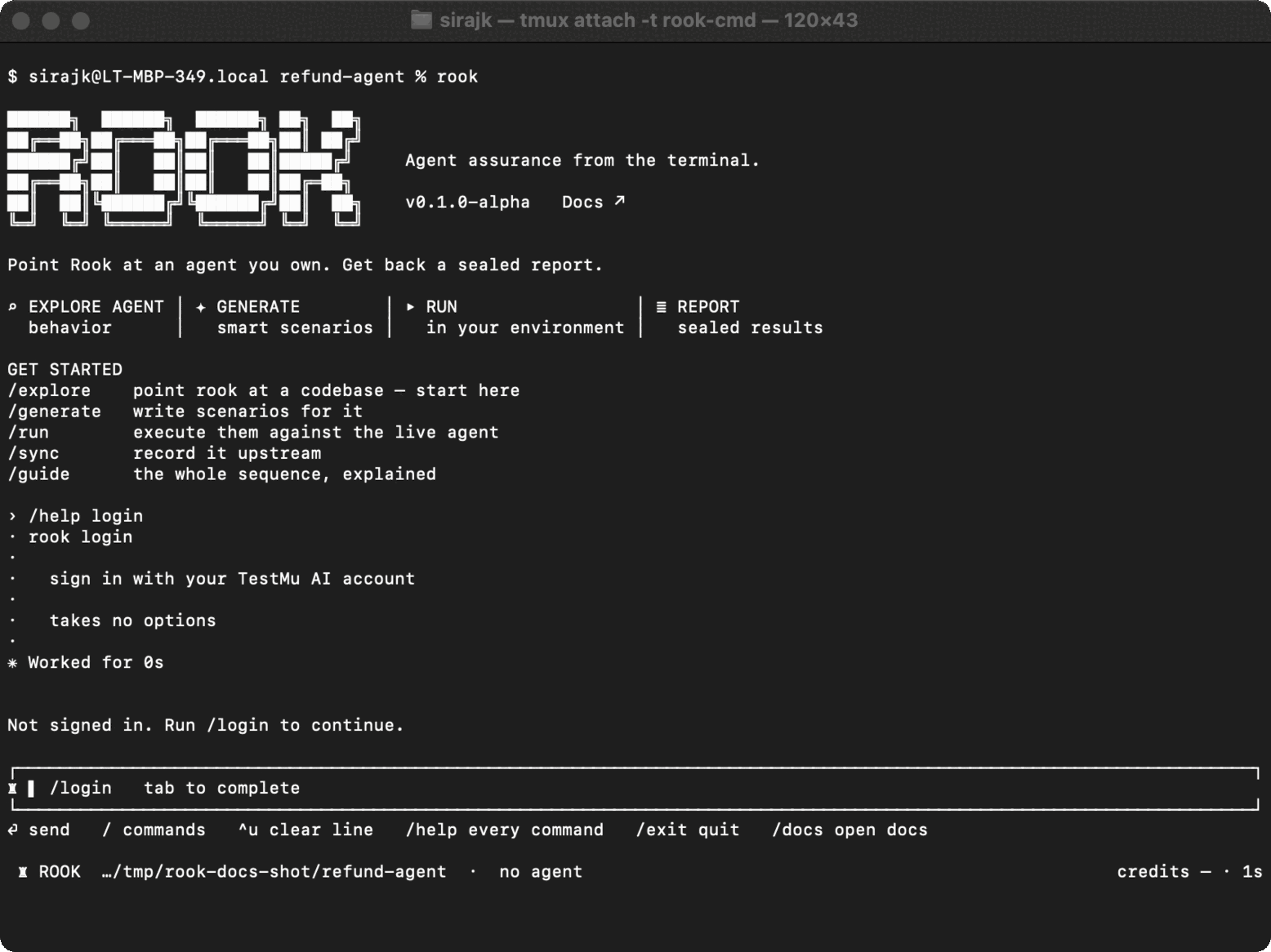
Syntax
Interactive:
/login
Headless launcher:
rook login
Step-by-step
- Run
/loginorrook login. - Complete the TestMu AI flow in the browser.
- Return to the terminal.
- Verify the identity with
/auth statusorrook whoami.
State and security
Successful login stores credentials in the global Rook home, not the project directory. Do not copy that state into a repository or share it between users.
If a browser cannot open, follow the URL or instruction printed by the command. Do not paste login callbacks or tokens into tickets or screenshots.
Common problems
- Browser opens with the wrong account: sign out there or use a separate browser profile, then retry.
- Status still invalid: run
/logout, then start a fresh login. - Controller unreachable: diagnose network and environment with
rook doctor.
Related commands
Installation · /auth · rook whoami · /logout

 Chat with Us
 Ask the Community