/ui Command
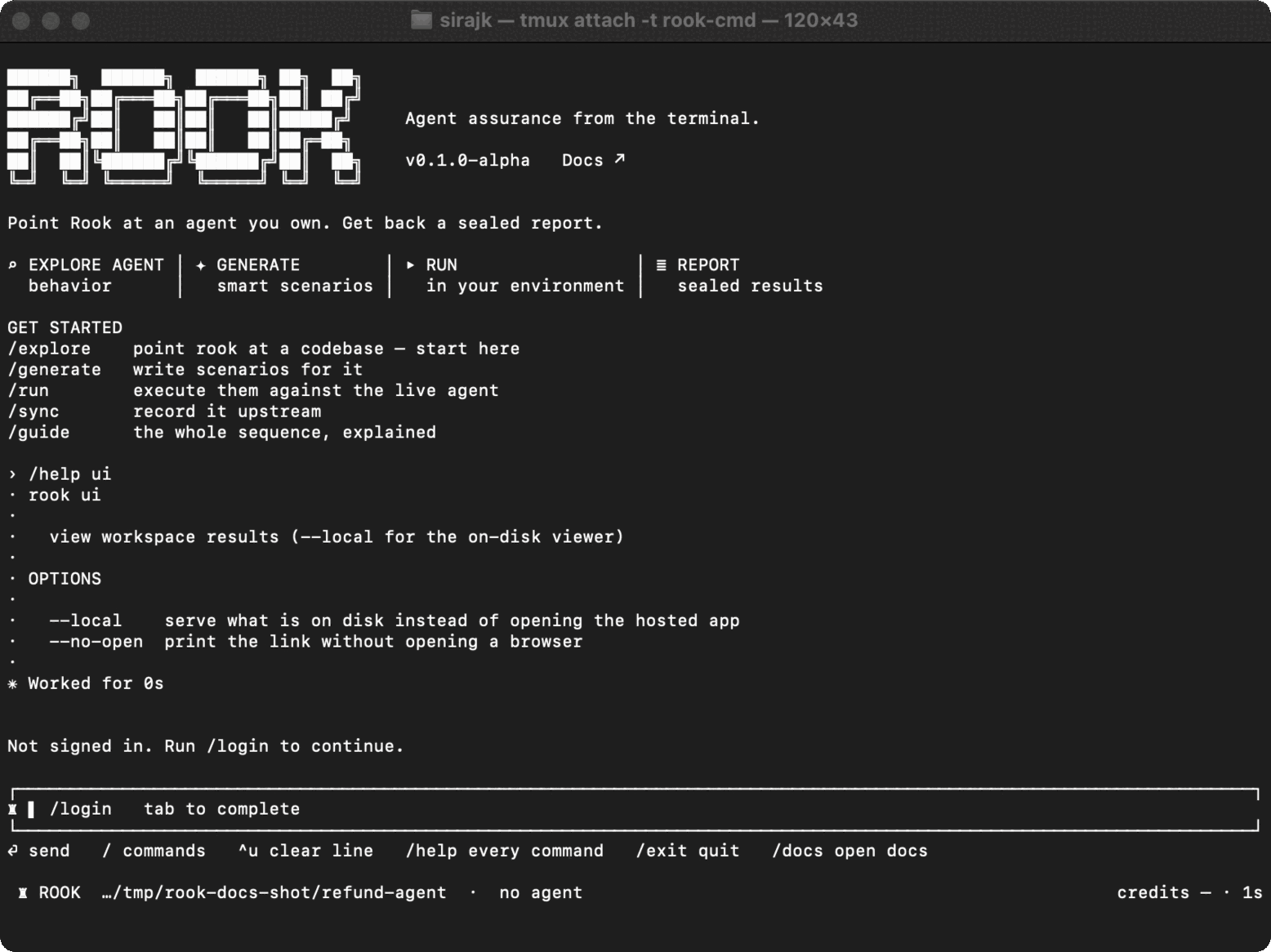
Use /ui to review synchronized results in the hosted TestMu AI application. Add --local to serve the evidence currently on disk.
Syntax
/ui
/ui --local
/ui --local --no-open
The shell form is rook ui with the same options.
| Form | Result |
|---|---|
/ui | Print and open the hosted application. It displays content recorded by sync and run uploads. |
/ui --local | Start a loopback server over the current workspace's files and open it. |
--no-open | Print the URL without launching a browser. |
The local viewer is read-only, makes no external request for workspace data, and does not require authentication or network access. It continues serving until the command or TUI session exits.
Use the hosted view for shared project history. Use --local for unsynchronized work, offline investigation, or the exact evidence present on this machine.

 Chat with Us
 Ask the Community