/generate Command
Use /generate after exploration to write test scenarios for the active agent's discovered features.
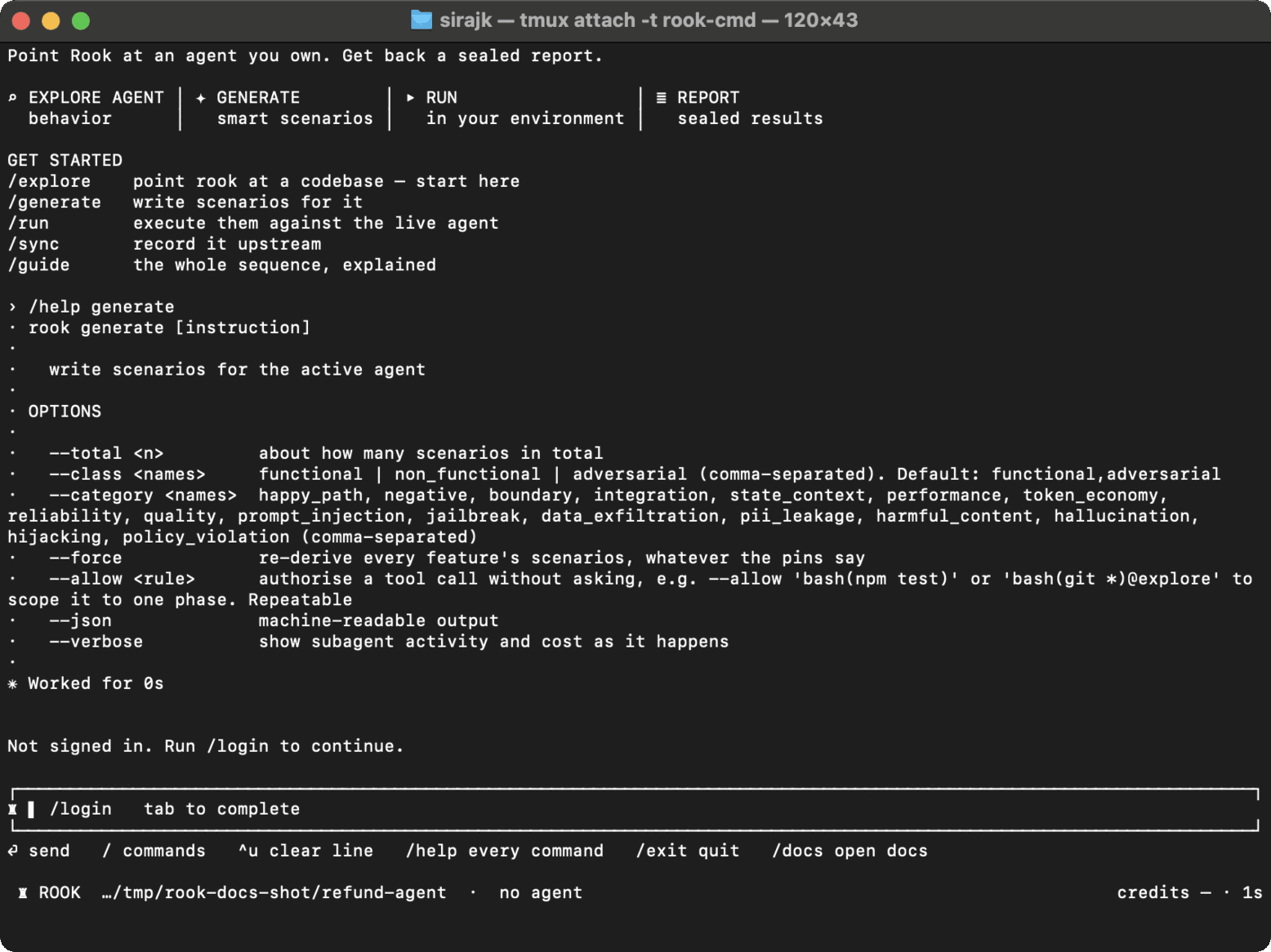
Syntax
/generate [options] [-- free-text instruction]
The shell form is rook generate with the same options.
| Option | Purpose |
|---|---|
--total <n> | Approximate target size for the complete suite. |
--class <names> | Comma-separated classes. Default: functional,adversarial. |
--category <names> | Comma-separated scenario categories. |
--force | Re-derive scenarios even when feature hashes are unchanged. |
--allow <rule> | Pre-authorize one exact tool rule for this launch. Repeatable. |
--json | Emit machine-readable events. |
--verbose | Show subagent activity and credits as work happens. |
/generate --total 20 --class functional,adversarial
/generate --category boundary,reliability -- emphasize retries and duplicate requests
Generation reads the current feature model, plans coverage, writes scenarios, and checks runnability. It does not invoke the live target. Unchanged features reuse their scenarios without a model call; --force intentionally bypasses that optimization.
Generated files remain editable. A scenario whose origin is human is not silently replaced during later generation.

 Chat with Us
 Ask the Community