/agent Command
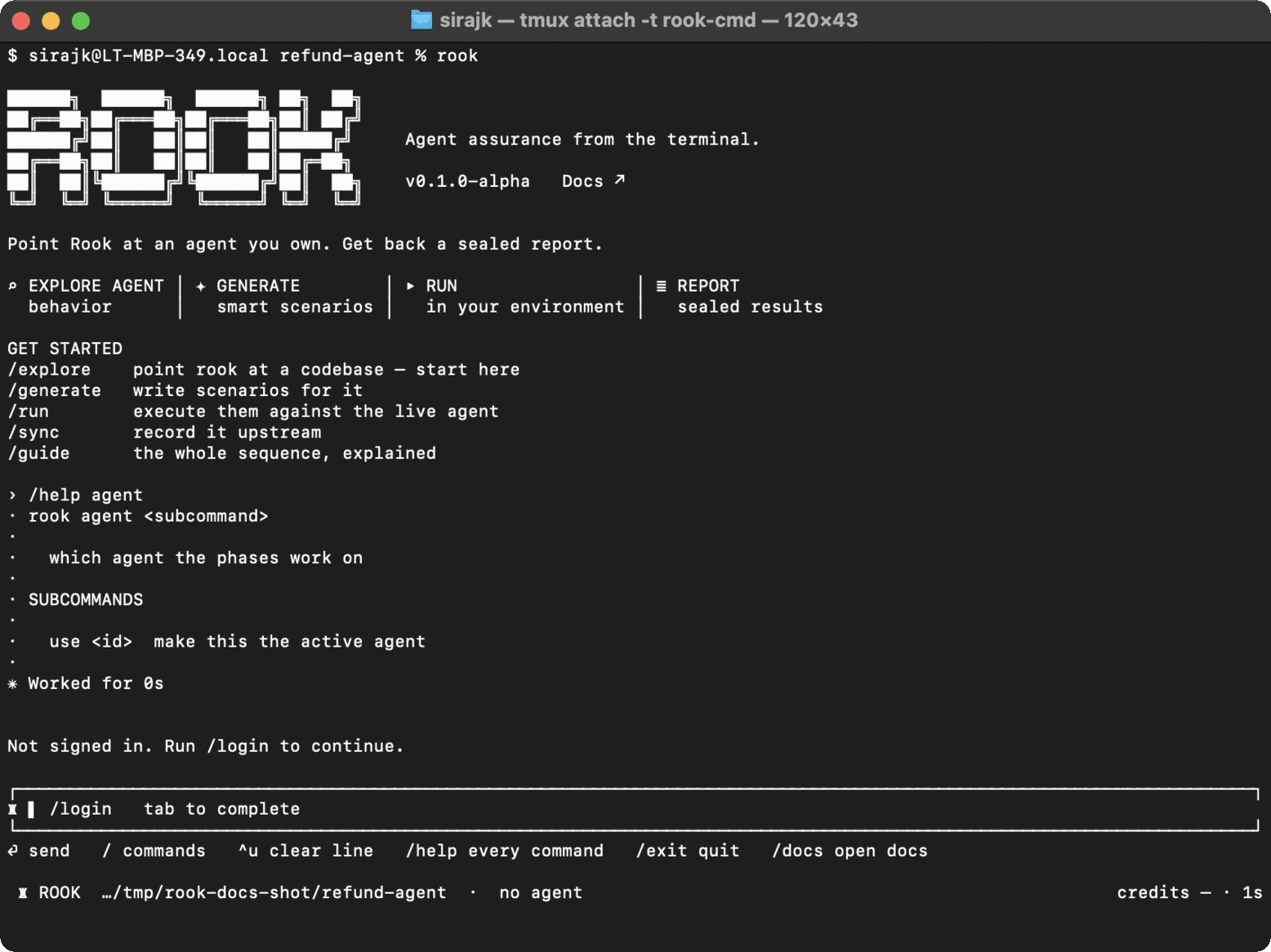
Use /agent when the selected project contains several discovered agents or when you need to confirm which agent later phases use.
Syntax
/agent
/agent use <id>
From a shell:
rook agent
rook agent use <id>
Bare /agent opens a picker and marks the active agent. Bare rook agent prints the same inventory. There is no separate list subcommand.
Selecting an agent changes the active-agent pointer inside the selected project; it does not invoke the live target. The active agent determines which specification, features, scenarios, profiles, runs, reports, and sync state later commands use.
Agent removal is intentionally not a command. Rook's project data is stored as readable files; remove or edit it through the reviewed repository workflow when that is genuinely required.
Example
/agent
/agent use refund-agent
/generate --total 12 -- focus on eligibility and duplicate refunds

 Chat with Us
 Ask the Community