/auth Command
Use /auth to verify stored credentials against the Rook controller.
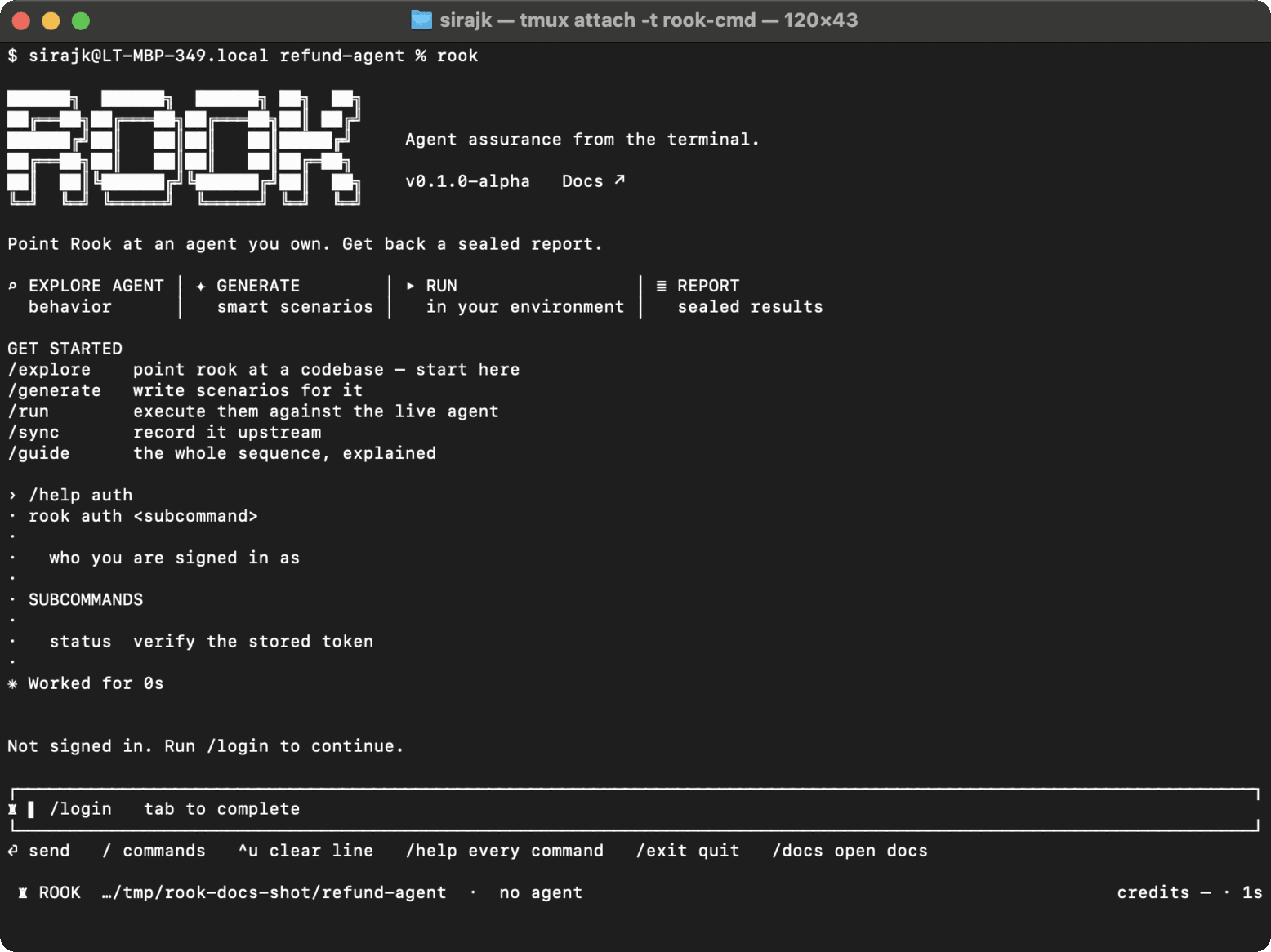
Syntax
/auth
/auth status
Headless:
rook auth status
rook whoami
/auth and /auth status perform the same status check. rook whoami is the convenient headless alias.
Step-by-step
- Run
/auth status. - Confirm that the stored credential is valid.
- If invalid, use
/login. - Run the status check again.
State and privacy
The status check reads the stored token and verifies it remotely. It does not print the token or change project data. Use rook whoami when you also want to see the authenticated identity.
Authentication is global to the Rook home on this machine, not scoped to one agent workspace.
Common problems
- Expired or revoked token: sign in again.
- Controller unreachable: run
/doctorand check network access. - Wrong account: run
/logout, then/loginwith the intended account.
Related commands
rook whoami · /login · /logout · /doctor

 Chat with Us
 Ask the Community