rook whoami Command
Use rook whoami outside the interactive terminal to verify which TestMu AI account is authenticated.
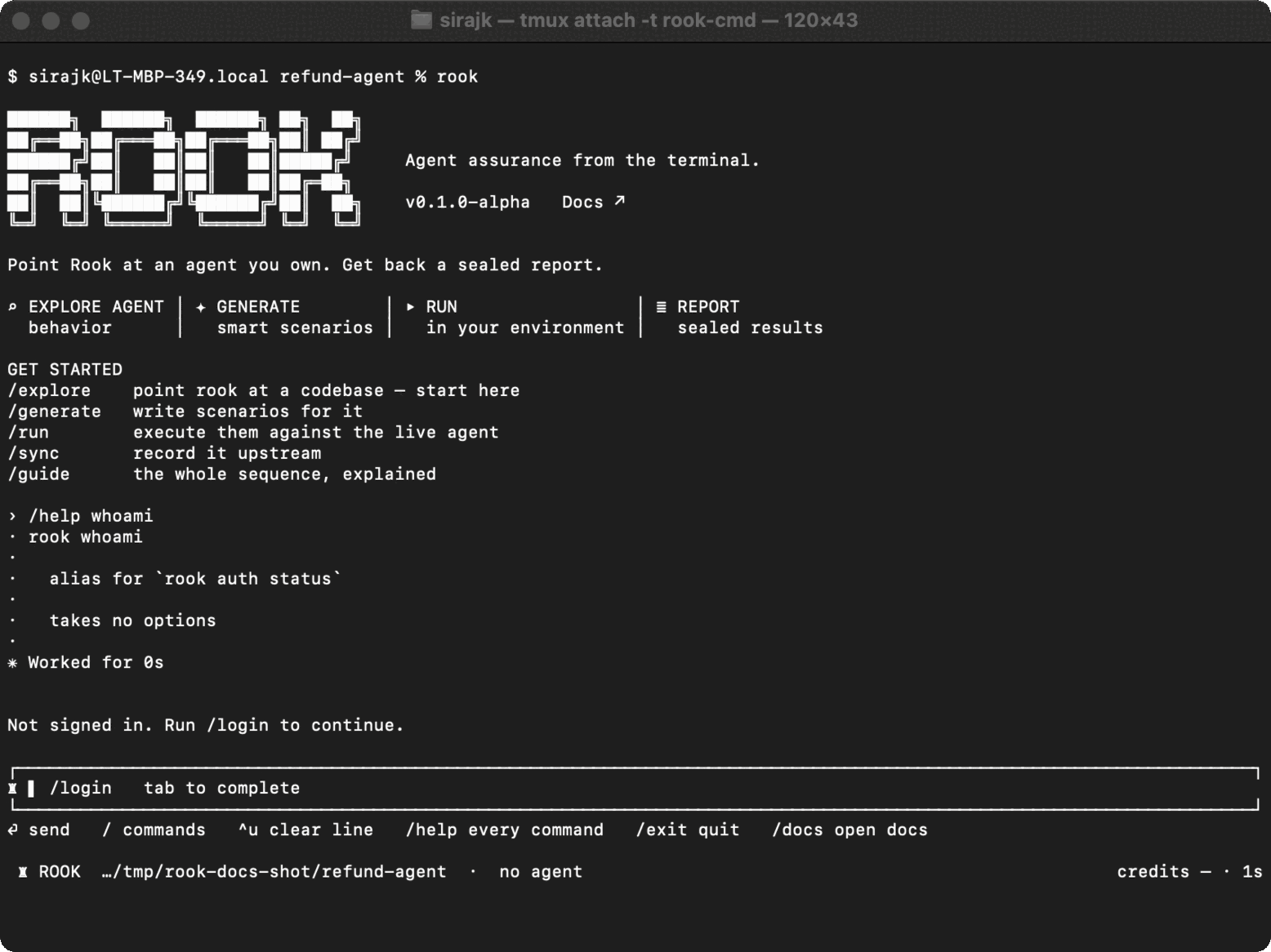
Syntax
rook whoami
This is an alias for:
rook auth status
Real-world uses
Verify a workstation before testing:
rook whoami
rook plan
Fail an automation setup step when a Rook identity is unavailable:
rook whoami
State and errors
The command verifies the stored token, prints the account identity, and exits. It does not change project data or invoke an agent. Its output is human-readable in the current release.
If it reports no or invalid authentication, run rook login. If it reports the wrong account, log out first; credentials are shared by Rook workspaces using the same Rook home.

 Chat with Us
 Ask the Community