/sync Command
Use /sync after exploration, generation, profile changes, or manual edits to record the local project tree upstream.
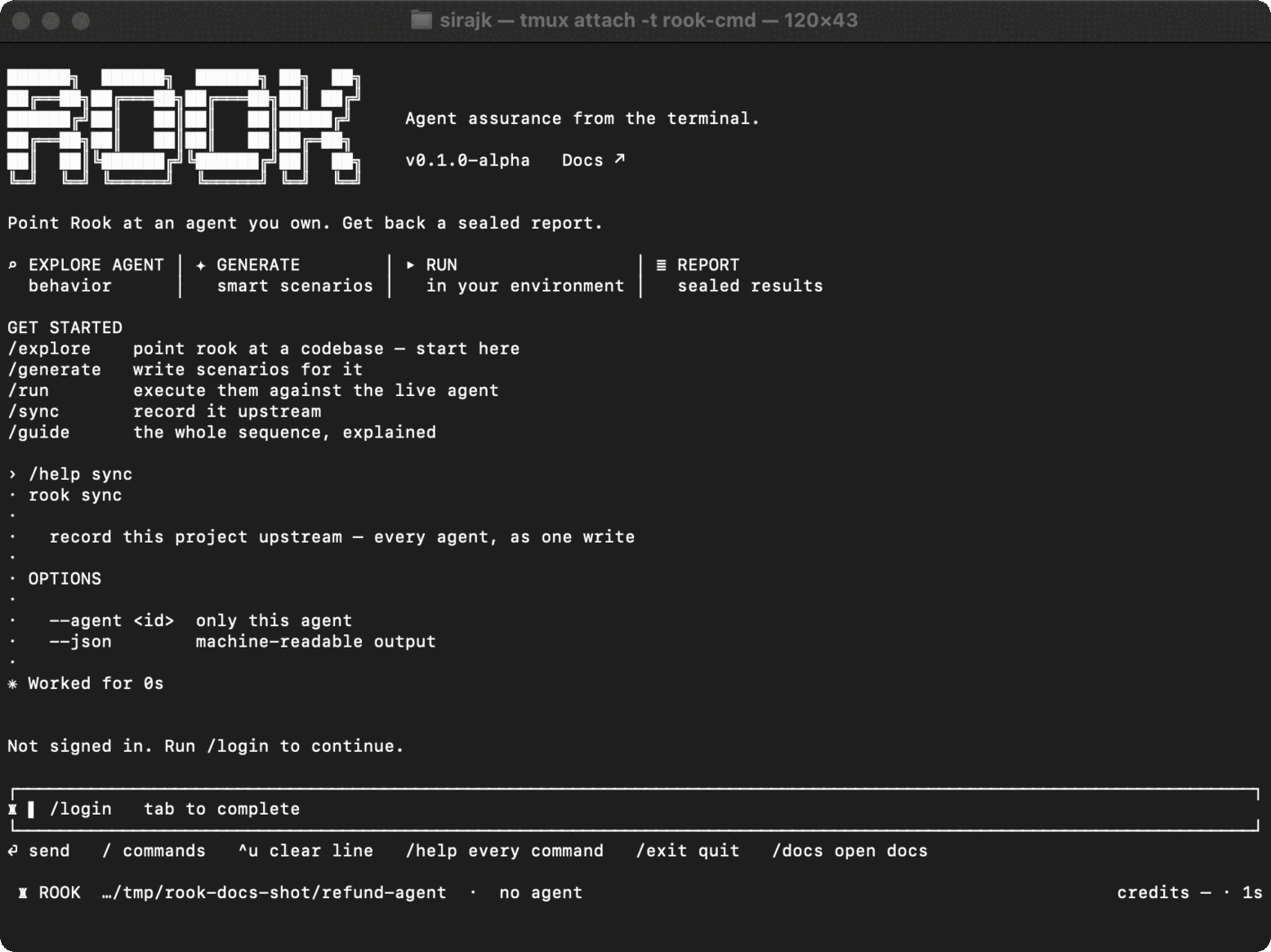
Syntax
/sync
/sync --agent <id>
/sync --json
The shell form is rook sync with the same options.
What Sync Records
By default, Rook sends every local agent in the selected project as one transaction. The payload includes each agent's specification, features, scenarios, profiles, call relationships, and content hashes. Secret values are not included; profiles record required environment-variable names while hook scripts read values from process.env.
An agent version pins its specification, features, and scenarios. Profile revisions are recorded separately, so changing an endpoint does not create a new agent version.
No-op and Conflict Behavior
- If nothing changed, Rook sends nothing and does not create a duplicate version.
- If local content changed, sync advances the upstream version.
- If another machine advanced the same agent first, Rook records the local version as a branch and reports the conflict instead of overwriting upstream state.
- An agent directory with no readable specification is skipped and reported.
Use /status before and after synchronization to see the local/upstream relationship.
Run Requirement
A timeline run requires the agent to have been synchronized at least once. When the tree changes later, an attended run can ask whether to sync or use test mode. In CI, choose explicitly between rook sync and rook run --test.

 Chat with Us
 Ask the Community