/project Command
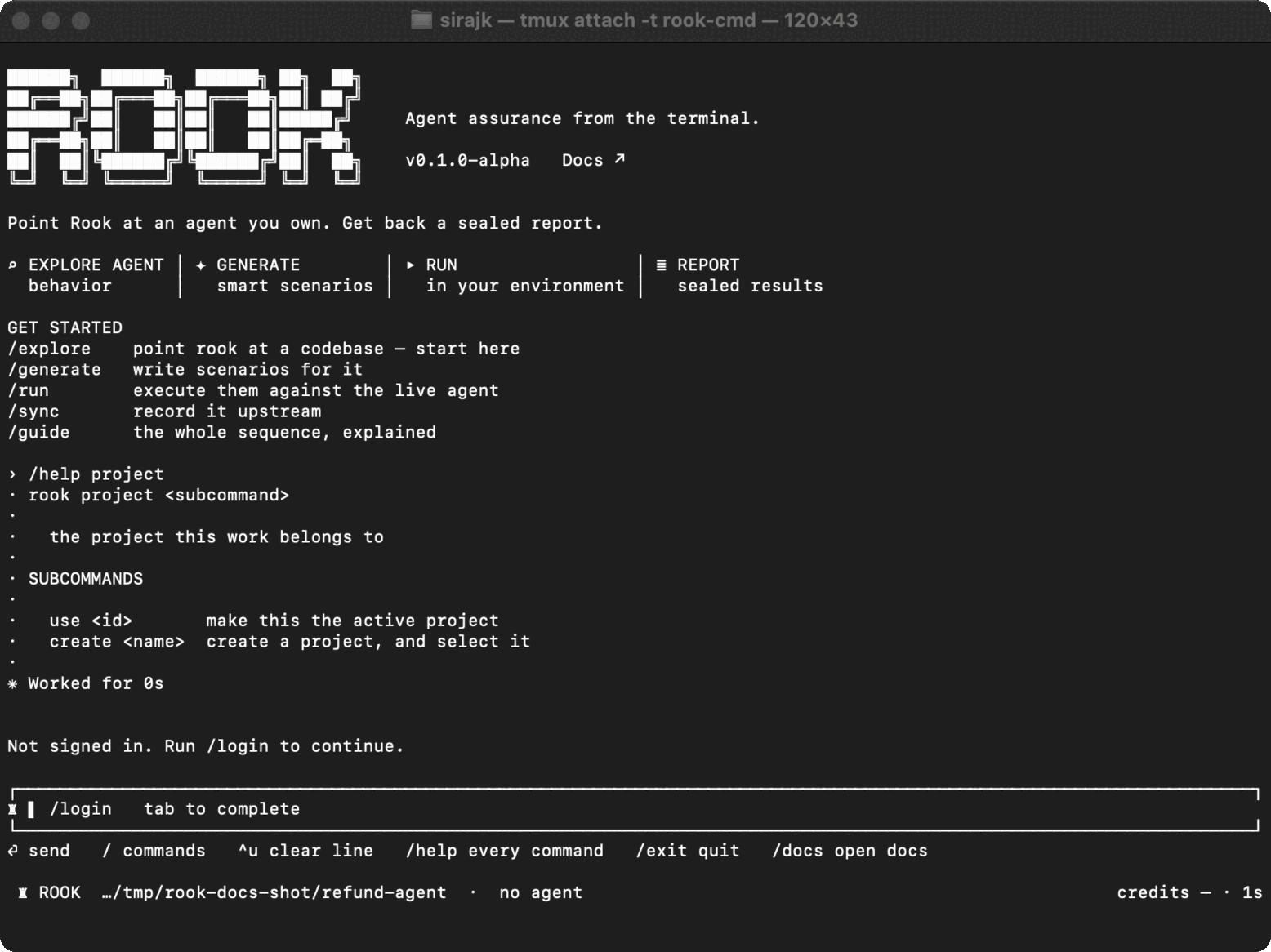
Use /project to choose the TestMu AI project that owns discovered agents, versions, and runs in the current workspace.
Syntax
/project
/project use <id>
/project create <name>
From a shell:
rook project
rook project use <id>
rook project create <name>
Behavior
| Command | Effect |
|---|---|
/project | Open a TUI picker. In a shell, print available projects and mark the active one. |
/project use <id> | Validate the project against TestMu AI and save it as the active project for this workspace. |
/project create <name> | Create a project and select it immediately. |
The active-project pointer is stored locally, alongside a separate working tree for each selected project. TestMu AI remains the authority for the projects the account can access.
Why Selection Comes First
Rook scopes the local agent tree below the project ID. Switching projects changes which active agent, features, scenarios, profiles, and runs Rook sees; switching back restores that project's previous active agent.
If access to the active project is revoked, Rook asks you to choose another project. Signing in again does not repair a project-level permission failure.

 Chat with Us
 Ask the Community