Creating your first Dashboard using TestMu AI Analytics
Using Custom Dashboards
Add widgets of multiple products and various insights to your dashboard. You can create a custom dashboard with the widgets of your choice. You can add widgets of the same type multiple times and also edit the layout of the dashboard according to your configuration.
Prerequisites
The following are requirements:
- Should be logged in to the TestMu AI application using your credentials. If account is not created, please create an new account here.
- Have executed any tests on the TestMu AI Cloud Platform. (Optional)
Step 1: Navigate to TestMu AI Insights
Once, logged in to the application, please navigate to https://analytics.lambdatest.com/ or you can select Insights from the sidebar navigation as well.
Step 2: Creating the dashboard
Now, you can select the available options to create new. Once, selected you will be able to select the required widgets according to the choice of your product for which you want to create the dashboard for.
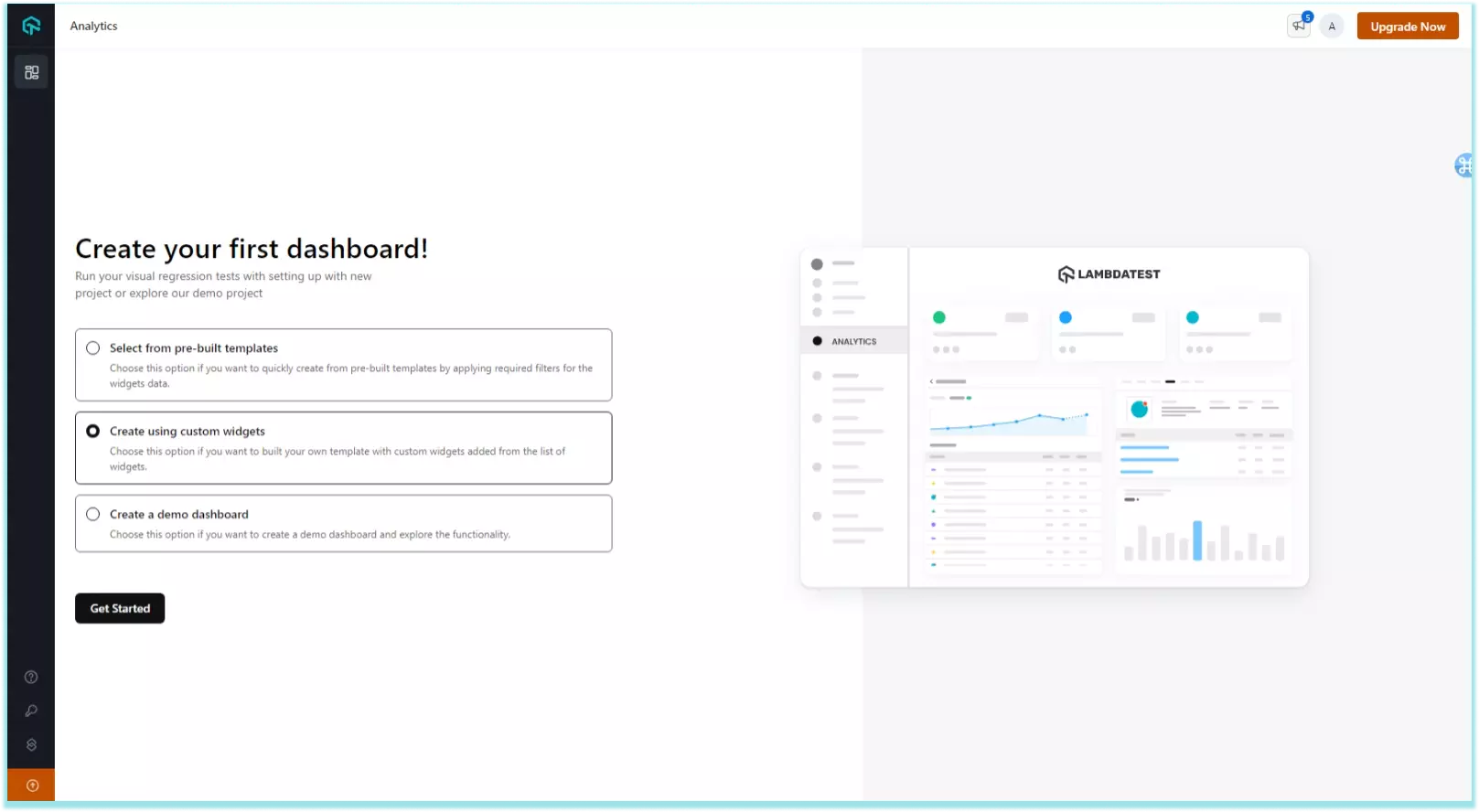
You can also create a Demo Dashboard on choosing this option you can explore the platform with dummy data for exploring the dashboard and widgets supported by the platform.
Or you try using the Pre-built templates for quick dashboard creating for your required reports. To know more click here.
Step 3: Adding the required widgets
Now, you select any widget you want to be added to the dashboard from the available list. You can filter by product and by category.
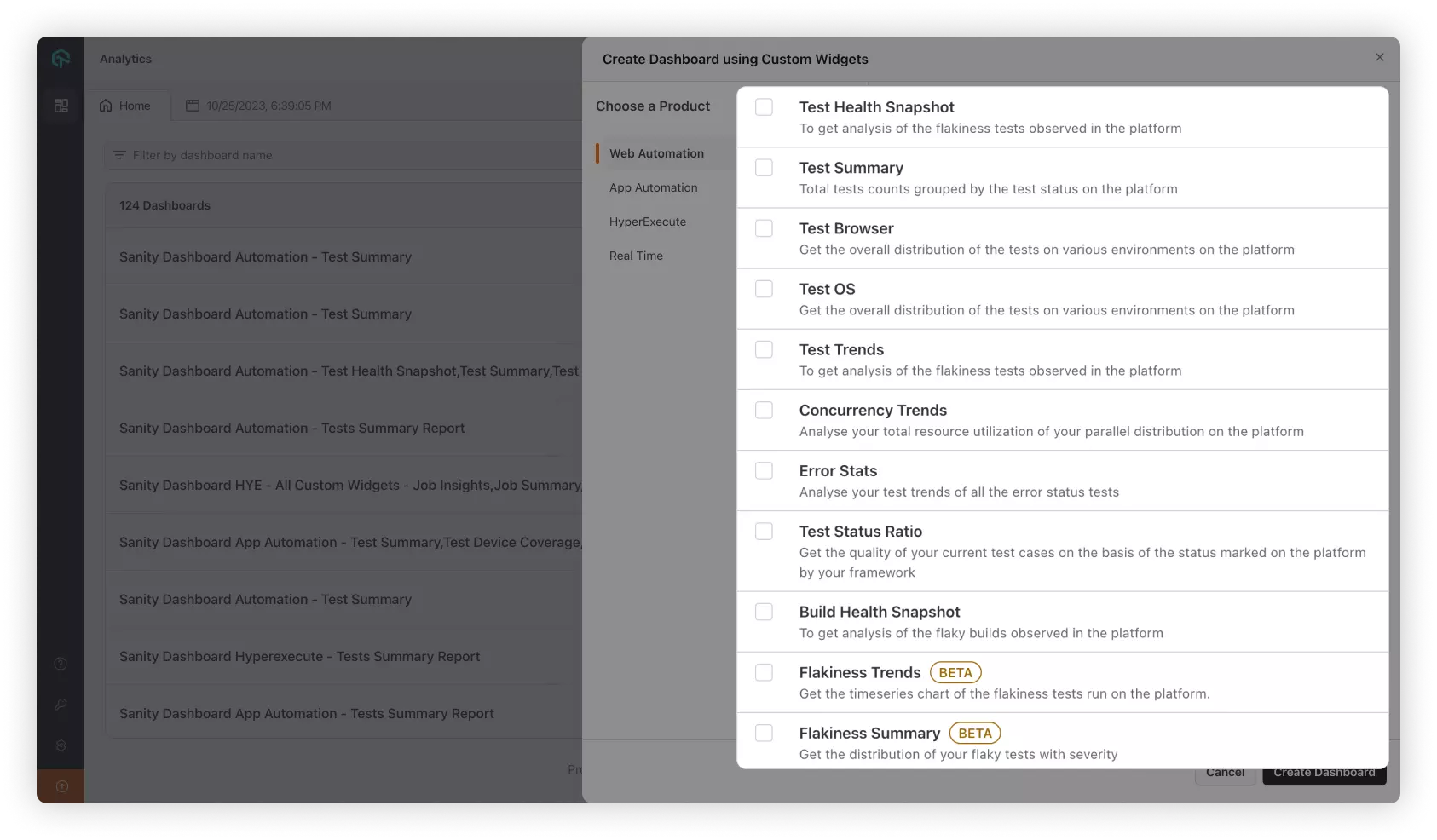
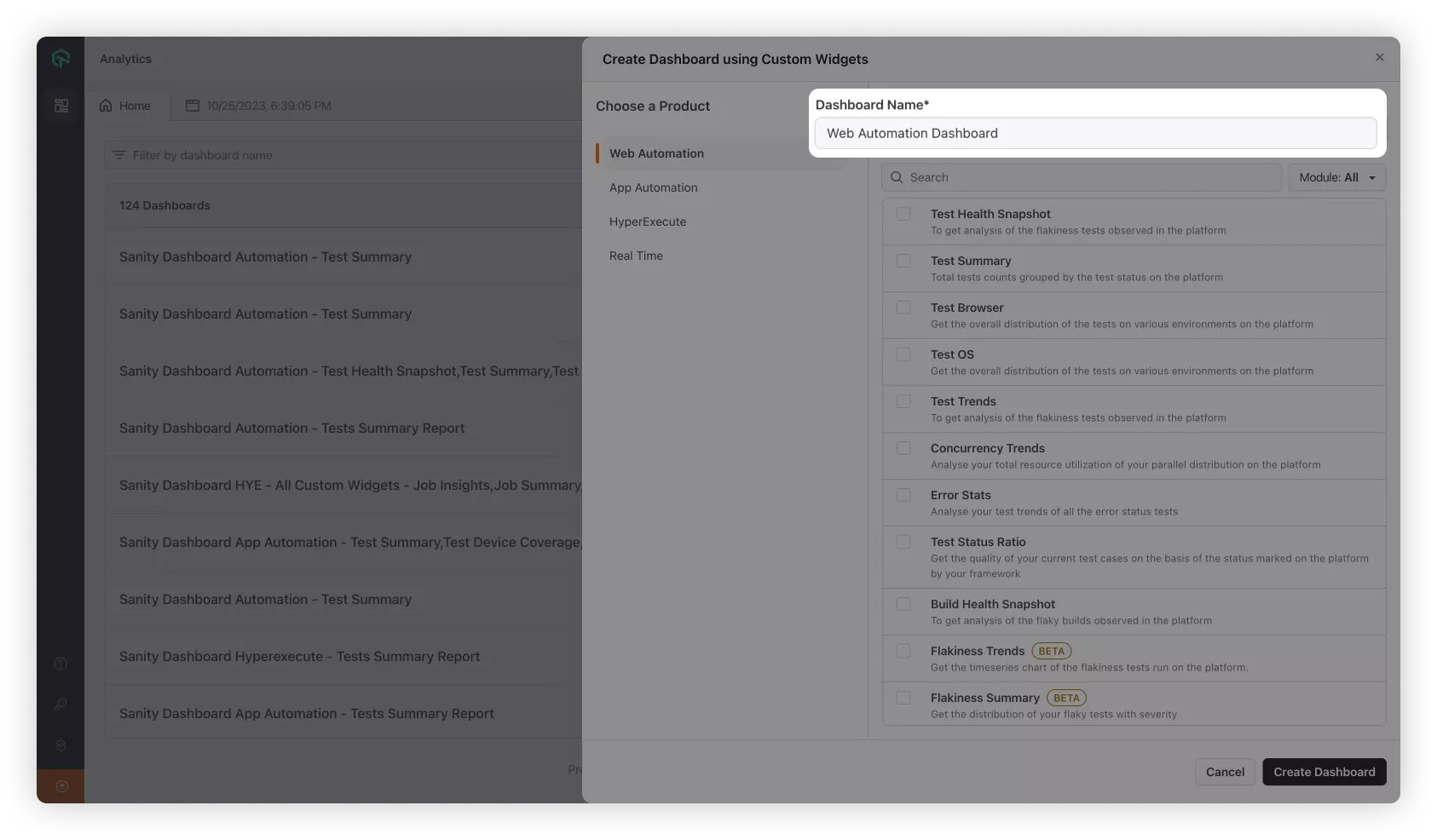
Add Dashboard Name of your choice, according to the report which needs to be created. Then, click on the Create New Dashboard button and you're done!
Your dashboard is ready to start Analyzing the data of all your tests which are executed using the TestMu AI Cloud platform.
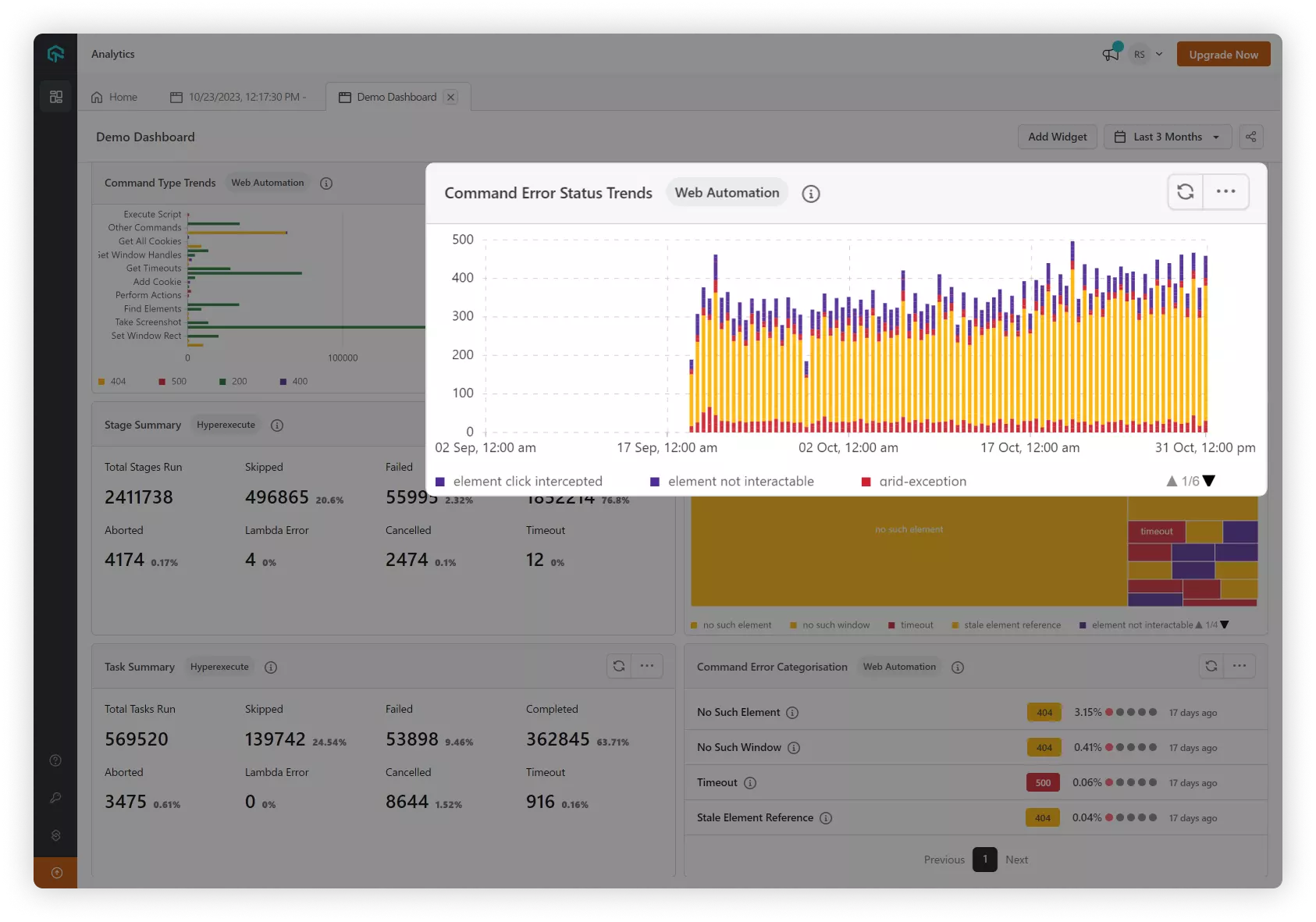
You can add more widgets of the same type to your dashboard multiple times and also edit the layout of the dashboard according to your configuration.


 Chat with Us