Managing Automated Tests with Test Manager
Test Manager enables the creation and management of automated test cases directly within its platform. This feature not only streamlines test case development but also integrates AI to auto-generate BDD Scenarios from automated test runs, further optimizing the management of testing activities.
You can link an automation run to a test case in three ways: automatically when a run completes, manually from the automation dashboard, or directly from your test script using a capability (tms.tc_id). Each approach is covered below.
Automatic Linking of Automation Runs
- Initiate the automation script and once it completes, proceed to the automation dashboard. The automation test run will be visible.
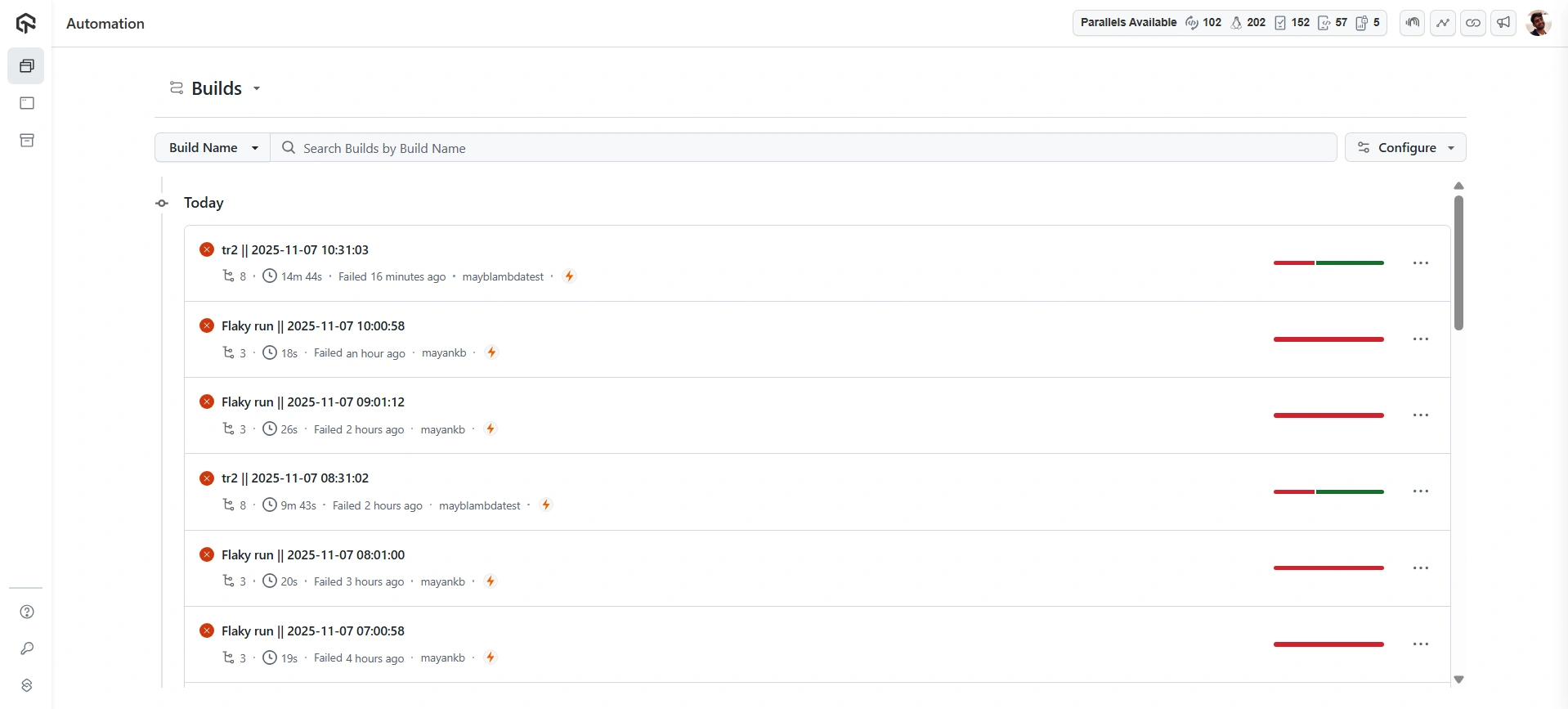
- Open the Test Manager dashboard, and in the Projects section, you will find the TestMu AI Automation project automatically created.
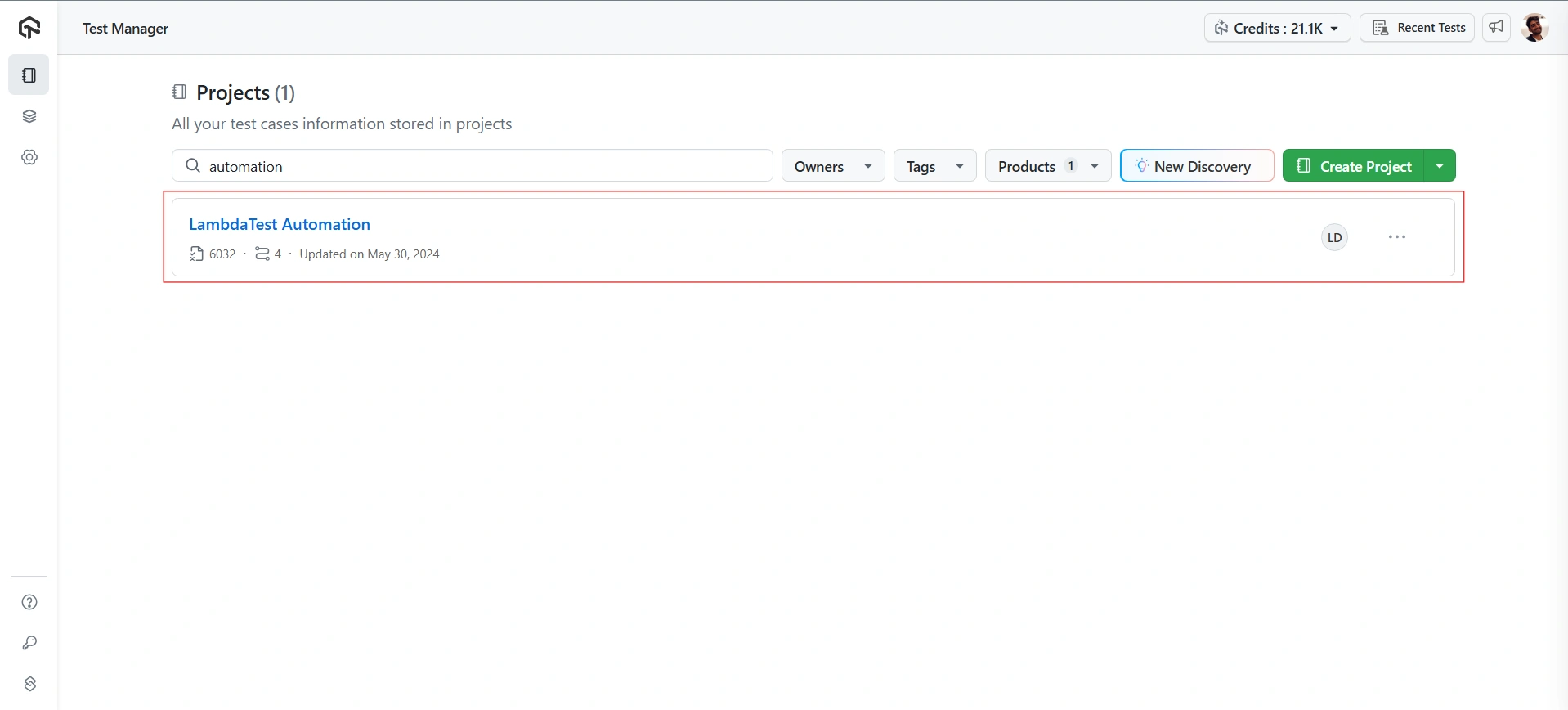
- Upon opening the newly created project, the automatically generated test case title from the automation process will be visible.
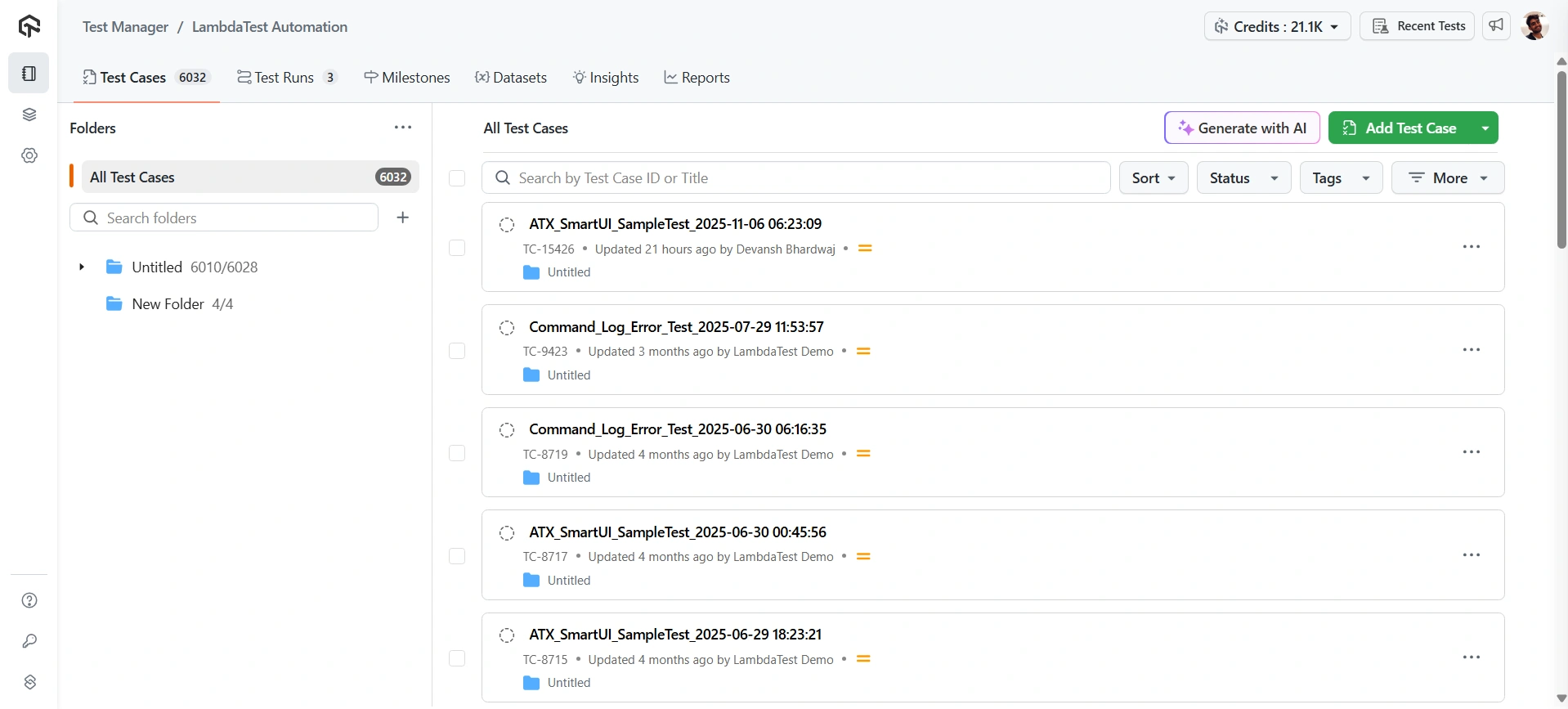
- In the Test Case section, BDD Scenarios will be automatically visible in the Test Case that is created from the command logs of the linked automated test run.
Currently, this feature is supported for Selenium Web frameworks.
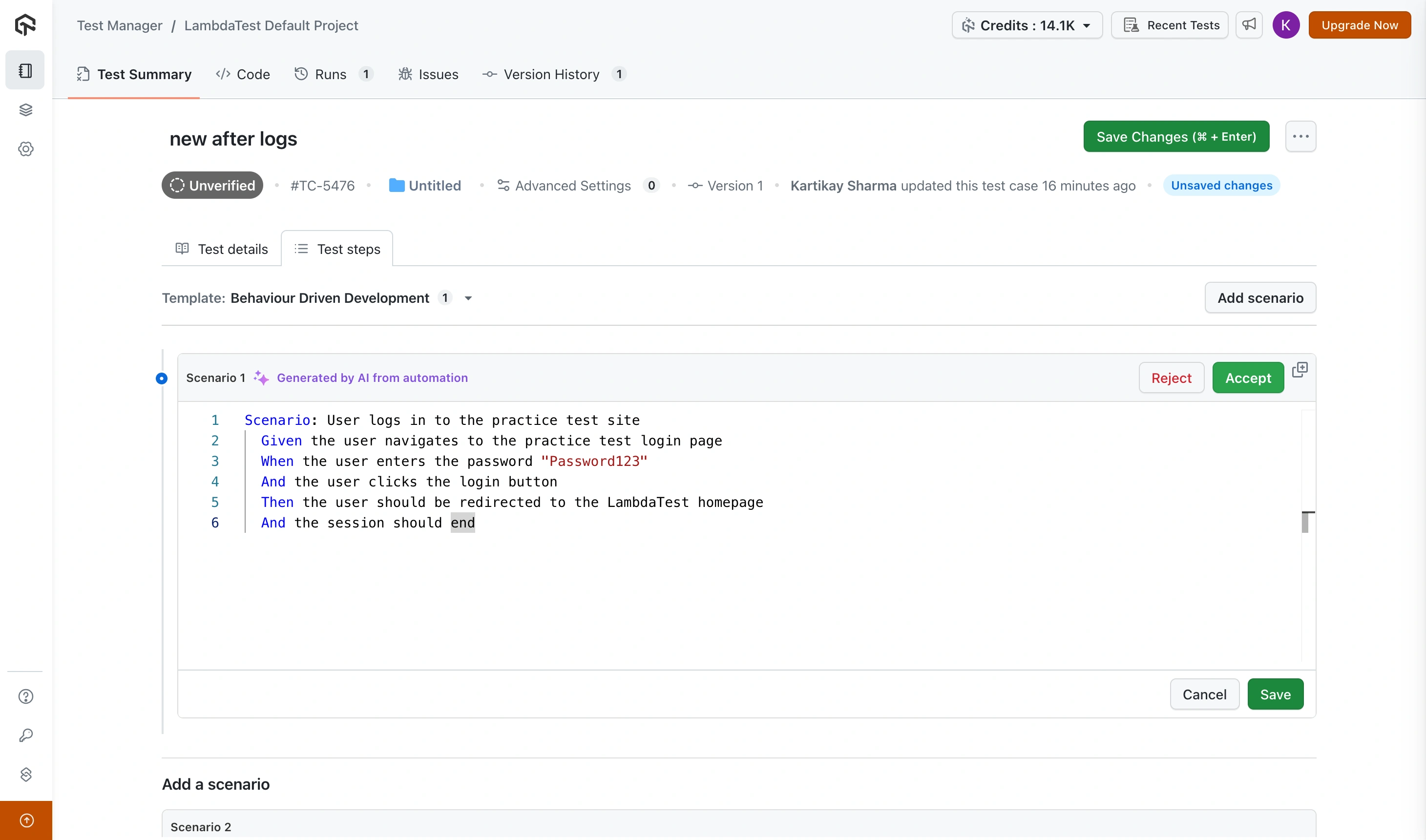
Manual Linking from the Automation Dashboard
- On the right side of the automation dashboard, there are two toggle buttons: one to open the Test Case and another to Unlink Test.
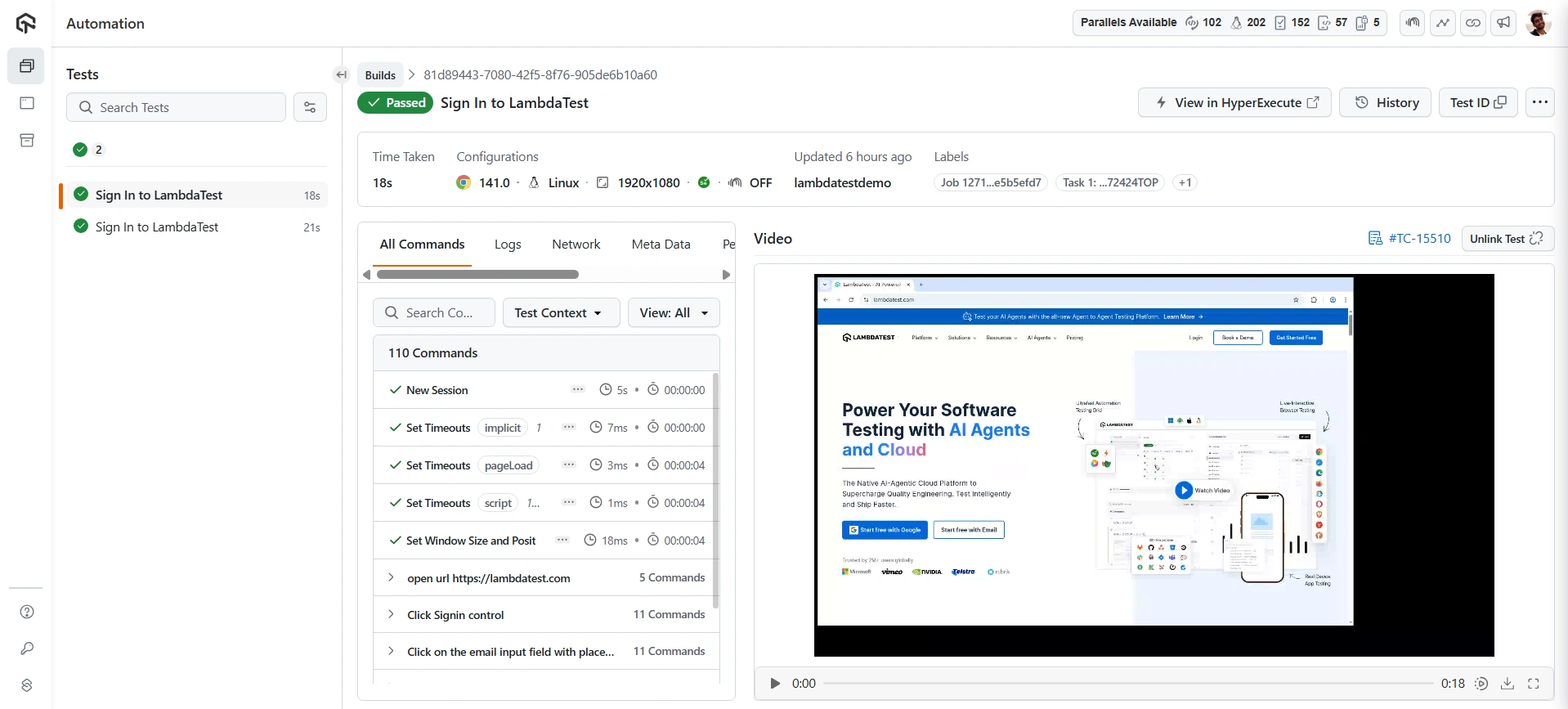
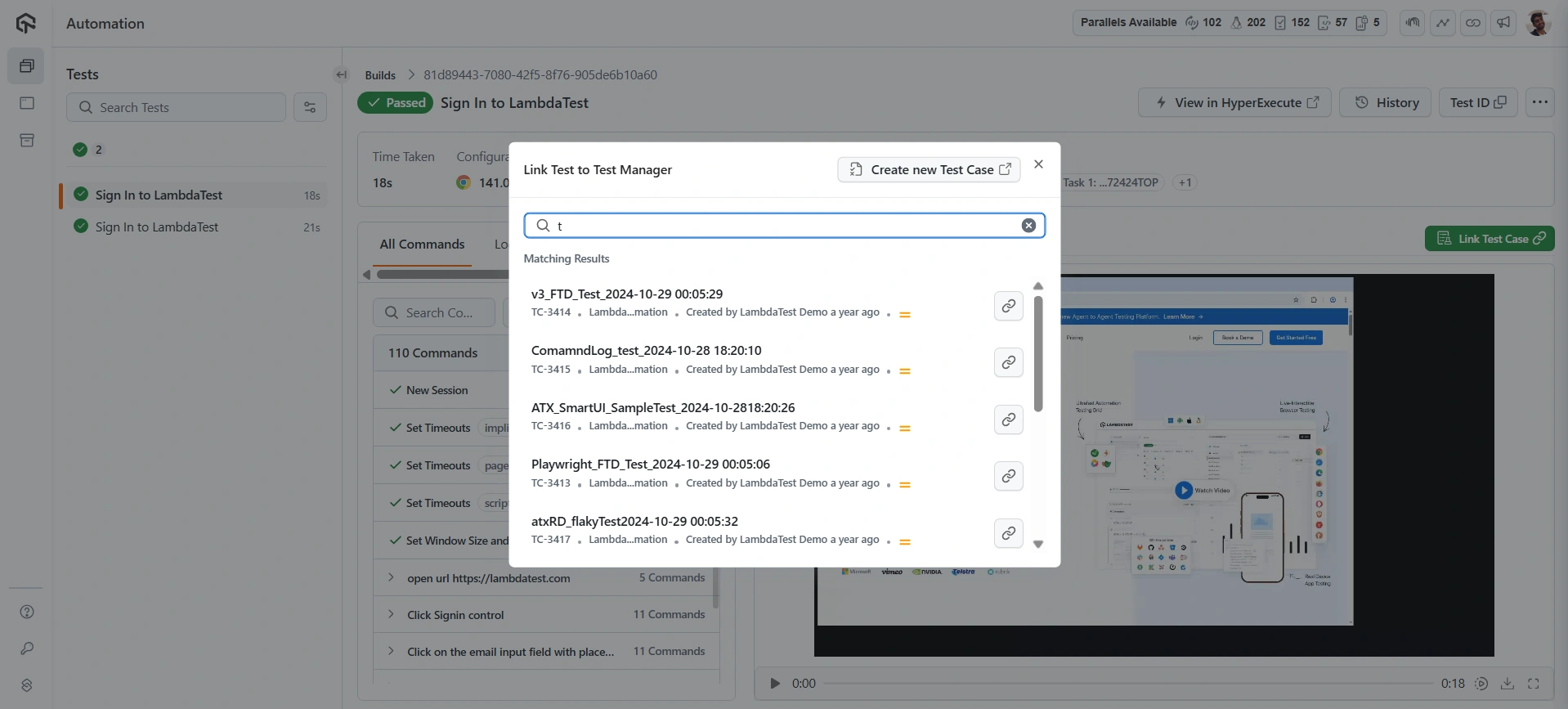
- To link a test case, click on Link Test Case. You can browse the test cases or add new test cases by clicking on Create new Test Case for your automation script.
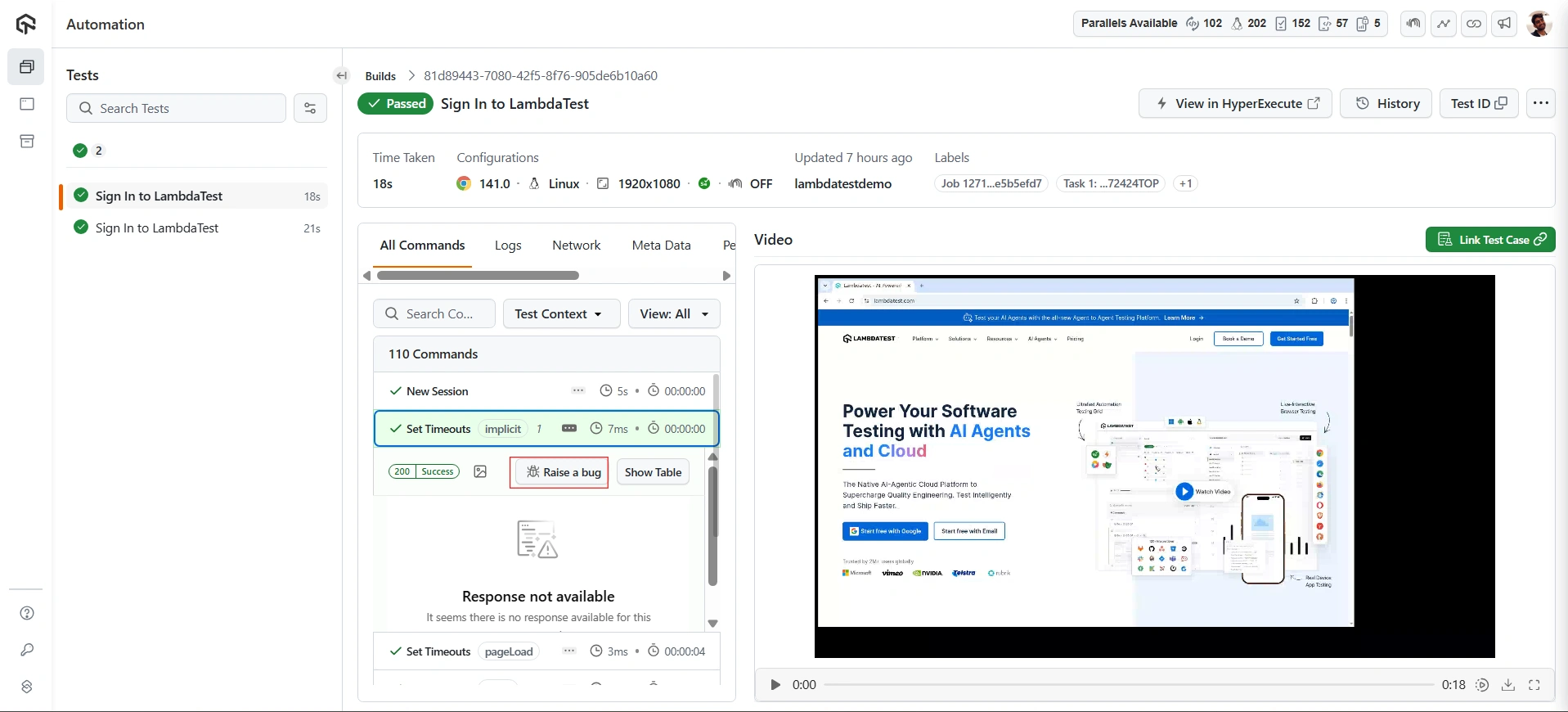
- Initiate bug reporting directly from the automation dashboard by selecting Raise a bug.
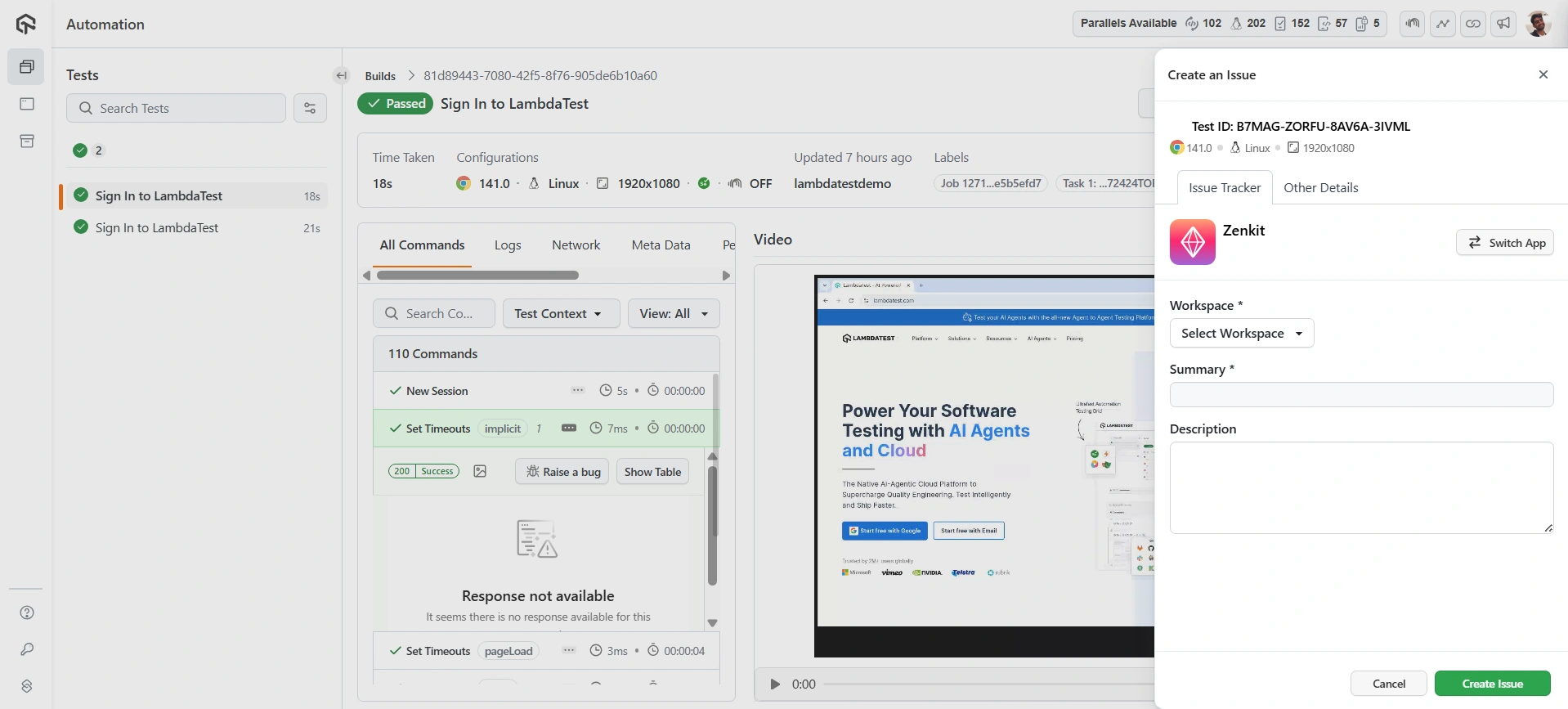
- It will open an instance window, enter the details required to automatically link the bug to your Jira account, streamlining the issue creation process.
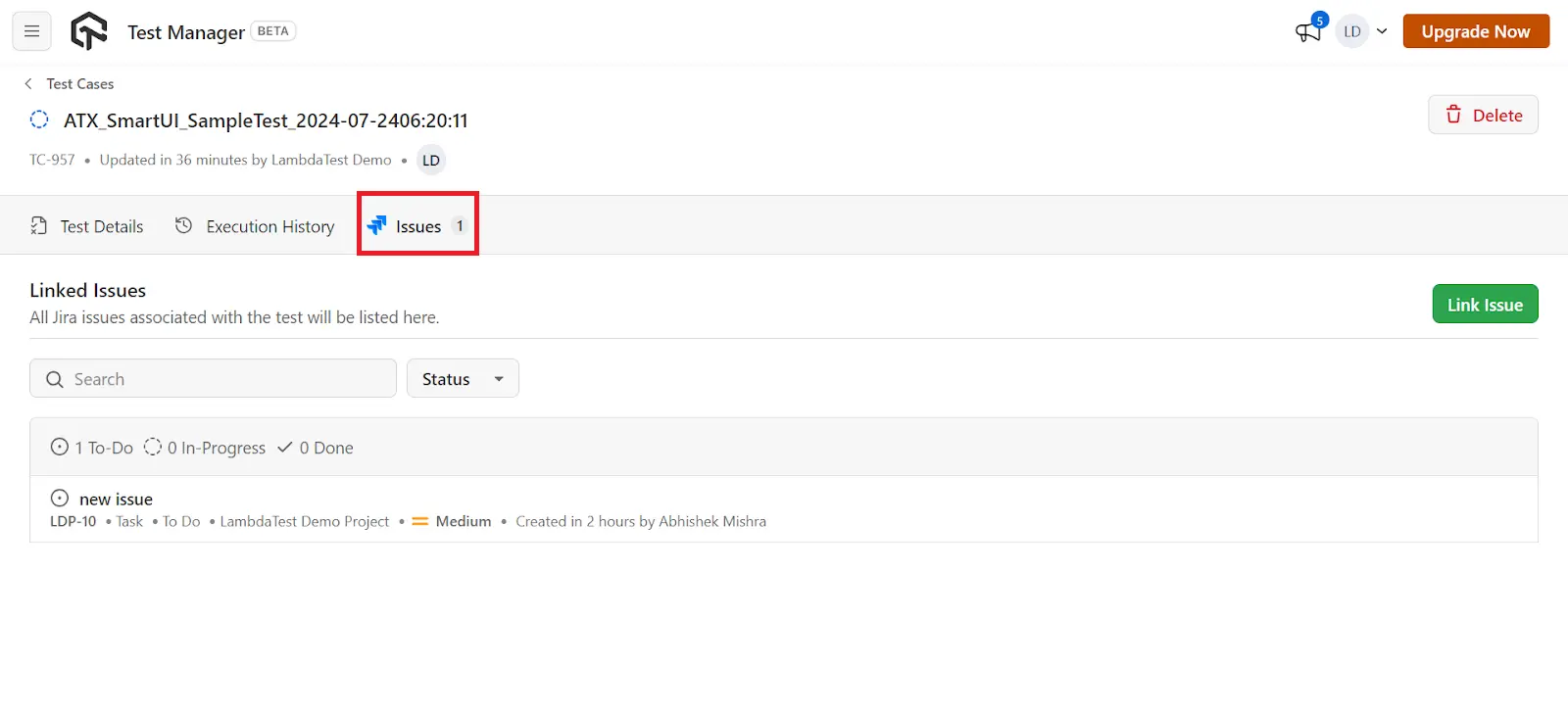
- Once logged, the issue is immediately reflected in the Issues section of the corresponding test case.
Linking via Capabilities
Test Manager supports linking automated test runs directly to specific test cases using Test Case IDs. This feature enables better traceability and management of your automated testing workflow.
Currently, this feature is supported on HyperExecute and Web Automation tests.
How to Link a Test Case ID
To link an automated test run with a specific test case, add the tms.tc_id key in the lt:Options section of your test capabilities. Here is a sample configuration demonstrating how to include the tms.tc_id key in your script:
const capabilities = {
  "lt:Options": {
      "project": "Your Project Name", // Specify the project where the test run should be created
      "tms.tc_id": "TC-1470" // Link the test execution to the Test Case ID 'TC-1470'
  }
};
lt:Options: A JSON object containing additional options for TestMu AI configurations.project: The name of the project in Test Manager where the test run should be created. If not specified, the test run will be created under LambdaTest Default Project.tms.tc_id: The key used to link a test case in Test Manager. Replace "TC-1470" with your desired Test Case ID.
Specifying Target Project
When you link a test case using tms.tc_id, a test run is automatically created with your build name. By default, this test run is created under LambdaTest Default Project.
To ensure the test run is created in the correct project, use the project capability along with tms.tc_id:
const capabilities = {
  "browserName": "Chrome",
  "browserVersion": "latest",
  "lt:Options": {
      "platform": "Windows 10",
      "build": "Playwright Build",
      "name": "Sample Test",
      "project": "Demo-Project", // Target project name
      "tms.tc_id": "TC-95668" // Test case ID from the target project
  }
};
The project name must match exactly as it appears in Test Manager. If the project name is incorrect or doesn't exist, the test run will be created under LambdaTest Default Project.
- Ensure the Test Case ID exists in Test Manager before linking.
- The Test Case ID format should match exactly as shown in Test Manager
- Each automated test run can be linked to one test case at a time
- The test case specified in
tms.tc_idshould belong to the project specified inprojectcapability


 Chat with Us