SpecFlow Report
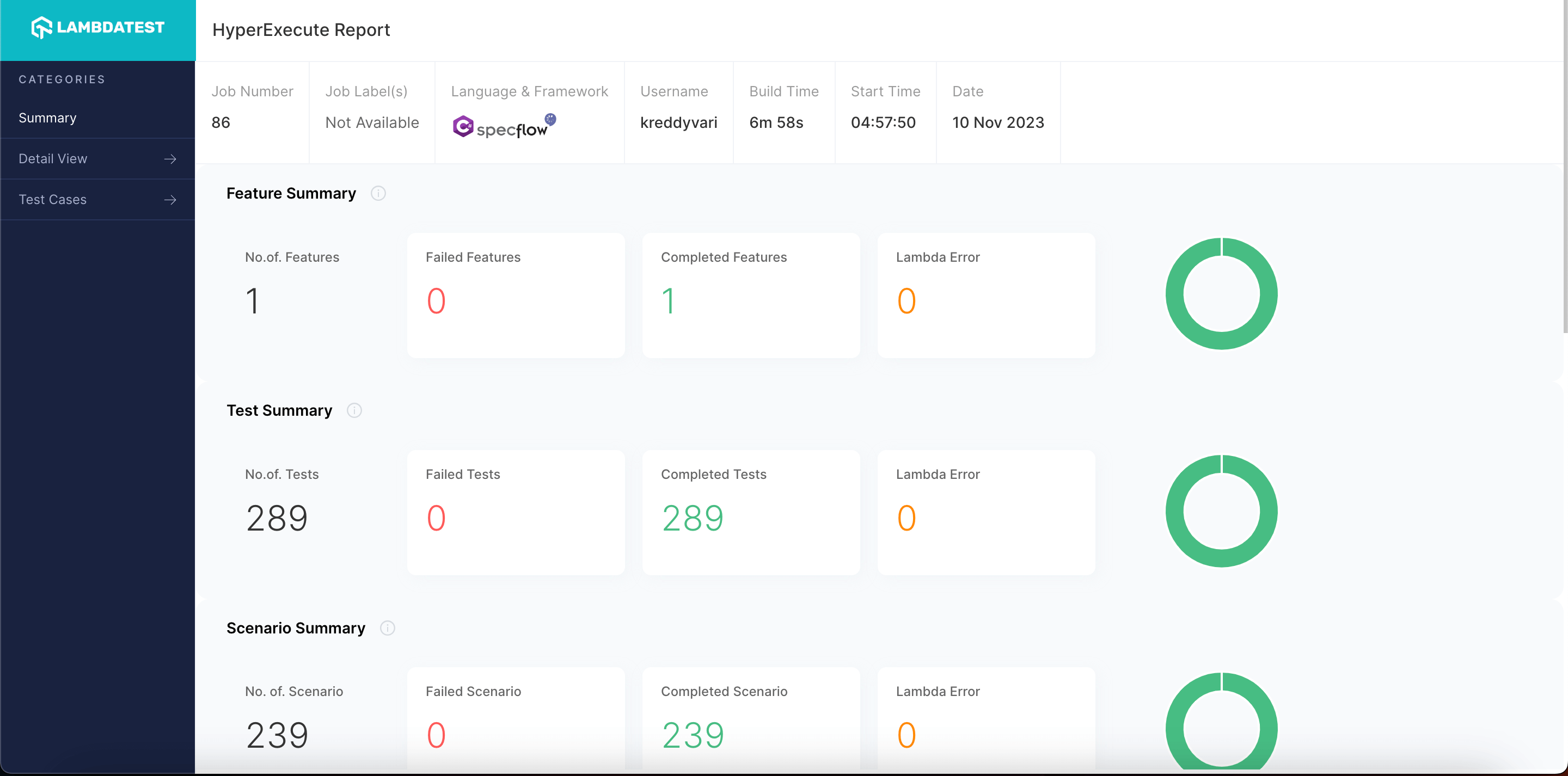
SpecFlow is a free tool for automating tests using BDD. It's often used to create automation scripts for .NET projects. This technical document provides a guide on generating SpecFlow reports after executing tests on HyperExecute.
We also offer Custom Specflow report.
Steps to Generate Specflow Reports on HyperExecute
Step 1: Configure all the necessary dependencies and configurations to your project.
Step 2: Configure the report parameters in the HyperExecute YAML file.
Verifiedreport: true
partialReports:
location: YOUR_REPORTS_LOCATION
type: html
frameworkName: specflow
Step 3: Now execute your job by triggering the HyperExecute CLI. You can visit the HyperExecute dashboard to download the report after job completion.


 Chat with Us