GitHub Repo-Based OAuth Integration
TestMu AI allows you to integrate with GitHub using repo-based OAuth to log issues directly to your GitHub repository from the TestMu AI platform.
Integrating Your GitHub Account Using Repo-Based OAuth
-
Log in to your TestMu AI account. Ensure that you have either admin or user level access to view and install third-party integrations.
-
Navigate to Integrations from the left-sidebar under Settings.
-
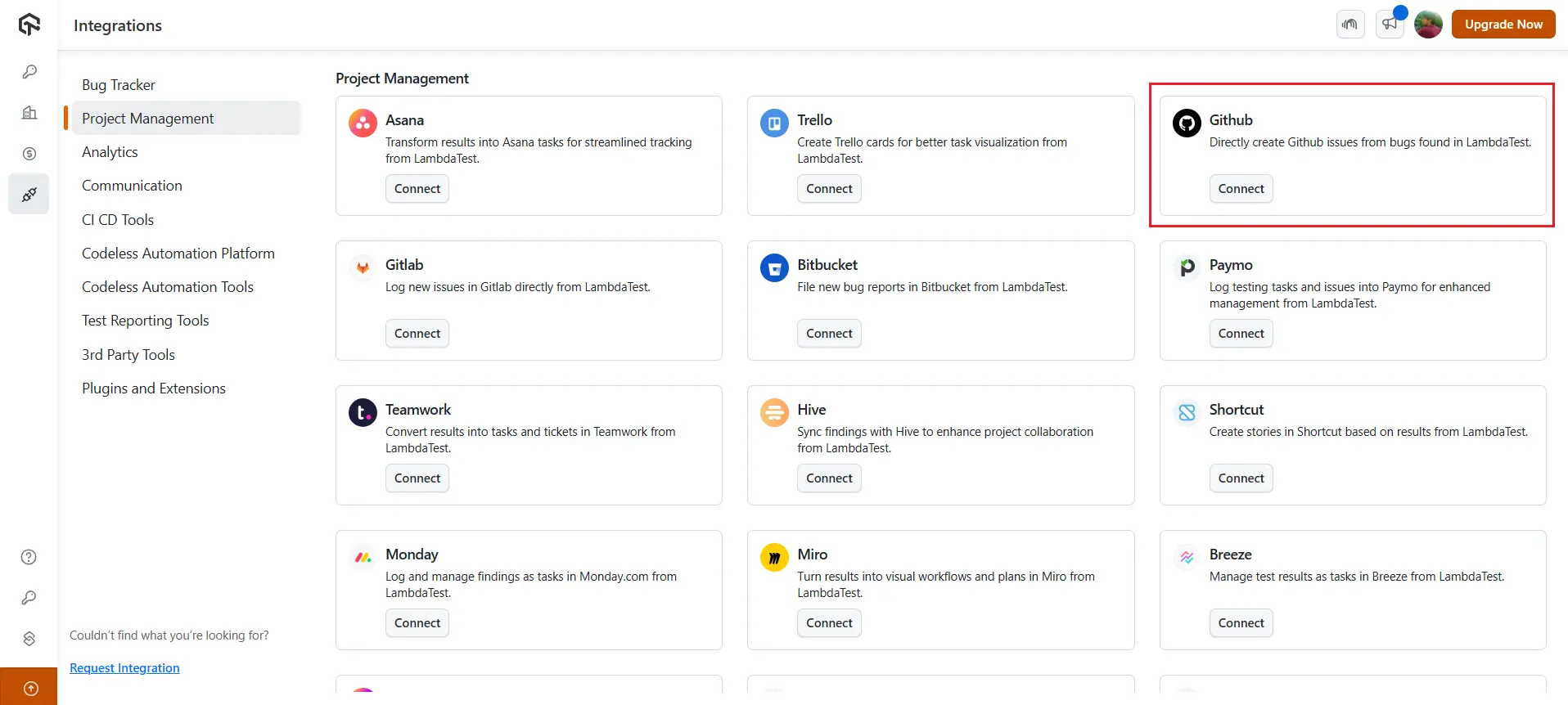
Click on Project Management, then click Connect on the GitHub card.
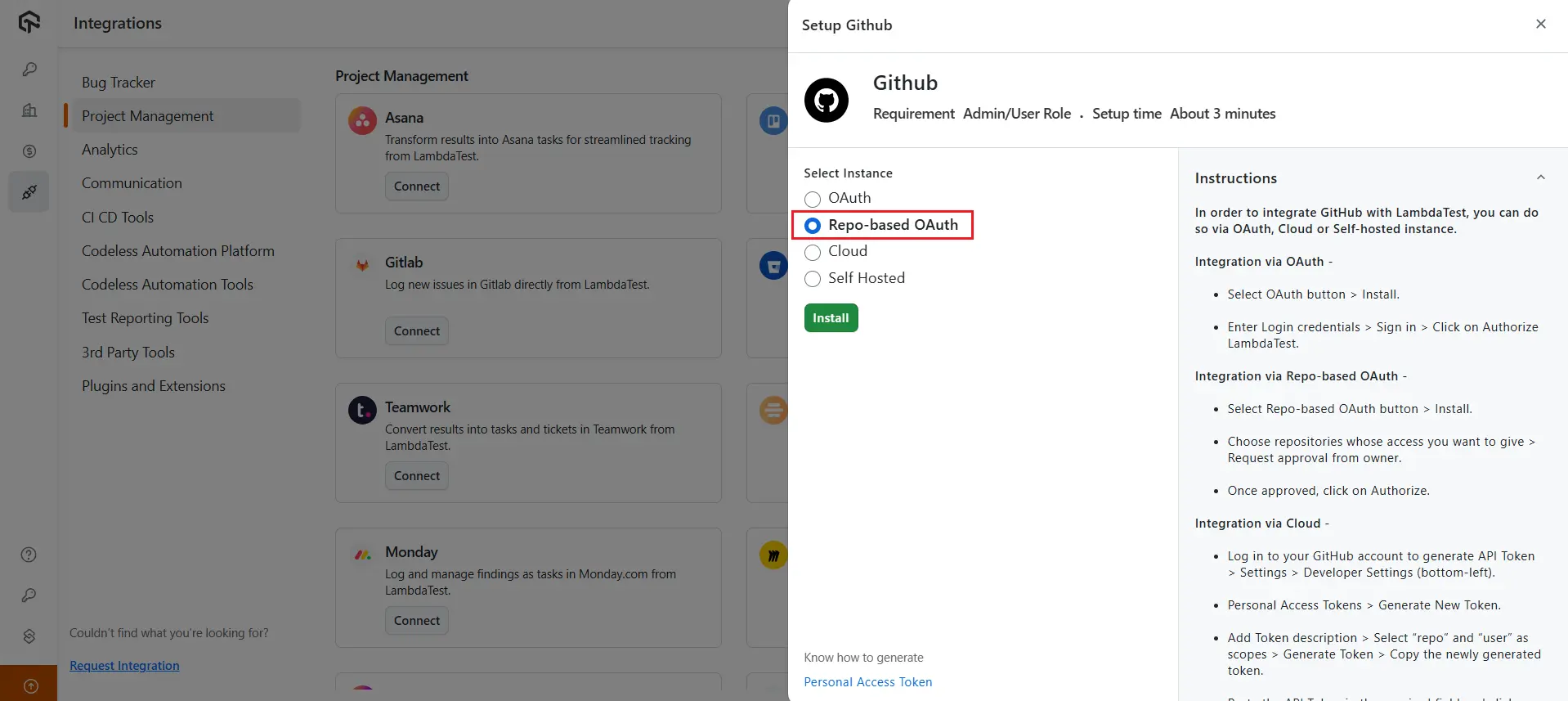
- Select instance as Repo-based OAuth.
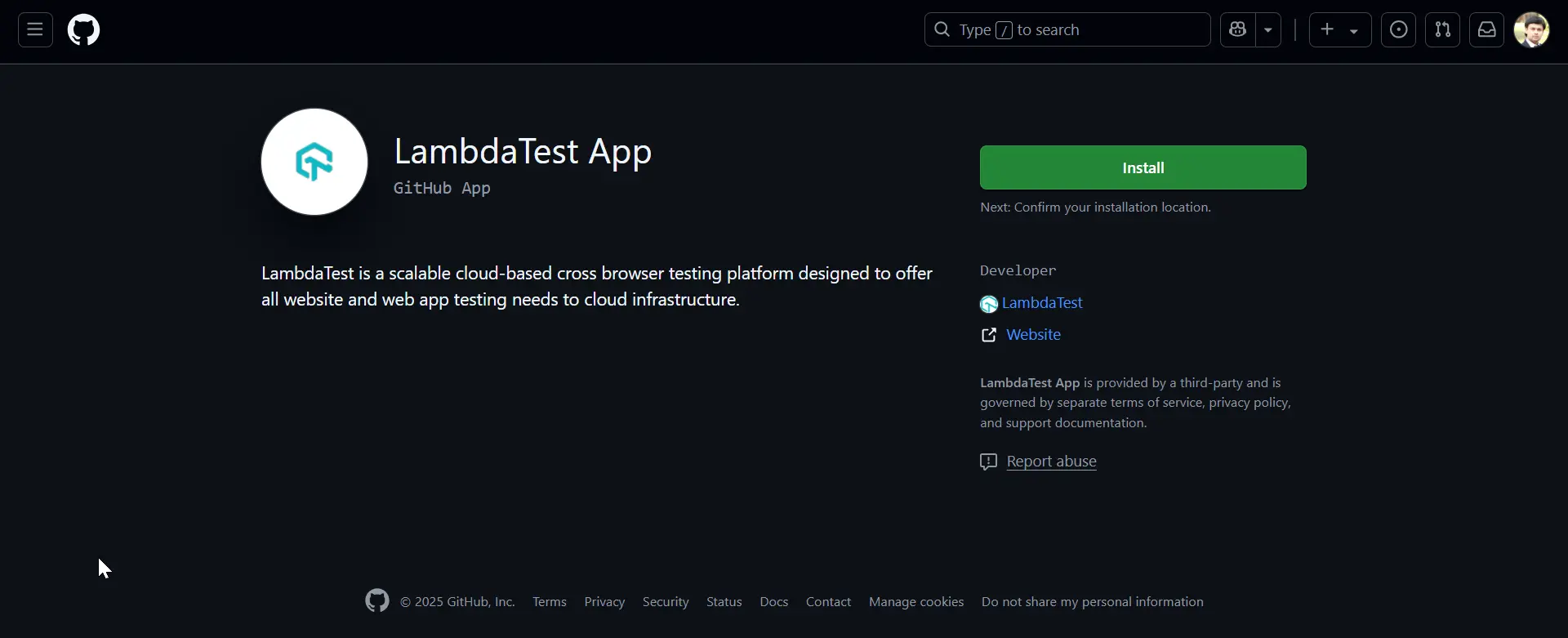
- Click Install to install the TestMu AI App.
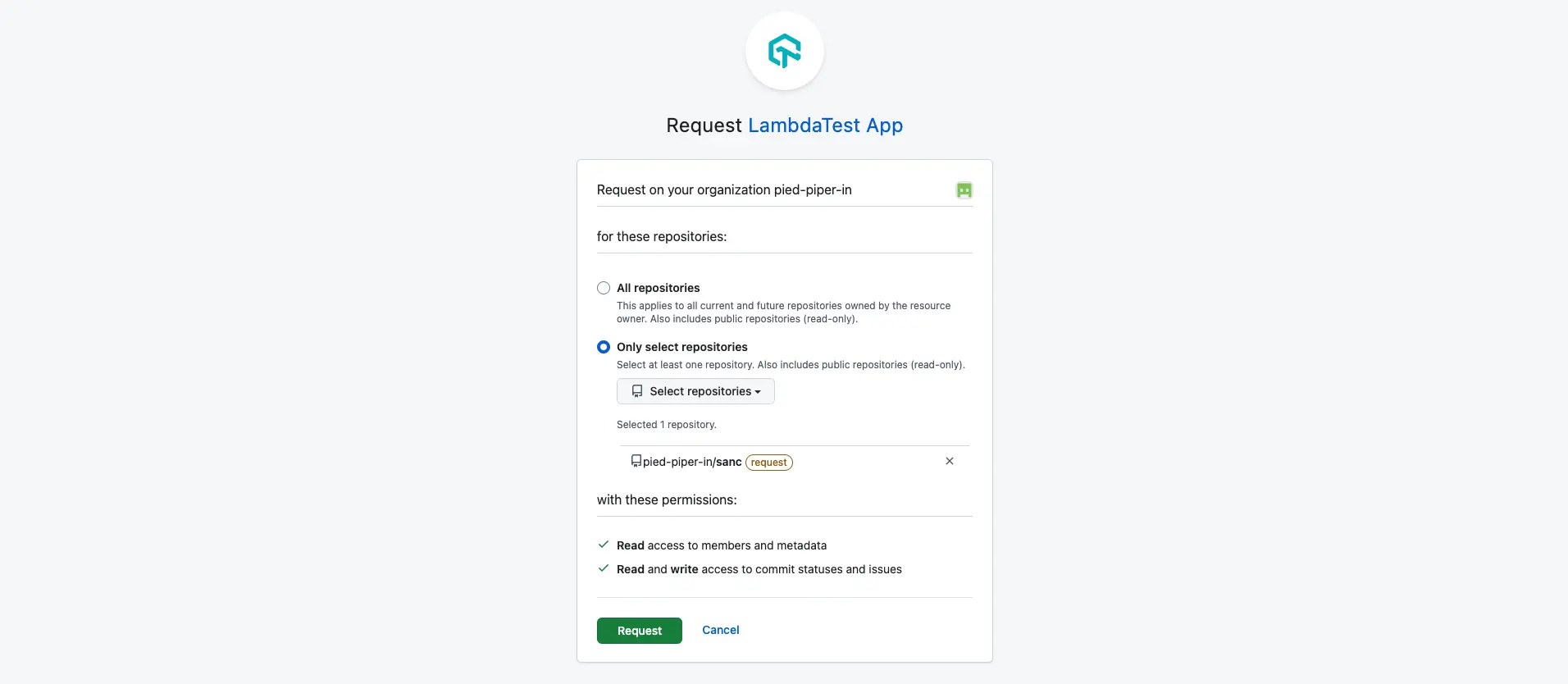
- Choose the installation location. Instead of granting access to all GitHub repositories, you also have the option to select a specific repository for installing the TestMu AI App.
After selecting the installation location, click Request to get the approval for the repository authorization.
- Once your installation request is approved, navigate back to the GitHub setup dashboard and click Authorize.
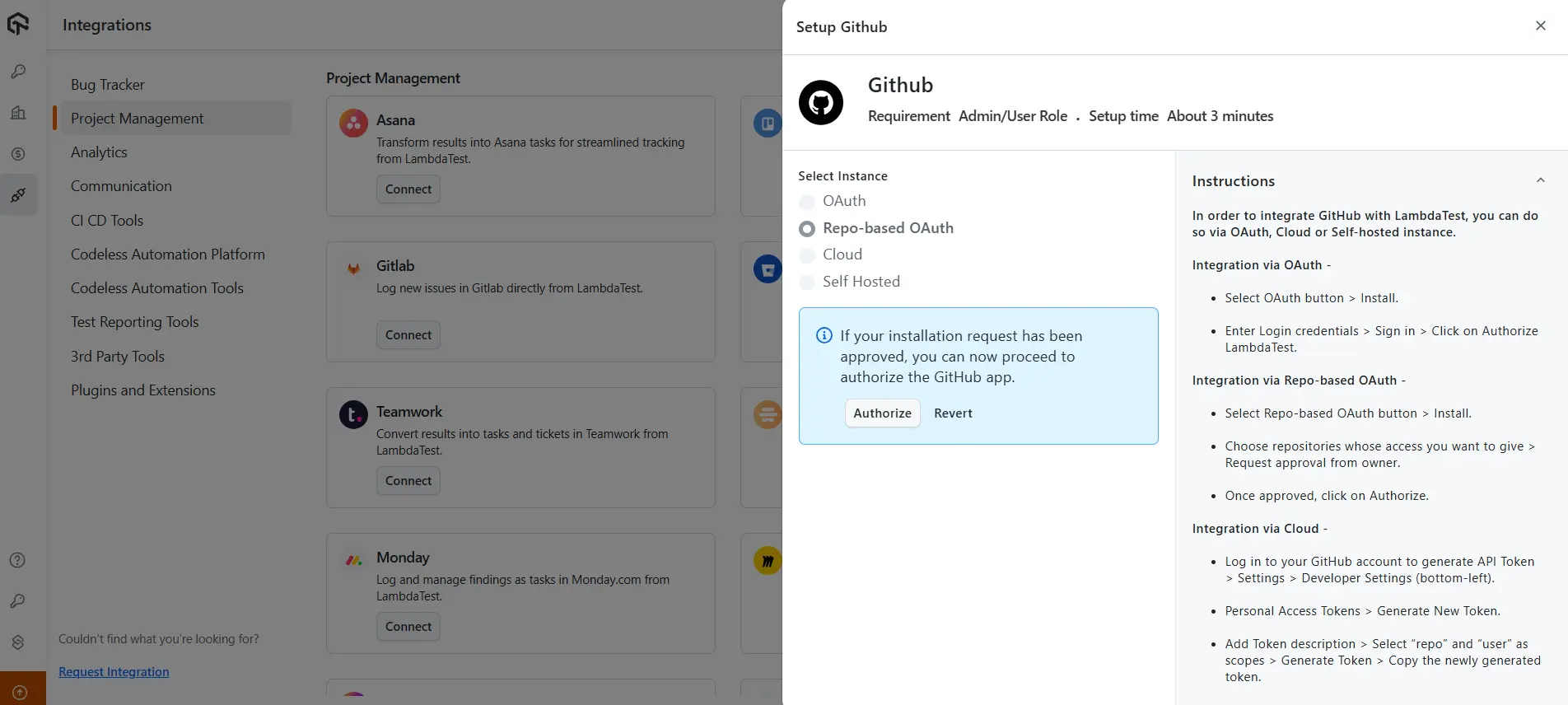
- Click Continue to authorize the GitHub repository.

- After you complete the authorization, GitHub will install the TestMu AI App.
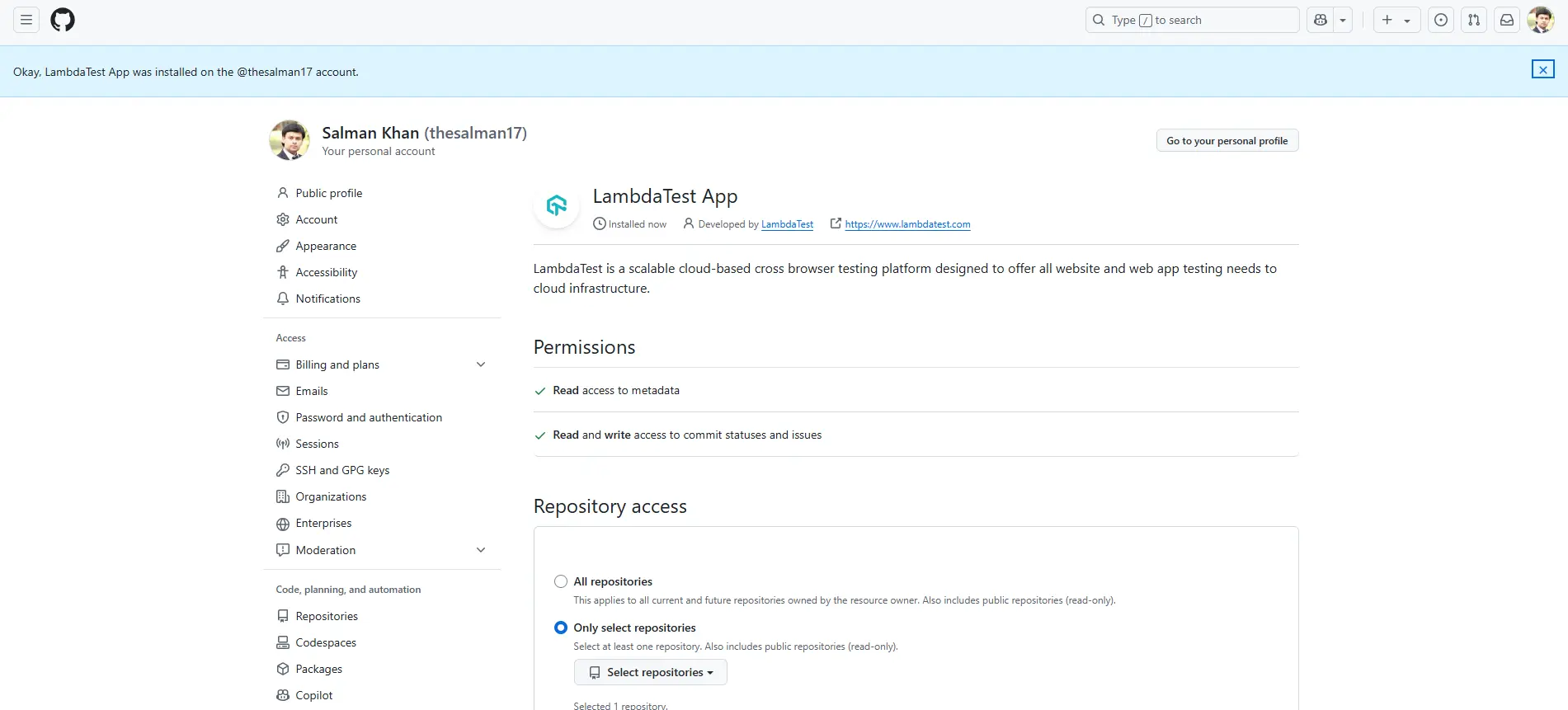
- Navigate back to the Integrations console and you'll notice your TestMu AI account will be integrated with GitHub using repository-based OAuth authentication.
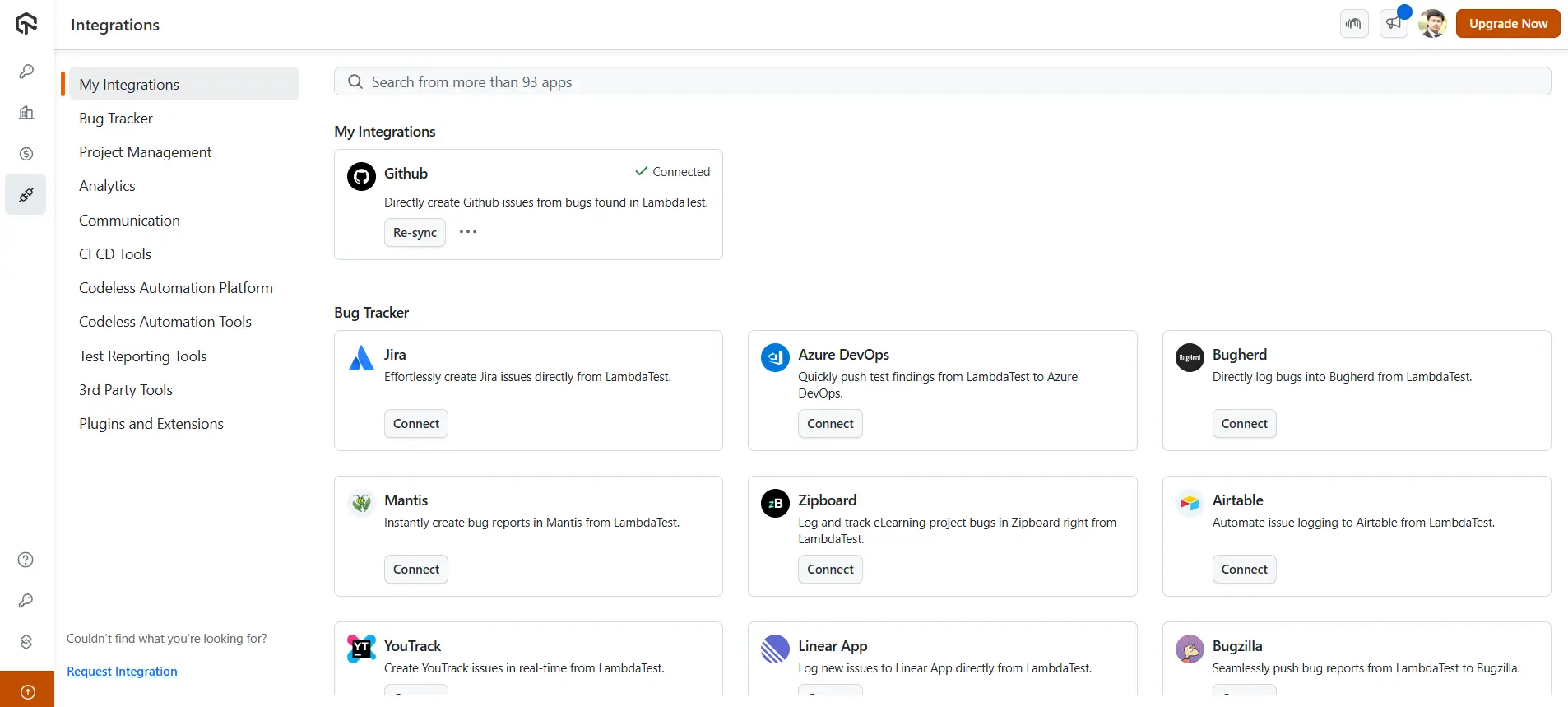
You can now start testing your website or mobile app testing and log bugs directly from the TestMu AI platform to your GitHub repository.
Looking to get started? Check out this documentation on real-time testing on desktop browsers.

 Chat with Us
 Ask the Community