How to Test Apps Installed via App Store?
The Apple App Store is a digital marketplace for purchasing and downloading mobile applications on iOS devices. TestMu AI allows you to install apps directly from the App Store and test them on real iOS devices, ensuring that they perform well in actual user environments.
Let's dive in to learn how to test apps installed from App Store.
Step 1: Login to your TestMu AI account. Visit Real Device from the left panel and navigate to the App Testing.
Step 2: Next, choose the OS version. In this case lets choose iOS.
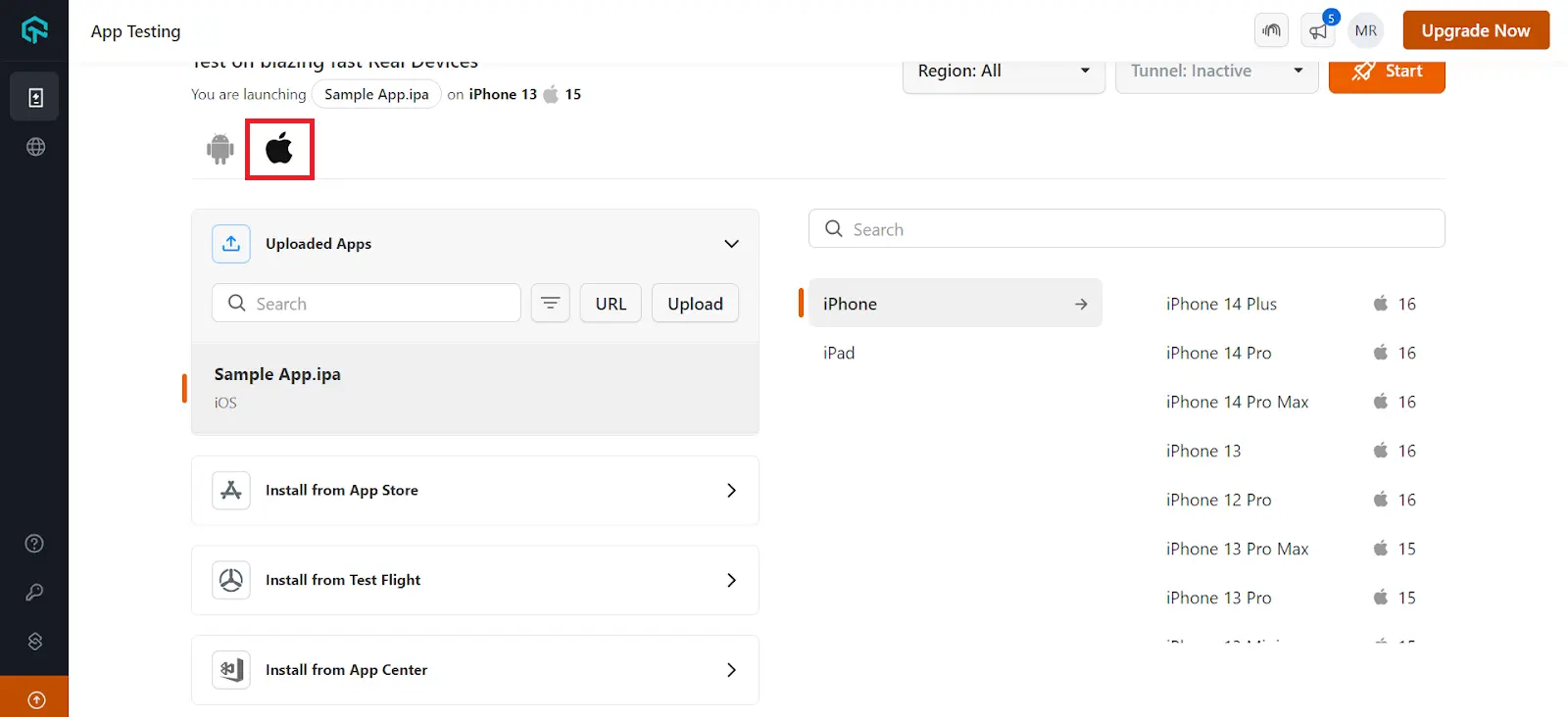
Step 3: From the uploading apps section choose Install from App Store.
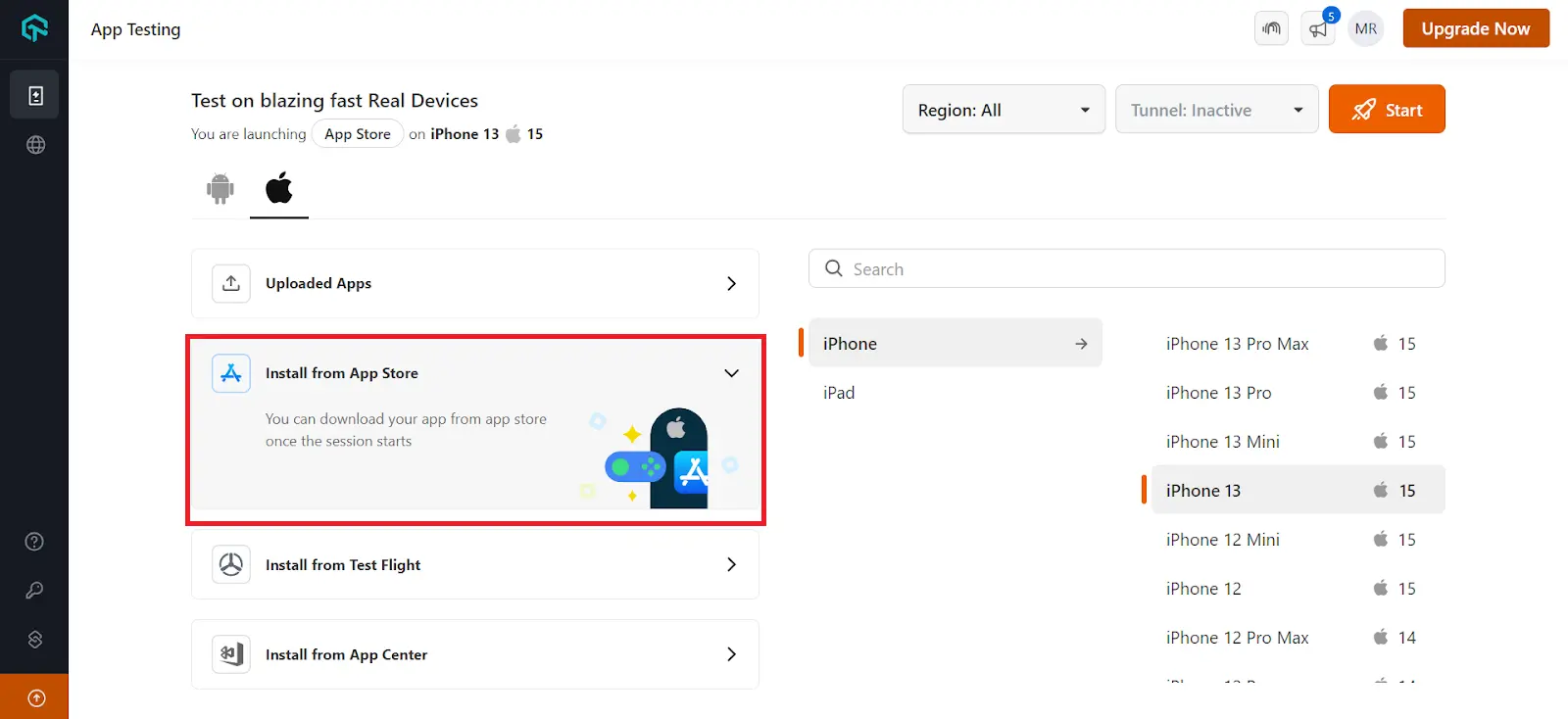
Step 4: Select the iOS device and resolution of your choice to launch the test session.
Step 5: Use your Apple ID to log into the App Store, install the app and begin testing.
-
If you can't find an app on the Apple App Store, ensure you're signed in with an Apple ID from the region where the app is published. For example, if the app is available only in India, sign in with an Indian Apple ID and search again.
-
App availability may also depend on the device's region. If the app isn't visible on devices from one region, try launching a device from the region where the app is available (for example, a US-region device for apps published only in the United States).
-
Apps cannot be downloaded directly from the App Store or TestFlight during App Automation, as App Store or TestFlight authentication require Apple ID login steps and Multi-Factor Authentication (MFA), which cannot be automated through scripts due to iOS security restrictions. To automate an app, upload the .ipa file and provide the corresponding appID in the automation capabilities. Alternatively, on a private device, manually install the app from the App Store or TestFlight and launch it during automation using the app’s Bundle ID.
-
When signing in with an Apple ID, the password field may appear blank due to Apple’s screen-streaming security restrictions. However, the password input is accepted, and login works successfully with valid Apple ID credentials.


 Chat with Us